Modern local photo correction

Portrait Retouch Studio

Retouch portraits with selective smoothing, detail recovery, sharpness, brightness, contrast and saturation controls on a private canvas.

● Preview every change · Browser-local · Original safe

Portrait Retouch Studio workspace

Apply the correction, drag across the live comparison and save only after the result looks right.

Local · no uploads

Loading the correction canvas…

Quick Tool Overview

Portrait Retouch with an inspectable result.

Use Portrait Retouch Studio to soften distracting texture while keeping important edges and overall portrait clarity visible.

A local smoothing layer is blended more strongly into probable skin-colored pixels, then adjustable edge detail and basic tonal corrections are applied to the complete result.

LIVEBefore / after canvas
LOCALPrivate correction
FACEFocused controls
0Accounts needed
Review before saving. This browser tool uses color and edge heuristics rather than face recognition, so masks can include similarly colored objects.

About the Tool

What Portrait Retouch Studio does.

Primary purpose

Use this page to soften distracting texture while keeping important edges and overall portrait clarity visible.

Transparent method

A local smoothing layer is blended more strongly into probable skin-colored pixels, then adjustable edge detail and basic tonal corrections are applied to the complete result.

Before-and-after inspection

The draggable comparison canvas reveals exactly where the correction changes the source.

Private local workflow

Your selected image is decoded and corrected inside the browser without an external image-processing API.

Original-safe export

The source is only read. PNG, JPEG and WebP exports are created as separate files.

Important limitation

This browser tool uses color and edge heuristics rather than face recognition, so masks can include similarly colored objects.
Key Features

A modern correction workspace built for review.

↔

Draggable comparison

Move a divider between the original and corrected canvas before downloading.

FACE

Focused controls

Adjust retouching level, overall smoothing, sharpness, brightness, contrast and saturation without an overloaded editor.

⌂

Local processing

Image pixels remain in this tab throughout analysis, preview and export.

↓

Flexible export

Save the corrected result as PNG, JPEG or WebP after the preview is approved.

How to Use Portrait Retouch Studio

Complete the correction in six detailed steps.

Choose or load an image

Select a local source image, or use Load demo to inspect the correction safely. The original file remains unchanged.

Step 1: Keep the original available for comparison.

Set the correction controls

Adjust retouching level, overall smoothing, sharpness, brightness, contrast and saturation. Each setting is visible so the result can be repeated and explained.

Step 2: Keep the original available for comparison.

Update the live preview

The correction runs locally and renders a combined before-and-after canvas without waiting for an upload queue.

Step 3: Keep the original available for comparison.

Drag the comparison divider

Move the Before / After control across important areas. Zoom into eyes, hair, skin edges and fine facial texture so the result remains natural.

Step 4: Move the divider across detailed and flat areas.

Review measurements and limitations

Confirm the output dimensions and correction summary. This browser tool uses color and edge heuristics rather than face recognition, so masks can include similarly colored objects.
Step 5: Keep the original available for comparison.

Save a separate result

Choose PNG, JPEG or WebP and save only after the corrected canvas looks right. The original is never overwritten.

Step 6: Keep the original available for comparison.

Ready to correct the image?

Preview the complete change before saving.

No upload queue, account, watermark or source overwrite.

Open Portrait Retouch →

Frequently Asked Questions

Popular portrait retouch questions.

A local smoothing layer is blended more strongly into probable skin-colored pixels, then adjustable edge detail and basic tonal corrections are applied to the complete result.

Yes. The live canvas includes a draggable Before / After divider, while the saved file contains only the corrected result.

No. Decoding, analysis, correction and export run locally in this browser tab.

Use PNG for repeated editing or graphics, JPEG for ordinary photographs, and WebP for compatible web workflows.

Zoom into eyes, hair, skin edges and fine facial texture so the result remains natural.

This browser tool uses color and edge heuristics rather than face recognition, so masks can include similarly colored objects.
Keep exploring

Similar Tools

Continue with related free tools selected from this category and the wider directory.

20 tools
Object Removal & Retouch Studio tool previewORImages

Object Removal & Retouch Studio

Mark unwanted text or objects with a brush, preview a local heal, blur, pixelate or clone-style replacement on the canvas, and undo before saving.

Animated GIF Caption & Background Studio tool previewAGImages

Animated GIF Caption & Background Studio

Add outlined captions or meme bars to an animated GIF, fit it into a synchronized blurred square background, preview the motion on canvas and locally re-encode the reviewed GIF.

Animated GIF Transform Studio tool previewAGImages

Animated GIF Transform Studio

Flip, rotate, resize, crop, circle-crop or round the corners of an animated GIF in one non-duplicated workspace with exact dimensions and a synchronized canvas preview.

Background Blur & Color Studio tool previewBBImages

Background Blur & Color Studio

Keep a chosen subject region sharp while blurring or recoloring the surrounding background, with movable focus controls and a live canvas preview.

Black & White Dithering Studio tool previewBWImages

Black & White Dithering Studio

Convert a photo to one-bit black and white with Floyd–Steinberg, ordered or threshold methods plus balance, contrast, brightness and blur controls.

Black, White & Color Stencil Studio tool previewBWImages

Black, White & Color Stencil Studio

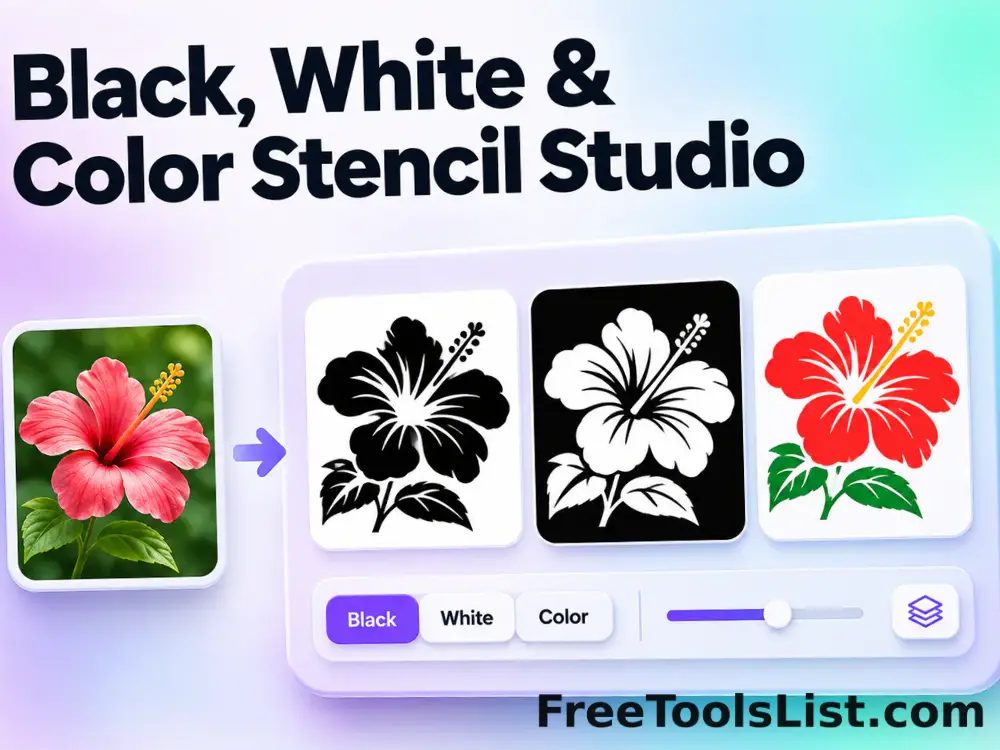
Create a black-and-white threshold stencil or colored contour stencil with intensity, contour, smoothing, grain, inversion, brightness and color controls.

Bokeh & Blurred Circles Studio tool previewBBImages

Bokeh & Blurred Circles Studio

Overlay luminous circles, rings, hexagons, triangles or stars, or rebuild a photo from blurred color circles with seed, count, size, blur and color controls.

Bulk Image Filter Studio tool previewBIImages

Bulk Image Filter Studio

Process multiple images locally to apply a curated visual filter preset, review every result, and download the completed batch as a ZIP.

Cartoon & Chalk Drawing Studio tool previewCCImages

Cartoon & Chalk Drawing Studio

Convert a photo into segmented cartoon art or a chalkboard-style drawing with levels, edge intensity, abstractness, saturation and chalk-flow controls.

Color Tone Filter Studio tool previewCTImages

Color Tone Filter Studio

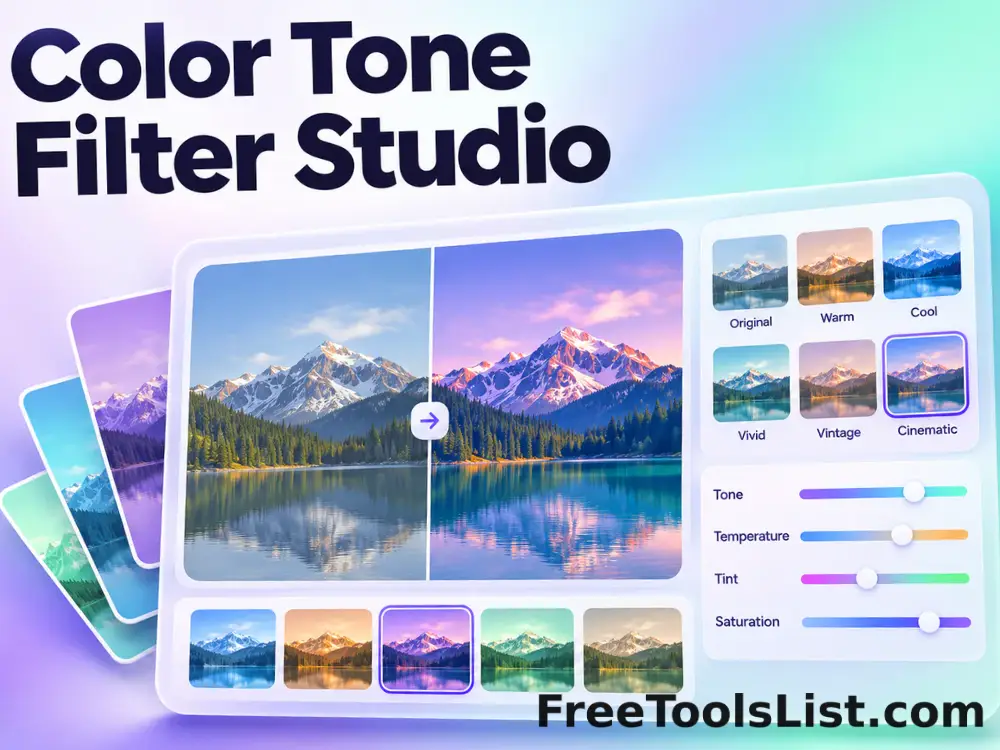
Apply a single-color filter, matte shade or luminance-based monotone treatment with color, intensity, saturation and brightness controls.

Dominant Color Frame Studio tool previewDCImages

Dominant Color Frame Studio

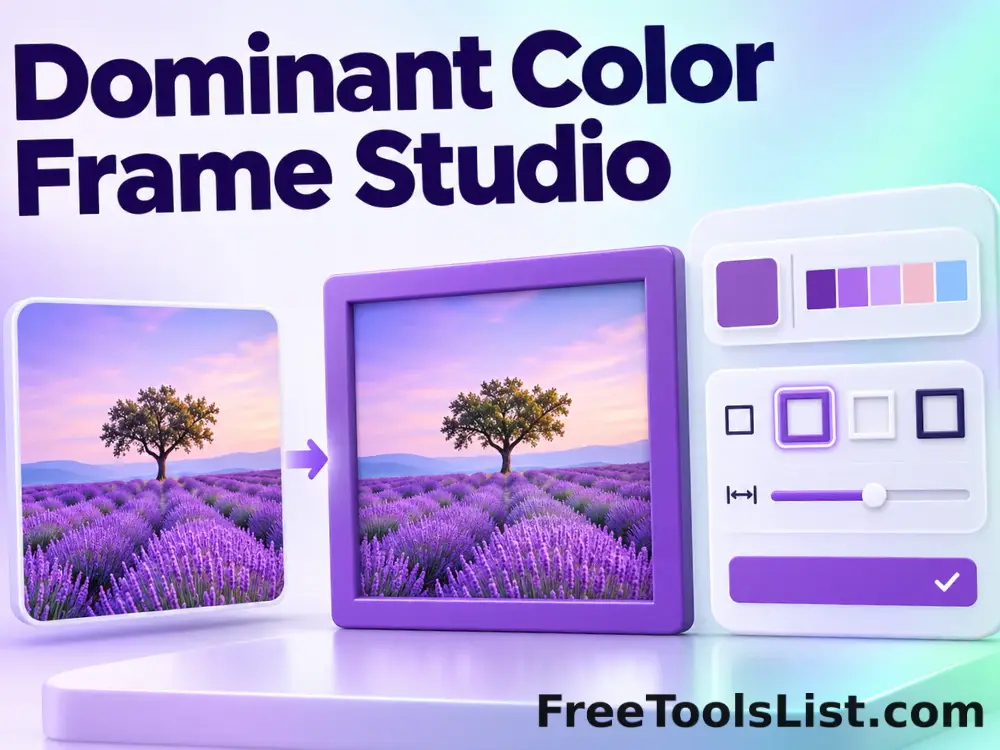
Build a striped photo border from colors sampled from the image with independent side widths, palette size, blur, rotation and saturation controls.

Dot, Shape & Domino Mosaic Studio tool previewDSImages

Dot, Shape & Domino Mosaic Studio

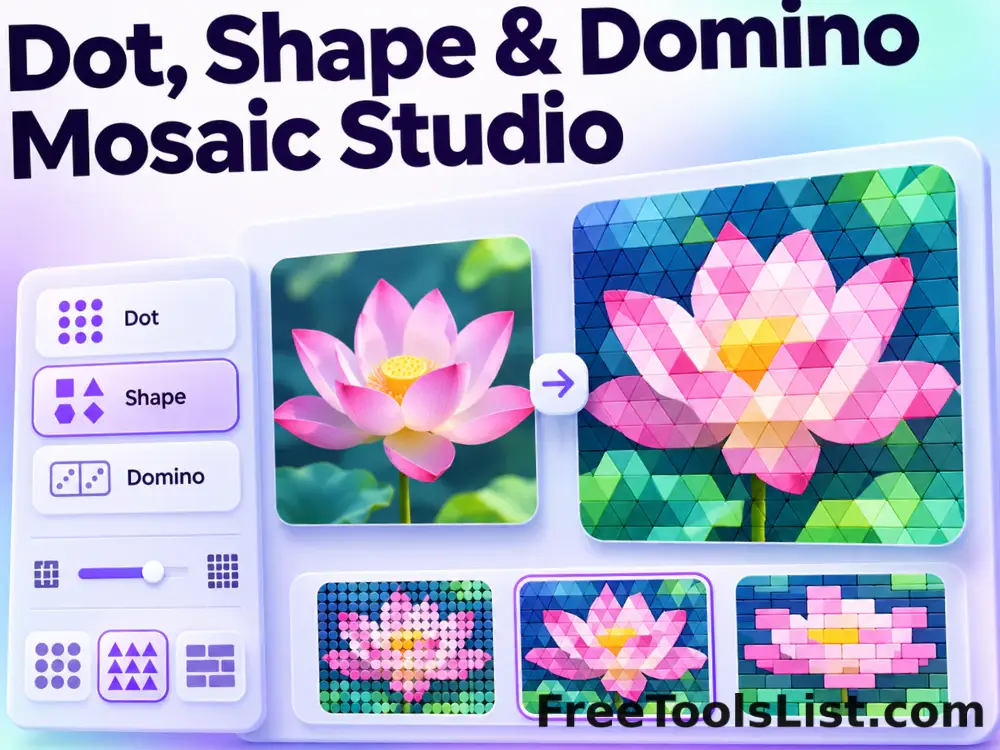
Rebuild a photo from dots, squares, hearts or domino tiles with object size, luminance scaling, color mode, inversion and antialias controls.

Geometric Pattern Overlay Studio tool previewGPImages

Geometric Pattern Overlay Studio

Overlay a chessboard, randomized colored tile grid or scattered squares with size, grid, count, color, transparency and repeatable-seed controls.

Image Annotation & Signature Studio tool previewIAImages

Image Annotation & Signature Studio

Draw, write or sign directly on an image with adjustable brush color, thickness, undo and clear controls, while reviewing every stroke on the canvas before saving.

Image Color Intelligence & Palette Studio tool previewICImages

Image Color Intelligence & Palette Studio

Calculate an image average color, extract a distinct palette, inspect HEX, RGB, HSL and CMYK values, sample pixels and preview polished palette layouts before saving.

Image Encryption Studio tool previewIEImages

Image Encryption Studio

Encrypt an image file with a password using browser Web Crypto, preview the source before encryption, and decrypt compatible protected files locally without server storage.

Image Filter Studio tool previewIFImages

Image Filter Studio

Image Filter Studio lets you apply a curated visual filter preset locally in your browser, compare the result, and download a ready-to-use file.

Image Steganography Studio tool previewISImages

Image Steganography Studio

Hide a short UTF-8 message inside PNG pixel data or reveal a compatible hidden message, while previewing the cover image and capacity before download.

Pencil & Charcoal Sketch Studio tool previewPCImages

Pencil & Charcoal Sketch Studio

Transform a photo into graphite pencil, colored-pencil or charcoal artwork with edge strength, hardness, color count, brightness and contrast controls.

Photo Frame, Vintage & Snow Studio tool previewPFImages

Photo Frame, Vintage & Snow Studio

Add modern, Polaroid, film, double, wood, gold, neon or dashed frames to one image or a complete batch, preview every change on canvas and export one file or a ZIP.

PublishedUpdated