Private local image workspace

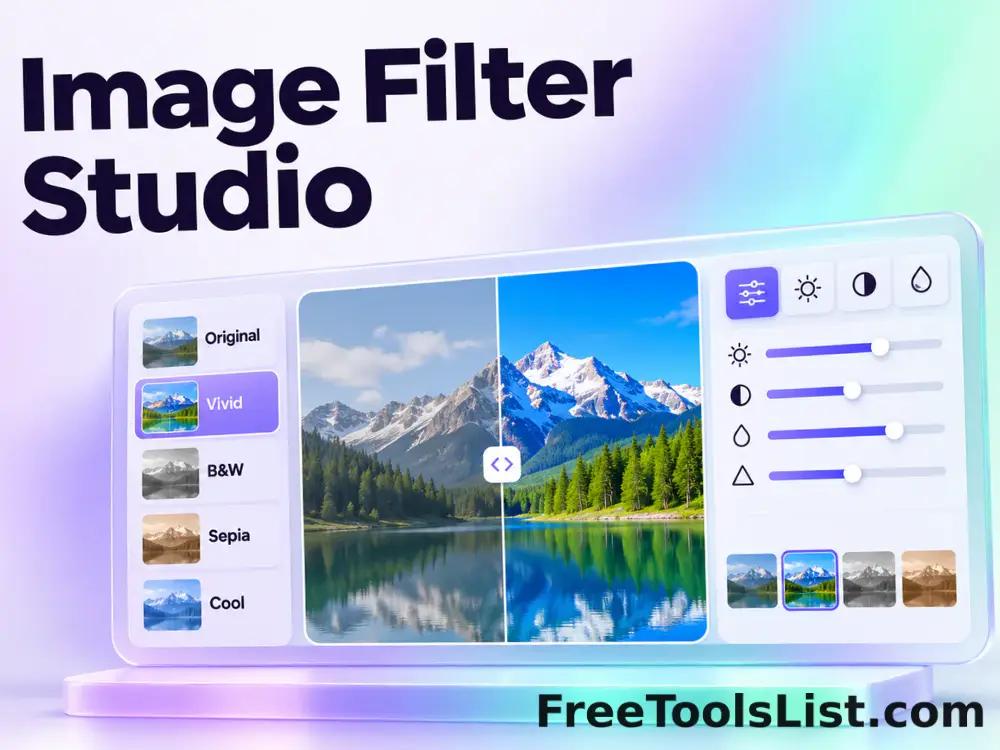
Image Filter Studio

Image Filter Studio lets you apply a curated visual filter preset locally in your browser, compare the result, and download a ready-to-use file.

● Local processing · No uploads · No sign-up

Image Filter Studio workspace

Apply a curated visual filter preset with operation-specific controls.

Files stay in this tab
Choose a file to begin.

Quick Tool Overview

A focused workflow for image filter studio.

Image Filter Studio lets you apply a curated visual filter preset locally in your browser, compare the result, and download a ready-to-use file.

The workspace keeps the source, operation settings and results together so you can make deliberate changes, compare output dimensions and export without moving sensitive images through an external service.

LOCALBrowser processing
PNGDownloadable output
LIVEVisible results
0Accounts needed
Ready when you are

Process images without an upload queue.

Choose the source, review every setting and download only the version you want.

Open Image Filter Studio

About the Tool

What Image Filter Studio helps you do.

Purpose-built processing

This page is configured to apply a curated visual filter preset instead of hiding the task inside a generic editor.

Private by design

Images are decoded into a local canvas. The page does not send image pixels to FreeToolsList.com or a third-party image API.

Controlled output

Choose format and quality where supported, then review the rendered dimensions before downloading.

Visible comparison

The source remains available while the processed result is rendered below for a clear before-and-after check.

Transparent limitations

Very large images use browser memory, animated files become a single frame and lossy formats may introduce compression artifacts.

Practical handoff

Downloads use descriptive filenames so the result can move directly into a design, publishing or documentation workflow.

Key Features

A complete local image workflow.

IMG

Operation-specific controls

Only settings relevant to image filter studio are shown.

↙

Downloadable output

Export transparent PNG or choose JPEG and WebP quality for compatible results.

⌂

Local processing

Canvas operations run in the current tab without an image upload.

1:1

Result inspection

Review a processed image before saving it.

How to Use Image Filter Studio

Finish the image task in six clear steps.

Choose a source image

Choose an image from your device or drop it into the workspace.

Tip: Keep an untouched original for comparison.

Review the controls

Set the values shown for this operation. Dimensions and percentages are validated before processing.

Tip: Change one control at a time when judging a visual effect.

Process image

Run the operation. Processing time depends on pixel dimensions and the number of selected files.

Tip: Large photos can require more browser memory than their file size suggests.

Inspect the result

Check the preview, output dimensions and any operation notes before saving.

Tip: Zoom the downloaded file when edge quality matters.

Choose an output format

Use PNG for transparency, JPEG for photographs or WebP for modern web delivery.

Tip: JPEG cannot preserve transparent pixels.

Download the finished work

Download the result with a descriptive filename.

Tip: Reopen the saved file once to verify the final encoding.

Ready to process?

Image Filter Studio runs locally.

Keep control of the source file, settings and final download.

Process image →

Frequently Asked Questions

Popular image filter studio questions.

Yes. It works locally without an account, watermark, subscription or usage counter.

No. File decoding and image processing run in this browser tab. Screen capture uses the browser's built-in permission prompt.

PNG, JPEG, WebP and GIF images are supported by modern browsers. SVG tools also accept SVG files or markup. Animated images are processed as a single frame.

Yes. Single results can be exported as PNG, JPEG or WebP. Batch workflows package completed files in a ZIP.

Pixel edits require re-encoding. Use PNG for transparency or repeated editing, and JPEG/WebP when smaller photographic files matter.

Keep exploring

Similar Tools

Continue with related free tools selected from this category and the wider directory.

20 tools
Bulk Image Filter Studio tool previewBIImages

Bulk Image Filter Studio

Process multiple images locally to apply a curated visual filter preset, review every result, and download the completed batch as a ZIP.

Bulk Remove Image Noise tool previewBRImages

Bulk Remove Image Noise

Process multiple images locally to smooth isolated pixel variation with a neighborhood filter, review every result, and download the completed batch as a ZIP.

Bulk Sharpen Image tool previewBSImages

Bulk Sharpen Image

Process multiple images locally to increase local edge contrast with a convolution filter, review every result, and download the completed batch as a ZIP.

Color Tone Filter Studio tool previewCTImages

Color Tone Filter Studio

Apply a single-color filter, matte shade or luminance-based monotone treatment with color, intensity, saturation and brightness controls.

Dominant Color Frame Studio tool previewDCImages

Dominant Color Frame Studio

Build a striped photo border from colors sampled from the image with independent side widths, palette size, blur, rotation and saturation controls.

Image Annotation & Signature Studio tool previewIAImages

Image Annotation & Signature Studio

Draw, write or sign directly on an image with adjustable brush color, thickness, undo and clear controls, while reviewing every stroke on the canvas before saving.

Image Color Intelligence & Palette Studio tool previewICImages

Image Color Intelligence & Palette Studio

Calculate an image average color, extract a distinct palette, inspect HEX, RGB, HSL and CMYK values, sample pixels and preview polished palette layouts before saving.

Image Encryption Studio tool previewIEImages

Image Encryption Studio

Encrypt an image file with a password using browser Web Crypto, preview the source before encryption, and decrypt compatible protected files locally without server storage.

Image Steganography Studio tool previewISImages

Image Steganography Studio

Hide a short UTF-8 message inside PNG pixel data or reveal a compatible hidden message, while previewing the cover image and capacity before download.

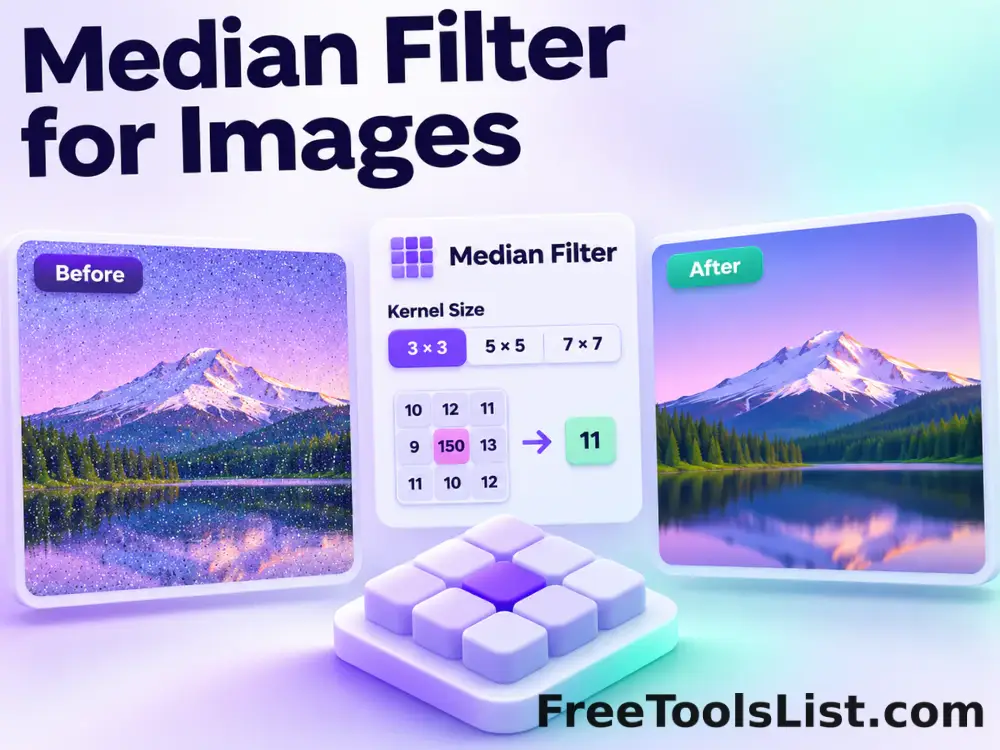
Median Filter for Images tool previewMFImages

Median Filter for Images

Apply a true neighborhood median filter with radius, RGB or luminance mode, source blending and alpha controls plus a live comparison canvas.

Photo Frame, Vintage & Snow Studio tool previewPFImages

Photo Frame, Vintage & Snow Studio

Add modern, Polaroid, film, double, wood, gold, neon or dashed frames to one image or a complete batch, preview every change on canvas and export one file or a ZIP.

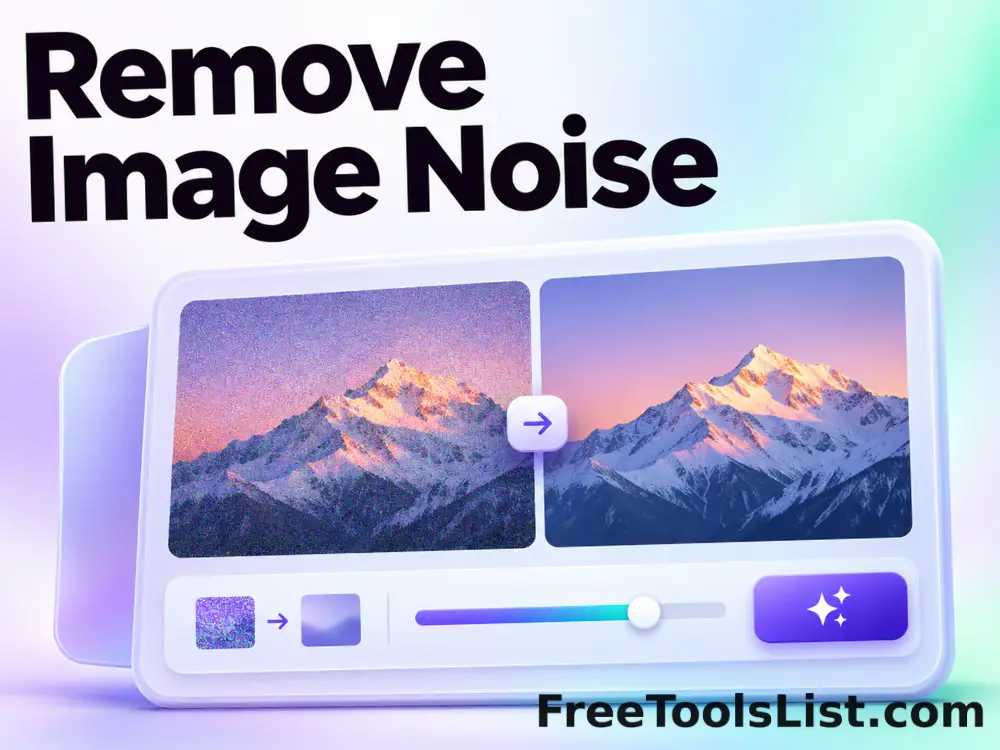
Remove Image Noise tool previewRIImages

Remove Image Noise

Remove Image Noise lets you smooth isolated pixel variation with a neighborhood filter locally in your browser, compare the result, and download a ready-to-use file.

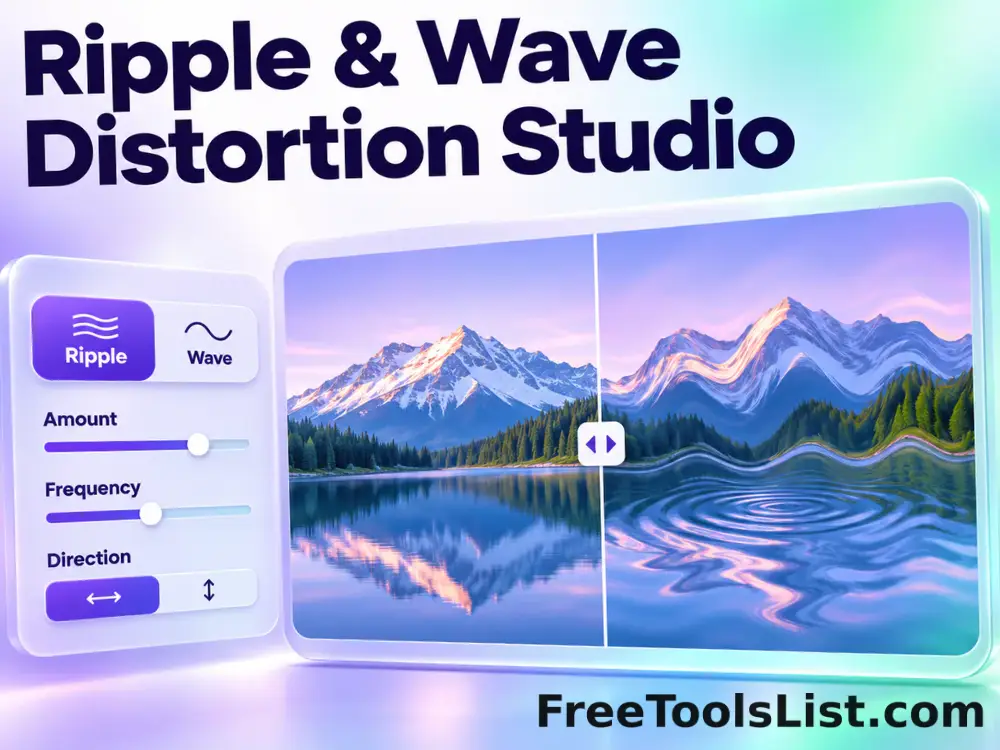
Ripple & Wave Distortion Studio tool previewRWImages

Ripple & Wave Distortion Studio

Distort an image with radial waves, seeded rain-drop rings or water ripples using amplitude, width, spacing, damping and center controls.

Sharpen Image tool previewSIImages

Sharpen Image

Sharpen Image lets you increase local edge contrast with a convolution filter locally in your browser, compare the result, and download a ready-to-use file.

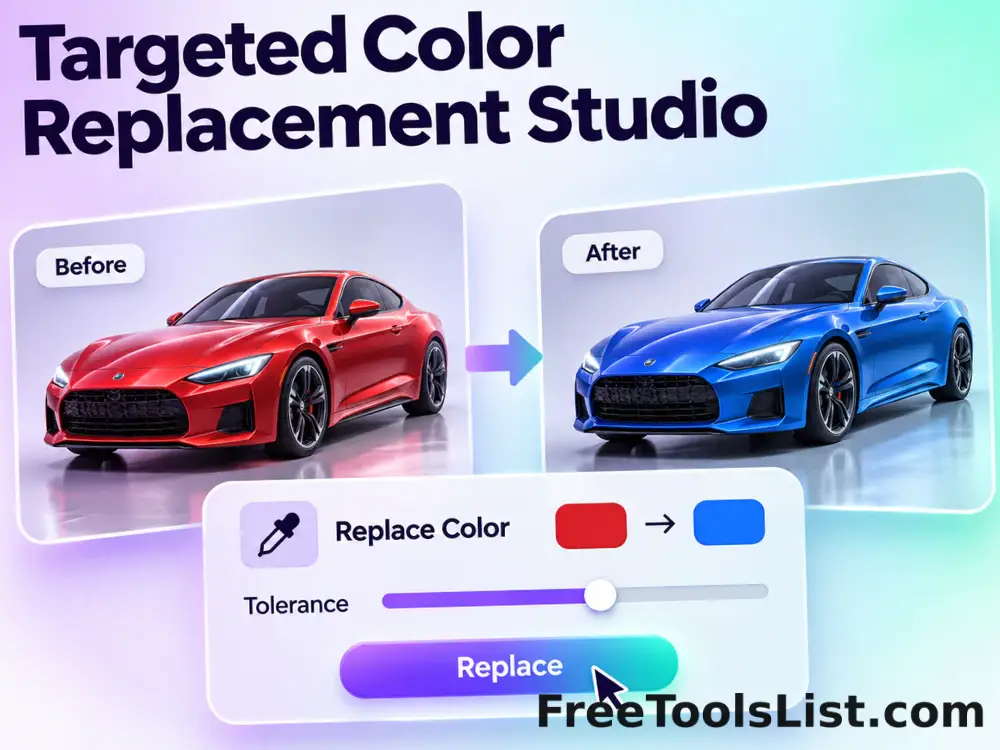
Targeted Color Replacement Studio tool previewTCImages

Targeted Color Replacement Studio

Replace a selected image color with another hue using adjustable matching intensity, transition smoothing, color gain and optional source-lightness preservation.

360° Bottom Pole Converter tool preview3BImages

360° Bottom Pole Converter

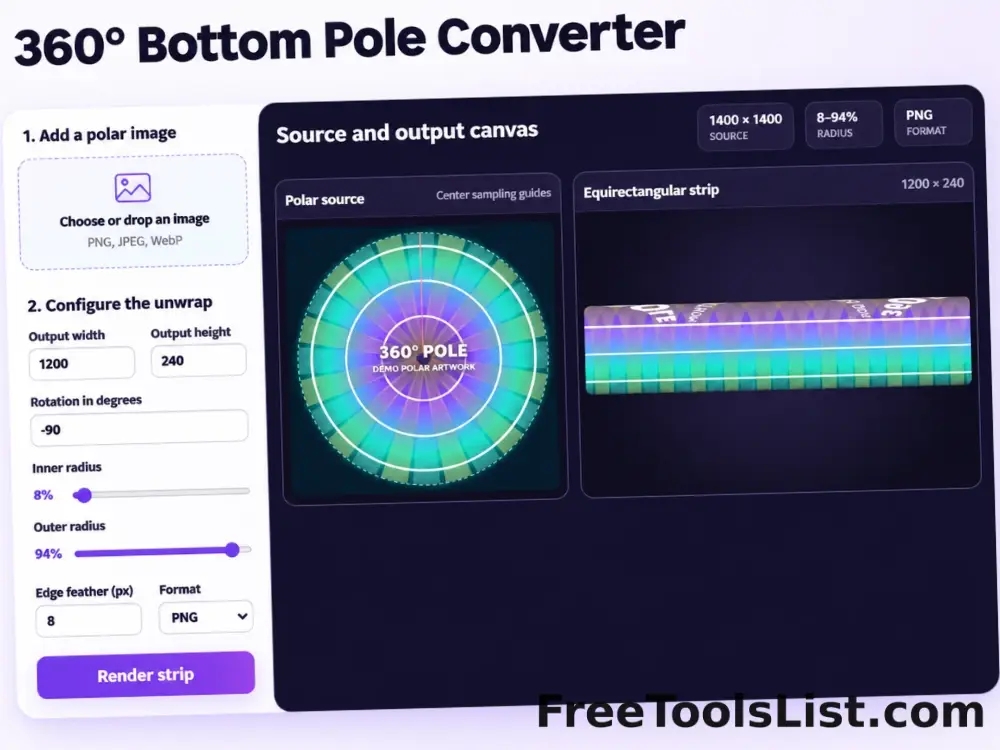
Free online 360 bottom pole converter. Convert a circular polar image into a wide equirectangular bottom-pole strip for 360° panoramas, with radius, rotation, feathering, flip and export controls. Preview the polar-to-strip result locally before downloading.

Add Noise to Image tool previewANImages

Add Noise to Image

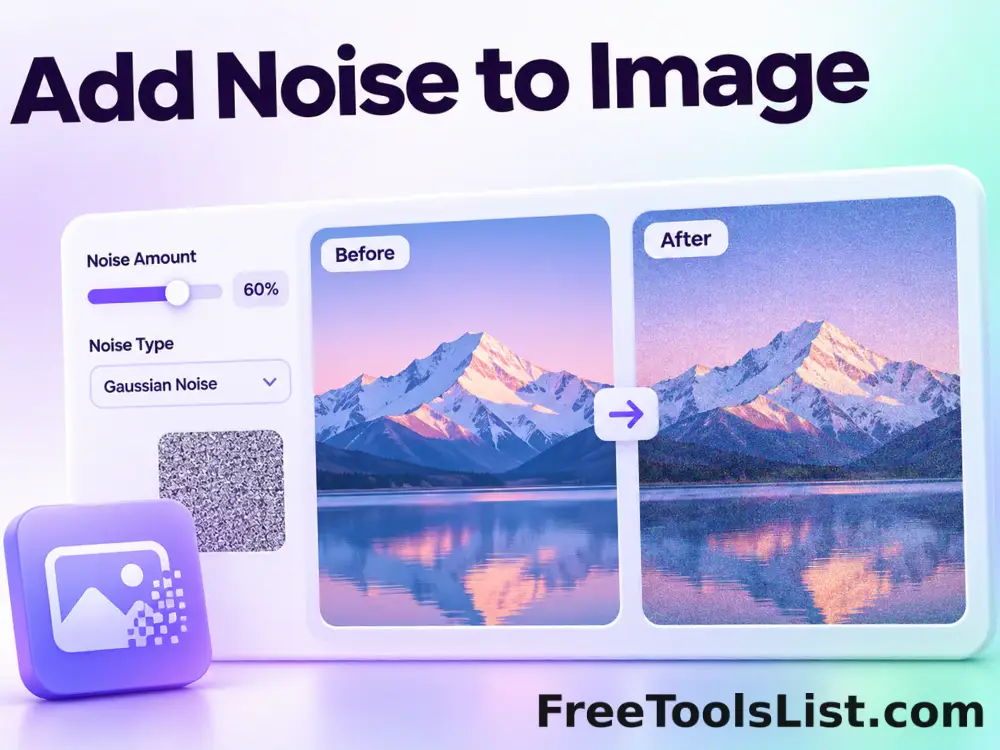
Add Noise to Image lets you add controllable monochrome or color grain locally in your browser, compare the result, and download a ready-to-use file.

Adjust Image Gamma tool previewAIImages

Adjust Image Gamma

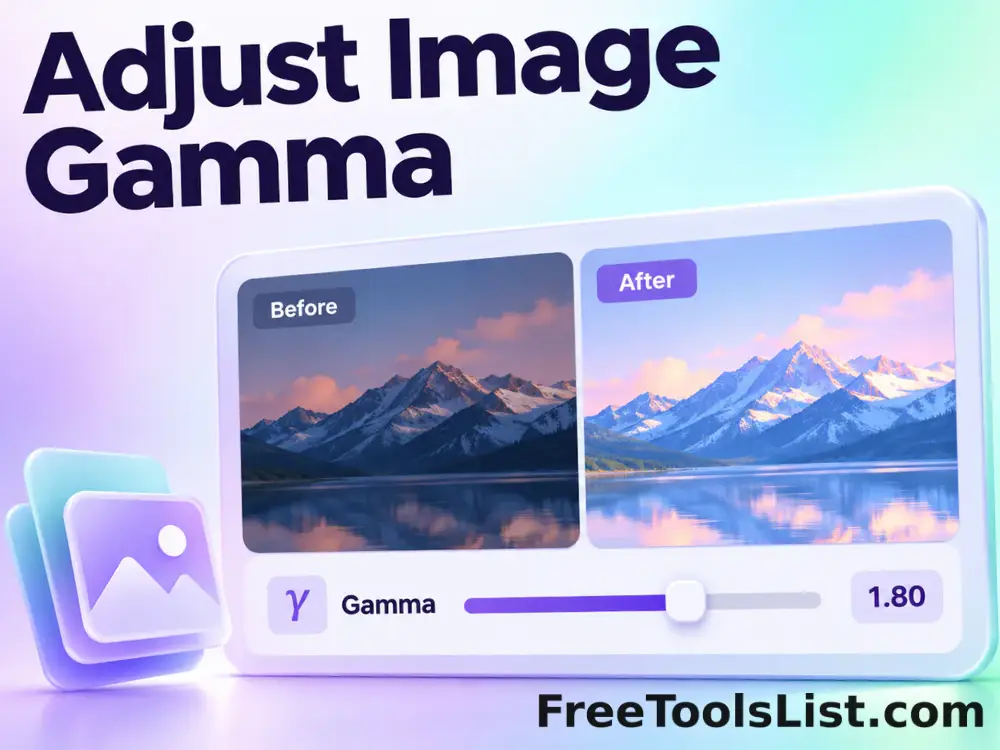
Adjust Image Gamma lets you reshape midtone brightness without applying a flat offset locally in your browser, compare the result, and download a ready-to-use file.

Adjust Image HSL tool previewAIImages

Adjust Image HSL

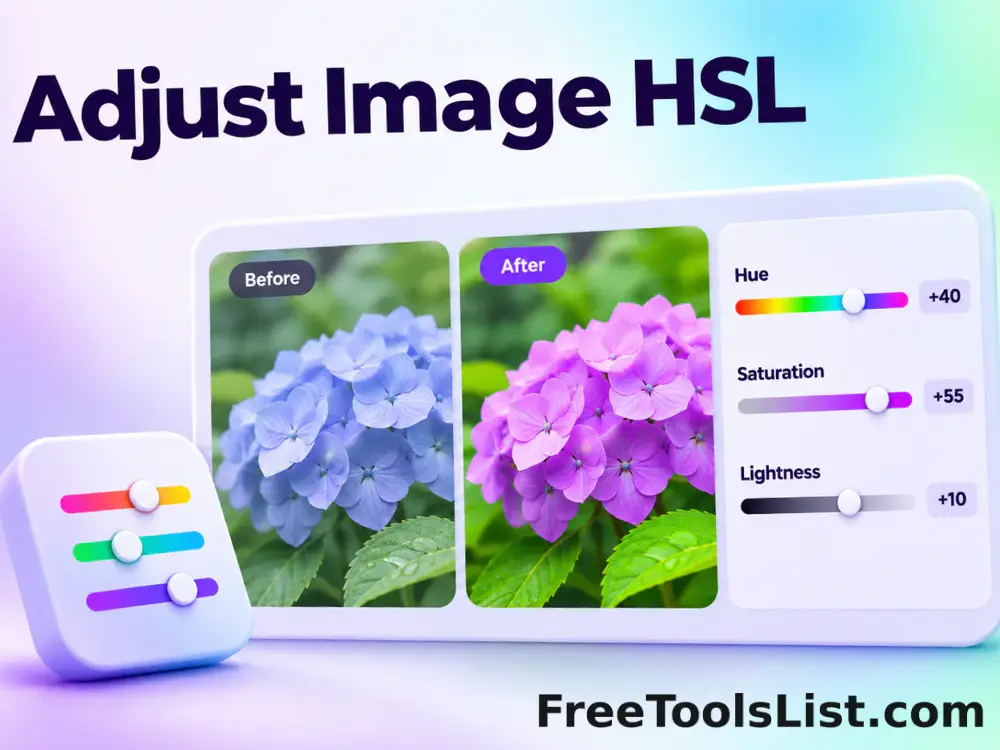
Adjust Image HSL lets you control hue, saturation and lightness in one workspace locally in your browser, compare the result, and download a ready-to-use file.

Animated GIF Caption & Background Studio tool previewAGImages

Animated GIF Caption & Background Studio

Add outlined captions or meme bars to an animated GIF, fit it into a synchronized blurred square background, preview the motion on canvas and locally re-encode the reviewed GIF.

PublishedUpdated