Modern browser image workspace

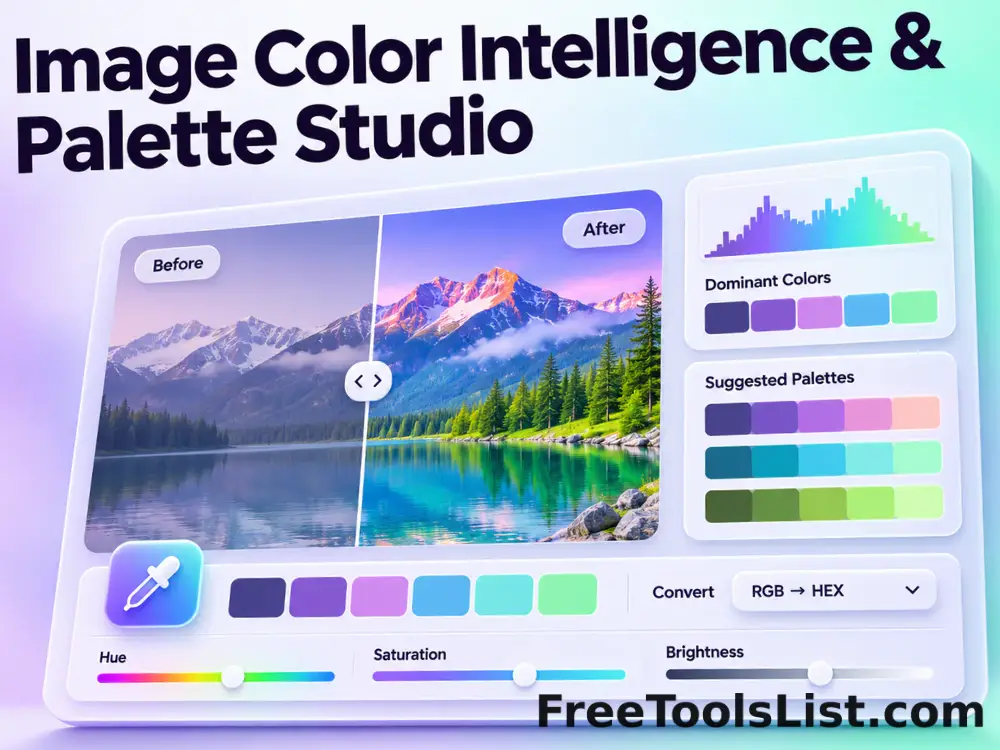
Image Color Intelligence & Palette Studio

Calculate an image average color, extract a distinct palette, inspect HEX, RGB, HSL and CMYK values, sample pixels and preview polished palette layouts before saving.

● Local processing · Preview before saving · No account

Image Color Intelligence & Palette Studio workspace

Adjust the focused controls, inspect the real canvas and save only the result you approve.

Canvas preview

Loading the image workspace…

Quick Tool Overview

Color Intelligence with reviewable output.

Calculate an image average color, extract a distinct palette, inspect HEX, RGB, HSL and CMYK values, sample pixels and preview polished palette layouts before saving.

The browser samples visible pixels, calculates a true alpha-weighted mean, groups quantized colors by frequency and keeps visually distinct palette candidates for the canvas layout.

LIVECanvas preview
PALFocused controls
LOCALBrowser processing
0Accounts needed
Important. Palette extraction is deterministic but approximate. Very subtle gradients and color-managed files may appear slightly different across browsers and displays.
About the Tool

What Image Color Intelligence & Palette Studio does.

Primary purpose

Use this workspace to analyze image colors, build usable palettes and create presentation-ready swatch graphics from one source image.

How it works

The browser samples visible pixels, calculates a true alpha-weighted mean, groups quantized colors by frequency and keeps visually distinct palette candidates for the canvas layout.

Canvas-first review

The proposed result stays visible while controls change, so cropping, edges, text and colors can be checked before export.

Private workflow

Local files are decoded and processed in browser memory rather than uploaded to a remote image-processing queue.

Explicit saving

The tool does not save automatically. A file is created only after the Download or Export button is pressed.

Known limitation

Palette extraction is deterministic but approximate. Very subtle gradients and color-managed files may appear slightly different across browsers and displays.

Key Features

A modern, compact workflow built for inspection.

▣

Real canvas preview

See the actual generated pixels rather than an approximate mockup.

✓

Focused controls

Only settings relevant to this task are shown in a compact sidebar.

⌂

Local processing

Image transformations run in the current browser tab whenever the browser supports them.

↓

Reviewed exports

Save PNG, JPEG, WebP, text, encrypted files or ZIP output only after review.

How to Use Image Color Intelligence & Palette Studio

Complete the task in six detailed steps.

Prepare the source

Upload a JPG, PNG or WebP image, or generate a repeatable palette without a source file.

Step 1: Keep the intended final use in mind during this step.

Set the main controls

Choose palette size, visual layout, sampling detail and whether transparent pixels should be ignored.

Step 2: Keep the intended final use in mind during this step.

Inspect the live canvas

Review the complete visible result, including edges, crop, text, colors, grid lines or marked areas before creating a file.

Step 3: Use the visible canvas to verify the result before continuing.

Refine the output

Make small adjustments and compare the preview again. Use Undo, Reset or Clear when the workspace offers those controls.

Step 4: Keep the intended final use in mind during this step.

Choose the export

Select the available PNG, JPEG, WebP, text, encrypted file or ZIP output that fits the intended workflow.

Step 5: Keep the intended final use in mind during this step.

Save only after review

Download the result only after confirming its dimensions, transparency, content and any privacy-sensitive details.

Step 6: Keep the intended final use in mind during this step.

Ready to create?

Preview the result before saving.

Use focused controls and explicit downloads without creating an account.

Open Color Intelligence →

Frequently Asked Questions

Popular color intelligence questions.

No. Files are decoded, processed, previewed and exported in the current browser tab.

Yes. The main workspace uses a real canvas and updates it as the settings change.

A current desktop version of Chrome, Edge, Firefox or Safari is recommended. Some file formats and screen-capture features depend on browser support.

No. The tool works locally without registration, a subscription or a server-side processing queue.

Average color mathematically blends all included pixels. Dominant colors are the most frequent visually distinct groups in the image.

Yes. Use Reset or choose another source file; nothing is saved automatically.

Keep exploring

Similar Tools

Continue with related free tools selected from this category and the wider directory.

20 tools
Dominant Color Frame Studio tool previewDCImages

Dominant Color Frame Studio

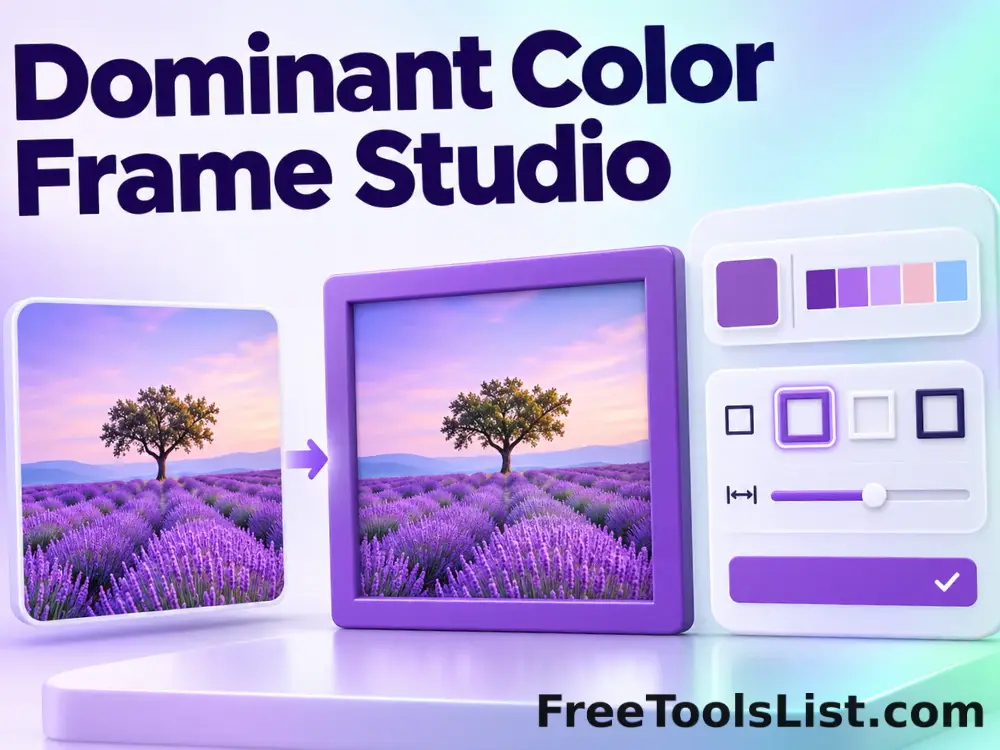
Build a striped photo border from colors sampled from the image with independent side widths, palette size, blur, rotation and saturation controls.

Bulk Image Palette Extractor tool previewBIImages

Bulk Image Palette Extractor

Extract color palettes from up to 20 images in one local batch and download a combined CSV.

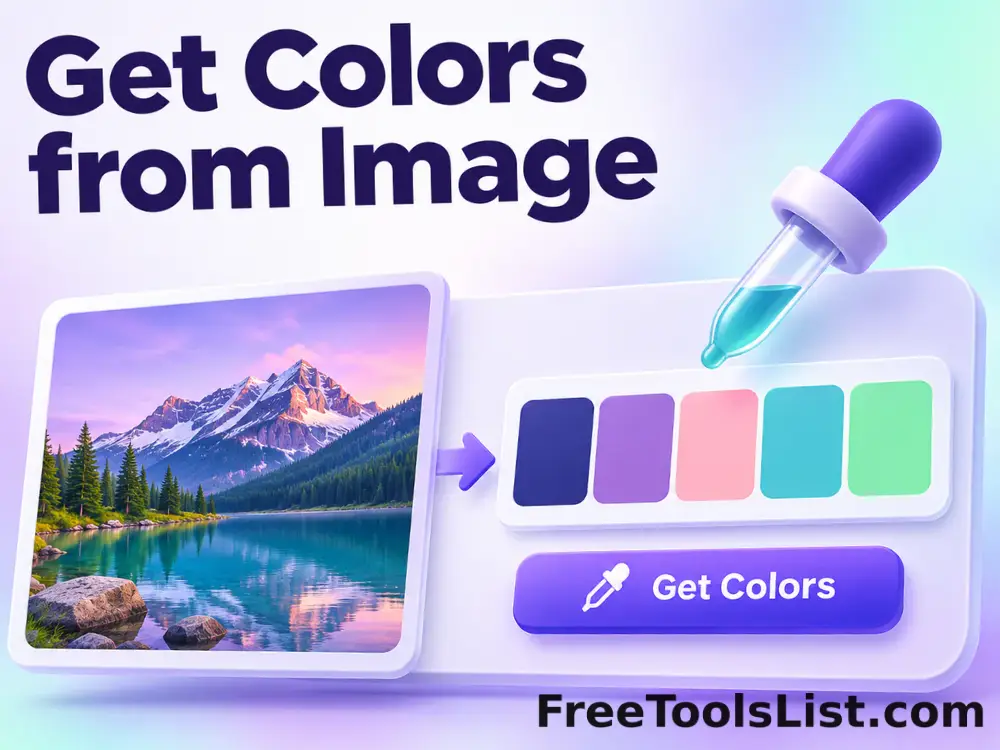
Get Colors from Image tool previewGCImages

Get Colors from Image

Extract a dominant color palette from one image locally, choose 2–12 colors and export results as CSV.

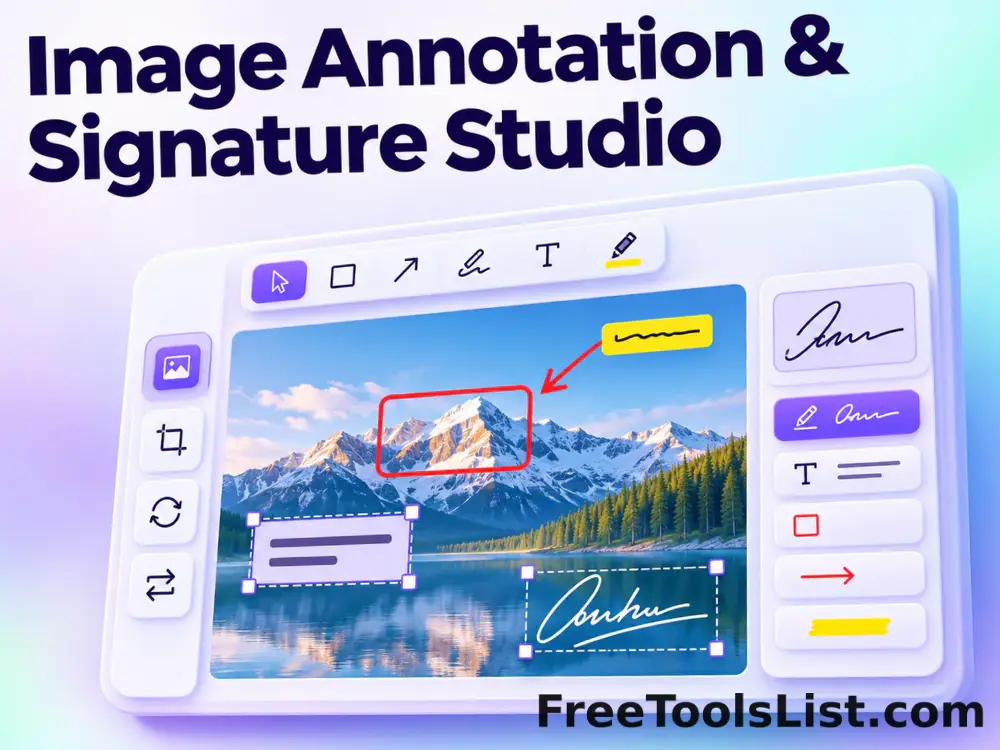
Image Annotation & Signature Studio tool previewIAImages

Image Annotation & Signature Studio

Draw, write or sign directly on an image with adjustable brush color, thickness, undo and clear controls, while reviewing every stroke on the canvas before saving.

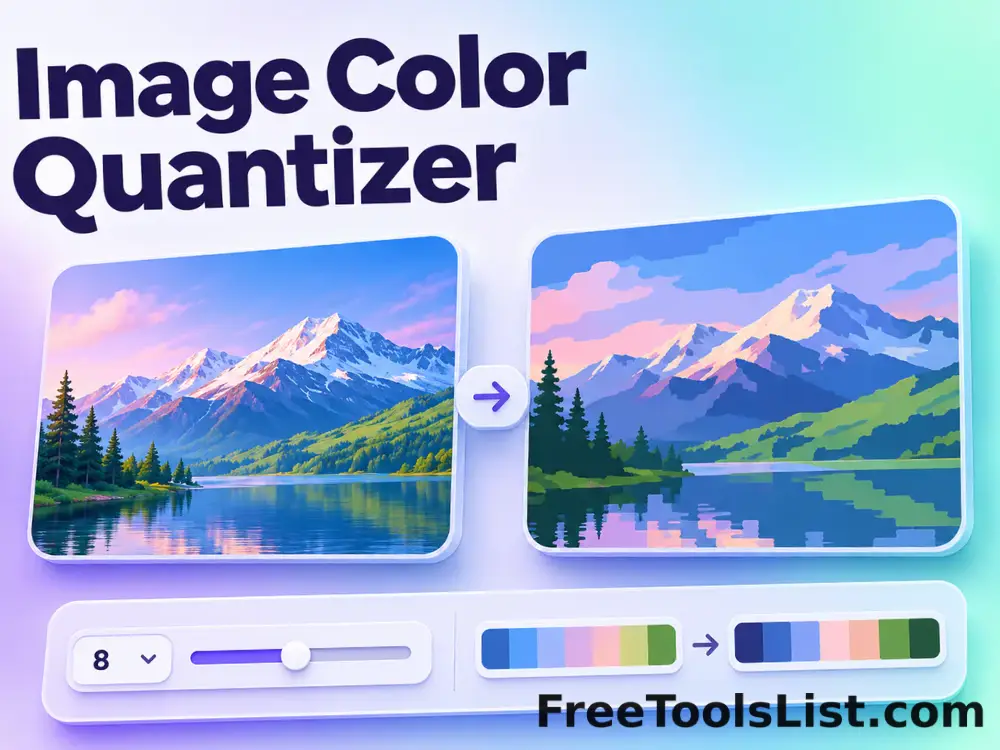
Image Color Quantizer tool previewICImages

Image Color Quantizer

Reduce an image to a controlled palette with balanced RGB quantization, optional ordered dithering, adjustable dither strength and an exact output preview.

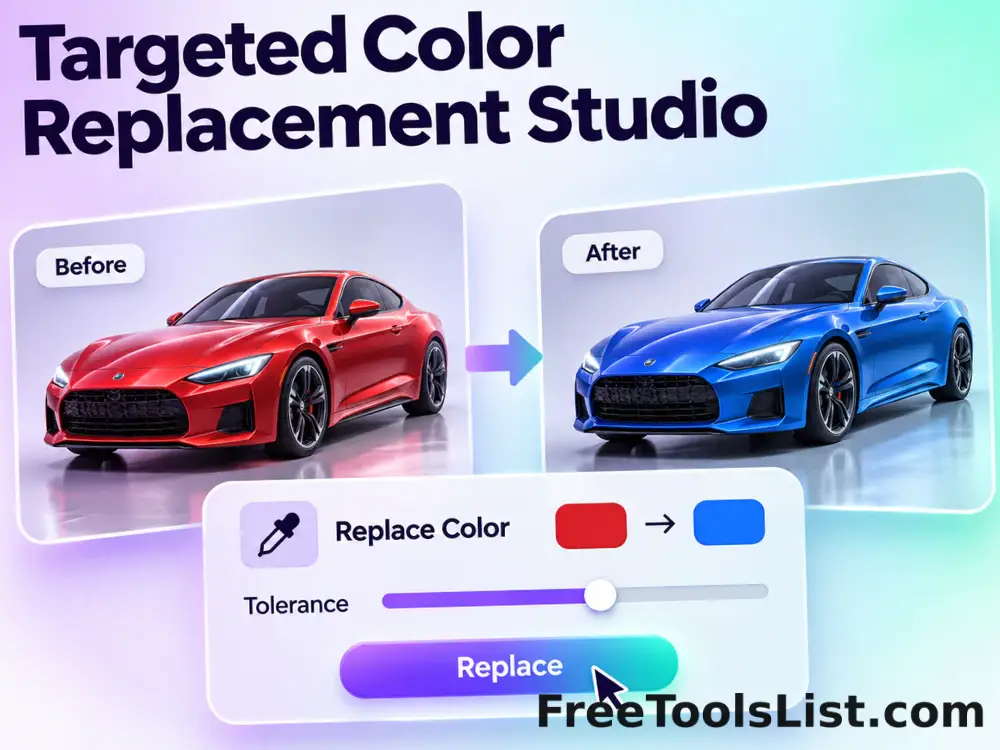
Targeted Color Replacement Studio tool previewTCImages

Targeted Color Replacement Studio

Replace a selected image color with another hue using adjustable matching intensity, transition smoothing, color gain and optional source-lightness preservation.

Thermal Imager Effect tool previewTIImages

Thermal Imager Effect

Simulate thermal-imager colors with standard, cold and hot palettes, temperature contrast, spectrum shift and an optional visual scale.

Unique Image Color Counter tool previewUIImages

Unique Image Color Counter

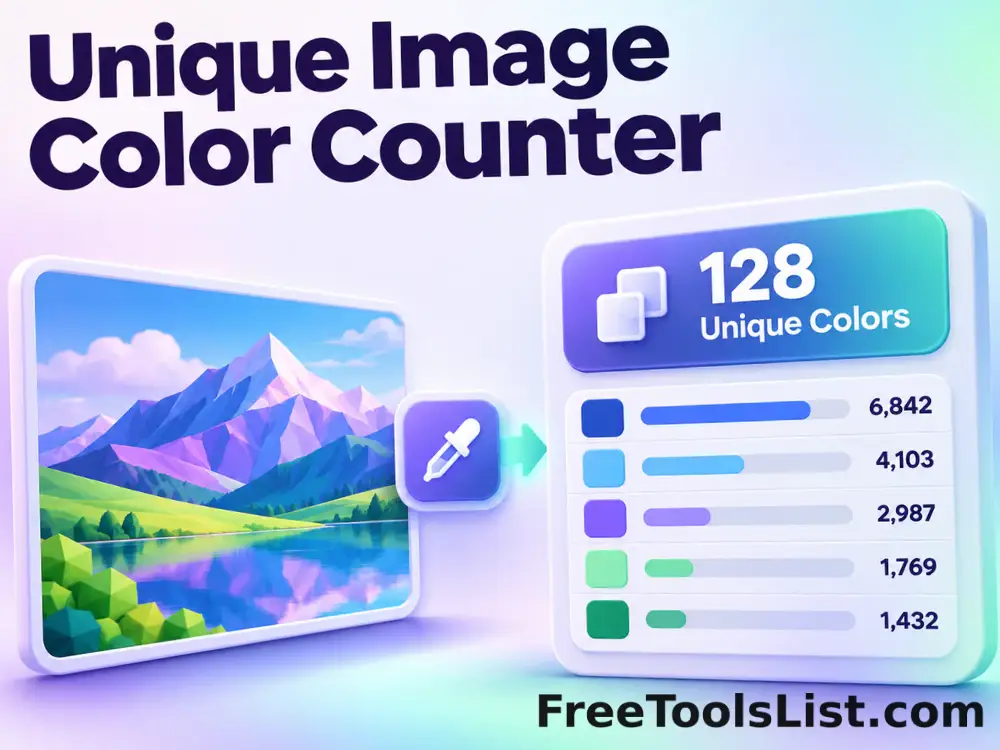
Count unique sampled RGBA colors and extract a frequency-ranked palette with exact and fast analysis modes.

Add Noise to Image tool previewANImages

Add Noise to Image

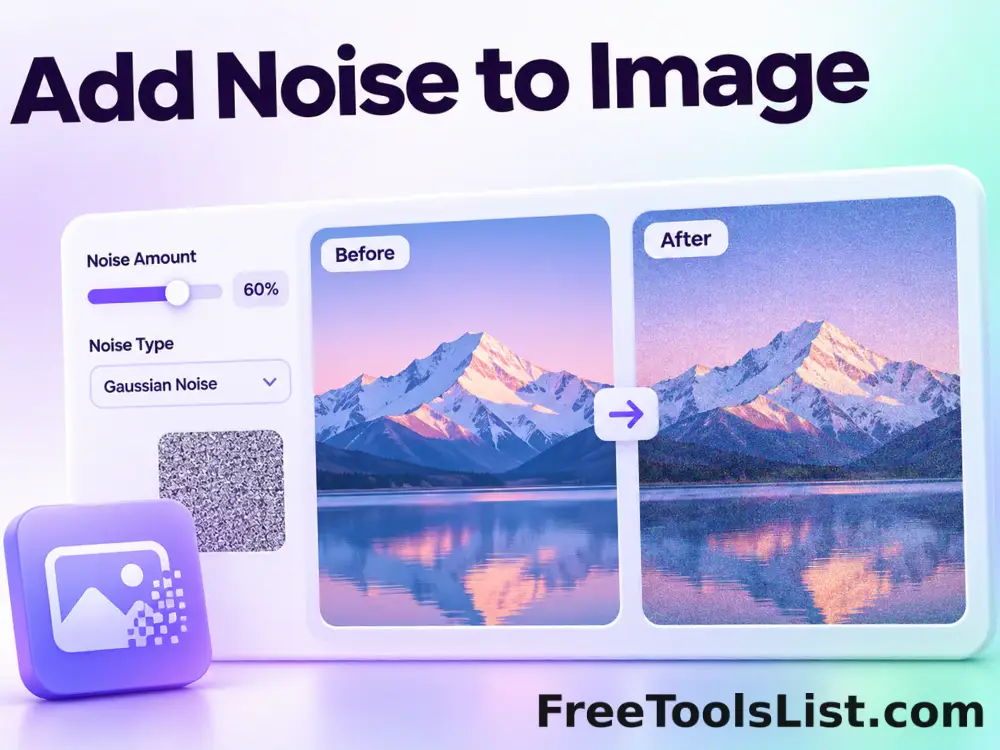
Add Noise to Image lets you add controllable monochrome or color grain locally in your browser, compare the result, and download a ready-to-use file.

Auto Levels Image tool previewALImages

Auto Levels Image

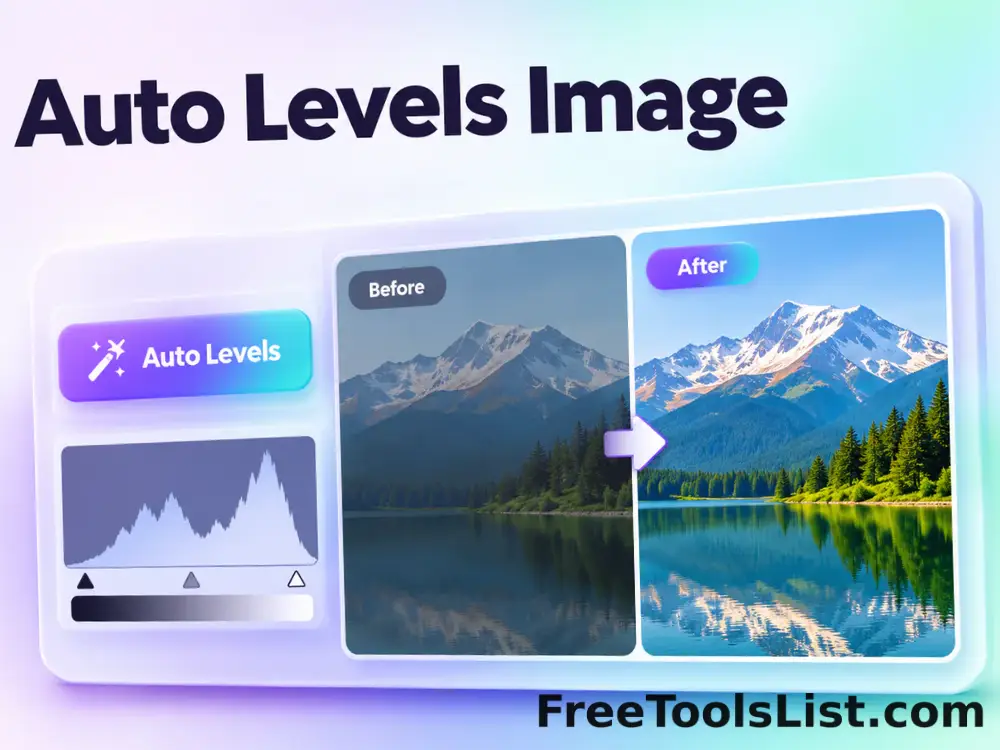
Normalize photo brightness and color levels automatically using per-channel RGB or luminance-only correction with clipping and strength controls.

Background Blur & Color Studio tool previewBBImages

Background Blur & Color Studio

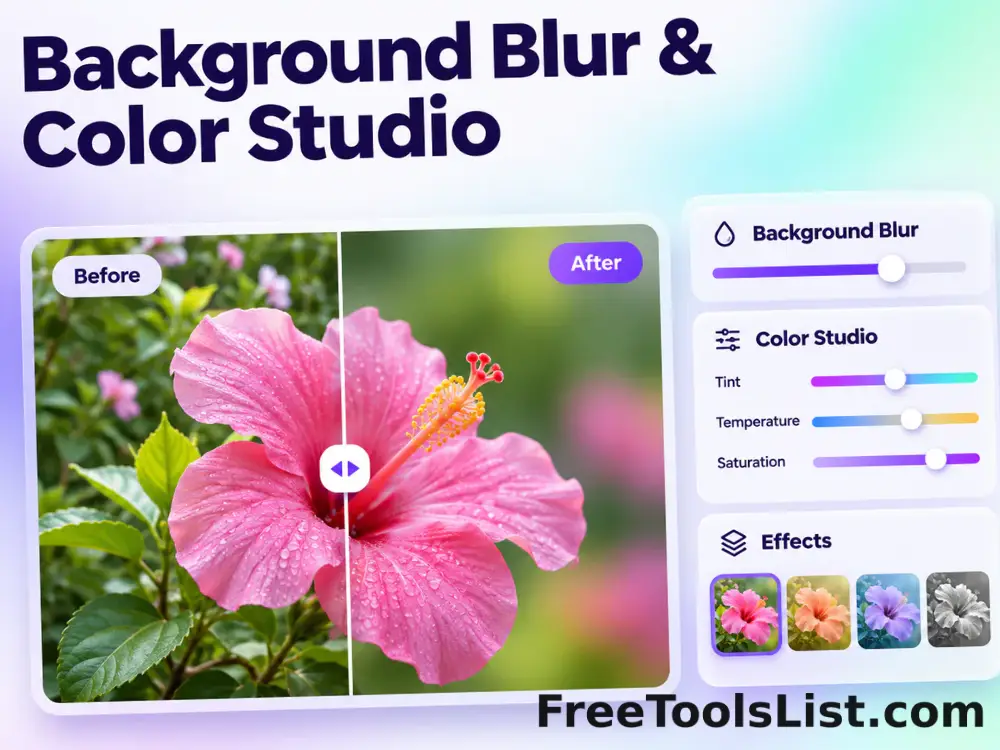
Keep a chosen subject region sharp while blurring or recoloring the surrounding background, with movable focus controls and a live canvas preview.

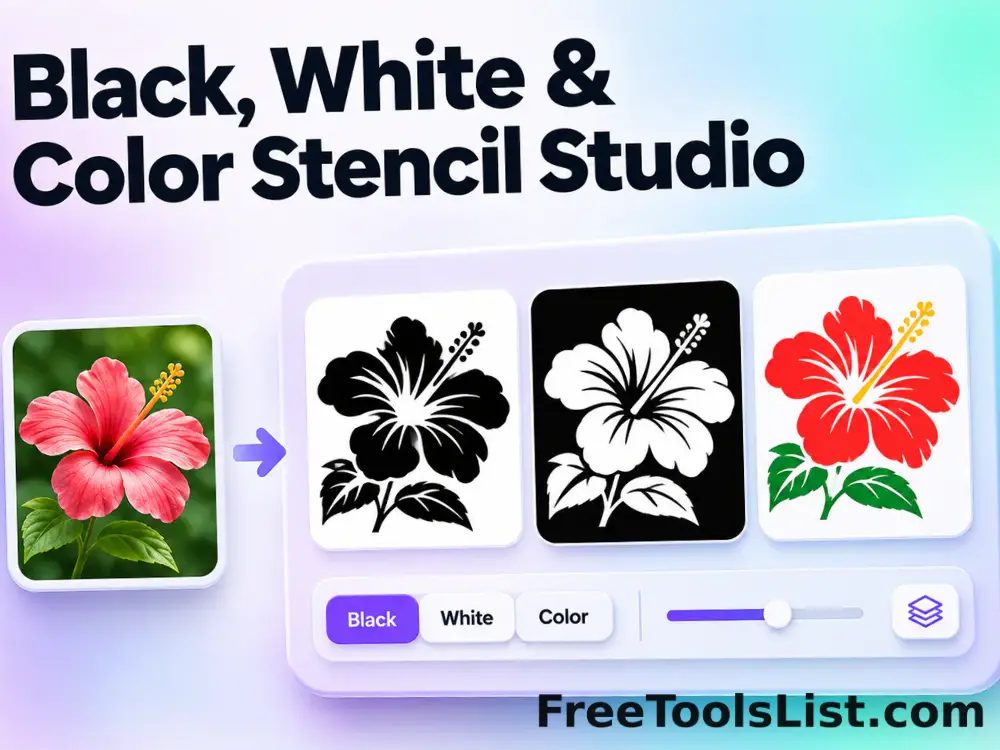
Black, White & Color Stencil Studio tool previewBWImages

Black, White & Color Stencil Studio

Create a black-and-white threshold stencil or colored contour stencil with intensity, contour, smoothing, grain, inversion, brightness and color controls.

Bokeh & Blurred Circles Studio tool previewBBImages

Bokeh & Blurred Circles Studio

Overlay luminous circles, rings, hexagons, triangles or stars, or rebuild a photo from blurred color circles with seed, count, size, blur and color controls.

Bulk Add Noise to Image tool previewBAImages

Bulk Add Noise to Image

Process multiple images locally to add controllable monochrome or color grain, review every result, and download the completed batch as a ZIP.

Bulk Adjust Image Hue tool previewBAImages

Bulk Adjust Image Hue

Process multiple images locally to rotate every color around the HSL hue wheel, review every result, and download the completed batch as a ZIP.

Bulk Change Image Saturation tool previewBCImages

Bulk Change Image Saturation

Process multiple images locally to increase or reduce color intensity while preserving hue, review every result, and download the completed batch as a ZIP.

Bulk Change Image Vibrance tool previewBCImages

Bulk Change Image Vibrance

Process multiple images locally to boost muted colors more gently than already-saturated colors, review every result, and download the completed batch as a ZIP.

Bulk Color Emboss Image Effect tool previewBCImages

Bulk Color Emboss Image Effect

Process multiple images locally to apply an emboss kernel while retaining color channels, review every result, and download the completed batch as a ZIP.

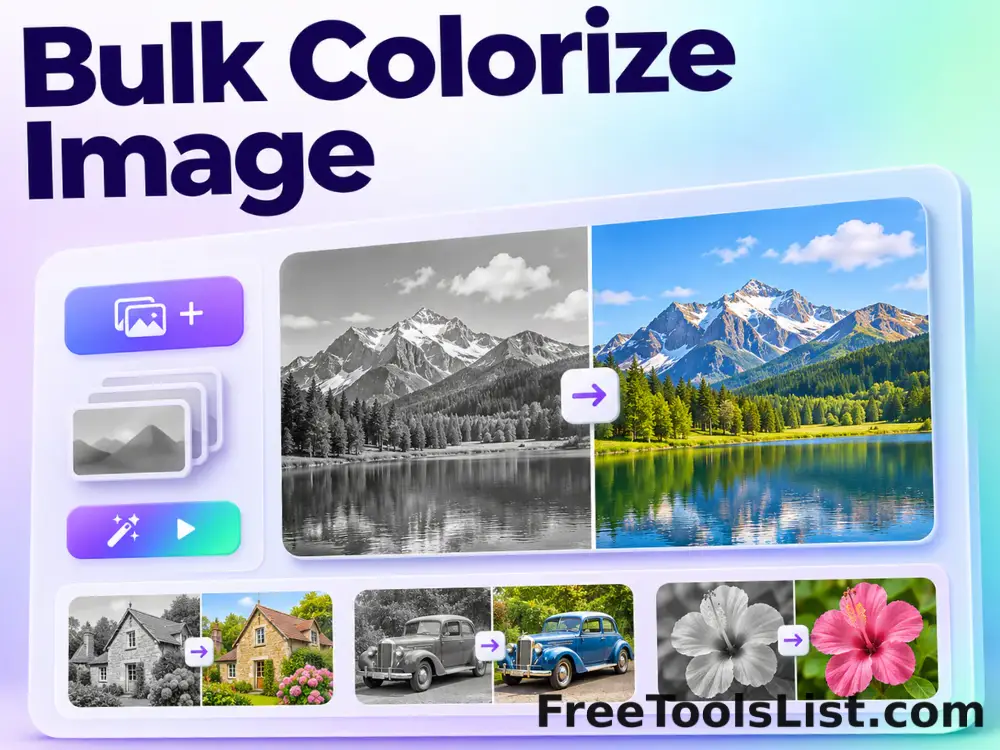
Bulk Colorize Image tool previewBCImages

Bulk Colorize Image

Process multiple images locally to blend a chosen color into the source image, review every result, and download the completed batch as a ZIP.

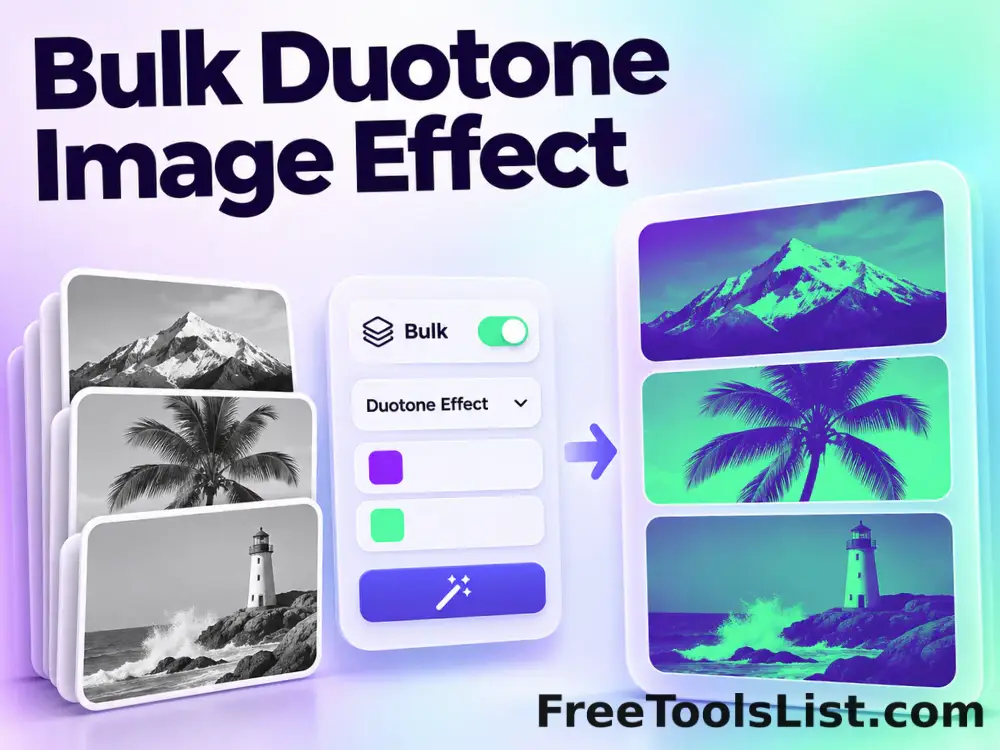
Bulk Duotone Image Effect tool previewBDImages

Bulk Duotone Image Effect

Process multiple images locally to map shadows and highlights to two chosen colors, review every result, and download the completed batch as a ZIP.

PublishedUpdated