Private color workspace

Bulk Image Palette Extractor

Extract color palettes from up to 20 images in one local batch and download a combined CSV. Results stay visible as copyable swatches with clear format labels.

● Local browser processing · No sign-up

Batch image palette extractor

Sample pixels and identify frequent, visually distinct color buckets without uploading the source images.

Local canvas analysis
Choose images to begin.

Quick Tool Overview

Make color decisions with visible values and repeatable controls.

The Bulk Palette Extractor runs the same local pixel sampling across every selected image and keeps results grouped by filename. It is useful for campaign libraries, product collections, content audits and multi-image mood boards.

Choose 2–12 colors per image and export one combined CSV. Numeric color relationships provide a consistent starting point, but final choices should still be reviewed in the actual interface, image or print context.

BULKFocused workflow
HEXCopyable output
RGBChannel values
HSLWheel context
Review before applying

Generate the relationship, then test it in context.

Copy precise values and verify contrast, branding and color-management requirements separately.

Open Bulk Image Palette Extractor

About the Tool

What the Bulk Image Palette Extractor helps you do.

Clear source values

Start from an explicit HEX color or a locally selected image rather than estimating from memory.

Repeatable method

Choose 2–12 colors per image and export one combined CSV.

Multiple formats

Use HEX for design tokens, RGB for channel inspection and HSL for hue, saturation and lightness reasoning.

Private processing

Color calculations and image pixel analysis run locally in the current browser tab.

Fast handoff

Click swatches to copy values, and use CSS or CSV export where the workflow provides it.

Context still matters

Mathematical harmony does not replace contrast testing, real-device review or brand judgment.

Key Features

A complete color workflow, not just a preview.

BULK

Purpose-built controls

Options reflect this exact transformation, scheme or image task.

#

Copyable values

Every generated swatch exposes a clear uppercase HEX value.

⌂

Local processing

Calculations and selected image pixels stay in your browser.

◎

Visual comparison

Compare source, result and palette relationships at a glance.

How to Use the Bulk Image Palette Extractor

Generate and verify colors in six steps.

Choose the source

Select the image or images from your device.

Tip: Keep the original brand or image source available for comparison.

Set the controls

Choose the amount, balance, count, direction or scheme options provided.

Tip: Change one variable at a time when evaluating a relationship.

Generate results

Run the tool and review the swatches, preview or image palette.

Tip: Click any generated swatch to copy its HEX value.

Compare formats

Inspect HEX, RGB and HSL values to understand the same color in different models.

Tip: HSL is especially useful for explaining hue rotation and lightness.

Test real contrast

Place intended foreground and background pairs in the actual interface.

Tip: A color scheme can be harmonious and still fail text contrast requirements.

Copy or export

Move reviewed values, CSS or CSV into the normal design workflow.

Tip: Label tokens by purpose instead of relying only on their appearance.

Ready to explore?

Generate precise, copyable colors locally.

Use focused controls, visual swatches and practical output formats.

Extract batch palettes →

Frequently Asked Questions

Popular bulk image palette extractor questions.

Yes. The Bulk Image Palette Extractor works without an account, subscription or external color service.

Generated colors are displayed as HEX, RGB and HSL where applicable. Click a swatch to copy its HEX value.

No. Image decoding, canvas sampling and palette extraction run in the current browser tab.

No. Color-wheel relationships do not guarantee readable contrast. Test foreground and background pairs against the accessibility requirements for your product.

Displays, browser color management, image profiles, brightness settings and ambient light can all affect how the same numeric color appears.

Keep exploring

Similar Tools

Continue with related free tools selected from this category and the wider directory.

20 tools
Bulk Add Noise to Image tool previewBAImages

Bulk Add Noise to Image

Process multiple images locally to add controllable monochrome or color grain, review every result, and download the completed batch as a ZIP.

Bulk Adjust Image Gamma tool previewBAImages

Bulk Adjust Image Gamma

Process multiple images locally to reshape midtone brightness without applying a flat offset, review every result, and download the completed batch as a ZIP.

Bulk Adjust Image HSL tool previewBAImages

Bulk Adjust Image HSL

Process multiple images locally to control hue, saturation and lightness in one workspace, review every result, and download the completed batch as a ZIP.

Bulk Adjust Image Hue tool previewBAImages

Bulk Adjust Image Hue

Process multiple images locally to rotate every color around the HSL hue wheel, review every result, and download the completed batch as a ZIP.

Bulk Adjust RGB Channels tool previewBAImages

Bulk Adjust RGB Channels

Process multiple images locally to scale individual red, green and blue channels, review every result, and download the completed batch as a ZIP.

Bulk Blur Image tool previewBBImages

Bulk Blur Image

Process multiple images locally to apply a configurable Gaussian-style browser blur, review every result, and download the completed batch as a ZIP.

Bulk Blurred Frame Image Generator tool previewBBImages

Bulk Blurred Frame Image Generator

Process multiple images locally to fit an image inside a blurred edge-to-edge frame, review every result, and download the completed batch as a ZIP.

Bulk Change Image Brightness tool previewBCImages

Bulk Change Image Brightness

Process multiple images locally to adjust image brightness from deep shadow to bright highlight, review every result, and download the completed batch as a ZIP.

Bulk Change Image Contrast tool previewBCImages

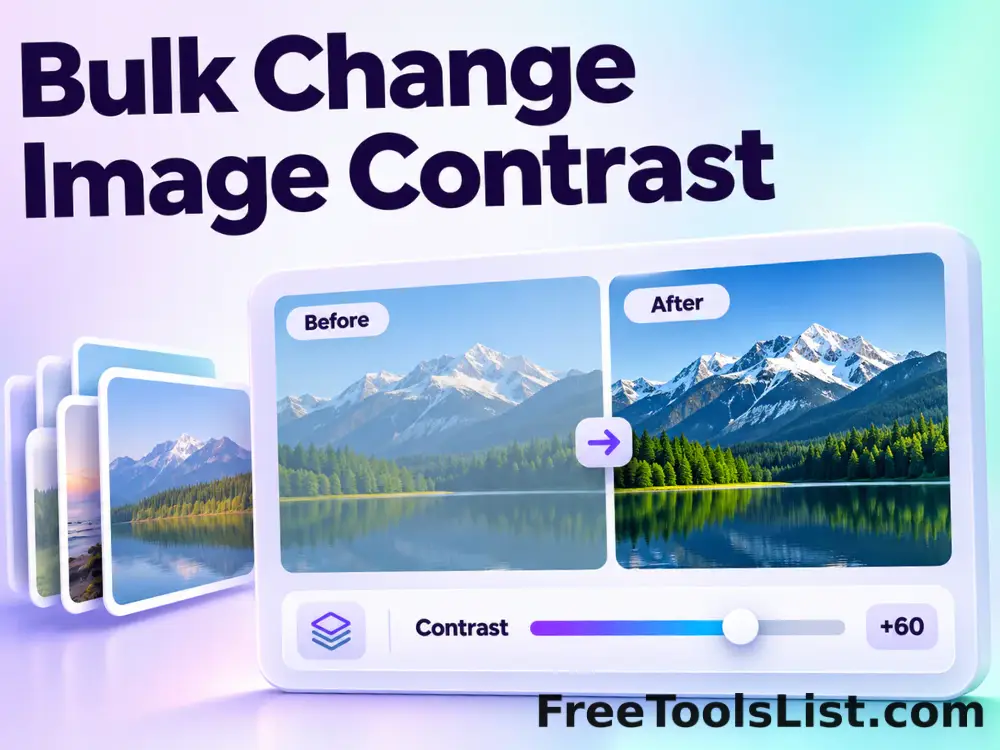
Bulk Change Image Contrast

Process multiple images locally to expand or compress the difference between light and dark pixels, review every result, and download the completed batch as a ZIP.

Bulk Change Image Exposure tool previewBCImages

Bulk Change Image Exposure

Process multiple images locally to simulate exposure changes in photographic stops, review every result, and download the completed batch as a ZIP.

Bulk Change Image Saturation tool previewBCImages

Bulk Change Image Saturation

Process multiple images locally to increase or reduce color intensity while preserving hue, review every result, and download the completed batch as a ZIP.

Bulk Change Image Vibrance tool previewBCImages

Bulk Change Image Vibrance

Process multiple images locally to boost muted colors more gently than already-saturated colors, review every result, and download the completed batch as a ZIP.

Bulk Clip Image Levels tool previewBCImages

Bulk Clip Image Levels

Process multiple images locally to set black and white clipping points for tonal cleanup, review every result, and download the completed batch as a ZIP.

Bulk Color Emboss Image Effect tool previewBCImages

Bulk Color Emboss Image Effect

Process multiple images locally to apply an emboss kernel while retaining color channels, review every result, and download the completed batch as a ZIP.

Bulk Colorize Image tool previewBCImages

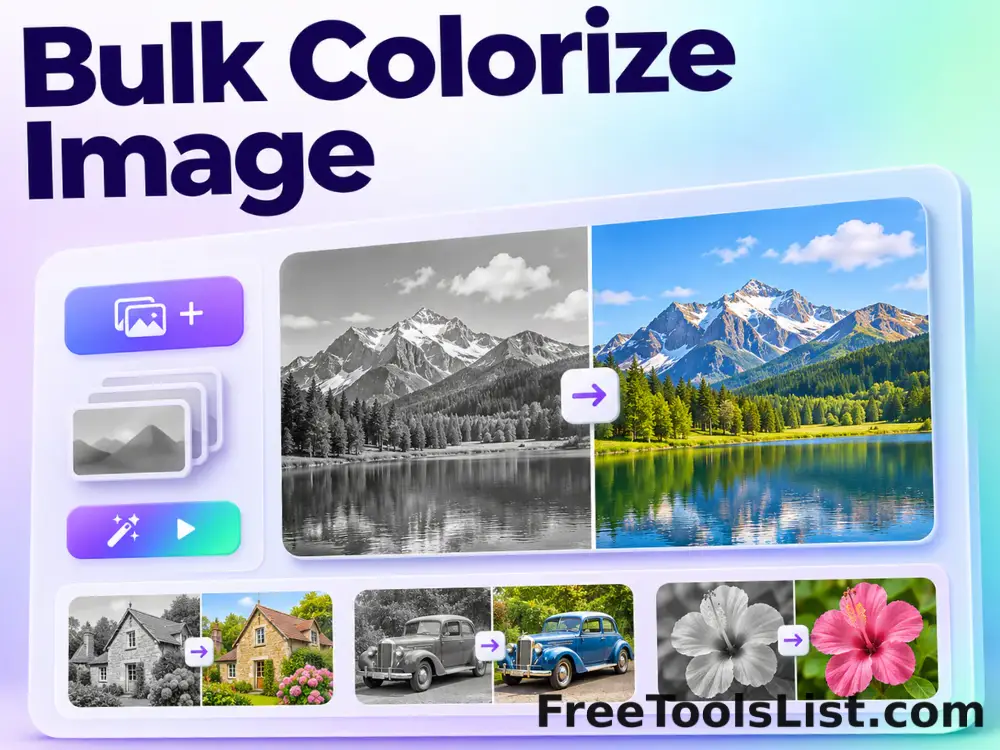
Bulk Colorize Image

Process multiple images locally to blend a chosen color into the source image, review every result, and download the completed batch as a ZIP.

Bulk Crop Image tool previewBCImages

Bulk Crop Image

Process multiple images locally to extract a precise rectangular area using percentage coordinates, review every result, and download the completed batch as a ZIP.

Bulk Darken Image tool previewBDImages

Bulk Darken Image

Process multiple images locally to reduce image brightness by a controlled percentage, review every result, and download the completed batch as a ZIP.

Bulk Duotone Image Effect tool previewBDImages

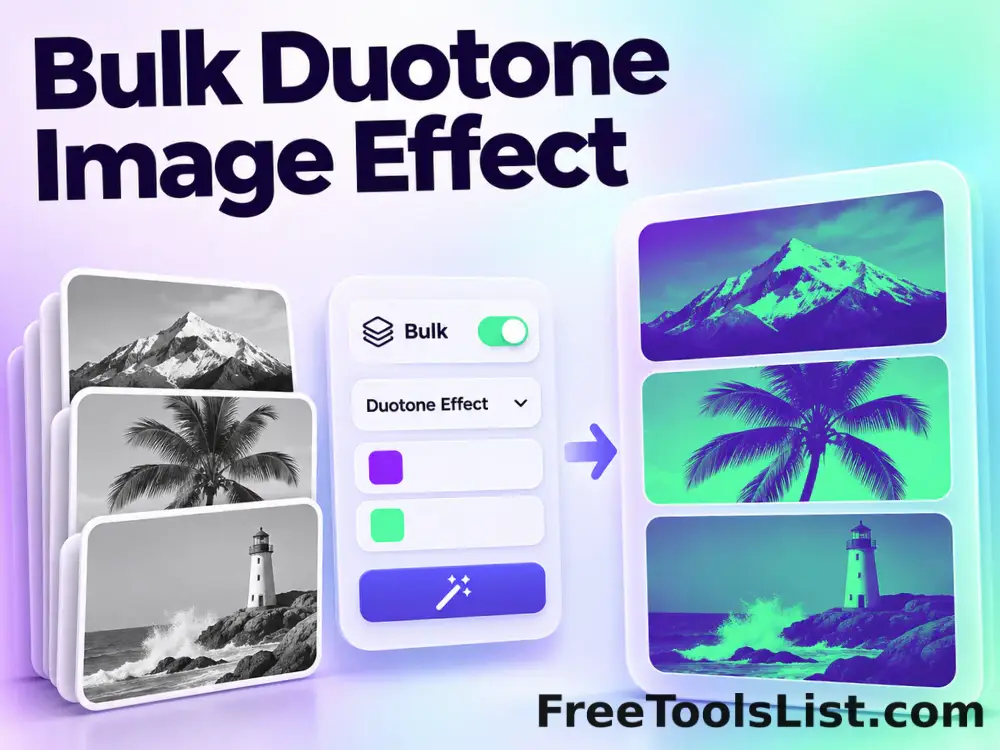
Bulk Duotone Image Effect

Process multiple images locally to map shadows and highlights to two chosen colors, review every result, and download the completed batch as a ZIP.

Bulk Emboss Image Effect tool previewBEImages

Bulk Emboss Image Effect

Process multiple images locally to turn luminance transitions into a raised monochrome relief, review every result, and download the completed batch as a ZIP.

Bulk Equalize Image tool previewBEImages

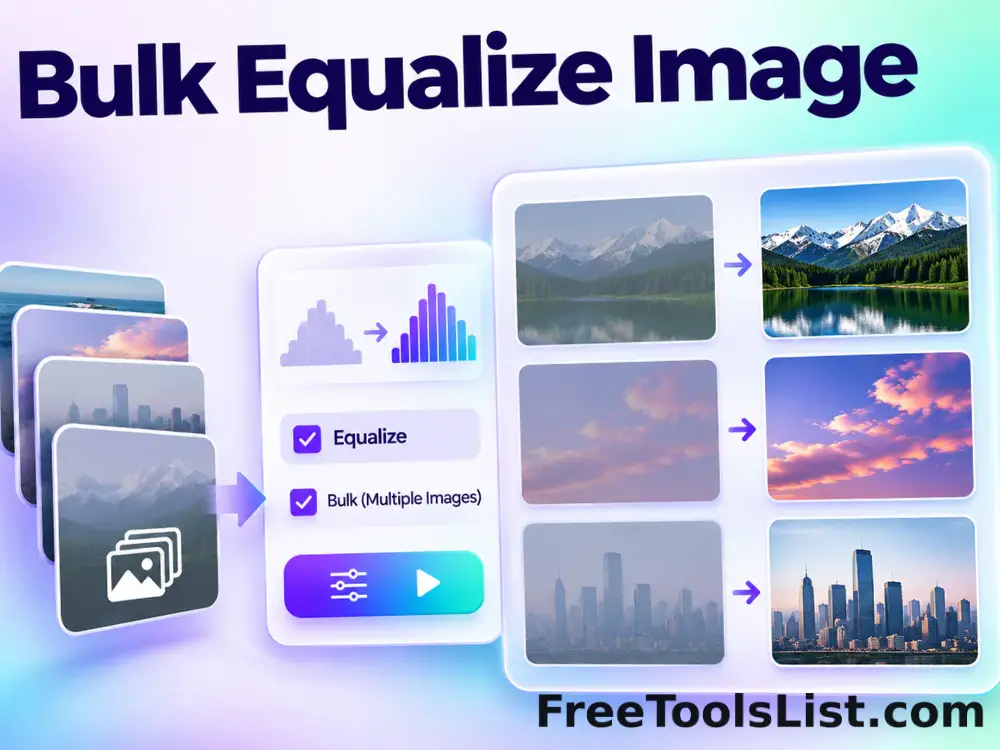
Bulk Equalize Image

Process multiple images locally to redistribute channel values to use more of the available tonal range, review every result, and download the completed batch as a ZIP.

PublishedUpdated