Modern local image studio

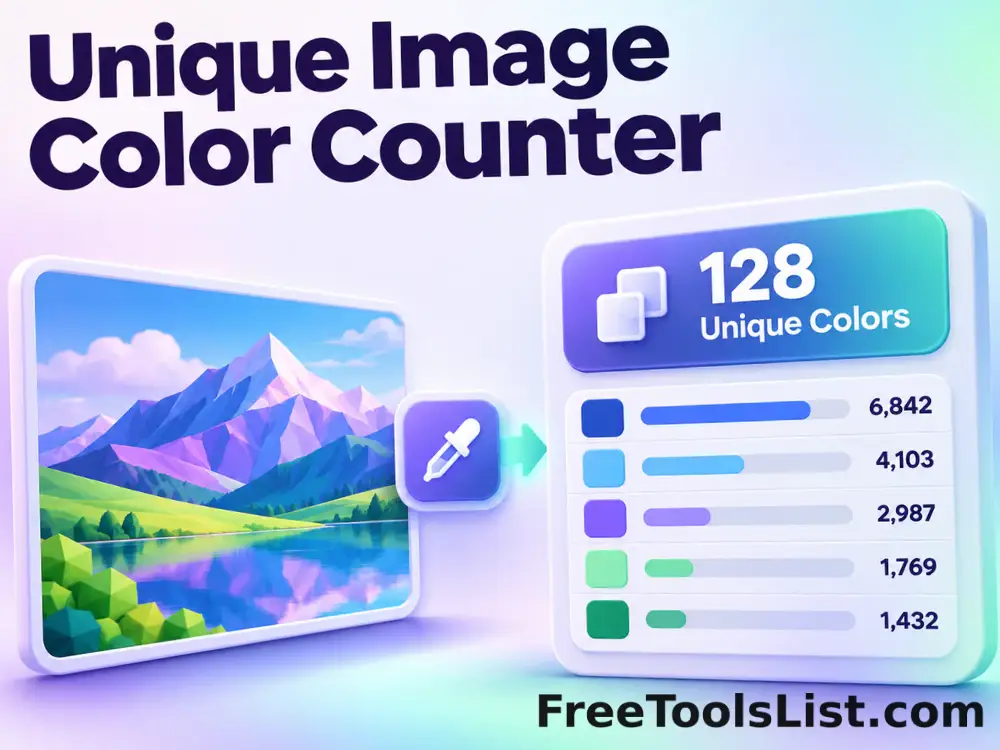
Unique Image Color Counter

Count unique sampled RGBA colors and extract a frequency-ranked palette with exact and fast analysis modes.

● Preview before saving · Browser-local processing · No account

Unique Image Color Counter workspace

Load images, adjust the visible controls and review the canvas before saving a new file.

Local · original safe

Loading the Color Counter canvas…

Quick Tool Overview

Color Counter with a preview-first workflow.

The Unique Image Color Counter helps you measure color complexity, transparency and the most frequent colors in a bitmap.

The browser samples decoded canvas pixels, groups identical RGBA values and ranks each group by frequency.

CANVASLive preview
LOCALPrivate processing
#RGBFocused controls
0Accounts needed
Review before use. Large images are sampled for responsiveness; JPEG noise and antialiasing can make the unique-color count very large.
About the Tool

What the Unique Image Color Counter does.

Primary purpose

Use this page to measure color complexity, transparency and the most frequent colors in a bitmap.

Transparent method

The browser samples decoded canvas pixels, groups identical RGBA values and ranks each group by frequency.

Preview-first design

The complete canvas is visible before the Save result button creates a download.

Private images

Selected files stay on this computer and are never sent to an external image service.

Original-safe workflow

The original file is only read. Every export is created as a separate result.

Important limitation

Large images are sampled for responsiveness; JPEG noise and antialiasing can make the unique-color count very large.
Key Features

A complete, modern color counter workspace.

▧

Live canvas before saving

The complete color counter result remains visible before any download begins.

↔

Focused controls

Use explicit controls for analysis detail, palette size and transparent-pixel handling.

✓

Browser-local image work

Pixel analysis and canvas rendering stay in the current browser; the lossless JPEG tool contacts only this local server.

↓

Original-safe export

Source files are read only and every saved result is created as a separate file.

How to Use the Unique Image Color Counter

Complete the task in five detailed steps.

Load source images

Choose the local image required for the task, or use Load demo to explore the controls safely.

Step 1: Keep the original source available for comparison.

Configure the controls

Adjust analysis detail, palette size and transparent-pixel handling. The preview updates locally so settings remain visible and reproducible.

Step 2: Keep the original source available for comparison.

Inspect the live canvas

Review the complete canvas before saving. Check whether the image was resized or compressed because antialiasing can introduce thousands of near-duplicate colors.

Step 3: The canvas is the final visual checkpoint before saving.

Check measurements and warnings

Read the displayed dimensions, counts, percentages or format details and account for this limitation: Large images are sampled for responsiveness; JPEG noise and antialiasing can make the unique-color count very large.

Step 4: Keep the original source available for comparison.

Save a new result

Choose PNG or JPEG where available and download only after the preview is correct. The original source file is never overwritten.

Step 5: Keep the original source available for comparison.

Ready to begin?

Build the result locally and inspect it first.

No sign-up, remote image queue or source overwrite.

Open Color Counter →

Frequently Asked Questions

Popular color counter questions.

The browser samples decoded canvas pixels, groups identical RGBA values and ranks each group by frequency.

Check whether the image was resized or compressed because antialiasing can introduce thousands of near-duplicate colors.

Large images are sampled for responsiveness; JPEG noise and antialiasing can make the unique-color count very large.

Yes. It works locally without an account, subscription, watermark or usage quota.

No. Image processing stays in this browser. The lossless progressive-JPEG page sends the JPEG only to the FreeToolsList.com server running on this computer so its bundled jpegtran utility can perform the transform.

Keep exploring

Similar Tools

Continue with related free tools selected from this category and the wider directory.

20 tools
Add Noise to Image tool previewANImages

Add Noise to Image

Add Noise to Image lets you add controllable monochrome or color grain locally in your browser, compare the result, and download a ready-to-use file.

Auto Levels Image tool previewALImages

Auto Levels Image

Normalize photo brightness and color levels automatically using per-channel RGB or luminance-only correction with clipping and strength controls.

Bulk Add Noise to Image tool previewBAImages

Bulk Add Noise to Image

Process multiple images locally to add controllable monochrome or color grain, review every result, and download the completed batch as a ZIP.

Bulk Adjust Image Hue tool previewBAImages

Bulk Adjust Image Hue

Process multiple images locally to rotate every color around the HSL hue wheel, review every result, and download the completed batch as a ZIP.

Bulk Change Image Saturation tool previewBCImages

Bulk Change Image Saturation

Process multiple images locally to increase or reduce color intensity while preserving hue, review every result, and download the completed batch as a ZIP.

Bulk Change Image Vibrance tool previewBCImages

Bulk Change Image Vibrance

Process multiple images locally to boost muted colors more gently than already-saturated colors, review every result, and download the completed batch as a ZIP.

Bulk Color Emboss Image Effect tool previewBCImages

Bulk Color Emboss Image Effect

Process multiple images locally to apply an emboss kernel while retaining color channels, review every result, and download the completed batch as a ZIP.

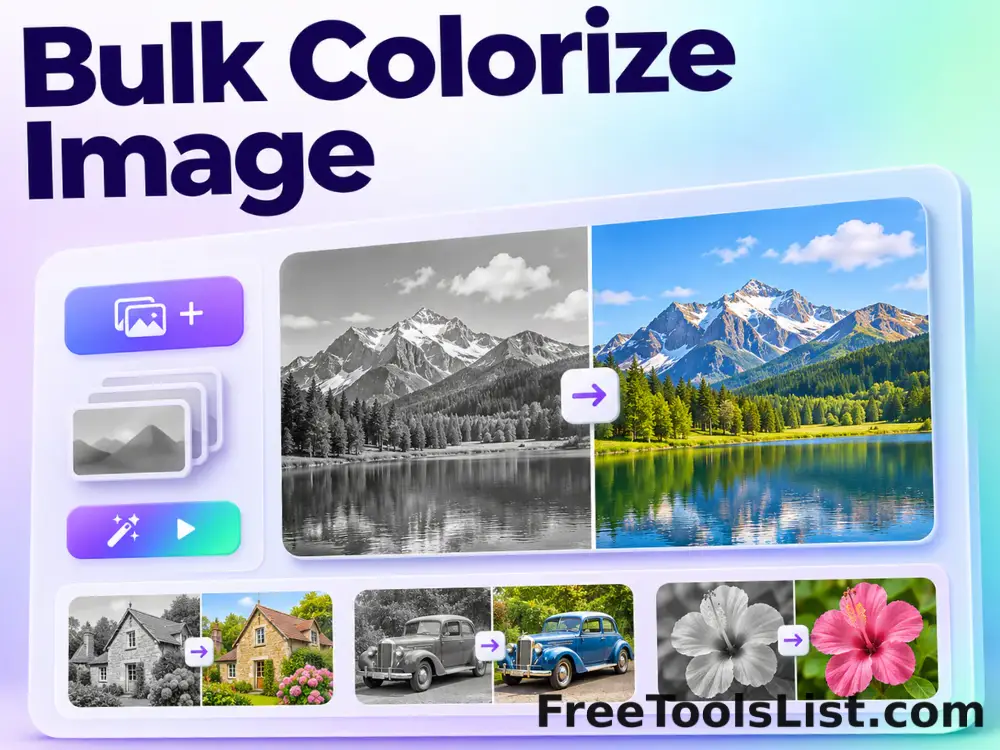
Bulk Colorize Image tool previewBCImages

Bulk Colorize Image

Process multiple images locally to blend a chosen color into the source image, review every result, and download the completed batch as a ZIP.

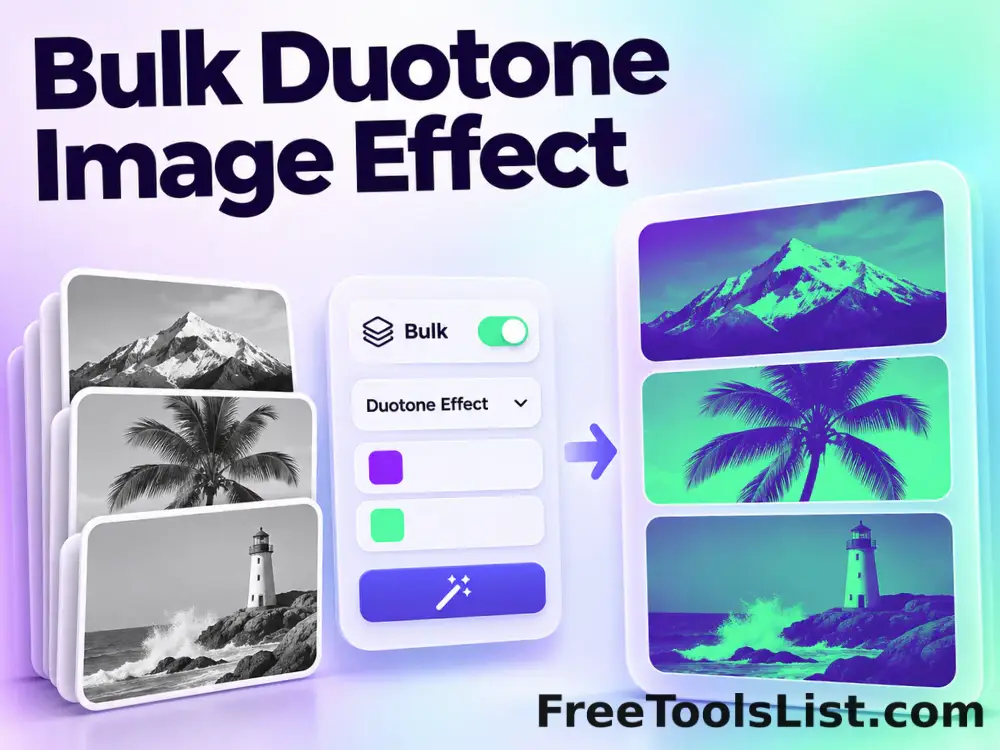
Bulk Duotone Image Effect tool previewBDImages

Bulk Duotone Image Effect

Process multiple images locally to map shadows and highlights to two chosen colors, review every result, and download the completed batch as a ZIP.

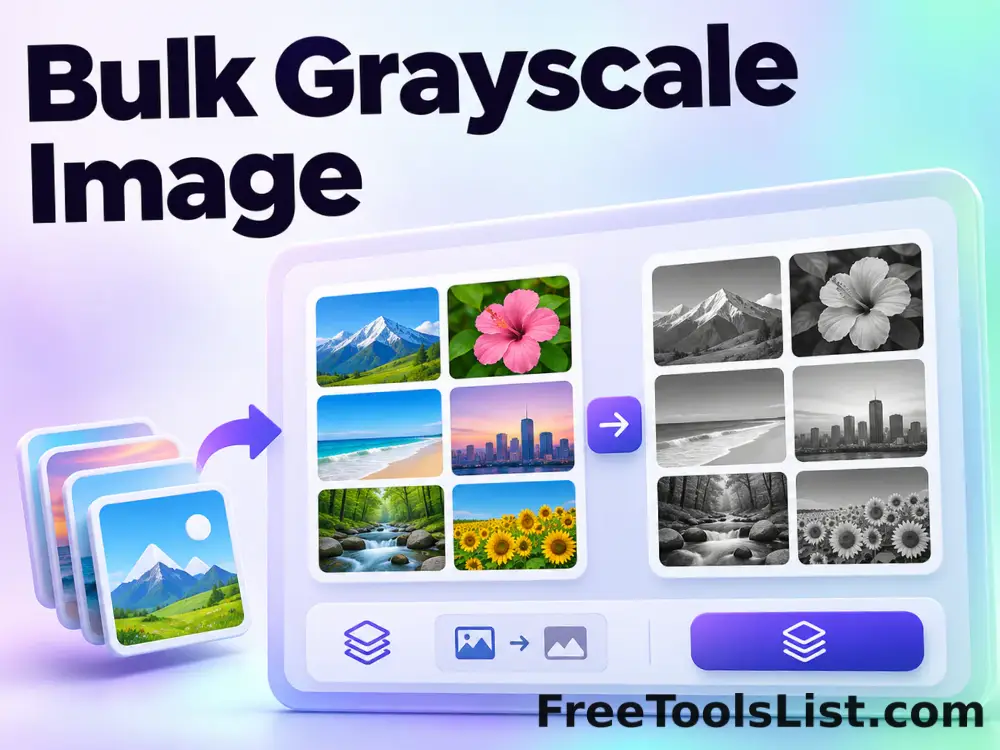
Bulk Grayscale Image tool previewBGImages

Bulk Grayscale Image

Process multiple images locally to convert color pixels to a luminance-based monochrome image, review every result, and download the completed batch as a ZIP.

Bulk Image Palette Extractor tool previewBIImages

Bulk Image Palette Extractor

Extract color palettes from up to 20 images in one local batch and download a combined CSV.

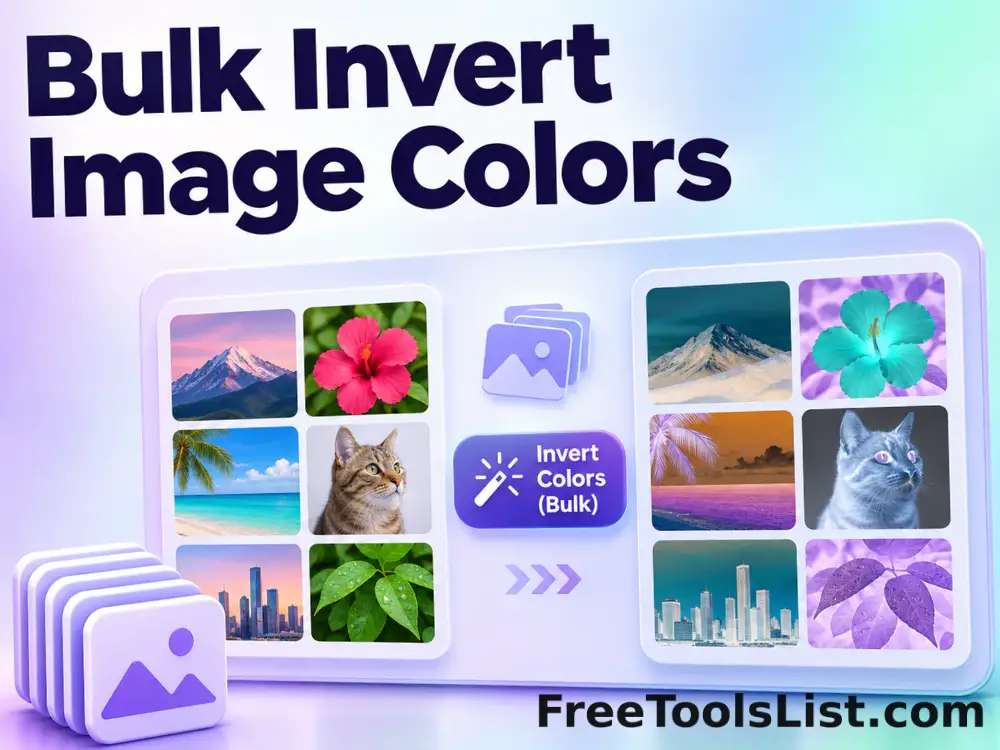
Bulk Invert Image Colors tool previewBIImages

Bulk Invert Image Colors

Process multiple images locally to reverse every RGB channel to create a photographic negative, review every result, and download the completed batch as a ZIP.

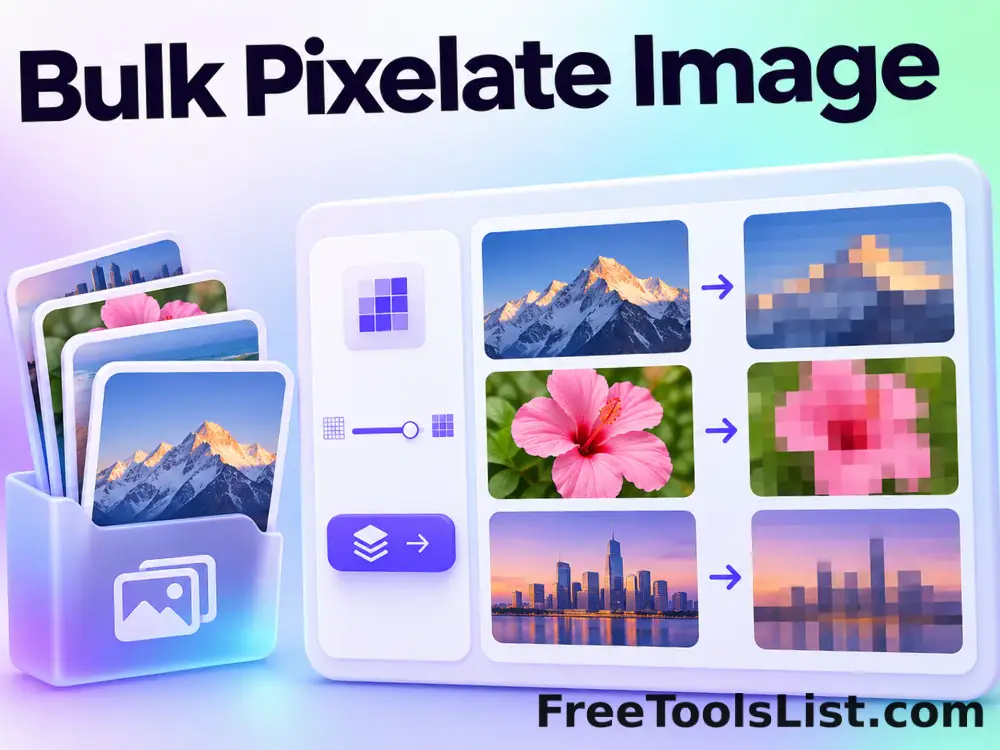
Bulk Pixelate Image tool previewBPImages

Bulk Pixelate Image

Process multiple images locally to replace fine detail with larger blocks of sampled color, review every result, and download the completed batch as a ZIP.

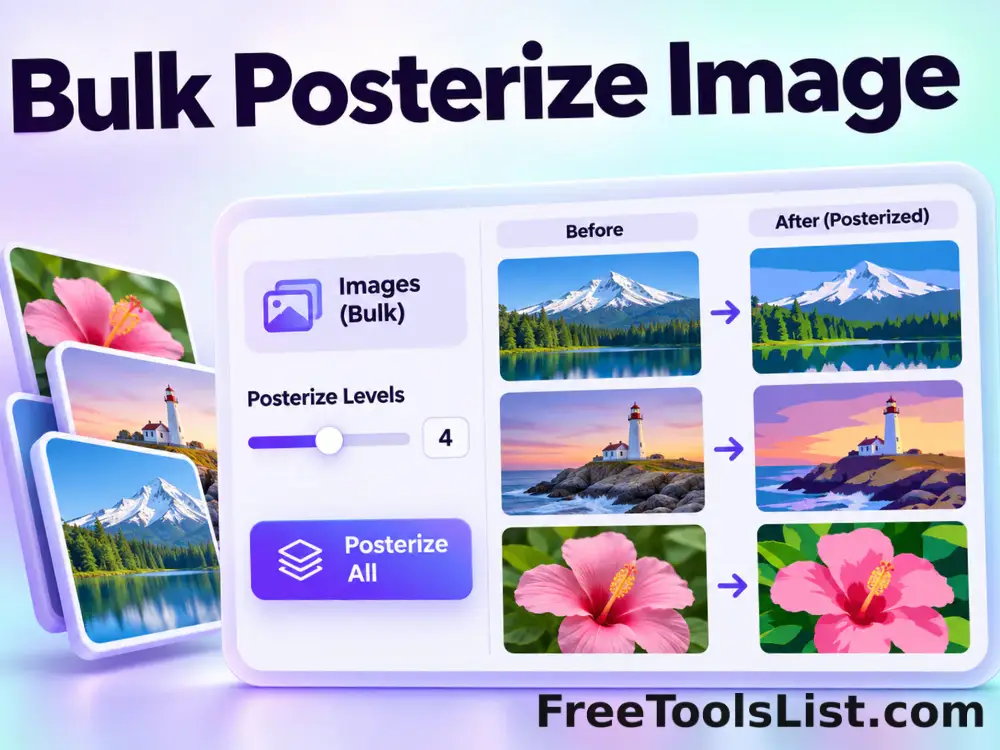
Bulk Posterize Image tool previewBPImages

Bulk Posterize Image

Process multiple images locally to reduce each channel to a controlled number of color levels, review every result, and download the completed batch as a ZIP.

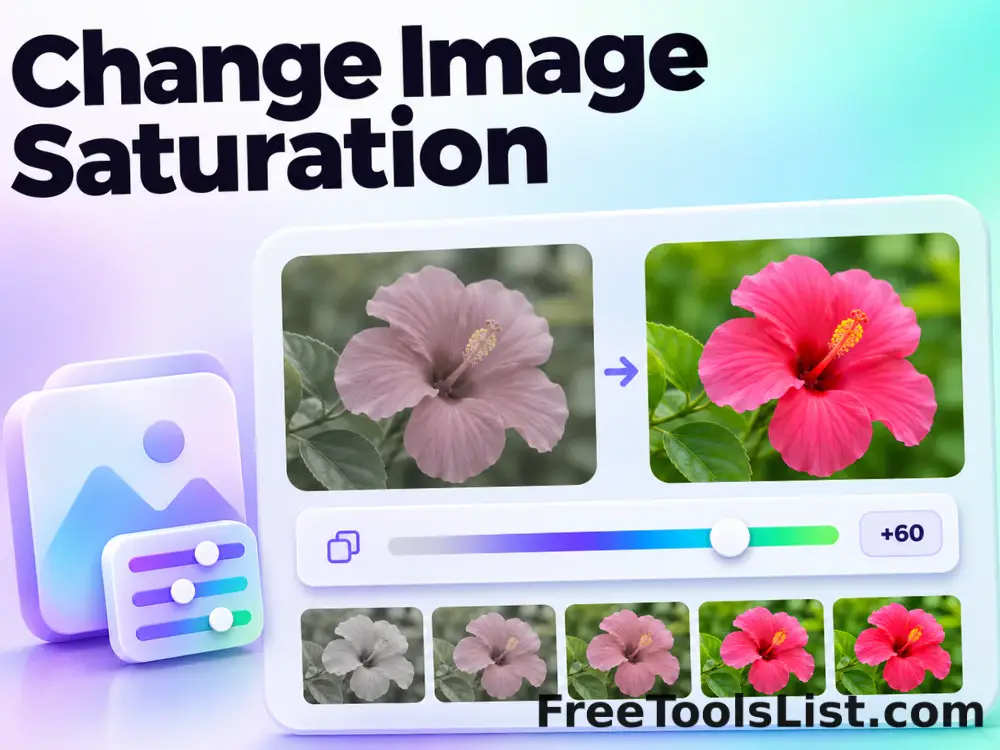
Change Image Saturation tool previewCIImages

Change Image Saturation

Change Image Saturation lets you increase or reduce color intensity while preserving hue locally in your browser, compare the result, and download a ready-to-use file.

Change Image Vibrance tool previewCIImages

Change Image Vibrance

Change Image Vibrance lets you boost muted colors more gently than already-saturated colors locally in your browser, compare the result, and download a ready-to-use file.

Color Emboss Image Effect tool previewCEImages

Color Emboss Image Effect

Color Emboss Image Effect lets you apply an emboss kernel while retaining color channels locally in your browser, compare the result, and download a ready-to-use file.

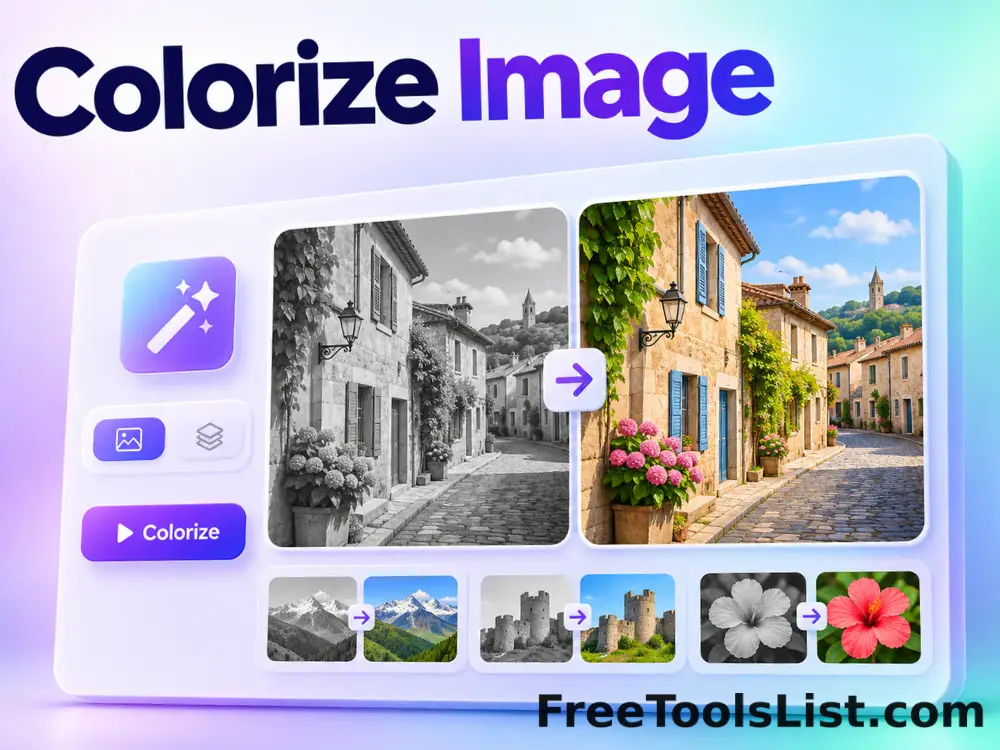
Colorize Image tool previewCIImages

Colorize Image

Colorize Image lets you blend a chosen color into the source image locally in your browser, compare the result, and download a ready-to-use file.

Cracked Photo Effect tool previewCPImages

Cracked Photo Effect

Overlay a repeatable branching crack network with density, relief, width, color and seed controls before saving the reviewed image.

Dominant Color Frame Studio tool previewDCImages

Dominant Color Frame Studio

Build a striped photo border from colors sampled from the image with independent side widths, palette size, blur, rotation and saturation controls.

PublishedUpdated