Modern local image studio

Shape Crop Studio

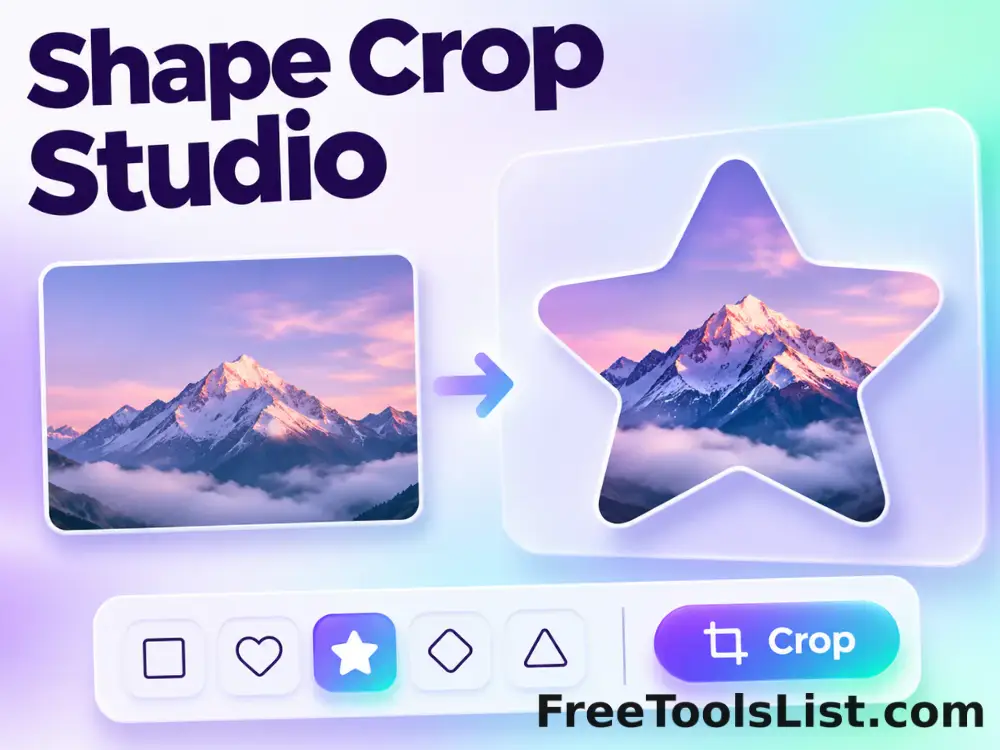
Crop a photo into transparent circle, triangle, polygon, star, heart or diamond shapes with live focus and padding controls.

● Preview before saving · Browser-local processing · No account

Shape Crop Studio workspace

Load images, adjust the visible controls and review the canvas before saving a new file.

Local · original safe

Loading the Shape Crop canvas…

Quick Tool Overview

Shape Crop with a preview-first workflow.

The Shape Crop Studio helps you create profile images, badges, stickers and decorative assets with a precise transparent geometric mask.

The browser fits the source into a square canvas, constructs the selected vector path, clips every pixel outside it and previews the transparent result before PNG or JPEG export.

CANVASLive preview
LOCALPrivate processing
ShapeFocused controls
0Accounts needed
Review before use. Very intricate subjects may need manual masking. JPEG cannot preserve transparent pixels.
About the Tool

What the Shape Crop Studio does.

Primary purpose

Use this page to create profile images, badges, stickers and decorative assets with a precise transparent geometric mask.

Transparent method

The browser fits the source into a square canvas, constructs the selected vector path, clips every pixel outside it and previews the transparent result before PNG or JPEG export.

Preview-first design

The complete canvas is visible before the Save result button creates a download.

Private images

Selected files stay on this computer and are never sent to an external image service.

Original-safe workflow

The original file is only read. Every export is created as a separate result.

Important limitation

Very intricate subjects may need manual masking. JPEG cannot preserve transparent pixels.
Key Features

A complete, modern shape crop workspace.

▧

Live canvas before saving

The complete shape crop result remains visible before any download begins.

↔

Focused controls

Use explicit controls for shape, inner padding and horizontal or vertical focal position.

✓

Browser-local image work

Pixel analysis and canvas rendering stay in the current browser; the lossless JPEG tool contacts only this local server.

↓

Original-safe export

Source files are read only and every saved result is created as a separate file.

How to Use the Shape Crop Studio

Complete the task in five detailed steps.

Load source images

Choose the local image required for the task, or use Load demo to explore the controls safely.

Step 1: Keep the original source available for comparison.

Configure the controls

Adjust shape, inner padding and horizontal or vertical focal position. The preview updates locally so settings remain visible and reproducible.

Step 2: Keep the original source available for comparison.

Inspect the live canvas

Review the complete canvas before saving. Check that the subject remains inside the mask and export PNG when transparent corners are required.

Step 3: The canvas is the final visual checkpoint before saving.

Check measurements and warnings

Read the displayed dimensions, counts, percentages or format details and account for this limitation: Very intricate subjects may need manual masking. JPEG cannot preserve transparent pixels.
Step 4: Keep the original source available for comparison.

Save a new result

Choose PNG or JPEG where available and download only after the preview is correct. The original source file is never overwritten.

Step 5: Keep the original source available for comparison.

Ready to begin?

Build the result locally and inspect it first.

No sign-up, remote image queue or source overwrite.

Open Shape Crop →

Frequently Asked Questions

Popular shape crop questions.

The browser fits the source into a square canvas, constructs the selected vector path, clips every pixel outside it and previews the transparent result before PNG or JPEG export.

Check that the subject remains inside the mask and export PNG when transparent corners are required.

Very intricate subjects may need manual masking. JPEG cannot preserve transparent pixels.
Yes. It works locally without an account, subscription, watermark or usage quota.

No. Image processing stays in this browser. The lossless progressive-JPEG page sends the JPEG only to the FreeToolsList.com server running on this computer so its bundled jpegtran utility can perform the transform.

Keep exploring

Similar Tools

Continue with related free tools selected from this category and the wider directory.

20 tools
Animated GIF Transform Studio tool previewAGImages

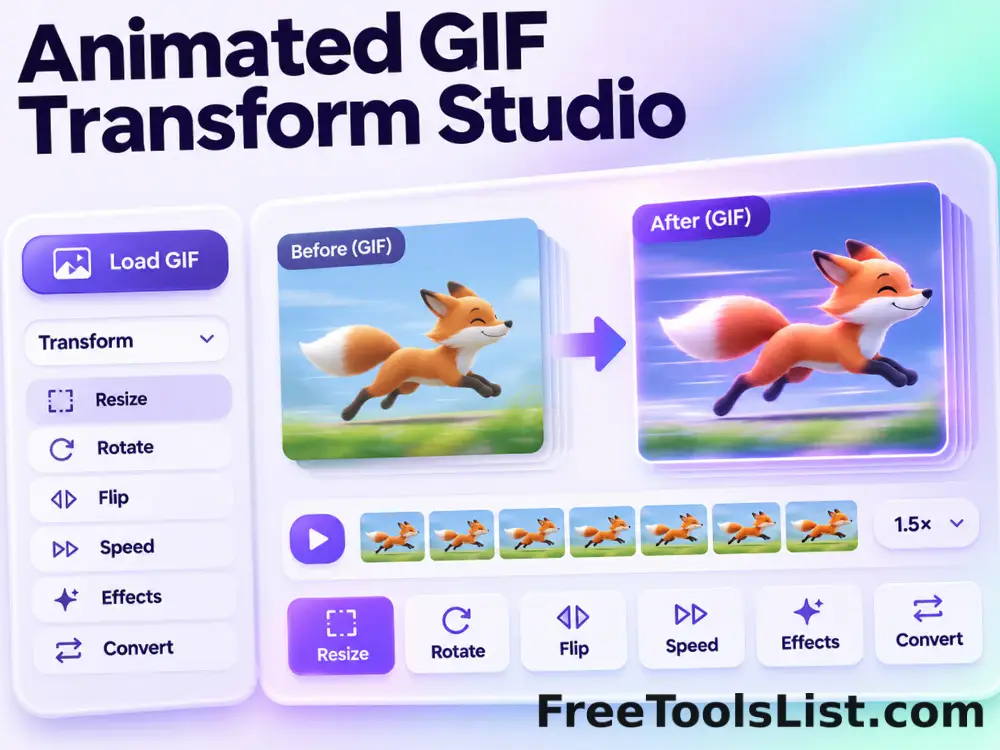
Animated GIF Transform Studio

Flip, rotate, resize, crop, circle-crop or round the corners of an animated GIF in one non-duplicated workspace with exact dimensions and a synchronized canvas preview.

Dot, Shape & Domino Mosaic Studio tool previewDSImages

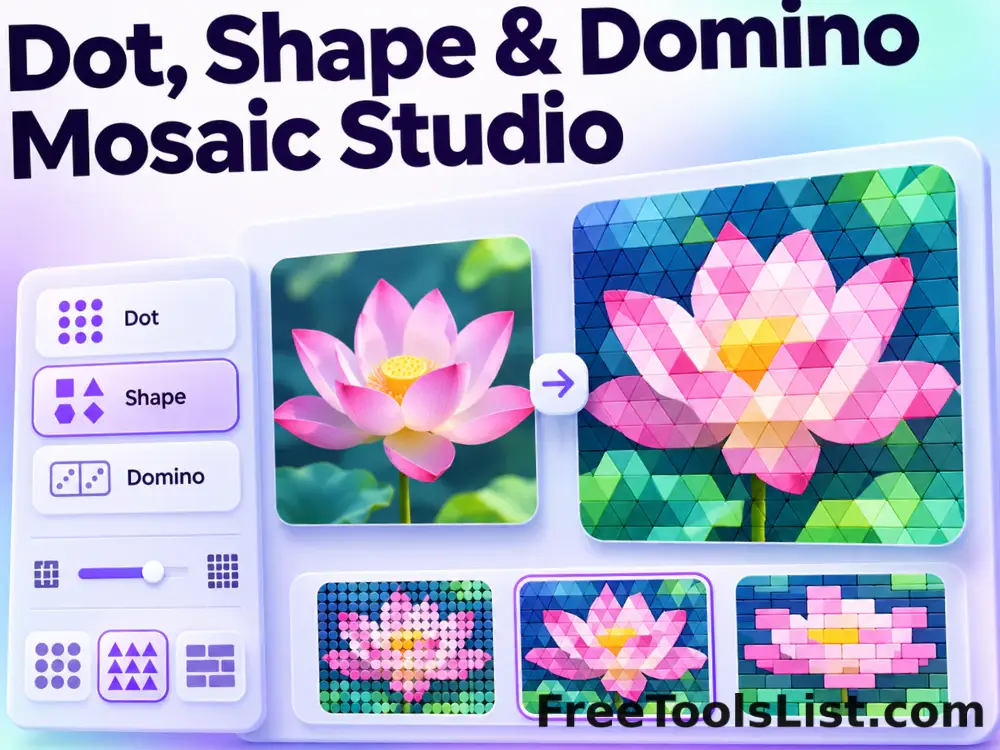
Dot, Shape & Domino Mosaic Studio

Rebuild a photo from dots, squares, hearts or domino tiles with object size, luminance scaling, color mode, inversion and antialias controls.

Adjust Image Gamma tool previewAIImages

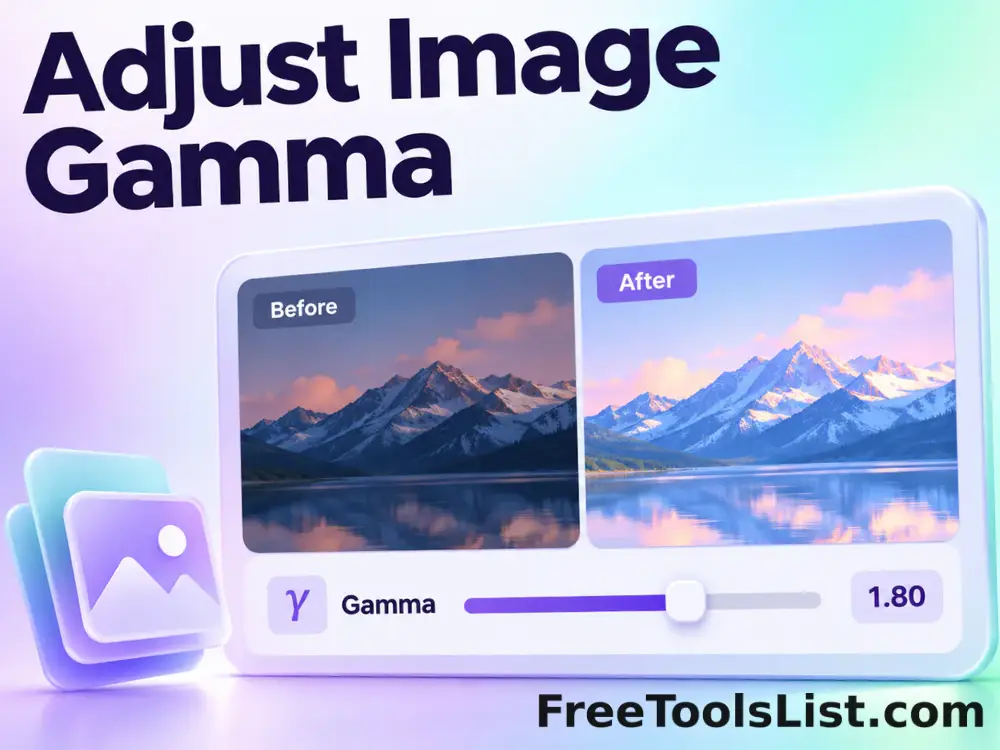
Adjust Image Gamma

Adjust Image Gamma lets you reshape midtone brightness without applying a flat offset locally in your browser, compare the result, and download a ready-to-use file.

Animated GIF Caption & Background Studio tool previewAGImages

Animated GIF Caption & Background Studio

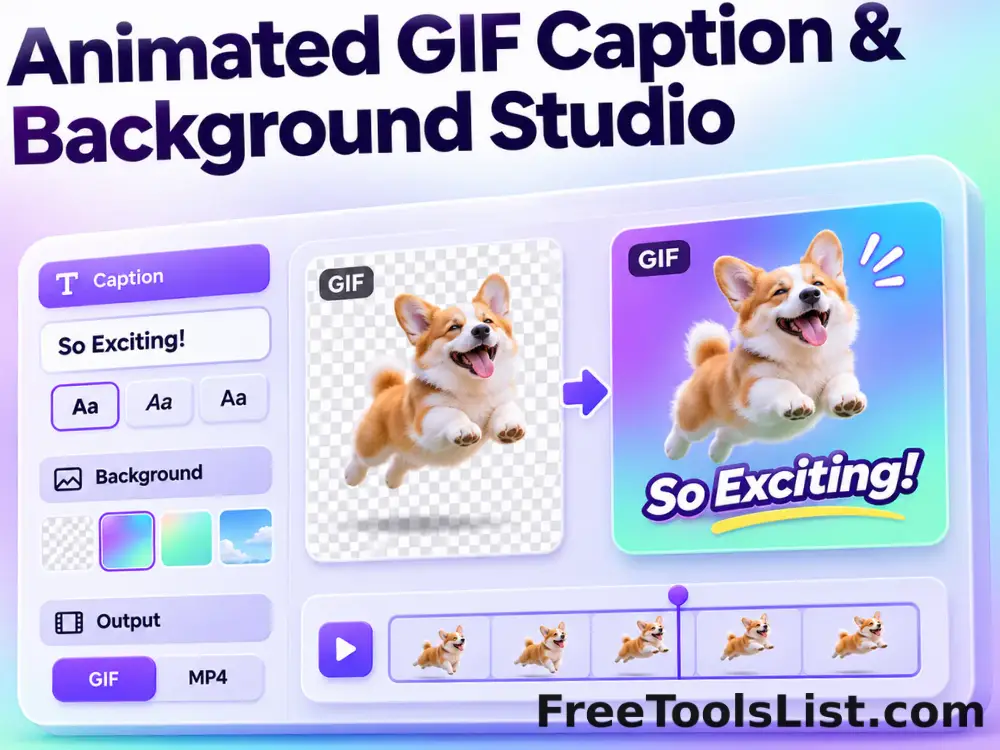
Add outlined captions or meme bars to an animated GIF, fit it into a synchronized blurred square background, preview the motion on canvas and locally re-encode the reviewed GIF.

Background Blur & Color Studio tool previewBBImages

Background Blur & Color Studio

Keep a chosen subject region sharp while blurring or recoloring the surrounding background, with movable focus controls and a live canvas preview.

Black & White Dithering Studio tool previewBWImages

Black & White Dithering Studio

Convert a photo to one-bit black and white with Floyd–Steinberg, ordered or threshold methods plus balance, contrast, brightness and blur controls.

Black, White & Color Stencil Studio tool previewBWImages

Black, White & Color Stencil Studio

Create a black-and-white threshold stencil or colored contour stencil with intensity, contour, smoothing, grain, inversion, brightness and color controls.

Blurred Frame Image Generator tool previewBFImages

Blurred Frame Image Generator

Fit one image or a complete batch inside square canvases without cropping, using blurred, solid, transparent or gradient backgrounds, alignment controls, live preview and ZIP export.

Bokeh & Blurred Circles Studio tool previewBBImages

Bokeh & Blurred Circles Studio

Overlay luminous circles, rings, hexagons, triangles or stars, or rebuild a photo from blurred color circles with seed, count, size, blur and color controls.

Bulk Adjust Image Gamma tool previewBAImages

Bulk Adjust Image Gamma

Process multiple images locally to reshape midtone brightness without applying a flat offset, review every result, and download the completed batch as a ZIP.

Bulk Crop Image tool previewBCImages

Bulk Crop Image

Process multiple images locally to extract a precise rectangular area using percentage coordinates, review every result, and download the completed batch as a ZIP.

Bulk Image Filter Studio tool previewBIImages

Bulk Image Filter Studio

Process multiple images locally to apply a curated visual filter preset, review every result, and download the completed batch as a ZIP.

Cartoon & Chalk Drawing Studio tool previewCCImages

Cartoon & Chalk Drawing Studio

Convert a photo into segmented cartoon art or a chalkboard-style drawing with levels, edge intensity, abstractness, saturation and chalk-flow controls.

Color Tone Filter Studio tool previewCTImages

Color Tone Filter Studio

Apply a single-color filter, matte shade or luminance-based monotone treatment with color, intensity, saturation and brightness controls.

Crop Image tool previewCIImages

Crop Image

Crop Image lets you extract a precise rectangular area using percentage coordinates locally in your browser, compare the result, and download a ready-to-use file.

Dominant Color Frame Studio tool previewDCImages

Dominant Color Frame Studio

Build a striped photo border from colors sampled from the image with independent side widths, palette size, blur, rotation and saturation controls.

Emoji Favicon Generator tool previewEFImages

Emoji Favicon Generator

Search a compact emoji library, customize its background, shape, scale and position, compare six favicon sizes on a live canvas, and download a complete favicon ZIP.

Geometric Pattern Overlay Studio tool previewGPImages

Geometric Pattern Overlay Studio

Overlay a chessboard, randomized colored tile grid or scattered squares with size, grid, count, color, transparency and repeatable-seed controls.

Image Annotation & Signature Studio tool previewIAImages

Image Annotation & Signature Studio

Draw, write or sign directly on an image with adjustable brush color, thickness, undo and clear controls, while reviewing every stroke on the canvas before saving.

Image Color Intelligence & Palette Studio tool previewICImages

Image Color Intelligence & Palette Studio

Calculate an image average color, extract a distinct palette, inspect HEX, RGB, HSL and CMYK values, sample pixels and preview polished palette layouts before saving.

PublishedUpdated