Modern local photo correction

Auto Contrast Image

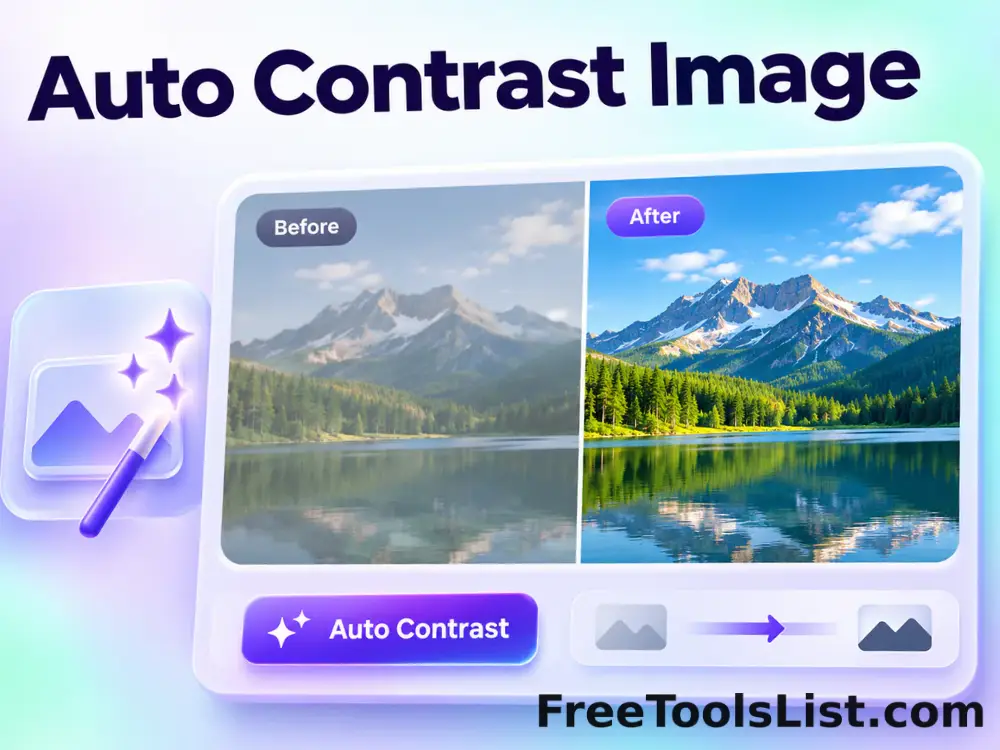
Automatically detect useful black and white points, expand image contrast and preview the corrected photograph on a live before-and-after canvas.

● Preview every change · Browser-local · Original safe

Auto Contrast Image workspace

Apply the correction, drag across the live comparison and save only after the result looks right.

Local · no uploads

Loading the correction canvas…

Quick Tool Overview

Auto Contrast with an inspectable result.

Use Auto Contrast Image to restore punch and tonal separation to flat or hazy images without guessing a manual contrast value.

The browser builds a luminance histogram, ignores a configurable percentage of extreme shadow and highlight pixels, stretches the remaining tonal range and blends the correction at the selected strength.

LIVEBefore / after canvas
LOCALPrivate correction
AUTOFocused controls
0Accounts needed
Review before saving. Automatic contrast cannot recover detail that is already pure black or pure white in the source.
About the Tool

What Auto Contrast Image does.

Primary purpose

Use this page to restore punch and tonal separation to flat or hazy images without guessing a manual contrast value.

Transparent method

The browser builds a luminance histogram, ignores a configurable percentage of extreme shadow and highlight pixels, stretches the remaining tonal range and blends the correction at the selected strength.

Before-and-after inspection

The draggable comparison canvas reveals exactly where the correction changes the source.

Private local workflow

Your selected image is decoded and corrected inside the browser without an external image-processing API.

Original-safe export

The source is only read. PNG, JPEG and WebP exports are created as separate files.

Important limitation

Automatic contrast cannot recover detail that is already pure black or pure white in the source.
Key Features

A modern correction workspace built for review.

↔

Draggable comparison

Move a divider between the original and corrected canvas before downloading.

AUTO

Focused controls

Adjust shadow clipping, highlight clipping, correction strength and color-balance preservation without an overloaded editor.

⌂

Local processing

Image pixels remain in this tab throughout analysis, preview and export.

↓

Flexible export

Save the corrected result as PNG, JPEG or WebP after the preview is approved.

How to Use Auto Contrast Image

Complete the correction in six detailed steps.

Choose or load an image

Select a local source image, or use Load demo to inspect the correction safely. The original file remains unchanged.

Step 1: Keep the original available for comparison.

Set the correction controls

Adjust shadow clipping, highlight clipping, correction strength and color-balance preservation. Each setting is visible so the result can be repeated and explained.

Step 2: Keep the original available for comparison.

Update the live preview

The correction runs locally and renders a combined before-and-after canvas without waiting for an upload queue.

Step 3: Keep the original available for comparison.

Drag the comparison divider

Move the Before / After control across important areas. Inspect shadow detail, bright clouds and skin tones for clipping before saving.

Step 4: Move the divider across detailed and flat areas.

Review measurements and limitations

Confirm the output dimensions and correction summary. Automatic contrast cannot recover detail that is already pure black or pure white in the source.
Step 5: Keep the original available for comparison.

Save a separate result

Choose PNG, JPEG or WebP and save only after the corrected canvas looks right. The original is never overwritten.

Step 6: Keep the original available for comparison.

Ready to correct the image?

Preview the complete change before saving.

No upload queue, account, watermark or source overwrite.

Open Auto Contrast →

Frequently Asked Questions

Popular auto contrast questions.

The browser builds a luminance histogram, ignores a configurable percentage of extreme shadow and highlight pixels, stretches the remaining tonal range and blends the correction at the selected strength.

Yes. The live canvas includes a draggable Before / After divider, while the saved file contains only the corrected result.

No. Decoding, analysis, correction and export run locally in this browser tab.

Use PNG for repeated editing or graphics, JPEG for ordinary photographs, and WebP for compatible web workflows.

Inspect shadow detail, bright clouds and skin tones for clipping before saving.

Automatic contrast cannot recover detail that is already pure black or pure white in the source.
Keep exploring

Similar Tools

Continue with related free tools selected from this category and the wider directory.

20 tools
Auto Levels Image tool previewALImages

Auto Levels Image

Normalize photo brightness and color levels automatically using per-channel RGB or luminance-only correction with clipping and strength controls.

Automatic Detail Enhancer tool previewADImages

Automatic Detail Enhancer

Enhance local detail, texture and perceived clarity automatically with intensity, radius, contrast and color-protection controls.

Automatic Gamma Corrector tool previewAGImages

Automatic Gamma Corrector

Measure image midtones and apply an automatic gamma curve with target, strength and fine-tuning controls before saving.

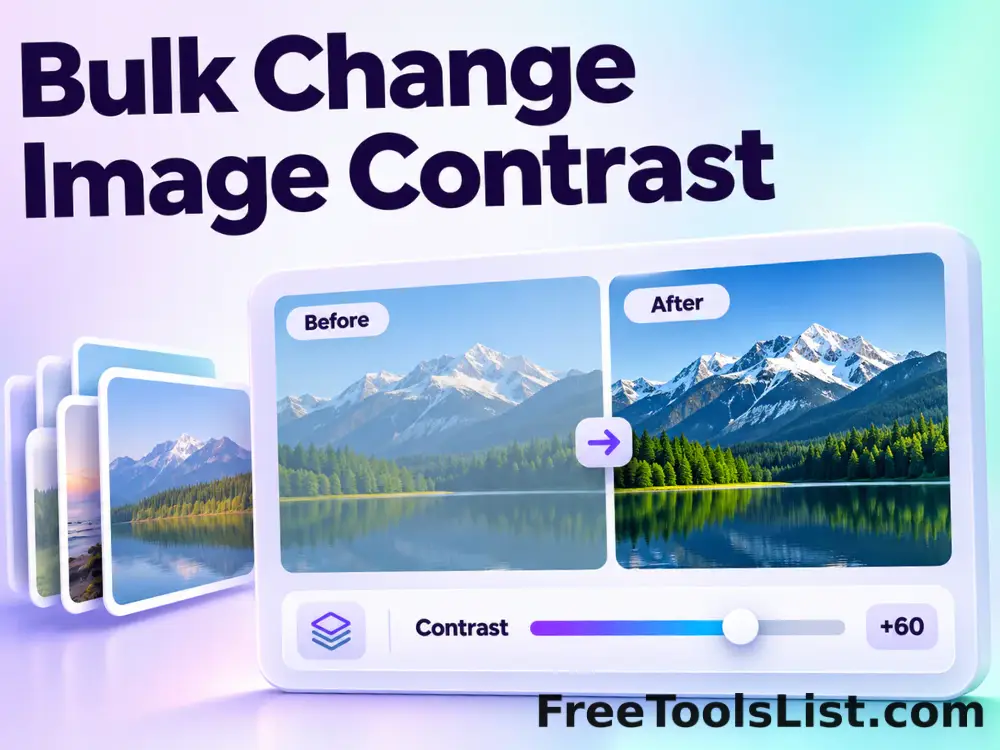
Bulk Change Image Contrast tool previewBCImages

Bulk Change Image Contrast

Process multiple images locally to expand or compress the difference between light and dark pixels, review every result, and download the completed batch as a ZIP.

Bulk Image Brightness & Contrast tool previewBIImages

Bulk Image Brightness & Contrast

Process multiple images locally to adjust brightness and contrast together in one pass, review every result, and download the completed batch as a ZIP.

Bulk Image Edge Detection tool previewBIImages

Bulk Image Edge Detection

Process multiple images locally to isolate high-contrast boundaries with a convolution kernel, review every result, and download the completed batch as a ZIP.

Bulk Sharpen Image tool previewBSImages

Bulk Sharpen Image

Process multiple images locally to increase local edge contrast with a convolution filter, review every result, and download the completed batch as a ZIP.

Change Image Contrast tool previewCIImages

Change Image Contrast

Change Image Contrast lets you expand or compress the difference between light and dark pixels locally in your browser, compare the result, and download a ready-to-use file.

Image ASCII Art Generator tool previewIAImages

Image ASCII Art Generator

Convert an image into monochrome or colored character art, control columns, character set, contrast and font size, and preview both text and canvas output.

Image Brightness & Contrast tool previewIBImages

Image Brightness & Contrast

Image Brightness & Contrast lets you adjust brightness and contrast together in one pass locally in your browser, compare the result, and download a ready-to-use file.

Image Edge Detection tool previewIEImages

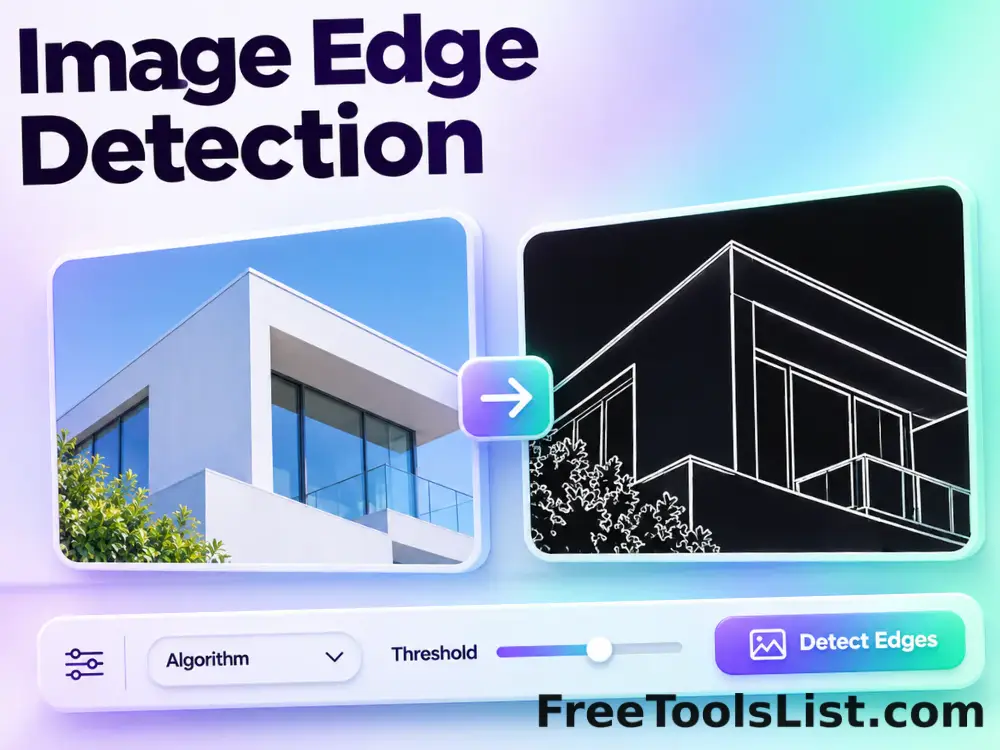
Image Edge Detection

Image Edge Detection lets you isolate high-contrast boundaries with a convolution kernel locally in your browser, compare the result, and download a ready-to-use file.

Scanned Image Maker tool previewSIImages

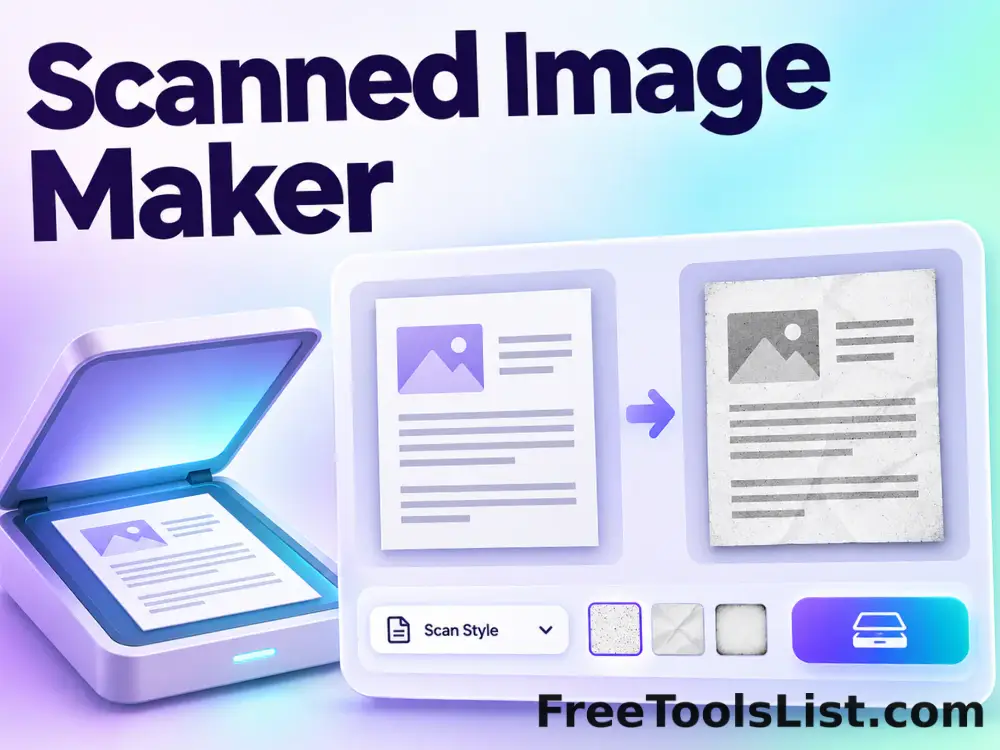
Scanned Image Maker

Make photos or document images look scanned with brightness, contrast, grayscale, rotation, paper padding, noise and blur controls, batch preview and local export.

Sharpen Image tool previewSIImages

Sharpen Image

Sharpen Image lets you increase local edge contrast with a convolution filter locally in your browser, compare the result, and download a ready-to-use file.

Single-Image HDR Effect tool previewSIImages

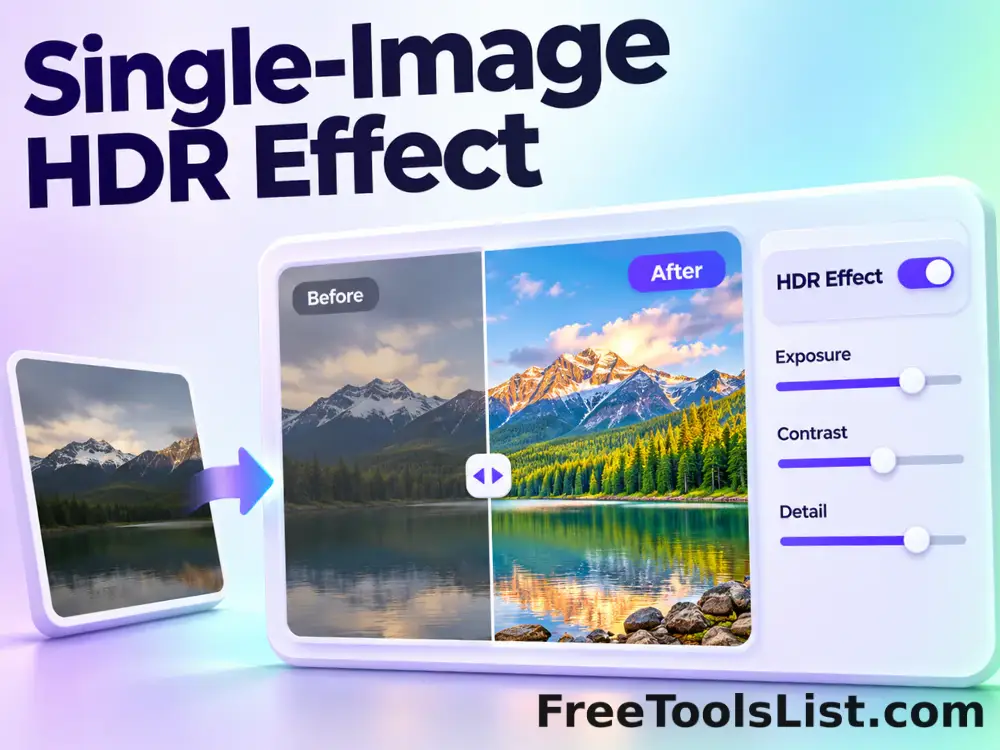
Single-Image HDR Effect

Create a single-photo HDR-style result with natural or detailed methods, power, normalization, luminosity, saturation, brightness and contrast controls.

Thermal Imager Effect tool previewTIImages

Thermal Imager Effect

Simulate thermal-imager colors with standard, cold and hot palettes, temperature contrast, spectrum shift and an optional visual scale.

360° Bottom Pole Converter tool preview3BImages

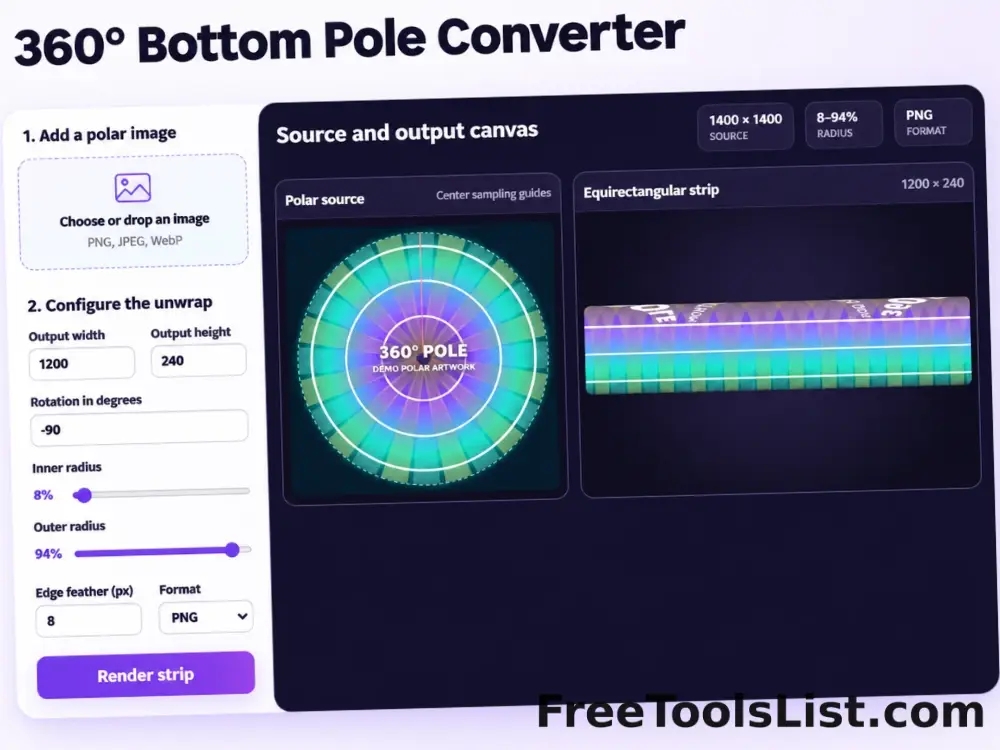
360° Bottom Pole Converter

Free online 360 bottom pole converter. Convert a circular polar image into a wide equirectangular bottom-pole strip for 360° panoramas, with radius, rotation, feathering, flip and export controls. Preview the polar-to-strip result locally before downloading.

Add Noise to Image tool previewANImages

Add Noise to Image

Add Noise to Image lets you add controllable monochrome or color grain locally in your browser, compare the result, and download a ready-to-use file.

Adjust Image Gamma tool previewAIImages

Adjust Image Gamma

Adjust Image Gamma lets you reshape midtone brightness without applying a flat offset locally in your browser, compare the result, and download a ready-to-use file.

Adjust Image HSL tool previewAIImages

Adjust Image HSL

Adjust Image HSL lets you control hue, saturation and lightness in one workspace locally in your browser, compare the result, and download a ready-to-use file.

Animated GIF Effects & Transparency Editor tool previewAGImages

Animated GIF Effects & Transparency Editor

Adjust brightness, contrast, saturation and hue, apply grayscale, sepia, invert or glitch effects, or remove a selected color from every animated GIF frame with live canvas feedback.

PublishedUpdated