Modern local photo correction

Automatic Detail Enhancer

Enhance local detail, texture and perceived clarity automatically with intensity, radius, contrast and color-protection controls.

● Preview every change · Browser-local · Original safe

Automatic Detail Enhancer workspace

Apply the correction, drag across the live comparison and save only after the result looks right.

Local · no uploads

Loading the correction canvas…

Quick Tool Overview

Detail Enhancer with an inspectable result.

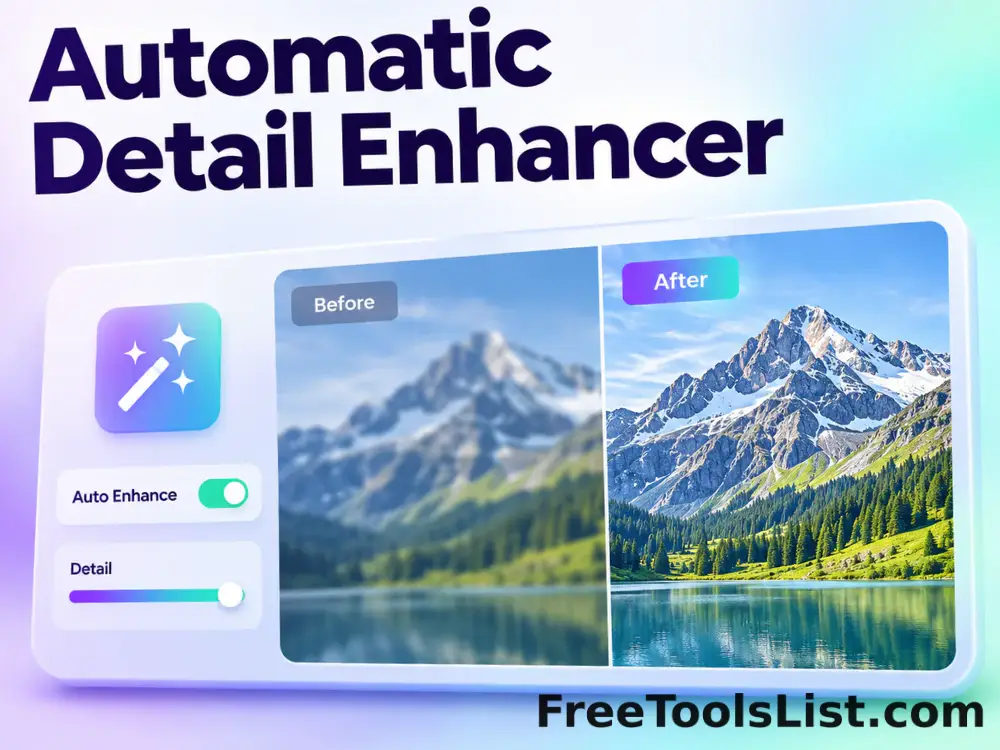
Use Automatic Detail Enhancer to bring back texture and edge definition in slightly soft photographs while controlling halos and color noise.

The tool compares the image with a locally blurred copy, restores high-frequency detail, applies restrained local contrast and protects highly saturated regions from excessive color shifts.

LIVEBefore / after canvas
LOCALPrivate correction
DETAILFocused controls
0Accounts needed
Review before saving. Detail enhancement cannot recreate information missing from heavy blur and can make existing noise or compression blocks more visible.
About the Tool

What Automatic Detail Enhancer does.

Primary purpose

Use this page to bring back texture and edge definition in slightly soft photographs while controlling halos and color noise.

Transparent method

The tool compares the image with a locally blurred copy, restores high-frequency detail, applies restrained local contrast and protects highly saturated regions from excessive color shifts.

Before-and-after inspection

The draggable comparison canvas reveals exactly where the correction changes the source.

Private local workflow

Your selected image is decoded and corrected inside the browser without an external image-processing API.

Original-safe export

The source is only read. PNG, JPEG and WebP exports are created as separate files.

Important limitation

Detail enhancement cannot recreate information missing from heavy blur and can make existing noise or compression blocks more visible.
Key Features

A modern correction workspace built for review.

↔

Draggable comparison

Move a divider between the original and corrected canvas before downloading.

DETAIL

Focused controls

Adjust enhancement intensity, detail radius, local contrast and color protection without an overloaded editor.

⌂

Local processing

Image pixels remain in this tab throughout analysis, preview and export.

↓

Flexible export

Save the corrected result as PNG, JPEG or WebP after the preview is approved.

How to Use Automatic Detail Enhancer

Complete the correction in six detailed steps.

Choose or load an image

Select a local source image, or use Load demo to inspect the correction safely. The original file remains unchanged.

Step 1: Keep the original available for comparison.

Set the correction controls

Adjust enhancement intensity, detail radius, local contrast and color protection. Each setting is visible so the result can be repeated and explained.

Step 2: Keep the original available for comparison.

Update the live preview

The correction runs locally and renders a combined before-and-after canvas without waiting for an upload queue.

Step 3: Keep the original available for comparison.

Drag the comparison divider

Move the Before / After control across important areas. Check high-contrast edges, hair, foliage and fine patterns for halos or amplified noise.

Step 4: Move the divider across detailed and flat areas.

Review measurements and limitations

Confirm the output dimensions and correction summary. Detail enhancement cannot recreate information missing from heavy blur and can make existing noise or compression blocks more visible.
Step 5: Keep the original available for comparison.

Save a separate result

Choose PNG, JPEG or WebP and save only after the corrected canvas looks right. The original is never overwritten.

Step 6: Keep the original available for comparison.

Ready to correct the image?

Preview the complete change before saving.

No upload queue, account, watermark or source overwrite.

Open Detail Enhancer →

Frequently Asked Questions

Popular detail enhancer questions.

The tool compares the image with a locally blurred copy, restores high-frequency detail, applies restrained local contrast and protects highly saturated regions from excessive color shifts.

Yes. The live canvas includes a draggable Before / After divider, while the saved file contains only the corrected result.

No. Decoding, analysis, correction and export run locally in this browser tab.

Use PNG for repeated editing or graphics, JPEG for ordinary photographs, and WebP for compatible web workflows.

Check high-contrast edges, hair, foliage and fine patterns for halos or amplified noise.

Detail enhancement cannot recreate information missing from heavy blur and can make existing noise or compression blocks more visible.
Keep exploring

Similar Tools

Continue with related free tools selected from this category and the wider directory.

20 tools
Auto Contrast Image tool previewACImages

Auto Contrast Image

Automatically detect useful black and white points, expand image contrast and preview the corrected photograph on a live before-and-after canvas.

Auto Levels Image tool previewALImages

Auto Levels Image

Normalize photo brightness and color levels automatically using per-channel RGB or luminance-only correction with clipping and strength controls.

Automatic Color Balance tool previewACImages

Automatic Color Balance

Automatically rebalance red, green and blue channel averages, preserve perceived brightness and preview the white-balance correction locally.

Automatic Gamma Corrector tool previewAGImages

Automatic Gamma Corrector

Measure image midtones and apply an automatic gamma curve with target, strength and fine-tuning controls before saving.

Bulk Pixelate Image tool previewBPImages

Bulk Pixelate Image

Process multiple images locally to replace fine detail with larger blocks of sampled color, review every result, and download the completed batch as a ZIP.

EXIF Metadata Editor tool previewEMImages

EXIF Metadata Editor

Edit common photo titles, descriptions, creator details, dates, keywords, rights, camera fields and GPS coordinates without recompressing JPEG pixels.

Image to SVG Vectorizer tool previewITImages

Image to SVG Vectorizer

Trace a raster image into a local color-quantized SVG made from merged horizontal vector runs, adjust color count and detail, and preview the vector result before downloading or copying it.

JPEG Artifact Remover tool previewJAImages

JPEG Artifact Remover

Reduce JPEG block boundaries, pixelization and small compression noise with separate artifact, deblocking, denoising and detail-recovery controls.

Online Signature Maker tool previewOSImages

Online Signature Maker

Draw a signature with mouse, pen or touch, choose ink color and thickness, preview it on a transparent canvas and download an automatically cropped PNG.

Photo Color Temperature tool previewPCImages

Photo Color Temperature

Warm or cool a photograph, correct green–magenta tint and optionally run automatic white balance before the manual adjustment.

Photo Engraving Effect tool previewPEImages

Photo Engraving Effect

Turn a photograph into an engraved illustration with contour intensity, thickness, detail, white-background and hatching-angle controls.

Pixelate Image tool previewPIImages

Pixelate Image

Pixelate Image lets you replace fine detail with larger blocks of sampled color locally in your browser, compare the result, and download a ready-to-use file.

Portrait Retouch Studio tool previewPRImages

Portrait Retouch Studio

Retouch portraits with selective smoothing, detail recovery, sharpness, brightness, contrast and saturation controls on a private canvas.

Scanned Text Enhancer tool previewSTImages

Scanned Text Enhancer

Clean scanned or photographed pages with rotation, deskew, background whitening, grayscale contrast and text-sharpness controls.

Shaky Image Effect tool previewSIImages

Shaky Image Effect

Create a controlled jitter and RGB displacement effect with adjustable strength, seed and scanline detail, previewing the full canvas before export.

Single-Image HDR Effect tool previewSIImages

Single-Image HDR Effect

Create a single-photo HDR-style result with natural or detailed methods, power, normalization, luminosity, saturation, brightness and contrast controls.

360° Bottom Pole Converter tool preview3BImages

360° Bottom Pole Converter

Free online 360 bottom pole converter. Convert a circular polar image into a wide equirectangular bottom-pole strip for 360° panoramas, with radius, rotation, feathering, flip and export controls. Preview the polar-to-strip result locally before downloading.

Abstract Strokes & Dots Effect tool previewASImages

Abstract Strokes & Dots Effect

Rebuild a photo as an abstract composition of sampled color strokes and dots with intensity, density, smoothing, color smoothing and a repeatable seed.

Add Noise to Image tool previewANImages

Add Noise to Image

Add Noise to Image lets you add controllable monochrome or color grain locally in your browser, compare the result, and download a ready-to-use file.

Adjust Image Gamma tool previewAIImages

Adjust Image Gamma

Adjust Image Gamma lets you reshape midtone brightness without applying a flat offset locally in your browser, compare the result, and download a ready-to-use file.

PublishedUpdated