Modern browser image workspace

Shaky Image Effect

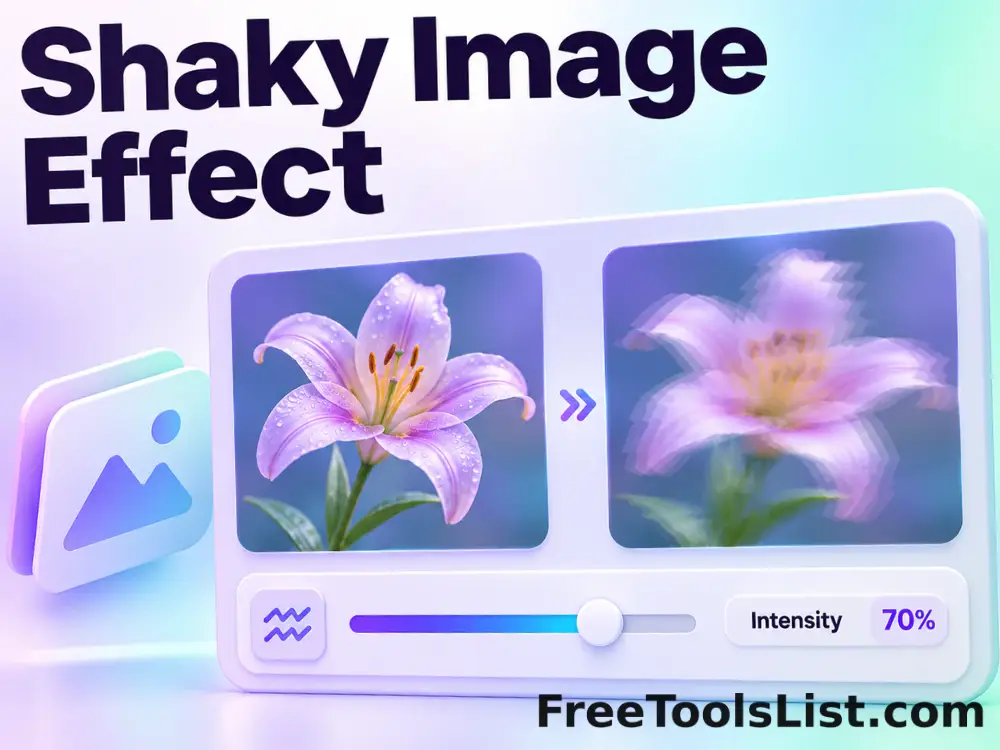
Create a controlled jitter and RGB displacement effect with adjustable strength, seed and scanline detail, previewing the full canvas before export.

● Local processing · Preview before saving · No account

Shaky Image Effect workspace

Adjust the focused controls, inspect the real canvas and save only the result you approve.

Canvas preview

Loading the image workspace…

Quick Tool Overview

Shaky Effect with reviewable output.

Create a controlled jitter and RGB displacement effect with adjustable strength, seed and scanline detail, previewing the full canvas before export.

Horizontal bands are shifted by seeded offsets and the red and blue channels are displaced in opposite directions for a repeatable result.

LIVECanvas preview
SHAKEFocused controls
LOCALBrowser processing
0Accounts needed
Important. Strong shake values intentionally crop or duplicate edge pixels and may reduce readability around fine details.
About the Tool

What Shaky Image Effect does.

Primary purpose

Use this workspace to create energetic glitch-like motion, vibration or chromatic shake styling from a still image.

How it works

Horizontal bands are shifted by seeded offsets and the red and blue channels are displaced in opposite directions for a repeatable result.

Canvas-first review

The proposed result stays visible while controls change, so cropping, edges, text and colors can be checked before export.

Private workflow

Local files are decoded and processed in browser memory rather than uploaded to a remote image-processing queue.

Explicit saving

The tool does not save automatically. A file is created only after the Download or Export button is pressed.

Known limitation

Strong shake values intentionally crop or duplicate edge pixels and may reduce readability around fine details.
Key Features

A modern, compact workflow built for inspection.

▣

Real canvas preview

See the actual generated pixels rather than an approximate mockup.

✓

Focused controls

Only settings relevant to this task are shown in a compact sidebar.

⌂

Local processing

Image transformations run in the current browser tab whenever the browser supports them.

↓

Reviewed exports

Save PNG, JPEG, WebP, text, encrypted files or ZIP output only after review.

How to Use Shaky Image Effect

Complete the task in six detailed steps.

Prepare the source

Upload the still image that should receive the shake effect.

Step 1: Keep the intended final use in mind during this step.

Set the main controls

Adjust strength, band count, RGB split and random seed.

Step 2: Keep the intended final use in mind during this step.

Inspect the live canvas

Review the complete visible result, including edges, crop, text, colors, grid lines or marked areas before creating a file.

Step 3: Use the visible canvas to verify the result before continuing.

Refine the output

Make small adjustments and compare the preview again. Use Undo, Reset or Clear when the workspace offers those controls.

Step 4: Keep the intended final use in mind during this step.

Choose the export

Select the available PNG, JPEG, WebP, text, encrypted file or ZIP output that fits the intended workflow.

Step 5: Keep the intended final use in mind during this step.

Save only after review

Download the result only after confirming its dimensions, transparency, content and any privacy-sensitive details.

Step 6: Keep the intended final use in mind during this step.

Ready to create?

Preview the result before saving.

Use focused controls and explicit downloads without creating an account.

Open Shaky Effect →

Frequently Asked Questions

Popular shaky effect questions.

No. Files are decoded, processed, previewed and exported in the current browser tab.

Yes. The main workspace uses a real canvas and updates it as the settings change.

A current desktop version of Chrome, Edge, Firefox or Safari is recommended. Some file formats and screen-capture features depend on browser support.

No. The tool works locally without registration, a subscription or a server-side processing queue.

Yes. With the same settings and source, the seeded offsets are deterministic.

Yes. Use Reset or choose another source file; nothing is saved automatically.

Keep exploring

Similar Tools

Continue with related free tools selected from this category and the wider directory.

20 tools
Bulk Color Emboss Image Effect tool previewBCImages

Bulk Color Emboss Image Effect

Process multiple images locally to apply an emboss kernel while retaining color channels, review every result, and download the completed batch as a ZIP.

Bulk Duotone Image Effect tool previewBDImages

Bulk Duotone Image Effect

Process multiple images locally to map shadows and highlights to two chosen colors, review every result, and download the completed batch as a ZIP.

Bulk Emboss Image Effect tool previewBEImages

Bulk Emboss Image Effect

Process multiple images locally to turn luminance transitions into a raised monochrome relief, review every result, and download the completed batch as a ZIP.

Bulk Glow Image Effect tool previewBGImages

Bulk Glow Image Effect

Process multiple images locally to combine a blurred highlight layer with the original image, review every result, and download the completed batch as a ZIP.

Bulk Sepia Image Effect tool previewBSImages

Bulk Sepia Image Effect

Process multiple images locally to blend a warm sepia treatment into an image, review every result, and download the completed batch as a ZIP.

Bulk Tilt-Shift Image Effect tool previewBTImages

Bulk Tilt-Shift Image Effect

Process multiple images locally to keep a central band sharp while softening surrounding areas, review every result, and download the completed batch as a ZIP.

Bulk Vignette Image Effect tool previewBVImages

Bulk Vignette Image Effect

Process multiple images locally to darken or lighten the outer frame with a radial falloff, review every result, and download the completed batch as a ZIP.

Color Emboss Image Effect tool previewCEImages

Color Emboss Image Effect

Color Emboss Image Effect lets you apply an emboss kernel while retaining color channels locally in your browser, compare the result, and download a ready-to-use file.

Cracked Photo Effect tool previewCPImages

Cracked Photo Effect

Overlay a repeatable branching crack network with density, relief, width, color and seed controls before saving the reviewed image.

Duotone Image Effect tool previewDIImages

Duotone Image Effect

Duotone Image Effect lets you map shadows and highlights to two chosen colors locally in your browser, compare the result, and download a ready-to-use file.

Emboss Image Effect tool previewEIImages

Emboss Image Effect

Emboss Image Effect lets you turn luminance transitions into a raised monochrome relief locally in your browser, compare the result, and download a ready-to-use file.

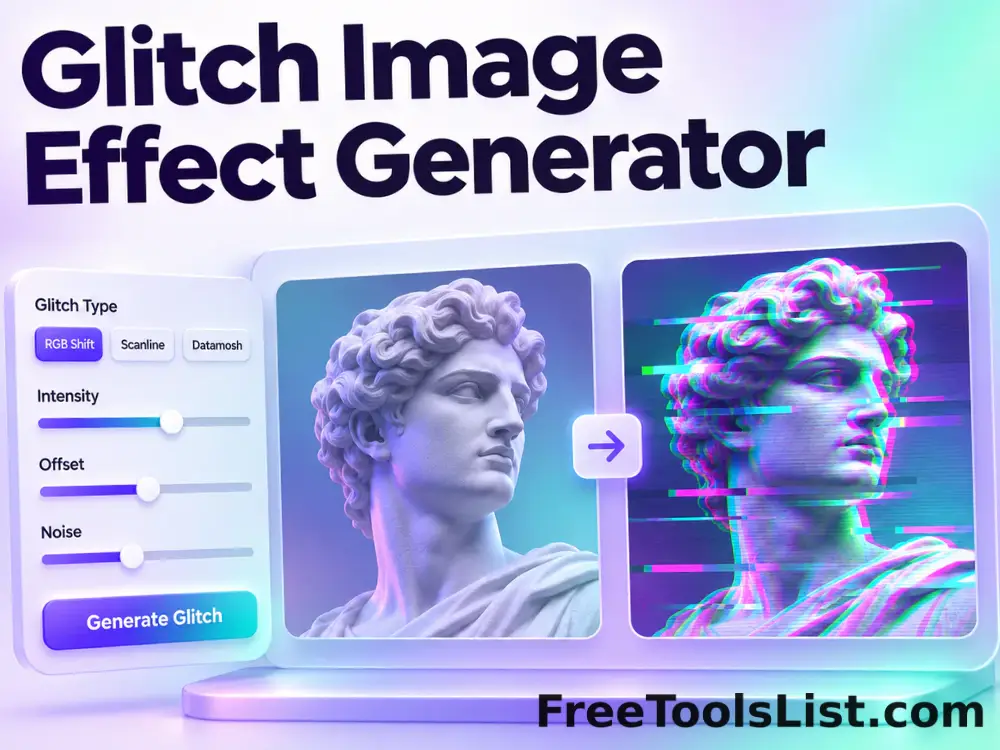
Glitch Image Effect Generator tool previewGIImages

Glitch Image Effect Generator

Apply seeded RGB splits, scanlines, digital bands and noise with adjustable intensity, previewing a repeatable glitch canvas before saving.

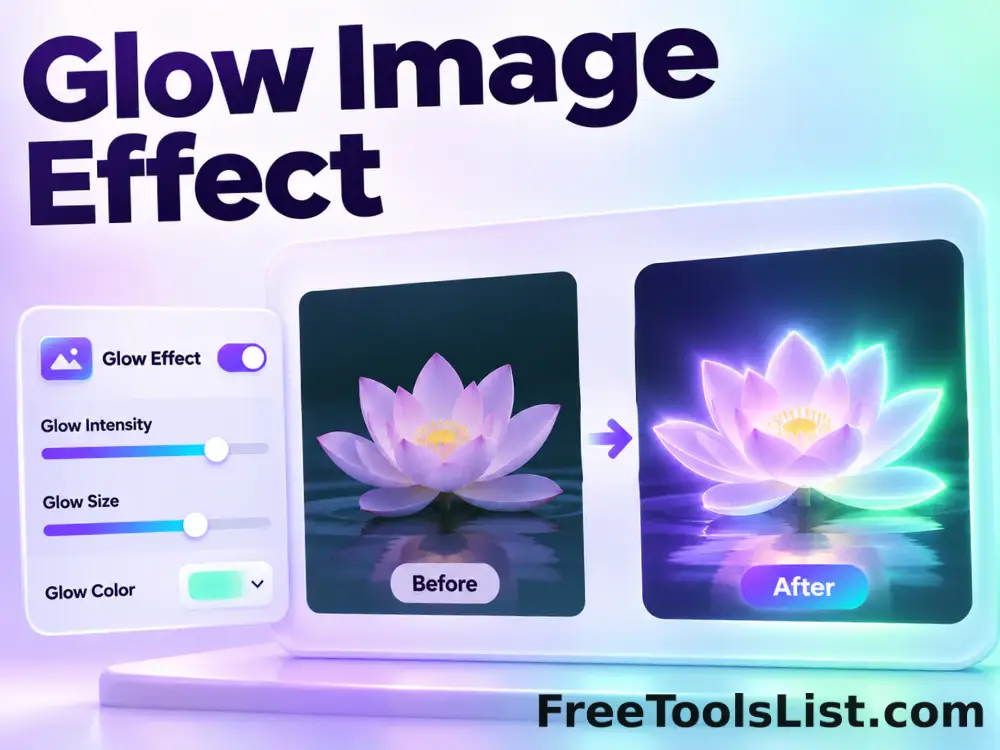
Glow Image Effect tool previewGIImages

Glow Image Effect

Glow Image Effect lets you combine a blurred highlight layer with the original image locally in your browser, compare the result, and download a ready-to-use file.

Sepia Image Effect tool previewSIImages

Sepia Image Effect

Sepia Image Effect lets you blend a warm sepia treatment into an image locally in your browser, compare the result, and download a ready-to-use file.

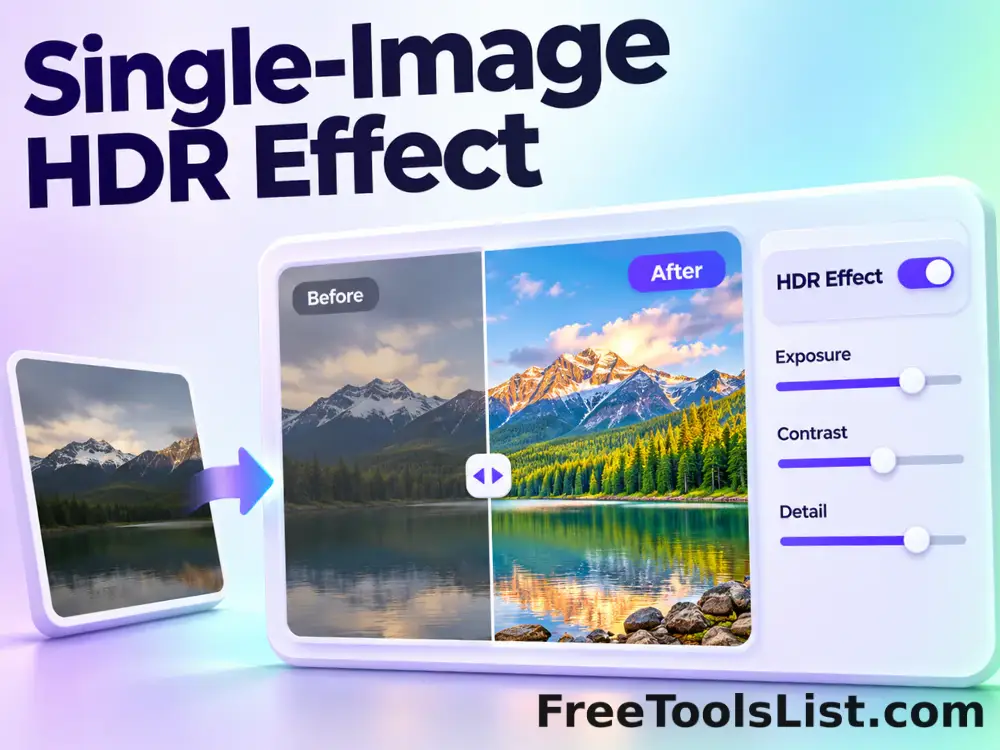
Single-Image HDR Effect tool previewSIImages

Single-Image HDR Effect

Create a single-photo HDR-style result with natural or detailed methods, power, normalization, luminosity, saturation, brightness and contrast controls.

Thermal Imager Effect tool previewTIImages

Thermal Imager Effect

Simulate thermal-imager colors with standard, cold and hot palettes, temperature contrast, spectrum shift and an optional visual scale.

Tilt-Shift Image Effect tool previewTSImages

Tilt-Shift Image Effect

Tilt-Shift Image Effect lets you keep a central band sharp while softening surrounding areas locally in your browser, compare the result, and download a ready-to-use file.

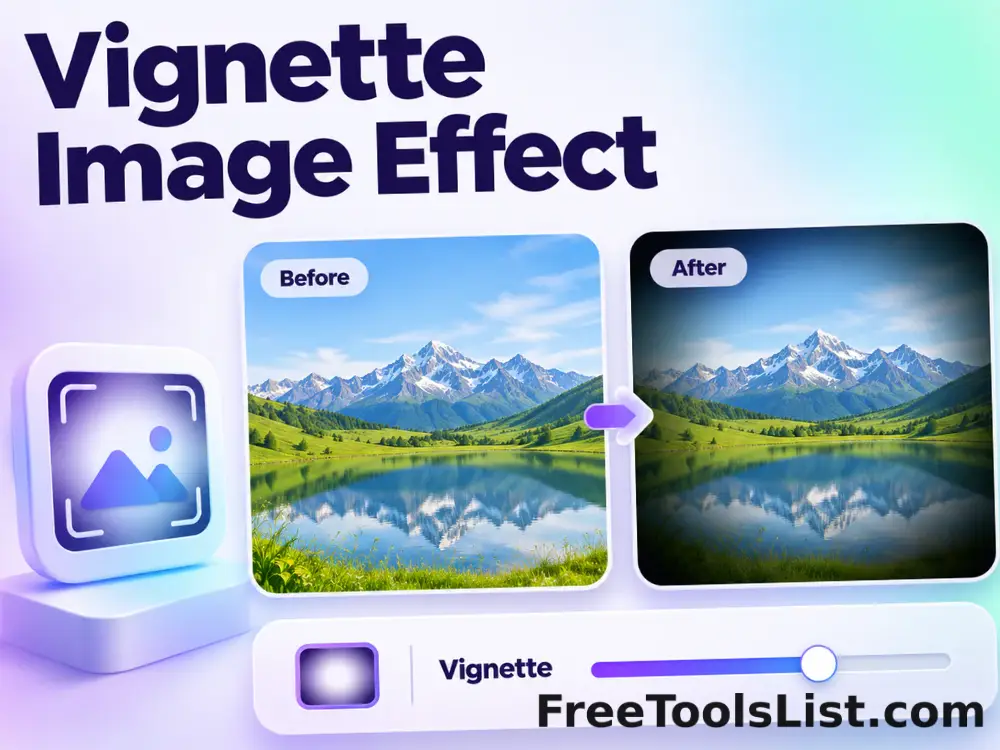
Vignette Image Effect tool previewVIImages

Vignette Image Effect

Vignette Image Effect lets you darken or lighten the outer frame with a radial falloff locally in your browser, compare the result, and download a ready-to-use file.

360° Bottom Pole Converter tool preview3BImages

360° Bottom Pole Converter

Free online 360 bottom pole converter. Convert a circular polar image into a wide equirectangular bottom-pole strip for 360° panoramas, with radius, rotation, feathering, flip and export controls. Preview the polar-to-strip result locally before downloading.

Abstract Strokes & Dots Effect tool previewASImages

Abstract Strokes & Dots Effect

Rebuild a photo as an abstract composition of sampled color strokes and dots with intensity, density, smoothing, color smoothing and a repeatable seed.

PublishedUpdated