Modern browser image workspace

Glitch Image Effect Generator

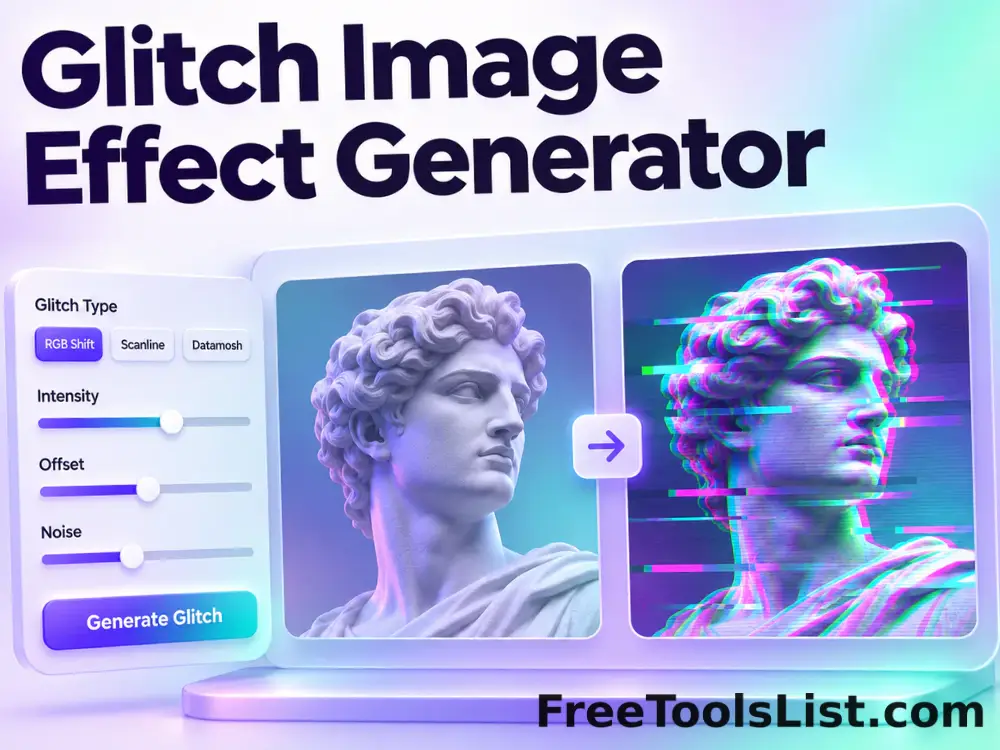
Apply seeded RGB splits, scanlines, digital bands and noise with adjustable intensity, previewing a repeatable glitch canvas before saving.

● Local processing · Preview before saving · No account

Glitch Image Effect Generator workspace

Adjust the focused controls, inspect the real canvas and save only the result you approve.

Canvas preview

Loading the image workspace…

Quick Tool Overview

Glitch Effect with reviewable output.

Apply seeded RGB splits, scanlines, digital bands and noise with adjustable intensity, previewing a repeatable glitch canvas before saving.

Seeded horizontal slices are displaced, RGB channels are offset, scanlines are overlaid and optional monochrome noise is blended into the result.

LIVECanvas preview
GLCHFocused controls
LOCALBrowser processing
0Accounts needed
Important. The effect intentionally distorts edges and colors; important text and faces may become difficult to read at high intensity.
About the Tool

What Glitch Image Effect Generator does.

Primary purpose

Use this workspace to create a digital distortion aesthetic for posters, thumbnails and creative graphics.

How it works

Seeded horizontal slices are displaced, RGB channels are offset, scanlines are overlaid and optional monochrome noise is blended into the result.

Canvas-first review

The proposed result stays visible while controls change, so cropping, edges, text and colors can be checked before export.

Private workflow

Local files are decoded and processed in browser memory rather than uploaded to a remote image-processing queue.

Explicit saving

The tool does not save automatically. A file is created only after the Download or Export button is pressed.

Known limitation

The effect intentionally distorts edges and colors; important text and faces may become difficult to read at high intensity.

Key Features

A modern, compact workflow built for inspection.

▣

Real canvas preview

See the actual generated pixels rather than an approximate mockup.

✓

Focused controls

Only settings relevant to this task are shown in a compact sidebar.

⌂

Local processing

Image transformations run in the current browser tab whenever the browser supports them.

↓

Reviewed exports

Save PNG, JPEG, WebP, text, encrypted files or ZIP output only after review.

How to Use Glitch Image Effect Generator

Complete the task in six detailed steps.

Prepare the source

Upload the still image that should receive the digital glitch treatment.

Step 1: Keep the intended final use in mind during this step.

Set the main controls

Adjust intensity, RGB split, band count, scanlines, noise and seed.

Step 2: Keep the intended final use in mind during this step.

Inspect the live canvas

Review the complete visible result, including edges, crop, text, colors, grid lines or marked areas before creating a file.

Step 3: Use the visible canvas to verify the result before continuing.

Refine the output

Make small adjustments and compare the preview again. Use Undo, Reset or Clear when the workspace offers those controls.

Step 4: Keep the intended final use in mind during this step.

Choose the export

Select the available PNG, JPEG, WebP, text, encrypted file or ZIP output that fits the intended workflow.

Step 5: Keep the intended final use in mind during this step.

Save only after review

Download the result only after confirming its dimensions, transparency, content and any privacy-sensitive details.

Step 6: Keep the intended final use in mind during this step.

Ready to create?

Preview the result before saving.

Use focused controls and explicit downloads without creating an account.

Open Glitch Effect →

Frequently Asked Questions

Popular glitch effect questions.

No. Files are decoded, processed, previewed and exported in the current browser tab.

Yes. The main workspace uses a real canvas and updates it as the settings change.

A current desktop version of Chrome, Edge, Firefox or Safari is recommended. Some file formats and screen-capture features depend on browser support.

No. The tool works locally without registration, a subscription or a server-side processing queue.

Yes. Keep the same source, seed and settings to reproduce the same deterministic band positions.

Yes. Use Reset or choose another source file; nothing is saved automatically.

Keep exploring

Similar Tools

Continue with related free tools selected from this category and the wider directory.

20 tools
Animated GIF Effects & Transparency Editor tool previewAGImages

Animated GIF Effects & Transparency Editor

Adjust brightness, contrast, saturation and hue, apply grayscale, sepia, invert or glitch effects, or remove a selected color from every animated GIF frame with live canvas feedback.

Blurred Frame Image Generator tool previewBFImages

Blurred Frame Image Generator

Fit one image or a complete batch inside square canvases without cropping, using blurred, solid, transparent or gradient backgrounds, alignment controls, live preview and ZIP export.

Bulk Blurred Frame Image Generator tool previewBBImages

Bulk Blurred Frame Image Generator

Process multiple images locally to fit an image inside a blurred edge-to-edge frame, review every result, and download the completed batch as a ZIP.

Bulk Color Emboss Image Effect tool previewBCImages

Bulk Color Emboss Image Effect

Process multiple images locally to apply an emboss kernel while retaining color channels, review every result, and download the completed batch as a ZIP.

Bulk Duotone Image Effect tool previewBDImages

Bulk Duotone Image Effect

Process multiple images locally to map shadows and highlights to two chosen colors, review every result, and download the completed batch as a ZIP.

Bulk Emboss Image Effect tool previewBEImages

Bulk Emboss Image Effect

Process multiple images locally to turn luminance transitions into a raised monochrome relief, review every result, and download the completed batch as a ZIP.

Bulk Glow Image Effect tool previewBGImages

Bulk Glow Image Effect

Process multiple images locally to combine a blurred highlight layer with the original image, review every result, and download the completed batch as a ZIP.

Bulk Random Bitmap Generator tool previewBRImages

Bulk Random Bitmap Generator

Generate multiple images locally to generate a downloadable grid of random grayscale or RGB values, review every result, and download the completed batch as a ZIP.

Bulk Sepia Image Effect tool previewBSImages

Bulk Sepia Image Effect

Process multiple images locally to blend a warm sepia treatment into an image, review every result, and download the completed batch as a ZIP.

Bulk Tilt-Shift Image Effect tool previewBTImages

Bulk Tilt-Shift Image Effect

Process multiple images locally to keep a central band sharp while softening surrounding areas, review every result, and download the completed batch as a ZIP.

Bulk Vignette Image Effect tool previewBVImages

Bulk Vignette Image Effect

Process multiple images locally to darken or lighten the outer frame with a radial falloff, review every result, and download the completed batch as a ZIP.

Color Emboss Image Effect tool previewCEImages

Color Emboss Image Effect

Color Emboss Image Effect lets you apply an emboss kernel while retaining color channels locally in your browser, compare the result, and download a ready-to-use file.

Cracked Photo Effect tool previewCPImages

Cracked Photo Effect

Overlay a repeatable branching crack network with density, relief, width, color and seed controls before saving the reviewed image.

Device Mockup Generator tool previewDMImages

Device Mockup Generator

Place a screenshot into an angled phone, laptop, monitor or custom background using four draggable perspective pins, a real-time canvas and private local image export.

Duotone Image Effect tool previewDIImages

Duotone Image Effect

Duotone Image Effect lets you map shadows and highlights to two chosen colors locally in your browser, compare the result, and download a ready-to-use file.

Emboss Image Effect tool previewEIImages

Emboss Image Effect

Emboss Image Effect lets you turn luminance transitions into a raised monochrome relief locally in your browser, compare the result, and download a ready-to-use file.

Free Meme Generator tool previewFMImages

Free Meme Generator

Create single, side-by-side, stacked and four-panel memes with multiple local images, top and bottom captions, classic outlined text or modern caption panels and a live canvas preview.

Glow Image Effect tool previewGIImages

Glow Image Effect

Glow Image Effect lets you combine a blurred highlight layer with the original image locally in your browser, compare the result, and download a ready-to-use file.

Hue Shift Image Generator tool previewHSImages

Hue Shift Image Generator

Rotate every image color around the HSL hue wheel from −180° to +180°, inspect the live full-resolution canvas, compare the original and export PNG, JPEG or WebP.

Image ASCII Art Generator tool previewIAImages

Image ASCII Art Generator

Convert an image into monochrome or colored character art, control columns, character set, contrast and font size, and preview both text and canvas output.

PublishedUpdated