Private local image workspace

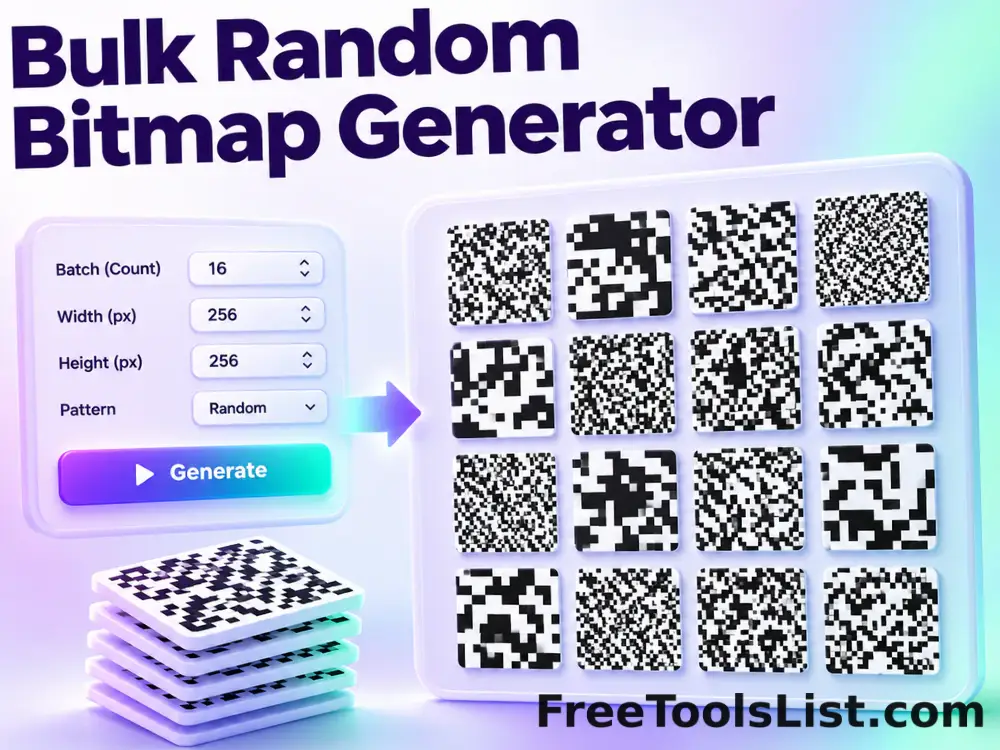
Bulk Random Bitmap Generator

Generate multiple images locally to generate a downloadable grid of random grayscale or RGB values, review every result, and download the completed batch as a ZIP.

● Local processing · No uploads · No sign-up

Bulk Random Bitmap Generator workspace

Generate a downloadable grid of random grayscale or RGB values with operation-specific controls.

Files stay in this tab
Set options, then generate your image.

Quick Tool Overview

A focused workflow for bulk random bitmap generator.

Generate multiple images locally to generate a downloadable grid of random grayscale or RGB values, review every result, and download the completed batch as a ZIP.

The workspace keeps the source, operation settings and results together so you can make deliberate changes, compare output dimensions and export without moving sensitive images through an external service.

LOCALBrowser processing
ZIPDownloadable output
LIVEVisible results
0Accounts needed
Ready when you are

Process images without an upload queue.

Choose the source, review every setting and download only the version you want.

Open Bulk Random Bitmap Generator

About the Tool

What Bulk Random Bitmap Generator helps you do.

Purpose-built processing

This page is configured to generate a downloadable grid of random grayscale or RGB values instead of hiding the task inside a generic editor.

Private by design

Images are decoded into a local canvas. The page does not send image pixels to FreeToolsList.com or a third-party image API.

Controlled output

Choose format and quality where supported, then review the rendered dimensions before downloading.

Batch consistency

One control set is applied consistently across the selected queue, with per-file downloads and a combined ZIP.

Transparent limitations

Very large images use browser memory, animated files become a single frame and lossy formats may introduce compression artifacts.

Practical handoff

Downloads use descriptive filenames so the result can move directly into a design, publishing or documentation workflow.

Key Features

A complete local image workflow.

IMG

Operation-specific controls

Only settings relevant to bulk random bitmap generator are shown.

↙

Downloadable output

Export transparent PNG or choose JPEG and WebP quality for compatible results.

⌂

Local processing

Canvas operations run in the current tab without an image upload.

ZIP

Batch ZIP export

Download one result at a time or package the entire completed queue.

How to Use Bulk Random Bitmap Generator

Finish the image task in six clear steps.

Set the generator options

Start with dimensions and colors.

Tip: Keep an untouched original for comparison.

Review the controls

Set the values shown for this operation. Dimensions and percentages are validated before processing.

Tip: Change one control at a time when judging a visual effect.

Generate image batch

Run the operation. Processing time depends on pixel dimensions and the number of selected files.

Tip: Large photos can require more browser memory than their file size suggests.

Inspect the result

Check the preview, output dimensions and any operation notes before saving.

Tip: Zoom the downloaded file when edge quality matters.

Choose an output format

Use PNG for transparency, JPEG for photographs or WebP for modern web delivery.

Tip: JPEG cannot preserve transparent pixels.

Download the finished work

Save individual results or download the complete ZIP package.

Tip: Reopen the saved file once to verify the final encoding.

Ready to process?

Bulk Random Bitmap Generator runs locally.

Keep control of the source file, settings and final download.

Generate image batch →

Frequently Asked Questions

Popular bulk random bitmap generator questions.

Yes. It works locally without an account, watermark, subscription or usage counter.

No. File decoding and image processing run in this browser tab. Screen capture uses the browser's built-in permission prompt.

PNG, JPEG, WebP and GIF images are supported by modern browsers. SVG tools also accept SVG files or markup. Animated images are processed as a single frame.

Yes. Single results can be exported as PNG, JPEG or WebP. Batch workflows package completed files in a ZIP.

Pixel edits require re-encoding. Use PNG for transparency or repeated editing, and JPEG/WebP when smaller photographic files matter.

Keep exploring

Similar Tools

Continue with related free tools selected from this category and the wider directory.

20 tools
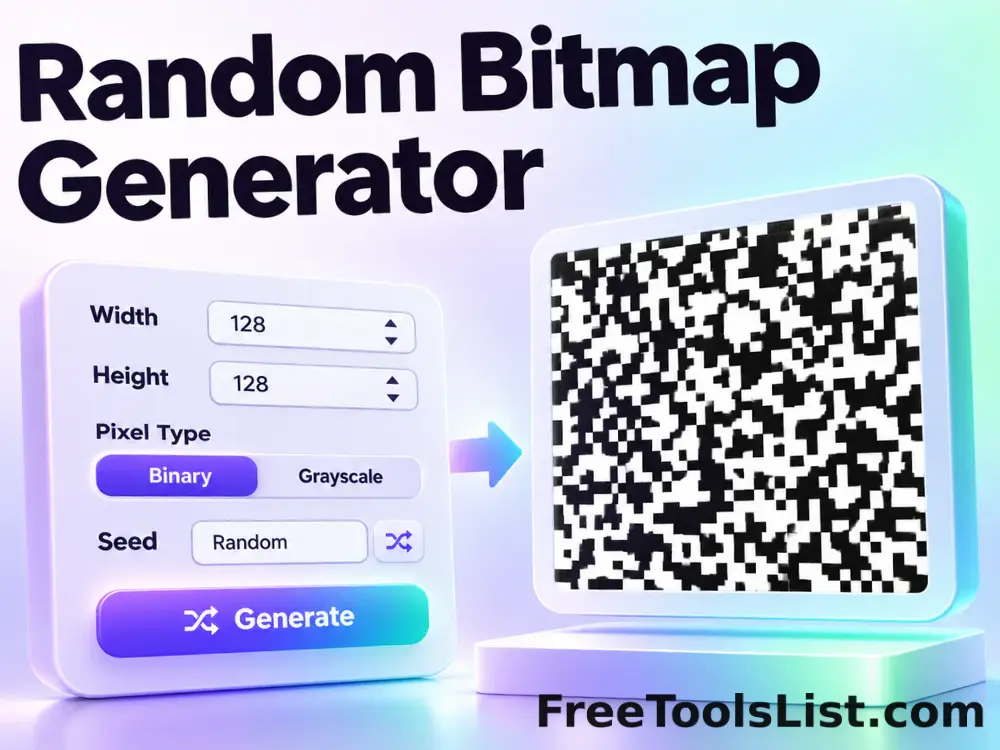
Random Bitmap Generator tool previewRBImages

Random Bitmap Generator

Random Bitmap Generator lets you generate a downloadable grid of random grayscale or RGB values locally in your browser, compare the result, and download a ready-to-use file.

Bulk Blurred Frame Image Generator tool previewBBImages

Bulk Blurred Frame Image Generator

Process multiple images locally to fit an image inside a blurred edge-to-edge frame, review every result, and download the completed batch as a ZIP.

Two-Tone Blurred Background Generator tool previewTTImages

Two-Tone Blurred Background Generator

Create repeatable abstract backgrounds from two chosen or randomized colors with seed, blur, balance, dimensions and format controls.

Blurred Frame Image Generator tool previewBFImages

Blurred Frame Image Generator

Fit one image or a complete batch inside square canvases without cropping, using blurred, solid, transparent or gradient backgrounds, alignment controls, live preview and ZIP export.

Bulk Add Noise to Image tool previewBAImages

Bulk Add Noise to Image

Process multiple images locally to add controllable monochrome or color grain, review every result, and download the completed batch as a ZIP.

Bulk Adjust Image Gamma tool previewBAImages

Bulk Adjust Image Gamma

Process multiple images locally to reshape midtone brightness without applying a flat offset, review every result, and download the completed batch as a ZIP.

Bulk Adjust Image HSL tool previewBAImages

Bulk Adjust Image HSL

Process multiple images locally to control hue, saturation and lightness in one workspace, review every result, and download the completed batch as a ZIP.

Bulk Adjust Image Hue tool previewBAImages

Bulk Adjust Image Hue

Process multiple images locally to rotate every color around the HSL hue wheel, review every result, and download the completed batch as a ZIP.

Bulk Adjust RGB Channels tool previewBAImages

Bulk Adjust RGB Channels

Process multiple images locally to scale individual red, green and blue channels, review every result, and download the completed batch as a ZIP.

Bulk Blur Image tool previewBBImages

Bulk Blur Image

Process multiple images locally to apply a configurable Gaussian-style browser blur, review every result, and download the completed batch as a ZIP.

Bulk Change Image Brightness tool previewBCImages

Bulk Change Image Brightness

Process multiple images locally to adjust image brightness from deep shadow to bright highlight, review every result, and download the completed batch as a ZIP.

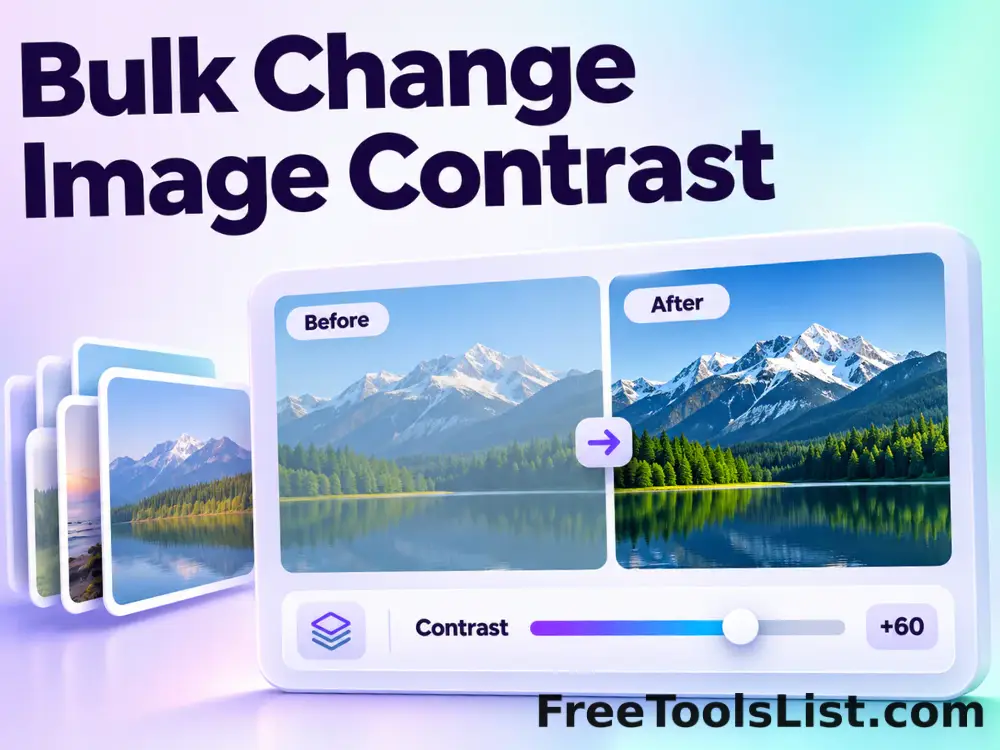
Bulk Change Image Contrast tool previewBCImages

Bulk Change Image Contrast

Process multiple images locally to expand or compress the difference between light and dark pixels, review every result, and download the completed batch as a ZIP.

Bulk Change Image Exposure tool previewBCImages

Bulk Change Image Exposure

Process multiple images locally to simulate exposure changes in photographic stops, review every result, and download the completed batch as a ZIP.

Bulk Change Image Saturation tool previewBCImages

Bulk Change Image Saturation

Process multiple images locally to increase or reduce color intensity while preserving hue, review every result, and download the completed batch as a ZIP.

Bulk Change Image Vibrance tool previewBCImages

Bulk Change Image Vibrance

Process multiple images locally to boost muted colors more gently than already-saturated colors, review every result, and download the completed batch as a ZIP.

Bulk Clip Image Levels tool previewBCImages

Bulk Clip Image Levels

Process multiple images locally to set black and white clipping points for tonal cleanup, review every result, and download the completed batch as a ZIP.

Bulk Color Emboss Image Effect tool previewBCImages

Bulk Color Emboss Image Effect

Process multiple images locally to apply an emboss kernel while retaining color channels, review every result, and download the completed batch as a ZIP.

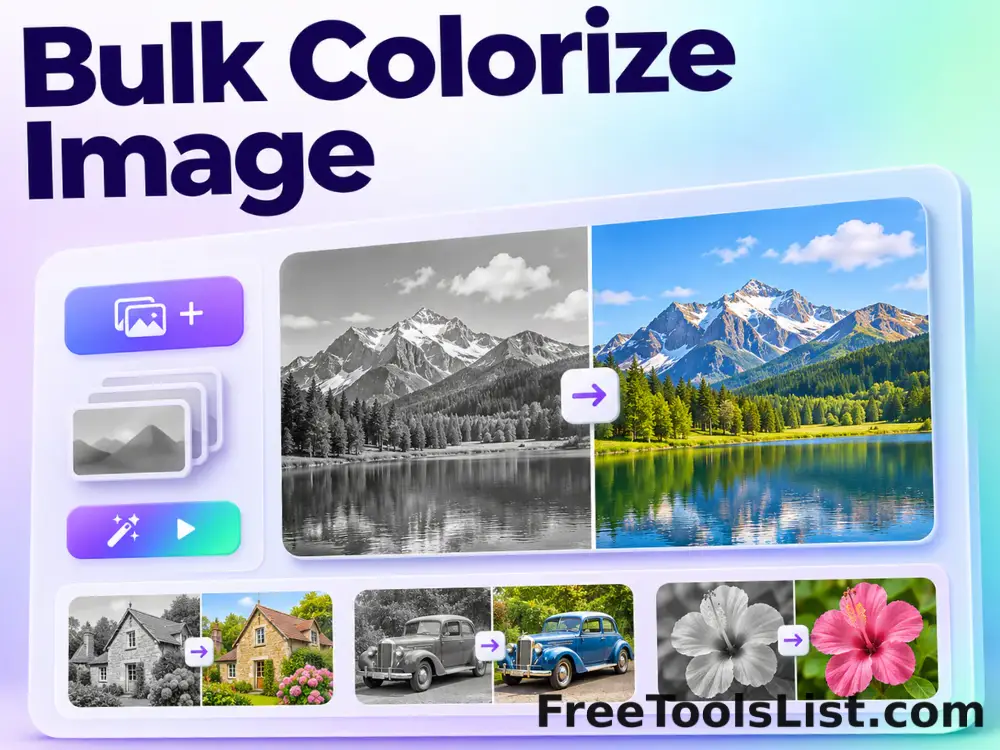
Bulk Colorize Image tool previewBCImages

Bulk Colorize Image

Process multiple images locally to blend a chosen color into the source image, review every result, and download the completed batch as a ZIP.

Bulk Crop Image tool previewBCImages

Bulk Crop Image

Process multiple images locally to extract a precise rectangular area using percentage coordinates, review every result, and download the completed batch as a ZIP.

Bulk Darken Image tool previewBDImages

Bulk Darken Image

Process multiple images locally to reduce image brightness by a controlled percentage, review every result, and download the completed batch as a ZIP.

PublishedUpdated