Modern local creative workspace

Free Meme Generator

Create single, side-by-side, stacked and four-panel memes with multiple local images, top and bottom captions, classic outlined text or modern caption panels and a live canvas preview.

● Browser-local · Preview before saving · No account

Free Meme Generator workspace

Use the compact controls, inspect the real canvas and save only the result you approve.

Local preview

Loading the creative workspace…

Quick Tool Overview

Meme Generator with reviewable output.

Create single, side-by-side, stacked and four-panel memes with multiple local images, top and bottom captions, classic outlined text or modern caption panels and a live canvas preview.

Uploaded images are fitted into the selected panel grid, then captions are wrapped and drawn either over the artwork or in dedicated bars.

LIVECanvas preview
MEMEFocused workflow
LOCALPrivate processing
0Accounts needed
Important. Only use images and text you are allowed to publish. Font rendering can vary slightly across operating systems.

About the Tool

What Free Meme Generator does.

Primary purpose

Use this workspace to assemble reaction images, comparisons and captioned layouts into a downloadable meme.

How it works

Uploaded images are fitted into the selected panel grid, then captions are wrapped and drawn either over the artwork or in dedicated bars.

Canvas-first review

The proposed result stays visible while settings change, providing a final visual checkpoint before export.

Private workflow

Local source files and text stay in browser memory rather than being sent to a remote processing queue.

Original-safe output

The original file is read only. Downloads are created as separate files after an explicit action.

Known limitation

Only use images and text you are allowed to publish. Font rendering can vary slightly across operating systems.
Key Features

A modern, compact workflow built for inspection.

▣

Real canvas preview

See the actual generated composition instead of an approximate form-only workflow.

✓

Focused controls

Settings are organized around the requested task and remain usable on smaller screens.

⌂

Local processing

Modern browser APIs handle decoding, rendering and supported exports on this computer.

↓

Reviewed downloads

Create a file, ZIP or copied result only after inspecting the visible output.

How to Use Free Meme Generator

Complete the task in six detailed steps.

Prepare the source

Choose only local files you are authorized to edit or publish.

Step 1: Keep the intended publishing destination in mind.

Choose the layout

Select up to four images, choose a layout, enter captions, select overlay or panel style, and adjust gap, font, colors and outline.

Step 2: Keep the intended publishing destination in mind.

Inspect the live canvas

Review sizing, crops, text wrapping, contrast, cut lines and motion before creating the output.

Step 3: Treat the visible canvas as the final checkpoint.

Refine the result

Make focused changes and account for this limitation: Only use images and text you are allowed to publish. Font rendering can vary slightly across operating systems.

Step 4: Keep the intended publishing destination in mind.

Create the export

Use the task-specific render, ZIP, copy or download control only after the preview is correct.

Step 5: Keep the intended publishing destination in mind.

Verify the saved file

Open the downloaded result and confirm its dimensions, order, animation or video playback before publishing it.

Step 6: Keep the intended publishing destination in mind.

Ready to create?

Preview the complete result before saving.

Use local processing and explicit downloads without creating an account.

Open Meme Generator →

Frequently Asked Questions

Popular meme generator questions.

No. Selected files are decoded, rendered and exported in the current browser tab.

Yes. The workspace uses a real canvas so the visible composition can be checked before creating a download.

No. The tool works locally without registration, credits or a watermark.

Use a current desktop browser. PDF rendering, GIF encoding and video recording depend on modern browser APIs and supported codecs.

Only use images and text you are allowed to publish. Font rendering can vary slightly across operating systems.

Yes. Reset clears the current workspace; it never overwrites the original local file.

Keep exploring

Similar Tools

Continue with related free tools selected from this category and the wider directory.

20 tools
360° Bottom Pole Converter tool preview3BImages

360° Bottom Pole Converter

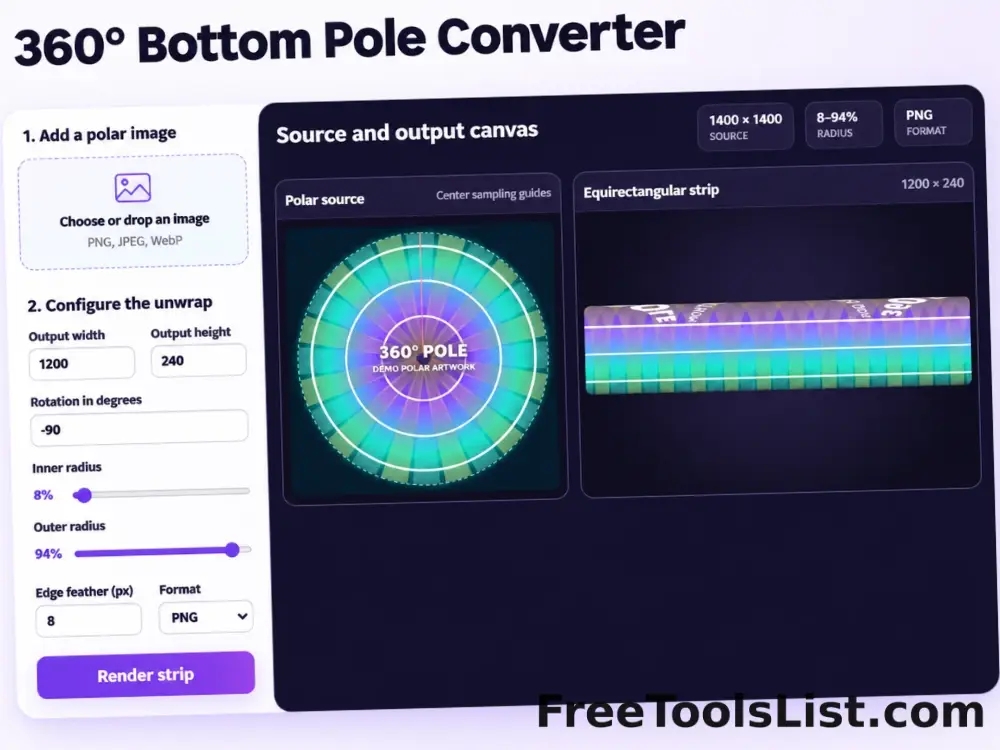
Free online 360 bottom pole converter. Convert a circular polar image into a wide equirectangular bottom-pole strip for 360° panoramas, with radius, rotation, feathering, flip and export controls. Preview the polar-to-strip result locally before downloading.

Animated GIF Caption & Background Studio tool previewAGImages

Animated GIF Caption & Background Studio

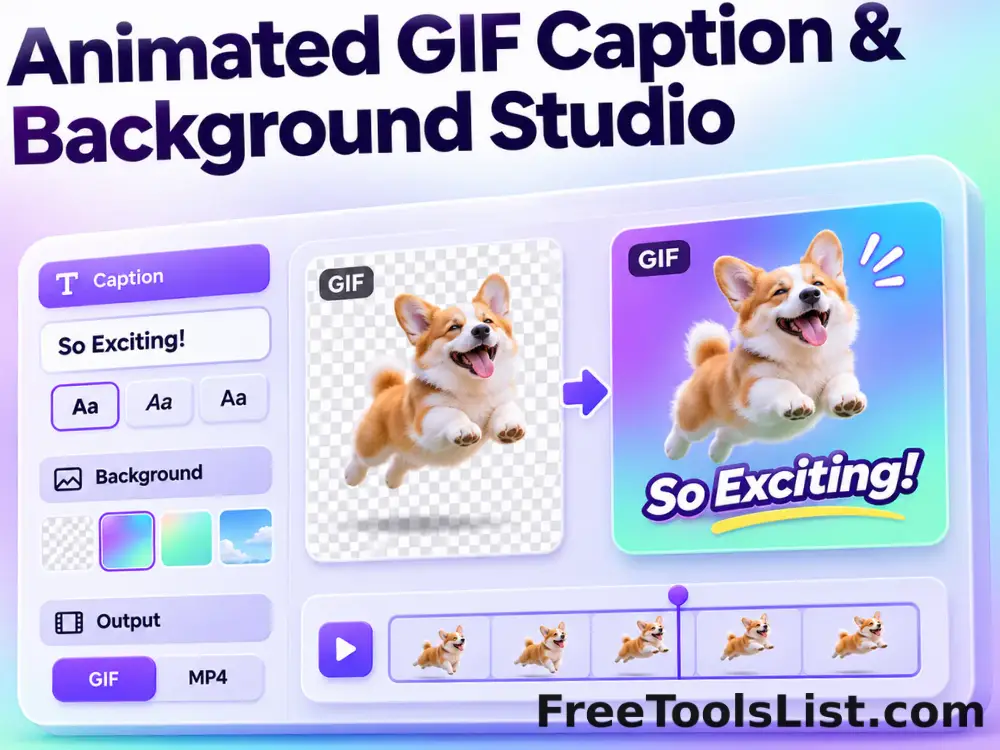
Add outlined captions or meme bars to an animated GIF, fit it into a synchronized blurred square background, preview the motion on canvas and locally re-encode the reviewed GIF.

Animated GIF Logo, Sticker, Paint & Censor Editor tool previewAGImages

Animated GIF Logo, Sticker, Paint & Censor Editor

Place a logo or emoji, paint freehand marks, or blur and pixelate a selected region across an animated GIF using movable canvas overlays and local re-encoding.

Blurred Frame Image Generator tool previewBFImages

Blurred Frame Image Generator

Fit one image or a complete batch inside square canvases without cropping, using blurred, solid, transparent or gradient backgrounds, alignment controls, live preview and ZIP export.

Bulk Blurred Frame Image Generator tool previewBBImages

Bulk Blurred Frame Image Generator

Process multiple images locally to fit an image inside a blurred edge-to-edge frame, review every result, and download the completed batch as a ZIP.

Bulk Random Bitmap Generator tool previewBRImages

Bulk Random Bitmap Generator

Generate multiple images locally to generate a downloadable grid of random grayscale or RGB values, review every result, and download the completed batch as a ZIP.

Device Mockup Generator tool previewDMImages

Device Mockup Generator

Place a screenshot into an angled phone, laptop, monitor or custom background using four draggable perspective pins, a real-time canvas and private local image export.

Emoji Favicon Generator tool previewEFImages

Emoji Favicon Generator

Search a compact emoji library, customize its background, shape, scale and position, compare six favicon sizes on a live canvas, and download a complete favicon ZIP.

GIF Countdown Generator tool previewGCImages

GIF Countdown Generator

Create a branded animated countdown GIF for email and social use with exact duration, dimensions, colors, typography, label and loop controls plus a live first-frame canvas.

Glitch Image Effect Generator tool previewGIImages

Glitch Image Effect Generator

Apply seeded RGB splits, scanlines, digital bands and noise with adjustable intensity, previewing a repeatable glitch canvas before saving.

Hue Shift Image Generator tool previewHSImages

Hue Shift Image Generator

Rotate every image color around the HSL hue wheel from −180° to +180°, inspect the live full-resolution canvas, compare the original and export PNG, JPEG or WebP.

Image ASCII Art Generator tool previewIAImages

Image ASCII Art Generator

Convert an image into monochrome or colored character art, control columns, character set, contrast and font size, and preview both text and canvas output.

Image Gradient Generator tool previewIGImages

Image Gradient Generator

Image Gradient Generator lets you render a linear two-color gradient at exact dimensions and angle locally in your browser, compare the result, and download a ready-to-use file.

Placeholder Image Generator tool previewPIImages

Placeholder Image Generator

Generate responsive dummy images with exact dimensions, custom colors, labels and an optional wireframe cross, with instant canvas preview and local download.

Printable Graph Paper Generator tool previewPGImages

Printable Graph Paper Generator

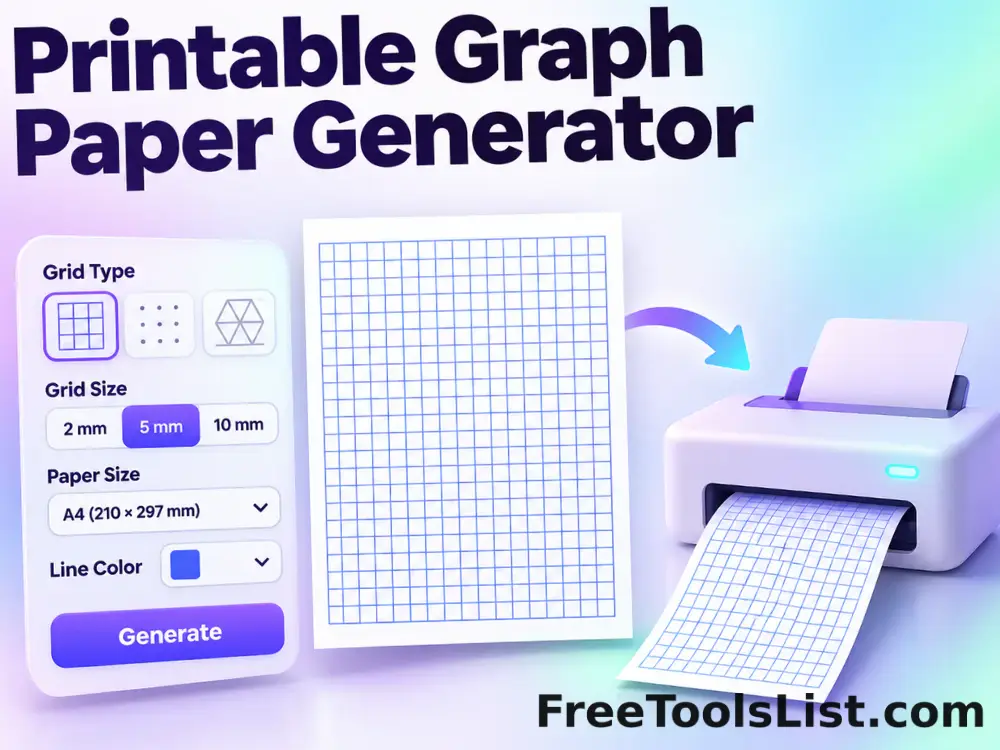
Generate square, dot, cross, hexagonal, isometric or ruled paper with adjustable spacing, colors, major lines, page size and orientation, previewed before PNG or print.

QR Code Generator tool previewQCImages

QR Code Generator

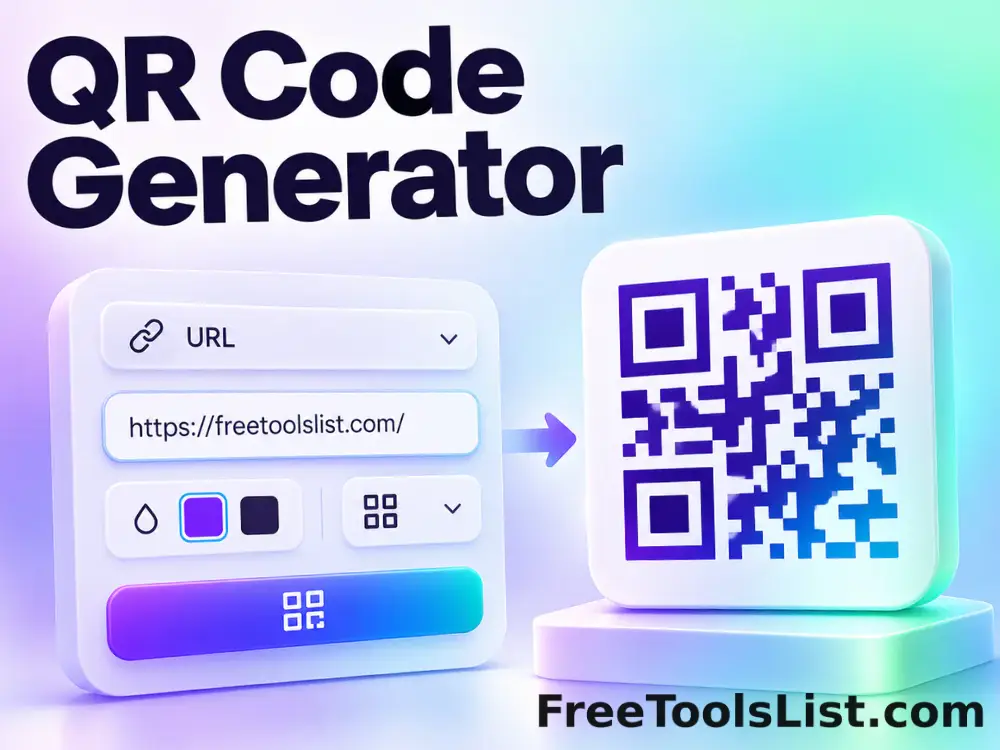
QR Code Generator lets you create a standards-based QR code from text or a URL locally in your browser, compare the result, and download a ready-to-use file.

Radial Image Gradient Generator tool previewRIImages

Radial Image Gradient Generator

Radial Image Gradient Generator lets you render a radial two-color gradient with a movable center locally in your browser, compare the result, and download a ready-to-use file.

Rainbow Background Generator tool previewRBImages

Rainbow Background Generator

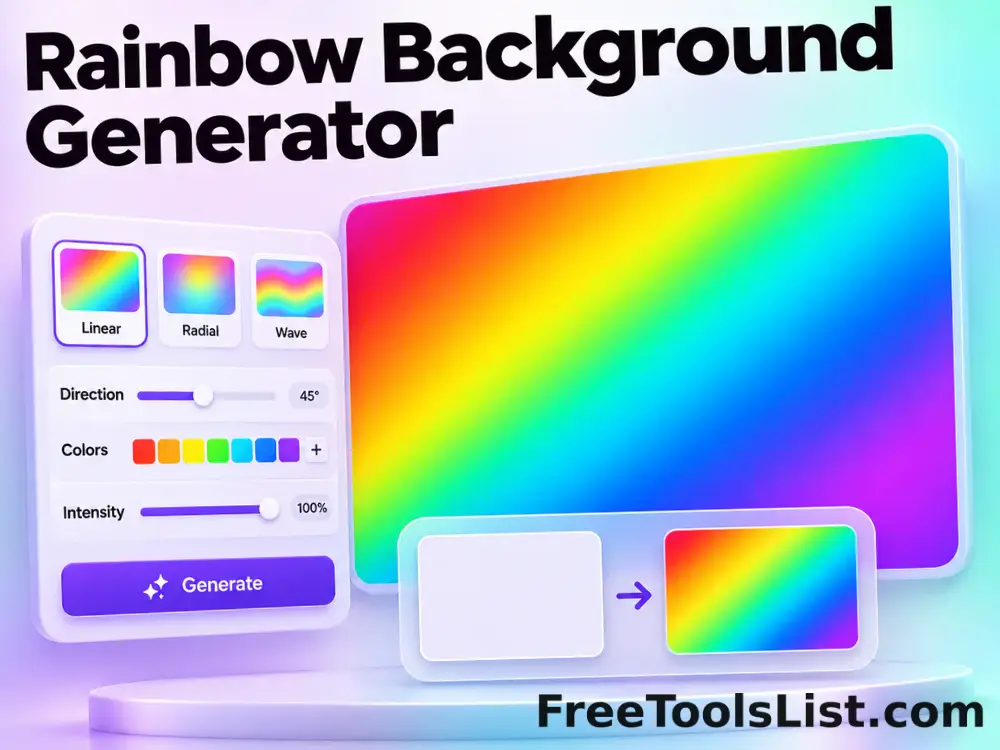
Generate repeatable bright multicolor backgrounds with canvas dimensions, numeric seed, blur, color count, vividness and export controls.

Random Bitmap Generator tool previewRBImages

Random Bitmap Generator

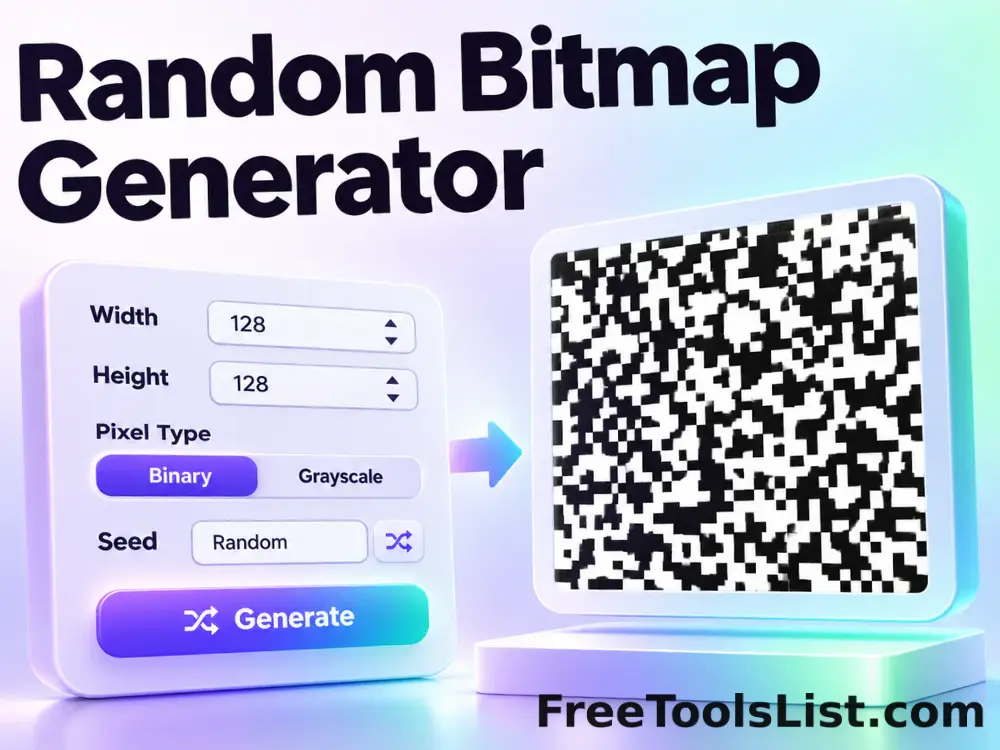
Random Bitmap Generator lets you generate a downloadable grid of random grayscale or RGB values locally in your browser, compare the result, and download a ready-to-use file.

Text Favicon Generator tool previewTFImages

Text Favicon Generator

Create a favicon from letters, initials or a Unicode symbol with font, weight, color, shape, scale and position controls, plus real-size canvas previews and a complete ZIP package.

PublishedUpdated