Modern local creative workspace

GIF Countdown Generator

Create a branded animated countdown GIF for email and social use with exact duration, dimensions, colors, typography, label and loop controls plus a live first-frame canvas.

● Browser-local · Preview before saving · No account

GIF Countdown Generator workspace

Use the compact controls, inspect the real canvas and save only the result you approve.

Local preview

Loading the creative workspace…

Quick Tool Overview

GIF Countdown with reviewable output.

Create a branded animated countdown GIF for email and social use with exact duration, dimensions, colors, typography, label and loop controls plus a live first-frame canvas.

One canvas frame is generated for every displayed second, added to a local GIF encoder and repeated according to the chosen loop setting.

LIVECanvas preview
00:10Focused workflow
LOCALPrivate processing
0Accounts needed
Important. Every second adds another frame. Keep email countdowns short and dimensions modest to control file size.

About the Tool

What GIF Countdown Generator does.

Primary purpose

Use this workspace to turn a short timer into a portable animation that works in places where scripts cannot run.

How it works

One canvas frame is generated for every displayed second, added to a local GIF encoder and repeated according to the chosen loop setting.

Canvas-first review

The proposed result stays visible while settings change, providing a final visual checkpoint before export.

Private workflow

Local source files and text stay in browser memory rather than being sent to a remote processing queue.

Original-safe output

The original file is read only. Downloads are created as separate files after an explicit action.

Known limitation

Every second adds another frame. Keep email countdowns short and dimensions modest to control file size.
Key Features

A modern, compact workflow built for inspection.

▣

Real canvas preview

See the actual generated composition instead of an approximate form-only workflow.

✓

Focused controls

Settings are organized around the requested task and remain usable on smaller screens.

⌂

Local processing

Modern browser APIs handle decoding, rendering and supported exports on this computer.

↓

Reviewed downloads

Create a file, ZIP or copied result only after inspecting the visible output.

How to Use GIF Countdown Generator

Complete the task in six detailed steps.

Prepare the source

Choose only local files you are authorized to edit or publish.

Step 1: Keep the intended publishing destination in mind.

Choose the layout

Set minutes and seconds, canvas size, label, colors, font size and loop count, then generate and inspect the animation.

Step 2: Keep the intended publishing destination in mind.

Inspect the live canvas

Review sizing, crops, text wrapping, contrast, cut lines and motion before creating the output.

Step 3: Treat the visible canvas as the final checkpoint.

Refine the result

Make focused changes and account for this limitation: Every second adds another frame. Keep email countdowns short and dimensions modest to control file size.
Step 4: Keep the intended publishing destination in mind.

Create the export

Use the task-specific render, ZIP, copy or download control only after the preview is correct.

Step 5: Keep the intended publishing destination in mind.

Verify the saved file

Open the downloaded result and confirm its dimensions, order, animation or video playback before publishing it.

Step 6: Keep the intended publishing destination in mind.

Ready to create?

Preview the complete result before saving.

Use local processing and explicit downloads without creating an account.

Open GIF Countdown →

Frequently Asked Questions

Popular gif countdown questions.

No. Selected files are decoded, rendered and exported in the current browser tab.

Yes. The workspace uses a real canvas so the visible composition can be checked before creating a download.

No. The tool works locally without registration, credits or a watermark.

Use a current desktop browser. PDF rendering, GIF encoding and video recording depend on modern browser APIs and supported codecs.

Every second adds another frame. Keep email countdowns short and dimensions modest to control file size.

Yes. Reset clears the current workspace; it never overwrites the original local file.

Keep exploring

Similar Tools

Continue with related free tools selected from this category and the wider directory.

20 tools
Animated GIF Caption & Background Studio tool previewAGImages

Animated GIF Caption & Background Studio

Add outlined captions or meme bars to an animated GIF, fit it into a synchronized blurred square background, preview the motion on canvas and locally re-encode the reviewed GIF.

Animated GIF Effects & Transparency Editor tool previewAGImages

Animated GIF Effects & Transparency Editor

Adjust brightness, contrast, saturation and hue, apply grayscale, sepia, invert or glitch effects, or remove a selected color from every animated GIF frame with live canvas feedback.

Animated GIF Joiner, Collage & Grid Maker tool previewAGImages

Animated GIF Joiner, Collage & Grid Maker

Join two to four animated GIFs horizontally, vertically or in a 2×2 grid with fit, cell-size, gap, background, duration and frame-rate controls plus a live synchronized canvas.

Animated GIF Logo, Sticker, Paint & Censor Editor tool previewAGImages

Animated GIF Logo, Sticker, Paint & Censor Editor

Place a logo or emoji, paint freehand marks, or blur and pixelate a selected region across an animated GIF using movable canvas overlays and local re-encoding.

Animated GIF Timeline, Speed & Boomerang Editor tool previewAGImages

Animated GIF Timeline, Speed & Boomerang Editor

Trim frames, change speed, reverse playback, make a boomerang, reorder individual frames and set the loop count on a visual GIF timeline before re-encoding locally.

Animated GIF Transform Studio tool previewAGImages

Animated GIF Transform Studio

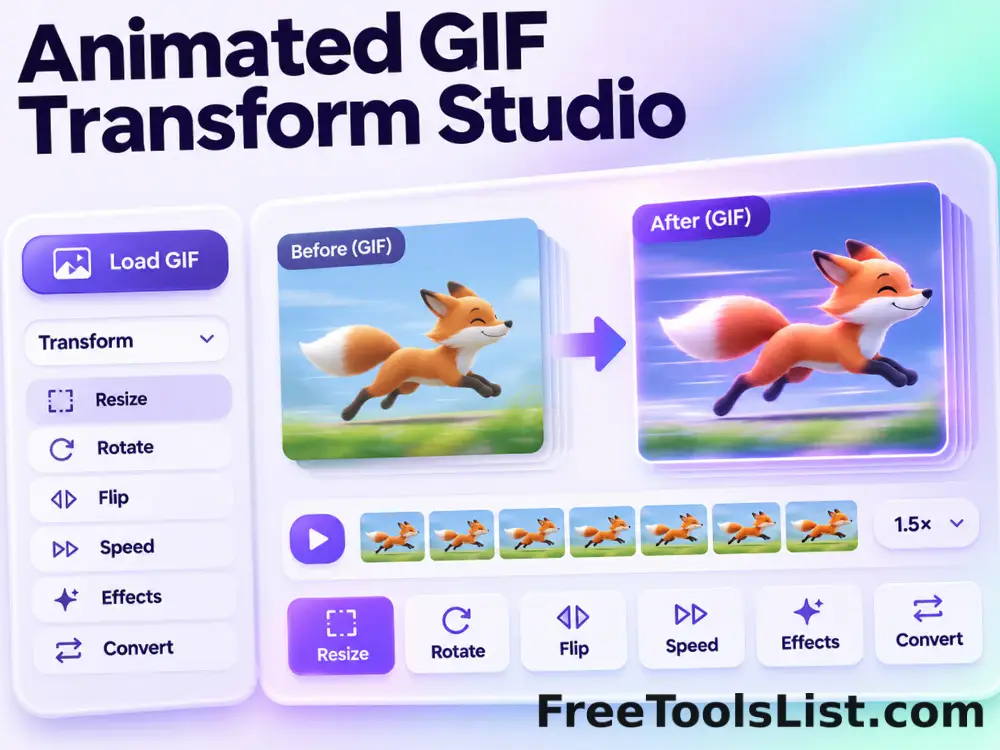
Flip, rotate, resize, crop, circle-crop or round the corners of an animated GIF in one non-duplicated workspace with exact dimensions and a synchronized canvas preview.

Animated Text to GIF Maker tool previewATImages

Animated Text to GIF Maker

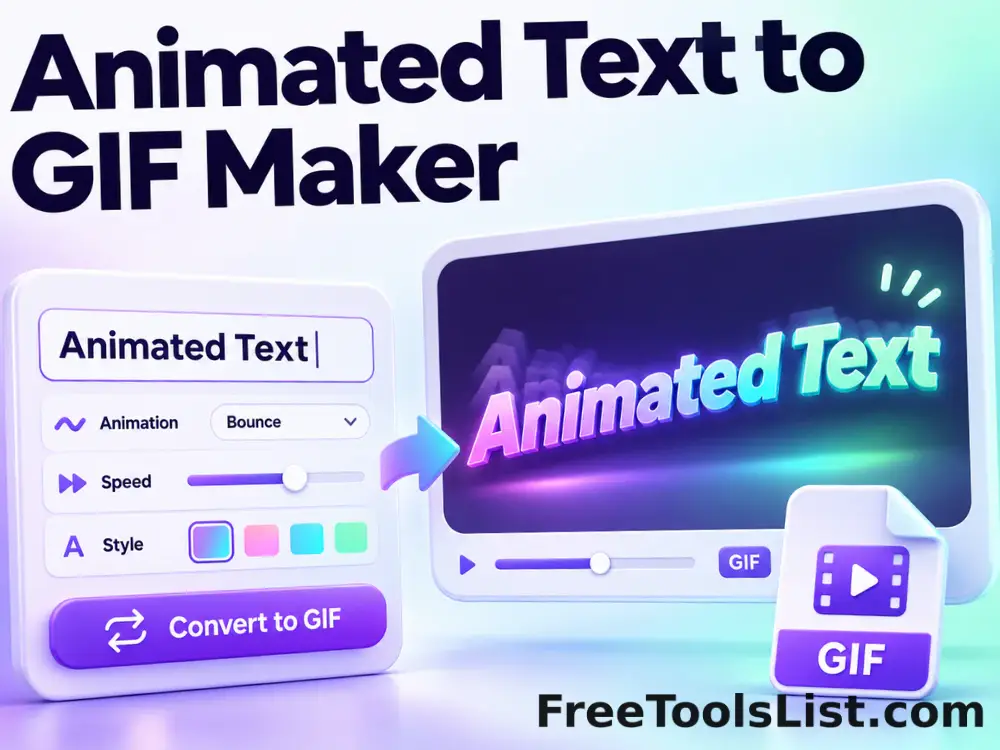
Create an animated text GIF with typewriter, fade, bounce or neon motion, exact canvas sizing, colors, typography, speed and loop controls, plus a live canvas preview before export.

Blurred Frame Image Generator tool previewBFImages

Blurred Frame Image Generator

Fit one image or a complete batch inside square canvases without cropping, using blurred, solid, transparent or gradient backgrounds, alignment controls, live preview and ZIP export.

Bulk Blurred Frame Image Generator tool previewBBImages

Bulk Blurred Frame Image Generator

Process multiple images locally to fit an image inside a blurred edge-to-edge frame, review every result, and download the completed batch as a ZIP.

Bulk Random Bitmap Generator tool previewBRImages

Bulk Random Bitmap Generator

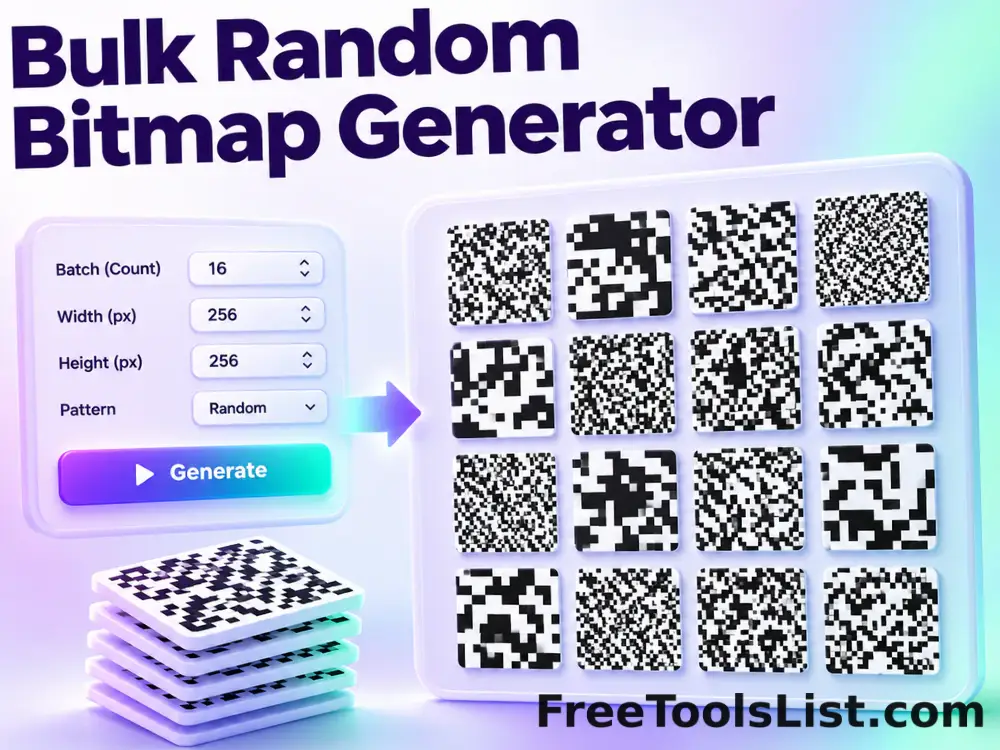
Generate multiple images locally to generate a downloadable grid of random grayscale or RGB values, review every result, and download the completed batch as a ZIP.

Device Mockup Generator tool previewDMImages

Device Mockup Generator

Place a screenshot into an angled phone, laptop, monitor or custom background using four draggable perspective pins, a real-time canvas and private local image export.

Emoji Favicon Generator tool previewEFImages

Emoji Favicon Generator

Search a compact emoji library, customize its background, shape, scale and position, compare six favicon sizes on a live canvas, and download a complete favicon ZIP.

Favicon Converter tool previewFCImages

Favicon Converter

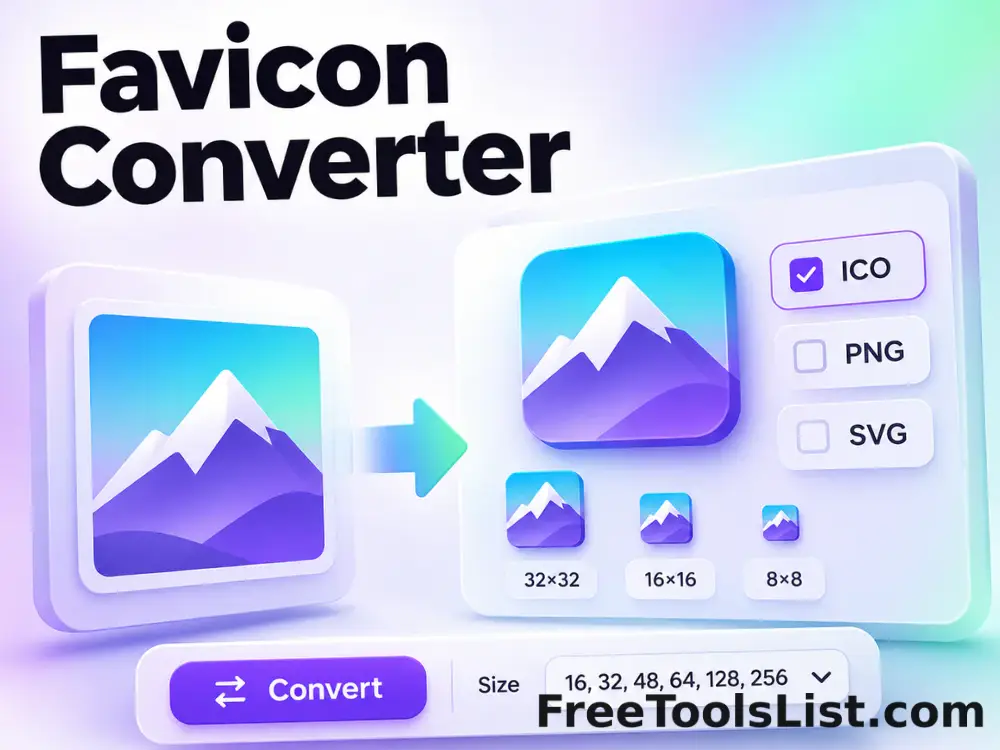
Convert a PNG, JPG, WebP, GIF or SVG image into a complete browser-ready favicon package with live square-fit controls, six canvas previews, a multi-size ICO and ZIP download.

Free Meme Generator tool previewFMImages

Free Meme Generator

Create single, side-by-side, stacked and four-panel memes with multiple local images, top and bottom captions, classic outlined text or modern caption panels and a live canvas preview.

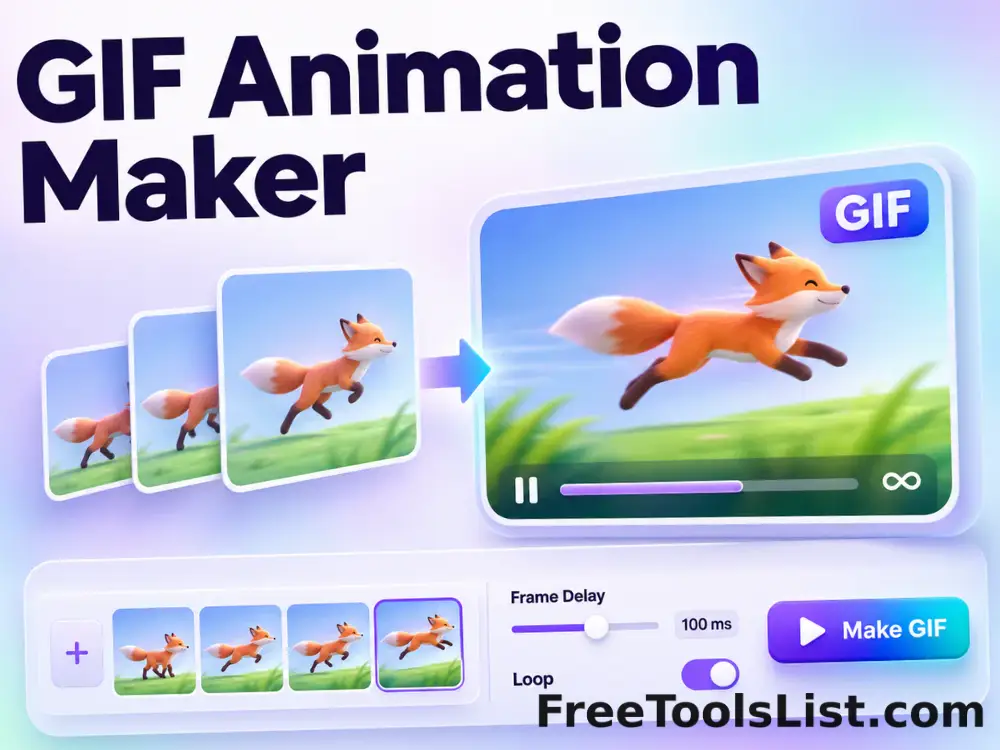
GIF Animation Maker tool previewGAImages

GIF Animation Maker

Build and preview an animated GIF from multiple images with frame timing, repeat, reverse and fit controls.

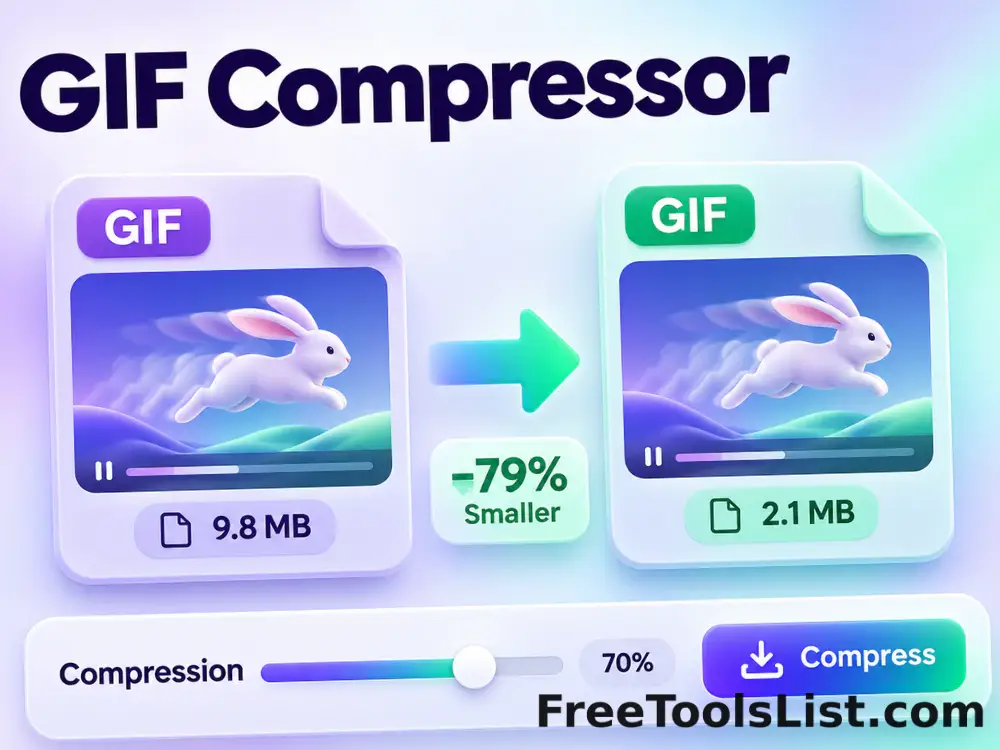
GIF Compressor tool previewGCImages

GIF Compressor

Compress animated GIF files locally with output width, frame sampling, encoder quality and loop controls, plus a real animated canvas preview before saving.

GIF Frame Extractor & Sprite Sheet Maker tool previewGFImages

GIF Frame Extractor & Sprite Sheet Maker

Extract every GIF frame to PNG, inspect a thumbnail filmstrip, download selected frames or a ZIP, and arrange the sequence into a configurable sprite sheet canvas.

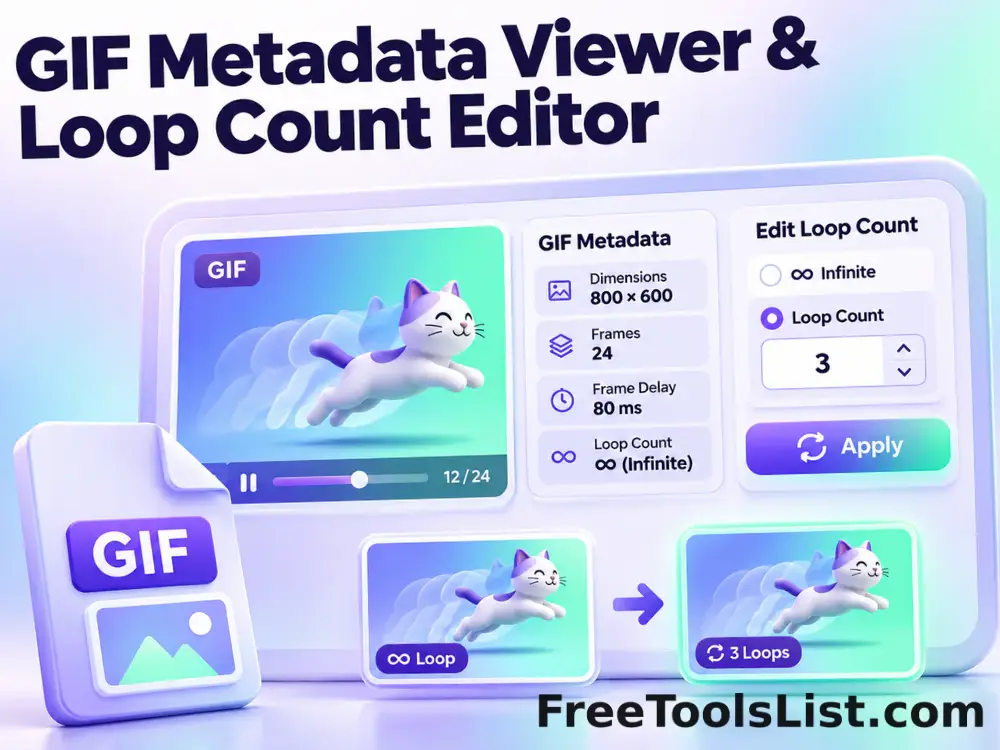
GIF Metadata Viewer & Loop Count Editor tool previewGMImages

GIF Metadata Viewer & Loop Count Editor

Inspect GIF dimensions, file size, frame count, duration, average delay, aspect ratio and loop behavior, preview the animation and re-encode it with a new loop count.

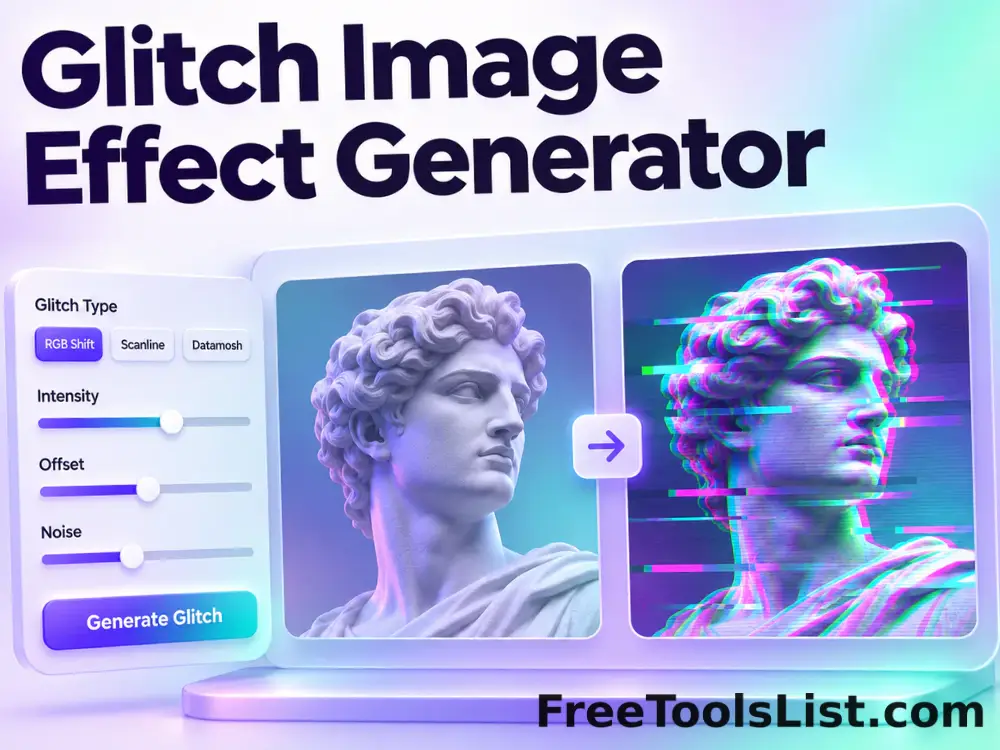
Glitch Image Effect Generator tool previewGIImages

Glitch Image Effect Generator

Apply seeded RGB splits, scanlines, digital bands and noise with adjustable intensity, previewing a repeatable glitch canvas before saving.

Hue Shift Image Generator tool previewHSImages

Hue Shift Image Generator

Rotate every image color around the HSL hue wheel from −180° to +180°, inspect the live full-resolution canvas, compare the original and export PNG, JPEG or WebP.

PublishedUpdated