Modern browser-local GIF workspace

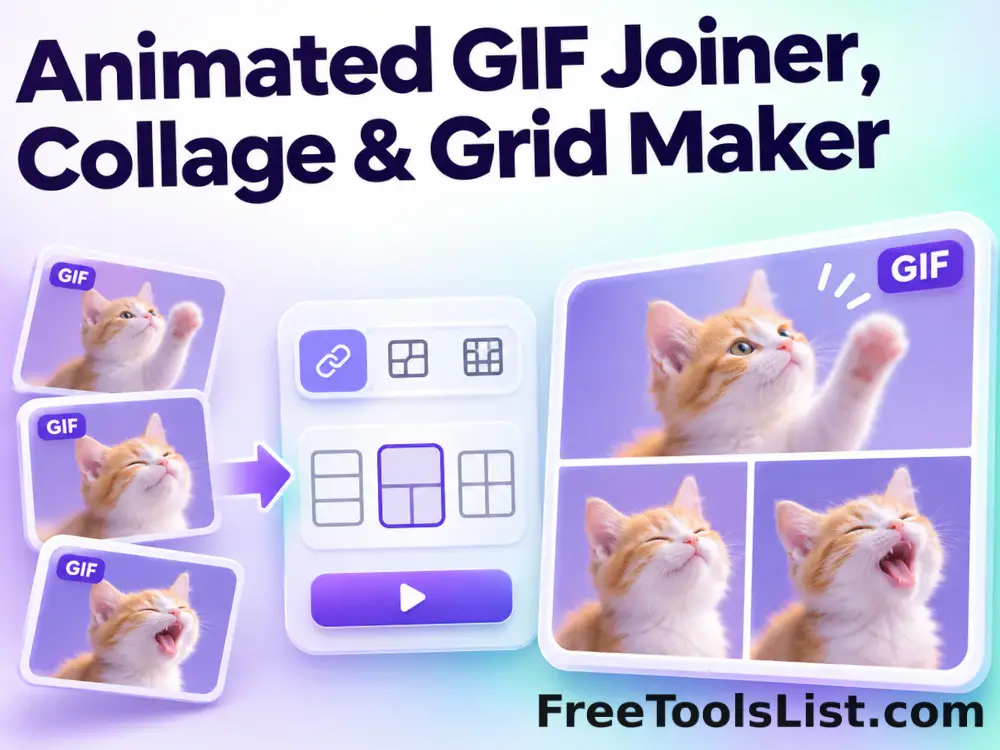
Animated GIF Joiner, Collage & Grid Maker

Join two to four animated GIFs horizontally, vertically or in a 2×2 grid with fit, cell-size, gap, background, duration and frame-rate controls plus a live synchronized canvas.

● Files stay in this tab · Preview before saving · No account

Animated GIF Joiner, Collage & Grid Maker workspace

Compact controls, a real playback canvas and explicit local exports.

Local processing

Loading the GIF workspace…

Quick Tool Overview

GIF Collage with reviewable animation.

Join two to four animated GIFs horizontally, vertically or in a 2×2 grid with fit, cell-size, gap, background, duration and frame-rate controls plus a live synchronized canvas.

Each source animation is sampled on a common clock, fitted into its cell and composited into one preview canvas for local GIF encoding.

LIVECanvas playback
GIF×4Focused workflow
LOCALPrivate processing
0Accounts needed
Important. Different source timings are synchronized to one output clock, so original per-frame delays may be normalized.
About the Tool

What Animated GIF Joiner, Collage & Grid Maker does.

Primary purpose

Use it to combine multiple animated GIFs into one coordinated side-by-side or grid animation.

How it works

Each source animation is sampled on a common clock, fitted into its cell and composited into one preview canvas for local GIF encoding.

Canvas-first review

The changing result stays visible, so you can inspect motion and composition before encoding.

Private by design

Source media stays in browser memory and is not sent to a processing queue.

Original-safe output

Downloads are new files. The selected source is never overwritten.

Known limitation

Different source timings are synchronized to one output clock, so original per-frame delays may be normalized.
Key Features

A compact animation workflow that stays inspectable.

▶

Animated canvas

Review live motion, crop, effects and overlays rather than relying on a static placeholder.

▥

Purpose-built controls

Only relevant controls are shown for the selected GIF task.

⌂

Browser-local

Modern browser APIs and bundled libraries handle supported decoding and encoding.

↓

Explicit export

Render and download only after checking the visible result.

How to Use Animated GIF Joiner, Collage & Grid Maker

Complete the workflow in six clear steps.

Load or prepare the source

Choose a local GIF, video or screen surface and wait for the canvas preview to appear.

Step 1: Keep the final platform and file-size limit in mind.

Set the main operation

Upload two to four GIFs, choose the layout, cell size, fit, gap, background, duration and frame rate.

Step 2: Keep the final platform and file-size limit in mind.

Inspect the canvas

Play or scrub the visible preview and check dimensions, crop, timing, colors, overlays and transparency.

Step 3: Treat the canvas as the final visual checkpoint.

Refine safely

Make small changes and remember: Different source timings are synchronized to one output clock, so original per-frame delays may be normalized.

Step 4: Keep the final platform and file-size limit in mind.

Render locally

Choose the render action. Keep the tab open while frames are processed by the local GIF encoder.

Step 5: Keep the final platform and file-size limit in mind.

Verify the download

Open the saved GIF, ZIP, PNG or sprite sheet and confirm its motion, loop, size and visual quality.

Step 6: Keep the final platform and file-size limit in mind.

Ready to animate?

Review the complete result before saving.

Local processing, useful controls and no account.

Open GIF Collage →

Frequently Asked Questions

Popular gif collage questions.

No. Files are decoded, previewed and exported in the current browser tab.

Yes. Every workspace contains a real canvas preview and a separate render or download action.

No. The original remains read-only and every download is created as a new file.

Yes. Supported browsers decode the frame sequence; a timed visual-sampling fallback is used where necessary.

Different source timings are synchronized to one output clock, so original per-frame delays may be normalized.
No account, credit system or watermark is added by FreeToolsList.com.

Keep exploring

Similar Tools

Continue with related free tools selected from this category and the wider directory.

20 tools
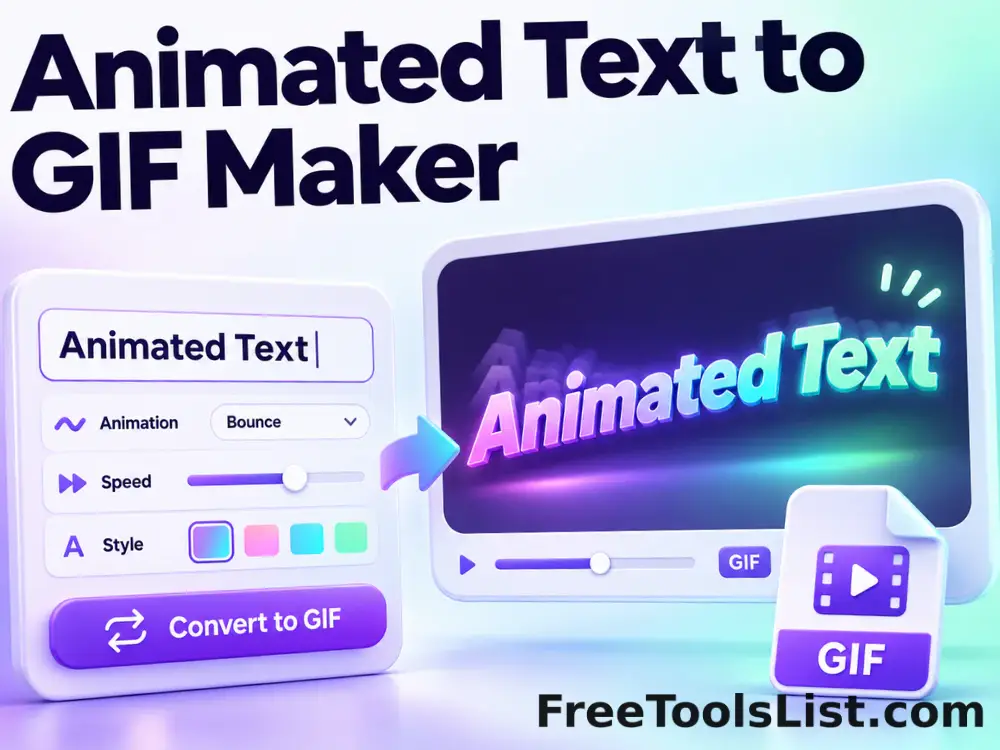
Animated Text to GIF Maker tool previewATImages

Animated Text to GIF Maker

Create an animated text GIF with typewriter, fade, bounce or neon motion, exact canvas sizing, colors, typography, speed and loop controls, plus a live canvas preview before export.

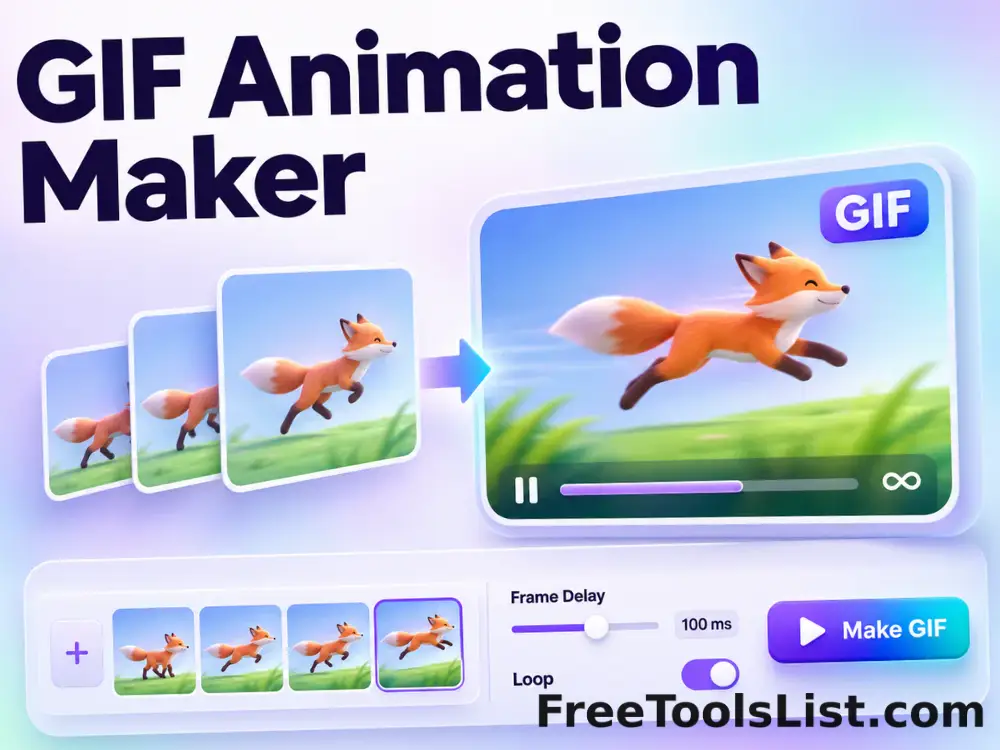
GIF Animation Maker tool previewGAImages

GIF Animation Maker

Build and preview an animated GIF from multiple images with frame timing, repeat, reverse and fit controls.

Photo Collage Maker tool previewPCImages

Photo Collage Maker

Arrange multiple images into a customizable grid with cell size, columns, gaps, padding, fitting, background and shadows.

Animated GIF Caption & Background Studio tool previewAGImages

Animated GIF Caption & Background Studio

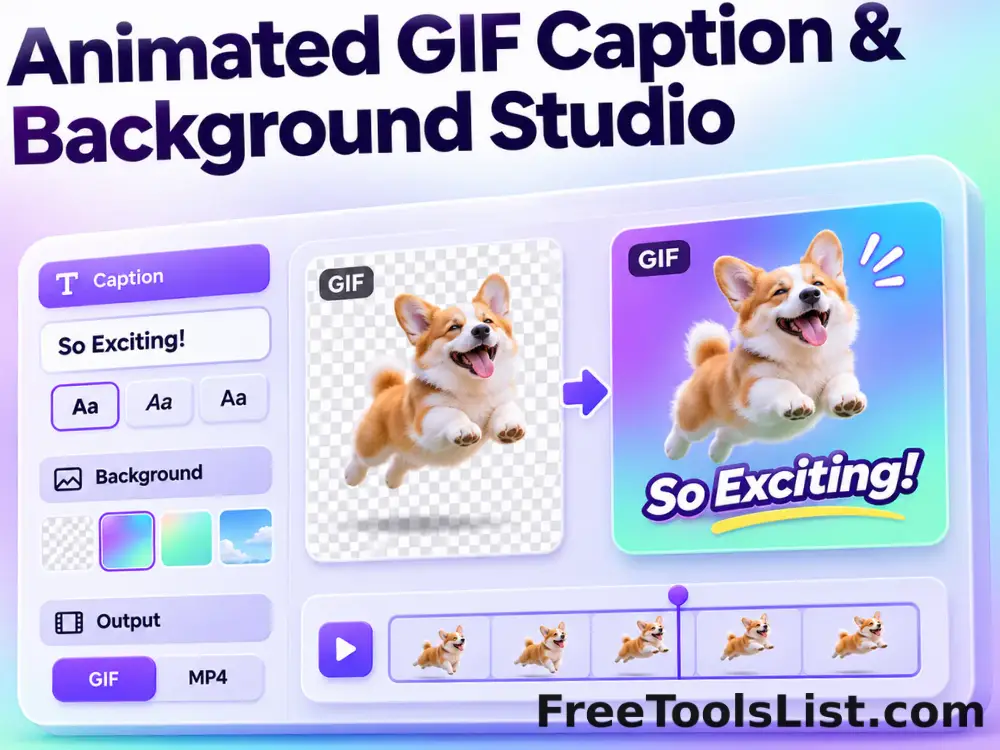
Add outlined captions or meme bars to an animated GIF, fit it into a synchronized blurred square background, preview the motion on canvas and locally re-encode the reviewed GIF.

Animated GIF Effects & Transparency Editor tool previewAGImages

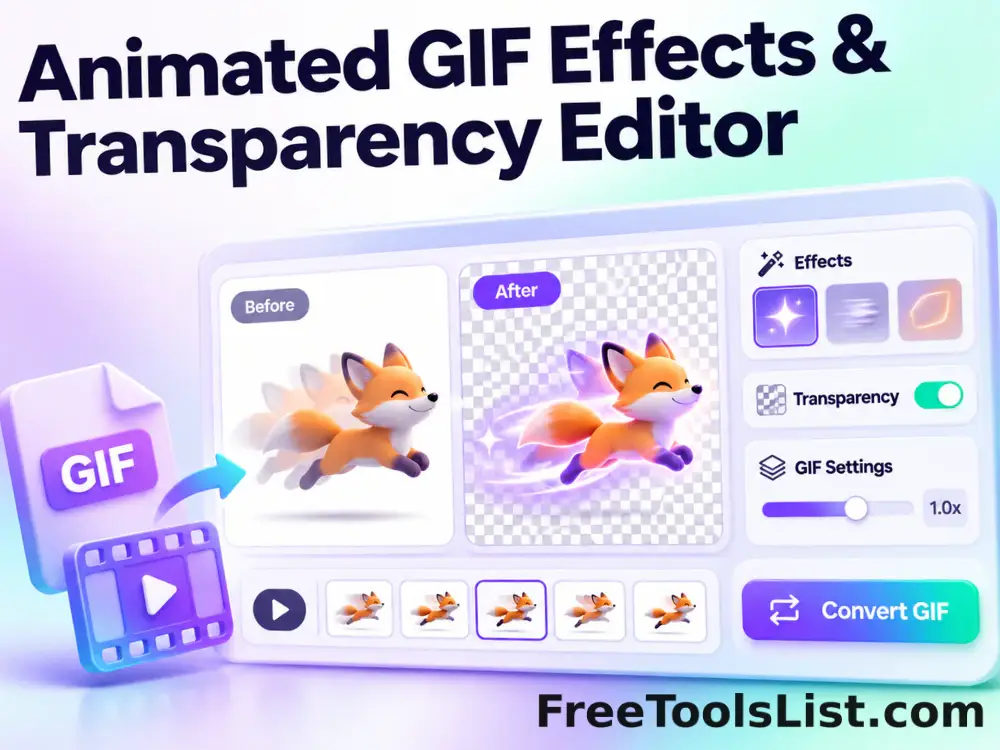
Animated GIF Effects & Transparency Editor

Adjust brightness, contrast, saturation and hue, apply grayscale, sepia, invert or glitch effects, or remove a selected color from every animated GIF frame with live canvas feedback.

Animated GIF Logo, Sticker, Paint & Censor Editor tool previewAGImages

Animated GIF Logo, Sticker, Paint & Censor Editor

Place a logo or emoji, paint freehand marks, or blur and pixelate a selected region across an animated GIF using movable canvas overlays and local re-encoding.

Animated GIF Timeline, Speed & Boomerang Editor tool previewAGImages

Animated GIF Timeline, Speed & Boomerang Editor

Trim frames, change speed, reverse playback, make a boomerang, reorder individual frames and set the loop count on a visual GIF timeline before re-encoding locally.

Animated GIF Transform Studio tool previewAGImages

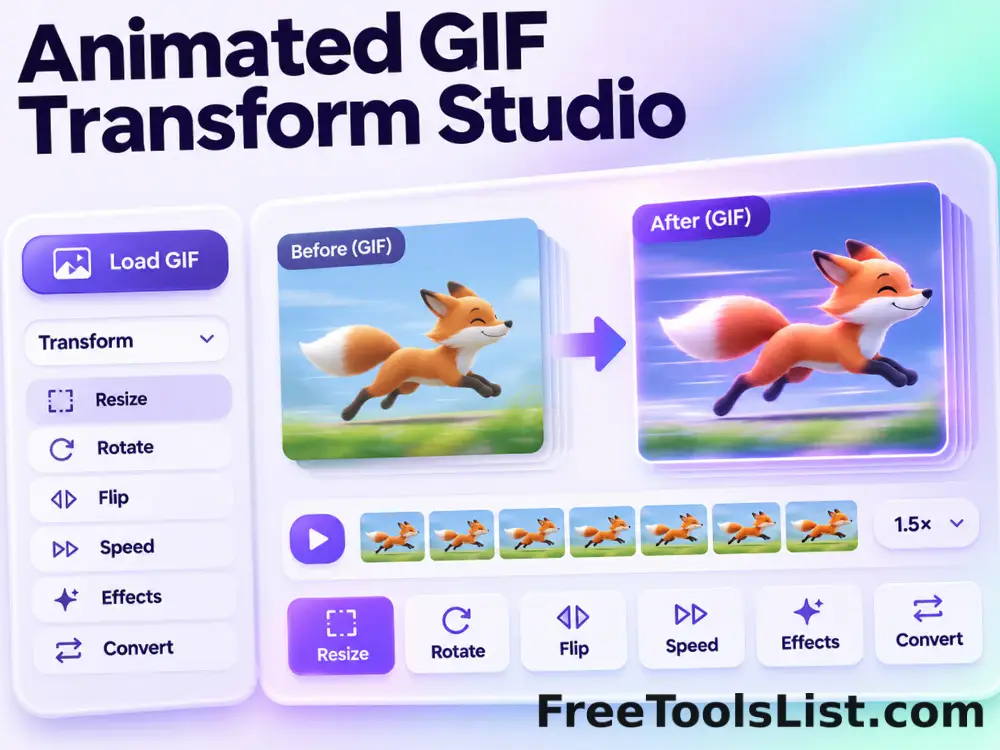
Animated GIF Transform Studio

Flip, rotate, resize, crop, circle-crop or round the corners of an animated GIF in one non-duplicated workspace with exact dimensions and a synchronized canvas preview.

GIF Compressor tool previewGCImages

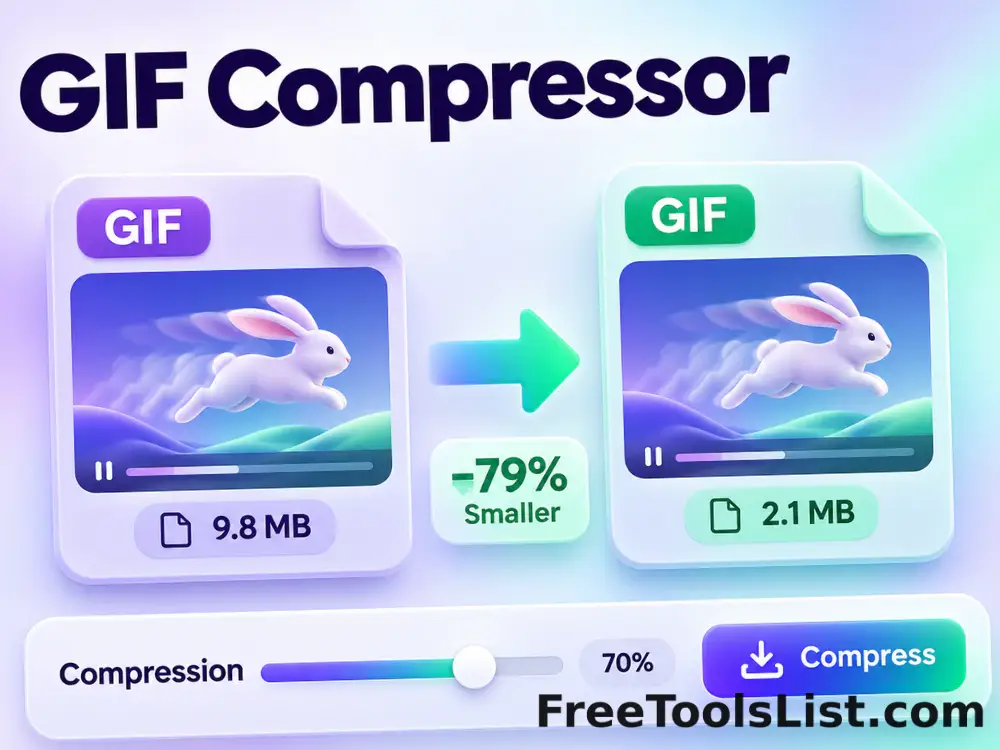
GIF Compressor

Compress animated GIF files locally with output width, frame sampling, encoder quality and loop controls, plus a real animated canvas preview before saving.

GIF Countdown Generator tool previewGCImages

GIF Countdown Generator

Create a branded animated countdown GIF for email and social use with exact duration, dimensions, colors, typography, label and loop controls plus a live first-frame canvas.

GIF Frame Extractor & Sprite Sheet Maker tool previewGFImages

GIF Frame Extractor & Sprite Sheet Maker

Extract every GIF frame to PNG, inspect a thumbnail filmstrip, download selected frames or a ZIP, and arrange the sequence into a configurable sprite sheet canvas.

Bayer Color Filter Effect tool previewBCImages

Bayer Color Filter Effect

Apply RGGB, BGGR, GRBG or GBRG Bayer mosaic patterns with intensity, monochrome and sensor-grid options on a live local canvas.

Bulk Random Bitmap Generator tool previewBRImages

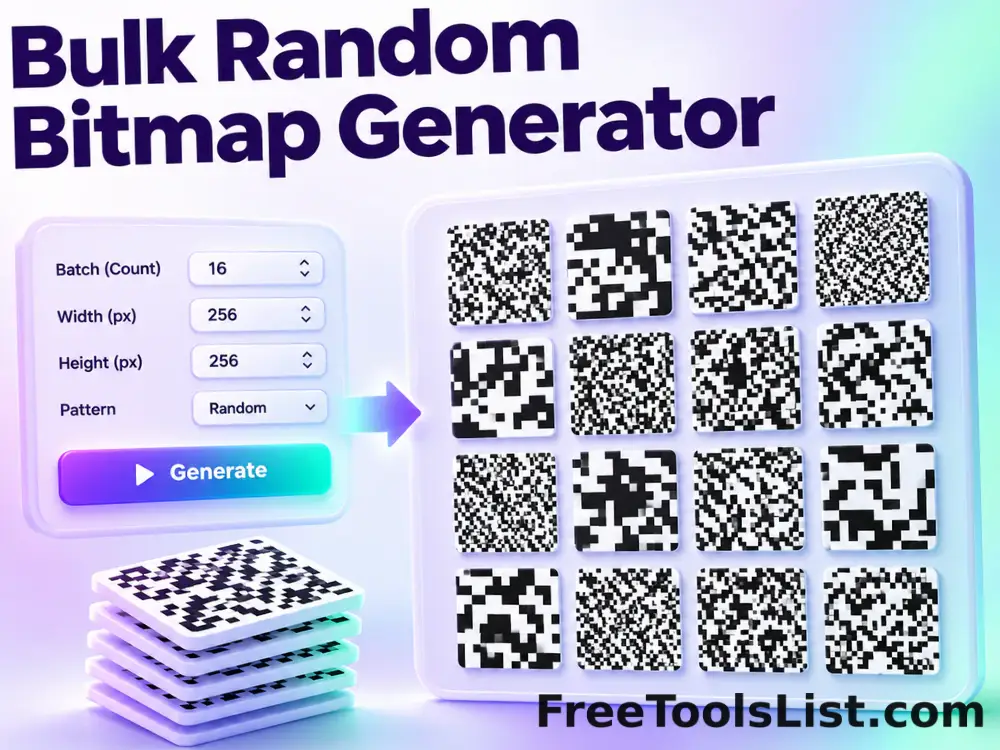
Bulk Random Bitmap Generator

Generate multiple images locally to generate a downloadable grid of random grayscale or RGB values, review every result, and download the completed batch as a ZIP.

Bulk Split Image tool previewBSImages

Bulk Split Image

Process multiple images locally to divide an image into horizontal, vertical or grid tiles, review every result, and download the completed batch as a ZIP.

Favicon Converter tool previewFCImages

Favicon Converter

Convert a PNG, JPG, WebP, GIF or SVG image into a complete browser-ready favicon package with live square-fit controls, six canvas previews, a multi-size ICO and ZIP download.

Geometric Pattern Overlay Studio tool previewGPImages

Geometric Pattern Overlay Studio

Overlay a chessboard, randomized colored tile grid or scattered squares with size, grid, count, color, transparency and repeatable-seed controls.

GIF Metadata Viewer & Loop Count Editor tool previewGMImages

GIF Metadata Viewer & Loop Count Editor

Inspect GIF dimensions, file size, frame count, duration, average delay, aspect ratio and loop behavior, preview the animation and re-encode it with a new loop count.

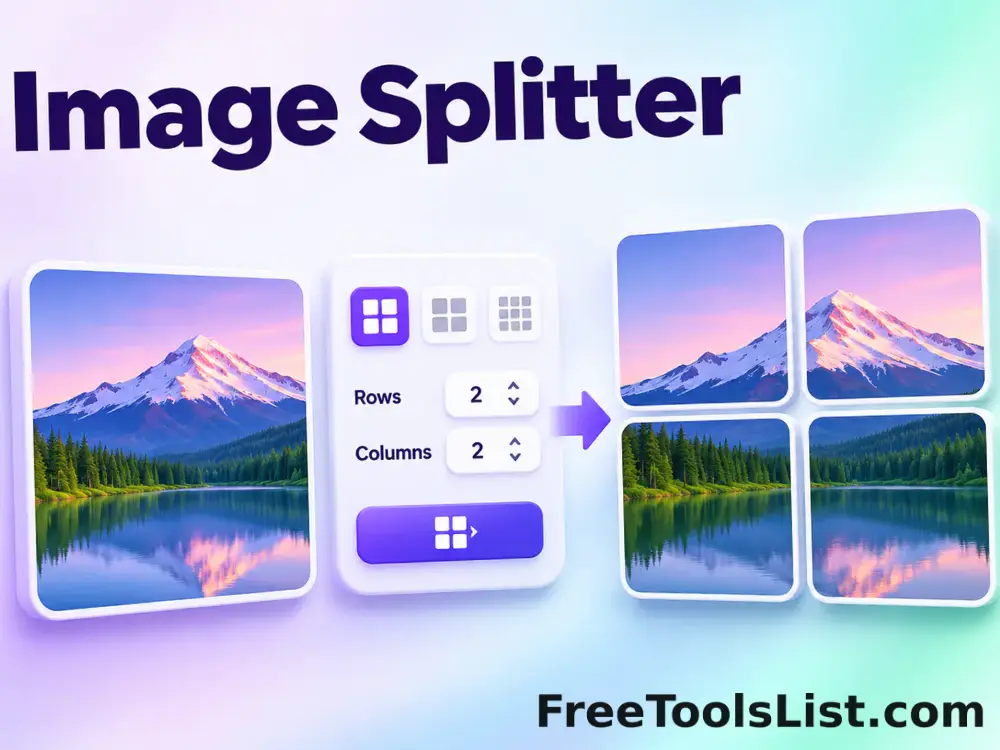
Image Splitter tool previewISImages

Image Splitter

Split an image into horizontal, vertical or custom grid tiles, preview exact cut lines on a canvas, inspect every generated piece and download individual files or a ZIP.

Motivational & Demotivational Poster Maker tool previewMDImages

Motivational & Demotivational Poster Maker

Create a modern motivational or demotivational poster with custom title, explanation, colors and typography.

Online Signature Maker tool previewOSImages

Online Signature Maker

Draw a signature with mouse, pen or touch, choose ink color and thickness, preview it on a transparent canvas and download an automatically cropped PNG.

PublishedUpdated