Private favicon design studio

Favicon Converter

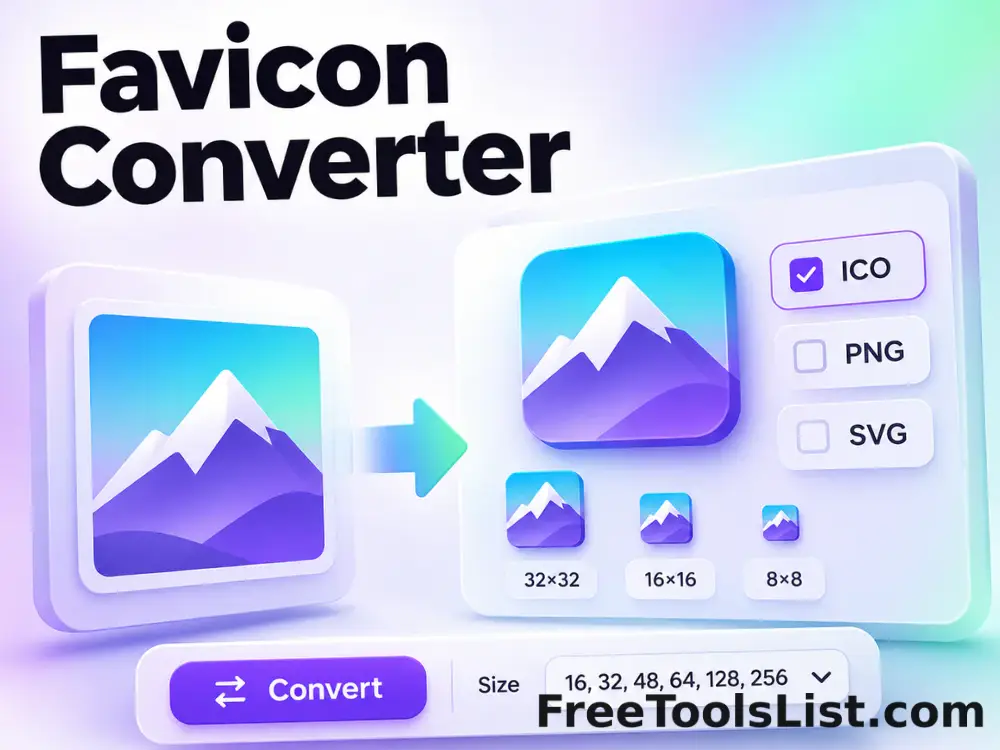
Convert a PNG, JPG, WebP, GIF or SVG image into a complete browser-ready favicon package with live square-fit controls, six canvas previews, a multi-size ICO and ZIP download.

● Local processing · Complete ZIP · No sign-up

Favicon Converter workspace

Design, inspect every size, then save the browser-ready package.

Canvas preview enabled

Loading local favicon studio…

Quick Tool Overview

From idea to installable favicon package.

Use Favicon Converter to turn an existing logo or square image into the icon files expected by browsers, Apple devices, Android launchers and installable web apps.

Choose fit-entire-image to protect the full artwork, or fill-and-crop when the source should occupy every edge. Safe padding, background and mask controls help detailed logos remain readable.

6PNG sizes
ICOMulti-size browser icon
LIVECanvas review
0Uploads required
Preview first

Check the 16-pixel result before saving.

A design that looks excellent at 512 pixels can lose detail in a browser tab. The size strip keeps every target visible.

Open Image to Favicon

About the Tool

A complete favicon workflow in one compact page.

Purpose-built controls

Choose fit-entire-image to protect the full artwork, or fill-and-crop when the source should occupy every edge. Safe padding, background and mask controls help detailed logos remain readable.

Local by design

Artwork is rendered with the browser canvas. Nothing is uploaded to FreeToolsList.com or an external image service.

ICO compatibility

The generated favicon.ico holds 16, 32 and 48 pixel PNG entries so compatible browsers can choose an appropriate tab or bookmark size.

App icon coverage

Apple Touch and Android Chrome icons extend the same design into home-screen and installable web-app contexts.

Installation included

The ZIP contains a manifest, copy-ready HTML tags and a concise readme alongside the generated image files.

Visual verification

The large canvas, six real-size previews and browser-tab simulation remain visible before the package can be downloaded.

Key Features

Modern controls without a crowded design editor.

◫

Local image decoding

Change the source or primary design choice without leaving the page.

↙

Fit, crop and padding controls

Tune framing and contrast while the visual result stays visible.

6×

Six live size previews

Compare browser, touch and application targets before export.

ICO

Multi-layer ICO and ZIP package

Save a practical package rather than one isolated image.

How to Use Favicon Converter

Create and install the favicon in six steps.

1. Choose the source

Choose a simple logo, symbol or square source image.

Tip: Prefer a bold shape with strong contrast.

2. Set the framing

Select contain or cover and set safe padding.

Tip: Leave breathing room around important edges.

3. Refine the design

Choose transparent or solid background and an optional mask.

Tip: Keep the design recognizable without tiny text.

4. Review every size

Inspect the 512px canvas and 16px through 512px previews.

Tip: Give special attention to 16 × 16 and 32 × 32.

5. Download the package

Download the complete ZIP package.

Tip: Keep the included filenames unless tags are updated.

6. Install and verify

Upload its files and paste the included tags into your page head.

Tip: Browser favicon caches may require a hard refresh.

Ready to create?

Design once and export every common favicon size.

Keep the live canvas visible until the browser-tab preview looks clear.

Create favicon package →

Frequently Asked Questions

Popular image to favicon questions.

Modern browsers can decode PNG, JPEG, WebP, GIF and SVG. Animated images are converted from the displayed first frame.

A favicon can appear at only 16 pixels, so fine lines, small words and subtle contrast can disappear.

Yes. The ICO contains PNG-encoded 16, 32 and 48 pixel entries for broad modern-browser compatibility.

Yes. It works locally without an account, watermark, usage quota or image upload.

No. Source image decoding, canvas rendering, PNG creation, ICO assembly and ZIP packaging happen in the current browser tab.

The ZIP contains favicon.ico, six PNG icon sizes, site.webmanifest, HTML link tags and a short installation guide.

Upload the generated files to your site root and add the included link and manifest tags inside the HTML head. Clear caches before testing.

Keep exploring

Similar Tools

Continue with related free tools selected from this category and the wider directory.

20 tools
360° Bottom Pole Converter tool preview3BImages

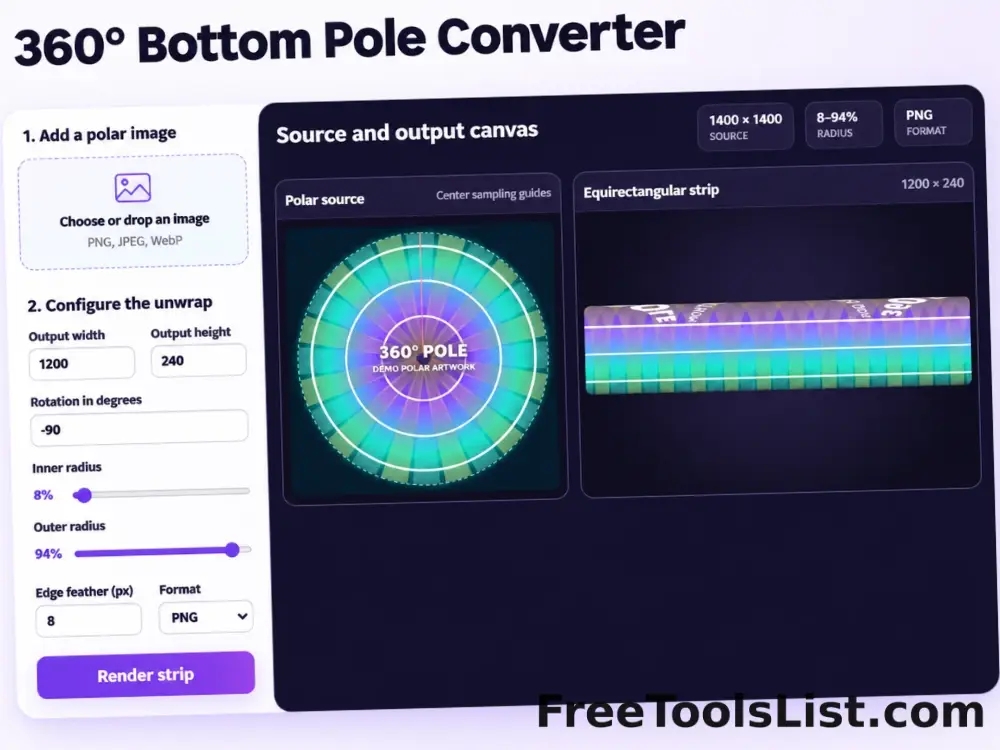
360° Bottom Pole Converter

Free online 360 bottom pole converter. Convert a circular polar image into a wide equirectangular bottom-pole strip for 360° panoramas, with radius, rotation, feathering, flip and export controls. Preview the polar-to-strip result locally before downloading.

Bulk SVG Converter & Viewer tool previewBSImages

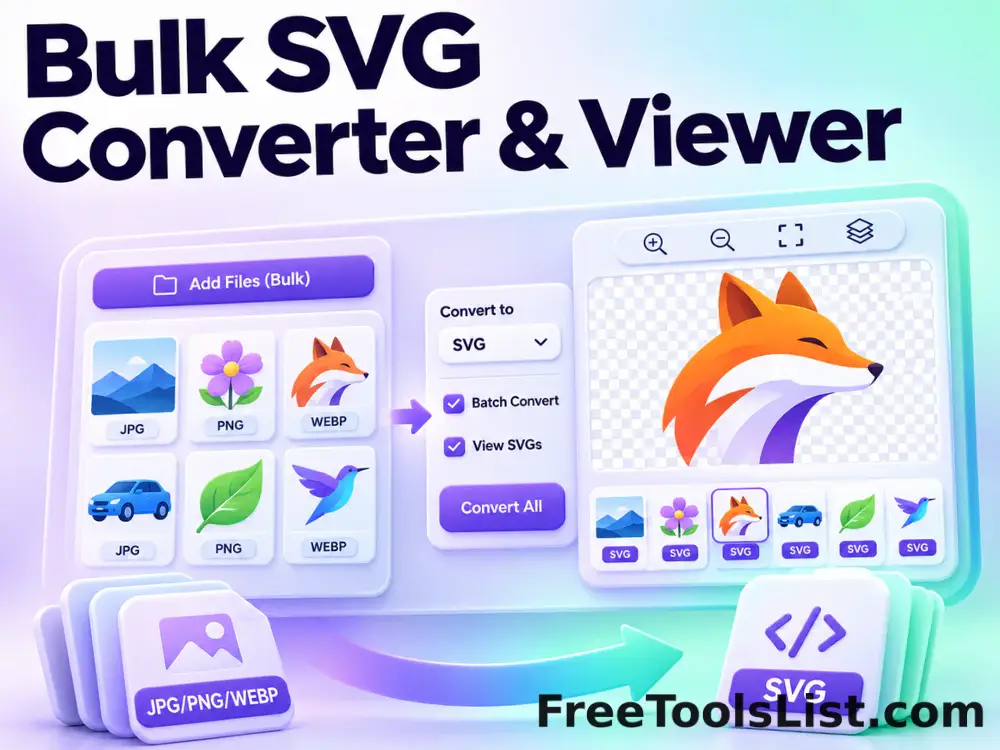
Bulk SVG Converter & Viewer

Process multiple SVG files locally to upload or paste SVG markup, set exact output dimensions and pixel density, preview the raster canvas and export PNG, review every result, and download the completed batch as a ZIP.

Emoji Favicon Generator tool previewEFImages

Emoji Favicon Generator

Search a compact emoji library, customize its background, shape, scale and position, compare six favicon sizes on a live canvas, and download a complete favicon ZIP.

Image DPI Checker & Converter tool previewIDImages

Image DPI Checker & Converter

Inspect pixel dimensions, file size and estimated print measurements, choose a new DPI value, preview the unchanged pixels and export a high-quality JPEG with print density metadata.

Image to HTML Converter tool previewITImages

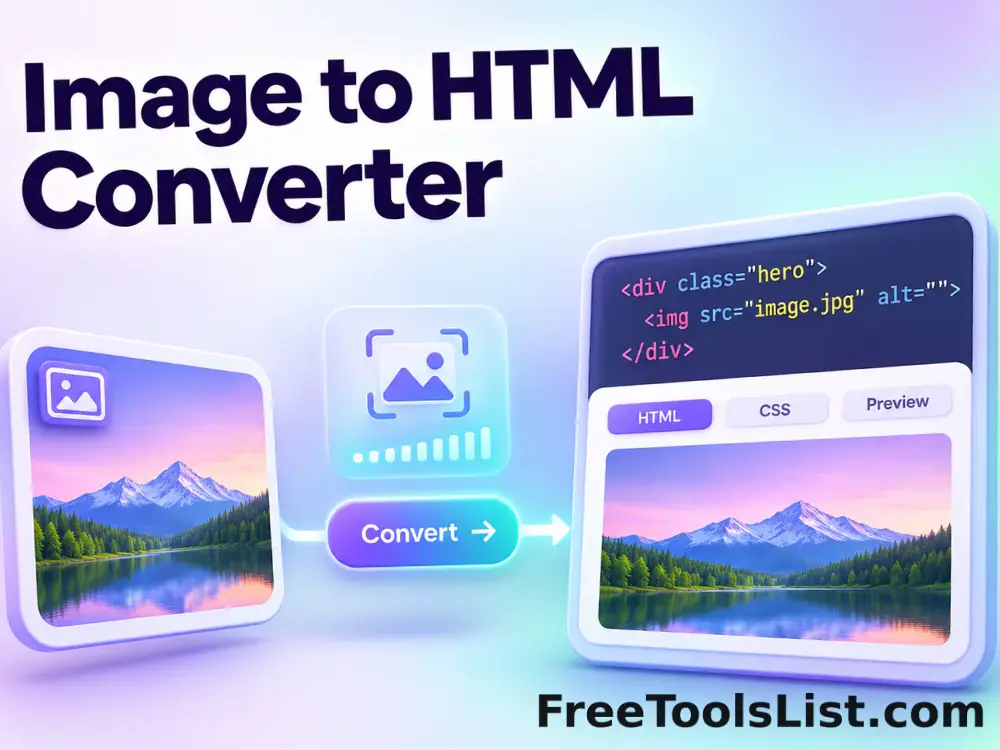
Image to HTML Converter

Convert an image into a portable HTML img element with an embedded Base64 data URI, accessible alt text, responsive sizing options and a live browser-style canvas preview.

Lossless Progressive JPEG Converter tool previewLPImages

Lossless Progressive JPEG Converter

Convert a baseline JPEG to progressive scan order without recompressing image pixels using a bundled local jpegtran binary.

Pixel to Inches, CM, MM & Feet Converter tool previewPTImages

Pixel to Inches, CM, MM & Feet Converter

Convert image dimensions between pixels, inches, centimeters, millimeters and feet with a configurable PPI value, optional image measurement and a scaled print-size canvas diagram.

PX to REM, EM, PT, VW & VH Converter tool previewPTImages

PX to REM, EM, PT, VW & VH Converter

Convert CSS pixels to rem, em, points, picas, viewport width and viewport height units with editable font and viewport references plus a live typographic scale canvas.

Stereo 3D to 2D Converter tool previewS3Images

Stereo 3D to 2D Converter

Convert red-cyan anaglyphs or side-by-side stereo pairs into a regular 2D image with cleanup controls.

SVG Converter & Viewer tool previewSCImages

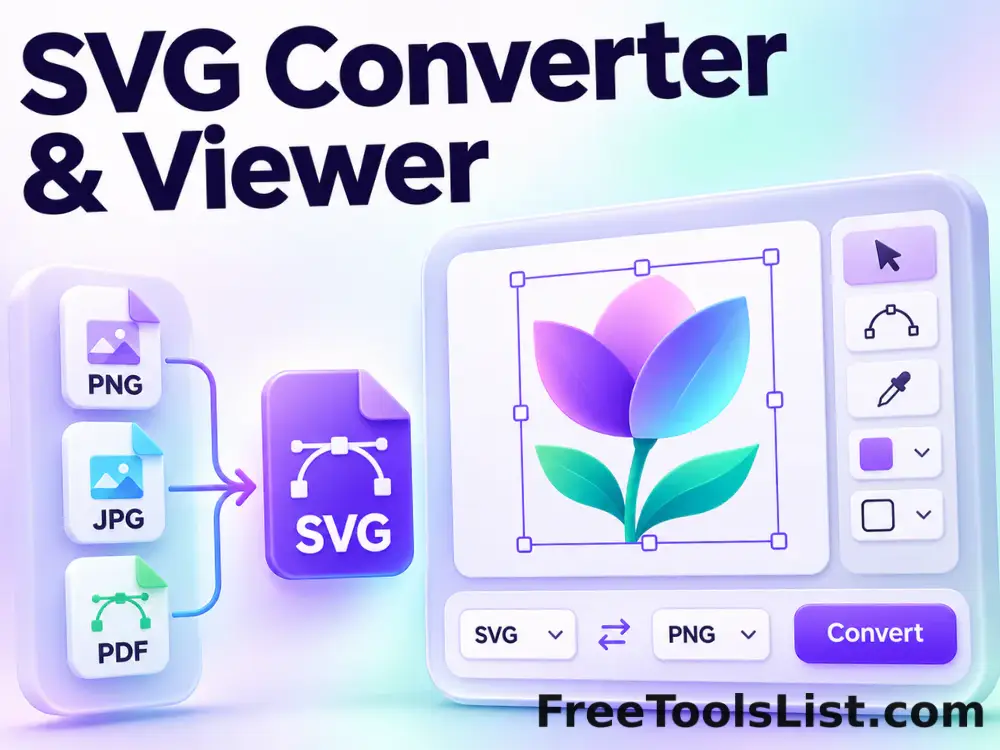
SVG Converter & Viewer

SVG Converter & Viewer lets you upload or paste SVG markup, set exact output dimensions and pixel density, preview the raster canvas and export PNG locally in your browser, compare the result, and download a ready-to-use file.

Text Favicon Generator tool previewTFImages

Text Favicon Generator

Create a favicon from letters, initials or a Unicode symbol with font, weight, color, shape, scale and position controls, plus real-size canvas previews and a complete ZIP package.

Universal Batch Image Format Converter tool previewUBImages

Universal Batch Image Format Converter

Batch convert browser-decodable images and baseline TIFF files to AVIF, WebP, PNG or JPEG with quality, resizing, transparency, background color, AVIF effort, ZIP export and a live result canvas before saving.

Abstract Strokes & Dots Effect tool previewASImages

Abstract Strokes & Dots Effect

Rebuild a photo as an abstract composition of sampled color strokes and dots with intensity, density, smoothing, color smoothing and a repeatable seed.

Add Noise to Image tool previewANImages

Add Noise to Image

Add Noise to Image lets you add controllable monochrome or color grain locally in your browser, compare the result, and download a ready-to-use file.

Adjust Image Gamma tool previewAIImages

Adjust Image Gamma

Adjust Image Gamma lets you reshape midtone brightness without applying a flat offset locally in your browser, compare the result, and download a ready-to-use file.

Adjust Image HSL tool previewAIImages

Adjust Image HSL

Adjust Image HSL lets you control hue, saturation and lightness in one workspace locally in your browser, compare the result, and download a ready-to-use file.

Adjust RGB Channels tool previewARImages

Adjust RGB Channels

Adjust RGB Channels lets you scale individual red, green and blue channels locally in your browser, compare the result, and download a ready-to-use file.

Animated GIF Caption & Background Studio tool previewAGImages

Animated GIF Caption & Background Studio

Add outlined captions or meme bars to an animated GIF, fit it into a synchronized blurred square background, preview the motion on canvas and locally re-encode the reviewed GIF.

Animated GIF Effects & Transparency Editor tool previewAGImages

Animated GIF Effects & Transparency Editor

Adjust brightness, contrast, saturation and hue, apply grayscale, sepia, invert or glitch effects, or remove a selected color from every animated GIF frame with live canvas feedback.

Animated GIF Joiner, Collage & Grid Maker tool previewAGImages

Animated GIF Joiner, Collage & Grid Maker

Join two to four animated GIFs horizontally, vertically or in a 2×2 grid with fit, cell-size, gap, background, duration and frame-rate controls plus a live synchronized canvas.

PublishedUpdated