Private local image workspace

SVG Converter & Viewer

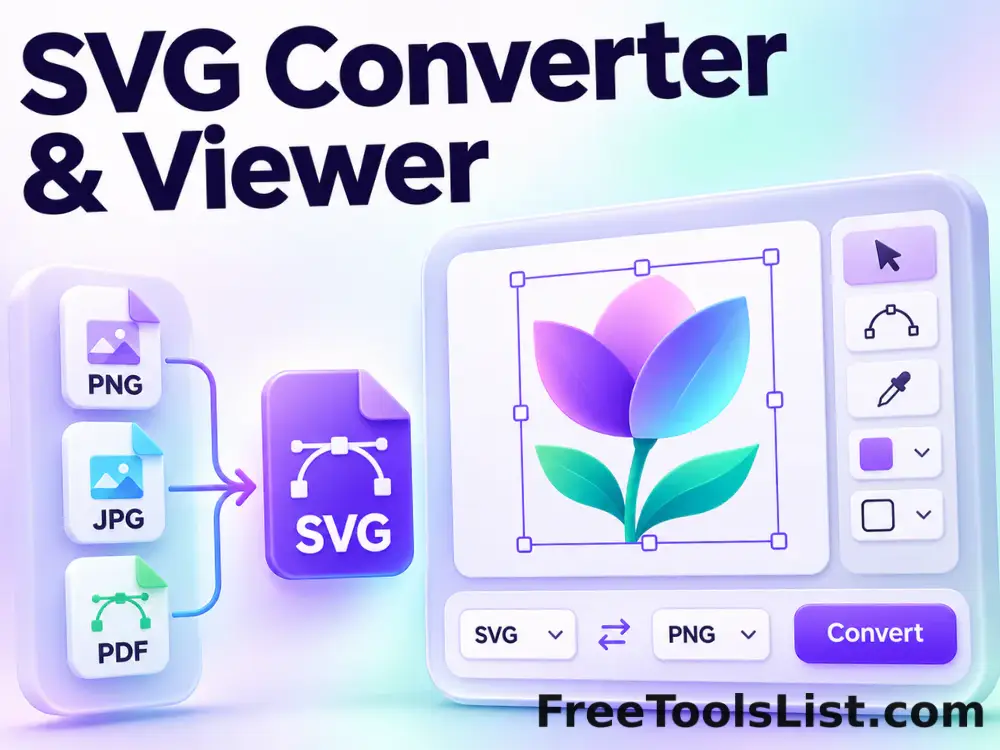
SVG Converter & Viewer lets you upload or paste SVG markup, set exact output dimensions and pixel density, preview the raster canvas and export PNG locally in your browser, compare the result, and download a ready-to-use file.

● Local processing · No uploads · No sign-up

SVG Converter & Viewer workspace

Upload or paste SVG markup, set exact output dimensions and pixel density, preview the raster canvas and export PNG with operation-specific controls.

Files stay in this tab
Choose a file to begin.

Quick Tool Overview

A focused workflow for svg converter & viewer.

SVG Converter & Viewer lets you upload or paste SVG markup, set exact output dimensions and pixel density, preview the raster canvas and export PNG locally in your browser, compare the result, and download a ready-to-use file.

The workspace keeps the source, operation settings and results together so you can make deliberate changes, compare output dimensions and export without moving sensitive images through an external service.

LOCALBrowser processing
PNGDownloadable output
LIVEVisible results
0Accounts needed
Ready when you are

Process images without an upload queue.

Choose the source, review every setting and download only the version you want.

Open SVG Converter & Viewer

About the Tool

What SVG Converter & Viewer helps you do.

Purpose-built processing

This page is configured to upload or paste SVG markup, set exact output dimensions and pixel density, preview the raster canvas and export PNG instead of hiding the task inside a generic editor.

Private by design

Images are decoded into a local canvas. The page does not send image pixels to FreeToolsList.com or a third-party image API.

Controlled output

Choose format and quality where supported, then review the rendered dimensions before downloading.

Visible comparison

The source remains available while the processed result is rendered below for a clear before-and-after check.

Transparent limitations

Very large images use browser memory, animated files become a single frame and lossy formats may introduce compression artifacts.

Practical handoff

Downloads use descriptive filenames so the result can move directly into a design, publishing or documentation workflow.

Key Features

A complete local image workflow.

IMG

Operation-specific controls

Only settings relevant to svg converter & viewer are shown.

↙

Downloadable output

Export transparent PNG or choose JPEG and WebP quality for compatible results.

⌂

Local processing

Canvas operations run in the current tab without an image upload.

1:1

Result inspection

Review a processed image before saving it.

How to Use SVG Converter & Viewer

Finish the image task in six clear steps.

Choose a source image

Choose an image from your device or drop it into the workspace.

Tip: Keep an untouched original for comparison.

Review the controls

Set the values shown for this operation. Dimensions and percentages are validated before processing.

Tip: Change one control at a time when judging a visual effect.

Process image

Run the operation. Processing time depends on pixel dimensions and the number of selected files.

Tip: Large photos can require more browser memory than their file size suggests.

Inspect the result

Check the preview, output dimensions and any operation notes before saving.

Tip: Zoom the downloaded file when edge quality matters.

Choose an output format

Use PNG for transparency, JPEG for photographs or WebP for modern web delivery.

Tip: JPEG cannot preserve transparent pixels.

Download the finished work

Download the result with a descriptive filename.

Tip: Reopen the saved file once to verify the final encoding.

Ready to process?

SVG Converter & Viewer runs locally.

Keep control of the source file, settings and final download.

Process image →

Frequently Asked Questions

Popular svg converter & viewer questions.

Yes. It works locally without an account, watermark, subscription or usage counter.

No. File decoding and image processing run in this browser tab. Screen capture uses the browser's built-in permission prompt.

PNG, JPEG, WebP and GIF images are supported by modern browsers. SVG tools also accept SVG files or markup. Animated images are processed as a single frame.

Yes. Single results can be exported as PNG, JPEG or WebP. Batch workflows package completed files in a ZIP.

Pixel edits require re-encoding. Use PNG for transparency or repeated editing, and JPEG/WebP when smaller photographic files matter.

Keep exploring

Similar Tools

Continue with related free tools selected from this category and the wider directory.

20 tools
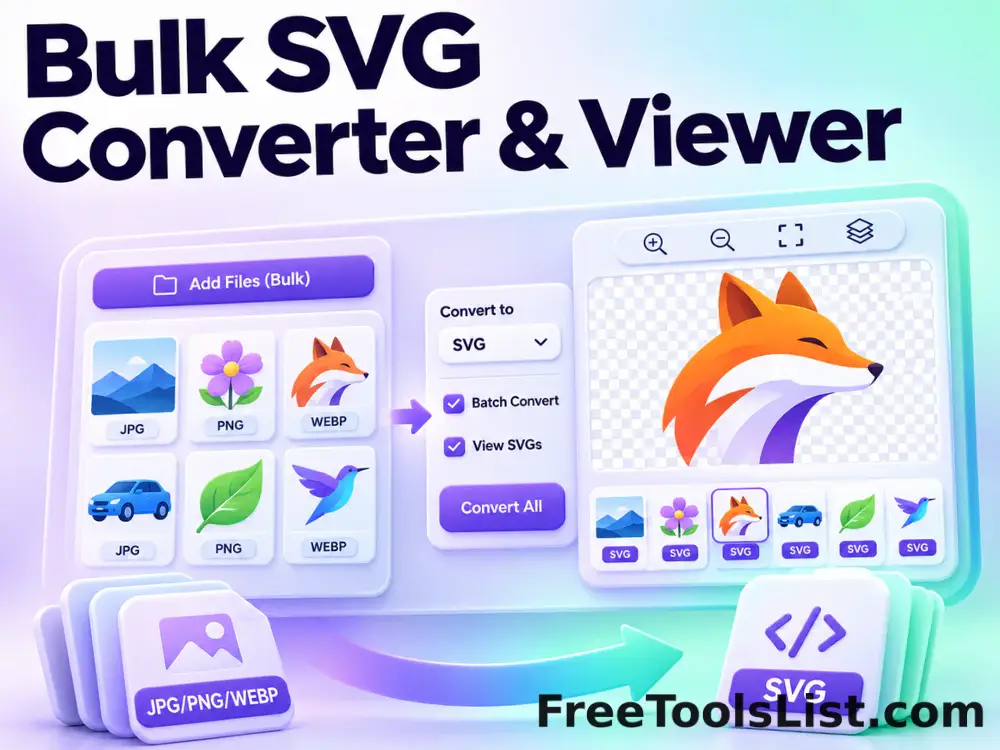
Bulk SVG Converter & Viewer tool previewBSImages

Bulk SVG Converter & Viewer

Process multiple SVG files locally to upload or paste SVG markup, set exact output dimensions and pixel density, preview the raster canvas and export PNG, review every result, and download the completed batch as a ZIP.

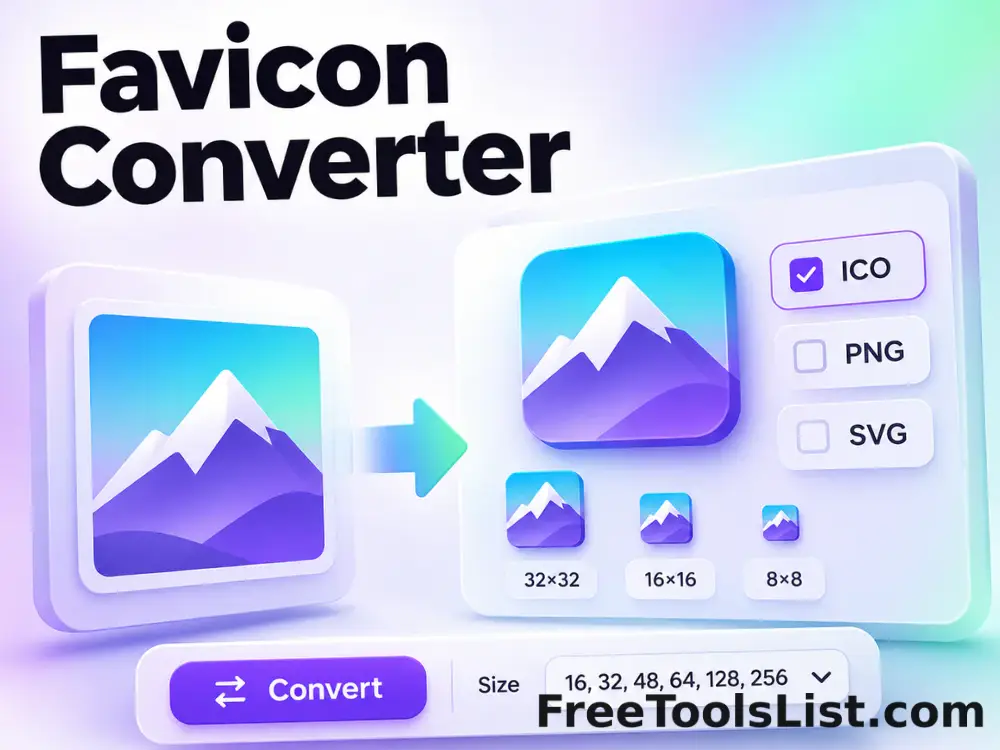
Favicon Converter tool previewFCImages

Favicon Converter

Convert a PNG, JPG, WebP, GIF or SVG image into a complete browser-ready favicon package with live square-fit controls, six canvas previews, a multi-size ICO and ZIP download.

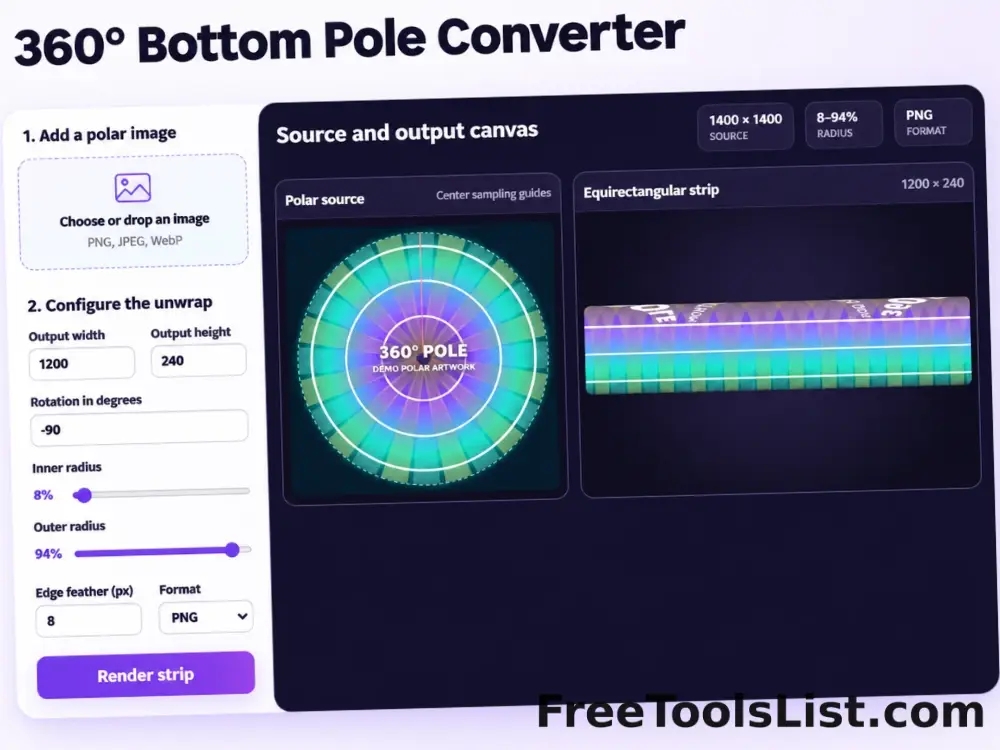
360° Bottom Pole Converter tool preview3BImages

360° Bottom Pole Converter

Free online 360 bottom pole converter. Convert a circular polar image into a wide equirectangular bottom-pole strip for 360° panoramas, with radius, rotation, feathering, flip and export controls. Preview the polar-to-strip result locally before downloading.

EXIF Metadata Viewer tool previewEMImages

EXIF Metadata Viewer

Inspect JPEG EXIF, IPTC, XMP, GPS, camera and image-segment metadata locally with a searchable report and visual photo canvas.

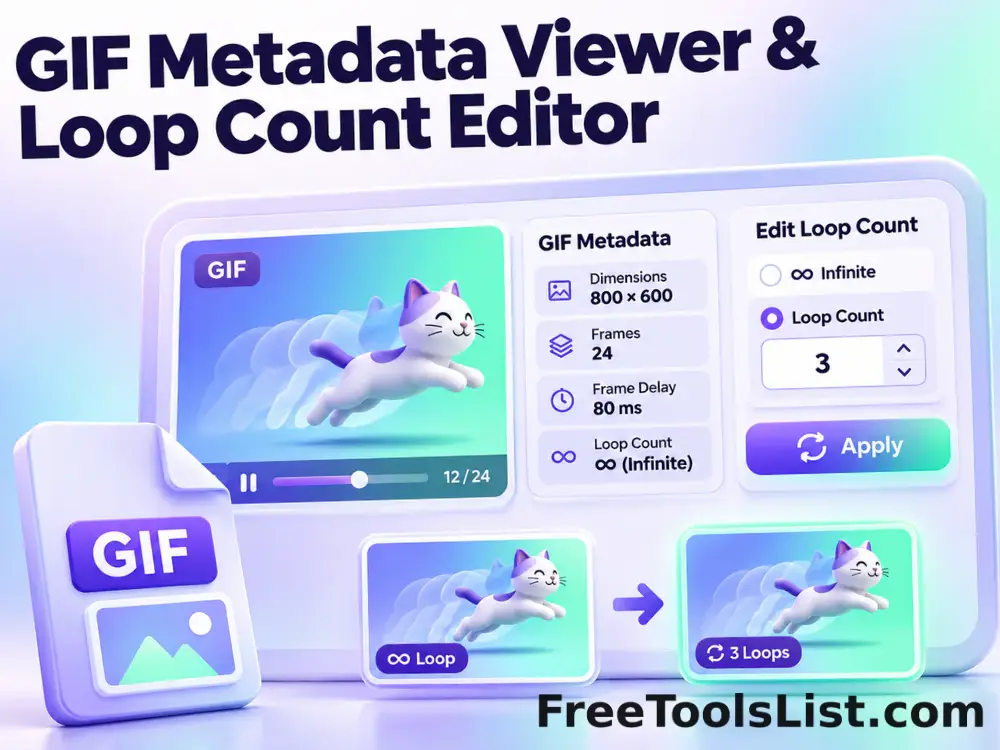
GIF Metadata Viewer & Loop Count Editor tool previewGMImages

GIF Metadata Viewer & Loop Count Editor

Inspect GIF dimensions, file size, frame count, duration, average delay, aspect ratio and loop behavior, preview the animation and re-encode it with a new loop count.

Image DPI Checker & Converter tool previewIDImages

Image DPI Checker & Converter

Inspect pixel dimensions, file size and estimated print measurements, choose a new DPI value, preview the unchanged pixels and export a high-quality JPEG with print density metadata.

Image to HTML Converter tool previewITImages

Image to HTML Converter

Convert an image into a portable HTML img element with an embedded Base64 data URI, accessible alt text, responsive sizing options and a live browser-style canvas preview.

Image to SVG Vectorizer tool previewITImages

Image to SVG Vectorizer

Trace a raster image into a local color-quantized SVG made from merged horizontal vector runs, adjust color count and detail, and preview the vector result before downloading or copying it.

Lossless Progressive JPEG Converter tool previewLPImages

Lossless Progressive JPEG Converter

Convert a baseline JPEG to progressive scan order without recompressing image pixels using a bundled local jpegtran binary.

Pixel to Inches, CM, MM & Feet Converter tool previewPTImages

Pixel to Inches, CM, MM & Feet Converter

Convert image dimensions between pixels, inches, centimeters, millimeters and feet with a configurable PPI value, optional image measurement and a scaled print-size canvas diagram.

PX to REM, EM, PT, VW & VH Converter tool previewPTImages

PX to REM, EM, PT, VW & VH Converter

Convert CSS pixels to rem, em, points, picas, viewport width and viewport height units with editable font and viewport references plus a live typographic scale canvas.

Stereo 3D to 2D Converter tool previewS3Images

Stereo 3D to 2D Converter

Convert red-cyan anaglyphs or side-by-side stereo pairs into a regular 2D image with cleanup controls.

Universal Batch Image Format Converter tool previewUBImages

Universal Batch Image Format Converter

Batch convert browser-decodable images and baseline TIFF files to AVIF, WebP, PNG or JPEG with quality, resizing, transparency, background color, AVIF effort, ZIP export and a live result canvas before saving.

Abstract Strokes & Dots Effect tool previewASImages

Abstract Strokes & Dots Effect

Rebuild a photo as an abstract composition of sampled color strokes and dots with intensity, density, smoothing, color smoothing and a repeatable seed.

Add Noise to Image tool previewANImages

Add Noise to Image

Add Noise to Image lets you add controllable monochrome or color grain locally in your browser, compare the result, and download a ready-to-use file.

Adjust Image Gamma tool previewAIImages

Adjust Image Gamma

Adjust Image Gamma lets you reshape midtone brightness without applying a flat offset locally in your browser, compare the result, and download a ready-to-use file.

Adjust Image HSL tool previewAIImages

Adjust Image HSL

Adjust Image HSL lets you control hue, saturation and lightness in one workspace locally in your browser, compare the result, and download a ready-to-use file.

Adjust RGB Channels tool previewARImages

Adjust RGB Channels

Adjust RGB Channels lets you scale individual red, green and blue channels locally in your browser, compare the result, and download a ready-to-use file.

Animated GIF Caption & Background Studio tool previewAGImages

Animated GIF Caption & Background Studio

Add outlined captions or meme bars to an animated GIF, fit it into a synchronized blurred square background, preview the motion on canvas and locally re-encode the reviewed GIF.

Animated GIF Effects & Transparency Editor tool previewAGImages

Animated GIF Effects & Transparency Editor

Adjust brightness, contrast, saturation and hue, apply grayscale, sepia, invert or glitch effects, or remove a selected color from every animated GIF frame with live canvas feedback.

PublishedUpdated