Private JPEG metadata workspace

EXIF Metadata Viewer

Inspect JPEG EXIF, IPTC, XMP, GPS, camera and image-segment metadata locally with a searchable report and visual photo canvas.

● Browser-local · JPEG pixels preserved · Original safe

EXIF Metadata Viewer workspace

Inspect the photo canvas and the exact metadata change before exporting any file.

Local · no uploads

Loading the metadata workspace…

Quick Tool Overview

EXIF Viewer with an inspectable local result.

Use EXIF Metadata Viewer to understand what descriptive, camera, location and workflow data is embedded in a JPEG before sharing or archiving it.

The browser reads JPEG application segments, parses TIFF-based EXIF directories, extracts XMP XML fields and decodes common IPTC datasets without changing the source file.

JPEGLossless container edit
LOCALPrivate processing
EXIFFocused workflow
0Accounts needed
Review before saving. A missing field means it was not found in the supported JPEG metadata structures; it does not prove that no proprietary or encrypted information exists.

About the Tool

What EXIF Metadata Viewer does.

Primary purpose

Use this page to understand what descriptive, camera, location and workflow data is embedded in a JPEG before sharing or archiving it.

Transparent method

The browser reads JPEG application segments, parses TIFF-based EXIF directories, extracts XMP XML fields and decodes common IPTC datasets without changing the source file.

Visual verification

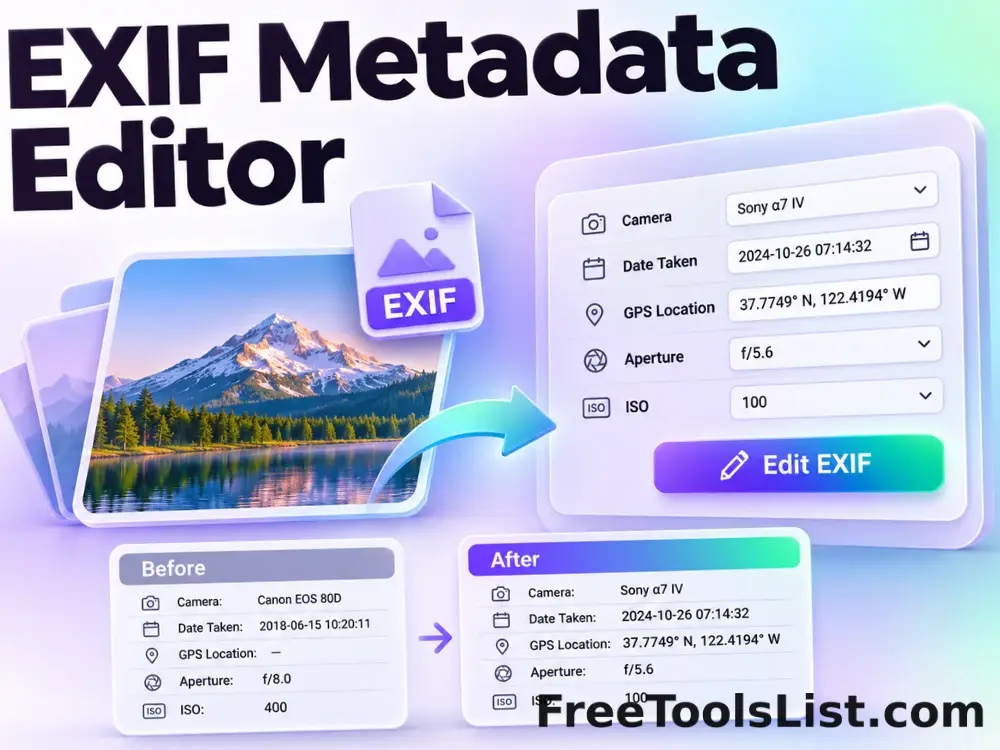
The canvas confirms the selected image while a structured before-and-after summary explains metadata changes that are invisible in the pixels.

Private local workflow

The JPEG is read and rebuilt inside the browser without an external image-processing or metadata API.

Original-safe output

The selected file is only read. Any changed JPEG or JSON report is created as a separate download.

Important limitation

A missing field means it was not found in the supported JPEG metadata structures; it does not prove that no proprietary or encrypted information exists.
Key Features

A modern metadata workflow built for careful review.

▣

True canvas preview

Confirm the exact photo whose metadata will be inspected or changed.

Δ

Before-and-after report

Review segment and field changes that are not visible in the image pixels.

⌂

Browser-local processing

Selected files and parsed metadata remain in the current browser tab.

↓

Lossless JPEG handling

a searchable metadata report and JSON export without recompressing the JPEG scan data.

How to Use EXIF Metadata Viewer

Complete the task in six detailed steps.

Choose a JPEG image

Select a local .jpg or .jpeg file. The tool verifies the JPEG signature before reading any metadata.

Step 1: Keep the original file available until the output is verified.

Inspect the photo canvas

Confirm that the selected file is the intended photograph. Metadata analysis does not redraw or modify the image.

Step 2: Keep the original file available until the output is verified.

Review the summary

Check the detected EXIF, XMP, IPTC, GPS and JPEG-segment totals before opening individual fields.

Step 3: Keep the original file available until the output is verified.

Search and filter fields

Search by field name or value and filter the table to camera, GPS, EXIF, XMP, IPTC or container information.

Step 4: Use the preview to verify the exact pending change.

Interpret values carefully

Dates may omit a timezone, GPS coordinates may have been edited, and manufacturer notes can use proprietary formats.

Step 5: Keep the original file available until the output is verified.

Copy or download the report

Export the reviewed metadata as JSON while keeping the original JPEG unchanged.

Step 6: Keep the original file available until the output is verified.

Ready to inspect the JPEG?

Review image and metadata before saving.

No remote upload, account, watermark or source overwrite.

Open EXIF Viewer →

Frequently Asked Questions

Popular exif viewer questions.

It reads common TIFF-based EXIF and GPS tags, XMP packets, IPTC IIM datasets, JPEG comments and an application-segment inventory.

MakerNote data is proprietary and may vary by camera model. The viewer reports its presence without claiming to decode every private structure.

Yes. Copy the normalized report or download it as JSON. The export does not include the image itself.

No. JPEG parsing, metadata editing and output construction happen in the current browser tab. The local server only provides the application files.

No. The metadata tools copy the original JPEG scan data rather than decoding and recompressing the pixels.

Yes. Metadata can be edited, copied, stripped or created by software, so it should not be treated as proof of authorship, location or capture time.

Keep exploring

Similar Tools

Continue with related free tools selected from this category and the wider directory.

20 tools
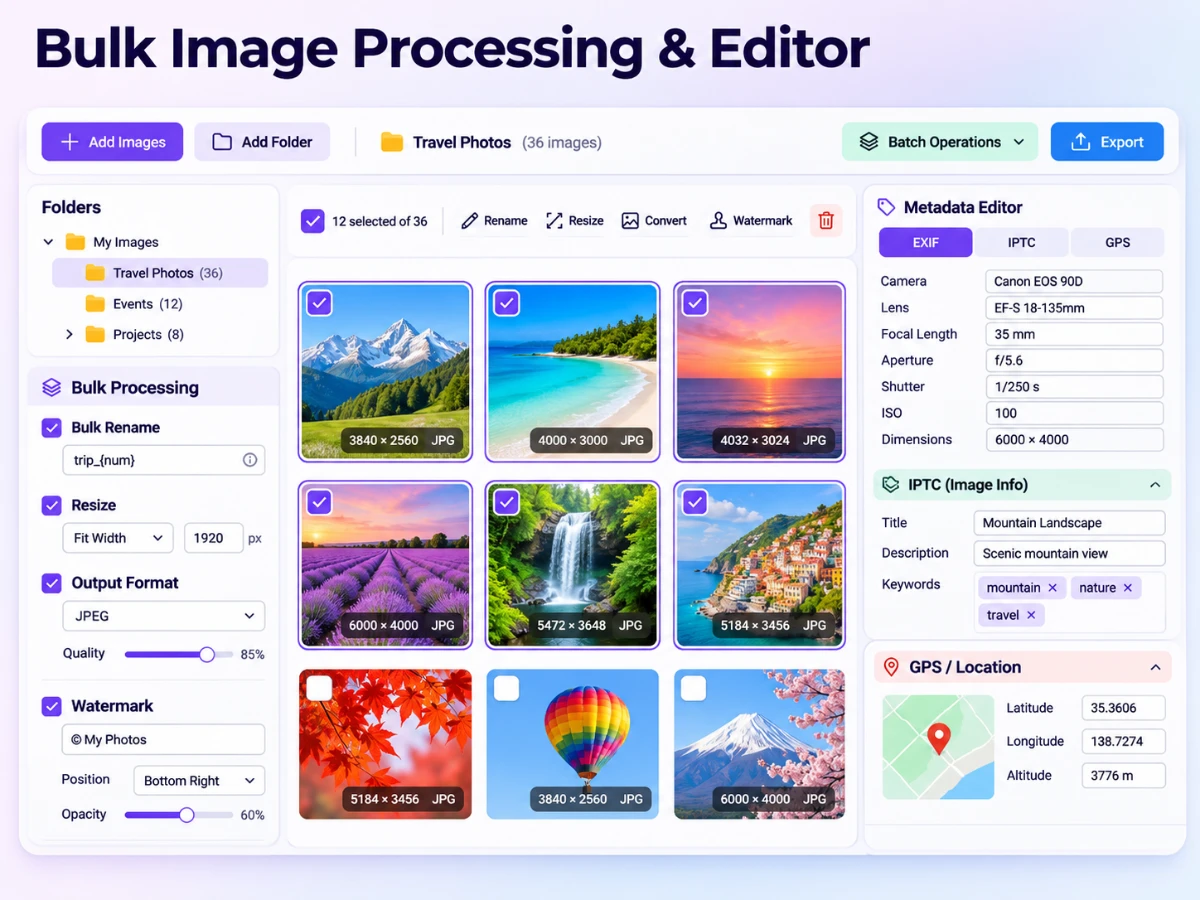
Bulk Image Processing & Bulk Image Editor — Edit EXIF, IPTC & GPS Metadata tool previewBIImages

Bulk Image Processing & Bulk Image Editor — Edit EXIF, IPTC & GPS Metadata

Process multiple images at once: rename, resize, rotate, flip, watermark, convert formats, edit EXIF and IPTC fields, add GPS coordinates and preserve folder trees.

EXIF Metadata Editor tool previewEMImages

EXIF Metadata Editor

Edit common photo titles, descriptions, creator details, dates, keywords, rights, camera fields and GPS coordinates without recompressing JPEG pixels.

GIF Metadata Viewer & Loop Count Editor tool previewGMImages

GIF Metadata Viewer & Loop Count Editor

Inspect GIF dimensions, file size, frame count, duration, average delay, aspect ratio and loop behavior, preview the animation and re-encode it with a new loop count.

Photo Metadata Copier tool previewPMImages

Photo Metadata Copier

Copy selected EXIF, XMP and IPTC blocks from one JPEG to another, optionally clear destination metadata first and preview the exact transfer before saving.

Remove Photo Metadata tool previewRPImages

Remove Photo Metadata

Remove EXIF, GPS, XMP, IPTC, comments and optional ICC profile data from JPEG files without recompressing image pixels.

Bulk SVG Converter & Viewer tool previewBSImages

Bulk SVG Converter & Viewer

Process multiple SVG files locally to upload or paste SVG markup, set exact output dimensions and pixel density, preview the raster canvas and export PNG, review every result, and download the completed batch as a ZIP.

Image DPI Checker & Converter tool previewIDImages

Image DPI Checker & Converter

Inspect pixel dimensions, file size and estimated print measurements, choose a new DPI value, preview the unchanged pixels and export a high-quality JPEG with print density metadata.

SVG Converter & Viewer tool previewSCImages

SVG Converter & Viewer

SVG Converter & Viewer lets you upload or paste SVG markup, set exact output dimensions and pixel density, preview the raster canvas and export PNG locally in your browser, compare the result, and download a ready-to-use file.

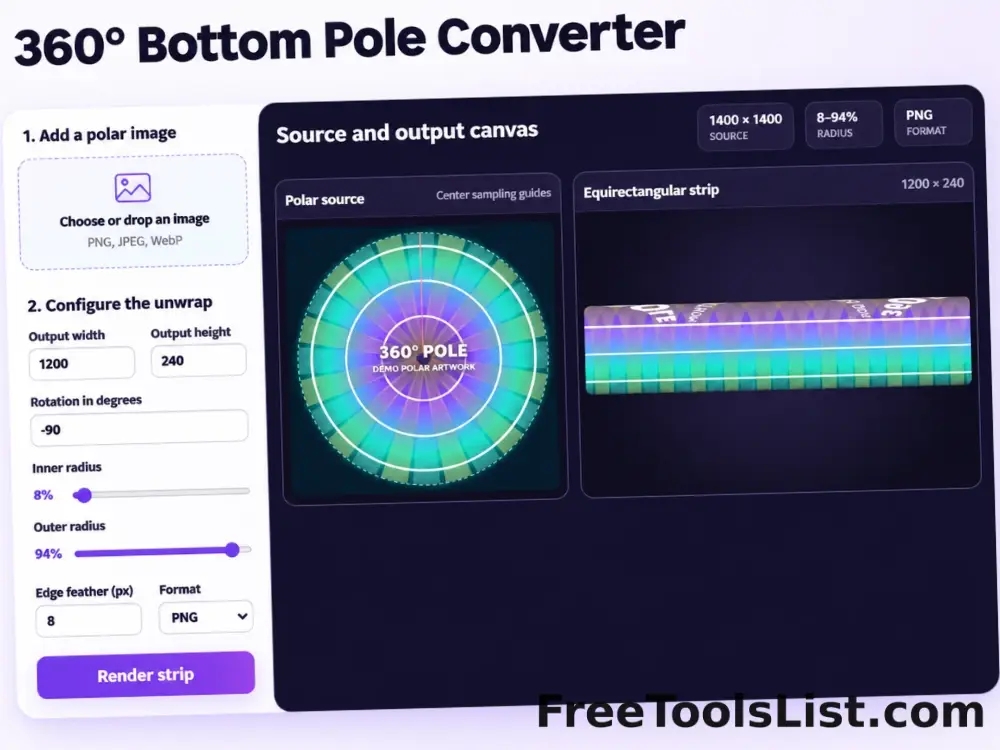
360° Bottom Pole Converter tool preview3BImages

360° Bottom Pole Converter

Free online 360 bottom pole converter. Convert a circular polar image into a wide equirectangular bottom-pole strip for 360° panoramas, with radius, rotation, feathering, flip and export controls. Preview the polar-to-strip result locally before downloading.

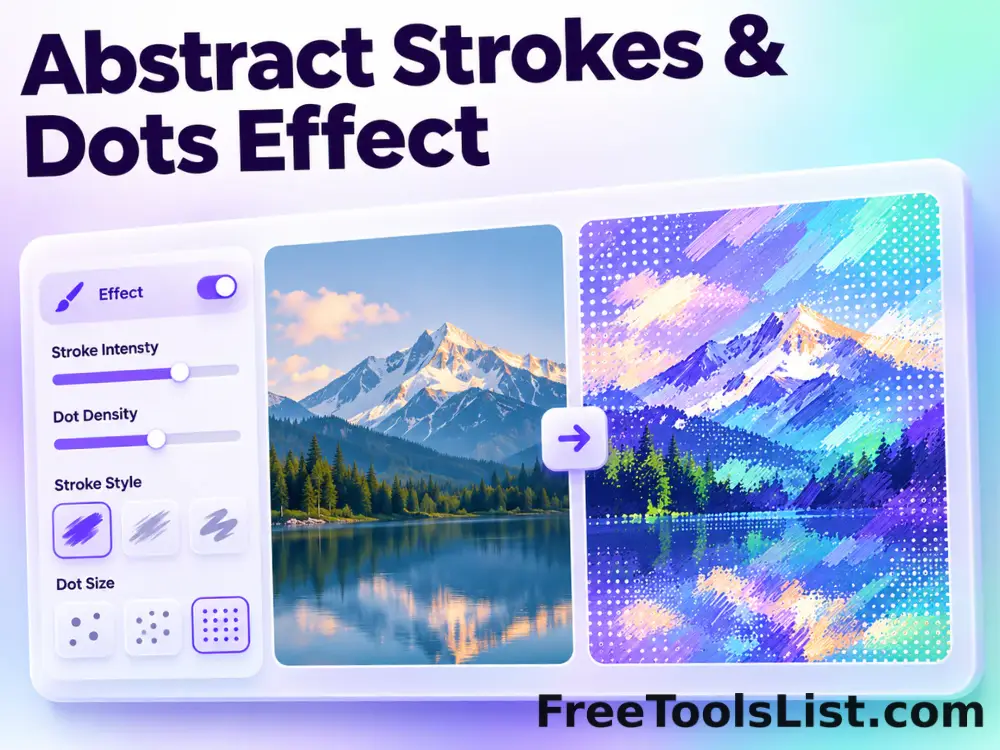
Abstract Strokes & Dots Effect tool previewASImages

Abstract Strokes & Dots Effect

Rebuild a photo as an abstract composition of sampled color strokes and dots with intensity, density, smoothing, color smoothing and a repeatable seed.

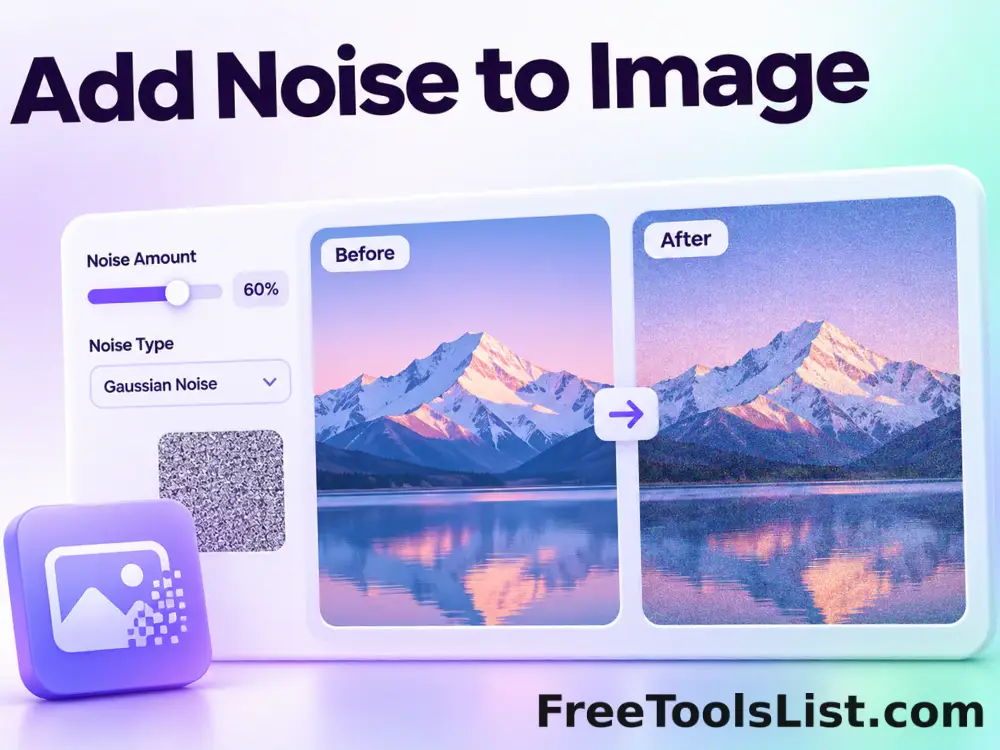
Add Noise to Image tool previewANImages

Add Noise to Image

Add Noise to Image lets you add controllable monochrome or color grain locally in your browser, compare the result, and download a ready-to-use file.

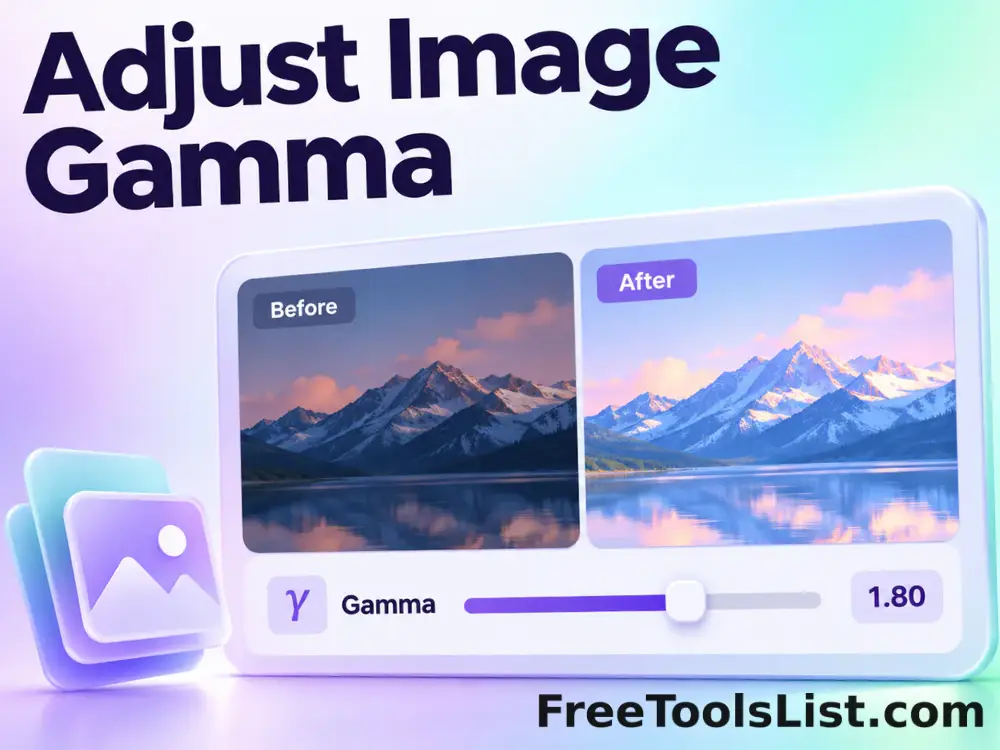
Adjust Image Gamma tool previewAIImages

Adjust Image Gamma

Adjust Image Gamma lets you reshape midtone brightness without applying a flat offset locally in your browser, compare the result, and download a ready-to-use file.

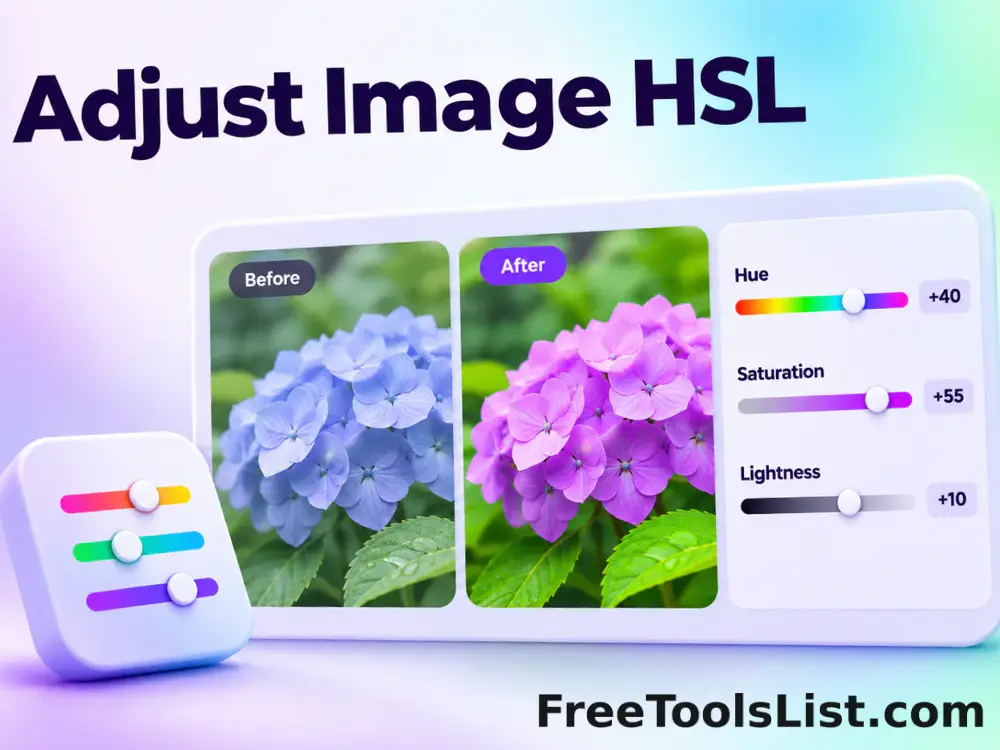
Adjust Image HSL tool previewAIImages

Adjust Image HSL

Adjust Image HSL lets you control hue, saturation and lightness in one workspace locally in your browser, compare the result, and download a ready-to-use file.

Adjust RGB Channels tool previewARImages

Adjust RGB Channels

Adjust RGB Channels lets you scale individual red, green and blue channels locally in your browser, compare the result, and download a ready-to-use file.

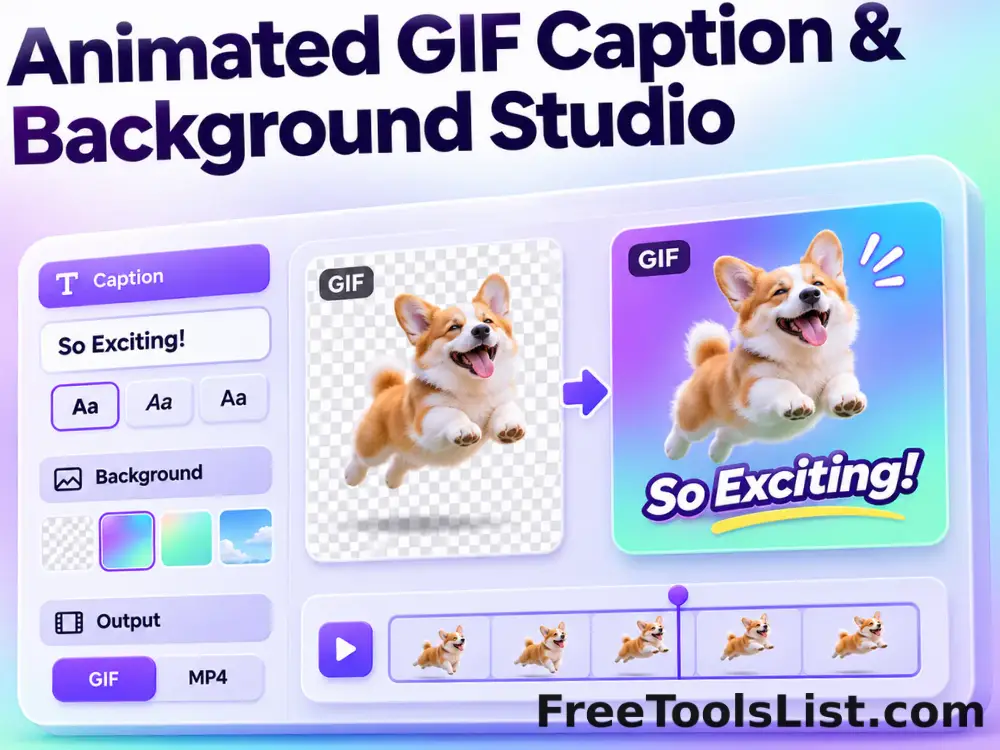
Animated GIF Caption & Background Studio tool previewAGImages

Animated GIF Caption & Background Studio

Add outlined captions or meme bars to an animated GIF, fit it into a synchronized blurred square background, preview the motion on canvas and locally re-encode the reviewed GIF.

Animated GIF Effects & Transparency Editor tool previewAGImages

Animated GIF Effects & Transparency Editor

Adjust brightness, contrast, saturation and hue, apply grayscale, sepia, invert or glitch effects, or remove a selected color from every animated GIF frame with live canvas feedback.

Animated GIF Joiner, Collage & Grid Maker tool previewAGImages

Animated GIF Joiner, Collage & Grid Maker

Join two to four animated GIFs horizontally, vertically or in a 2×2 grid with fit, cell-size, gap, background, duration and frame-rate controls plus a live synchronized canvas.

Animated GIF Logo, Sticker, Paint & Censor Editor tool previewAGImages

Animated GIF Logo, Sticker, Paint & Censor Editor

Place a logo or emoji, paint freehand marks, or blur and pixelate a selected region across an animated GIF using movable canvas overlays and local re-encoding.

Animated GIF Timeline, Speed & Boomerang Editor tool previewAGImages

Animated GIF Timeline, Speed & Boomerang Editor

Trim frames, change speed, reverse playback, make a boomerang, reorder individual frames and set the loop count on a visual GIF timeline before re-encoding locally.

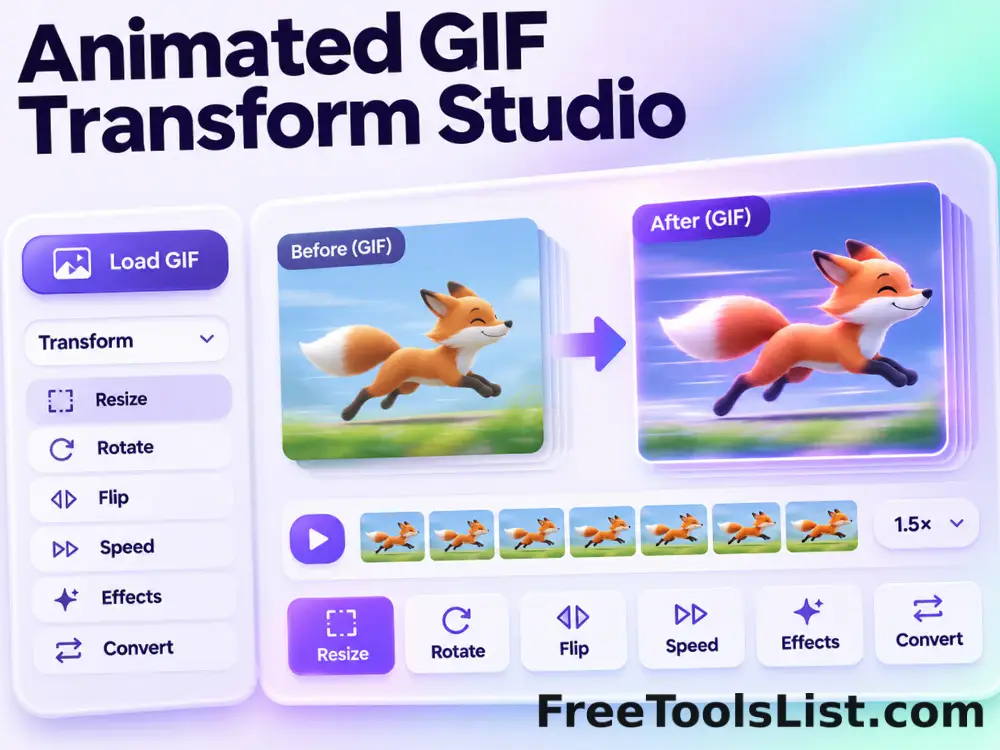
Animated GIF Transform Studio tool previewAGImages

Animated GIF Transform Studio

Flip, rotate, resize, crop, circle-crop or round the corners of an animated GIF in one non-duplicated workspace with exact dimensions and a synchronized canvas preview.

PublishedUpdated