Private JPEG metadata workspace

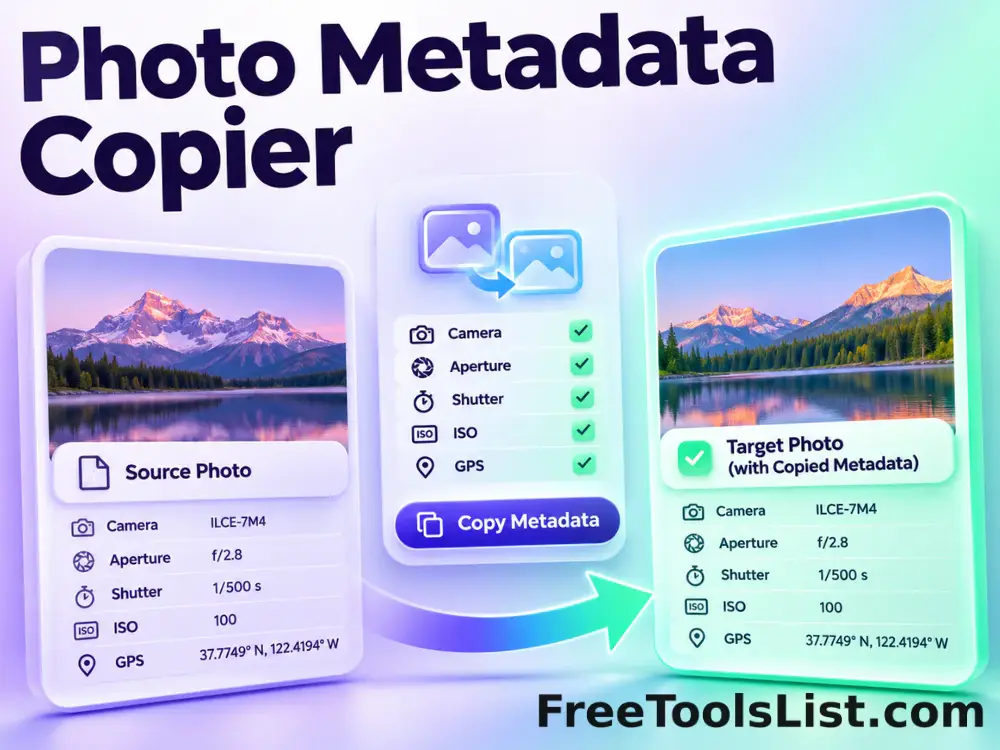
Photo Metadata Copier

Copy selected EXIF, XMP and IPTC blocks from one JPEG to another, optionally clear destination metadata first and preview the exact transfer before saving.

● Browser-local · JPEG pixels preserved · Original safe

Photo Metadata Copier workspace

Inspect the photo canvas and the exact metadata change before exporting any file.

Local · no uploads

Loading the metadata workspace…

Quick Tool Overview

Metadata Copier with an inspectable local result.

Use Photo Metadata Copier to move descriptive or camera metadata from a source photograph to a destination JPEG without recompressing either image.

The browser identifies metadata-bearing JPEG application segments, selects the requested EXIF, XMP and IPTC blocks, then inserts those original bytes into a copy of the destination file.

JPEGLossless container edit
LOCALPrivate processing
COPYFocused workflow
0Accounts needed
Review before saving. Copied camera or GPS data describes the source file and may be misleading when attached to a different picture. Review every transferred field.
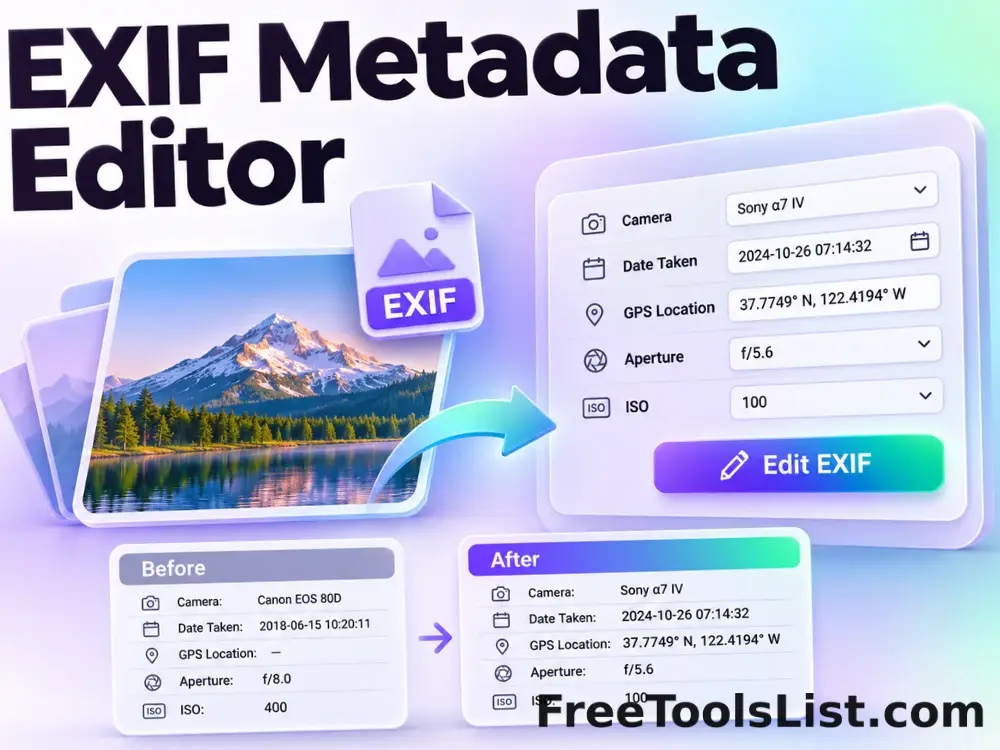
About the Tool

What Photo Metadata Copier does.

Primary purpose

Use this page to move descriptive or camera metadata from a source photograph to a destination JPEG without recompressing either image.

Transparent method

The browser identifies metadata-bearing JPEG application segments, selects the requested EXIF, XMP and IPTC blocks, then inserts those original bytes into a copy of the destination file.

Visual verification

The canvas confirms the selected image while a structured before-and-after summary explains metadata changes that are invisible in the pixels.

Private local workflow

The JPEG is read and rebuilt inside the browser without an external image-processing or metadata API.

Original-safe output

The selected file is only read. Any changed JPEG or JSON report is created as a separate download.

Important limitation

Copied camera or GPS data describes the source file and may be misleading when attached to a different picture. Review every transferred field.

Key Features

A modern metadata workflow built for careful review.

▣

True canvas preview

Confirm the exact photo whose metadata will be inspected or changed.

Δ

Before-and-after report

Review segment and field changes that are not visible in the image pixels.

⌂

Browser-local processing

Selected files and parsed metadata remain in the current browser tab.

↓

Lossless JPEG handling

a separate destination JPEG with the selected source metadata without recompressing the JPEG scan data.

How to Use Photo Metadata Copier

Complete the task in six detailed steps.

Choose the metadata source

Select the JPEG whose EXIF, XMP or IPTC blocks should be transferred.

Step 1: Keep the original file available until the output is verified.

Choose the destination image

Select the JPEG that should receive the metadata. Its visible pixels become the saved output.

Step 2: Keep the original file available until the output is verified.

Select metadata categories

Choose EXIF, XMP and IPTC independently, and decide whether existing destination metadata should be cleared first.

Step 3: Keep the original file available until the output is verified.

Preview the transfer

Build a temporary output and inspect the destination canvas with the source, destination and output metadata counts.

Step 4: Use the preview to verify the exact pending change.

Review meaning and privacy

Verify that copied dates, ownership details, camera information and GPS coordinates truthfully belong with the destination picture.

Step 5: Keep the original file available until the output is verified.

Save the new destination JPEG

Download the transferred copy. Both selected source files remain unchanged.

Step 6: Keep the original file available until the output is verified.

Ready to inspect the JPEG?

Review image and metadata before saving.

No remote upload, account, watermark or source overwrite.

Open Metadata Copier →

Frequently Asked Questions

Popular metadata copier questions.

You can transfer the original EXIF block, XMP packet and IPTC Photoshop resource independently. This includes an embedded EXIF thumbnail when it is part of the copied EXIF block.

Yes. Turn off “clear destination metadata first” and only the selected categories are replaced. Unselected destination categories remain.

No. The destination picture stays visible and its JPEG scan data becomes the output; only selected metadata blocks come from the source.

No. JPEG parsing, metadata editing and output construction happen in the current browser tab. The local server only provides the application files.

No. The metadata tools copy the original JPEG scan data rather than decoding and recompressing the pixels.

Yes. Metadata can be edited, copied, stripped or created by software, so it should not be treated as proof of authorship, location or capture time.

Keep exploring

Similar Tools

Continue with related free tools selected from this category and the wider directory.

20 tools
EXIF Metadata Editor tool previewEMImages

EXIF Metadata Editor

Edit common photo titles, descriptions, creator details, dates, keywords, rights, camera fields and GPS coordinates without recompressing JPEG pixels.

EXIF Metadata Viewer tool previewEMImages

EXIF Metadata Viewer

Inspect JPEG EXIF, IPTC, XMP, GPS, camera and image-segment metadata locally with a searchable report and visual photo canvas.

Remove Photo Metadata tool previewRPImages

Remove Photo Metadata

Remove EXIF, GPS, XMP, IPTC, comments and optional ICC profile data from JPEG files without recompressing image pixels.

Abstract Strokes & Dots Effect tool previewASImages

Abstract Strokes & Dots Effect

Rebuild a photo as an abstract composition of sampled color strokes and dots with intensity, density, smoothing, color smoothing and a repeatable seed.

Auto Contrast Image tool previewACImages

Auto Contrast Image

Automatically detect useful black and white points, expand image contrast and preview the corrected photograph on a live before-and-after canvas.

Auto Levels Image tool previewALImages

Auto Levels Image

Normalize photo brightness and color levels automatically using per-channel RGB or luminance-only correction with clipping and strength controls.

Black & White Dithering Studio tool previewBWImages

Black & White Dithering Studio

Convert a photo to one-bit black and white with Floyd–Steinberg, ordered or threshold methods plus balance, contrast, brightness and blur controls.

Bokeh & Blurred Circles Studio tool previewBBImages

Bokeh & Blurred Circles Studio

Overlay luminous circles, rings, hexagons, triangles or stars, or rebuild a photo from blurred color circles with seed, count, size, blur and color controls.

Bulk Change Image Exposure tool previewBCImages

Bulk Change Image Exposure

Process multiple images locally to simulate exposure changes in photographic stops, review every result, and download the completed batch as a ZIP.

Bulk Image Processing & Bulk Image Editor — Edit EXIF, IPTC & GPS Metadata tool previewBIImages

Bulk Image Processing & Bulk Image Editor — Edit EXIF, IPTC & GPS Metadata

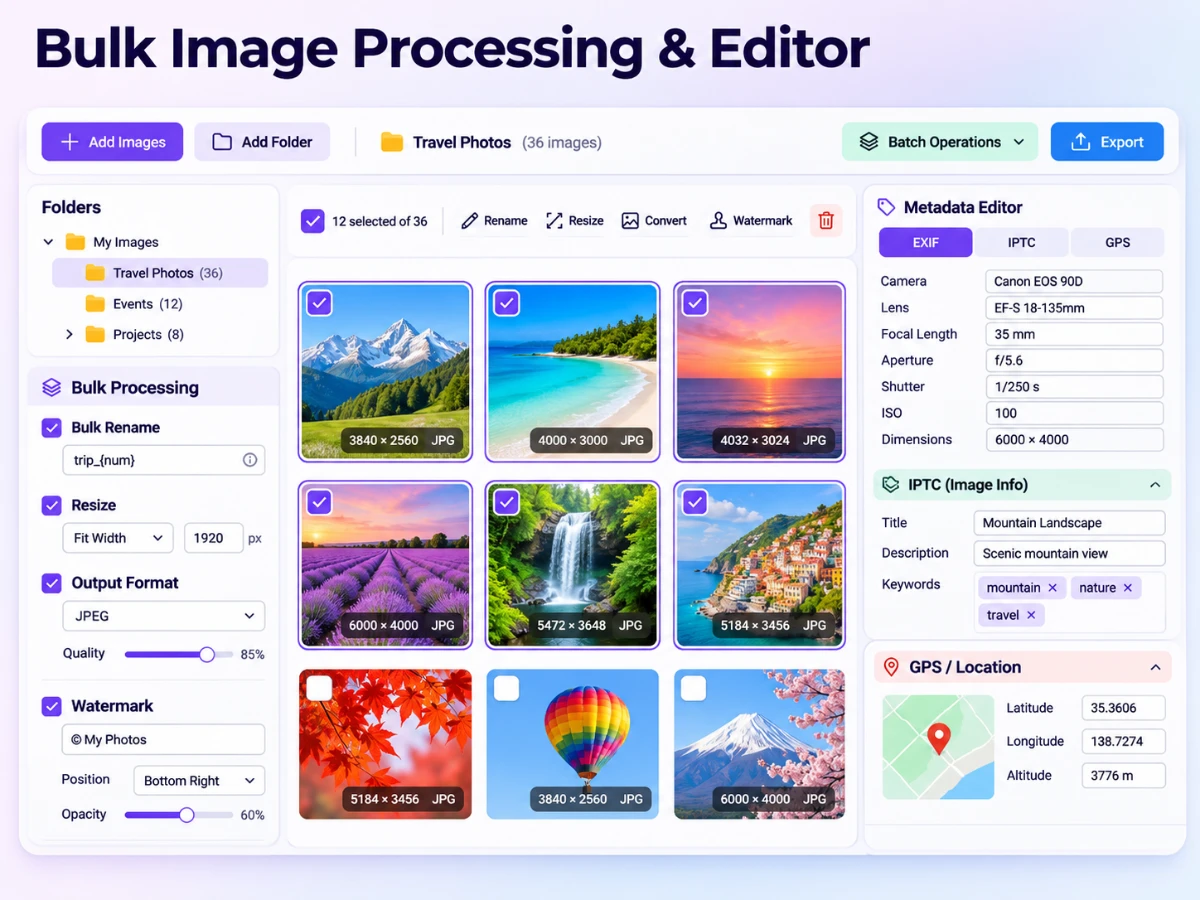
Process multiple images at once: rename, resize, rotate, flip, watermark, convert formats, edit EXIF and IPTC fields, add GPS coordinates and preserve folder trees.

Bulk Invert Image Colors tool previewBIImages

Bulk Invert Image Colors

Process multiple images locally to reverse every RGB channel to create a photographic negative, review every result, and download the completed batch as a ZIP.

Canvas Texture Photo Effect tool previewCTImages

Canvas Texture Photo Effect

Give a photograph a woven artist-canvas texture with fiber intensity, size, density, angle and sharpening controls on a live preview.

Cartoon & Chalk Drawing Studio tool previewCCImages

Cartoon & Chalk Drawing Studio

Convert a photo into segmented cartoon art or a chalkboard-style drawing with levels, edge intensity, abstractness, saturation and chalk-flow controls.

Censor Photo: Blur or Pixelate tool previewCPImages

Censor Photo: Blur or Pixelate

Censor Photo: Blur or Pixelate lets you obscure a rectangular region with blur, pixels or a solid fill locally in your browser, compare the result, and download a ready-to-use file.

Change Image Exposure tool previewCIImages

Change Image Exposure

Change Image Exposure lets you simulate exposure changes in photographic stops locally in your browser, compare the result, and download a ready-to-use file.

Chromatic Aberration Photo Effect tool previewCAImages

Chromatic Aberration Photo Effect

Create adjustable red, green and blue edge separation with independent horizontal and vertical offsets plus blend and export controls.

Cosmic Light Photo Effect tool previewCLImages

Cosmic Light Photo Effect

Add a seeded cosmic glow with light intensity, hue, ray count, stars and movable center controls on an actual preview canvas.

Cracked Photo Effect tool previewCPImages

Cracked Photo Effect

Overlay a repeatable branching crack network with density, relief, width, color and seed controls before saving the reviewed image.

Dominant Color Frame Studio tool previewDCImages

Dominant Color Frame Studio

Build a striped photo border from colors sampled from the image with independent side widths, palette size, blur, rotation and saturation controls.

Dot, Shape & Domino Mosaic Studio tool previewDSImages

Dot, Shape & Domino Mosaic Studio

Rebuild a photo from dots, squares, hearts or domino tiles with object size, luminance scaling, color mode, inversion and antialias controls.

PublishedUpdated