Modern canvas-first image workspace

Image Splitter

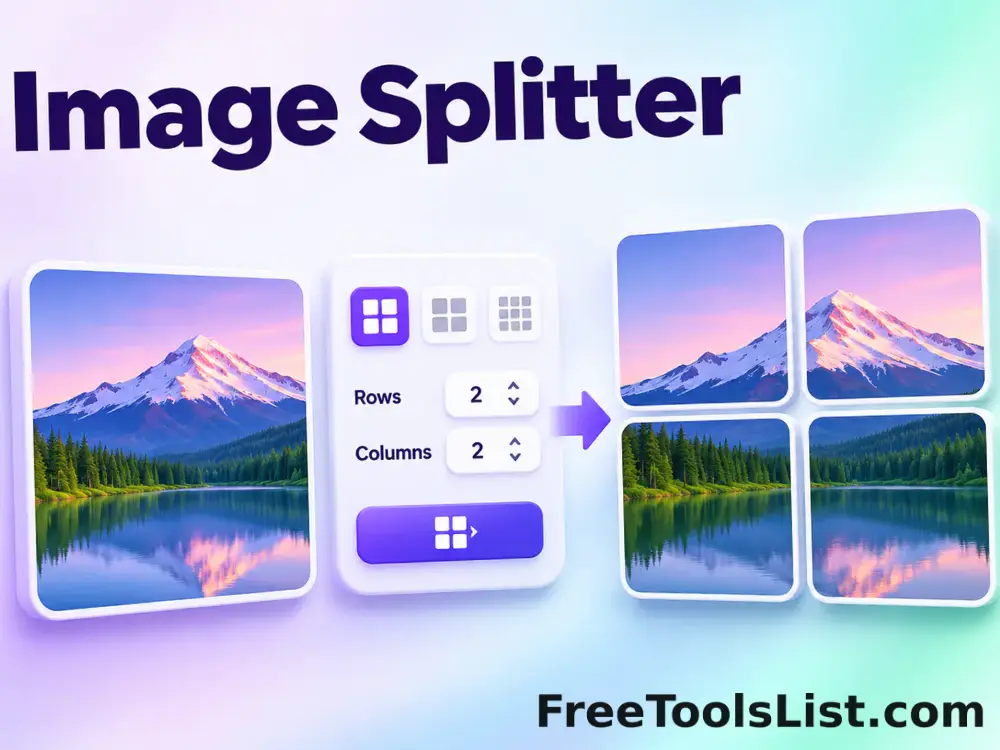
Split an image into horizontal, vertical or custom grid tiles, preview exact cut lines on a canvas, inspect every generated piece and download individual files or a ZIP.

● Local canvas processing · No image uploads

Image Splitter workspace

Configure the task, inspect the real canvas preview, and save only the result you have reviewed.

Canvas preview enabled

Loading the modern image workspace…

Quick Tool Overview

Image Splitter with visible, reviewable output.

Split an image into horizontal, vertical or custom grid tiles, preview exact cut lines on a canvas, inspect every generated piece and download individual files or a ZIP.

The source dimensions are divided into row and column boundaries using rounded cumulative coordinates, so every original pixel belongs to exactly one output tile without dropped edge pixels.

CANVASVisual review
GRIDFocused workflow
LOCALBrowser processing
0Accounts needed
Important. Some platforms add spacing, crop posts or reorder media. Verify the final sequence and platform-specific aspect requirements after upload.
About the Tool

What Image Splitter does.

Primary purpose

Use this page to divide one image into lossless grid-aligned pieces for social media, printing, web layouts, puzzles or large-format workflows.

Transparent method

The source dimensions are divided into row and column boundaries using rounded cumulative coordinates, so every original pixel belongs to exactly one output tile without dropped edge pixels.

Canvas-first review

The page renders the proposed image, grid, picked pixels or downloaded files on a real canvas before any save action.

Clear validation

Unsupported files, invalid dimensions, unreachable URLs and unsafe destinations are explained before export.

Explicit downloads

Nothing is saved automatically. A file is created only after you press an individual or ZIP download button.

Known limitation

Some platforms add spacing, crop posts or reorder media. Verify the final sequence and platform-specific aspect requirements after upload.
Key Features

A modern image workflow designed for inspection.

▦

Real canvas preview

Review full-resolution pixels or a contact-sheet canvas before saving files.

✓

Focused controls

Only controls relevant to this exact image task are shown.

⌂

Safer processing

Local sources stay in the browser and remote requests block private destinations.

↓

Reviewable exports

Download a chosen result, a structured data export or a complete ZIP only after review.

How to Use Image Splitter

Complete the image task in six detailed steps.

Choose a source image

Select, drop or paste the image you want to divide.

Step 1: Keep the source and intended use in mind during this step.

Choose a preset or custom grid

Use 2×2, horizontal, vertical or 3×3 presets, or enter up to 12 rows and columns.

Step 2: Keep the source and intended use in mind during this step.

Review the grid canvas

Confirm every proposed cut line before generating separate image files.

Step 3: Use the visible canvas and metadata to verify the result.

Create the tiles

Split the original pixels into exact row-and-column pieces without rescaling the source.

Step 4: Use the visible canvas and metadata to verify the result.

Inspect every tile

Review dimensions, content and ordering in the generated results grid.

Step 5: Keep the source and intended use in mind during this step.

Download files

Save one tile at a time or download the complete reviewed set as a ZIP archive.

Step 6: Keep the source and intended use in mind during this step.

Ready to work?

Preview the result before saving.

Use focused controls, clear validation and explicit downloads without creating an account.

Open Image Splitter →

Frequently Asked Questions

Popular image splitter questions.

No. Rounded cumulative boundaries assign every source pixel to one tile, including remainder pixels at the right and bottom edges.

Yes. Choose the Instagram 3×3 preset, then review the cut lines and output order.

No. Splitting and encoding happen locally with browser canvases.

Tiles can be exported as PNG, JPEG or WebP.

Filenames include the source name followed by row and column numbers.

Yes. The reviewed tiles can be packaged into one ZIP file.

Keep exploring

Similar Tools

Continue with related free tools selected from this category and the wider directory.

20 tools
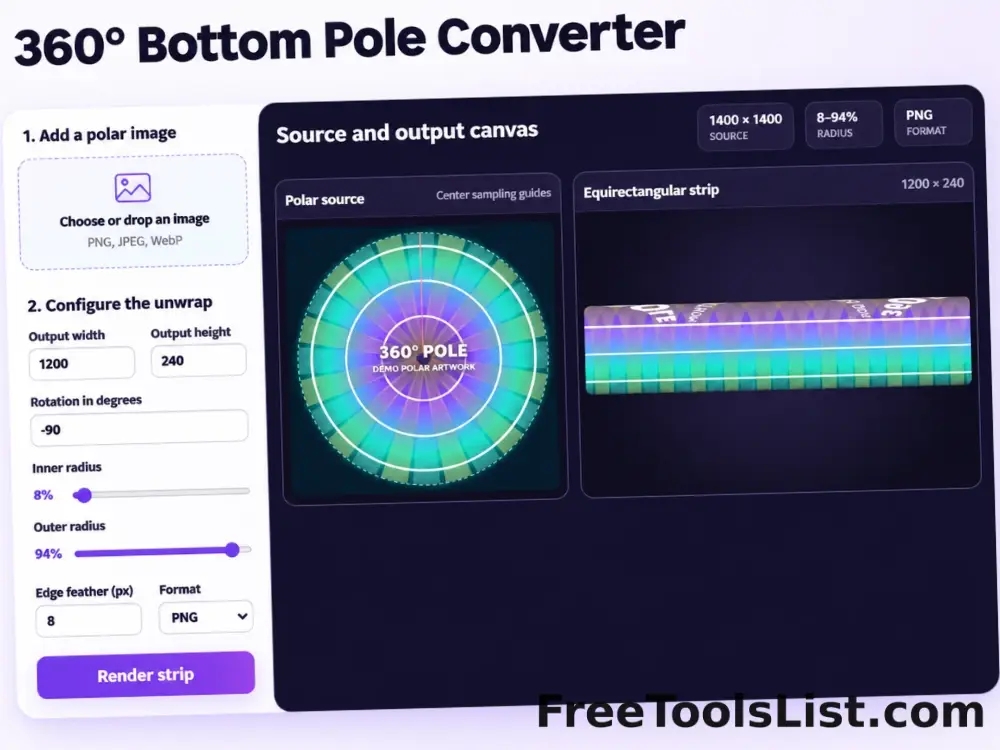
360° Bottom Pole Converter tool preview3BImages

360° Bottom Pole Converter

Free online 360 bottom pole converter. Convert a circular polar image into a wide equirectangular bottom-pole strip for 360° panoramas, with radius, rotation, feathering, flip and export controls. Preview the polar-to-strip result locally before downloading.

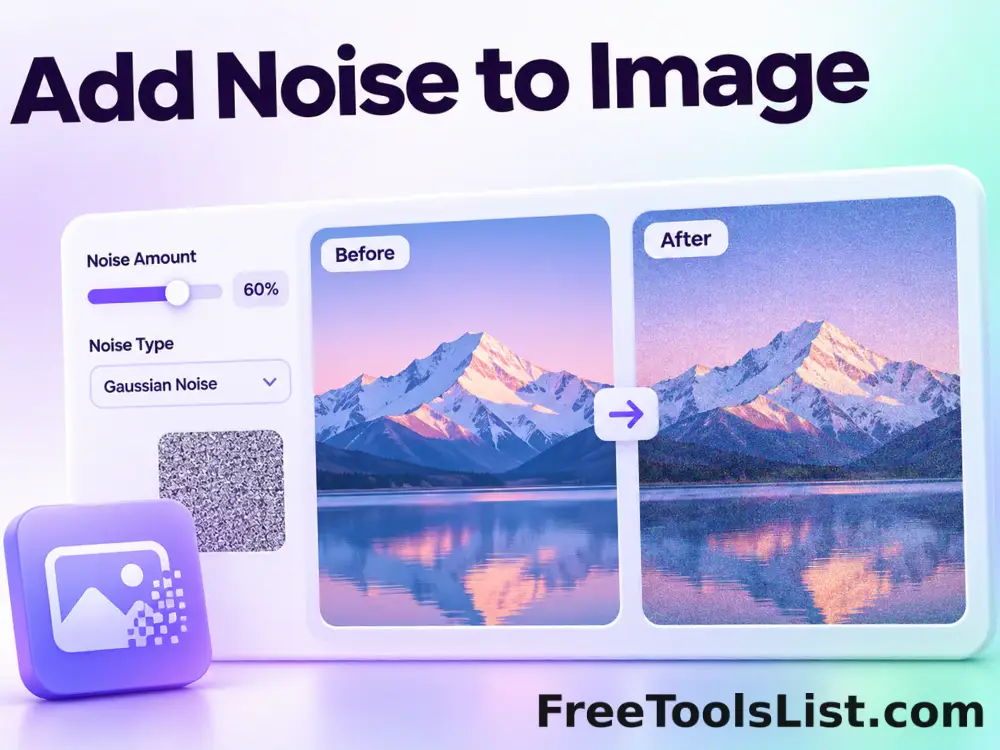
Add Noise to Image tool previewANImages

Add Noise to Image

Add Noise to Image lets you add controllable monochrome or color grain locally in your browser, compare the result, and download a ready-to-use file.

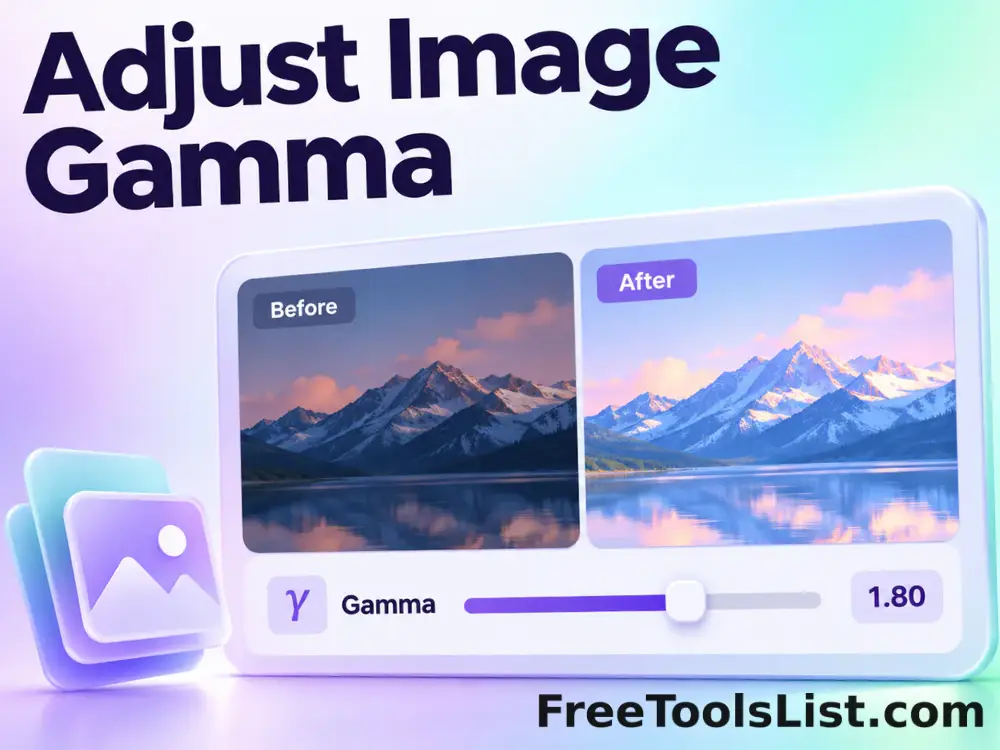
Adjust Image Gamma tool previewAIImages

Adjust Image Gamma

Adjust Image Gamma lets you reshape midtone brightness without applying a flat offset locally in your browser, compare the result, and download a ready-to-use file.

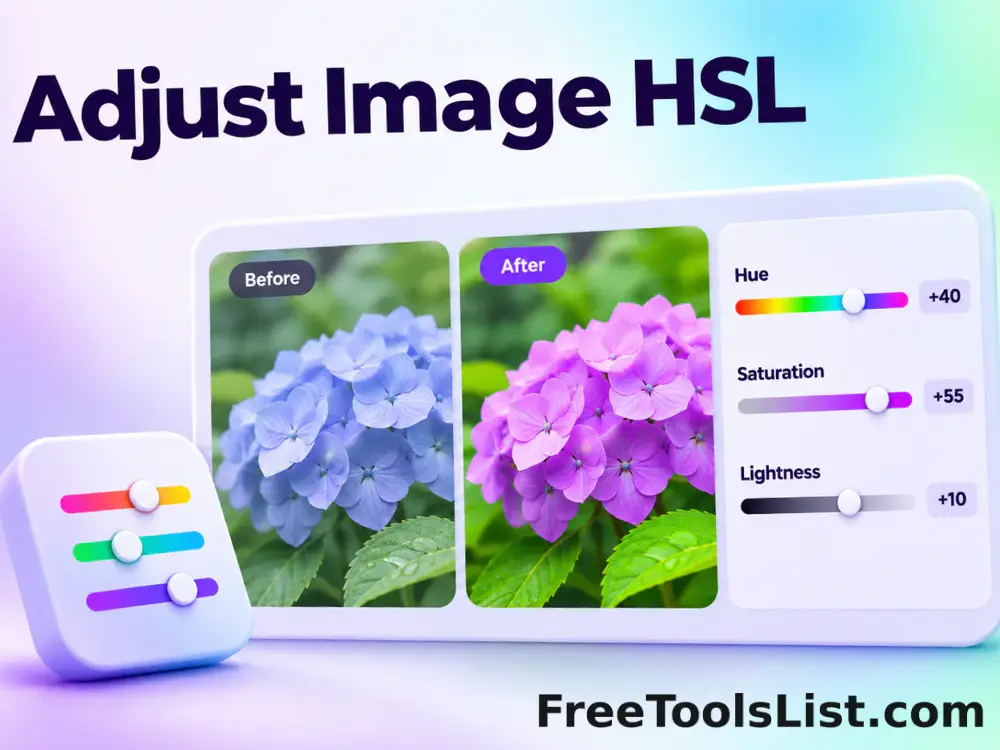
Adjust Image HSL tool previewAIImages

Adjust Image HSL

Adjust Image HSL lets you control hue, saturation and lightness in one workspace locally in your browser, compare the result, and download a ready-to-use file.

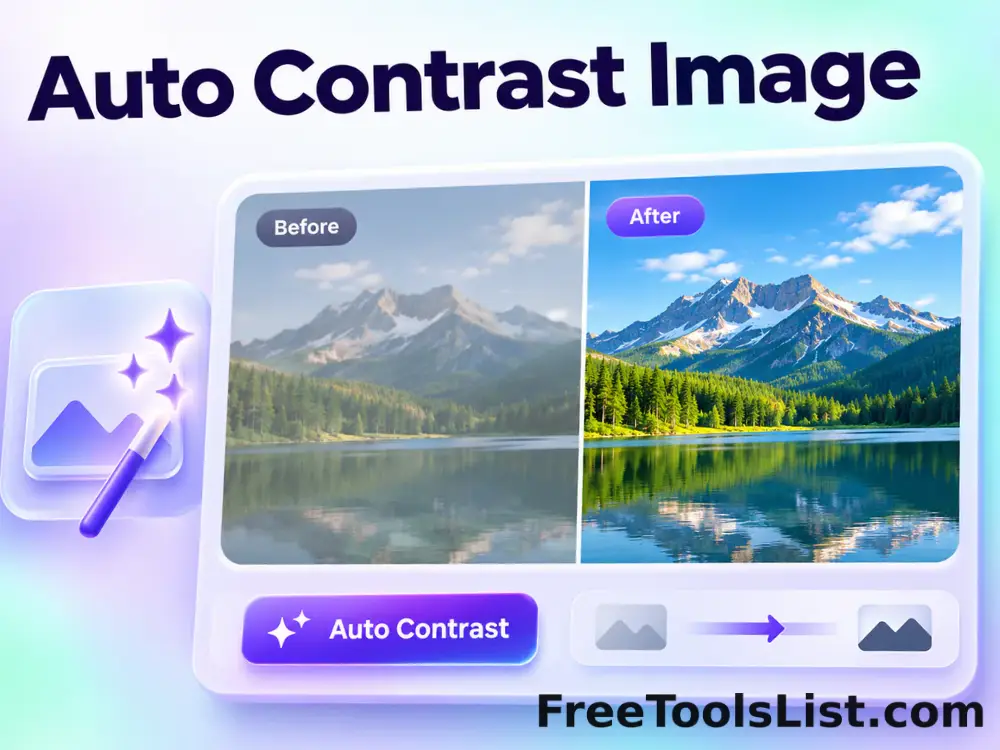
Auto Contrast Image tool previewACImages

Auto Contrast Image

Automatically detect useful black and white points, expand image contrast and preview the corrected photograph on a live before-and-after canvas.

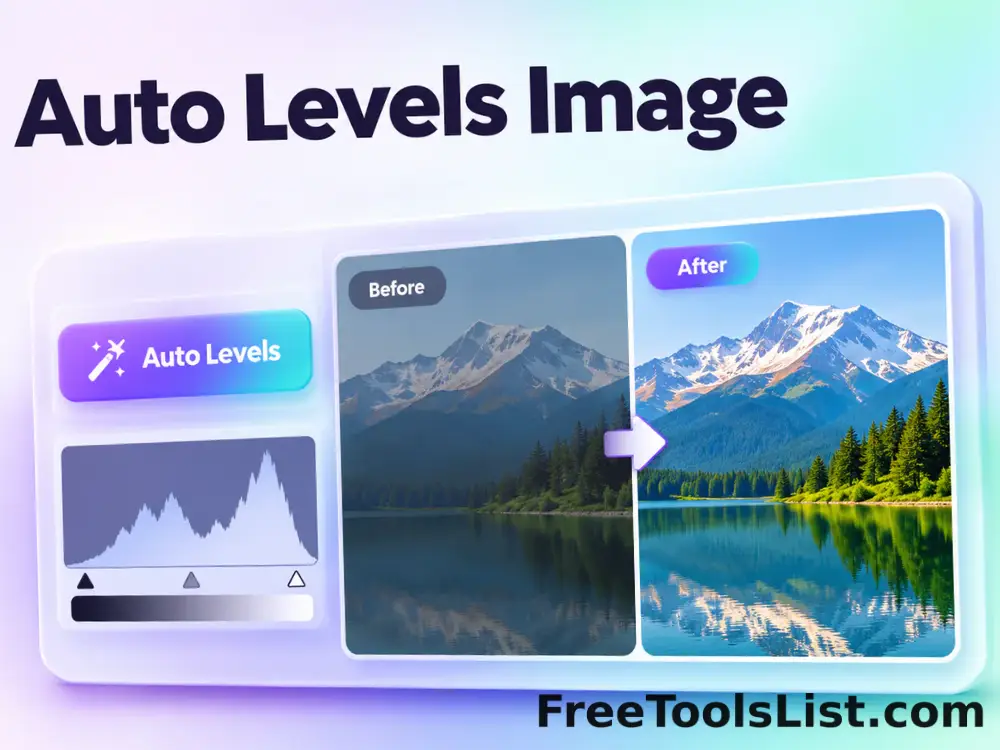
Auto Levels Image tool previewALImages

Auto Levels Image

Normalize photo brightness and color levels automatically using per-channel RGB or luminance-only correction with clipping and strength controls.

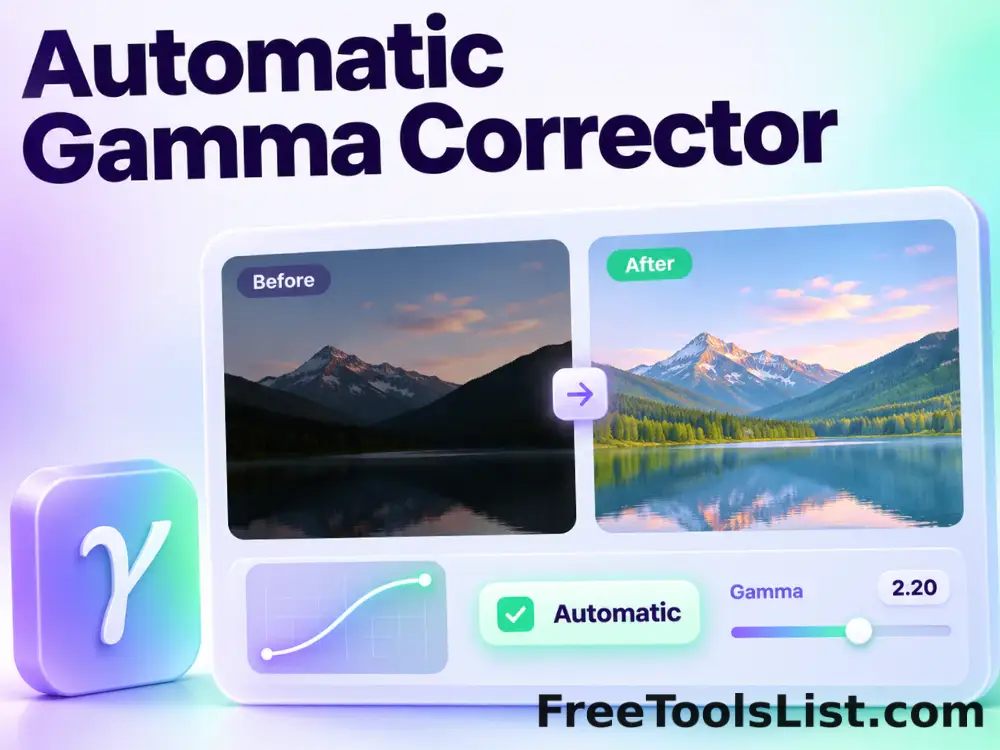
Automatic Gamma Corrector tool previewAGImages

Automatic Gamma Corrector

Measure image midtones and apply an automatic gamma curve with target, strength and fine-tuning controls before saving.

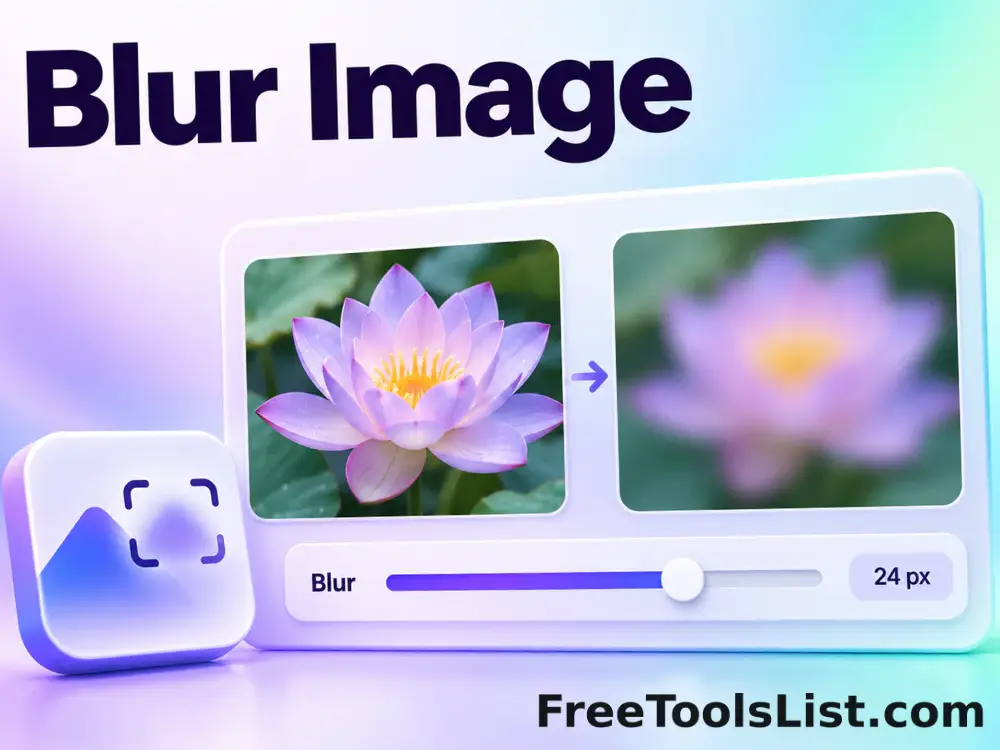
Blur Image tool previewBIImages

Blur Image

Blur Image lets you apply a configurable Gaussian-style browser blur locally in your browser, compare the result, and download a ready-to-use file.

Blurred Frame Image Generator tool previewBFImages

Blurred Frame Image Generator

Fit one image or a complete batch inside square canvases without cropping, using blurred, solid, transparent or gradient backgrounds, alignment controls, live preview and ZIP export.

Bulk Add Noise to Image tool previewBAImages

Bulk Add Noise to Image

Process multiple images locally to add controllable monochrome or color grain, review every result, and download the completed batch as a ZIP.

Bulk Adjust Image Gamma tool previewBAImages

Bulk Adjust Image Gamma

Process multiple images locally to reshape midtone brightness without applying a flat offset, review every result, and download the completed batch as a ZIP.

Bulk Adjust Image HSL tool previewBAImages

Bulk Adjust Image HSL

Process multiple images locally to control hue, saturation and lightness in one workspace, review every result, and download the completed batch as a ZIP.

Bulk Adjust Image Hue tool previewBAImages

Bulk Adjust Image Hue

Process multiple images locally to rotate every color around the HSL hue wheel, review every result, and download the completed batch as a ZIP.

Bulk Adjust RGB Channels tool previewBAImages

Bulk Adjust RGB Channels

Process multiple images locally to scale individual red, green and blue channels, review every result, and download the completed batch as a ZIP.

Bulk Blur Image tool previewBBImages

Bulk Blur Image

Process multiple images locally to apply a configurable Gaussian-style browser blur, review every result, and download the completed batch as a ZIP.

Bulk Blurred Frame Image Generator tool previewBBImages

Bulk Blurred Frame Image Generator

Process multiple images locally to fit an image inside a blurred edge-to-edge frame, review every result, and download the completed batch as a ZIP.

Bulk Change Image Brightness tool previewBCImages

Bulk Change Image Brightness

Process multiple images locally to adjust image brightness from deep shadow to bright highlight, review every result, and download the completed batch as a ZIP.

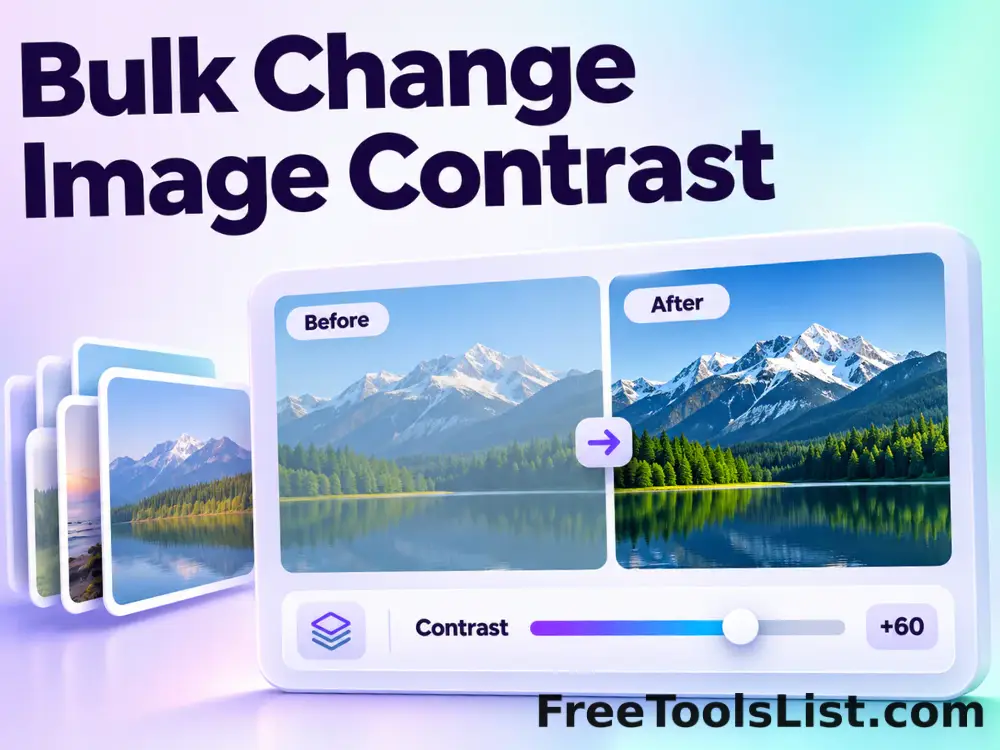
Bulk Change Image Contrast tool previewBCImages

Bulk Change Image Contrast

Process multiple images locally to expand or compress the difference between light and dark pixels, review every result, and download the completed batch as a ZIP.

Bulk Change Image Exposure tool previewBCImages

Bulk Change Image Exposure

Process multiple images locally to simulate exposure changes in photographic stops, review every result, and download the completed batch as a ZIP.

Bulk Change Image Saturation tool previewBCImages

Bulk Change Image Saturation

Process multiple images locally to increase or reduce color intensity while preserving hue, review every result, and download the completed batch as a ZIP.

PublishedUpdated