Modern local photo correction

Photo Color Temperature

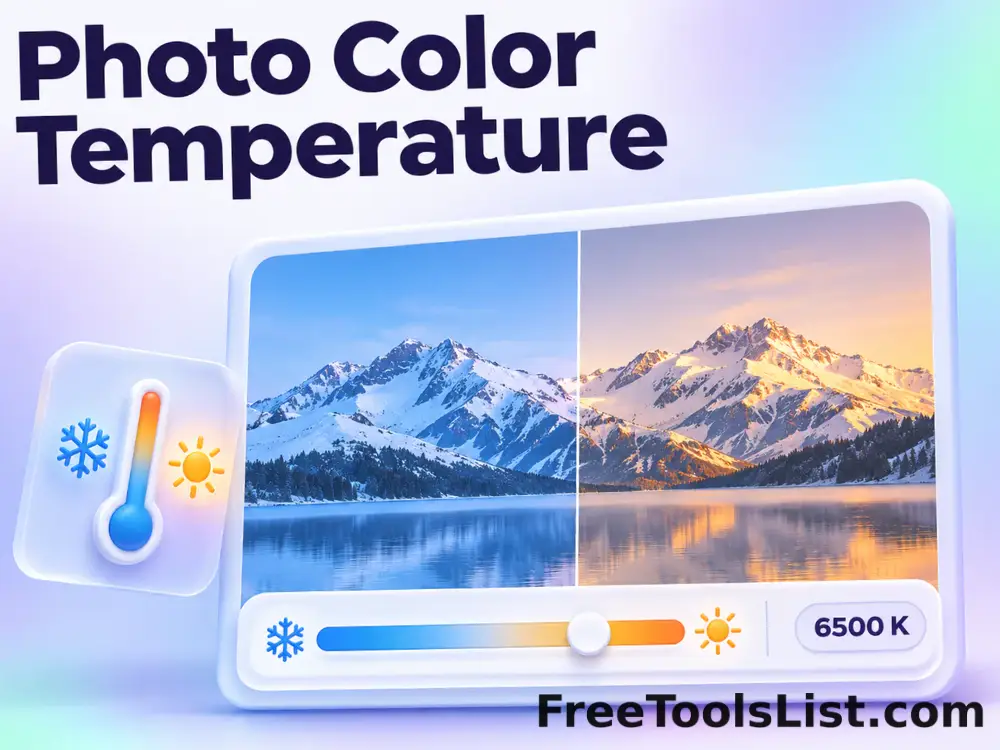
Warm or cool a photograph, correct green–magenta tint and optionally run automatic white balance before the manual adjustment.

● Preview every change · Browser-local · Original safe

Photo Color Temperature workspace

Apply the correction, drag across the live comparison and save only after the result looks right.

Local · no uploads

Loading the correction canvas…

Quick Tool Overview

Color Temperature with an inspectable result.

Use Photo Color Temperature to correct lighting color temperature or intentionally create a warmer or cooler photographic mood.

Optional automatic balancing establishes a neutral baseline, then red and blue channels move in opposite directions while a separate tint control adjusts green versus magenta.

LIVEBefore / after canvas
LOCALPrivate correction
KFocused controls
0Accounts needed
Review before saving. This control is an image-color correction, not a calibrated conversion to an exact physical Kelvin value.
About the Tool

What Photo Color Temperature does.

Primary purpose

Use this page to correct lighting color temperature or intentionally create a warmer or cooler photographic mood.

Transparent method

Optional automatic balancing establishes a neutral baseline, then red and blue channels move in opposite directions while a separate tint control adjusts green versus magenta.

Before-and-after inspection

The draggable comparison canvas reveals exactly where the correction changes the source.

Private local workflow

Your selected image is decoded and corrected inside the browser without an external image-processing API.

Original-safe export

The source is only read. PNG, JPEG and WebP exports are created as separate files.

Important limitation

This control is an image-color correction, not a calibrated conversion to an exact physical Kelvin value.
Key Features

A modern correction workspace built for review.

↔

Draggable comparison

Move a divider between the original and corrected canvas before downloading.

K

Focused controls

Adjust temperature correction, green–magenta tint, strength and automatic white balance without an overloaded editor.

⌂

Local processing

Image pixels remain in this tab throughout analysis, preview and export.

↓

Flexible export

Save the corrected result as PNG, JPEG or WebP after the preview is approved.

How to Use Photo Color Temperature

Complete the correction in six detailed steps.

Choose or load an image

Select a local source image, or use Load demo to inspect the correction safely. The original file remains unchanged.

Step 1: Keep the original available for comparison.

Set the correction controls

Adjust temperature correction, green–magenta tint, strength and automatic white balance. Each setting is visible so the result can be repeated and explained.

Step 2: Keep the original available for comparison.

Update the live preview

The correction runs locally and renders a combined before-and-after canvas without waiting for an upload queue.

Step 3: Keep the original available for comparison.

Drag the comparison divider

Move the Before / After control across important areas. Use a neutral reference when possible and verify that whites, skin and saturated objects remain believable.

Step 4: Move the divider across detailed and flat areas.

Review measurements and limitations

Confirm the output dimensions and correction summary. This control is an image-color correction, not a calibrated conversion to an exact physical Kelvin value.

Step 5: Keep the original available for comparison.

Save a separate result

Choose PNG, JPEG or WebP and save only after the corrected canvas looks right. The original is never overwritten.

Step 6: Keep the original available for comparison.

Ready to correct the image?

Preview the complete change before saving.

No upload queue, account, watermark or source overwrite.

Open Color Temperature →

Frequently Asked Questions

Popular color temperature questions.

Optional automatic balancing establishes a neutral baseline, then red and blue channels move in opposite directions while a separate tint control adjusts green versus magenta.

Yes. The live canvas includes a draggable Before / After divider, while the saved file contains only the corrected result.

No. Decoding, analysis, correction and export run locally in this browser tab.

Use PNG for repeated editing or graphics, JPEG for ordinary photographs, and WebP for compatible web workflows.

Use a neutral reference when possible and verify that whites, skin and saturated objects remain believable.

This control is an image-color correction, not a calibrated conversion to an exact physical Kelvin value.
Keep exploring

Similar Tools

Continue with related free tools selected from this category and the wider directory.

20 tools
Abstract Strokes & Dots Effect tool previewASImages

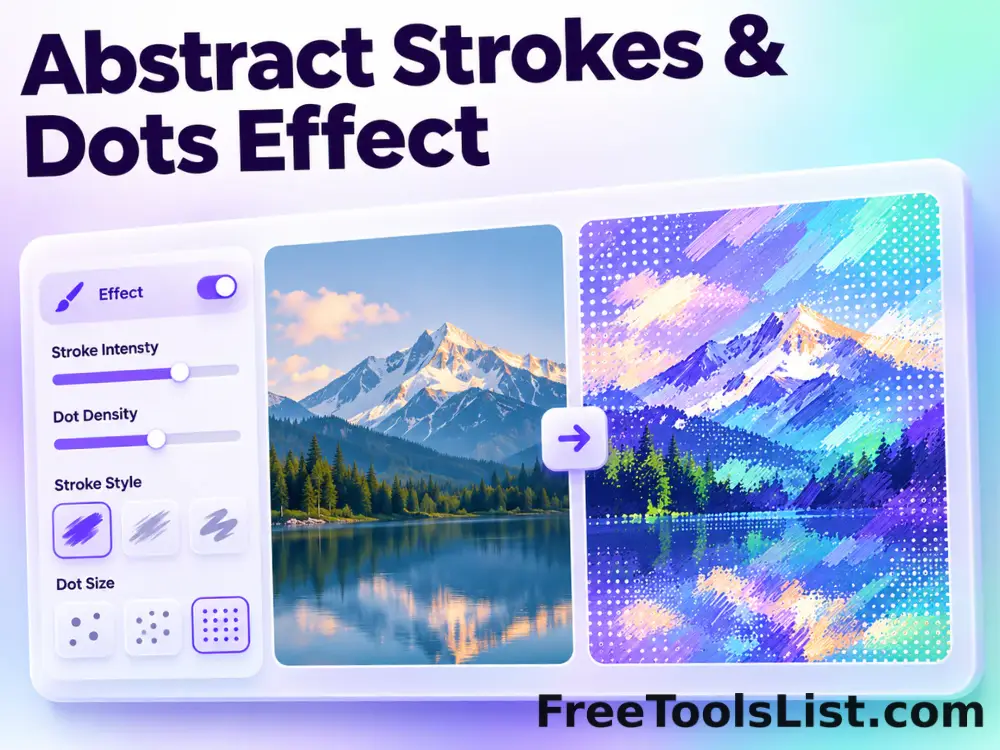
Abstract Strokes & Dots Effect

Rebuild a photo as an abstract composition of sampled color strokes and dots with intensity, density, smoothing, color smoothing and a repeatable seed.

Auto Levels Image tool previewALImages

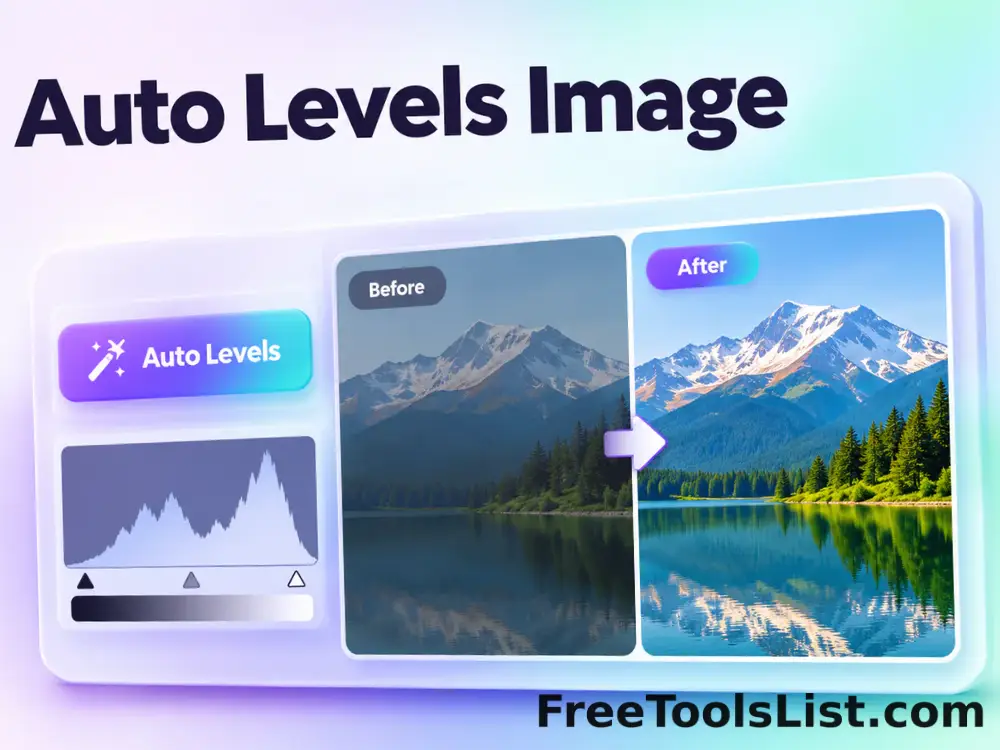
Auto Levels Image

Normalize photo brightness and color levels automatically using per-channel RGB or luminance-only correction with clipping and strength controls.

Bokeh & Blurred Circles Studio tool previewBBImages

Bokeh & Blurred Circles Studio

Overlay luminous circles, rings, hexagons, triangles or stars, or rebuild a photo from blurred color circles with seed, count, size, blur and color controls.

Bulk Invert Image Colors tool previewBIImages

Bulk Invert Image Colors

Process multiple images locally to reverse every RGB channel to create a photographic negative, review every result, and download the completed batch as a ZIP.

Cracked Photo Effect tool previewCPImages

Cracked Photo Effect

Overlay a repeatable branching crack network with density, relief, width, color and seed controls before saving the reviewed image.

Dominant Color Frame Studio tool previewDCImages

Dominant Color Frame Studio

Build a striped photo border from colors sampled from the image with independent side widths, palette size, blur, rotation and saturation controls.

Dot, Shape & Domino Mosaic Studio tool previewDSImages

Dot, Shape & Domino Mosaic Studio

Rebuild a photo from dots, squares, hearts or domino tiles with object size, luminance scaling, color mode, inversion and antialias controls.

Invert Image Colors tool previewIIImages

Invert Image Colors

Invert Image Colors lets you reverse every RGB channel to create a photographic negative locally in your browser, compare the result, and download a ready-to-use file.

Pencil & Charcoal Sketch Studio tool previewPCImages

Pencil & Charcoal Sketch Studio

Transform a photo into graphite pencil, colored-pencil or charcoal artwork with edge strength, hardness, color count, brightness and contrast controls.

Photo Color Balance Editor tool previewPCImages

Photo Color Balance Editor

Correct color casts with cyan–red, magenta–green and yellow–blue axes across shadows, midtones, highlights or all tones.

Sticker Maker tool previewSMImages

Sticker Maker

Turn a transparent photo or text into a sticker with configurable white or colored outline, padding and caption, then preview and download a transparent WebP or PNG.

Thermal Imager Effect tool previewTIImages

Thermal Imager Effect

Simulate thermal-imager colors with standard, cold and hot palettes, temperature contrast, spectrum shift and an optional visual scale.

Add Noise to Image tool previewANImages

Add Noise to Image

Add Noise to Image lets you add controllable monochrome or color grain locally in your browser, compare the result, and download a ready-to-use file.

Animated GIF Effects & Transparency Editor tool previewAGImages

Animated GIF Effects & Transparency Editor

Adjust brightness, contrast, saturation and hue, apply grayscale, sepia, invert or glitch effects, or remove a selected color from every animated GIF frame with live canvas feedback.

Animated Text to GIF Maker tool previewATImages

Animated Text to GIF Maker

Create an animated text GIF with typewriter, fade, bounce or neon motion, exact canvas sizing, colors, typography, speed and loop controls, plus a live canvas preview before export.

Auto Contrast Image tool previewACImages

Auto Contrast Image

Automatically detect useful black and white points, expand image contrast and preview the corrected photograph on a live before-and-after canvas.

Automatic Color Balance tool previewACImages

Automatic Color Balance

Automatically rebalance red, green and blue channel averages, preserve perceived brightness and preview the white-balance correction locally.

Automatic Detail Enhancer tool previewADImages

Automatic Detail Enhancer

Enhance local detail, texture and perceived clarity automatically with intensity, radius, contrast and color-protection controls.

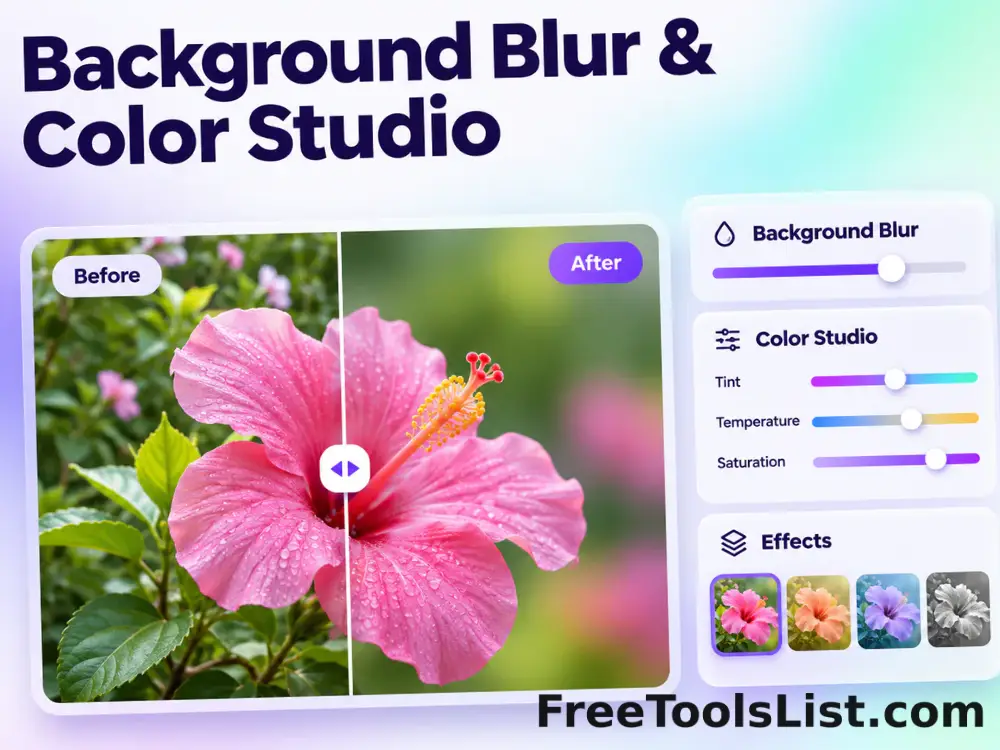
Background Blur & Color Studio tool previewBBImages

Background Blur & Color Studio

Keep a chosen subject region sharp while blurring or recoloring the surrounding background, with movable focus controls and a live canvas preview.

Bayer Color Filter Effect tool previewBCImages

Bayer Color Filter Effect

Apply RGGB, BGGR, GRBG or GBRG Bayer mosaic patterns with intensity, monochrome and sensor-grid options on a live local canvas.

PublishedUpdated