Modern browser image workspace

Object Removal & Retouch Studio

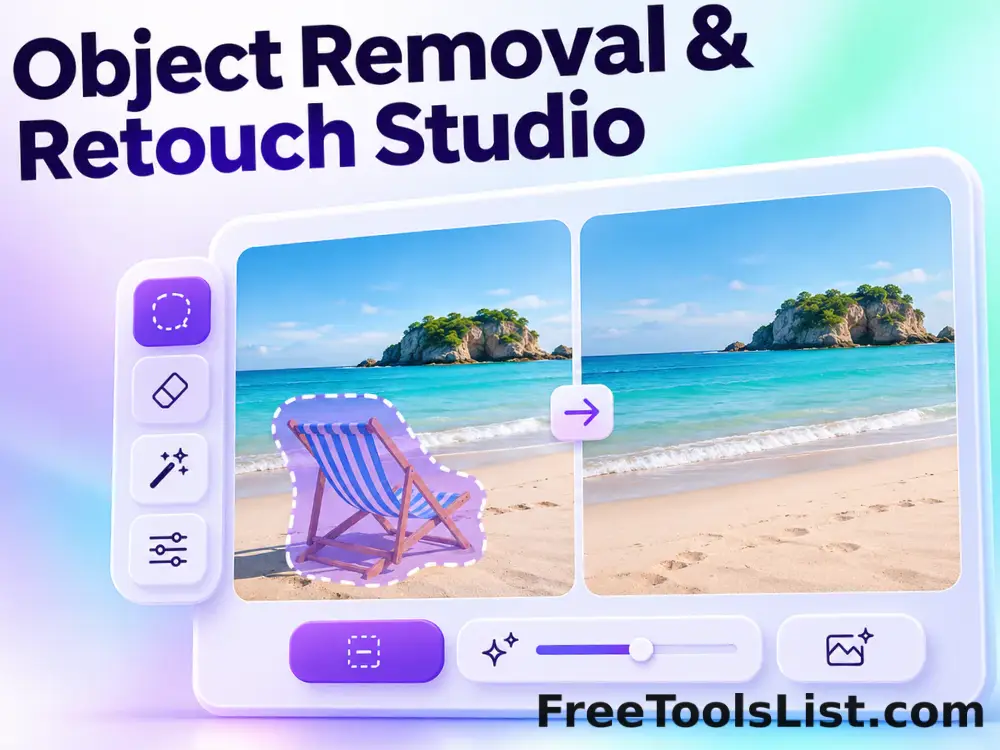
Mark unwanted text or objects with a brush, preview a local heal, blur, pixelate or clone-style replacement on the canvas, and undo before saving.

● Local processing · Preview before saving · No account

Object Removal & Retouch Studio workspace

Adjust the focused controls, inspect the real canvas and save only the result you approve.

Canvas preview

Loading the image workspace…

Quick Tool Overview

Object Removal with reviewable output.

Mark unwanted text or objects with a brush, preview a local heal, blur, pixelate or clone-style replacement on the canvas, and undo before saving.

A brush mask identifies selected pixels; the chosen local method replaces them using surrounding averages, blur, pixelation or an offset clone sample.

LIVECanvas preview
ERASEFocused controls
LOCALBrowser processing
0Accounts needed
Important. This is a deterministic local retouch tool rather than generative AI. Large or complex objects may require several passes or a desktop editor.
About the Tool

What Object Removal & Retouch Studio does.

Primary purpose

Use this workspace to clean small distractions, obscure text or retouch selected areas without uploading the image.

How it works

A brush mask identifies selected pixels; the chosen local method replaces them using surrounding averages, blur, pixelation or an offset clone sample.

Canvas-first review

The proposed result stays visible while controls change, so cropping, edges, text and colors can be checked before export.

Private workflow

Local files are decoded and processed in browser memory rather than uploaded to a remote image-processing queue.

Explicit saving

The tool does not save automatically. A file is created only after the Download or Export button is pressed.

Known limitation

This is a deterministic local retouch tool rather than generative AI. Large or complex objects may require several passes or a desktop editor.

Key Features

A modern, compact workflow built for inspection.

▣

Real canvas preview

See the actual generated pixels rather than an approximate mockup.

✓

Focused controls

Only settings relevant to this task are shown in a compact sidebar.

⌂

Local processing

Image transformations run in the current browser tab whenever the browser supports them.

↓

Reviewed exports

Save PNG, JPEG, WebP, text, encrypted files or ZIP output only after review.

How to Use Object Removal & Retouch Studio

Complete the task in six detailed steps.

Prepare the source

Upload the image, then zoom visually and mark only the unwanted region.

Step 1: Keep the intended final use in mind during this step.

Set the main controls

Choose Heal, Blur, Pixelate or Clone, adjust brush size and set clone offsets when needed.

Step 2: Keep the intended final use in mind during this step.

Inspect the live canvas

Review the complete visible result, including edges, crop, text, colors, grid lines or marked areas before creating a file.

Step 3: Use the visible canvas to verify the result before continuing.

Refine the output

Make small adjustments and compare the preview again. Use Undo, Reset or Clear when the workspace offers those controls.

Step 4: Keep the intended final use in mind during this step.

Choose the export

Select the available PNG, JPEG, WebP, text, encrypted file or ZIP output that fits the intended workflow.

Step 5: Keep the intended final use in mind during this step.

Save only after review

Download the result only after confirming its dimensions, transparency, content and any privacy-sensitive details.

Step 6: Keep the intended final use in mind during this step.

Ready to create?

Preview the result before saving.

Use focused controls and explicit downloads without creating an account.

Open Object Removal →

Frequently Asked Questions

Popular object removal questions.

No. Files are decoded, processed, previewed and exported in the current browser tab.

Yes. The main workspace uses a real canvas and updates it as the settings change.

A current desktop version of Chrome, Edge, Firefox or Safari is recommended. Some file formats and screen-capture features depend on browser support.

No. The tool works locally without registration, a subscription or a server-side processing queue.

Yes. The studio stores recent canvas states so you can undo before downloading.

Yes. Use Reset or choose another source file; nothing is saved automatically.

Keep exploring

Similar Tools

Continue with related free tools selected from this category and the wider directory.

20 tools
Dot, Shape & Domino Mosaic Studio tool previewDSImages

Dot, Shape & Domino Mosaic Studio

Rebuild a photo from dots, squares, hearts or domino tiles with object size, luminance scaling, color mode, inversion and antialias controls.

Portrait Retouch Studio tool previewPRImages

Portrait Retouch Studio

Retouch portraits with selective smoothing, detail recovery, sharpness, brightness, contrast and saturation controls on a private canvas.

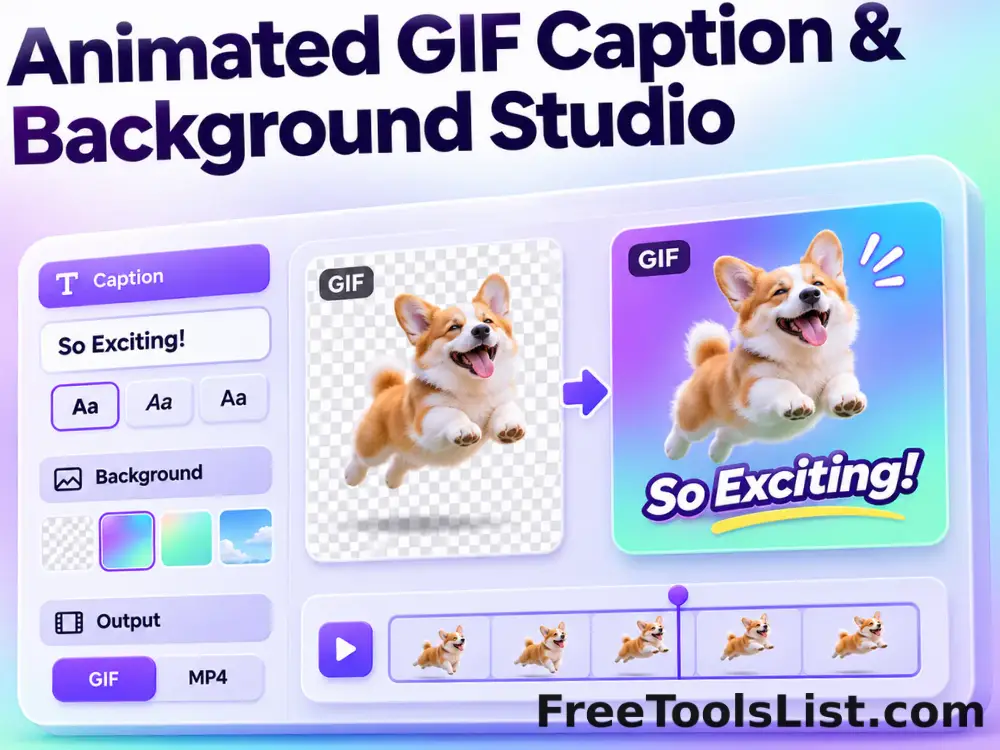
Animated GIF Caption & Background Studio tool previewAGImages

Animated GIF Caption & Background Studio

Add outlined captions or meme bars to an animated GIF, fit it into a synchronized blurred square background, preview the motion on canvas and locally re-encode the reviewed GIF.

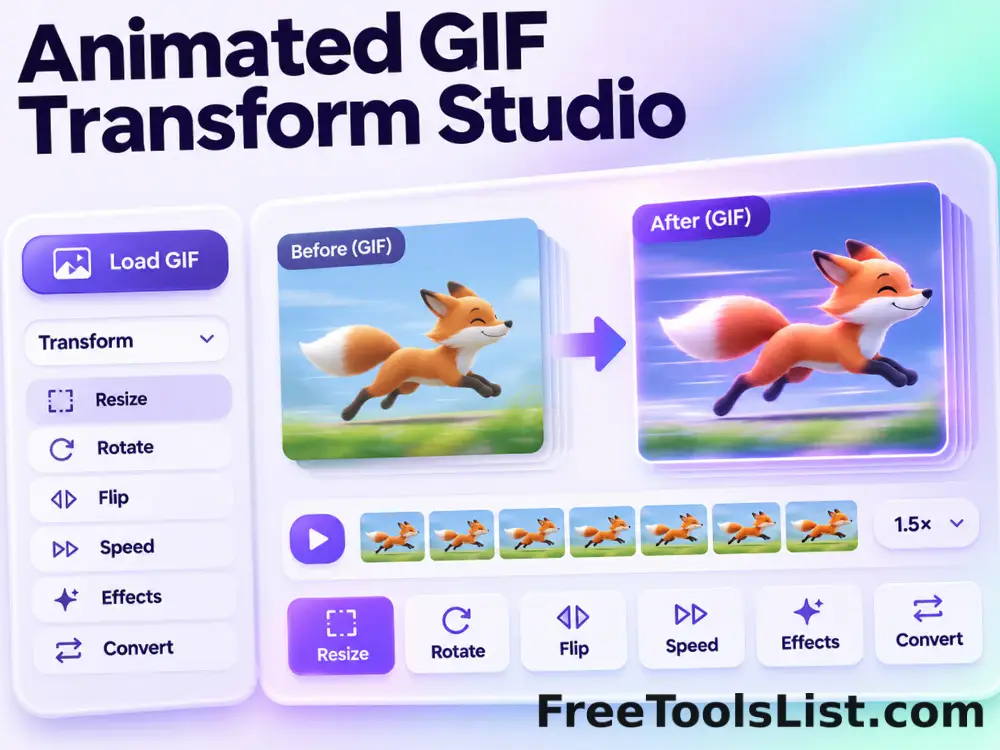
Animated GIF Transform Studio tool previewAGImages

Animated GIF Transform Studio

Flip, rotate, resize, crop, circle-crop or round the corners of an animated GIF in one non-duplicated workspace with exact dimensions and a synchronized canvas preview.

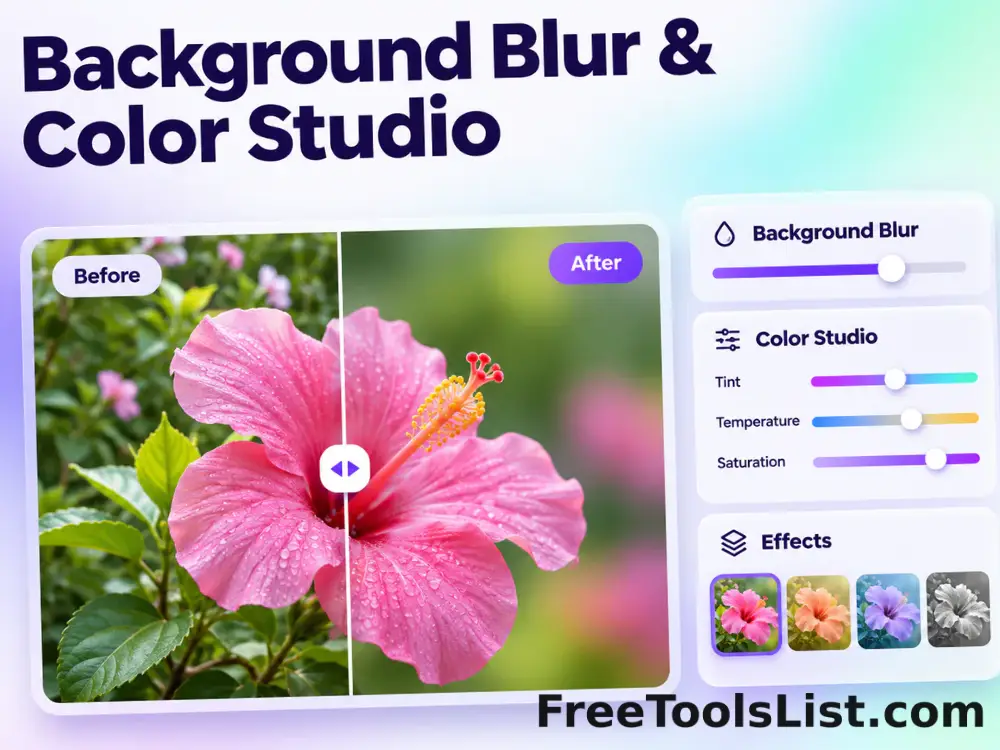
Background Blur & Color Studio tool previewBBImages

Background Blur & Color Studio

Keep a chosen subject region sharp while blurring or recoloring the surrounding background, with movable focus controls and a live canvas preview.

Black & White Dithering Studio tool previewBWImages

Black & White Dithering Studio

Convert a photo to one-bit black and white with Floyd–Steinberg, ordered or threshold methods plus balance, contrast, brightness and blur controls.

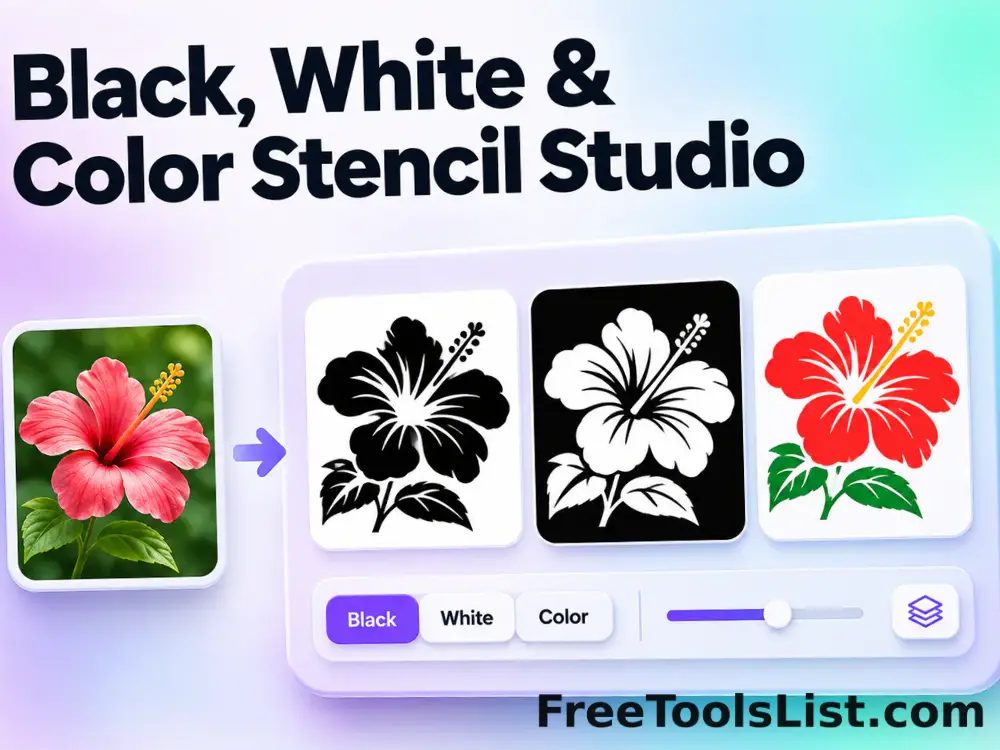
Black, White & Color Stencil Studio tool previewBWImages

Black, White & Color Stencil Studio

Create a black-and-white threshold stencil or colored contour stencil with intensity, contour, smoothing, grain, inversion, brightness and color controls.

Bokeh & Blurred Circles Studio tool previewBBImages

Bokeh & Blurred Circles Studio

Overlay luminous circles, rings, hexagons, triangles or stars, or rebuild a photo from blurred color circles with seed, count, size, blur and color controls.

Bulk Image Filter Studio tool previewBIImages

Bulk Image Filter Studio

Process multiple images locally to apply a curated visual filter preset, review every result, and download the completed batch as a ZIP.

Cartoon & Chalk Drawing Studio tool previewCCImages

Cartoon & Chalk Drawing Studio

Convert a photo into segmented cartoon art or a chalkboard-style drawing with levels, edge intensity, abstractness, saturation and chalk-flow controls.

Color Tone Filter Studio tool previewCTImages

Color Tone Filter Studio

Apply a single-color filter, matte shade or luminance-based monotone treatment with color, intensity, saturation and brightness controls.

Dominant Color Frame Studio tool previewDCImages

Dominant Color Frame Studio

Build a striped photo border from colors sampled from the image with independent side widths, palette size, blur, rotation and saturation controls.

Geometric Pattern Overlay Studio tool previewGPImages

Geometric Pattern Overlay Studio

Overlay a chessboard, randomized colored tile grid or scattered squares with size, grid, count, color, transparency and repeatable-seed controls.

Image Annotation & Signature Studio tool previewIAImages

Image Annotation & Signature Studio

Draw, write or sign directly on an image with adjustable brush color, thickness, undo and clear controls, while reviewing every stroke on the canvas before saving.

Image Color Intelligence & Palette Studio tool previewICImages

Image Color Intelligence & Palette Studio

Calculate an image average color, extract a distinct palette, inspect HEX, RGB, HSL and CMYK values, sample pixels and preview polished palette layouts before saving.

Image Encryption Studio tool previewIEImages

Image Encryption Studio

Encrypt an image file with a password using browser Web Crypto, preview the source before encryption, and decrypt compatible protected files locally without server storage.

Image Filter Studio tool previewIFImages

Image Filter Studio

Image Filter Studio lets you apply a curated visual filter preset locally in your browser, compare the result, and download a ready-to-use file.

Image Steganography Studio tool previewISImages

Image Steganography Studio

Hide a short UTF-8 message inside PNG pixel data or reveal a compatible hidden message, while previewing the cover image and capacity before download.

Pencil & Charcoal Sketch Studio tool previewPCImages

Pencil & Charcoal Sketch Studio

Transform a photo into graphite pencil, colored-pencil or charcoal artwork with edge strength, hardness, color count, brightness and contrast controls.

Photo Frame, Vintage & Snow Studio tool previewPFImages

Photo Frame, Vintage & Snow Studio

Add modern, Polaroid, film, double, wood, gold, neon or dashed frames to one image or a complete batch, preview every change on canvas and export one file or a ZIP.

PublishedUpdated