Private local file workspace

Split Files

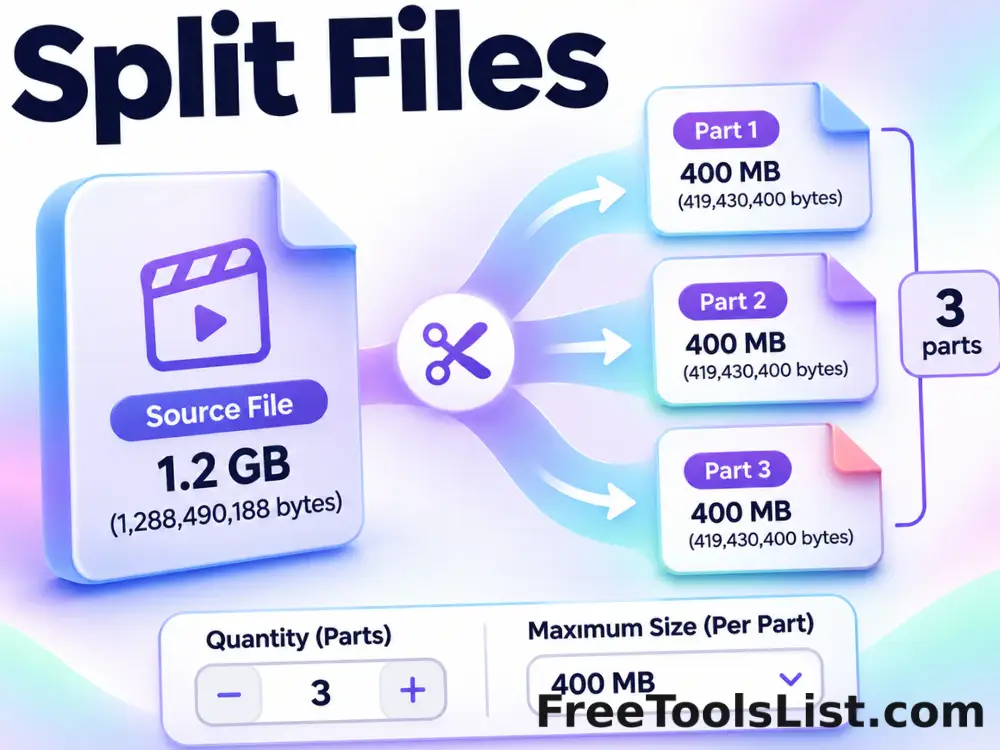
Divide any file into byte-exact numbered pieces by quantity or maximum part size, then download each piece or one ZIP.

● Local bytes · No source overwrite · No sign-up

Split Files workspace

Choose the source and exact operation settings. Results are created as new local downloads.

Files stay in this tab
Choose a source or set the generator options.

Results

Processed files and output details will appear here.

Quick Tool Overview

A byte-aware workflow with visible output details.

Split Files slices the original byte sequence without interpreting or recompressing it. The numbered parts are transport pieces rather than independently playable documents, and joining them in order reconstructs the original bytes.

It is useful for moving large files across size-limited systems, creating test fixtures, staged transfers and byte-level storage workflows. Review filenames, sizes and ordering before moving the results into another system.

LOCALBrowser processing
BYTESExact file data
NEWOriginal untouched
0Accounts needed
Source stays untouched

Process bytes locally and download a new result.

No selected source file is overwritten or transmitted to an external converter.

Open Split Files

About the Tool

What Split Files helps you do.

Operation-specific controls

Settings match this exact file task instead of hiding it inside a general-purpose editor.

Private file access

The browser reads selected bytes locally and does not submit them to FreeToolsList.com or another processing API.

Original-safe results

Every output is a new Blob download. The chosen source remains unchanged on your device.

Clear size reporting

File queues and result cards show byte size, ordering and output names before download.

Practical limits

Memory-heavy operations are capped at 128 MB per generated or fully buffered file to keep the browser responsive.

Direct export

Download individual files, text output or a ZIP package where the workflow creates multiple results.

Key Features

A complete local file workflow.

01

Byte-level processing

Split, join, encode, decode, generate or mutate the underlying byte sequence.

↙

Downloadable results

Save each result with a clear filename or package multiple files as a ZIP.

⌂

Local and private

Source data remains in the current browser tab throughout processing.

SAFE

No in-place changes

Even corruption testing creates a separate copy rather than editing the original.

How to Use Split Files

Complete the file task in six steps.

Choose the source

Select the file or file pieces from your device.

Tip: Keep an untouched source copy when testing destructive or invalid input scenarios.

Review names and order

Confirm source filenames, piece ordering and intended output name.

Tip: Joined pieces must appear in the same byte order used when splitting.

Set processing options

Choose size, quantity, format, MIME type or corruption level as applicable.

Tip: Start with small files when validating a new workflow.

Split file

Run the operation and wait for the local byte processing to finish.

Tip: Large buffered operations use considerably more memory than their displayed file size.

Inspect result details

Check the generated names, sizes, count and summary before downloading.

Tip: A split piece is not normally usable by itself; join every part first.

Download and verify

Save individual output, a text result or the full ZIP, then open the reconstructed file when appropriate.

Tip: Base64 is encoding, not encryption, and should not be used to hide sensitive data.

Ready to process locally?

Split Files keeps the original untouched.

Choose explicit settings and download only the new output.

Split file →

Frequently Asked Questions

Popular split files questions.

Yes. It runs locally without an account, watermark or external conversion service.

No. File reading, byte processing, encoding and downloads happen in the current browser tab.

No. Browser file access is read-only here. Every result is a new Blob download; the selected source remains untouched.

This local version limits an individual operation to 128 MB to avoid exhausting browser memory. Split-file input may be larger because Blob slicing does not duplicate the whole source.

No encryption is added by this tool. Protect sensitive files with an appropriate encryption workflow before sharing them.

Keep exploring

Similar Tools

Continue with related free tools selected from this category and the wider directory.

20 tools
Archive Extractor tool previewAEFiles

Archive Extractor

Extract standard or AES-encrypted ZIP archives plus TAR, GZ, TAR.GZ and TGZ files locally, inspect every entry on a canvas, and download individual files or a new ZIP.

Join Files tool previewJFFiles

Join Files

Arrange numbered file pieces in the correct order and join their bytes into one reconstructed download.

Random File Generator tool previewRFFiles

Random File Generator

Generate one or many dummy files filled with cryptographic random bytes and configurable sizes and filenames.

ZIP File Compressor tool previewZFFiles

ZIP File Compressor

Create a ZIP from up to 100 local files with archive naming, compression levels, optional AES-256 password protection, progress, a composition canvas and download-after-review workflow.

Base64 Encode tool previewBEFiles

Base64 Encode

Encode Unicode text or a selected file as raw Base64 or a ready-to-use data URL, entirely in your browser.

Base64 Image Decoder tool previewBIFiles

Base64 Image Decoder

Decode Base64 into text, a downloadable file or a detected image with an instant canvas preview, resolution, MIME type and byte size.

Corrupt a File tool previewCAFiles

Corrupt a File

Create a deliberately altered copy of an existing file with controlled corruption while keeping the original untouched.

Corrupt File Generator tool previewCFFiles

Corrupt File Generator

Create an intentionally invalid dummy file of an exact size and chosen extension for safe error-handling tests.

Image Splitter tool previewISImages

Image Splitter

Split an image into horizontal, vertical or custom grid tiles, preview exact cut lines on a canvas, inspect every generated piece and download individual files or a ZIP.

Audio Joiner tool previewAJAudio & Video

Audio Joiner

Arrange and combine multiple audio files into one continuous track, with optional crossfade and a visual duration timeline.

Audio Splitter tool previewASAudio & Video

Audio Splitter

Split an audio file into equal parts or fixed-length segments, preview the timeline and download every generated clip.

Bold Text Generator tool previewBTText

Bold Text Generator

Turn ordinary letters into copyable Unicode bold styles for profiles, posts, labels and messages.

Bulk Split Image tool previewBSImages

Bulk Split Image

Process multiple images locally to divide an image into horizontal, vertical or grid tiles, review every result, and download the completed batch as a ZIP.

Bulk SVG Converter & Viewer tool previewBSImages

Bulk SVG Converter & Viewer

Process multiple SVG files locally to upload or paste SVG markup, set exact output dimensions and pixel density, preview the raster canvas and export PNG, review every result, and download the completed batch as a ZIP.

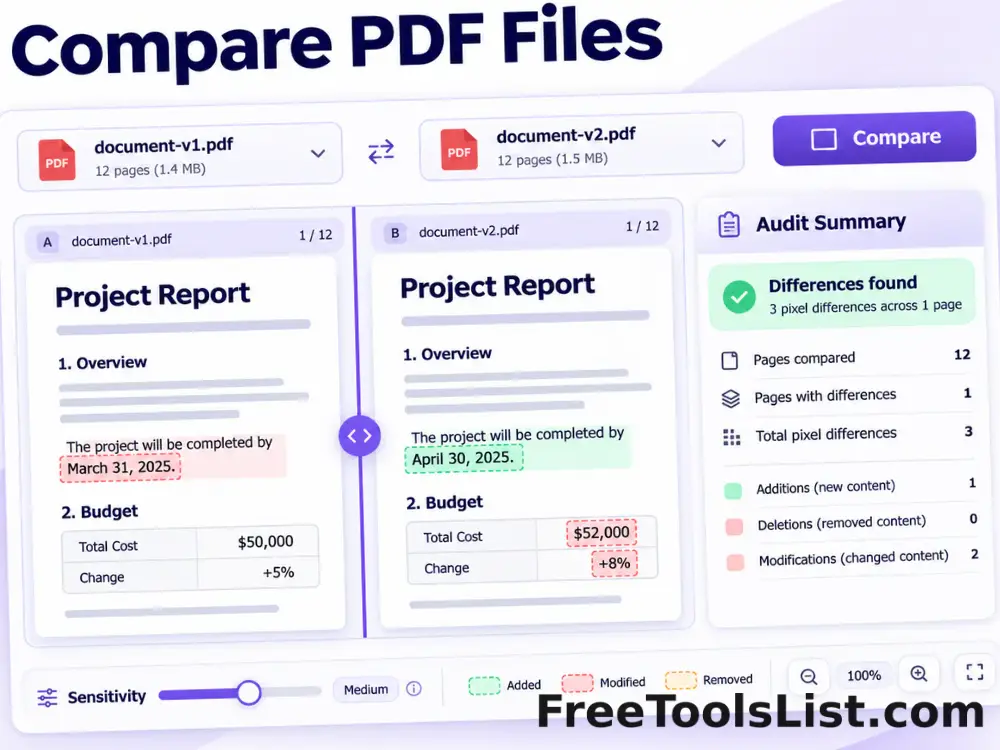
Compare PDF Files tool previewCPPDF

Compare PDF Files

Render matching pages from two PDFs, highlight pixel differences, adjust sensitivity and export a visual difference image plus an audit summary.

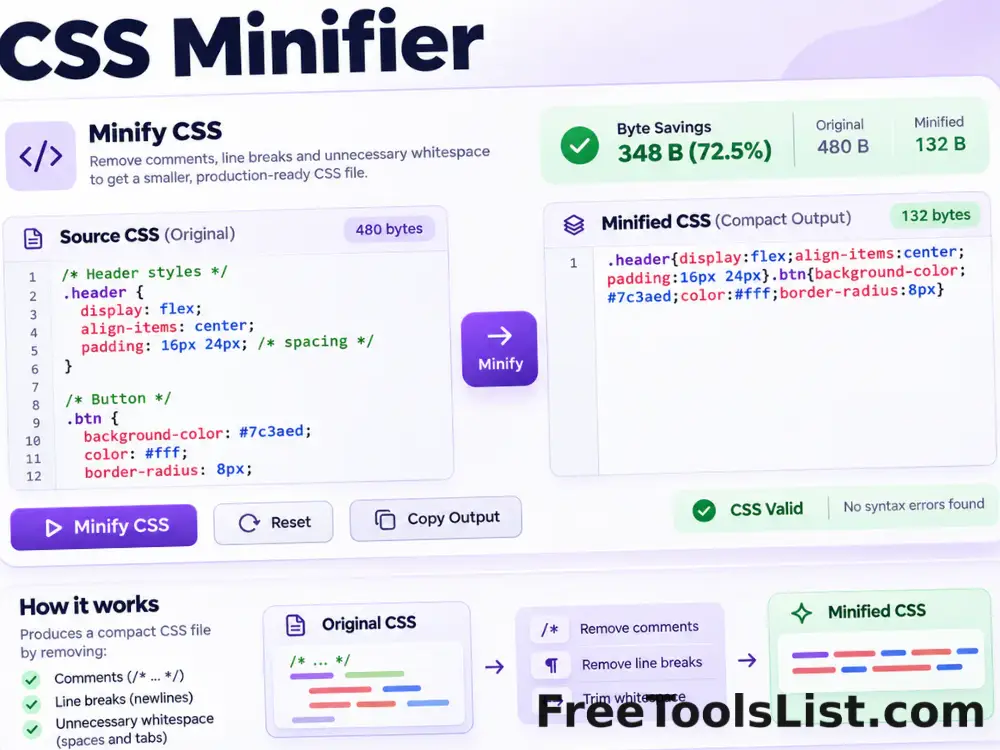
CSS Minifier tool previewCMDeveloper

CSS Minifier

Minify CSS locally by removing comments, line breaks and unnecessary whitespace while preserving quoted strings and readable source files.

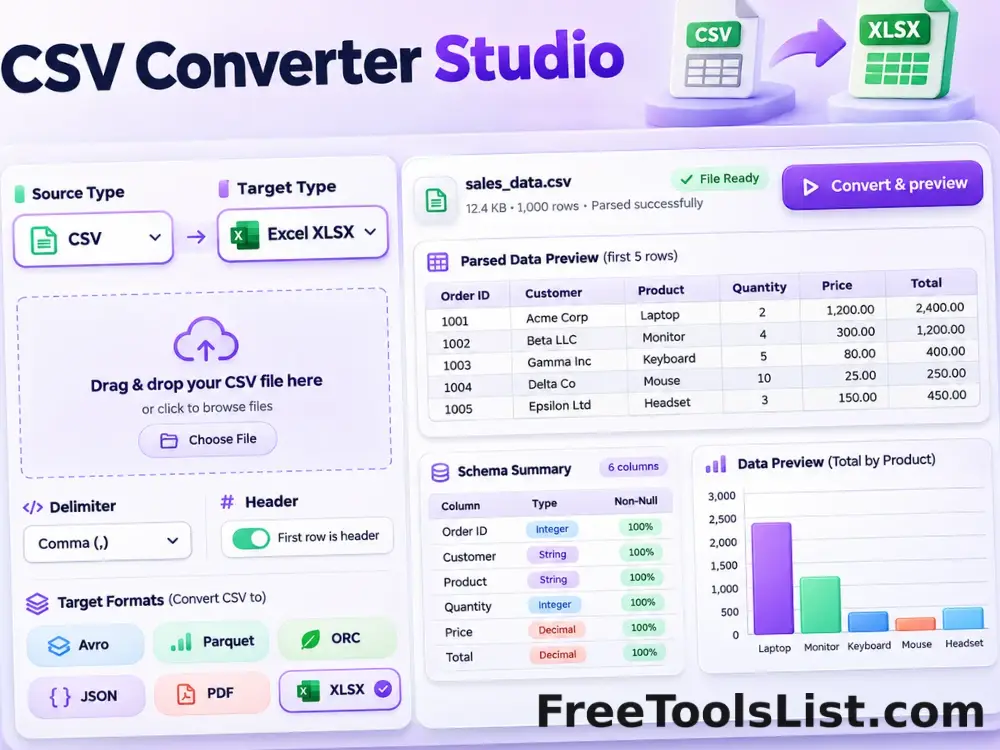
CSV Converter Studio — Avro, Parquet, ORC, Excel, DOCX, PDF & More tool previewCCData

CSV Converter Studio — Avro, Parquet, ORC, Excel, DOCX, PDF & More

Convert CSV and delimited data locally into real Avro, Parquet, ORC, XLSX, DOCX, PDF, HTML, XML, TSV, fixed-width and LaTeX files with schema inspection and a canvas preview before saving.

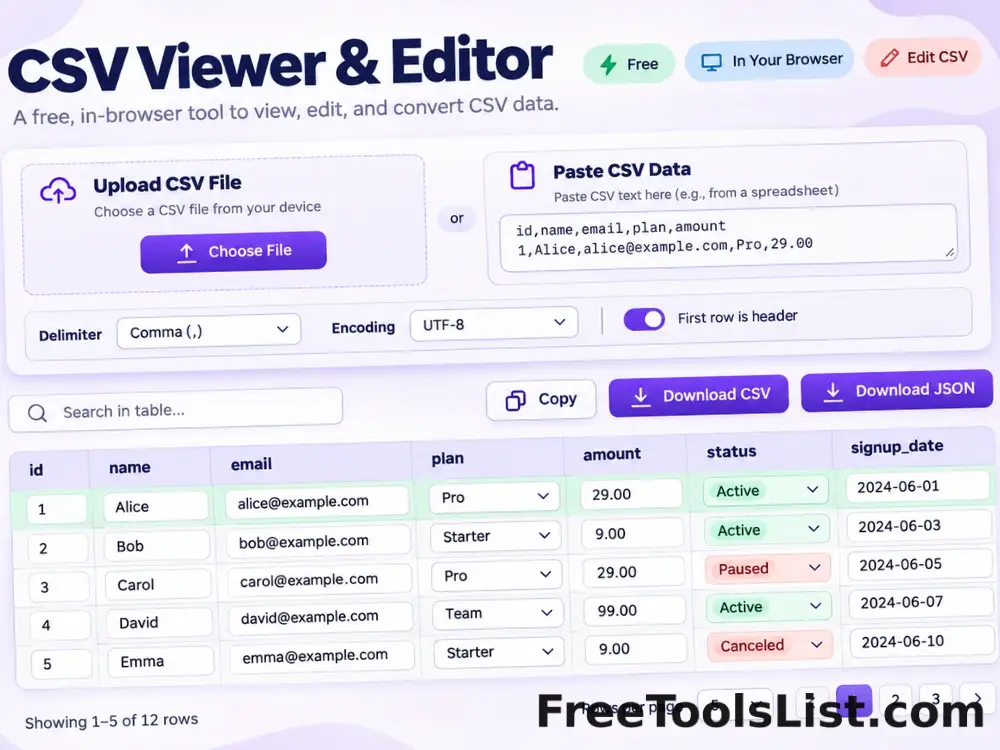
CSV Viewer & Editor Online tool previewCVData

CSV Viewer & Editor Online

Open, view, search, sort and edit CSV, TSV and delimited text files locally. Preview large tables, then export visible rows as CSV or JSON for free.

Cursive Text Generator tool previewCTText

Cursive Text Generator

Create copyable Unicode script and bold-script text for headings, profiles and creative messages.

Diff & Compare Files tool previewDCDeveloper

Diff & Compare Files

Compare pasted text or two local text files with inline or side-by-side differences, context controls and an HTML report.

PublishedUpdated