Quick Tool Overview
What this tool is for.
Split an audio file into equal parts or fixed-length segments, preview the timeline and download every generated clip.
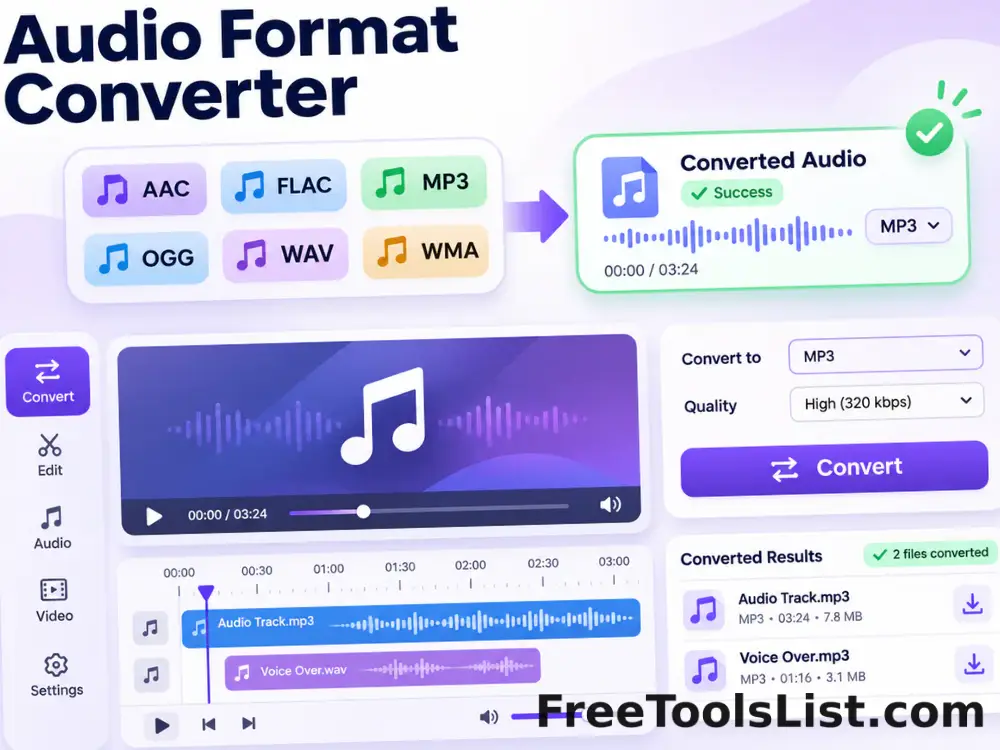
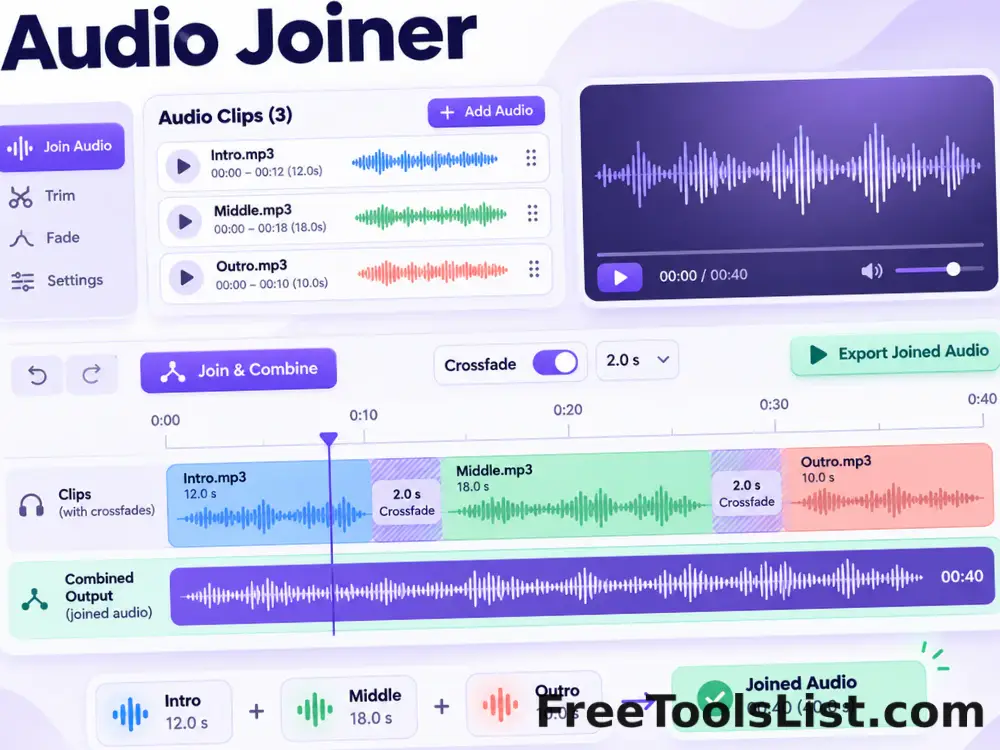
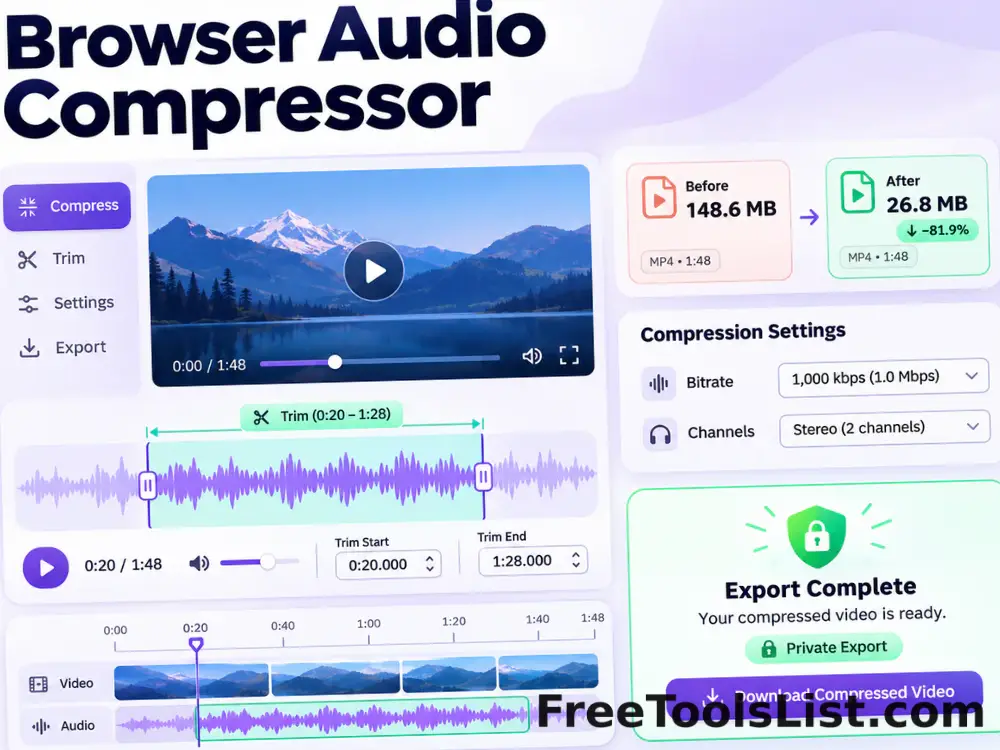
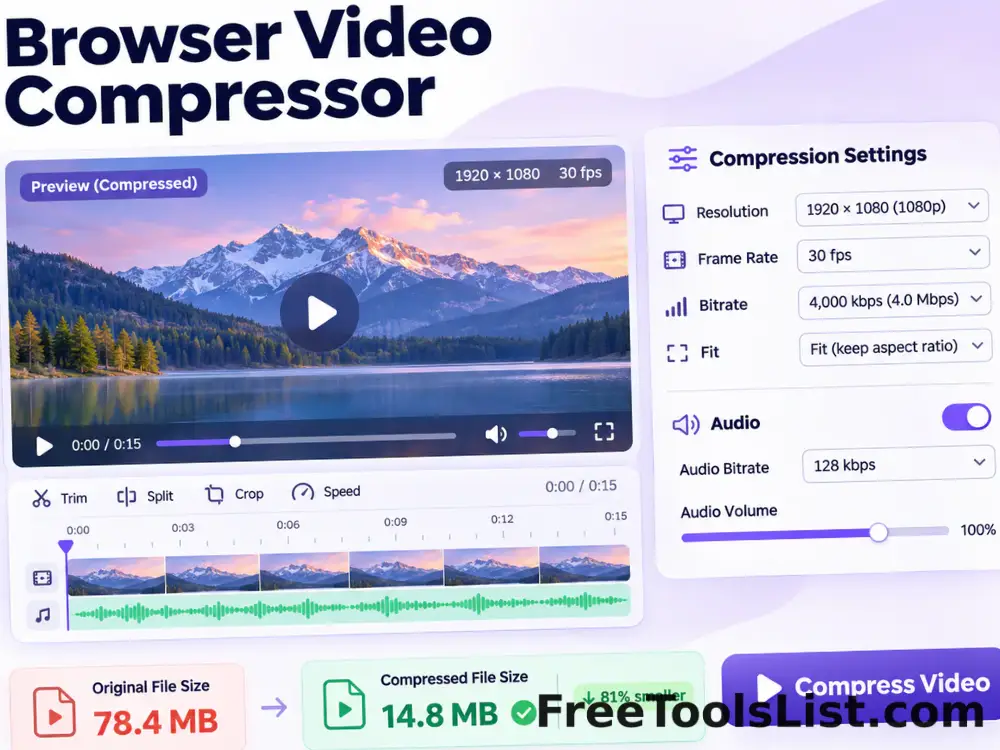
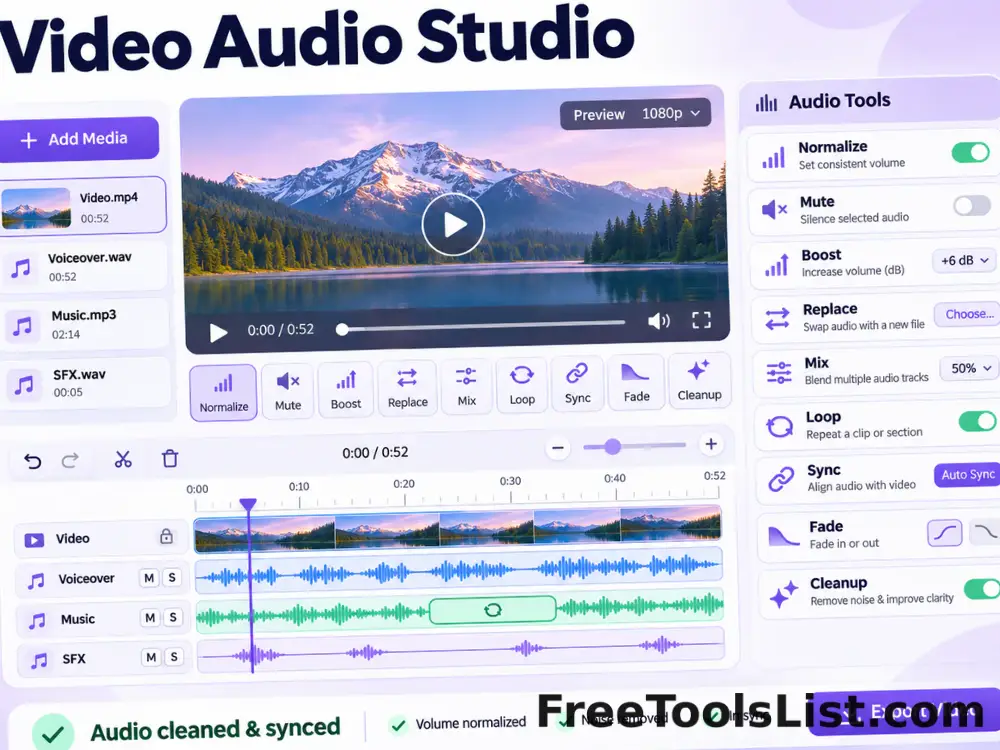
The visual workspace separates source selection, processing controls and result review so you can verify the change before downloading.
LIVECanvas preview
LOCALPrivate engine
NEWSafe output file
0Accounts needed
Compatibility note. Conversion uses a bundled WebAssembly media engine. Playback and voice availability can still vary by browser and operating system.