Private browser-local workspace

Browser Audio Compressor

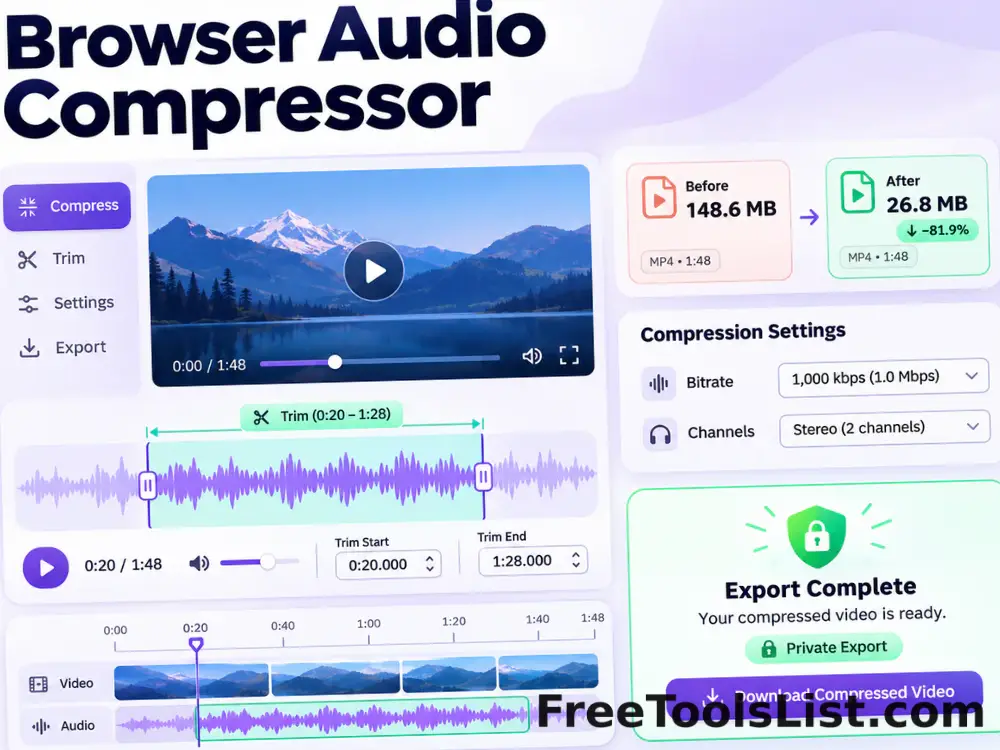
Compress MP3, WAV, M4A, WebM and browser-supported audio locally with trim, bitrate and channel controls, waveform preview, playback and private export.

● Files stay in this tab · No account · Original stays unchanged

Browser Audio Compressor workspace

Purpose-built controls, visible feedback and an explicit local export.

Local processing

Loading the workspace…

Quick Tool Overview

Compress Audio with measurable, reviewable output.

Compress MP3, WAV, M4A, WebM and browser-supported audio locally with trim, bitrate and channel controls, waveform preview, playback and private export.

The browser decodes the source for a waveform preview and records the selected time range through a local audio graph at a supported bitrate.

LIVECanvas review
AUD↓Focused controls
LOCALPrivate process
0Accounts needed
Compatibility note. Media codecs available for decoding and export depend on the browser. The tool shows the actual output type before download.
About the Tool

What Browser Audio Compressor does.

Primary purpose

Use it to create a smaller audio copy for voice notes, podcasts, web playback or archiving.

How it works

The browser decodes the source for a waveform preview and records the selected time range through a local audio graph at a supported bitrate.

Preview first

A real canvas makes the source, framing, waveform or size comparison visible before saving.

Private by design

Processing runs locally and does not send the selected file to a conversion server.

Original-safe

Every export is a new file. Your selected source is never overwritten.

Practical tradeoff

Smaller output usually means fewer pixels, frames, colors or bits. Review quality rather than trusting file size alone.

Key Features

Compact controls with visible results.

▣

Live canvas

Inspect video frames, GIF animation, an audio waveform or XML size statistics.

⌁

Relevant settings

The workspace shows only the controls needed for this specific task.

⌂

Browser-local

Modern browser APIs and bundled libraries handle the supported work privately.

↓

Measured export

See type, size and reduction before downloading the new file.

How to Use Browser Audio Compressor

Finish the workflow in six clear steps.

Add the source

Choose one local source file and wait for its metadata and preview to load.

Step 1: Keep the destination quality and size limit in mind.

Choose output settings

Choose audio, set the trim range, bitrate and channel mode, inspect the waveform, then render and audition the result.

Step 2: Keep the destination quality and size limit in mind.

Inspect the canvas

Check the waveform and trim markers.

Step 3: Use the canvas as your visual checkpoint.

Render locally

Choose Render to process the source in this tab and keep the page open until it finishes.

Step 4: Keep the destination quality and size limit in mind.

Review the result

Check the measured output size, reduction, duration or validation result before downloading.

Step 5: Keep the destination quality and size limit in mind.

Save a new file

Use the download action and open the saved result to verify compatibility and quality.

Step 6: Keep the destination quality and size limit in mind.

Ready to process?

Review the result before saving.

Local processing, focused controls and no account.

Open Compress Audio →

Frequently Asked Questions

Popular compress audio questions.

No. The source and generated result stay in the current browser tab.

Yes. Every workspace includes a real canvas preview or visualization and a separate render or download step.

No. The source remains read-only and the tool creates a new downloadable file.

Yes. Inefficient settings, a different codec, or a source that is already optimized can produce a larger result.

A current Chromium-based browser offers the broadest media decoding, MediaRecorder and canvas support.

No account or watermark is required, and processing does not wait for a server queue.

Keep exploring

Similar Tools

Continue with related free tools selected from this category and the wider directory.

20 tools
Browser Video Compressor tool previewBVVideos

Browser Video Compressor

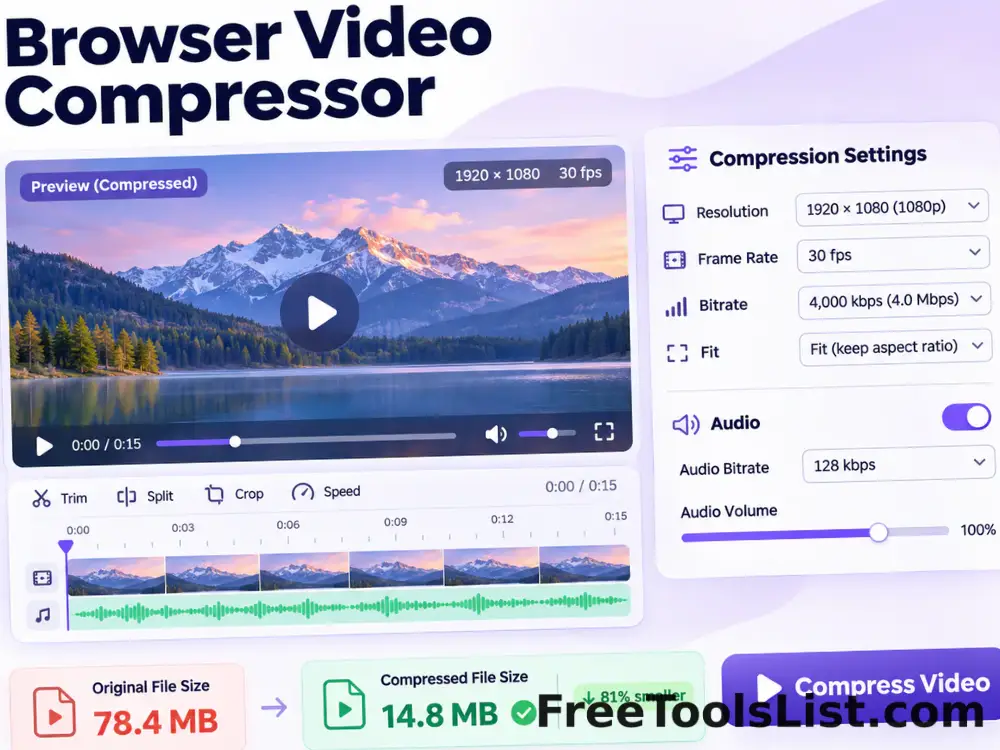
Compress MP4, WebM, MKV and browser-supported video locally with resolution, frame-rate, bitrate, fit and audio controls and a live canvas before export.

Browser Video Meme & Social Editor tool previewBVVideos

Browser Video Meme & Social Editor

Edit a local video with canvas sizing, filters, caption bars, emoji, PNG, logo or watermark overlays, replacement audio and private browser video export.

Image to Video Converter tool previewITVideos

Image to Video Converter

Create a WebM video from uploaded images with popular and custom canvas sizes, a draggable multitrack timeline, full-length audio trimming, movable text layers, five text transitions, three slide transitions and three frame rates—all rendered privately in your browser.

Screen Recorder tool previewSRVideos

Screen Recorder

Record an entire screen, application window or browser tab with optional shared audio and microphone, then preview and download a private WebM video.

Stereo & Mono Audio Converter tool previewSMAudio & Video

Stereo & Mono Audio Converter

Convert stereo audio to mono, duplicate mono into stereo or rebuild a balanced two-channel output entirely in your browser.

Video Speed Changer tool previewVSVideos

Video Speed Changer

Slow down or speed up a local video from 0.25× to 3×, preview timing on canvas, keep supported audio, and render a new browser-compatible video.

Audio Effects & Frequency Retuning Studio tool previewAEAudio & Video

Audio Effects & Frequency Retuning Studio

Retune music to 432 Hz or nine Solfeggio reference frequencies, preserve tempo when requested, or apply bass, pitch, 8D, stereo, loudness and reverb effects with waveform review.

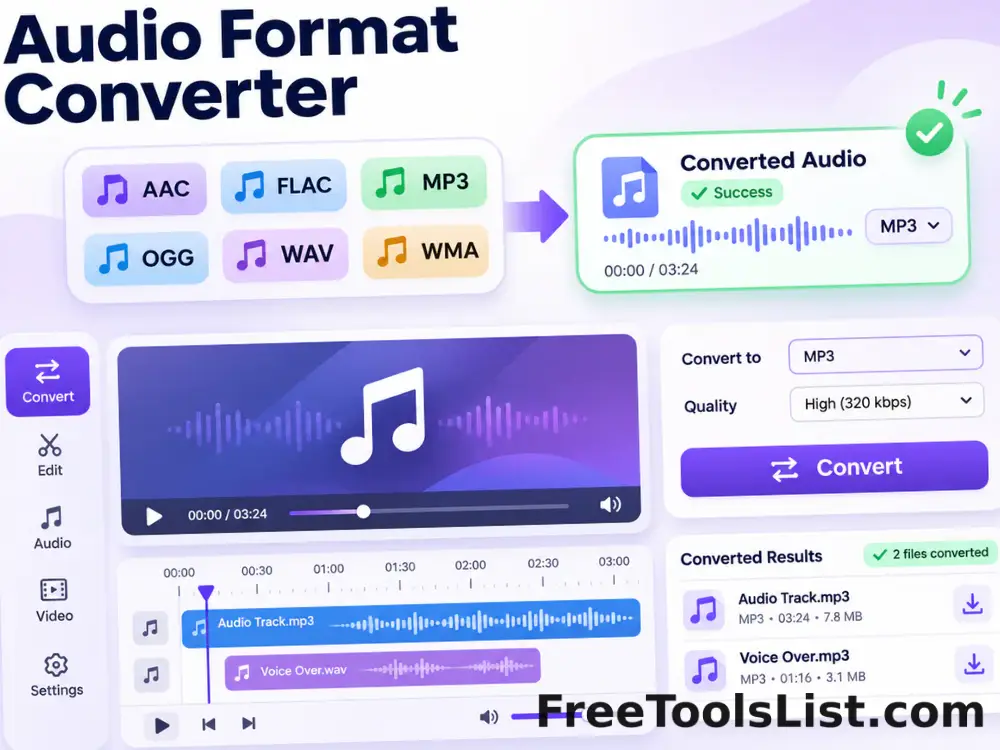
Audio Format Converter tool previewAFAudio & Video

Audio Format Converter

Convert AAC, AIFF, FLAC, M4A, MP3, OGG, Opus, WAV and WMA locally, with bitrate, sample-rate, channel and WhatsApp-ready presets.

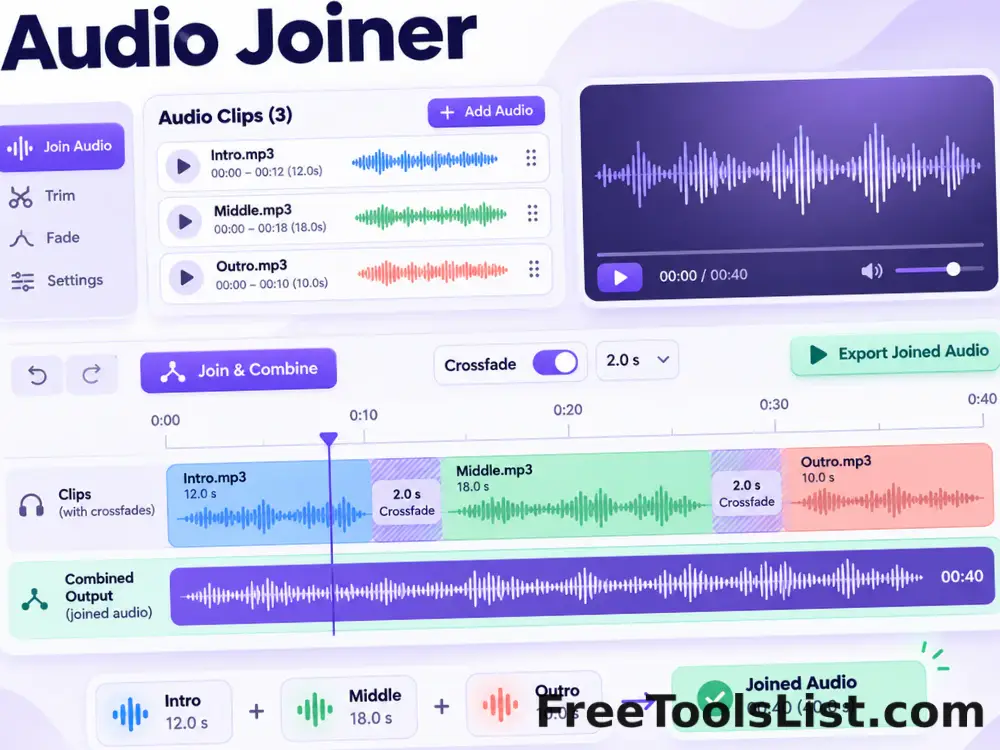
Audio Joiner tool previewAJAudio & Video

Audio Joiner

Arrange and combine multiple audio files into one continuous track, with optional crossfade and a visual duration timeline.

Audio Loop & Repeater tool previewALAudio & Video

Audio Loop & Repeater

Repeat an audio clip by count or target duration, preview the loop and export one continuous audio file without uploading the source.

Audio Silence Remover tool previewASAudio & Video

Audio Silence Remover

Detect and remove quiet sections using adjustable threshold and minimum-silence controls, with before-and-after waveform review.

Audio Splitter tool previewASAudio & Video

Audio Splitter

Split an audio file into equal parts or fixed-length segments, preview the timeline and download every generated clip.

Audio Trimmer & Ringtone Maker tool previewATAudio & Video

Audio Trimmer & Ringtone Maker

Cut an exact audio range, fade the edges, preview the selected section and export an MP3, WAV, M4A or OGG ringtone locally.

Audio Visualizer tool previewAVAudio & Video

Audio Visualizer

Play audio with a live waveform, spectrum or circular visualizer and export a high-resolution PNG frame before saving.

Browser Video Format Converter tool previewBVVideos

Browser Video Format Converter

Convert browser-decodable MP4, MOV, M4V, WebM and other supported videos to locally recordable MP4 or WebM with resolution, frame-rate and bitrate controls.

GIF to Video Converter tool previewGTVideos

GIF to Video Converter

Convert an animated GIF into a browser-rendered video with duration, frame-rate, background and fit controls, a live canvas preview and MP4 export when supported or WebM fallback.

Screen to GIF Recorder tool previewSTVideos

Screen to GIF Recorder

Capture a browser tab, window or screen with permission, preview it on canvas, limit duration, dimensions and frame rate, then encode a watermark-free animated GIF locally.

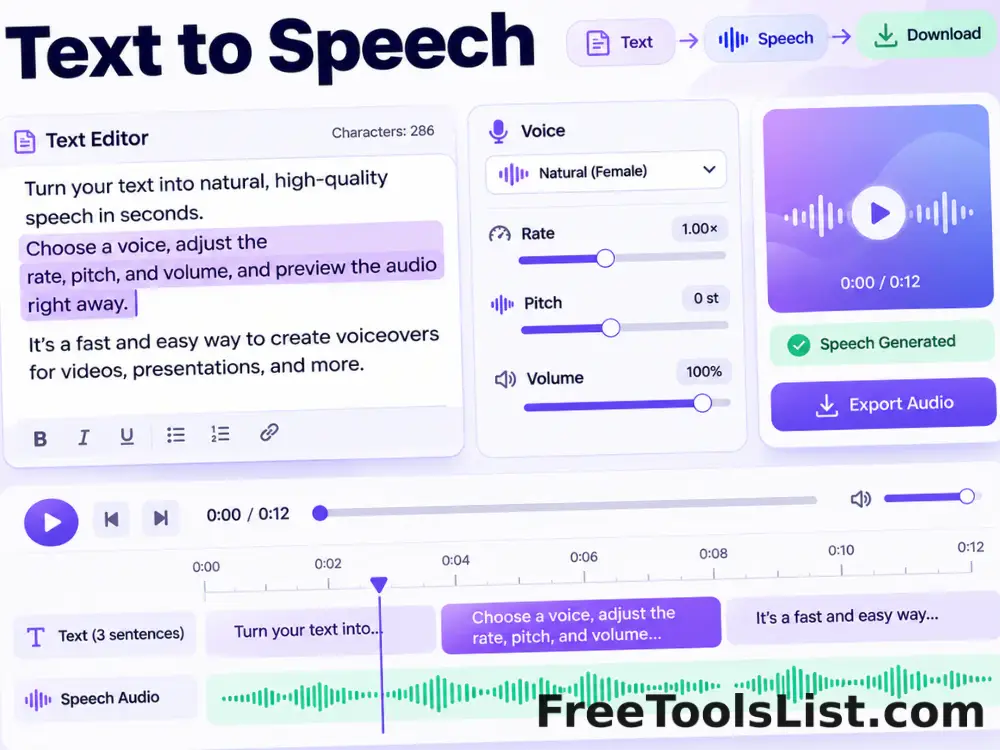
Text to Speech tool previewTTAudio & Video

Text to Speech

Read text aloud with installed browser voices, adjustable rate, pitch and volume, plus sentence highlighting and a speech timeline.

Video Audio Extractor tool previewVAVideos

Video Audio Extractor

Extract audio from MP4, MOV, MKV, AVI, WebM, WMV, FLV and 3GP video into MP3, WAV, M4A or OGG locally with a waveform preview.

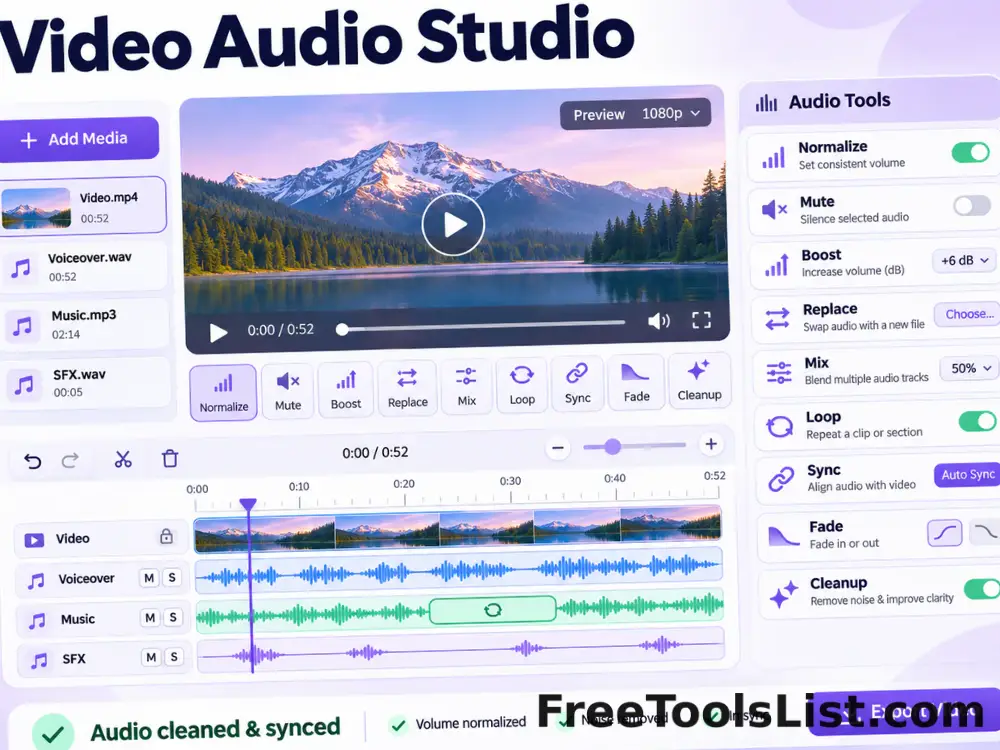
Video Audio Studio tool previewVAVideos

Video Audio Studio

Normalize, mute, boost, replace, mix, loop, synchronize, fade and clean video audio in one local workspace with canvas playback, audio controls and reviewed export.

PublishedUpdated