Modern browser-local GIF workspace

Screen to GIF Recorder

Capture a browser tab, window or screen with permission, preview it on canvas, limit duration, dimensions and frame rate, then encode a watermark-free animated GIF locally.

● Files stay in this tab · Preview before saving · No account

Screen to GIF Recorder workspace

Compact controls, a real playback canvas and explicit local exports.

Local processing

Loading the GIF workspace…

Quick Tool Overview

Screen to GIF with reviewable animation.

Capture a browser tab, window or screen with permission, preview it on canvas, limit duration, dimensions and frame rate, then encode a watermark-free animated GIF locally.

The browser screen-capture API supplies frames to a private canvas while the selected duration is sampled and passed to the local GIF encoder.

LIVECanvas playback
REC→GIFFocused workflow
LOCALPrivate processing
0Accounts needed
Important. The browser always asks which screen surface to share. Audio is not stored in GIF, and long captures create large files.

About the Tool

What Screen to GIF Recorder does.

Primary purpose

Use it to make a short visual walkthrough or bug reproduction without installing recording software.

How it works

The browser screen-capture API supplies frames to a private canvas while the selected duration is sampled and passed to the local GIF encoder.

Canvas-first review

The changing result stays visible, so you can inspect motion and composition before encoding.

Private by design

Source media stays in browser memory and is not sent to a processing queue.

Original-safe output

Downloads are new files. The selected source is never overwritten.

Known limitation

The browser always asks which screen surface to share. Audio is not stored in GIF, and long captures create large files.

Key Features

A compact animation workflow that stays inspectable.

▶

Animated canvas

Review live motion, crop, effects and overlays rather than relying on a static placeholder.

▥

Purpose-built controls

Only relevant controls are shown for the selected GIF task.

⌂

Browser-local

Modern browser APIs and bundled libraries handle supported decoding and encoding.

↓

Explicit export

Render and download only after checking the visible result.

How to Use Screen to GIF Recorder

Complete the workflow in six clear steps.

Load or prepare the source

Choose a local GIF, video or screen surface and wait for the canvas preview to appear.

Step 1: Keep the final platform and file-size limit in mind.

Set the main operation

Choose capture duration, output width, frame rate and crop fit, start screen sharing, review the canvas and stop or export.

Step 2: Keep the final platform and file-size limit in mind.

Inspect the canvas

Play or scrub the visible preview and check dimensions, crop, timing, colors, overlays and transparency.

Step 3: Treat the canvas as the final visual checkpoint.

Refine safely

Make small changes and remember: The browser always asks which screen surface to share. Audio is not stored in GIF, and long captures create large files.

Step 4: Keep the final platform and file-size limit in mind.

Render locally

Choose the render action. Keep the tab open while frames are processed by the local GIF encoder.

Step 5: Keep the final platform and file-size limit in mind.

Verify the download

Open the saved GIF, ZIP, PNG or sprite sheet and confirm its motion, loop, size and visual quality.

Step 6: Keep the final platform and file-size limit in mind.

Ready to animate?

Review the complete result before saving.

Local processing, useful controls and no account.

Open Screen to GIF →

Frequently Asked Questions

Popular screen to gif questions.

No. Files are decoded, previewed and exported in the current browser tab.

Yes. Every workspace contains a real canvas preview and a separate render or download action.

No. The original remains read-only and every download is created as a new file.

Yes. Supported browsers decode the frame sequence; a timed visual-sampling fallback is used where necessary.

The browser always asks which screen surface to share. Audio is not stored in GIF, and long captures create large files.

No account, credit system or watermark is added by FreeToolsList.com.

Keep exploring

Similar Tools

Continue with related free tools selected from this category and the wider directory.

20 tools
Screen Recorder tool previewSRVideos

Screen Recorder

Record an entire screen, application window or browser tab with optional shared audio and microphone, then preview and download a private WebM video.

GIF to Video Converter tool previewGTVideos

GIF to Video Converter

Convert an animated GIF into a browser-rendered video with duration, frame-rate, background and fit controls, a live canvas preview and MP4 export when supported or WebM fallback.

Video to Animated GIF Converter tool previewVTVideos

Video to Animated GIF Converter

Convert an MP4, WebM or browser-supported video segment to an animated GIF with trim, width, frame rate, fit and background controls and a real canvas preview before saving.

Audio Effects & Frequency Retuning Studio tool previewAEAudio & Video

Audio Effects & Frequency Retuning Studio

Retune music to 432 Hz or nine Solfeggio reference frequencies, preserve tempo when requested, or apply bass, pitch, 8D, stereo, loudness and reverb effects with waveform review.

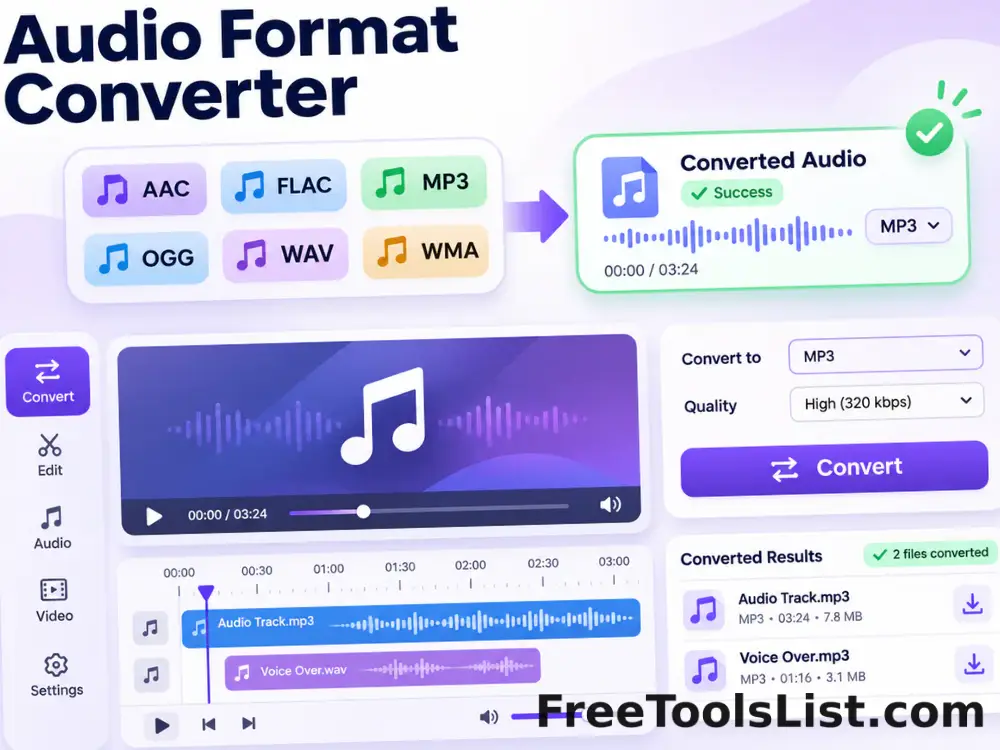
Audio Format Converter tool previewAFAudio & Video

Audio Format Converter

Convert AAC, AIFF, FLAC, M4A, MP3, OGG, Opus, WAV and WMA locally, with bitrate, sample-rate, channel and WhatsApp-ready presets.

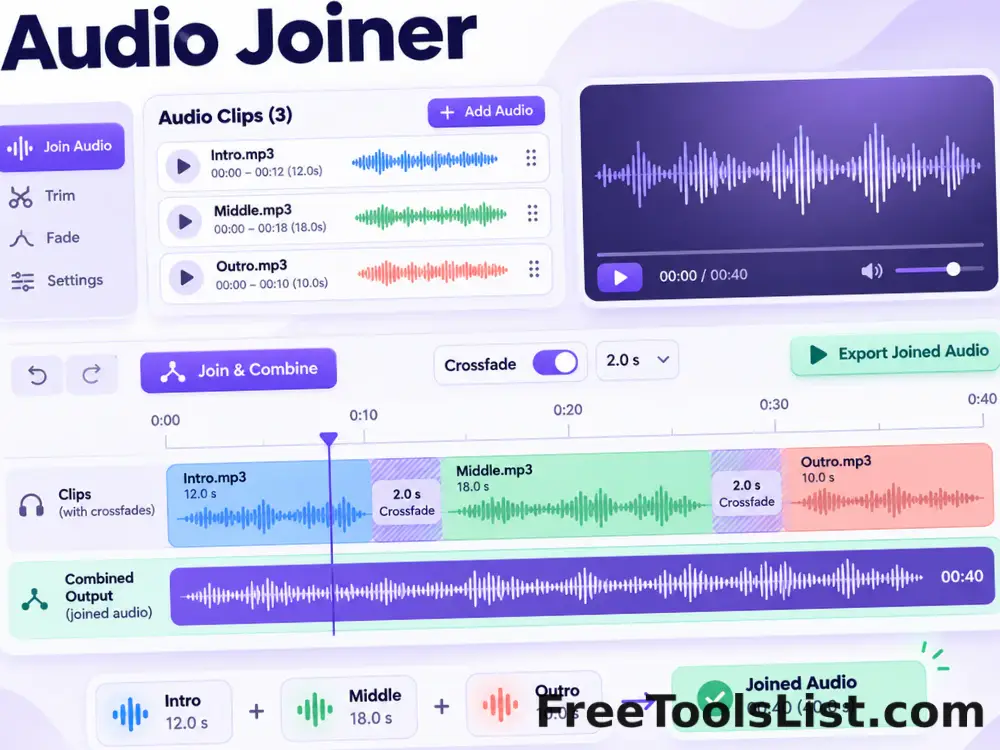
Audio Joiner tool previewAJAudio & Video

Audio Joiner

Arrange and combine multiple audio files into one continuous track, with optional crossfade and a visual duration timeline.

Audio Loop & Repeater tool previewALAudio & Video

Audio Loop & Repeater

Repeat an audio clip by count or target duration, preview the loop and export one continuous audio file without uploading the source.

Audio Silence Remover tool previewASAudio & Video

Audio Silence Remover

Detect and remove quiet sections using adjustable threshold and minimum-silence controls, with before-and-after waveform review.

Audio Splitter tool previewASAudio & Video

Audio Splitter

Split an audio file into equal parts or fixed-length segments, preview the timeline and download every generated clip.

Audio Trimmer & Ringtone Maker tool previewATAudio & Video

Audio Trimmer & Ringtone Maker

Cut an exact audio range, fade the edges, preview the selected section and export an MP3, WAV, M4A or OGG ringtone locally.

Audio Visualizer tool previewAVAudio & Video

Audio Visualizer

Play audio with a live waveform, spectrum or circular visualizer and export a high-resolution PNG frame before saving.

BPM Detector tool previewBDAudio & Video

BPM Detector

Analyze a local music file for tempo, inspect detected beat markers and download a compact BPM report.

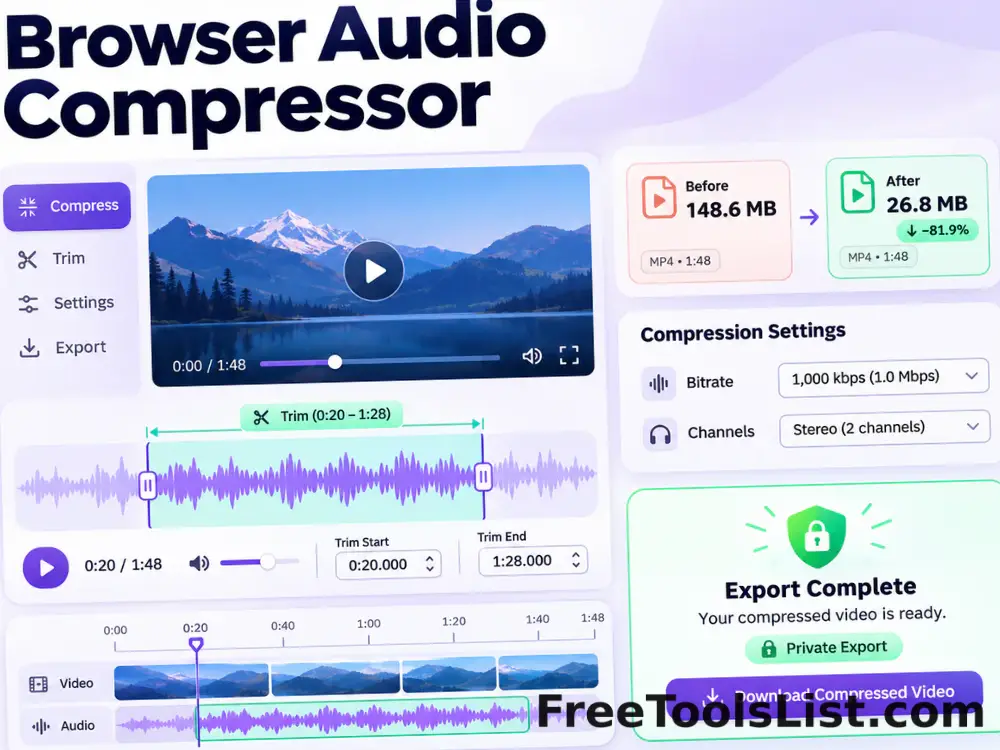
Browser Audio Compressor tool previewBAVideos

Browser Audio Compressor

Compress MP3, WAV, M4A, WebM and browser-supported audio locally with trim, bitrate and channel controls, waveform preview, playback and private export.

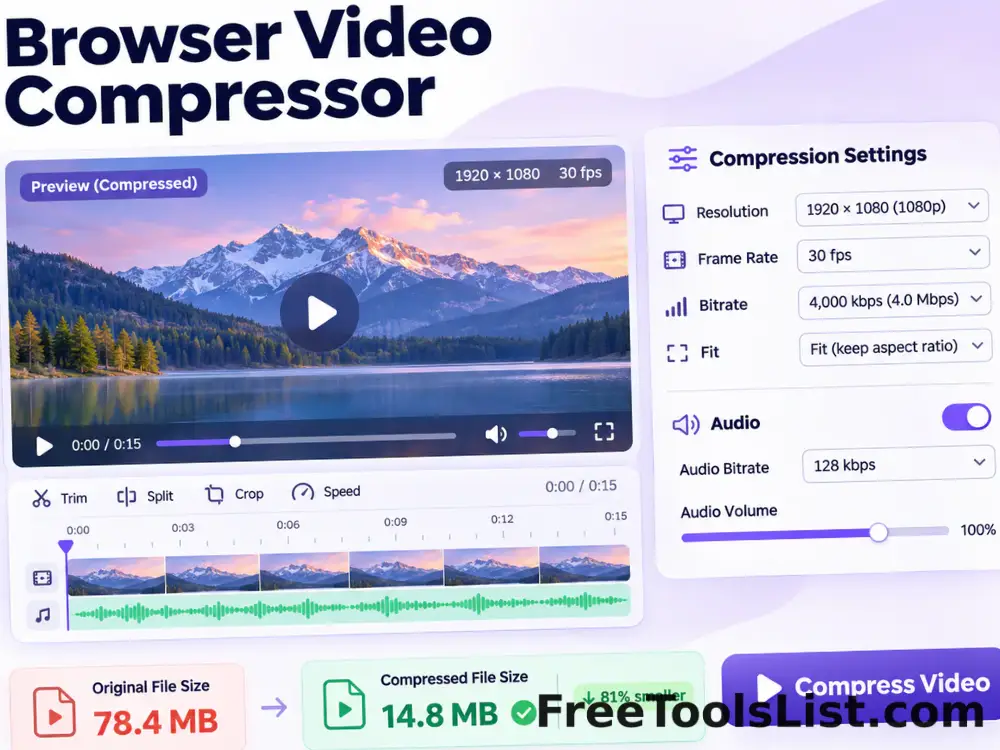
Browser Video Compressor tool previewBVVideos

Browser Video Compressor

Compress MP4, WebM, MKV and browser-supported video locally with resolution, frame-rate, bitrate, fit and audio controls and a live canvas before export.

Browser Video Format Converter tool previewBVVideos

Browser Video Format Converter

Convert browser-decodable MP4, MOV, M4V, WebM and other supported videos to locally recordable MP4 or WebM with resolution, frame-rate and bitrate controls.

Browser Video Meme & Social Editor tool previewBVVideos

Browser Video Meme & Social Editor

Edit a local video with canvas sizing, filters, caption bars, emoji, PNG, logo or watermark overlays, replacement audio and private browser video export.

Image to Video Converter tool previewITVideos

Image to Video Converter

Create a WebM video from uploaded images with popular and custom canvas sizes, a draggable multitrack timeline, full-length audio trimming, movable text layers, five text transitions, three slide transitions and three frame rates—all rendered privately in your browser.

MP3 Cover Art & Metadata Editor tool previewMCAudio & Video

MP3 Cover Art & Metadata Editor

Add cover artwork, title, artist and album metadata to an MP3 locally, with a real cover canvas before export.

Online Hearing Test tool previewOHAudio & Video

Online Hearing Test

Run a careful left, right and stereo frequency sweep with user-controlled volume and a visual frequency response record.

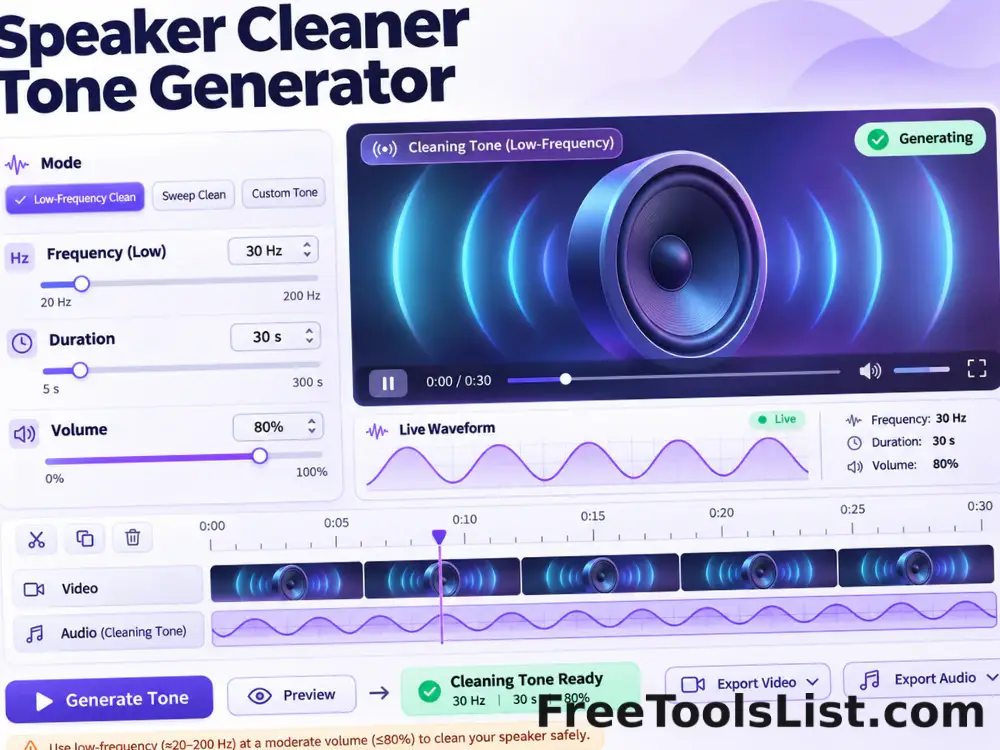
Speaker Cleaner Tone Generator tool previewSCVideos

Speaker Cleaner Tone Generator

Generate pulsing low-frequency speaker-cleaning tones with selectable modes, duration, volume, a live waveform canvas and an optional WAV test-tone download.

PublishedUpdated