Private local audio workspace

Audio Effects & Frequency Retuning Studio

Retune music to 432 Hz or nine Solfeggio reference frequencies, preserve tempo when requested, or apply bass, pitch, 8D, stereo, loudness and reverb effects with waveform review.

● Files stay in this tab · No account · Original stays unchanged

Audio Effects & Frequency Retuning Studio workspace

Configure, preview, process and save without a server upload.

Browser-local

Loading workspace…

Quick Tool Overview

What this tool is for.

Retune music to 432 Hz or nine Solfeggio reference frequencies, preserve tempo when requested, or apply bass, pitch, 8D, stereo, loudness and reverb effects with waveform review.

The visual workspace separates source selection, processing controls and result review so you can verify the change before downloading.

LIVECanvas preview
LOCALPrivate engine
NEWSafe output file
0Accounts needed
Compatibility note. Conversion uses a bundled WebAssembly media engine. Playback and voice availability can still vary by browser and operating system.

About the Tool

Audio work with visible feedback.

Purpose

Retune music to 432 Hz or nine Solfeggio reference frequencies, preserve tempo when requested, or apply bass, pitch, 8D, stereo, loudness and reverb effects with waveform review.

How it works

The selected source is decoded or converted in browser memory. Tool-specific controls create a new output without changing the original.

Preview first

A waveform, spectrum, timeline, meter or cover canvas shows what is being processed before you save.

Local privacy

No selected media is posted to a conversion server. Closing the tab releases the in-memory work.

Quality controls

Choose formats, bitrates, sample rates, channels, ranges or effect intensity when those choices matter.

Clear output

The result panel reports the generated type and size and provides an explicit download action.

Key Features

Modern controls, real processing.

∿

Waveform canvas

See timing and signal shape instead of working with a blind file picker.

⚙

Purpose-built settings

Each page exposes the relevant controls for its audio task.

⌂

Private processing

Browser memory and a bundled local engine do the work.

↓

Reviewable result

Play, inspect or measure the new result before downloading.

How to Use Audio Effects & Frequency Retuning Studio

Six clear steps.

Choose a local source

Load the song, voice track or other audio you want to retune or process.

Step 1: Keep the tab open during local processing.

Select retuning or another effect

Choose 432 Hz / Solfeggio retuning, bass, pitch, 8D panning, stereo width, loudness, nightcore, underwater or reverb.

Step 2: Keep the tab open during local processing.

Configure retuning precisely

For frequency retuning, set the source reference, target frequency and whether tempo should remain unchanged.

Step 3: Treat the canvas as your visual checkpoint.

Review the source canvas

Use the waveform and source metrics to confirm the correct file before processing.

Step 4: Keep the tab open during local processing.

Process locally

The bundled media engine creates a separate result in the current browser tab. Keep the page open until processing finishes.

Step 5: Keep the tab open during local processing.

Play and download

Listen to the result, check timing and pitch, then download the reviewed output without overwriting the original.

Step 6: Keep the tab open during local processing.

Ready to begin?

Process audio without uploading it.

Focused controls, visible progress and a new downloadable result.

Open Retune or add effects →

Frequently Asked Questions

Popular audio-tool questions.

The tool changes the pitch ratio from the selected source reference to the target frequency. It can compensate the playback tempo when Preserve tempo is selected.

Targets include 174, 285, 396, 417, 432, 528, 639, 741, 852 and 963 Hz. Enter 440 Hz as the source reference for conventionally tuned material unless you know it uses another reference.

No. Large pitch shifts can introduce artifacts, especially in complex mixes. Review the result carefully and use smaller shifts when sound quality matters.

MP3, WAV, M4A/AAC, OGG, FLAC and Opus are available through the bundled local engine.

No. Selected files remain in this browser tab and are processed locally.

Yes. The workspace provides a waveform, spectrum, timeline or visual canvas plus playback where the browser supports it.

No. The original is read-only and every export is a new download.

No watermark or account is required.

Keep exploring

Similar Tools

Continue with related free tools selected from this category and the wider directory.

20 tools
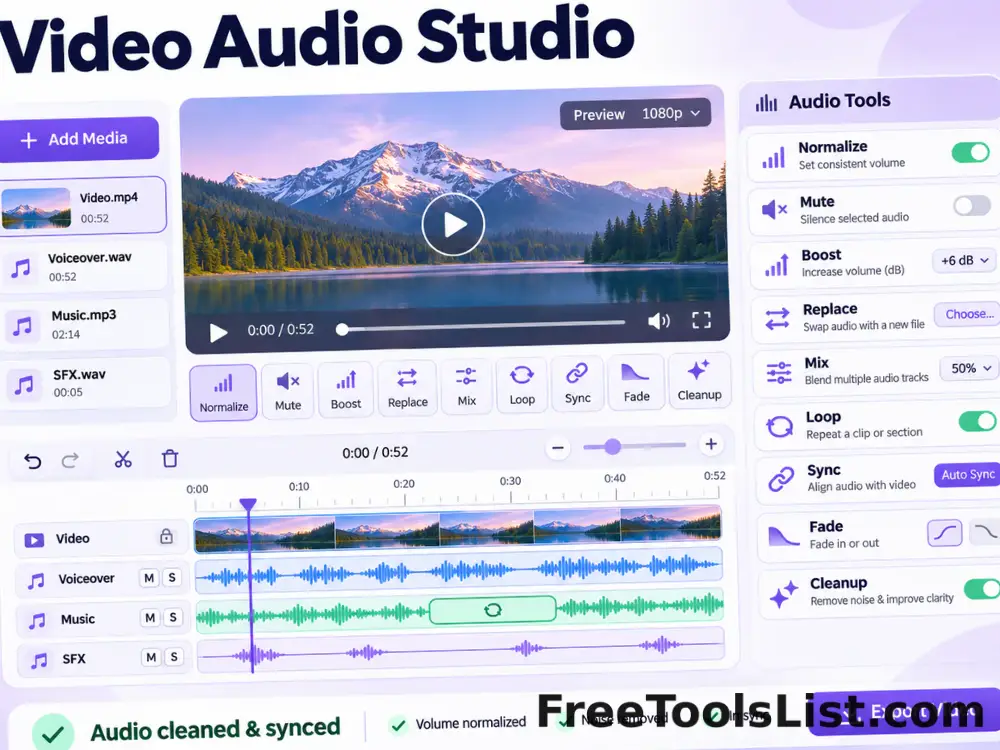
Video Audio Studio tool previewVAVideos

Video Audio Studio

Normalize, mute, boost, replace, mix, loop, synchronize, fade and clean video audio in one local workspace with canvas playback, audio controls and reviewed export.

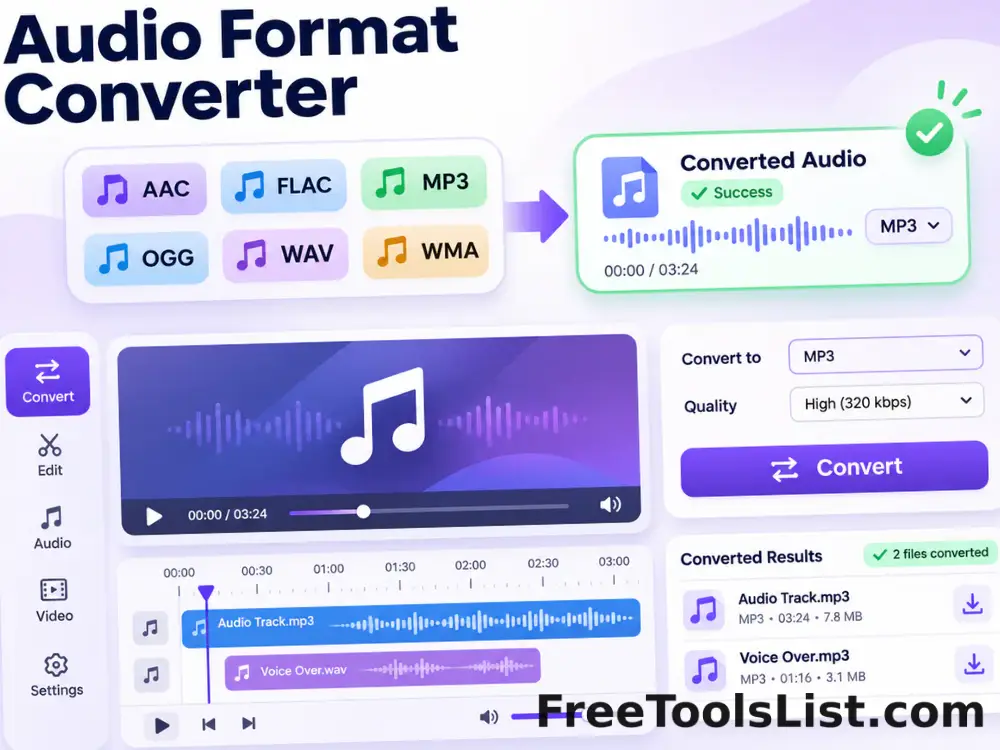
Audio Format Converter tool previewAFAudio & Video

Audio Format Converter

Convert AAC, AIFF, FLAC, M4A, MP3, OGG, Opus, WAV and WMA locally, with bitrate, sample-rate, channel and WhatsApp-ready presets.

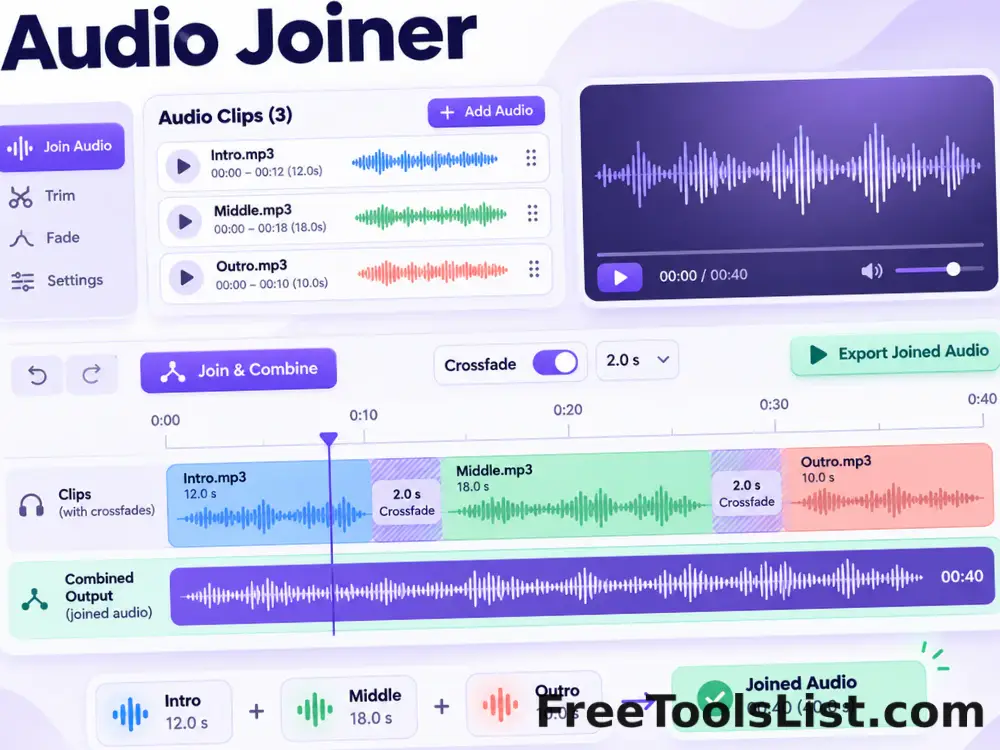
Audio Joiner tool previewAJAudio & Video

Audio Joiner

Arrange and combine multiple audio files into one continuous track, with optional crossfade and a visual duration timeline.

Audio Loop & Repeater tool previewALAudio & Video

Audio Loop & Repeater

Repeat an audio clip by count or target duration, preview the loop and export one continuous audio file without uploading the source.

Audio Silence Remover tool previewASAudio & Video

Audio Silence Remover

Detect and remove quiet sections using adjustable threshold and minimum-silence controls, with before-and-after waveform review.

Audio Splitter tool previewASAudio & Video

Audio Splitter

Split an audio file into equal parts or fixed-length segments, preview the timeline and download every generated clip.

Audio Trimmer & Ringtone Maker tool previewATAudio & Video

Audio Trimmer & Ringtone Maker

Cut an exact audio range, fade the edges, preview the selected section and export an MP3, WAV, M4A or OGG ringtone locally.

Audio Visualizer tool previewAVAudio & Video

Audio Visualizer

Play audio with a live waveform, spectrum or circular visualizer and export a high-resolution PNG frame before saving.

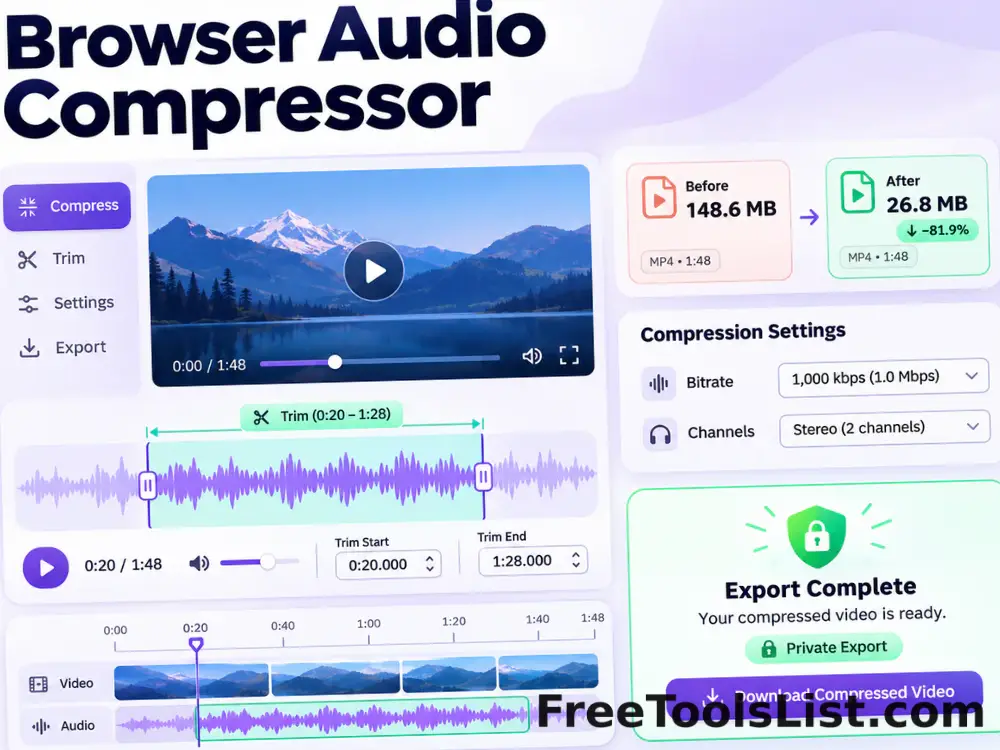
Browser Audio Compressor tool previewBAVideos

Browser Audio Compressor

Compress MP3, WAV, M4A, WebM and browser-supported audio locally with trim, bitrate and channel controls, waveform preview, playback and private export.

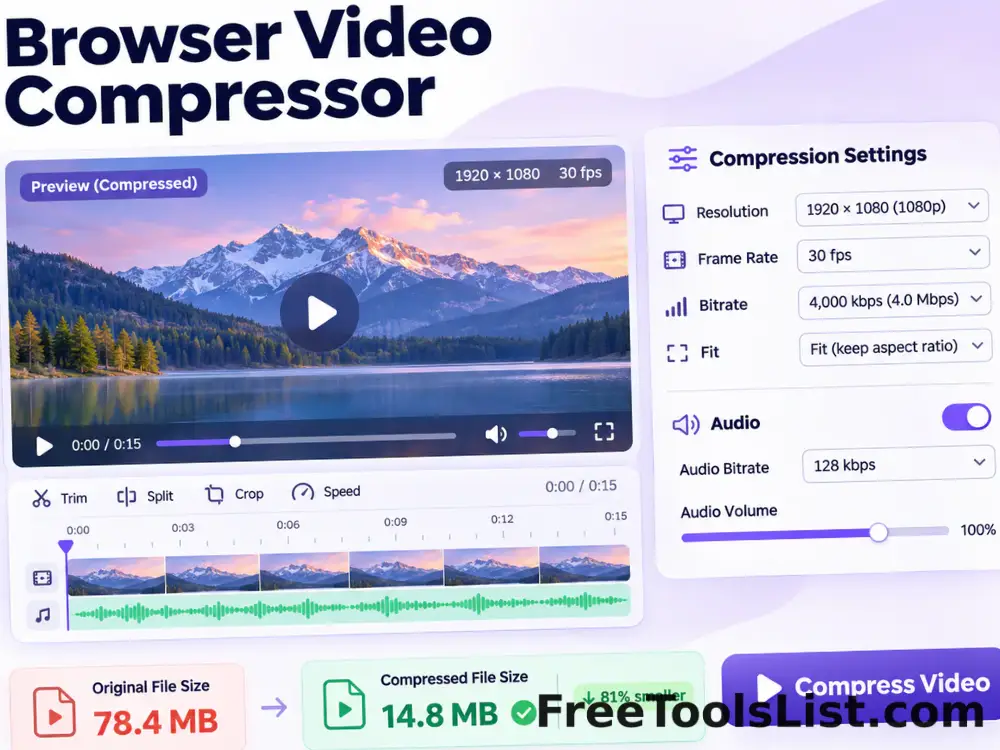
Browser Video Compressor tool previewBVVideos

Browser Video Compressor

Compress MP4, WebM, MKV and browser-supported video locally with resolution, frame-rate, bitrate, fit and audio controls and a live canvas before export.

Browser Video Meme & Social Editor tool previewBVVideos

Browser Video Meme & Social Editor

Edit a local video with canvas sizing, filters, caption bars, emoji, PNG, logo or watermark overlays, replacement audio and private browser video export.

Image to Video Converter tool previewITVideos

Image to Video Converter

Create a WebM video from uploaded images with popular and custom canvas sizes, a draggable multitrack timeline, full-length audio trimming, movable text layers, five text transitions, three slide transitions and three frame rates—all rendered privately in your browser.

Online Hearing Test tool previewOHAudio & Video

Online Hearing Test

Run a careful left, right and stereo frequency sweep with user-controlled volume and a visual frequency response record.

Screen Recorder tool previewSRVideos

Screen Recorder

Record an entire screen, application window or browser tab with optional shared audio and microphone, then preview and download a private WebM video.

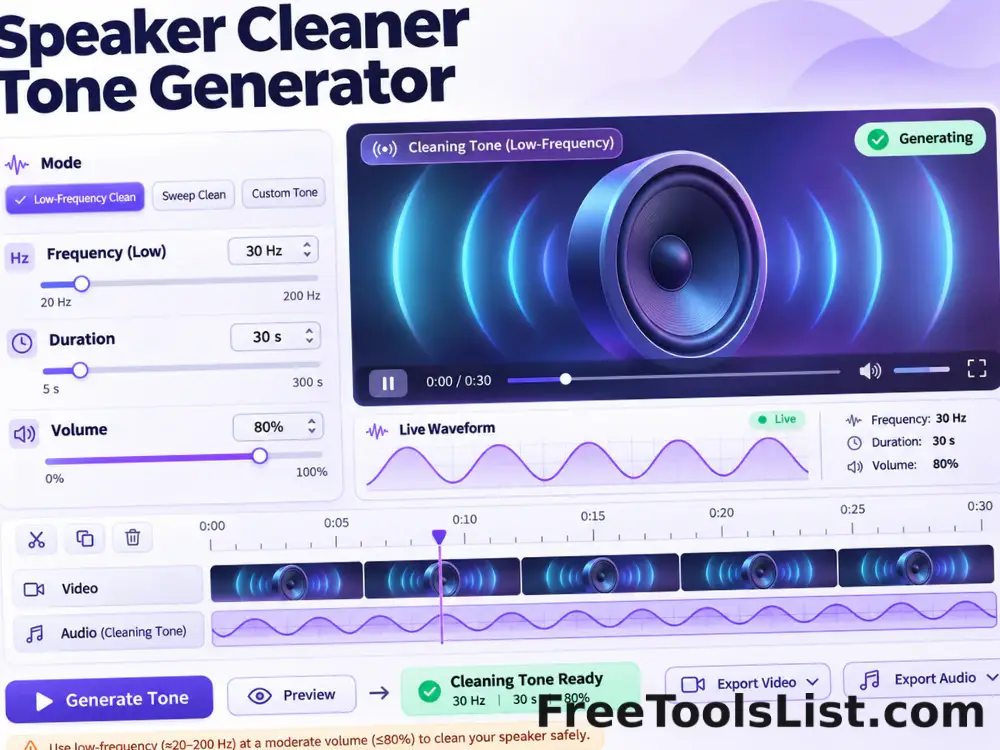
Speaker Cleaner Tone Generator tool previewSCVideos

Speaker Cleaner Tone Generator

Generate pulsing low-frequency speaker-cleaning tones with selectable modes, duration, volume, a live waveform canvas and an optional WAV test-tone download.

Stereo & Mono Audio Converter tool previewSMAudio & Video

Stereo & Mono Audio Converter

Convert stereo audio to mono, duplicate mono into stereo or rebuild a balanced two-channel output entirely in your browser.

Video Audio Extractor tool previewVAVideos

Video Audio Extractor

Extract audio from MP4, MOV, MKV, AVI, WebM, WMV, FLV and 3GP video into MP3, WAV, M4A or OGG locally with a waveform preview.

Video Cutter & Trimmer tool previewVCVideos

Video Cutter & Trimmer

Choose precise start and end times, scrub the canvas preview, preserve supported audio, and render only the selected video segment locally.

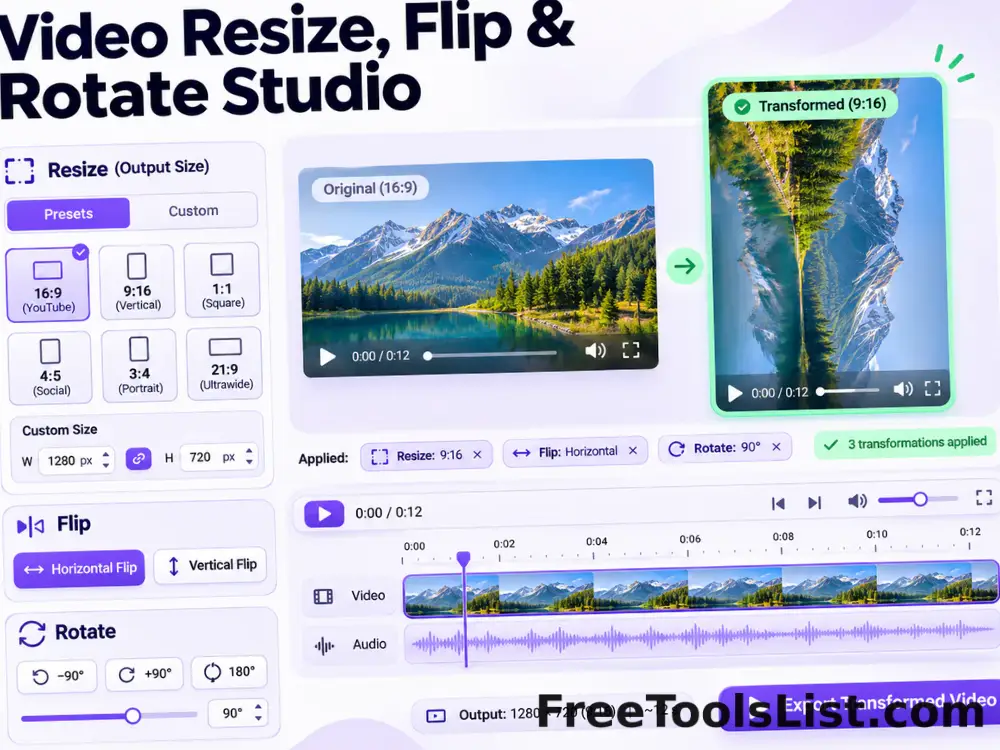
Video Resize, Flip & Rotate Studio tool previewVRVideos

Video Resize, Flip & Rotate Studio

Resize, downscale, change resolution, flip and rotate a video in one non-duplicated canvas workspace with presets, custom dimensions and local export.

Video Speed Changer tool previewVSVideos

Video Speed Changer

Slow down or speed up a local video from 0.25× to 3×, preview timing on canvas, keep supported audio, and render a new browser-compatible video.

PublishedUpdated