Modern local image delivery

Target File Size Image Compressor

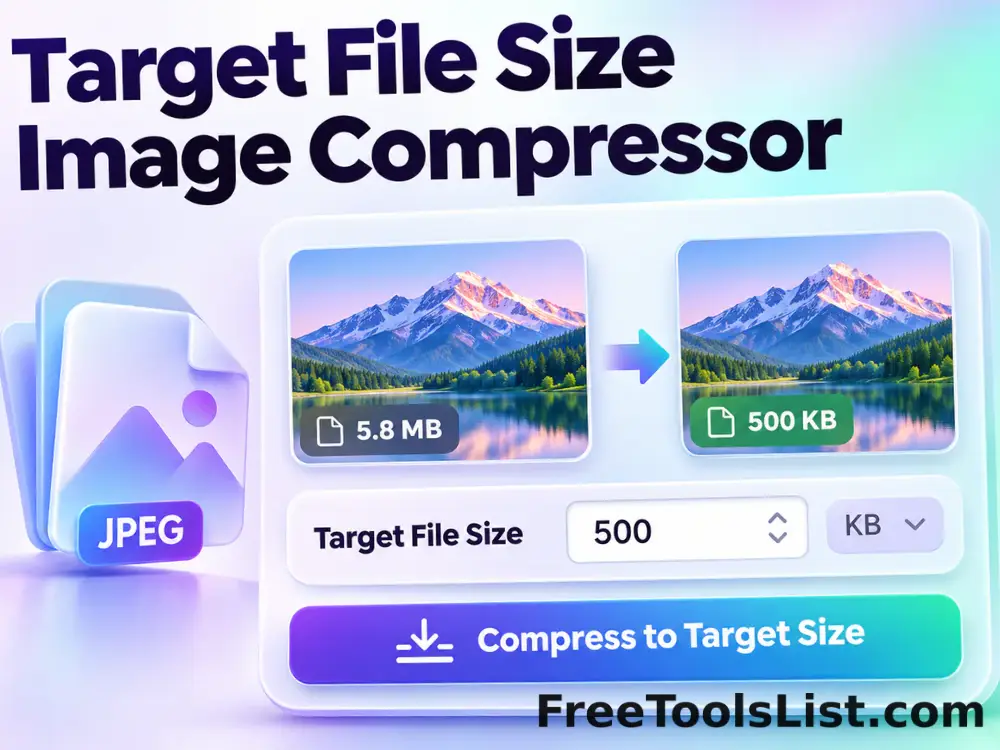
Compress JPG, PNG and WebP images toward a custom target or a 10KB, 20KB, 30KB, 40KB, 50KB, 100KB, 150KB, 200KB, 500KB or 1MB preset with format-aware quality search, downscaling and a live comparison canvas.

● Live canvas · Browser-local · Original safe

Target File Size Image Compressor workspace

Generate the actual output, inspect it on canvas and save only after the measurements look right.

Local · no external uploads

Loading the image workspace…

Quick Tool Overview

Target Size Compressor with measurable output.

Use Target File Size Image Compressor to prepare a JPG, PNG or WebP image that stays at or below a portal, email, upload or publishing file-size limit.

For JPEG and WebP, the browser performs a binary quality search and downscales only when necessary. For PNG, lossless re-encoding is combined with controlled dimension reduction so transparency can be preserved.

LIVECanvas preview
LOCALPrivate processing
KBFocused controls
0Accounts needed
Review before saving. A very small target may require visibly lower quality or smaller pixel dimensions. PNG cannot use a lossy quality slider, so tight PNG targets rely more heavily on dimension reduction.
About the Tool

What Target File Size Image Compressor does.

Primary purpose

Use this page to prepare a JPG, PNG or WebP image that stays at or below a portal, email, upload or publishing file-size limit.

Transparent method

For JPEG and WebP, the browser performs a binary quality search and downscales only when necessary. For PNG, lossless re-encoding is combined with controlled dimension reduction so transparency can be preserved.

Actual output preview

The preview uses the processed result rather than a decorative placeholder, with comparison and measurements shown before export.

Private local workflow

Image pixels stay in this browser or the bundled localhost process; no external image-processing API receives the source.

Original-safe export

The source is only read. Every compressed, converted or generated image is created as a separate download.

Important limitation

A very small target may require visibly lower quality or smaller pixel dimensions. PNG cannot use a lossy quality slider, so tight PNG targets rely more heavily on dimension reduction.

Key Features

A modern image workspace built for inspection.

◫

Live canvas

Review the actual output image before the save button becomes available.

Δ

Useful measurements

Compare dimensions, encoded bytes, quality, reduction or repeatable seed values.

⌂

Local processing

Source pixels are handled in this tab without a remote conversion queue.

↓

Flexible output

Save the reviewed result with format and quality options appropriate to the tool.

How to Use Target File Size Image Compressor

Complete the task in six detailed steps.

Choose or load an image

Select a local source image or load the demonstration image. The original file is never overwritten.

Step 1: Keep the untouched source or seed until the result is verified.

Set the focused controls

Adjust target-size presets or a custom KB, MB or percentage limit, output format, minimum quality, megapixel limit, automatic downscaling, progressive JPEG and metadata preservation. Every active setting remains visible for a repeatable result.

Step 2: Keep the untouched source or seed until the result is verified.

Generate the live preview

Run the local operation and wait for the actual encoded result to appear on the canvas.

Step 3: Keep the untouched source or seed until the result is verified.

Inspect the canvas

Drag the Before / After slider across detailed and flat areas to compare the processed image with the source.

Step 4: Inspect both detailed and flat areas at the intended use size.

Review file measurements

Check dimensions, encoded size, format and operation summary. A very small target may require visibly lower quality or smaller pixel dimensions. PNG cannot use a lossy quality slider, so tight PNG targets rely more heavily on dimension reduction.
Step 5: Keep the untouched source or seed until the result is verified.

Save the reviewed result

Download only after the canvas and measurements match the intended use. Keep the original available for comparison.

Step 6: Keep the untouched source or seed until the result is verified.

Ready to create the output?

Preview the complete result before saving.

No external upload queue, account, watermark or source overwrite.

Open Target Size Compressor →

Frequently Asked Questions

Popular target size compressor questions.

For JPEG and WebP, the browser performs a binary quality search and downscales only when necessary. For PNG, lossless re-encoding is combined with controlled dimension reduction so transparency can be preserved.

No. Canvas processing and ordinary encoding run in this browser tab. Progressive JPEG reorganization uses only the localhost server bundled with this project.

Yes. The page renders the actual processed canvas and output measurements before the download button is enabled. Image-based tools include a draggable before-and-after comparison.

No. The source is read only and every result is downloaded as a separate file.

A very small target may require visibly lower quality or smaller pixel dimensions. PNG cannot use a lossy quality slider, so tight PNG targets rely more heavily on dimension reduction.

No. Browsers and image encoders can use different internal compression decisions, color handling and metadata defaults even with similar visible settings.

Keep exploring

Similar Tools

Continue with related free tools selected from this category and the wider directory.

20 tools
Image DPI Checker & Converter tool previewIDImages

Image DPI Checker & Converter

Inspect pixel dimensions, file size and estimated print measurements, choose a new DPI value, preview the unchanged pixels and export a high-quality JPEG with print density metadata.

JPEG Quality Estimator tool previewJQImages

JPEG Quality Estimator

Estimate the JPEG encoder quality level from quantization tables and review file-size context without uploading the image.

Overlay Images tool previewOIImages

Overlay Images

Overlay Images lets you place, size, rotate and blend a second image over the first locally in your browser, compare the result, and download a ready-to-use file.

Resize Image tool previewRIImages

Resize Image

Resize Image lets you change pixel dimensions or scale an image by percentage locally in your browser, compare the result, and download a ready-to-use file.

Add Noise to Image tool previewANImages

Add Noise to Image

Add Noise to Image lets you add controllable monochrome or color grain locally in your browser, compare the result, and download a ready-to-use file.

Adjust Image Gamma tool previewAIImages

Adjust Image Gamma

Adjust Image Gamma lets you reshape midtone brightness without applying a flat offset locally in your browser, compare the result, and download a ready-to-use file.

Adjust Image HSL tool previewAIImages

Adjust Image HSL

Adjust Image HSL lets you control hue, saturation and lightness in one workspace locally in your browser, compare the result, and download a ready-to-use file.

Automatic Gamma Corrector tool previewAGImages

Automatic Gamma Corrector

Measure image midtones and apply an automatic gamma curve with target, strength and fine-tuning controls before saving.

Blur Image tool previewBIImages

Blur Image

Blur Image lets you apply a configurable Gaussian-style browser blur locally in your browser, compare the result, and download a ready-to-use file.

Bulk Image Processing & Bulk Image Editor — Edit EXIF, IPTC & GPS Metadata tool previewBIImages

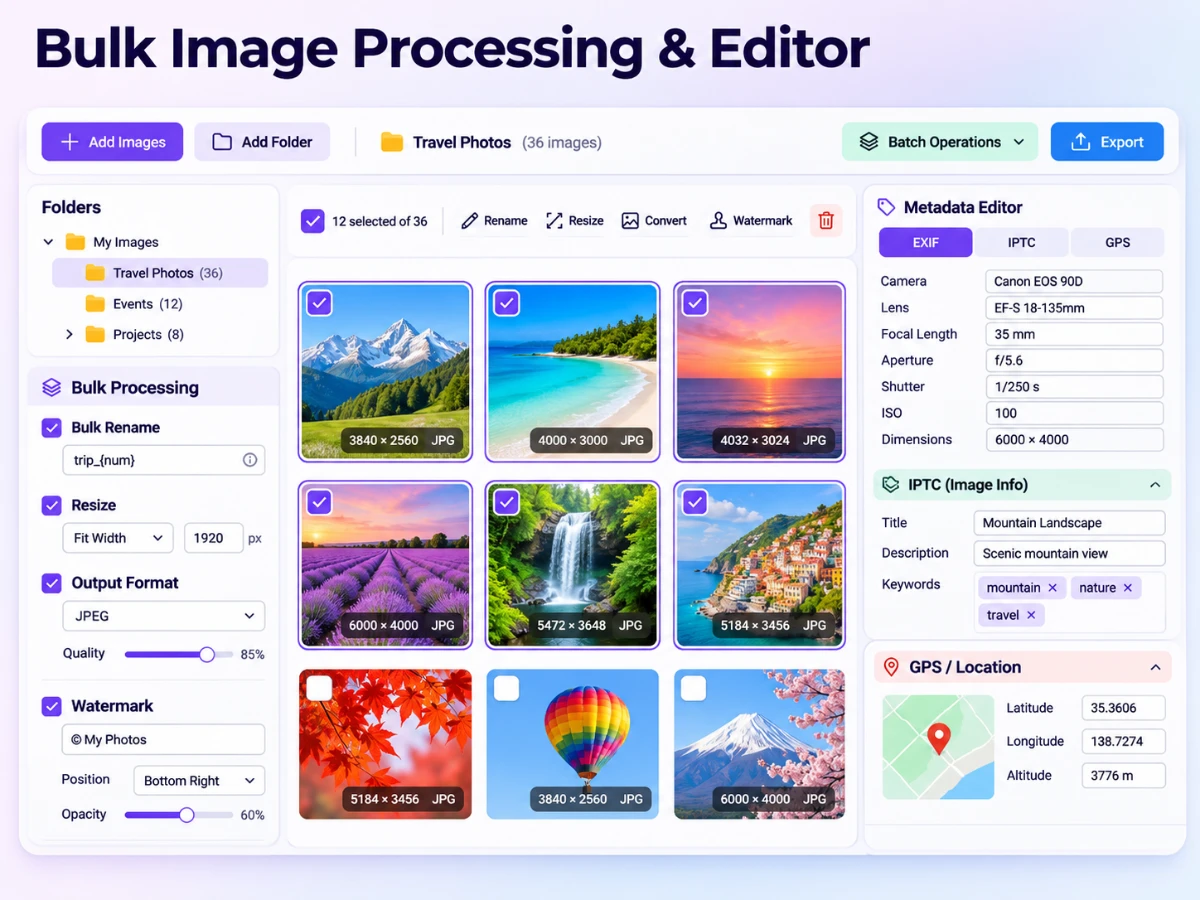
Bulk Image Processing & Bulk Image Editor — Edit EXIF, IPTC & GPS Metadata

Process multiple images at once: rename, resize, rotate, flip, watermark, convert formats, edit EXIF and IPTC fields, add GPS coordinates and preserve folder trees.

Bulk Resize Image tool previewBRImages

Bulk Resize Image

Process multiple images locally to change pixel dimensions or scale an image by percentage, review every result, and download the completed batch as a ZIP.

Change Image Brightness tool previewCIImages

Change Image Brightness

Change Image Brightness lets you adjust image brightness from deep shadow to bright highlight locally in your browser, compare the result, and download a ready-to-use file.

Change Image Contrast tool previewCIImages

Change Image Contrast

Change Image Contrast lets you expand or compress the difference between light and dark pixels locally in your browser, compare the result, and download a ready-to-use file.

Change Image Exposure tool previewCIImages

Change Image Exposure

Change Image Exposure lets you simulate exposure changes in photographic stops locally in your browser, compare the result, and download a ready-to-use file.

Change Image Saturation tool previewCIImages

Change Image Saturation

Change Image Saturation lets you increase or reduce color intensity while preserving hue locally in your browser, compare the result, and download a ready-to-use file.

Change Image Vibrance tool previewCIImages

Change Image Vibrance

Change Image Vibrance lets you boost muted colors more gently than already-saturated colors locally in your browser, compare the result, and download a ready-to-use file.

Clip Image Levels tool previewCIImages

Clip Image Levels

Clip Image Levels lets you set black and white clipping points for tonal cleanup locally in your browser, compare the result, and download a ready-to-use file.

Color Emboss Image Effect tool previewCEImages

Color Emboss Image Effect

Color Emboss Image Effect lets you apply an emboss kernel while retaining color channels locally in your browser, compare the result, and download a ready-to-use file.

Colorize Image tool previewCIImages

Colorize Image

Colorize Image lets you blend a chosen color into the source image locally in your browser, compare the result, and download a ready-to-use file.

Crop Image tool previewCIImages

Crop Image

Crop Image lets you extract a precise rectangular area using percentage coordinates locally in your browser, compare the result, and download a ready-to-use file.

PublishedUpdated