CSS Minifier
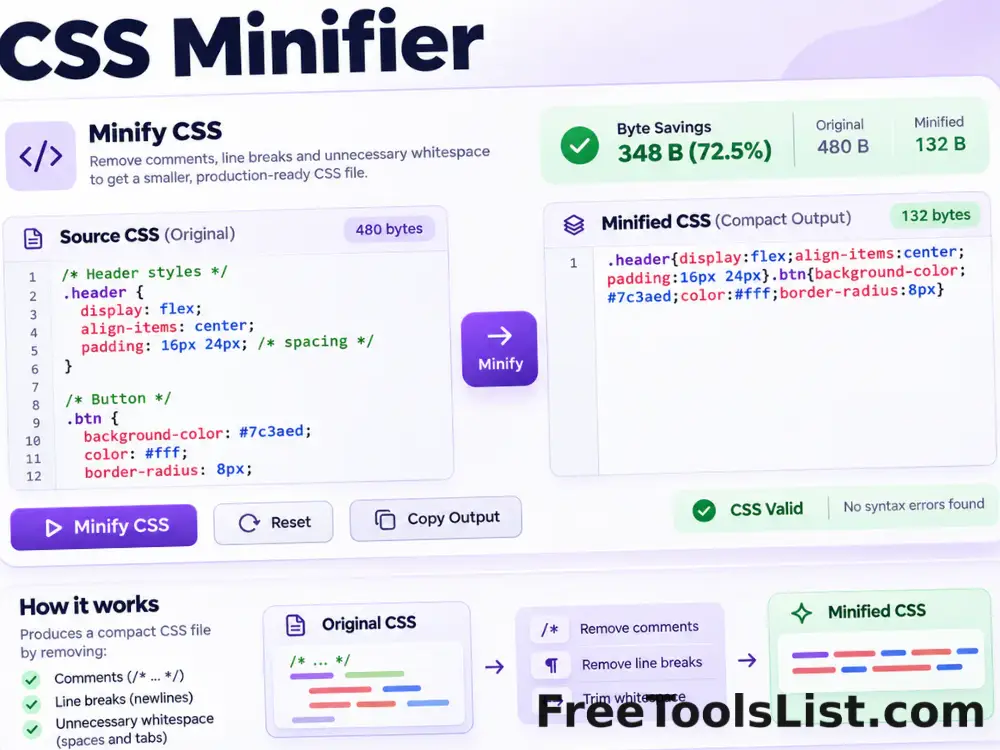
Remove unnecessary formatting in your browser, compare byte sizes, copy the compact result or download a minified .css file.
● Code stays in your browser · No uploadCSS source minifier
Paste readable source, create a compact version and review the exact byte reduction.
Quick Tool Overview
Create a compact CSS delivery copy while keeping readable source.
The CSS Minifier applies a focused browser-based cleanup pass, reports the original and final byte size, and makes the output easy to copy or download.
Always preserve the original formatted source and test the minified result. Lightweight browser utilities are convenient for snippets; parser-based build tools are better for complex production applications.
LocalPrivate processing
BytesExact comparison
FastOne-click output
FreeNo sign-up
Ship fewer source bytes
Minify CSSCreate a compact CSS copy in one click.
Paste source, run the minifier, review the savings and test before deployment.
About the Tool
What to know about CSS minification.
What CSS minification removes
Comments and formatting whitespace can usually be removed from a production stylesheet without changing normal rules.
Quoted values
The browser tool protects quoted strings before compacting surrounding syntax.
File size and transfer
A smaller source file can reduce uncompressed bytes, while HTTP compression may reduce network transfer further.
Readable source vs. delivery copy
Maintain formatted CSS for development and generate compact assets for deployment.
Syntax matters
Malformed CSS can still produce malformed output; this utility does not replace a parser or linter.
Test visual output
Review important pages, responsive breakpoints, custom properties and advanced functions after minifying.
Key Features
A focused, private minification workflow.
Local processing
Source code stays in the current browser tab.
Size metrics
Compare UTF-8 byte totals and percentage reduction.
Copy and download
Use the result immediately or save a minified file.
Sample input
Try a safe example before adding your own source.
How to Use the CSS Minifier
Minify CSS in six careful steps.
Keep the source copy
Save the readable development file before making a compact derivative.
Tip: Never make a generated minified file your only editable copy.Paste valid source
Add the CSS you want to compact.
Tip: Fix syntax errors before optimization.Run the minifier
Process the text locally and compare both byte totals.
Tip: A smaller percentage can still be useful on frequently downloaded assets.Review the output
Scan the result for expected strings, values and structure.
Tip: Complex language features deserve extra care.Test behavior
Use the compact file in a development or staging environment.
Tip: Check rendering, interactions and browser console errors.Deploy with compression
Publish the tested asset with caching and Brotli or gzip where appropriate.
Tip: Minification and HTTP compression solve different parts of delivery.Ready to compact?
Minify CSS without uploading your code.
Generate a smaller copy locally and keep your readable source for maintenance.
Frequently Asked Questions
Popular CSS minification questions.
A correct minifier aims to preserve behavior, but whitespace-sensitive markup, invalid syntax and complex language edge cases can cause problems. Always test the result.
No. This minifier runs in your browser and does not submit the source to the local server.
Yes. Keep readable, version-controlled source and treat the minified file as a generated deployment asset.
No. Minification removes unnecessary source characters, while transfer compression encodes the response more efficiently over the network. They can be used together.
This utility is best for snippets and straightforward files. Use a parser-aware build pipeline for large or critical CSS projects.
Keep exploring
Similar Tools
Continue with related free tools selected from this category and the wider directory.
 Developer
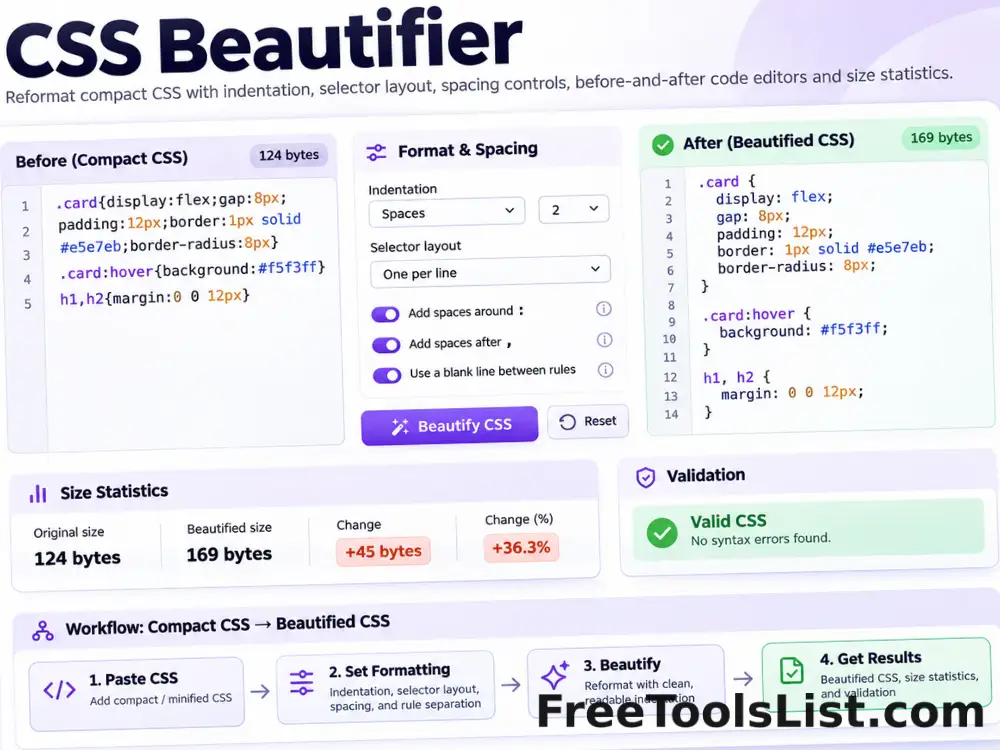
CSS Beautifier
Reformat compact CSS with configurable indentation, selector layout, spacing and an optional final newline.
 Developer
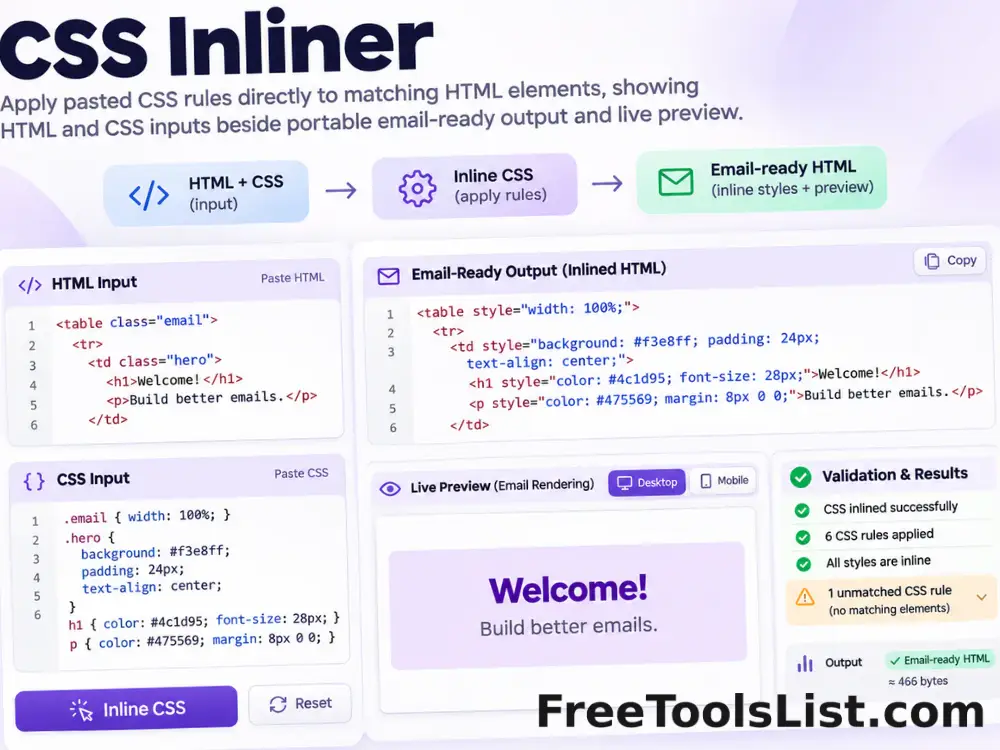
CSS Inliner
Apply pasted CSS rules directly to matching HTML elements for portable email and template markup, entirely in your browser.
 Developer
GraphQL Formatter, Validator & Minifier
Format, validate or minify GraphQL queries, mutations, fragments and schema definition language with comment-safe tokenization, file import, visual structure preview and local export.
 Developer
HTML Minifier
Minify HTML locally by removing ordinary comments and unnecessary formatting while preserving preformatted, textarea, script and style blocks.
 Developer
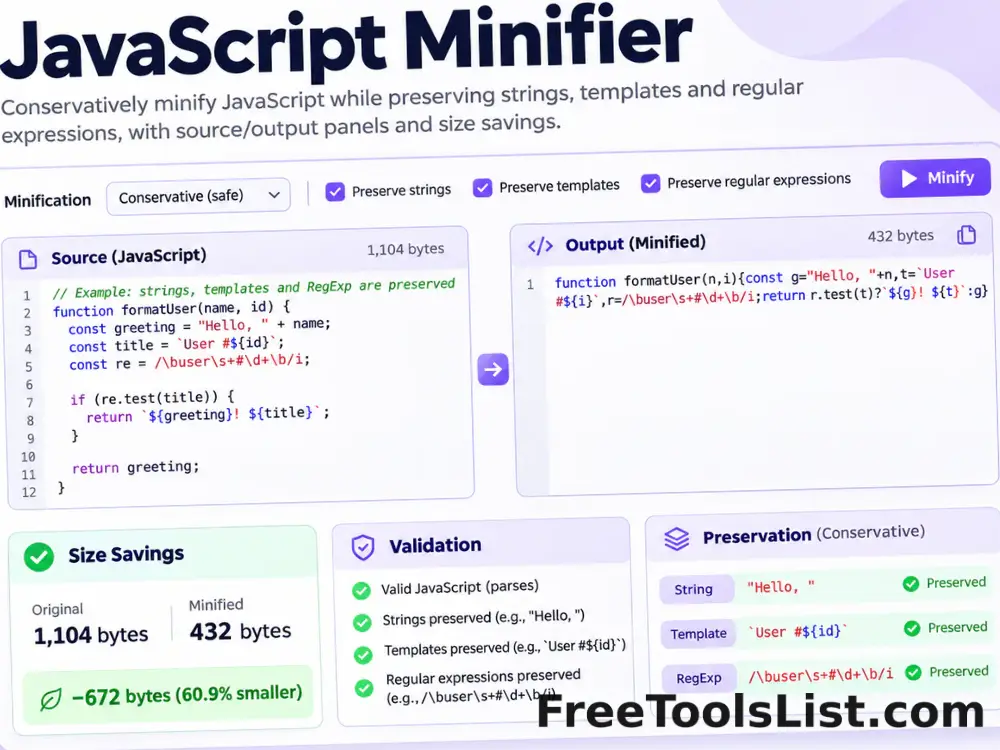
JavaScript Minifier
Minify JavaScript locally with a conservative comment and whitespace pass that preserves strings, template literals and regular expressions.
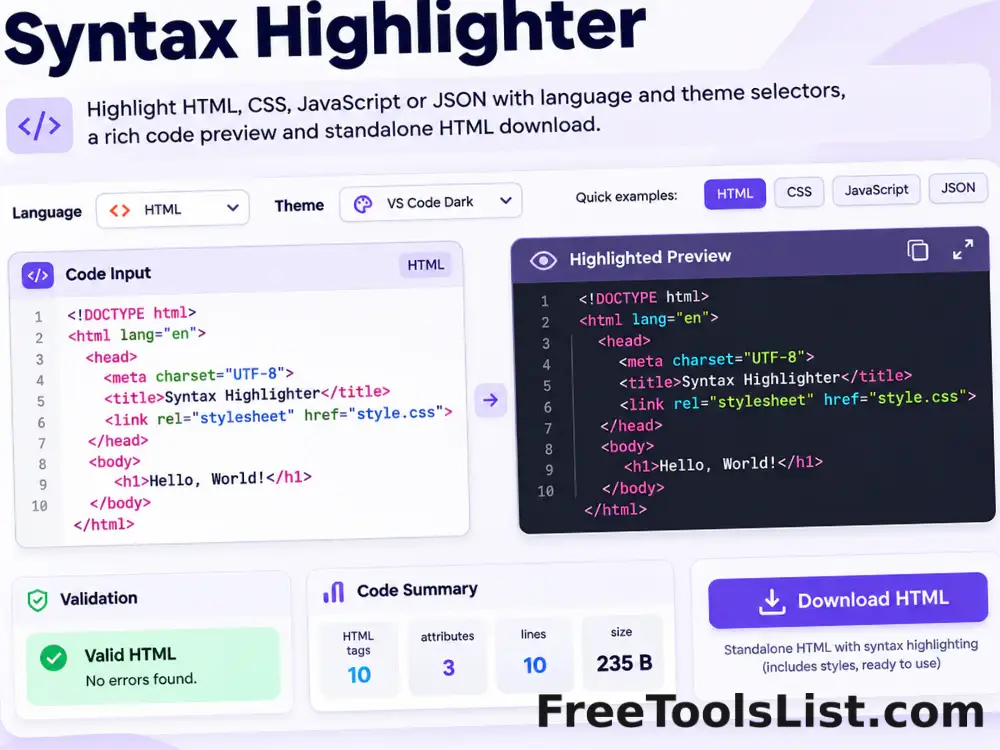 Developer
Syntax Highlighter
Highlight HTML, CSS, JavaScript or JSON with selectable themes, a safe preview and downloadable standalone HTML.
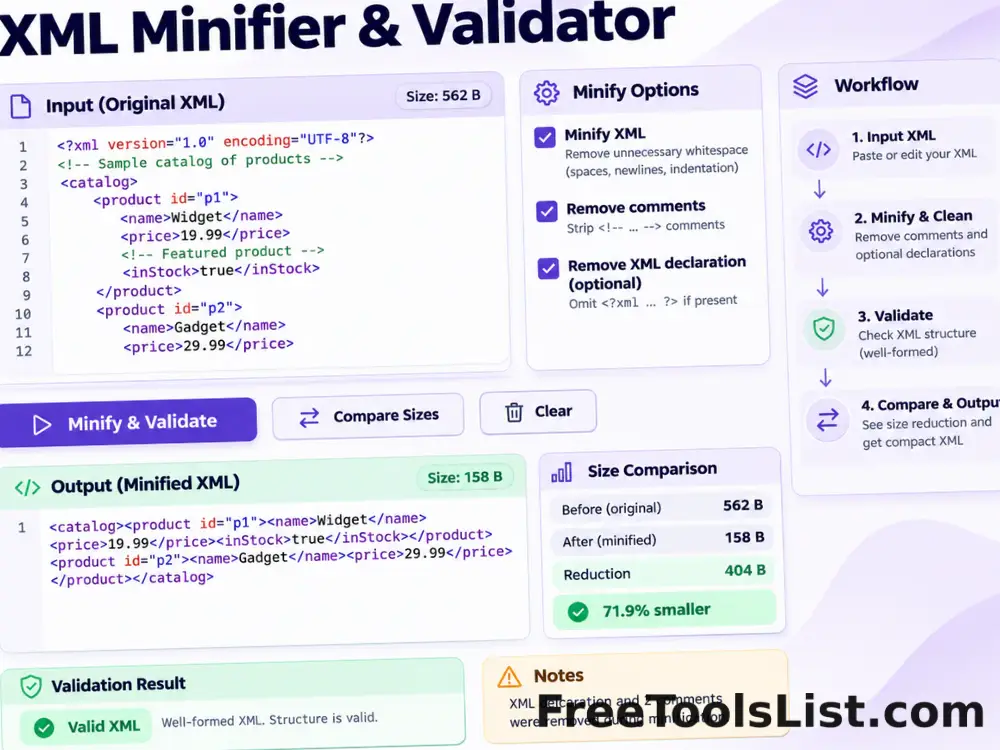 Developer
XML Minifier & Validator
Minify XML locally, validate its structure, remove comments and optional declarations, copy or download the result, and compare before-and-after size on canvas.
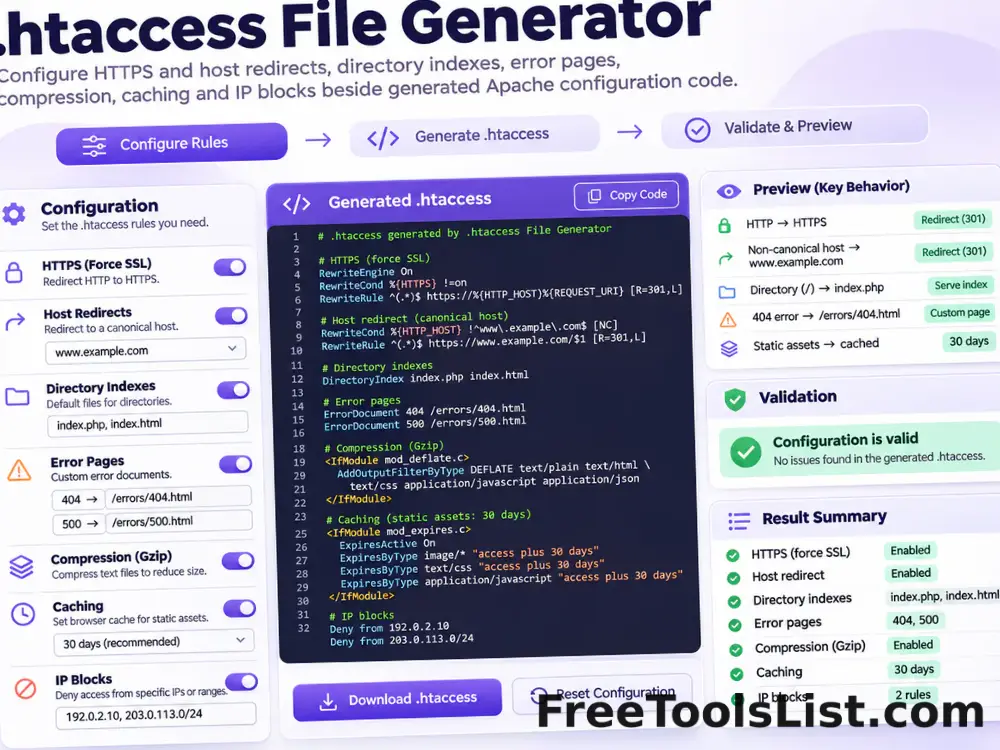 Developer
.htaccess File Generator
Generate a modern Apache .htaccess starting point for HTTPS and host redirects, directory indexes, error pages, compression, caching and selected IP blocks.
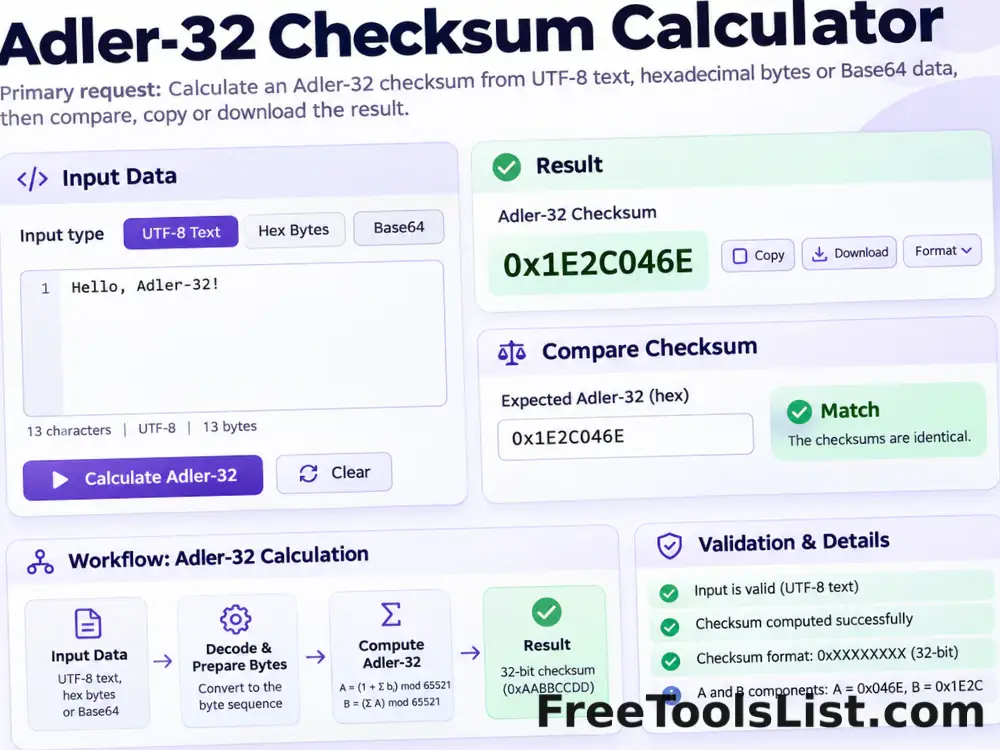 Developer
Adler-32 Checksum Calculator
Calculate an Adler-32 checksum from UTF-8 text, hexadecimal bytes or Base64 data locally, then compare, copy or download the result.
 Developer
API Input Validation Test Data Generator
Create authorized API QA payloads for valid, missing, wrong-type, below-minimum, above-maximum and special-character boundary cases, then export JSON, NDJSON, CSV or XML.
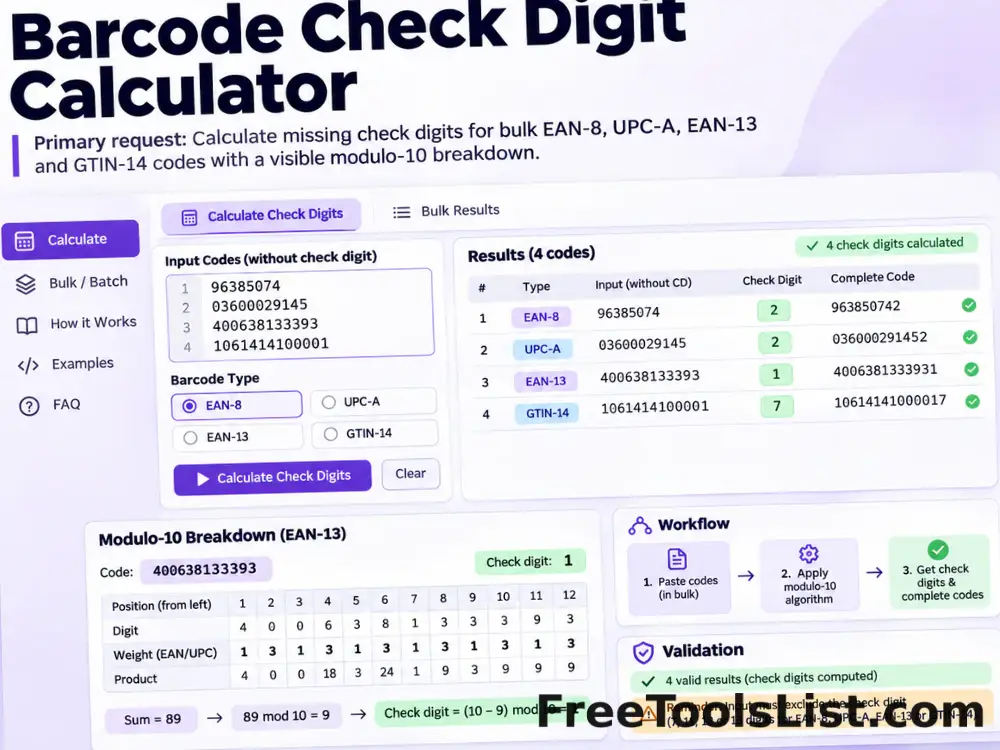 Developer
Barcode Check Digit Calculator
Calculate missing check digits for bulk EAN-8, UPC-A, EAN-13 and GTIN-14 product codes with a visible modulo-10 breakdown.
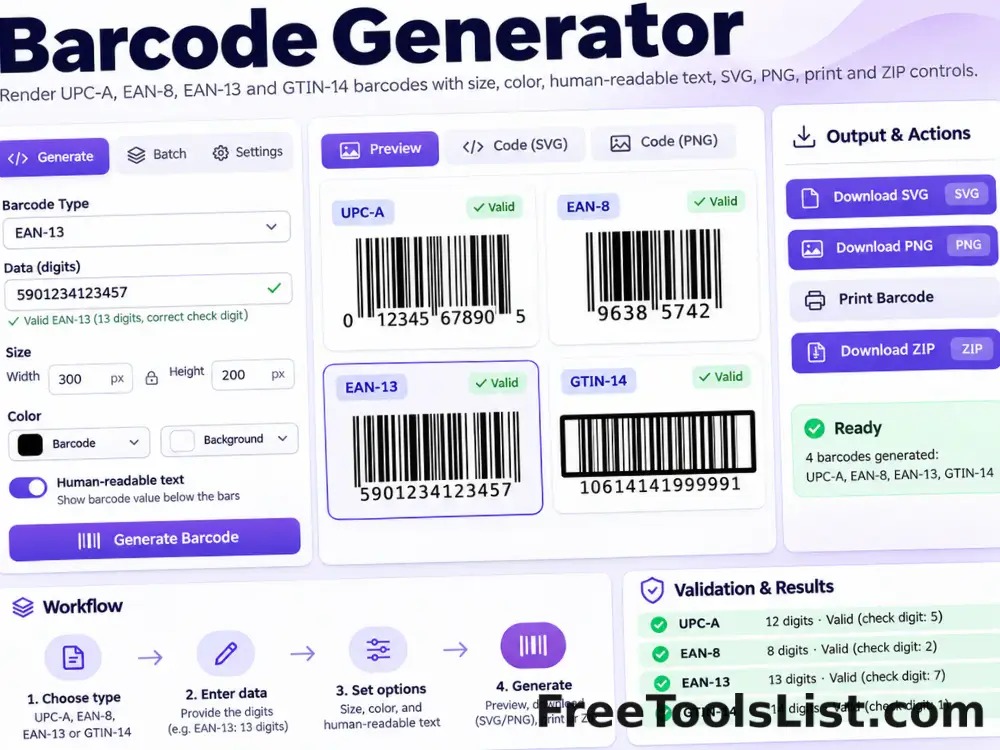 Developer
Barcode Generator
Render valid UPC-A, EAN-8, EAN-13 and GTIN-14 barcodes locally with size, color, human-readable text, SVG, PNG, print and ZIP controls.
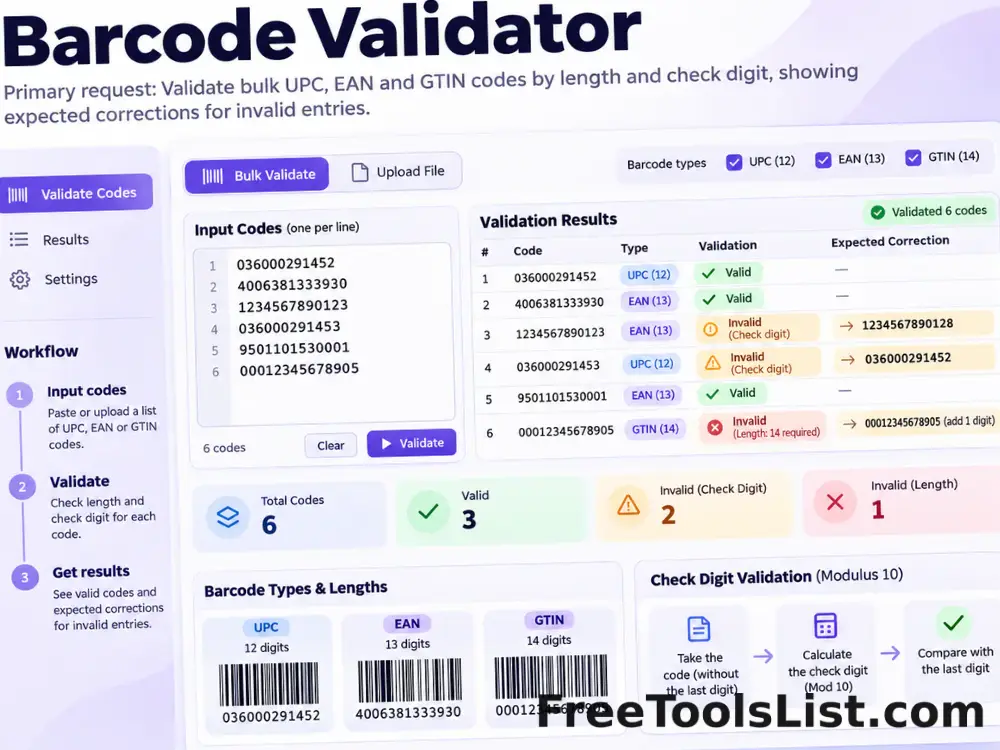 Developer
Barcode Validator
Validate bulk UPC, EAN and GTIN codes by length and check digit, then show the expected correction for invalid entries.
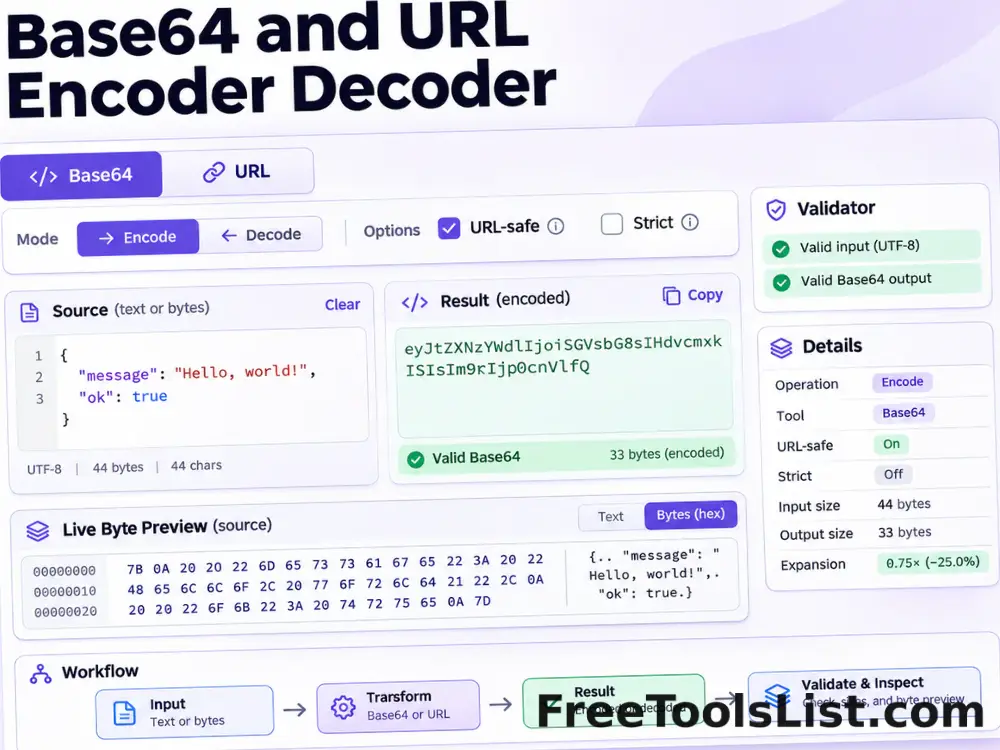 Developer
Base64 and URL Encoder Decoder
Encode or decode Base64 text and URL components with URL-safe, strict, padding, character-set, file import, download and live canvas preview options.
 Developer
Cron Expression Generator & Parser
Build or paste a standard five-field cron expression, translate common schedules into plain English, validate every field and preview the next five matching local times on canvas.
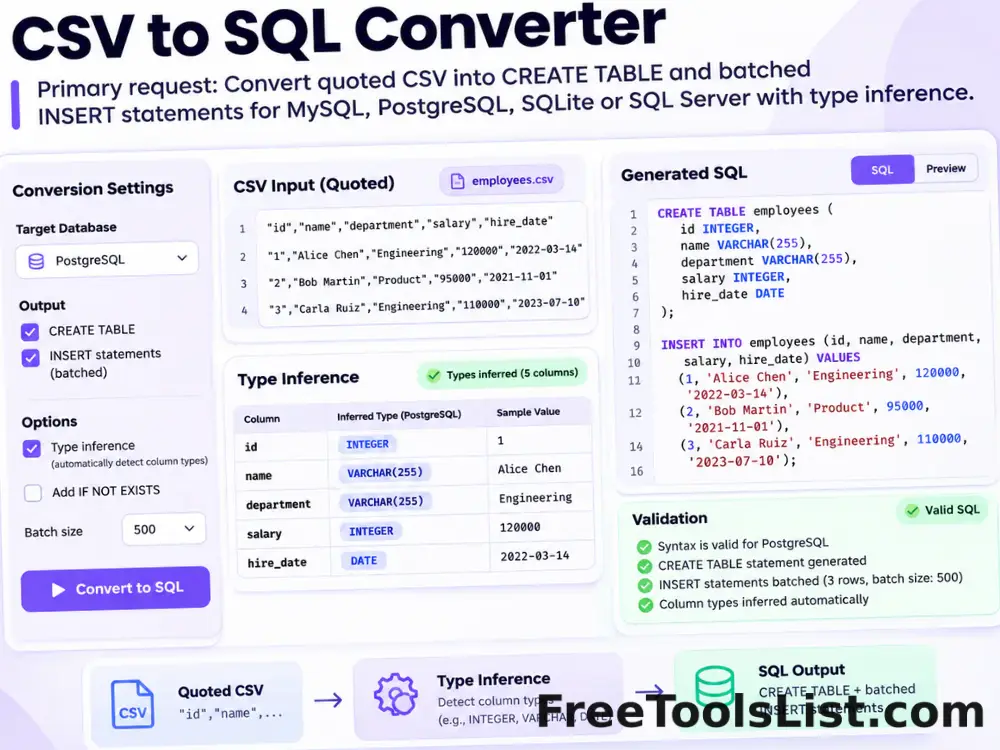 Developer
CSV to SQL Converter
Convert quoted CSV into reviewable CREATE TABLE and batched INSERT statements for MySQL, PostgreSQL, SQLite or SQL Server with type inference and local download.
 Developer
CSV to vCard Converter
Map CSV contact columns to vCard 3.0 or 4.0 fields, review the generated contacts visually and download a combined VCF file without sending contact data to a server.
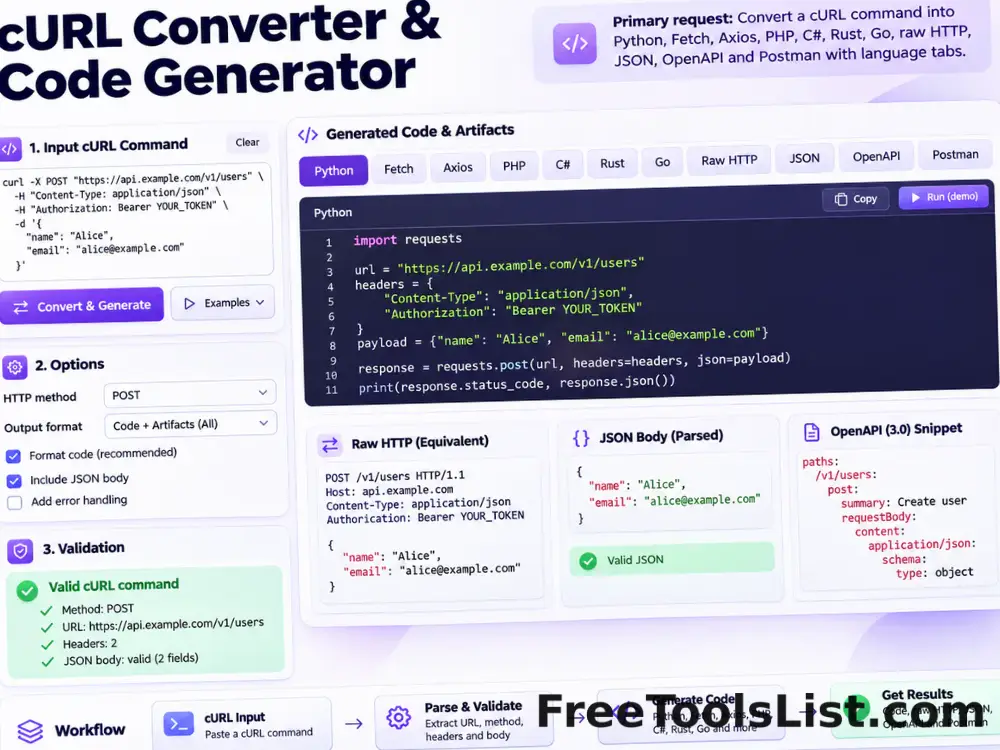 Developer
cURL Converter & Code Generator
Convert a cURL command into Python requests, Fetch, Node Axios, jQuery AJAX, PHP, C#, Rust, Go, raw HTTP, parsed JSON, OpenAPI or a Postman collection entirely in your browser.
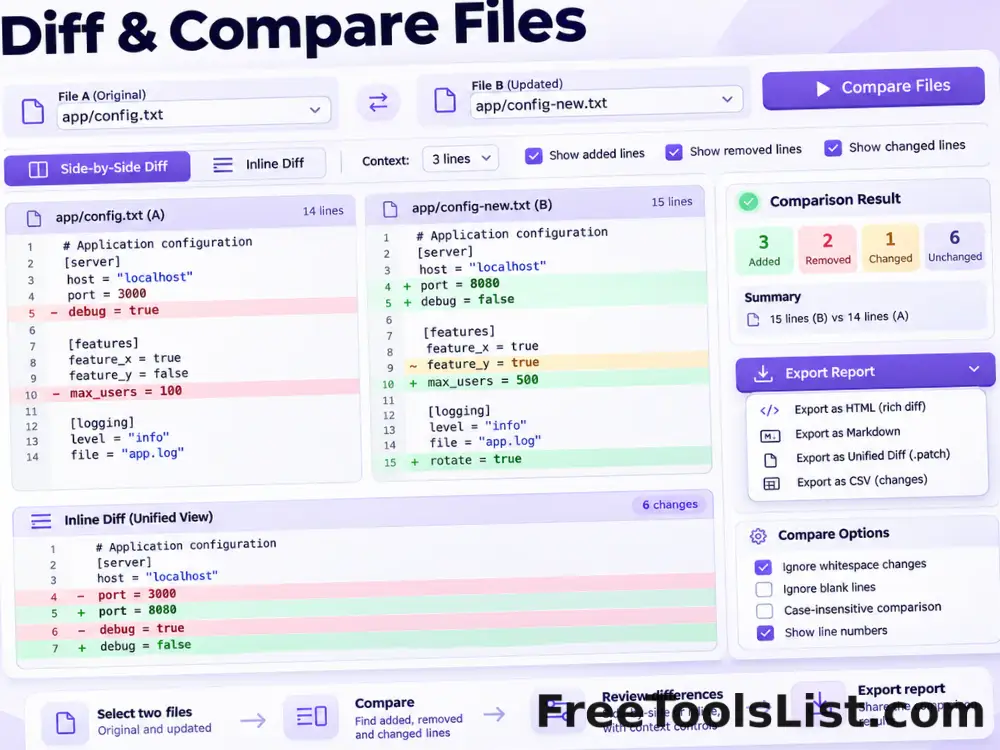 Developer
Diff & Compare Files
Compare pasted text or two local text files with inline or side-by-side differences, context controls and an HTML report.
 Developer
Dummy JSON Data Generator
Build a reorderable field schema and generate seeded mock records as JSON, NDJSON, CSV or XML with realistic names, emails, UUIDs, dates, URLs and other data types.
PublishedUpdated