HTML Minifier
Remove unnecessary formatting in your browser, compare byte sizes, copy the compact result or download a minified .html file.
● Code stays in your browser · No uploadHTML source minifier
Paste readable source, create a compact version and review the exact byte reduction.
Quick Tool Overview
Create a compact HTML delivery copy while keeping readable source.
The HTML Minifier applies a focused browser-based cleanup pass, reports the original and final byte size, and makes the output easy to copy or download.
Always preserve the original formatted source and test the minified result. Lightweight browser utilities are convenient for snippets; parser-based build tools are better for complex production applications.
LocalPrivate processing
BytesExact comparison
FastOne-click output
FreeNo sign-up
Ship fewer source bytes
Minify HTMLCreate a compact HTML copy in one click.
Paste source, run the minifier, review the savings and test before deployment.
About the Tool
What to know about HTML minification.
What HTML minification removes
A compact production copy can omit ordinary comments, indentation, line breaks and whitespace between tags.
Preserved content blocks
This tool leaves pre, textarea, script and style blocks intact so their internal whitespace and code are not reformatted.
Conditional comments
Legacy conditional comments are retained rather than treated like ordinary documentation comments.
Readable source vs. delivery copy
Keep an editable source file and create a minified derivative for deployment.
Broader performance work
Compression, caching, image optimization and efficient rendering often matter more than minification alone.
Review before publishing
Complex templates can rely on whitespace, so test the rendered page and interactions after any optimization.
Key Features
A focused, private minification workflow.
Local processing
Source code stays in the current browser tab.
Size metrics
Compare UTF-8 byte totals and percentage reduction.
Copy and download
Use the result immediately or save a minified file.
Sample input
Try a safe example before adding your own source.
How to Use the HTML Minifier
Minify HTML in six careful steps.
Keep the source copy
Save the readable development file before making a compact derivative.
Tip: Never make a generated minified file your only editable copy.Paste valid source
Add the HTML you want to compact.
Tip: Fix syntax errors before optimization.Run the minifier
Process the text locally and compare both byte totals.
Tip: A smaller percentage can still be useful on frequently downloaded assets.Review the output
Scan the result for expected strings, values and structure.
Tip: Complex language features deserve extra care.Test behavior
Use the compact file in a development or staging environment.
Tip: Check rendering, interactions and browser console errors.Deploy with compression
Publish the tested asset with caching and Brotli or gzip where appropriate.
Tip: Minification and HTTP compression solve different parts of delivery.Ready to compact?
Minify HTML without uploading your code.
Generate a smaller copy locally and keep your readable source for maintenance.

Frequently Asked Questions
Popular HTML minification questions.
A correct minifier aims to preserve behavior, but whitespace-sensitive markup, invalid syntax and complex language edge cases can cause problems. Always test the result.
No. This minifier runs in your browser and does not submit the source to the local server.
Yes. Keep readable, version-controlled source and treat the minified file as a generated deployment asset.
No. Minification removes unnecessary source characters, while transfer compression encodes the response more efficiently over the network. They can be used together.
This utility is best for snippets and straightforward files. Use a parser-aware build pipeline for large or critical HTML projects.
Keep exploring
Similar Tools
Continue with related free tools selected from this category and the wider directory.
 Developer
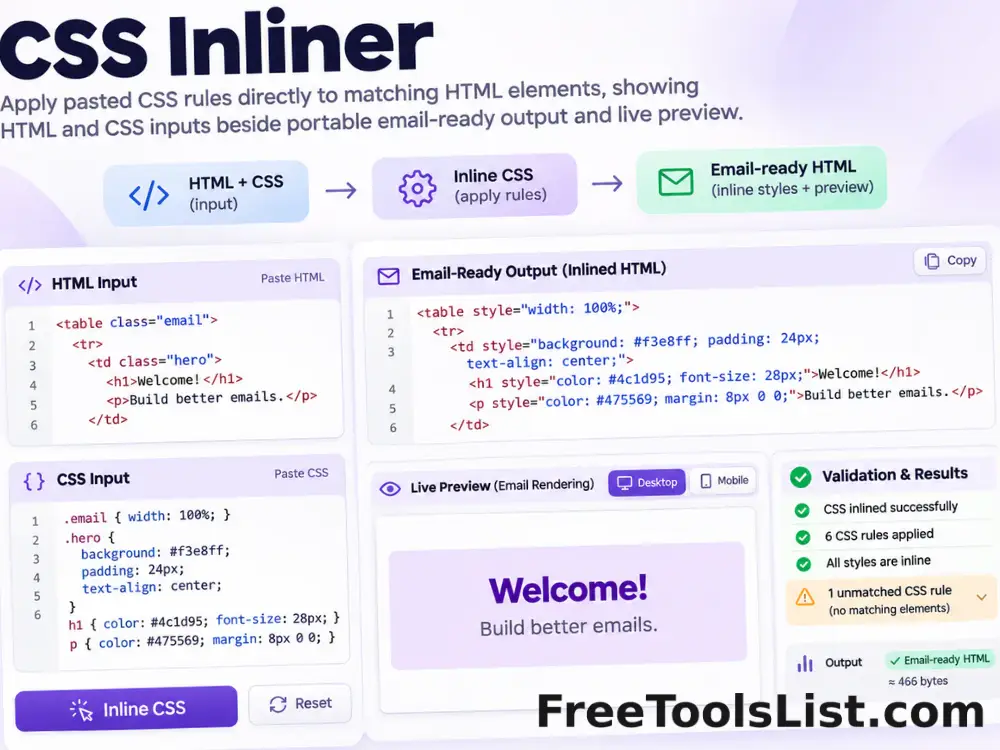
CSS Inliner
Apply pasted CSS rules directly to matching HTML elements for portable email and template markup, entirely in your browser.
 Developer
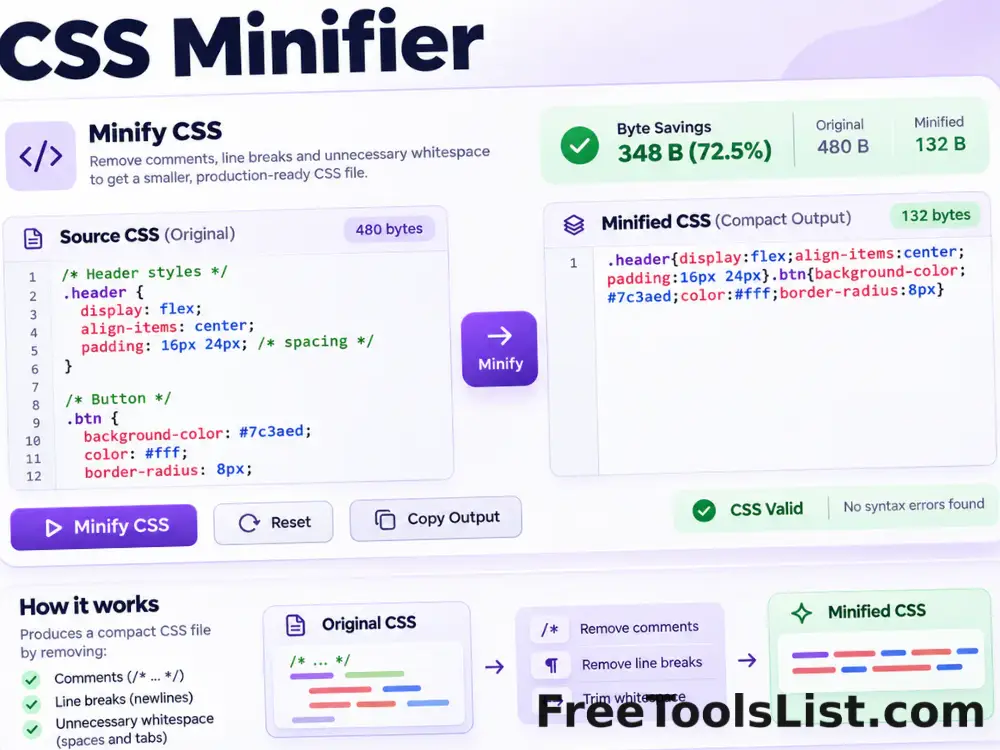
CSS Minifier
Minify CSS locally by removing comments, line breaks and unnecessary whitespace while preserving quoted strings and readable source files.
 Developer
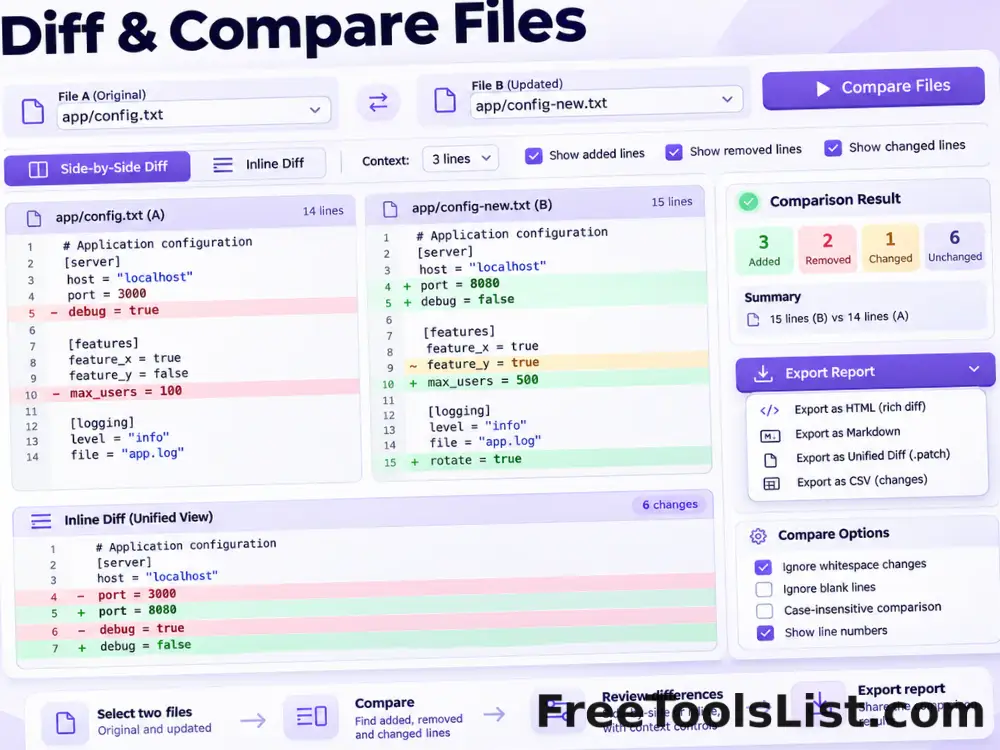
Diff & Compare Files
Compare pasted text or two local text files with inline or side-by-side differences, context controls and an HTML report.
 Developer
GraphQL Formatter, Validator & Minifier
Format, validate or minify GraphQL queries, mutations, fragments and schema definition language with comment-safe tokenization, file import, visual structure preview and local export.
 Developer
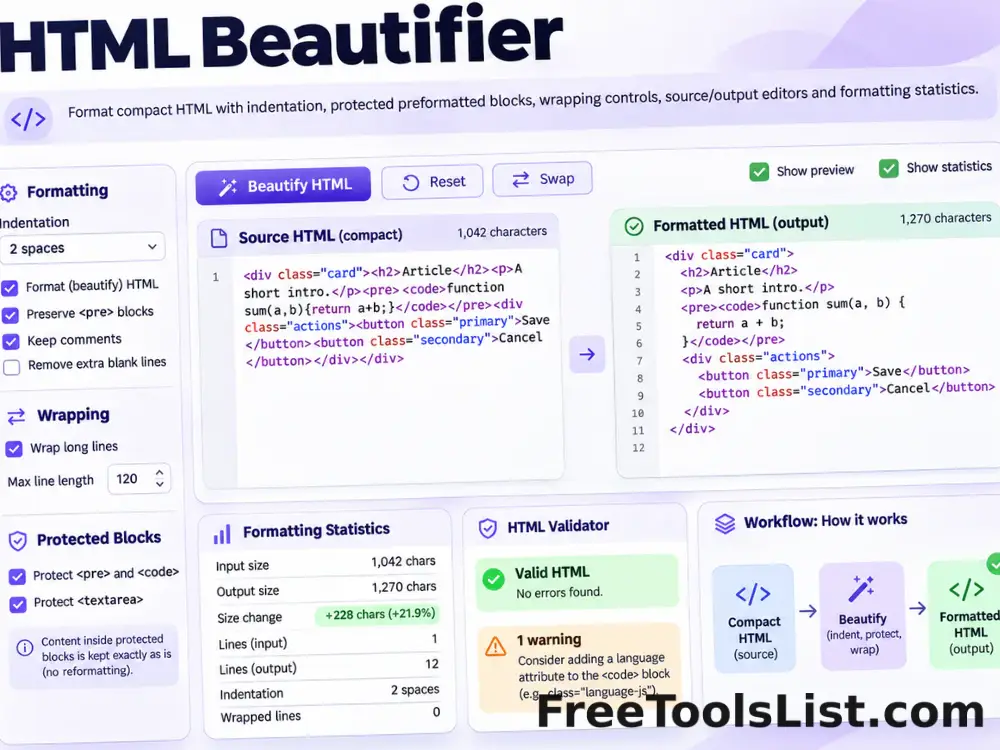
HTML Beautifier
Format HTML with configurable indentation, protected preformatted blocks, optional wrapping and a final newline.
 Developer
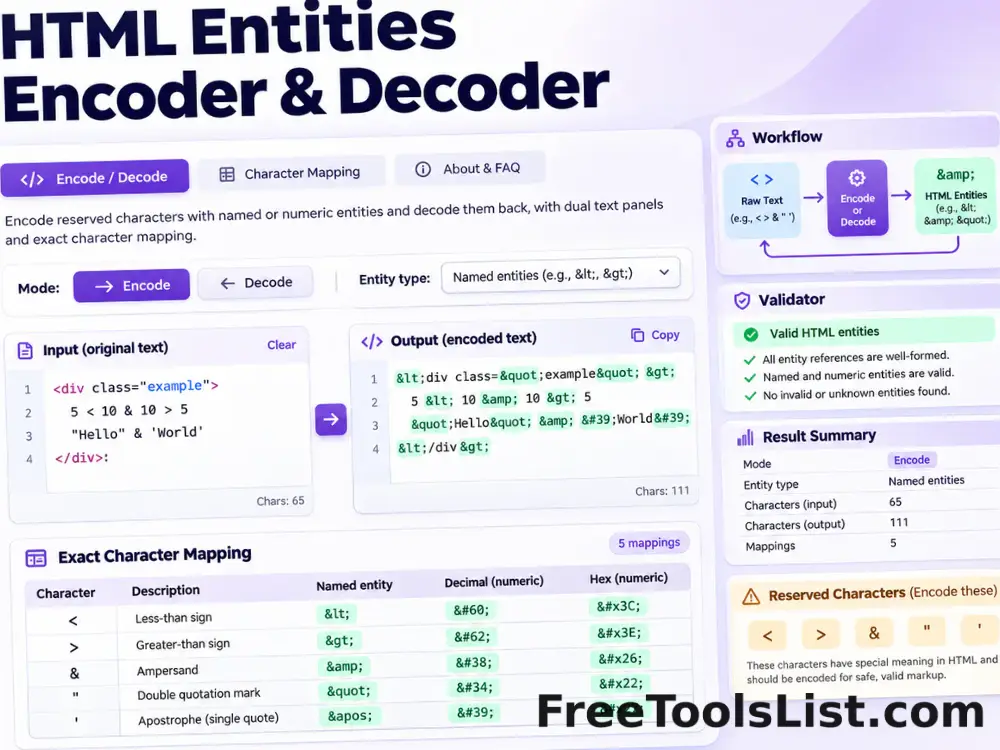
HTML Entities Encoder & Decoder
Encode reserved HTML characters with named or numeric entities, decode recognized entities back to text and inspect the exact result before saving.
 Developer
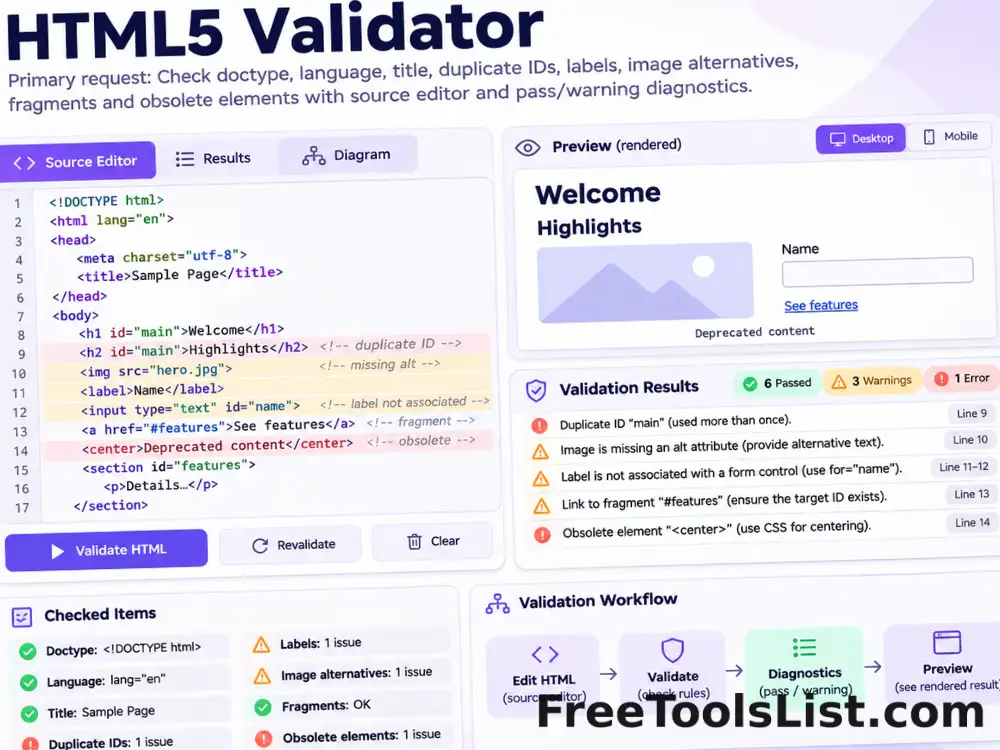
HTML5 Validator
Parse pasted HTML and check the HTML5 doctype, language, title, duplicate IDs, labels, image alternatives, fragments and obsolete elements locally.
 Developer
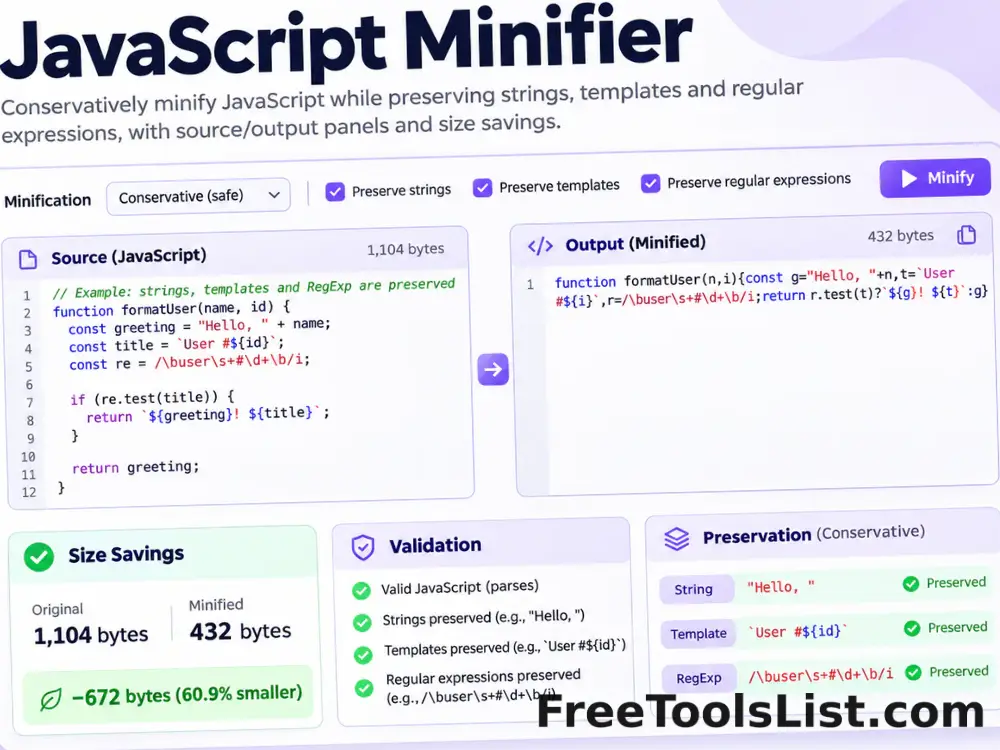
JavaScript Minifier
Minify JavaScript locally with a conservative comment and whitespace pass that preserves strings, template literals and regular expressions.
 Developer
Markdown to HTML Converter
Convert Markdown and common GitHub-style tables, task lists and fenced code to safe HTML with live preview and plain-text extraction.
 Developer
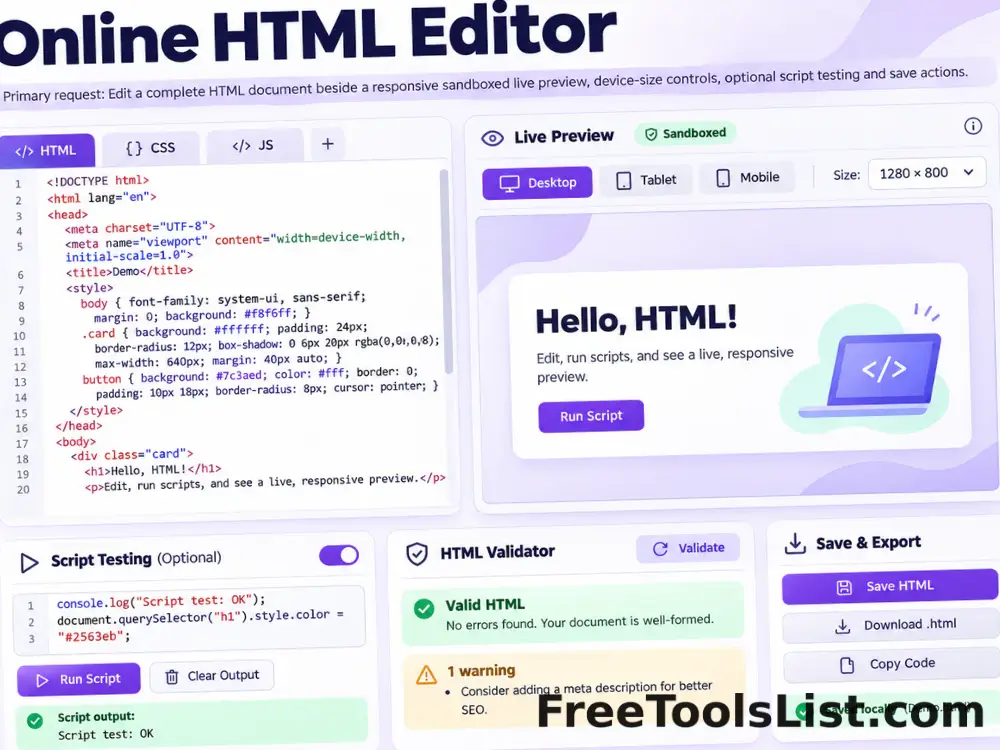
Online HTML Editor
Write or paste a complete HTML document, inspect it in a responsive sandboxed preview, optionally test scripts and save the reviewed source or canvas.
 Developer
Stringify JSON Online
Validate a JSON value and serialize its formatted representation into a portable JSON string literal with optional key sorting and HTML-sensitive escaping.
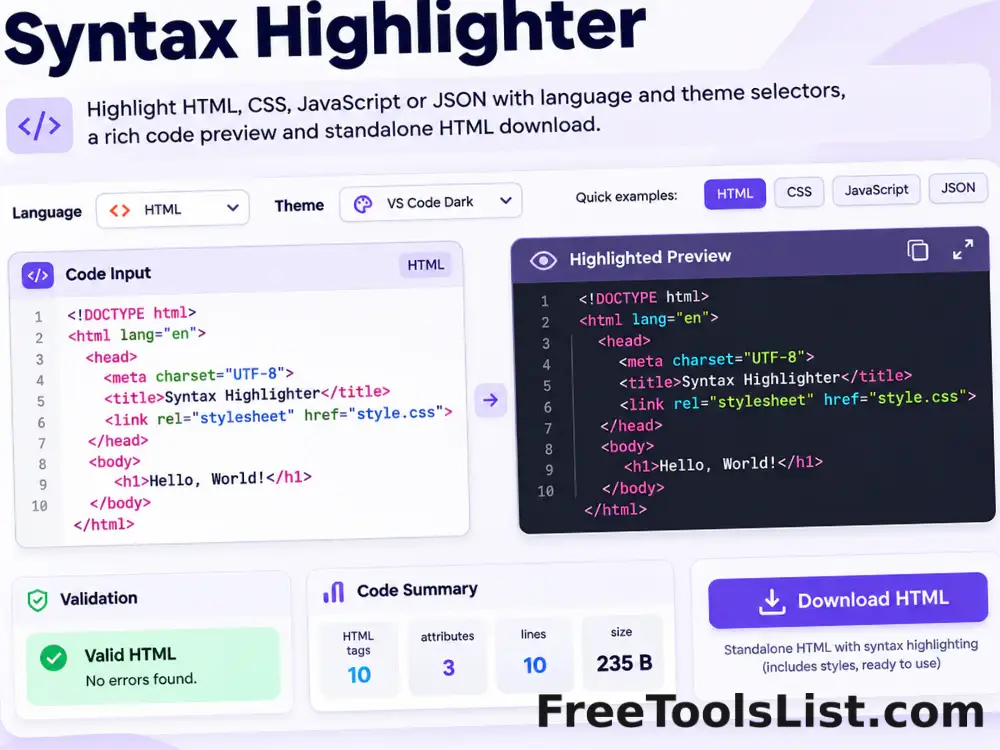 Developer
Syntax Highlighter
Highlight HTML, CSS, JavaScript or JSON with selectable themes, a safe preview and downloadable standalone HTML.
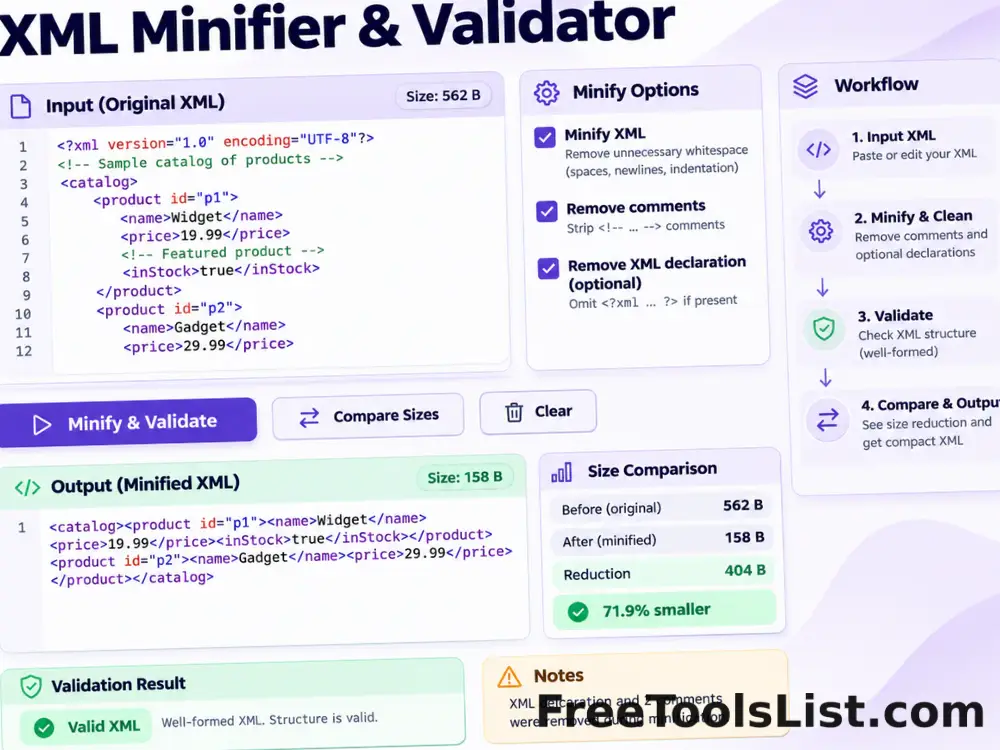 Developer
XML Minifier & Validator
Minify XML locally, validate its structure, remove comments and optional declarations, copy or download the result, and compare before-and-after size on canvas.
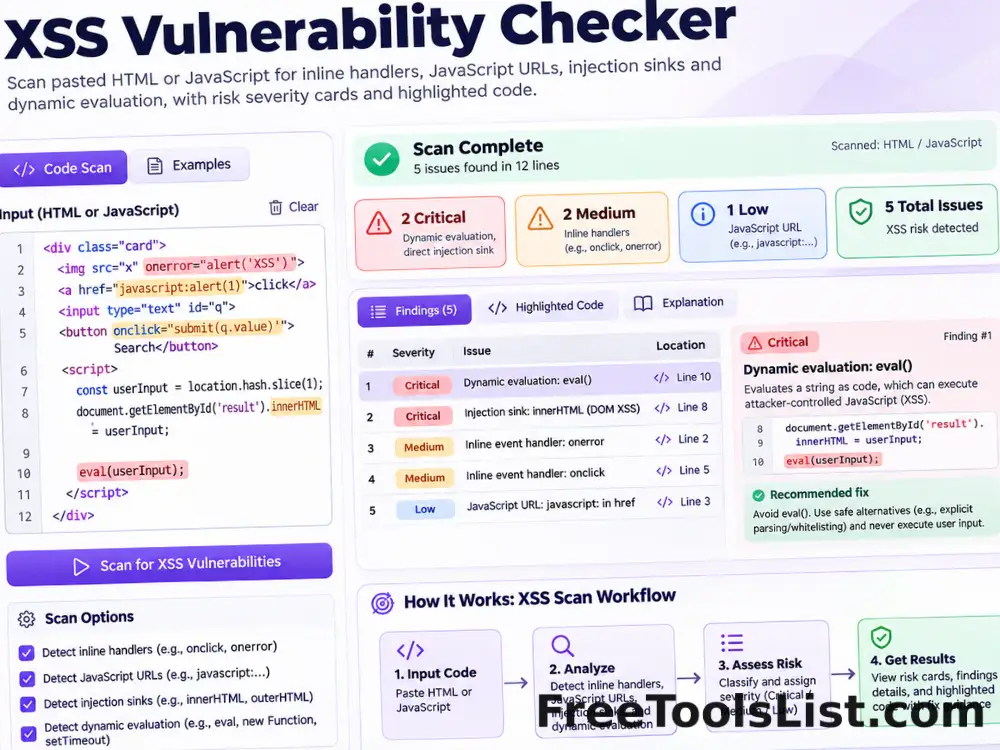 Developer
XSS Vulnerability Checker
Scan pasted HTML or JavaScript for common cross-site scripting signals such as inline handlers, JavaScript URLs, HTML injection sinks and dynamic evaluation.
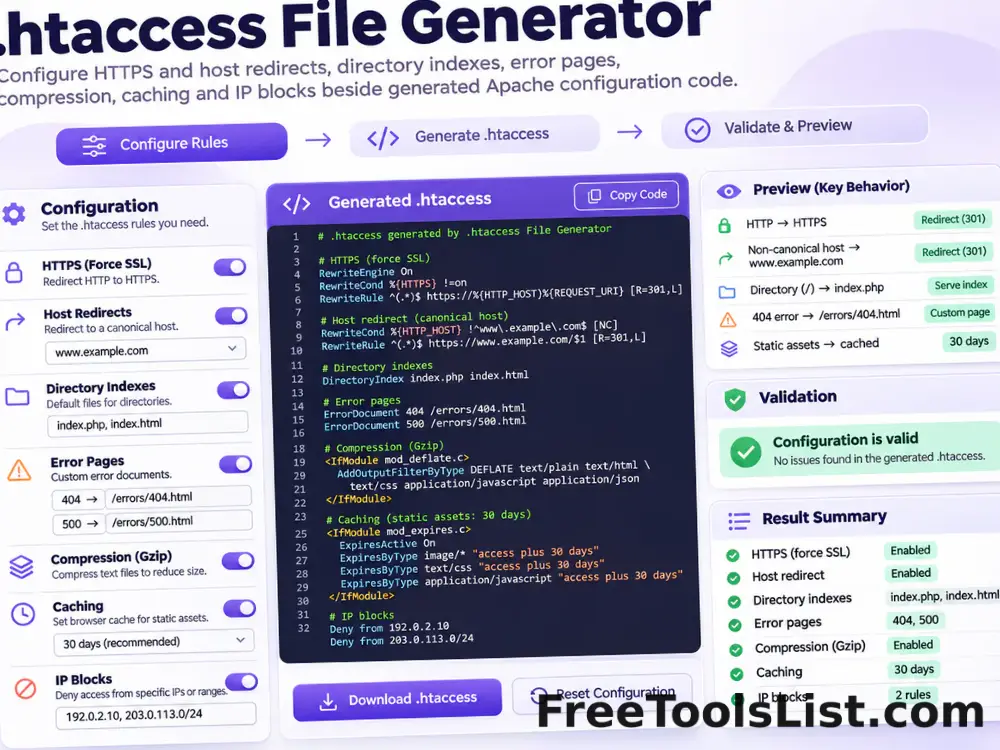 Developer
.htaccess File Generator
Generate a modern Apache .htaccess starting point for HTTPS and host redirects, directory indexes, error pages, compression, caching and selected IP blocks.
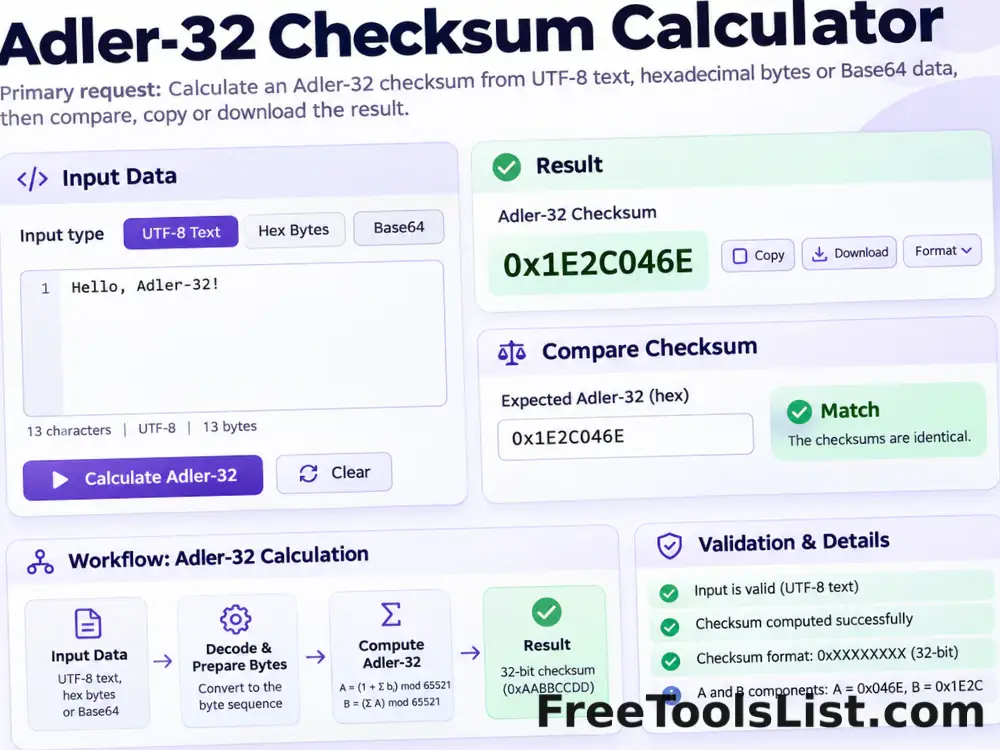 Developer
Adler-32 Checksum Calculator
Calculate an Adler-32 checksum from UTF-8 text, hexadecimal bytes or Base64 data locally, then compare, copy or download the result.
 Developer
API Input Validation Test Data Generator
Create authorized API QA payloads for valid, missing, wrong-type, below-minimum, above-maximum and special-character boundary cases, then export JSON, NDJSON, CSV or XML.
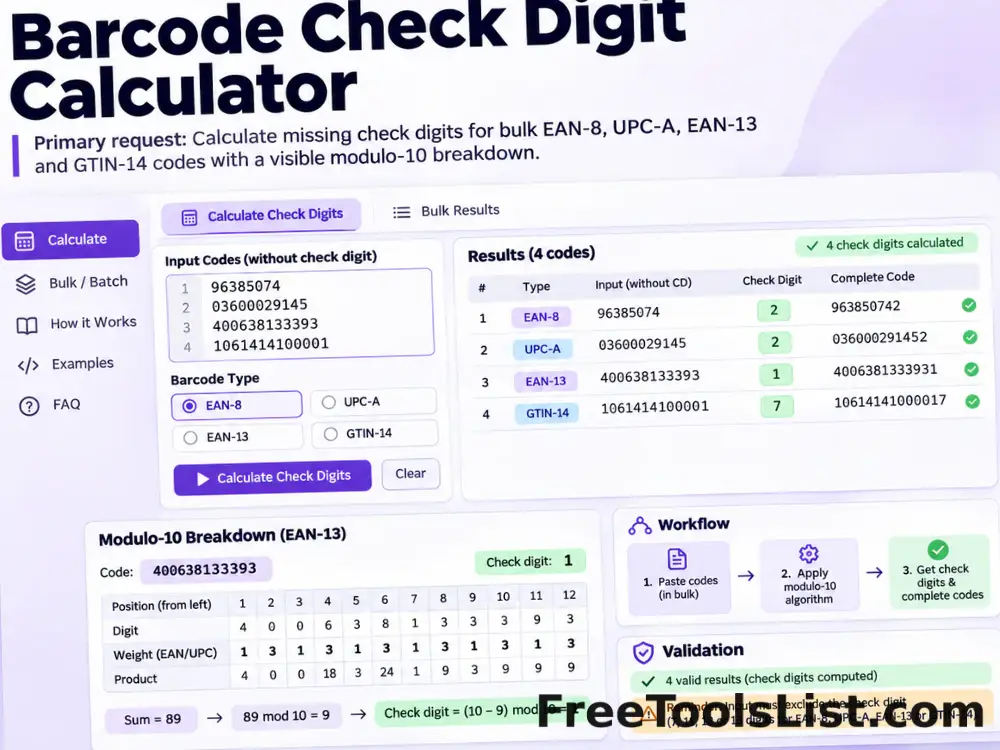 Developer
Barcode Check Digit Calculator
Calculate missing check digits for bulk EAN-8, UPC-A, EAN-13 and GTIN-14 product codes with a visible modulo-10 breakdown.
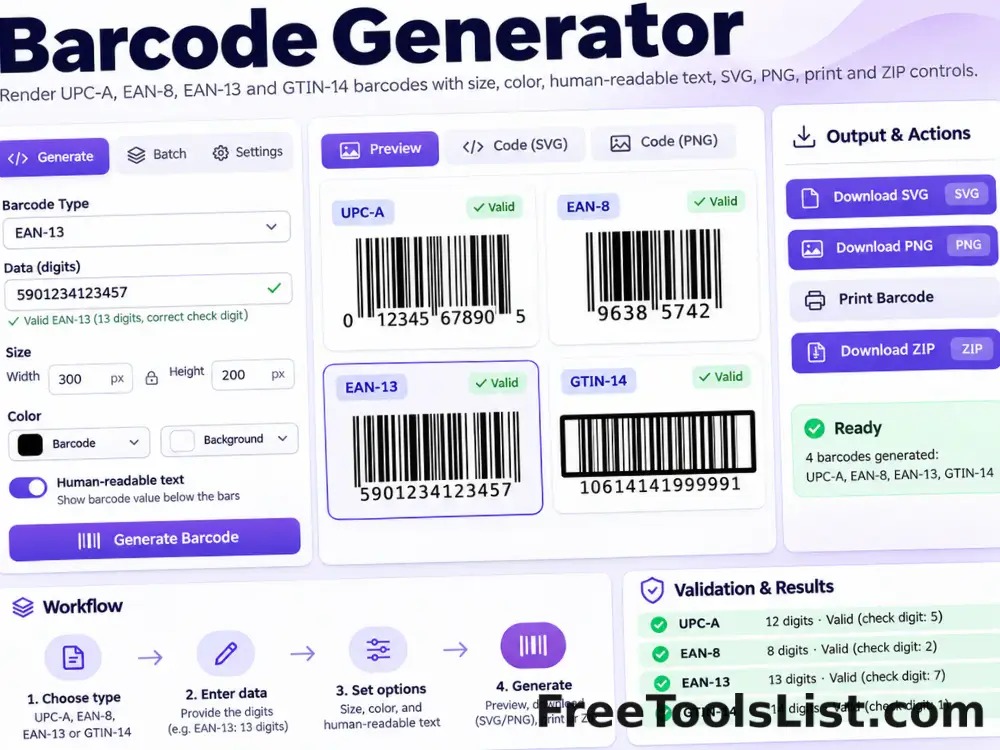 Developer
Barcode Generator
Render valid UPC-A, EAN-8, EAN-13 and GTIN-14 barcodes locally with size, color, human-readable text, SVG, PNG, print and ZIP controls.
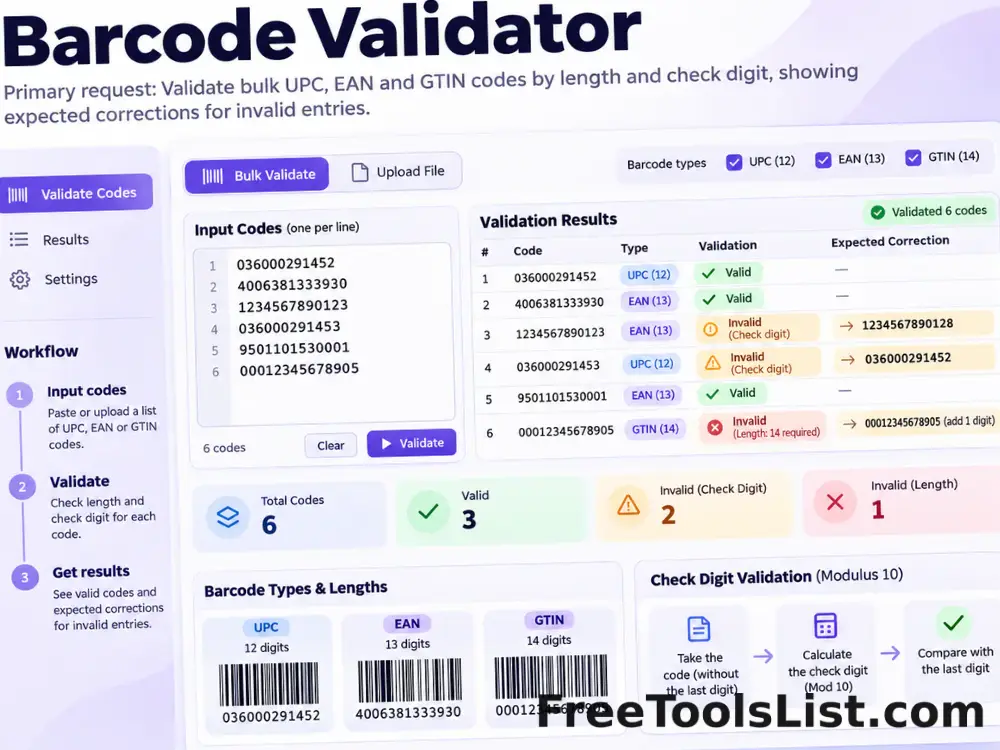 Developer
Barcode Validator
Validate bulk UPC, EAN and GTIN codes by length and check digit, then show the expected correction for invalid entries.
PublishedUpdated