Private developer workspace

Diff & Compare Files

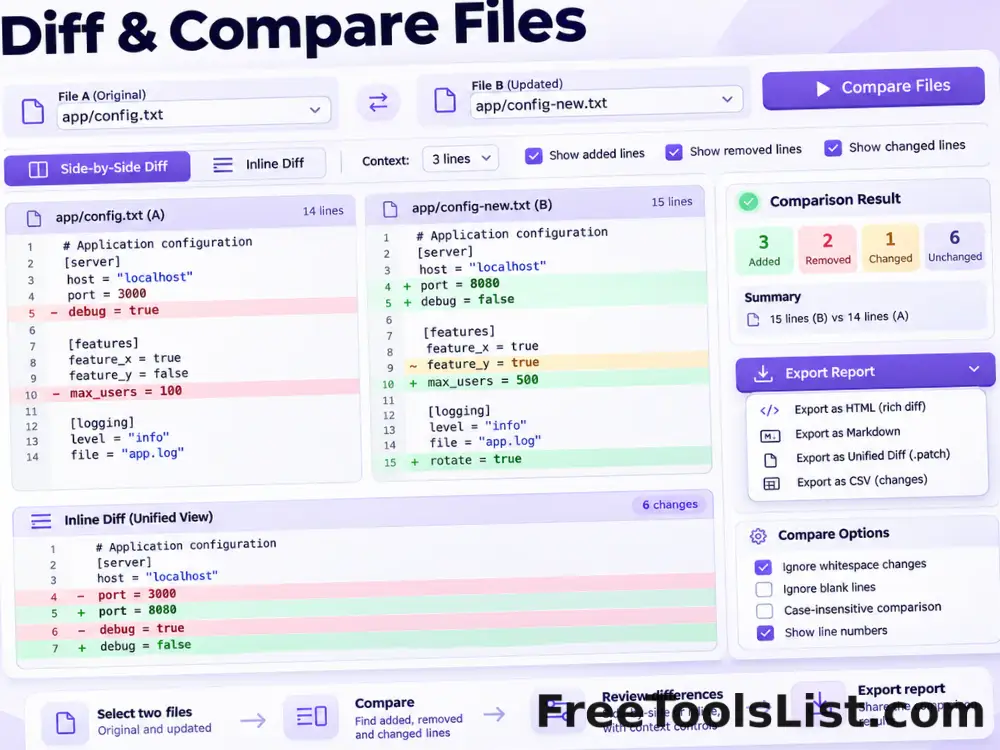
Compare pasted text or two local text files with inline or side-by-side differences, context controls and an HTML report.

● Browser-local source processing · No sign-up

Text and file comparison workspace

Paste both versions or load local text files. Results never leave the browser.

Local line comparison
0 lines · 0 characters
Add two versions to compare.

Comparison result

Added, removed and unchanged line totals will appear here.

Comparison output will appear here.

Quick Tool Overview

A focused source-code workflow with reviewable output.

Diff & Compare Files performs a browser-local line comparison and labels unchanged, added and removed lines. You can paste text, load two files, limit surrounding context and export the rendered report.

It is useful for code reviews, configuration changes, copy revisions, data snapshots, generated files and troubleshooting small-to-medium text documents. The source stays in this tab, and each export is generated as a new file.

LOCALPrivate processing
CODEDeveloper focused
NEWSource untouched
0Accounts needed
Inspect before export

Transform source locally, then review every result.

No source is executed or sent to a remote formatter. Copy or download only after checking the output.

Open Diff & Compare Files

About the Tool

What Diff & Compare Files helps you do.

Purpose-built controls

Every option maps directly to this developer task instead of hiding settings in a general editor.

Private source handling

Pasted code and selected text files stay inside the current browser tab.

Original-safe workflow

The page never changes a selected local file. Results are copied or downloaded separately.

Visible validation

Input problems, unsupported selectors and practical comparison limits are reported clearly.

Reusable exports

Copy plain results or download JSON, HTML, CSS, JavaScript and comparison reports.

Review-first design

Summaries, counts and previews make it easier to inspect changes before using the result elsewhere.

Key Features

A complete browser-based developer workflow.

±

Task-specific output

Diff & Compare Files performs a browser-local line comparison and labels unchanged, added and removed lines. You can paste text, load two files, limit surrounding context and export the rendered report.

✓

Clear feedback

Validation and result summaries explain what the browser processed.

⌂

Local and private

Source text is handled locally without a conversion API.

↙

Copy and download

Move reviewed output into the next editor, build or documentation task.

How to Use Diff & Compare Files

Complete the task in six reviewable steps.

Prepare the source

Paste code or choose the supported local text files.

Tip: Keep an untouched source file for comparison.

Choose the mode

Select language detection, output layout, indentation, cascade or diff display options.

Tip: Explicit settings are more predictable than automatic detection.

Run compare content

Start the browser-local transformation and wait for the result summary.

Tip: Begin with a representative small sample when testing a new workflow.

Inspect validation

Resolve invalid JSON, selectors or formatting warnings before exporting.

Tip: Warnings are evidence to review, not errors to hide.

Compare the result

Check important strings, declarations, line changes and application-specific syntax.

Tip: Formatters cannot understand every template language or build step.

Copy, download and test

Export the reviewed result and test it in the destination environment.

Tip: A browser preview does not replace production testing.

Ready to work locally?

Diff & Compare Files keeps source processing in your browser.

Use explicit controls, inspect the result and export only the new output.

Compare content →

Frequently Asked Questions

Popular diff & compare files questions.

Yes. It works locally without an account, watermark or usage quota.

No. Text parsing, formatting, selector matching and comparisons run inside the current browser tab.

Review and test generated output first. Formatters and inliners improve portability and readability, but they cannot understand every framework, build step or runtime assumption.

The tools are intentionally conservative, but source transformations should always be tested—especially scripts, advanced CSS and templated HTML.

Small and medium developer files are ideal. Very large source files can use substantial browser memory, particularly during syntax highlighting and line-by-line diff calculation.

Keep exploring

Similar Tools

Continue with related free tools selected from this category and the wider directory.

20 tools
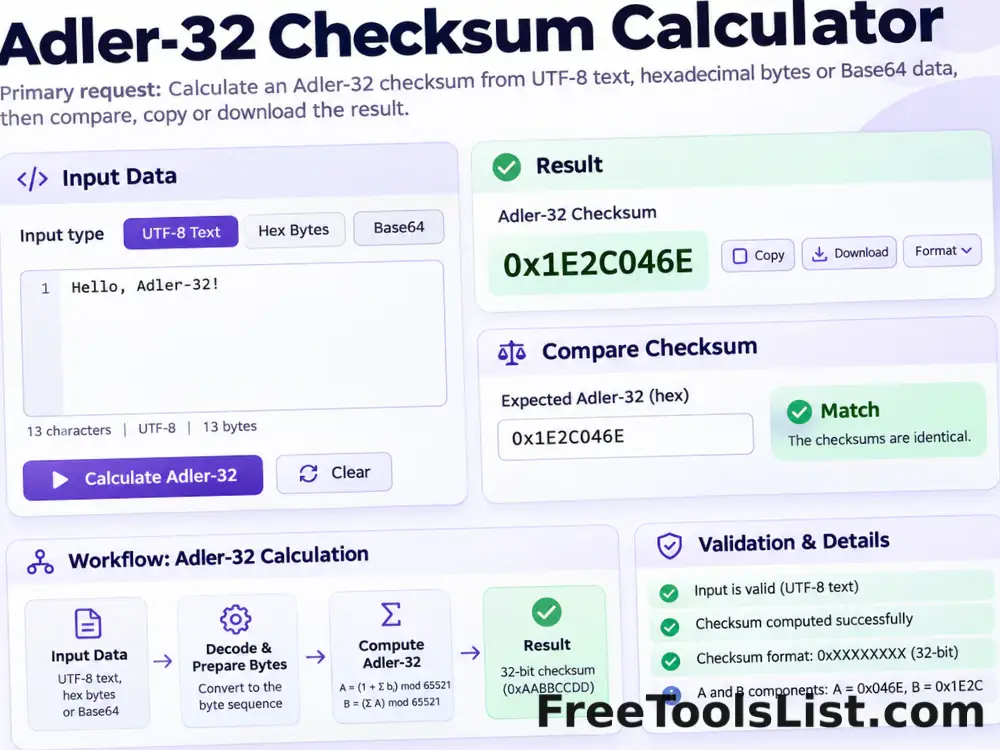
Adler-32 Checksum Calculator tool previewA3Developer

Adler-32 Checksum Calculator

Calculate an Adler-32 checksum from UTF-8 text, hexadecimal bytes or Base64 data locally, then compare, copy or download the result.

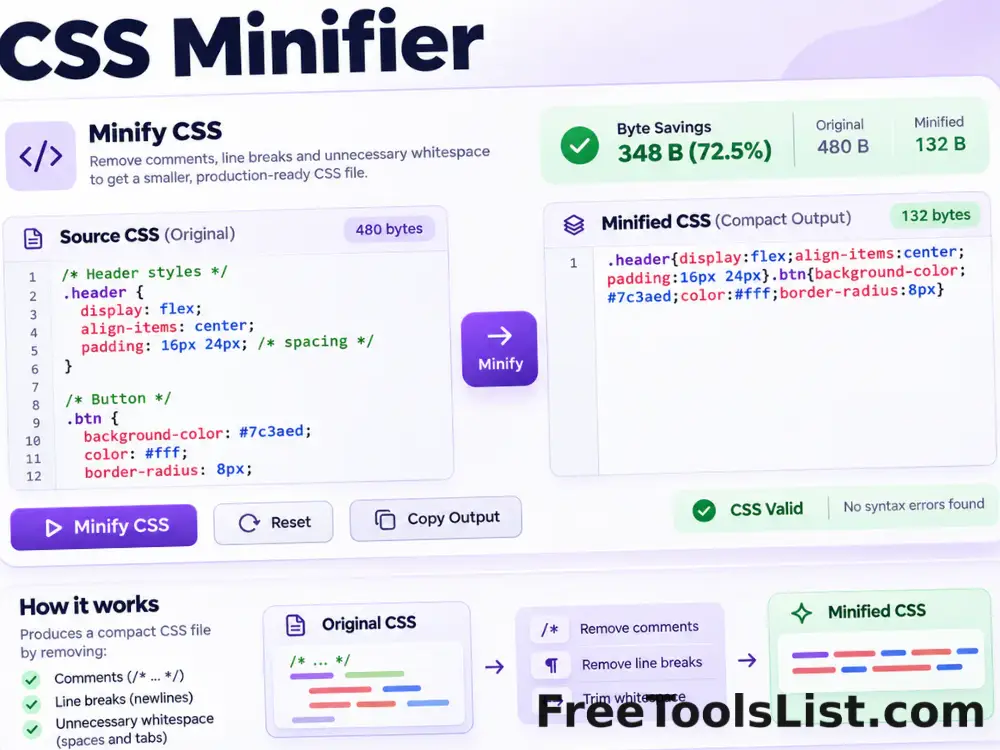
CSS Minifier tool previewCMDeveloper

CSS Minifier

Minify CSS locally by removing comments, line breaks and unnecessary whitespace while preserving quoted strings and readable source files.

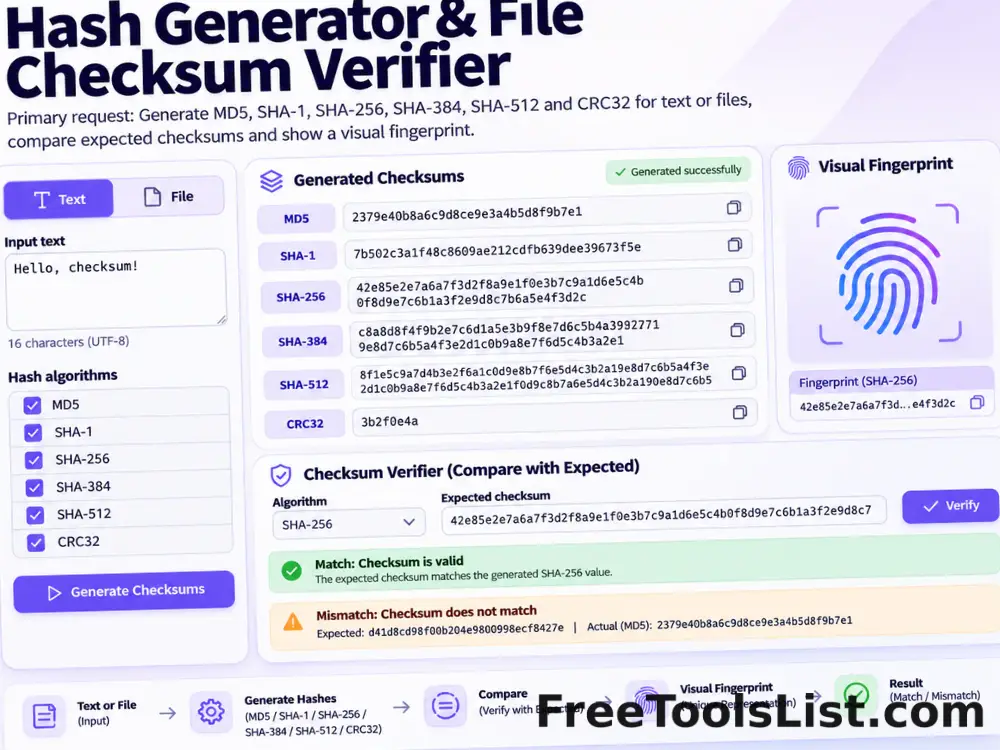
Hash Generator & File Checksum Verifier tool previewHGDeveloper

Hash Generator & File Checksum Verifier

Generate MD5, SHA-1, SHA-256, SHA-384, SHA-512 and CRC32 simultaneously for text or up to 10 local files, auto-detect expected checksums and review a visual fingerprint canvas.

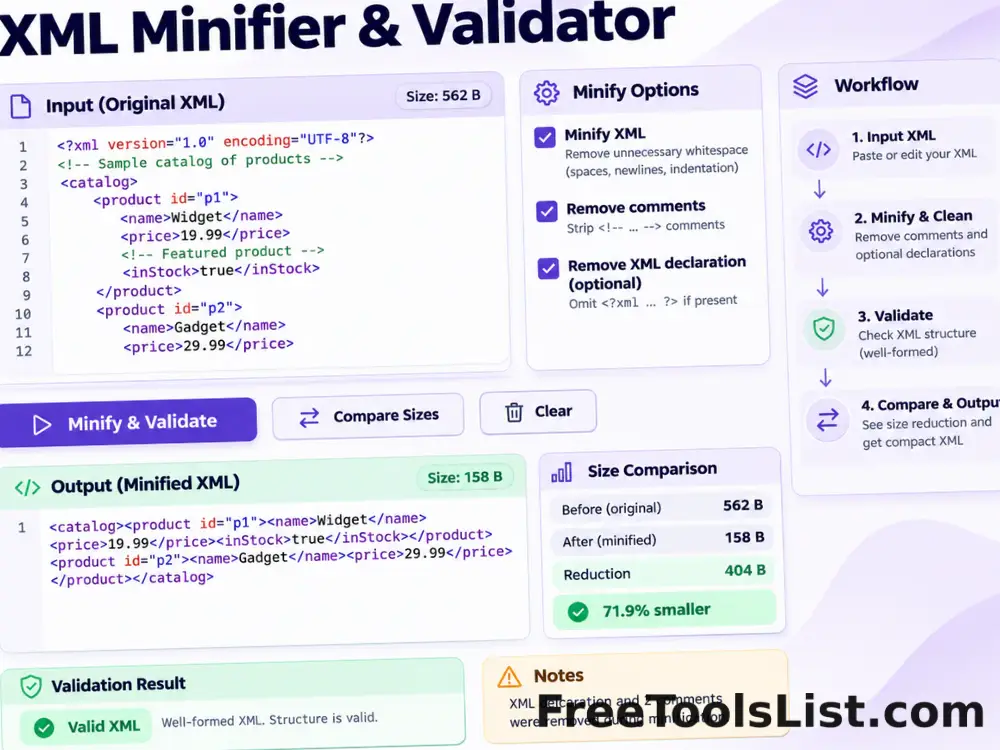
XML Minifier & Validator tool previewXMDeveloper

XML Minifier & Validator

Minify XML locally, validate its structure, remove comments and optional declarations, copy or download the result, and compare before-and-after size on canvas.

.htaccess File Generator tool previewHFDeveloper

.htaccess File Generator

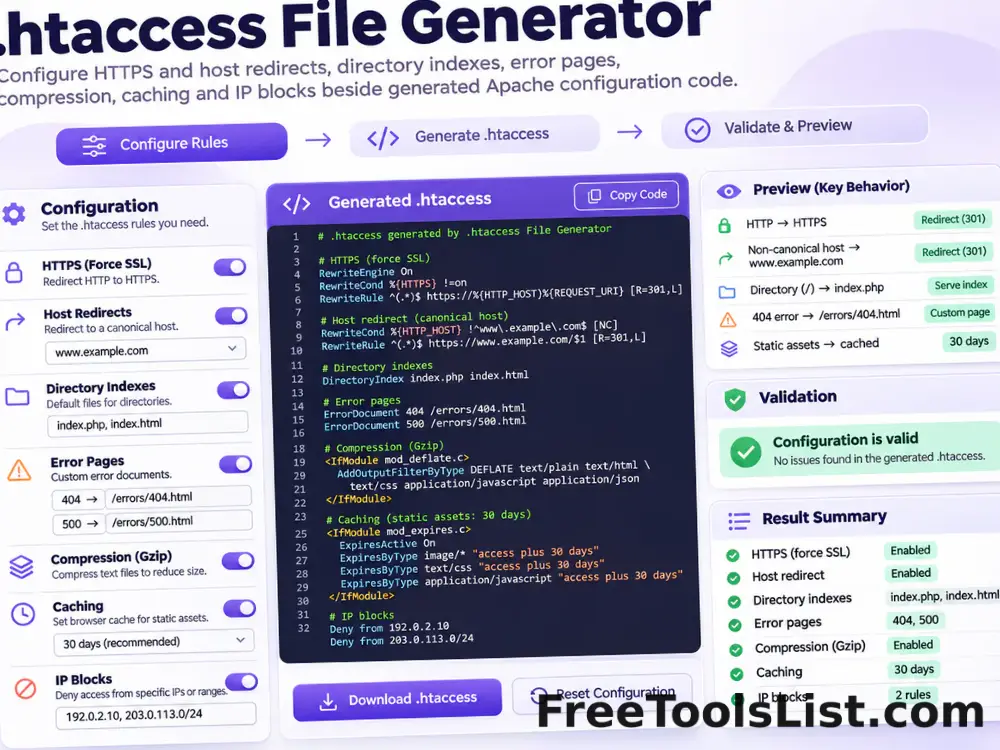
Generate a modern Apache .htaccess starting point for HTTPS and host redirects, directory indexes, error pages, compression, caching and selected IP blocks.

API Input Validation Test Data Generator tool previewAIDeveloper

API Input Validation Test Data Generator

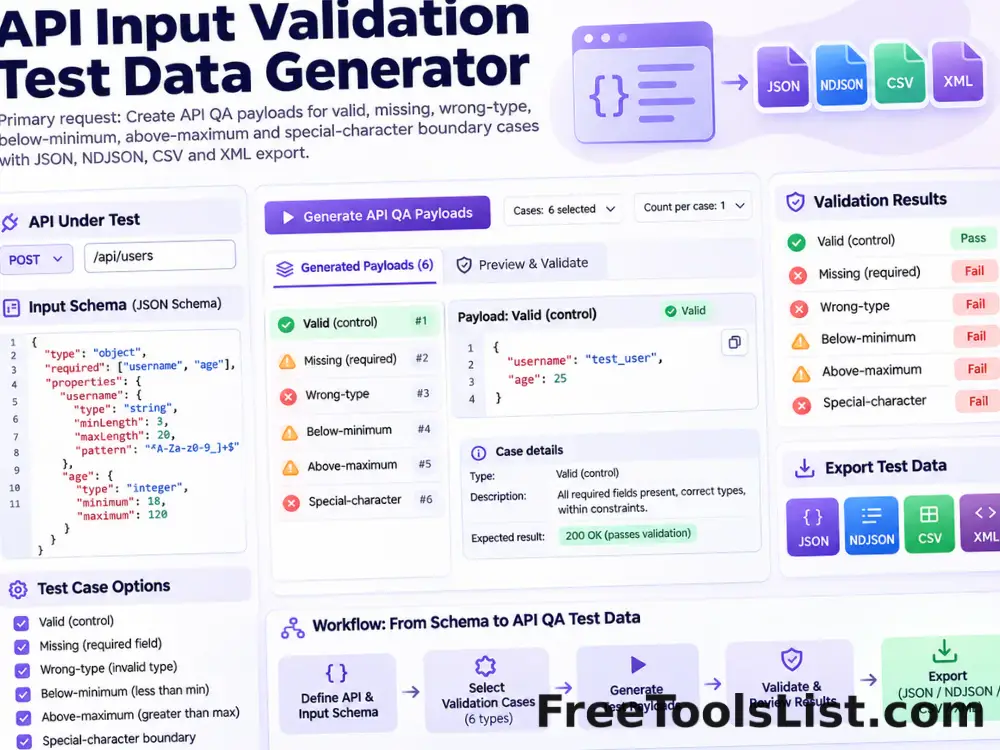
Create authorized API QA payloads for valid, missing, wrong-type, below-minimum, above-maximum and special-character boundary cases, then export JSON, NDJSON, CSV or XML.

Barcode Check Digit Calculator tool previewBCDeveloper

Barcode Check Digit Calculator

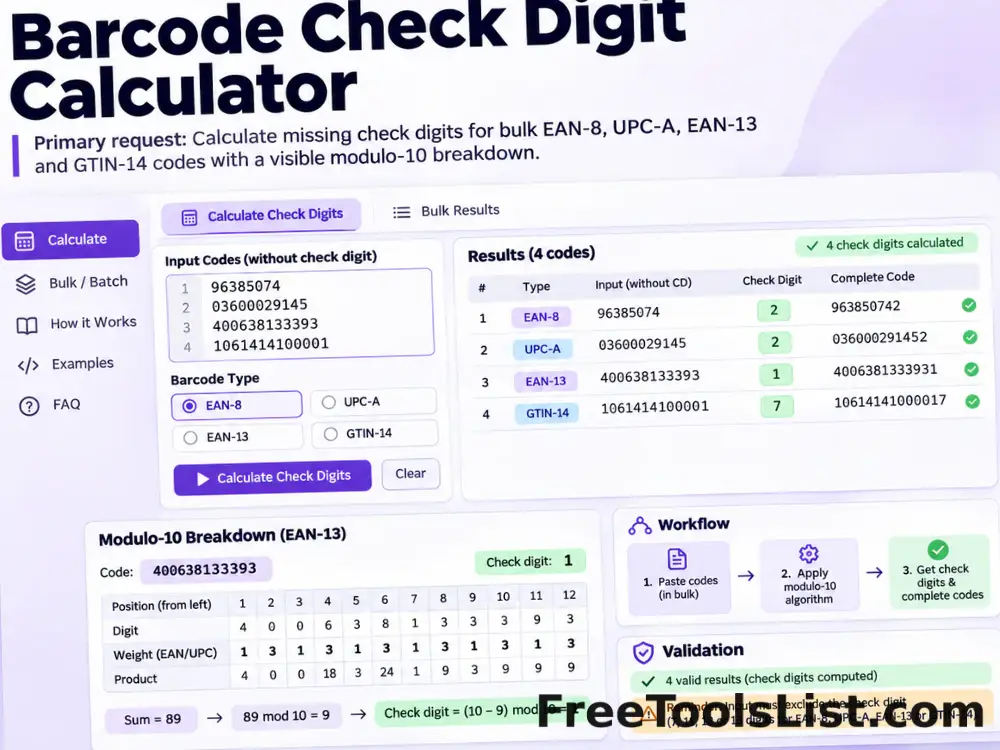
Calculate missing check digits for bulk EAN-8, UPC-A, EAN-13 and GTIN-14 product codes with a visible modulo-10 breakdown.

Barcode Generator tool previewBGDeveloper

Barcode Generator

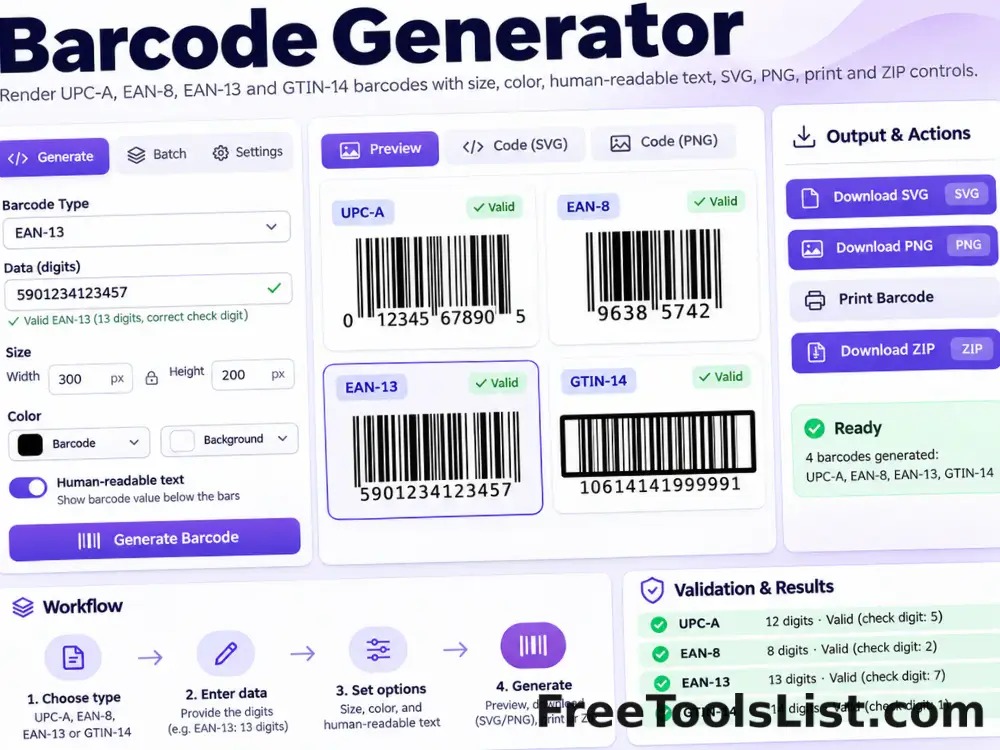
Render valid UPC-A, EAN-8, EAN-13 and GTIN-14 barcodes locally with size, color, human-readable text, SVG, PNG, print and ZIP controls.

Barcode Validator tool previewBVDeveloper

Barcode Validator

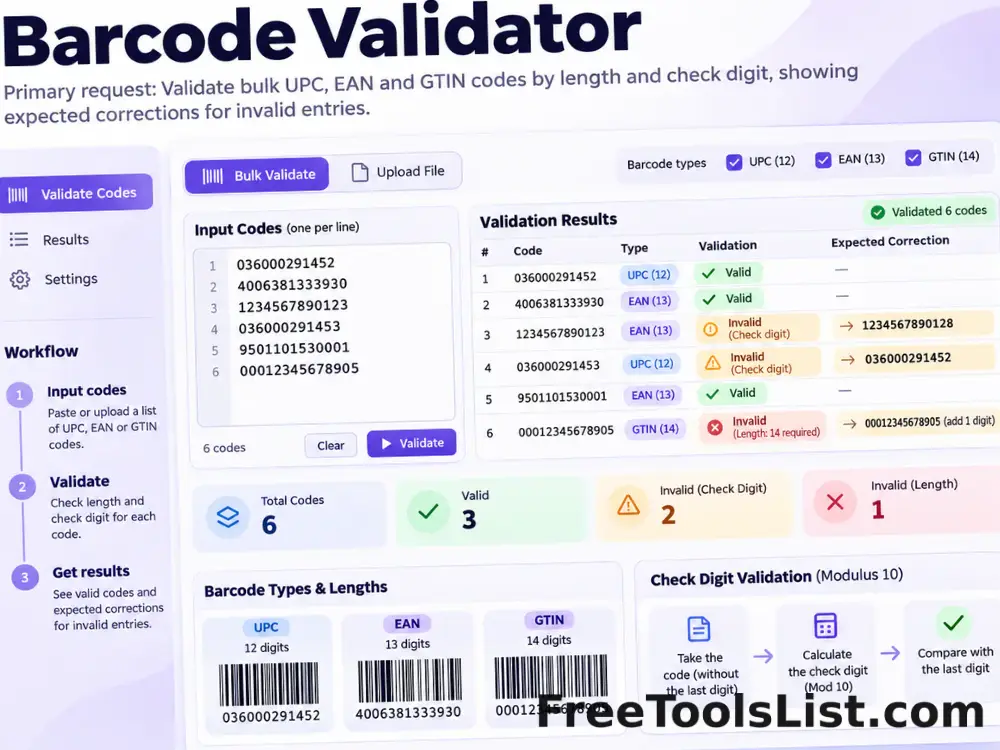
Validate bulk UPC, EAN and GTIN codes by length and check digit, then show the expected correction for invalid entries.

Base64 and URL Encoder Decoder tool previewBADeveloper

Base64 and URL Encoder Decoder

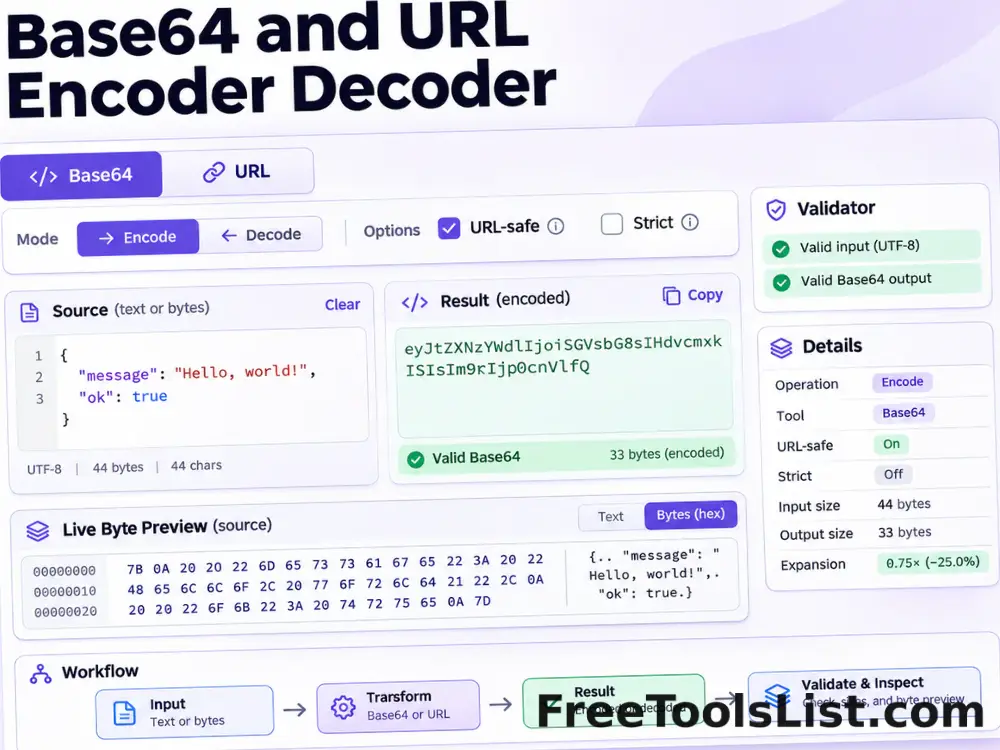
Encode or decode Base64 text and URL components with URL-safe, strict, padding, character-set, file import, download and live canvas preview options.

Cron Expression Generator & Parser tool previewCEDeveloper

Cron Expression Generator & Parser

Build or paste a standard five-field cron expression, translate common schedules into plain English, validate every field and preview the next five matching local times on canvas.

CSS Beautifier tool previewCBDeveloper

CSS Beautifier

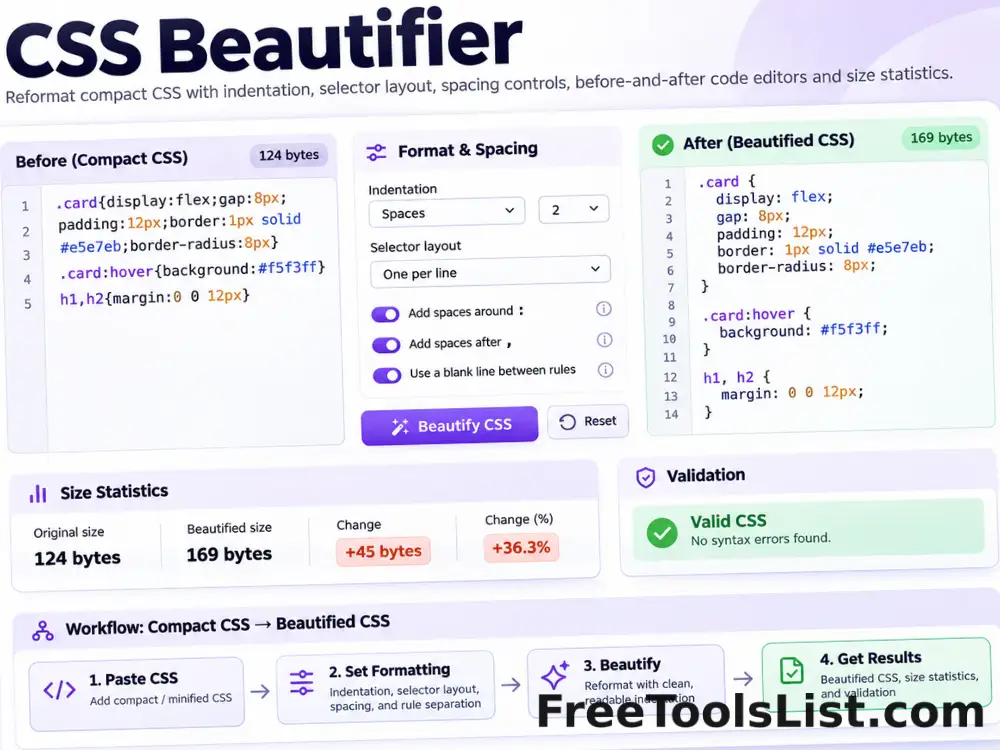
Reformat compact CSS with configurable indentation, selector layout, spacing and an optional final newline.

CSS Inliner tool previewCIDeveloper

CSS Inliner

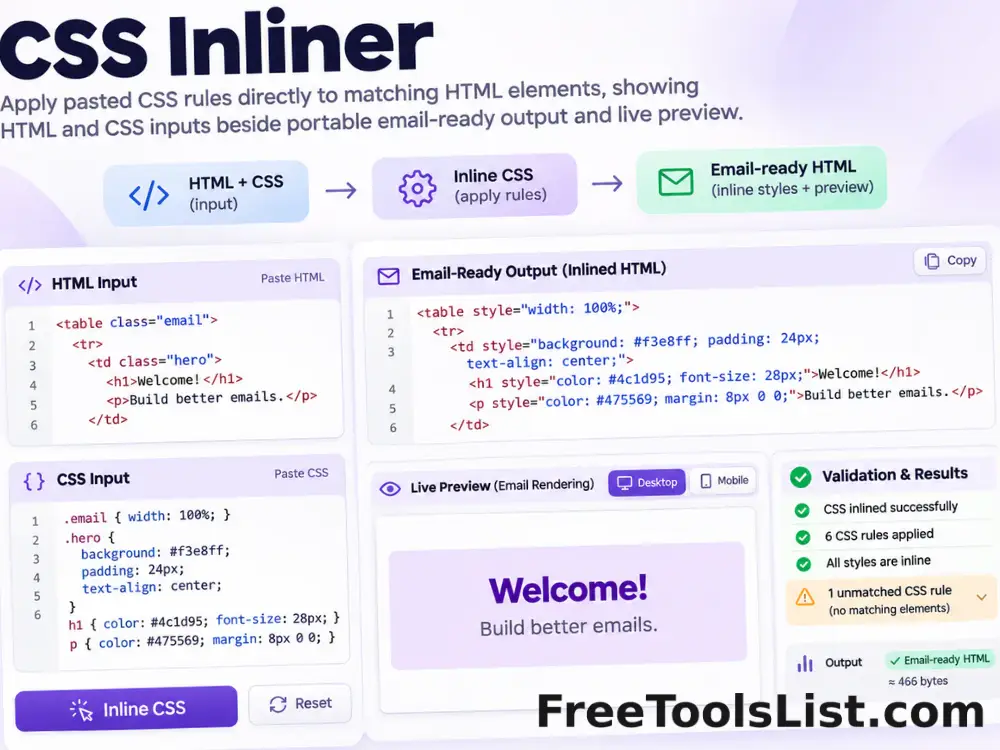
Apply pasted CSS rules directly to matching HTML elements for portable email and template markup, entirely in your browser.

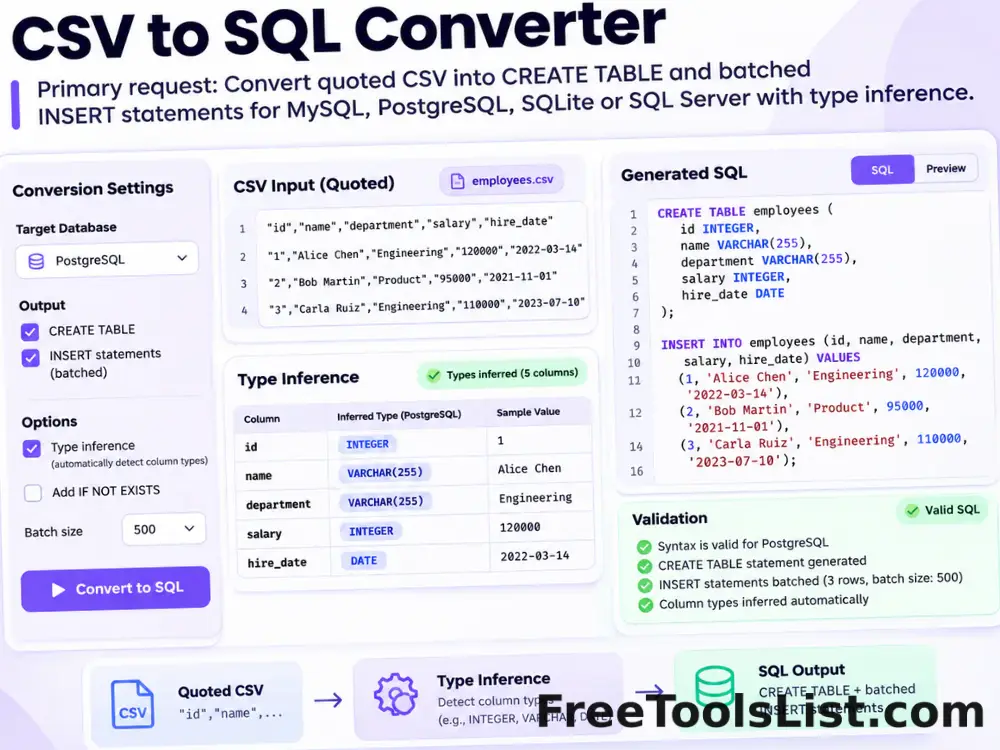
CSV to SQL Converter tool previewCTDeveloper

CSV to SQL Converter

Convert quoted CSV into reviewable CREATE TABLE and batched INSERT statements for MySQL, PostgreSQL, SQLite or SQL Server with type inference and local download.

CSV to vCard Converter tool previewCTDeveloper

CSV to vCard Converter

Map CSV contact columns to vCard 3.0 or 4.0 fields, review the generated contacts visually and download a combined VCF file without sending contact data to a server.

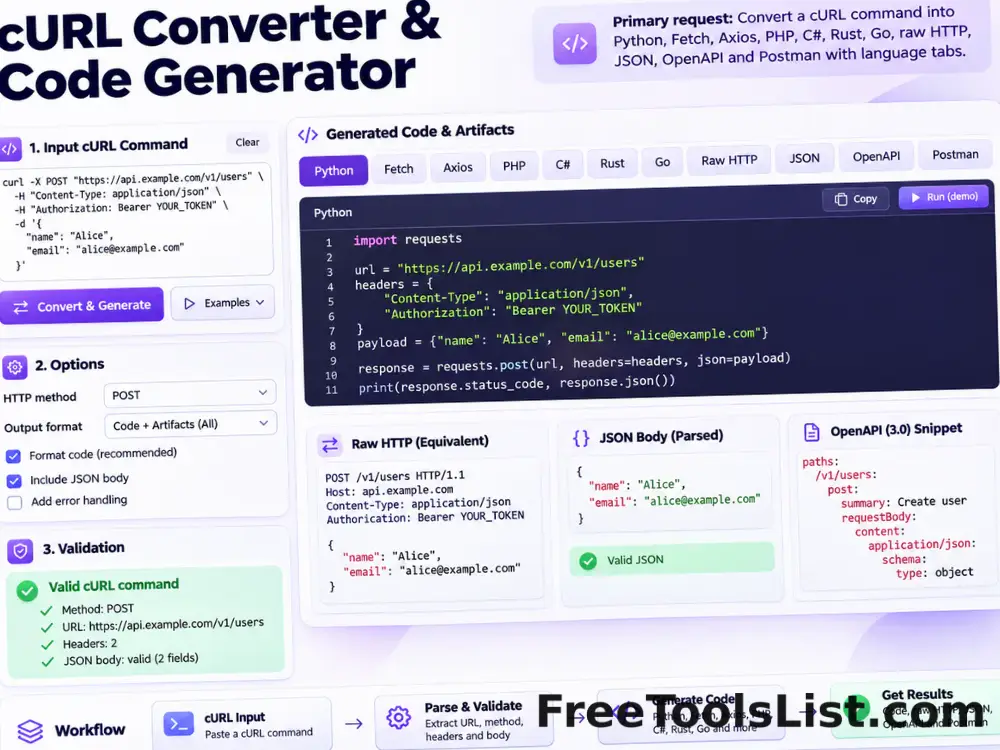
cURL Converter & Code Generator tool previewCCDeveloper

cURL Converter & Code Generator

Convert a cURL command into Python requests, Fetch, Node Axios, jQuery AJAX, PHP, C#, Rust, Go, raw HTTP, parsed JSON, OpenAPI or a Postman collection entirely in your browser.

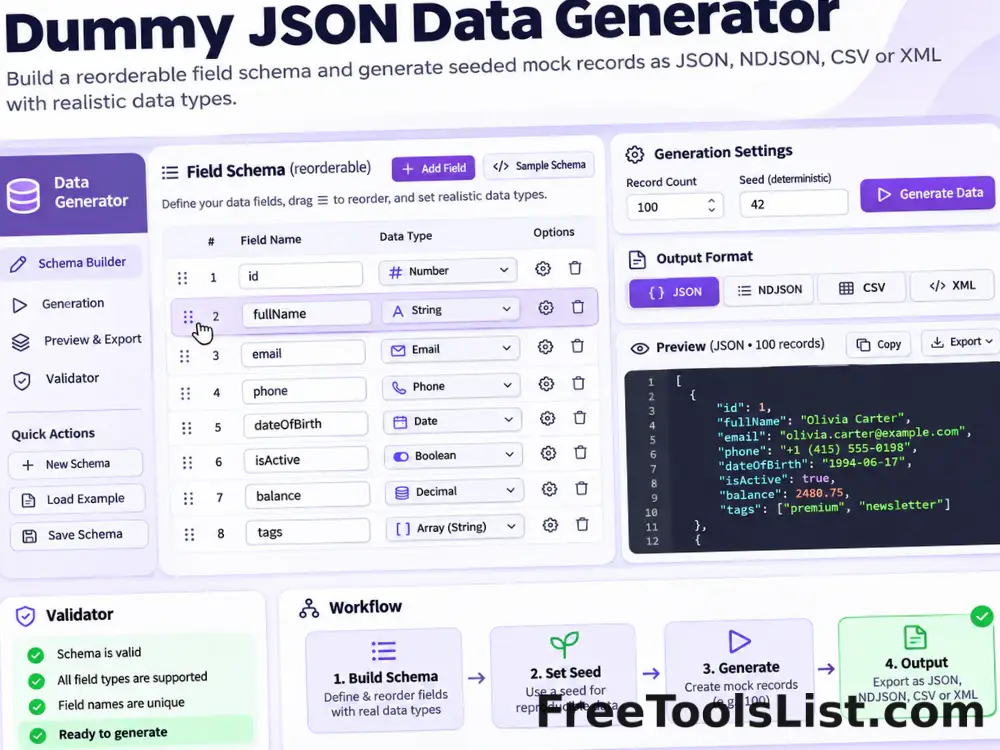
Dummy JSON Data Generator tool previewDJDeveloper

Dummy JSON Data Generator

Build a reorderable field schema and generate seeded mock records as JSON, NDJSON, CSV or XML with realistic names, emails, UUIDs, dates, URLs and other data types.

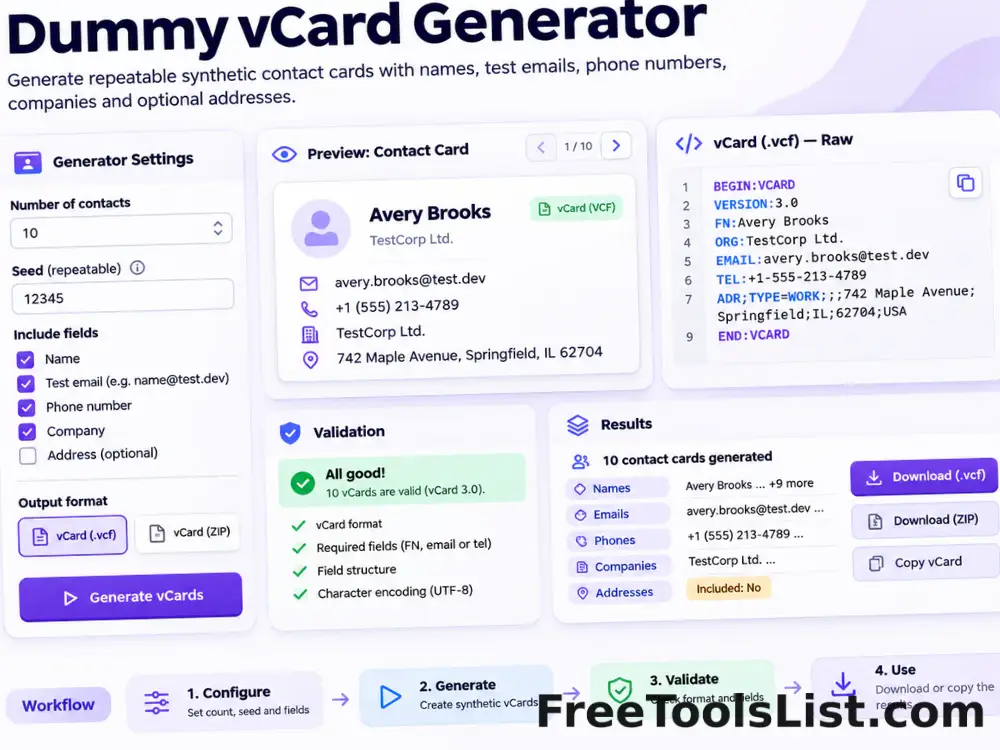
Dummy vCard Generator tool previewDVDeveloper

Dummy vCard Generator

Generate repeatable synthetic vCard contacts with names, test emails, phone numbers, companies and optional addresses for safe import and interface testing.

GOST Hash Generator tool previewGHDeveloper

GOST Hash Generator

Generate GOST R 34.11-94 or Streebog 256-bit and 512-bit digests from text or encoded bytes entirely in your browser.

GraphQL Formatter, Validator & Minifier tool previewGFDeveloper

GraphQL Formatter, Validator & Minifier

Format, validate or minify GraphQL queries, mutations, fragments and schema definition language with comment-safe tokenization, file import, visual structure preview and local export.

PublishedUpdated