Private browser workspace

Markdown to HTML Converter

Convert Markdown and common GitHub-style tables, task lists and fenced code to safe HTML with live preview and plain-text extraction.

● Browser-local processing · Copy and download · No account

Markdown to HTML Converter workspace

Use explicit controls, inspect the preview, then export only the result you need.

Local only · Original safe

Loading the local Markdown to HTML workspace…

Quick Tool Overview

Convert Markdown without sending source data away.

Convert Markdown and common GitHub-style tables, task lists and fenced code to safe HTML with live preview and plain-text extraction.

The workspace pairs live validation with task-specific options, preview and practical exports. It is designed for developers, analysts, writers and designers who want clean HTML and readable text without installing another application.

LOCALPrivate processing
LIVEImmediate feedback
NEWOriginal untouched
0Accounts needed
Review before export

Turn source data into a result you can inspect.

Visible settings and validation make the transformation easier to understand and repeat.

Open Markdown to HTML

About the Tool

What Markdown to HTML Converter helps you do.

Purpose-built controls

Every option maps directly to this conversion instead of hiding important settings in a general editor.

Private source handling

Pasted content and selected files stay inside the current browser tab.

Original-safe workflow

A local file is only read. Results are copied or downloaded separately.

Visible validation

Input problems and unsupported structures are reported before export.

Reusable exports

Copy the result or download a format suited to the next step in your workflow.

Review-first design

Counts, previews and summaries help you verify the transformation.

Key Features

A complete browser-based markdown to html workflow.

↔

Flexible formats

Choose the input, output and layout options that fit the current task.

✓

Clear feedback

Validation and result summaries explain what the browser processed.

⌂

Local and private

Source content is handled locally without a conversion API.

↙

Copy and download

Move reviewed output into a spreadsheet, editor, project or report.

How to Use Markdown to HTML Converter

Complete the task in five reviewable steps.

Add the source

Paste content, type a value or choose a supported local file.

Tip: Keep an untouched source copy for comparison.

Confirm detection

Review detected formats, delimiters, rows, columns or input type.

Tip: Choose an explicit setting when automatic detection is ambiguous.

Choose options

Set the output structure, indentation, parsing or display controls.

Tip: Type inference is useful, but identifiers with leading zeros should remain strings.

Inspect the result

Check the preview, statistics and validation message before exporting.

Tip: Test edge cases with a small representative sample first.

Copy or download

Export the reviewed result as a new file or copy it to the clipboard.

Tip: Validate the result again in the destination application.

Ready to transform?

Create clean HTML and readable text locally.

No sign-up, no remote conversion queue and no source overwrite.

Convert Markdown →

Frequently Asked Questions

Popular markdown to html questions.

It supports tables, task lists, strikethrough, fenced code blocks and automatic URL linking in addition to core Markdown.

Raw source HTML is escaped, unsafe URL schemes are rejected, and only markup produced by the converter is rendered.

Yes. It runs without an account, watermark or usage quota.

No. Pasted text and selected files are processed inside this browser tab. Downloads are created locally.

No. A selected file is only read. Every export is created as a separate new file.

Keep exploring

Similar Tools

Continue with related free tools selected from this category and the wider directory.

20 tools
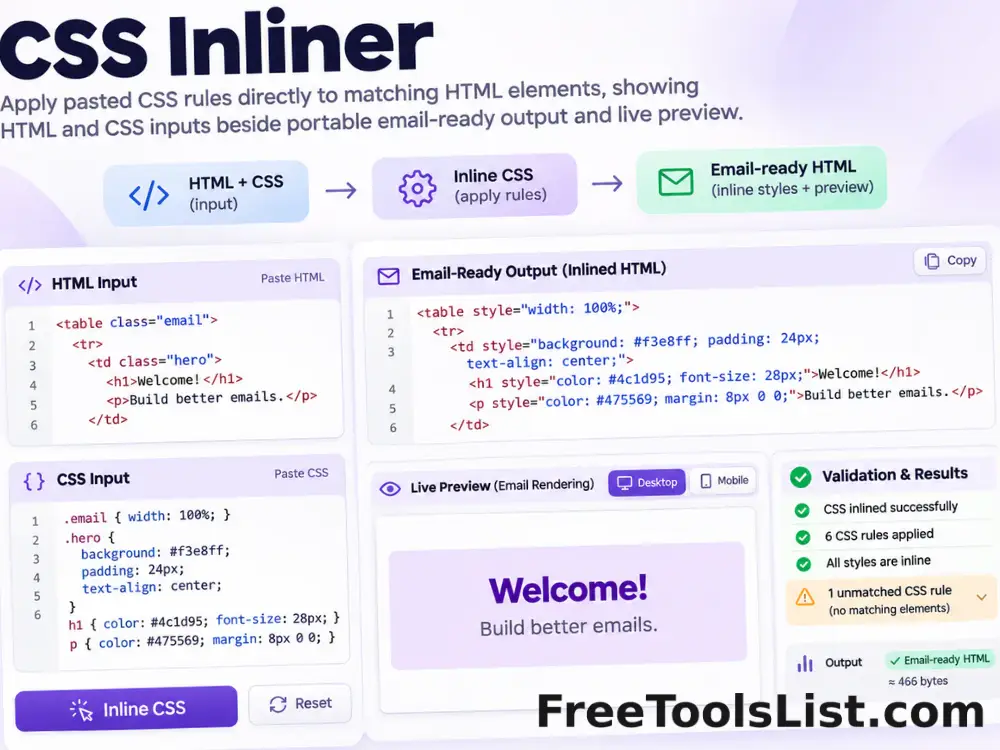
CSS Inliner tool previewCIDeveloper

CSS Inliner

Apply pasted CSS rules directly to matching HTML elements for portable email and template markup, entirely in your browser.

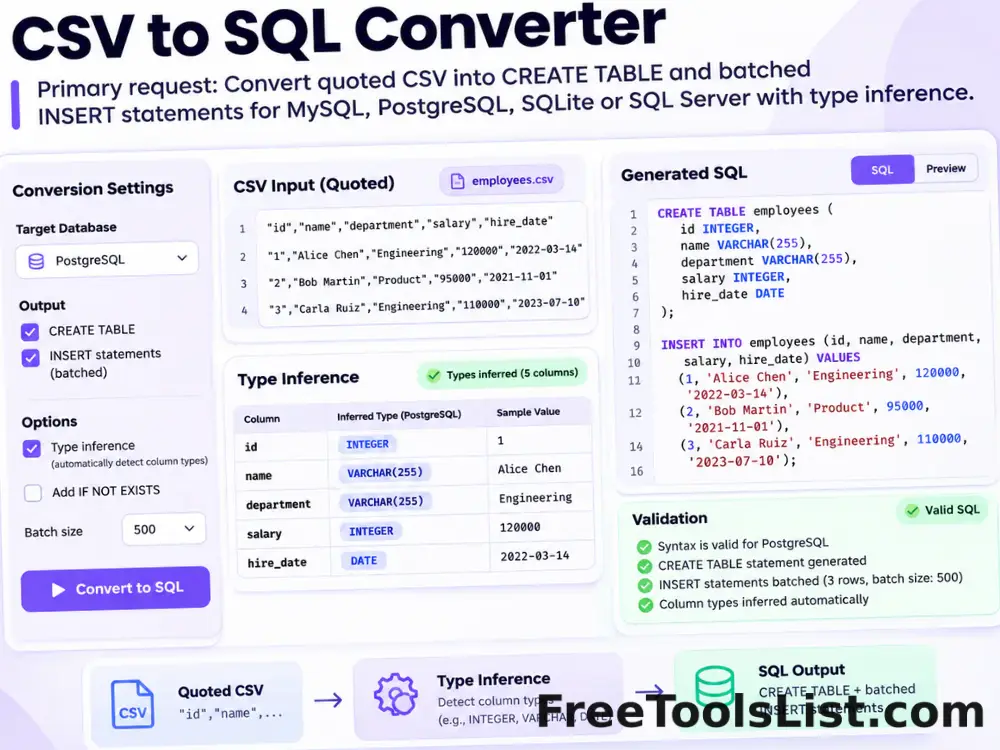
CSV to SQL Converter tool previewCTDeveloper

CSV to SQL Converter

Convert quoted CSV into reviewable CREATE TABLE and batched INSERT statements for MySQL, PostgreSQL, SQLite or SQL Server with type inference and local download.

CSV to vCard Converter tool previewCTDeveloper

CSV to vCard Converter

Map CSV contact columns to vCard 3.0 or 4.0 fields, review the generated contacts visually and download a combined VCF file without sending contact data to a server.

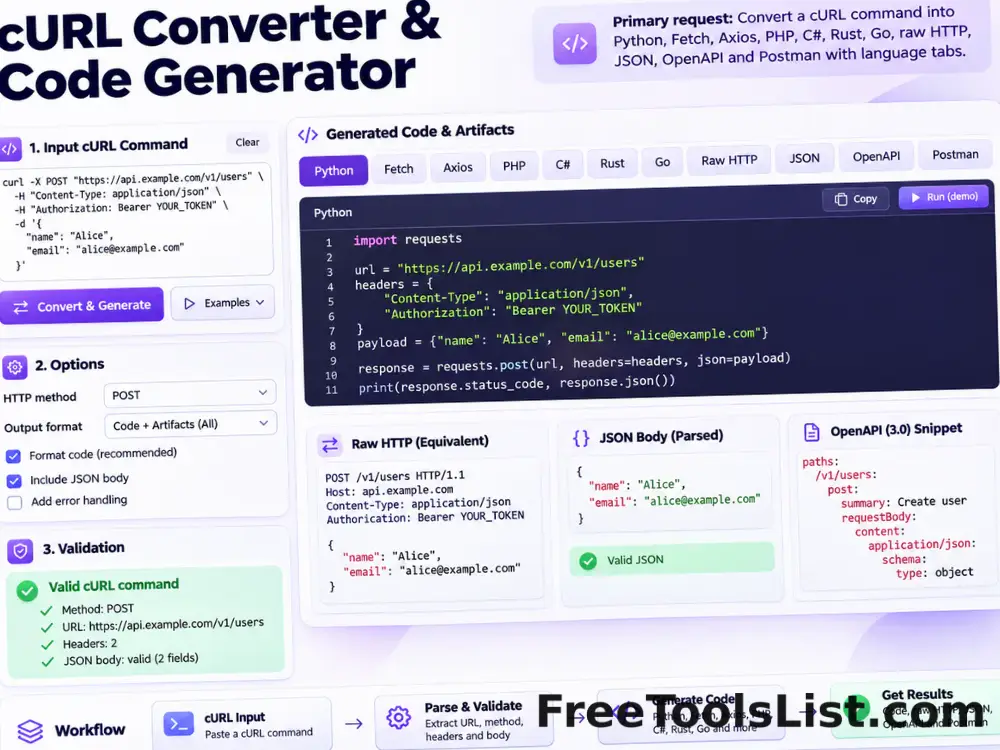
cURL Converter & Code Generator tool previewCCDeveloper

cURL Converter & Code Generator

Convert a cURL command into Python requests, Fetch, Node Axios, jQuery AJAX, PHP, C#, Rust, Go, raw HTTP, parsed JSON, OpenAPI or a Postman collection entirely in your browser.

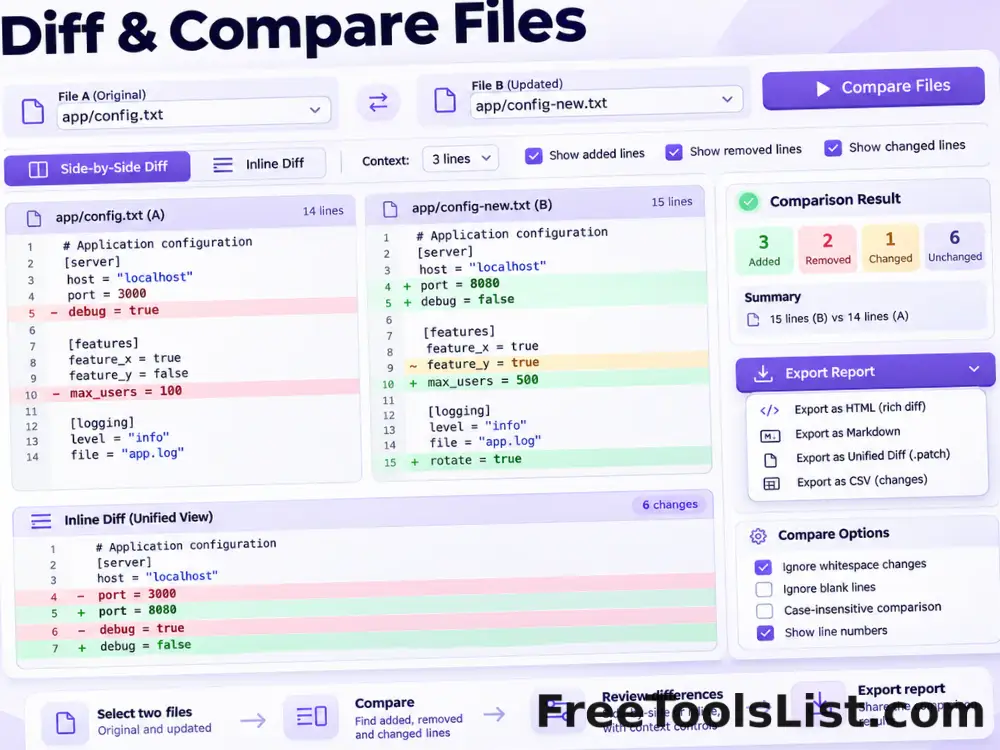
Diff & Compare Files tool previewDCDeveloper

Diff & Compare Files

Compare pasted text or two local text files with inline or side-by-side differences, context controls and an HTML report.

HTML Beautifier tool previewHBDeveloper

HTML Beautifier

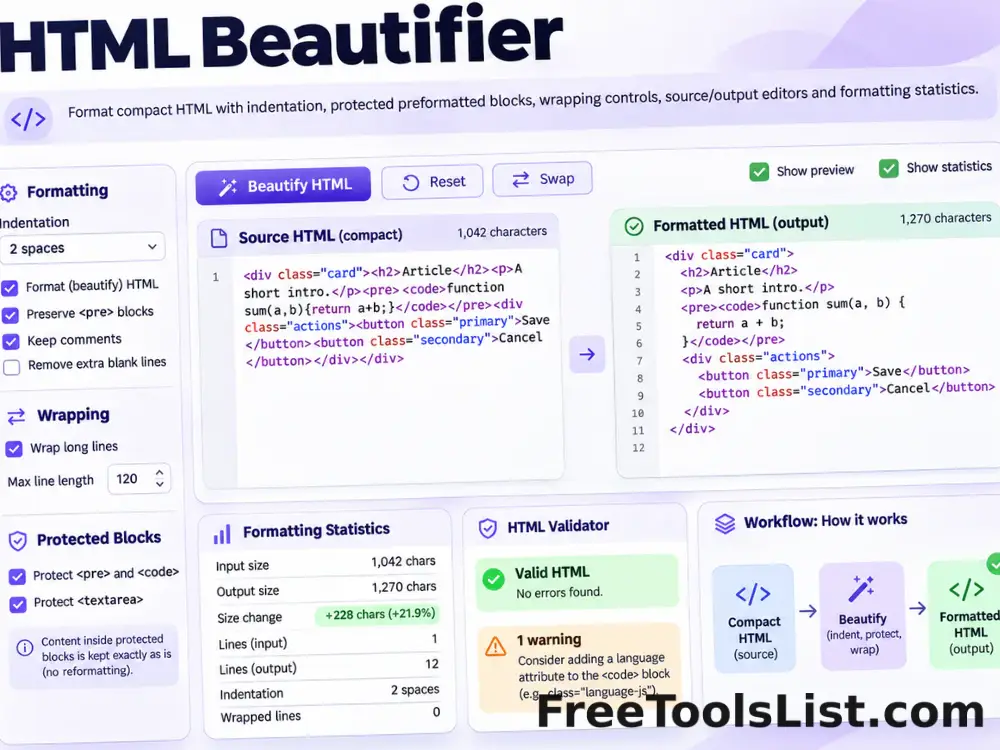
Format HTML with configurable indentation, protected preformatted blocks, optional wrapping and a final newline.

HTML Entities Encoder & Decoder tool previewHEDeveloper

HTML Entities Encoder & Decoder

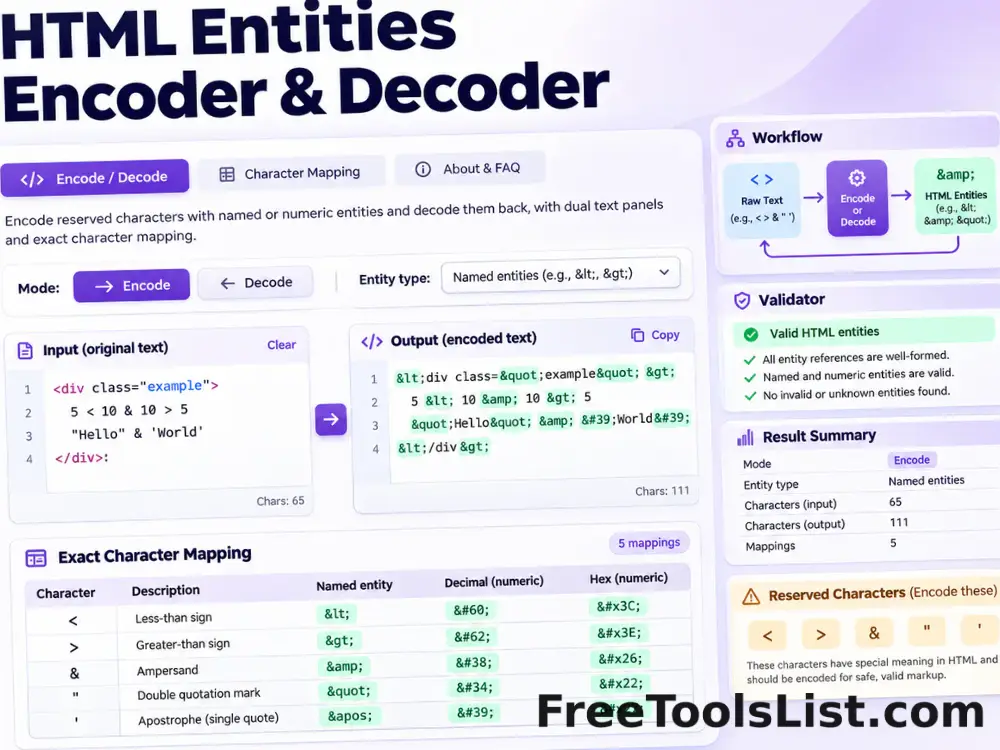
Encode reserved HTML characters with named or numeric entities, decode recognized entities back to text and inspect the exact result before saving.

HTML Minifier tool previewHMDeveloper

HTML Minifier

Minify HTML locally by removing ordinary comments and unnecessary formatting while preserving preformatted, textarea, script and style blocks.

HTML5 Validator tool previewHVDeveloper

HTML5 Validator

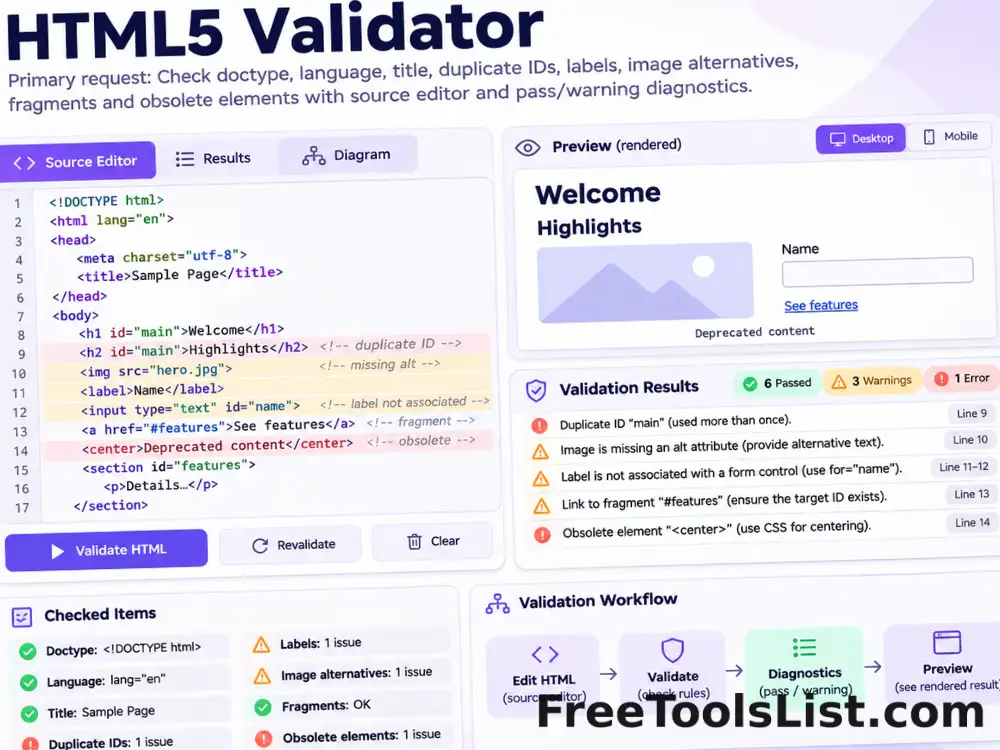
Parse pasted HTML and check the HTML5 doctype, language, title, duplicate IDs, labels, image alternatives, fragments and obsolete elements locally.

JSON & YAML Converter, Formatter & Validator tool previewJYDeveloper

JSON & YAML Converter, Formatter & Validator

Convert JSON to YAML or YAML to formatted JSON, validate syntax, choose indentation, sort keys and inspect the preserved structure before downloading.

JSON to Sheets Converter tool previewJTDeveloper

JSON to Sheets Converter

Turn JSON arrays and objects into CSV or tab-separated spreadsheet data with nested-key flattening, preview, copy and download.

JSON to XML Converter tool previewJTDeveloper

JSON to XML Converter

Convert valid JSON objects, arrays and primitive values into readable XML with configurable root and array-item element names, validation, copy and download.

Online HTML Editor tool previewOHDeveloper

Online HTML Editor

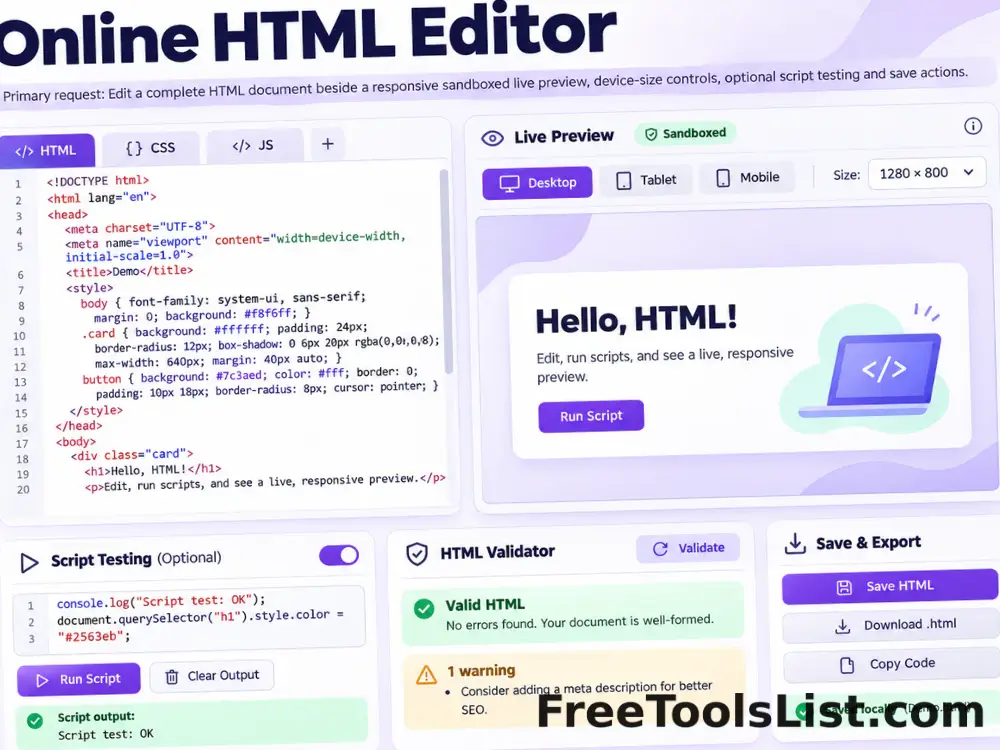
Write or paste a complete HTML document, inspect it in a responsive sandboxed preview, optionally test scripts and save the reviewed source or canvas.

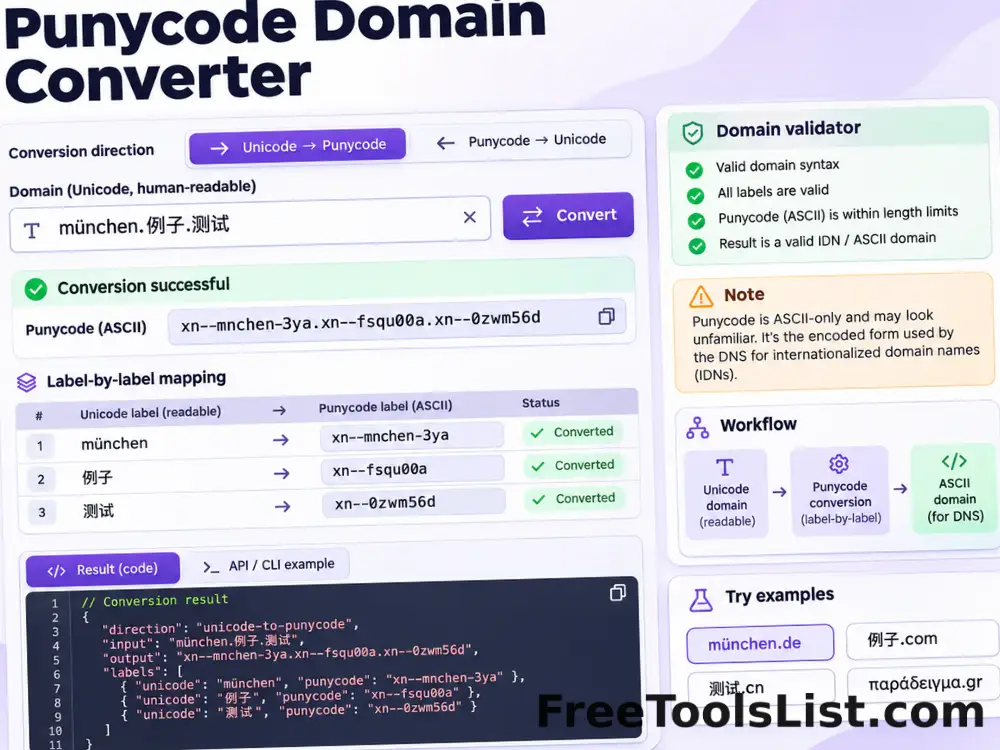
Punycode Domain Converter tool previewPDDeveloper

Punycode Domain Converter

Convert internationalized domain names between readable Unicode labels and ASCII Punycode, label by label.

Sheets to JSON Converter tool previewSTDeveloper

Sheets to JSON Converter

Transform pasted spreadsheet, CSV or TSV rows into six practical JSON structures with delimiter detection, filters and type inference.

Stringify JSON Online tool previewSJDeveloper

Stringify JSON Online

Validate a JSON value and serialize its formatted representation into a portable JSON string literal with optional key sorting and HTML-sensitive escaping.

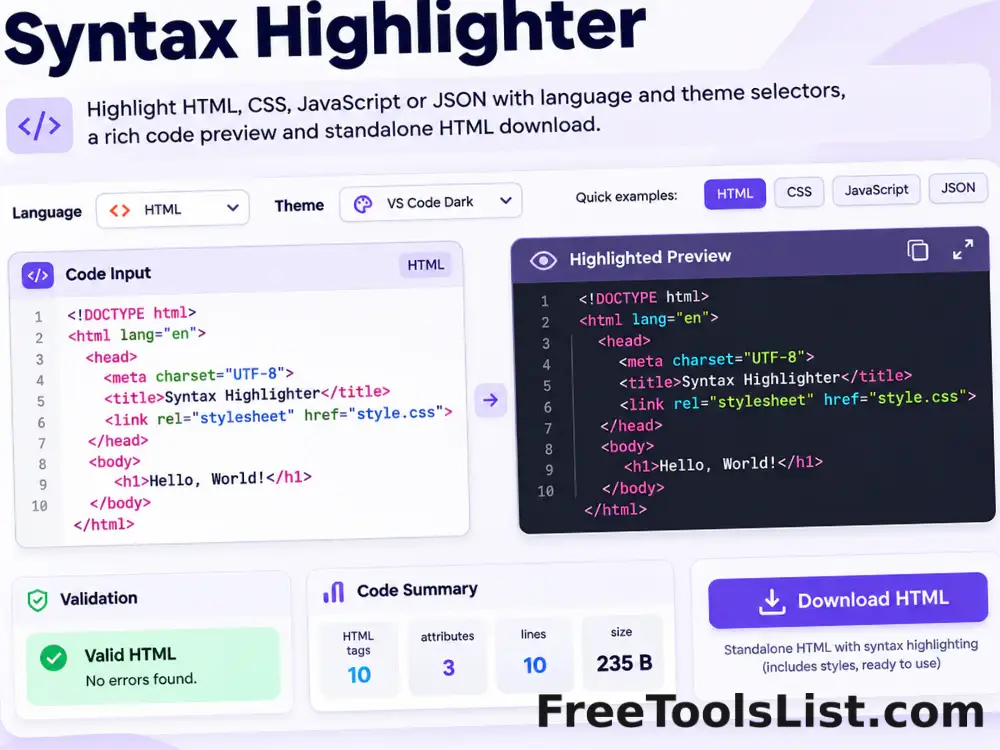
Syntax Highlighter tool previewSHDeveloper

Syntax Highlighter

Highlight HTML, CSS, JavaScript or JSON with selectable themes, a safe preview and downloadable standalone HTML.

XML to JSON Converter tool previewXTDeveloper

XML to JSON Converter

Parse XML into formatted JSON locally while preserving attributes, repeated sibling elements and meaningful text with optional number, boolean and null inference.

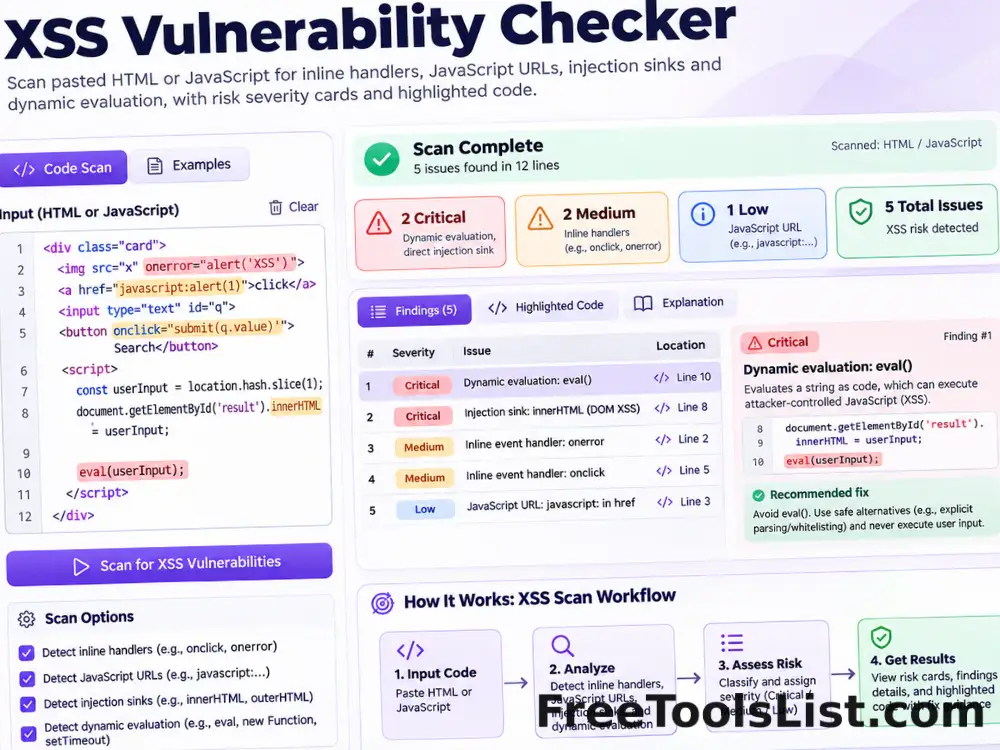
XSS Vulnerability Checker tool previewXVDeveloper

XSS Vulnerability Checker

Scan pasted HTML or JavaScript for common cross-site scripting signals such as inline handlers, JavaScript URLs, HTML injection sinks and dynamic evaluation.

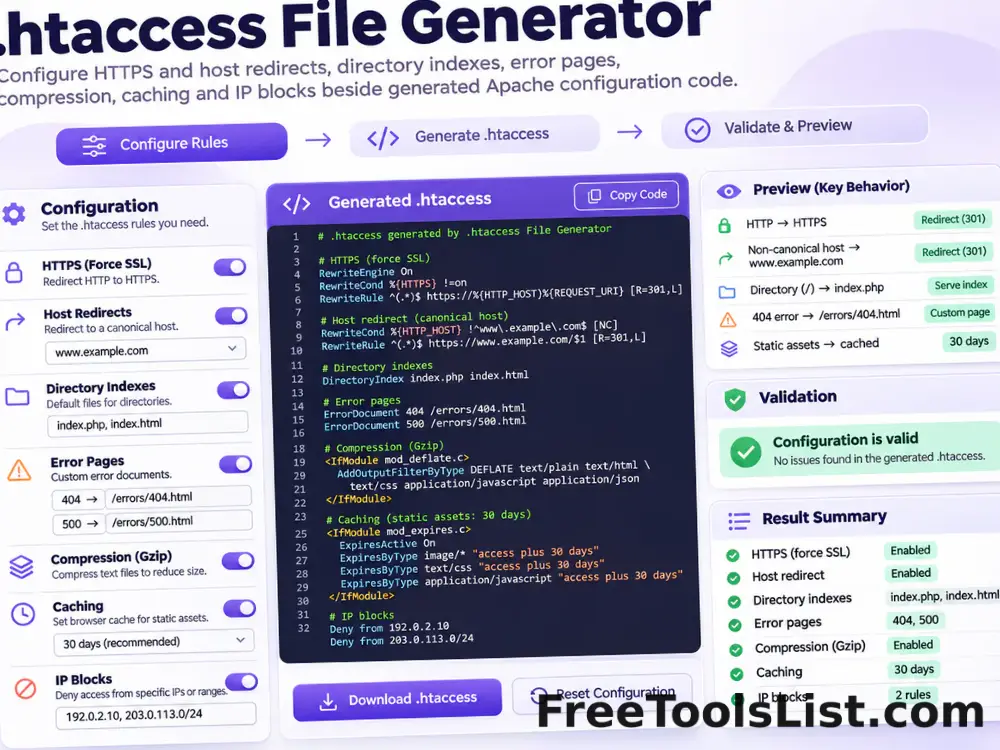
.htaccess File Generator tool previewHFDeveloper

.htaccess File Generator

Generate a modern Apache .htaccess starting point for HTTPS and host redirects, directory indexes, error pages, compression, caching and selected IP blocks.

PublishedUpdated