Private PDF workspace

PDF Splitter

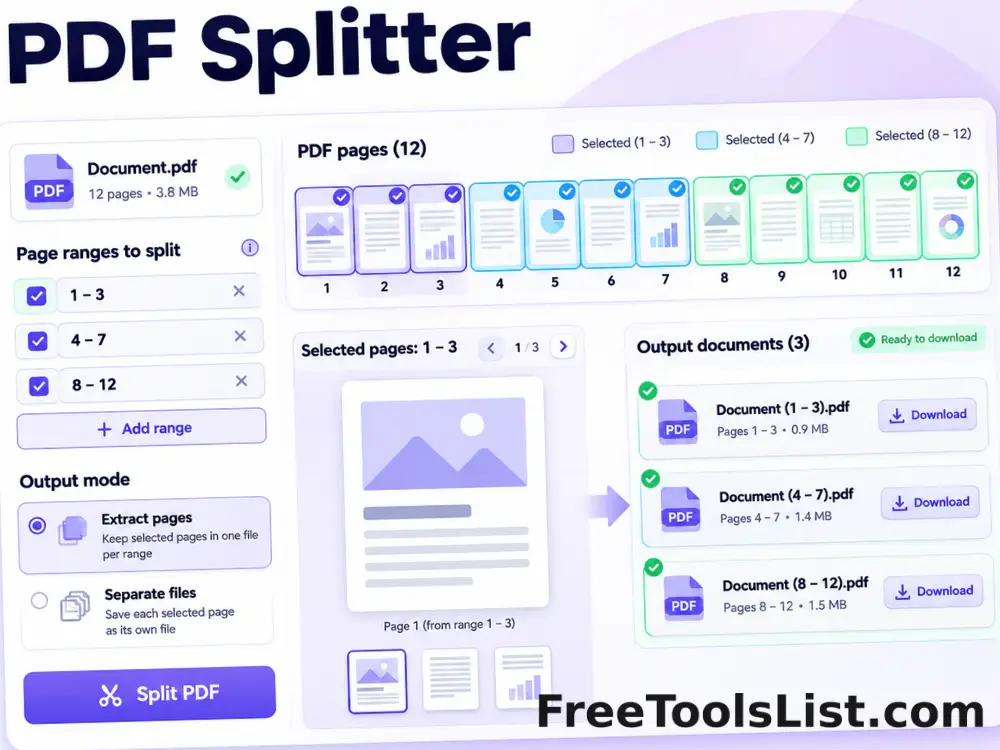
Choose exactly which pages to keep, preview the selection and generate one extracted PDF or a ZIP of individual pages.

● Browser-local processing · Preview before saving · No account

Interactive workspace

PDF Splitter

Choose a local file, adjust the controls and inspect the canvas before saving a result.

Local only · Original safe
Loading the Split PDF workspace…

Quick Tool Overview

Split a PDF with a review-first workflow.

Split a PDF by page range, extract selected pages into one new document or create separate PDFs, with page thumbnails and a live selected-page canvas.

Use this tool to separate chapters, forms, invoices, worksheets, scanned records or selected pages from a larger document. The browser reads the page tree, validates the requested range and copies selected pages into one or more new PDF files without changing the source.

Important: Advanced document structures such as portfolios, attachments, signatures and some form behavior may not carry into the split files.

LOCALPrivate processing
CANVASVisual preview
NEWSeparate output
0Accounts needed
Preview before download

Review the result before it becomes a file.

The canvas and result summary help catch page, quality and layout mistakes early.

Open Split PDF

About the Tool

What PDF Splitter helps you do.

Split a PDF by page range, extract selected pages into one new document or create separate PDFs, with page thumbnails and a live selected-page canvas.

The browser reads the page tree, validates the requested range and copies selected pages into one or more new PDF files without changing the source.

The original source remains untouched. The browser keeps working data in temporary tab memory, and the exported result is saved as a separate file only when you choose to download it.

Key Features

A complete, modern split pdf workflow.

Open the workspace →
◫

Flexible page ranges

Use all pages, single pages or ranges such as 1-3, 6, 9-11.

✓

Two output modes

Create one extracted document or one PDF per selected page.

⌂

Live page canvas

Preview any selected page before generating output.

↙

Visual thumbnails

Browse page thumbnails and jump directly to a page.

PDF

ZIP export

Download multiple single-page PDFs in one organized archive.

↔

Original-safe processing

Selected pages are copied into new files locally.

How to Use PDF Splitter

Complete the task in five reviewable steps.

Load the PDF

Choose an unlocked PDF and wait for its page count.

Tip: Use an original, unlocked source file.

Enter a page range

Type all, individual pages or comma-separated ranges.

Tip: Start with the recommended settings, then refine.

Choose an output mode

Combine selected pages or create separate page PDFs.

Tip: Check fine text and page edges closely.

Preview the selection

Use thumbnails and the canvas to confirm the right pages.

Tip: Keep the tab open until processing finishes.

Generate and download

Create the output locally and save the PDF or ZIP.

Tip: Open the saved result and verify it before sharing.

Detailed Guidance

Get a reliable result without guesswork.

Start with a clean source

Use an unencrypted source file that opens normally. Damaged files, extremely large pages and advanced interactive PDF features can produce incomplete results.

Use the preview as a quality check

The canvas shows the active page and current visual settings. Inspect small typography, margins, rotation, image cropping and page edges before generating or downloading.

Choose settings for the destination

Documents for email and web upload usually benefit from moderate quality. Print, archiving and detailed diagrams need more resolution and larger output files.

Protect important originals

Every export is a separate file, but keeping a known-good source copy makes it easy to repeat the task with different settings later.

Understand the limitation

Advanced document structures such as portfolios, attachments, signatures and some form behavior may not carry into the split files.

Ready to begin?

Split a PDF locally.

No sign-up, no remote document queue and no source overwrite.

Split a PDF →

Frequently Asked Questions

Popular split pdf questions.

Enter a range such as 2-5, 8, 11-13, choose an output mode and generate the files.

Yes. The combined mode copies every selected page into one new document in ascending order.

Yes. Separate mode creates one PDF for each selected page and packages them in a ZIP.

No. The source PDF is read only and every result is a new file.

Password-protected documents must be unlocked first.

No. Page selection, copying, canvas previews and ZIP creation happen locally.

Keep exploring

Similar Tools

Continue with related free tools selected from this category and the wider directory.

20 tools
Apple Pages to PDF Converter tool previewAPPDF

Apple Pages to PDF Converter

Create a PDF from an Apple Pages package by using its embedded Quick Look PDF or readable document text when available.

AutoCAD to PDF Converter tool previewATPDF

AutoCAD to PDF Converter

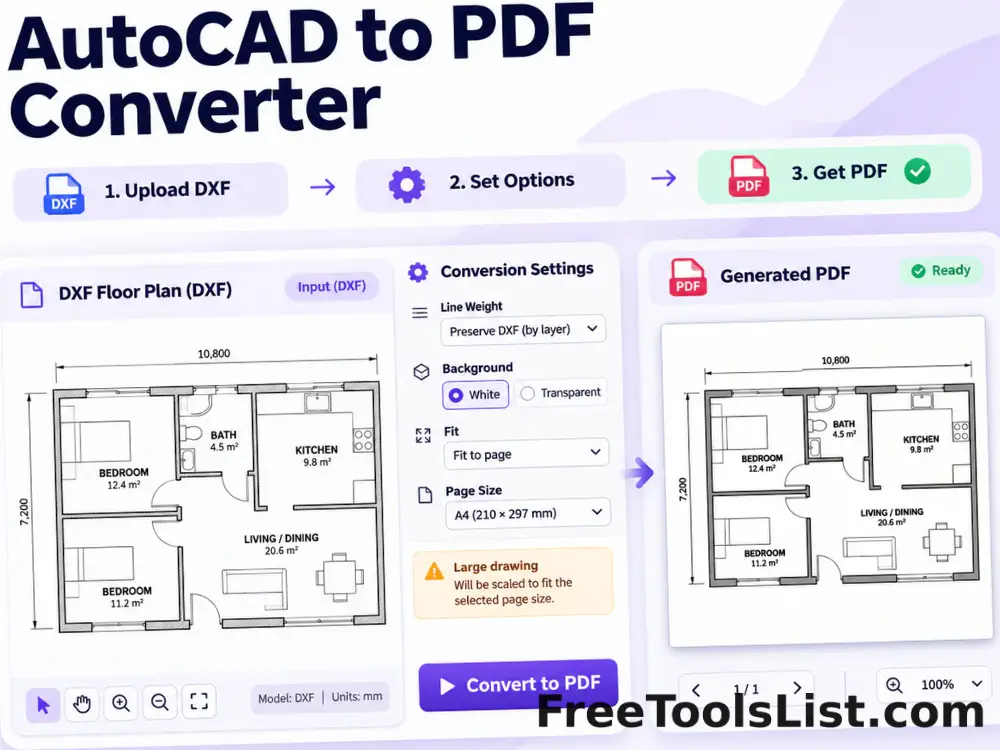
Turn supported ASCII DXF drawings into PDF with fit, line-weight, background and canvas preview controls.

Compare PDF Files tool previewCPPDF

Compare PDF Files

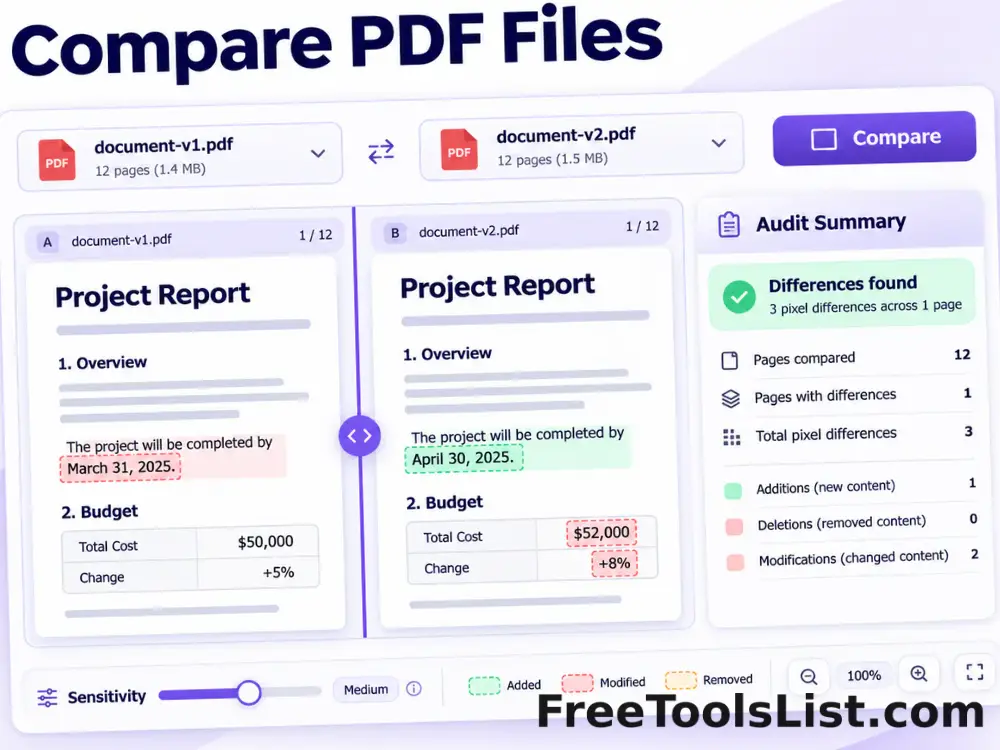
Render matching pages from two PDFs, highlight pixel differences, adjust sensitivity and export a visual difference image plus an audit summary.

Delete PDF Pages tool previewDPPDF

Delete PDF Pages

Select page ranges to remove, review the remaining document on canvas and download a new PDF without those pages.

DICOM to PDF Converter tool previewDTPDF

DICOM to PDF Converter

Convert uncompressed DICOM image frames into PDF pages with windowing, inversion and a live diagnostic canvas preview.

EPS to PDF Converter tool previewETPDF

EPS to PDF Converter

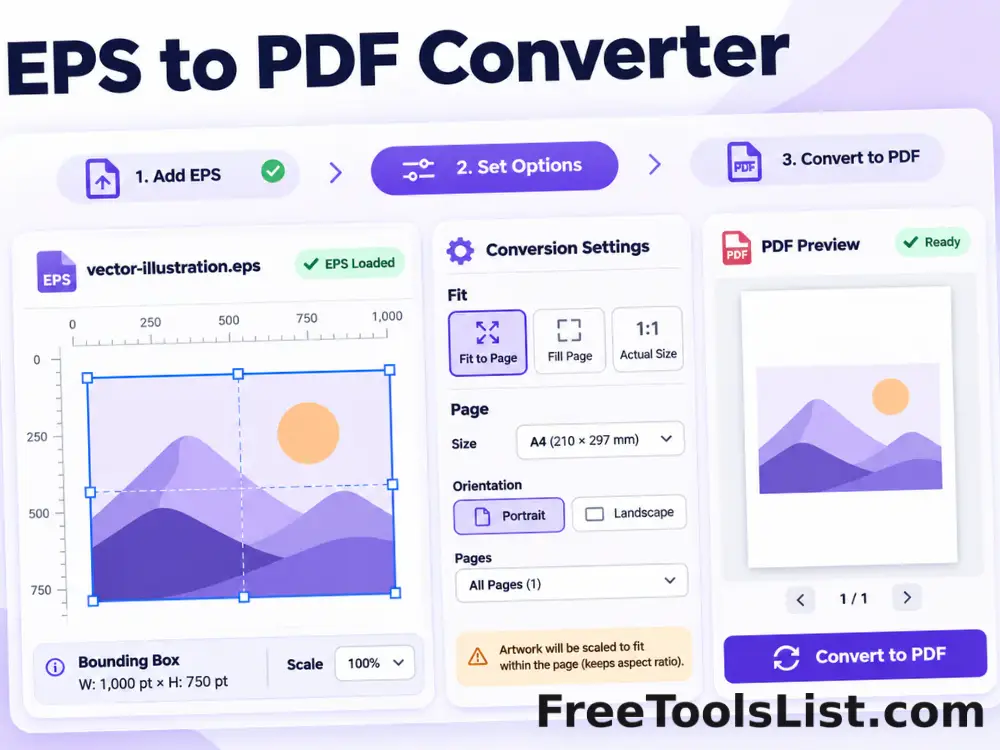
Convert supported text-based EPS artwork into a fitted PDF page with bounding-box, scale and canvas preview controls.

EPUB to PDF Converter tool previewETPDF

EPUB to PDF Converter

Convert EPUB chapters into a readable PDF with page size, typography, margin and live canvas preview settings.

Excel to PDF Converter tool previewETPDF

Excel to PDF Converter

Turn spreadsheet data into a paginated PDF table with orientation, row-limit and scale controls plus a live canvas preview.

Extract Images from PDF tool previewEIPDF

Extract Images from PDF

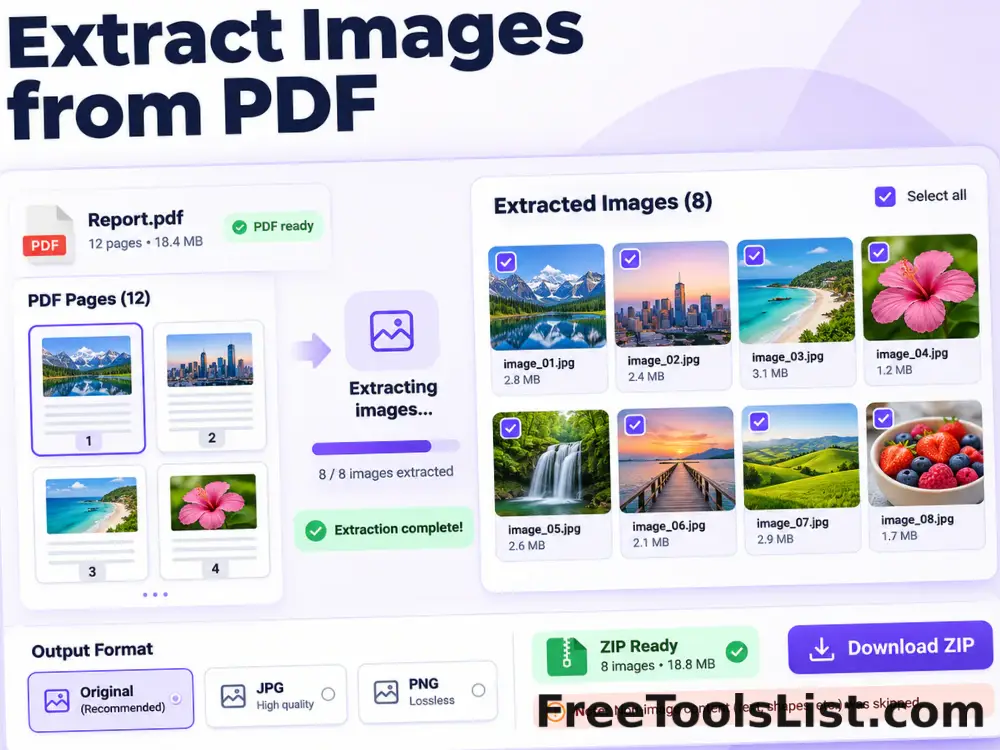
Extract recoverable embedded images and rendered page images from a PDF into a downloadable ZIP with canvas review.

Flatten PDF Forms and Annotations tool previewFPPDF

Flatten PDF Forms and Annotations

Bake supported annotations and form appearances into PDF page content, preview the result and download a non-editable copy.

HEIC to PDF Converter tool previewHTPDF

HEIC to PDF Converter

Convert a HEIC or HEIF image into a fitted PDF page with local decoding, orientation, margin and canvas preview controls.

Image to PDF Converter tool previewITPDF

Image to PDF Converter

Combine JPG, PNG and WebP images into a polished PDF with drag-and-drop ordering, page-size, orientation, margin and fit controls plus a live page canvas.

Interleave PDF Files tool previewIPPDF

Interleave PDF Files

Alternate pages from two PDF files, choose which document starts first and append remaining pages with a combined preview before saving.

Markdown to PDF Converter tool previewMTPDF

Markdown to PDF Converter

Convert Markdown text or .md files into a clean PDF with page-size, orientation, typography, margin and table-of-contents controls plus a live canvas preview.

Merge PDF tool previewMPPDF

Merge PDF

Merge multiple PDF files into one organized document for free. Add, reorder and remove PDFs, then download the combined file. Private browser processing and no sign-up.

OCR PDF & Deskew Tool tool previewOPPDF

OCR PDF & Deskew Tool

Render scanned PDF pages, rotate them for deskewing, recognize English text locally and export searchable text with a page-by-page canvas preview.

ODT to PDF Converter tool previewOTPDF

ODT to PDF Converter

Convert OpenDocument text files into paginated PDFs using locally extracted content and a live page canvas.

PDF Accessibility Checker tool previewPAPDF

PDF Accessibility Checker

Audit a PDF for searchable text, document title, language metadata, consistent page sizes and image-only pages with a downloadable local report.

PDF Color Converter tool previewPCPDF

PDF Color Converter

Preview and convert PDF pages to grayscale, inverted, monochrome or high-contrast color modes entirely in the browser.

PDF Color Picker tool previewPCPDF

PDF Color Picker

Render a PDF page, click any pixel to sample HEX and RGB values, build a page palette and export the selected colors as JSON.

PublishedUpdated