Private browser PDF workspace

OCR PDF & Deskew Tool

Render scanned PDF pages, rotate them for deskewing, recognize English text locally and export searchable text with a page-by-page canvas preview.

● Local processing · Visual preview · Original safe

Interactive PDF workspace

OCR PDF & Deskew Tool

Choose a file, use focused controls and inspect the page canvas before export.

PDF · Browser local

Loading the OCR PDF workspace…

Quick Tool Overview

OCR PDF with review-first browser processing.

Render scanned PDF pages, rotate them for deskewing, recognize English text locally and export searchable text with a page-by-page canvas preview.

Use this workspace to recover text from image-only PDF scans and correct simple page tilt before recognition. The canvas is the preflight: inspect the active page and visible changes before creating a new file.

PDFLocal input
LIVECanvas preview
LOCALPrivate process
0Accounts
Keep the source. Browser PDF tools can simplify unsupported fonts, forms, annotations, transparency or structure. Verify the downloaded copy independently.
Ready to work?

Review the PDF canvas before download.

Focused controls and transparent local processing make the result easier to verify.

Open OCR PDF

About the Tool

What OCR PDF & Deskew Tool is for.

Primary purpose

Use it to recover text from image-only PDF scans and correct simple page tilt before recognition.

How processing works

The browser reads the selected bytes with bundled PDF libraries and builds recognized TXT or JSON in memory.

Live page canvas

Navigate pages and inspect content, boundaries, color and added elements before committing to a download.

Source protection

The tool never overwrites your selected file. Refreshing the page clears the active in-memory session.

Privacy model

No remote conversion endpoint is used. File bytes stay in the current tab unless you explicitly download a result.

Known limitation

Complex PDF features and very large scans may exceed what a browser can faithfully interpret or process.

Key Features

A modern, compact PDF workflow.

Open the workspace →
◫

Real canvas preview

Inspect a rendered PDF page and visible result instead of downloading blindly.

⌘

Focused controls

Page, range and operation controls match this task rather than a generic form.

⌂

Local processing

Source and result stay in browser memory with no sign-up or upload queue.

↓

Separate download

Export a newly named result while preserving the original PDF.

How to Use OCR PDF & Deskew Tool

Complete the task in six detailed steps.

Choose the source

Add a valid PDF and wait for the local page preview to appear.

Step 1: Keep the original until the new result has been opened and verified.

Set the task controls

Choose the page, range, mode and recognition options needed for this document.

Step 2: Keep the original until the new result has been opened and verified.

Use the live canvas

Navigate to a representative page and inspect boundaries, orientation, text, color and overlays at a readable zoom.

Step 3: Check page edges and small details at a readable zoom.

Run the browser process

Create recognized TXT or JSON. The current tab performs the work without a remote conversion queue.

Step 4: Keep the original until the new result has been opened and verified.

Review the result

Compare the output canvas, page count, visual fidelity and warnings with the intended result.

Step 5: Keep the original until the new result has been opened and verified.

Download a new file

Save the generated result with a new name, open it independently and keep the untouched source until verification is complete.

Step 6: Keep the original until the new result has been opened and verified.

Detailed Guidance

Produce a result you can trust.

Start with a healthy PDF

Open the source normally first. If it is encrypted, damaged or incomplete, repair or unlock an authorized copy before processing.

Use representative pages

Check cover pages, dense text, transparency, unusual page sizes and scanned content. These reveal conversion issues quickly.

Understand fixed visual output

Rasterizing, color conversion, sanitization and scan-style effects turn pages into images. Text, links, forms and tags will no longer remain interactive.

Validate specialized results

Booklets need the intended printer duplex settings. OCR needs proofreading. Accessibility checks need a deeper tagged-PDF and assistive-technology review.

Preserve evidence

For signed, legal, medical or archival documents, work only on authorized copies and keep a traceable original.

Ready to begin?

Create recognized TXT or JSON locally.

Use a visible canvas, focused settings and a separate download.

Open OCR PDF →

Frequently Asked Questions

Popular ocr pdf questions.

Use it to recover text from image-only PDF scans and correct simple page tilt before recognition.

No. The static site loads bundled libraries, then reads, renders and generates results inside the current browser tab.

Yes. The workspace includes a real PDF page canvas and task-specific result preview before any download.

No. The source remains untouched and the tool prepares a separate download in browser memory.

Only when the browser can open the PDF. Use the dedicated Unlock PDF tool with the correct password for a document you are authorized to modify.

Browser memory and processing power set the practical limit. Start with representative pages or a smaller copy when a long scan is slow.

Open recognized TXT or JSON, check page count, orientation, text or image quality, links or form behavior where relevant, and compare it with the source.

Keep exploring

Similar Tools

Continue with related free tools selected from this category and the wider directory.

20 tools
PDF Overlay Tool tool previewPOPDF

PDF Overlay Tool

Place pages from a second PDF over the first, adjust opacity, alignment and page repetition, then inspect the combined canvas before download.

PDF to PDF/A Preparation Tool tool previewPTPDF

PDF to PDF/A Preparation Tool

Create a flattened archival-preparation copy with normalized metadata and a live page comparison before download.

Apple Pages to PDF Converter tool previewAPPDF

Apple Pages to PDF Converter

Create a PDF from an Apple Pages package by using its embedded Quick Look PDF or readable document text when available.

AutoCAD to PDF Converter tool previewATPDF

AutoCAD to PDF Converter

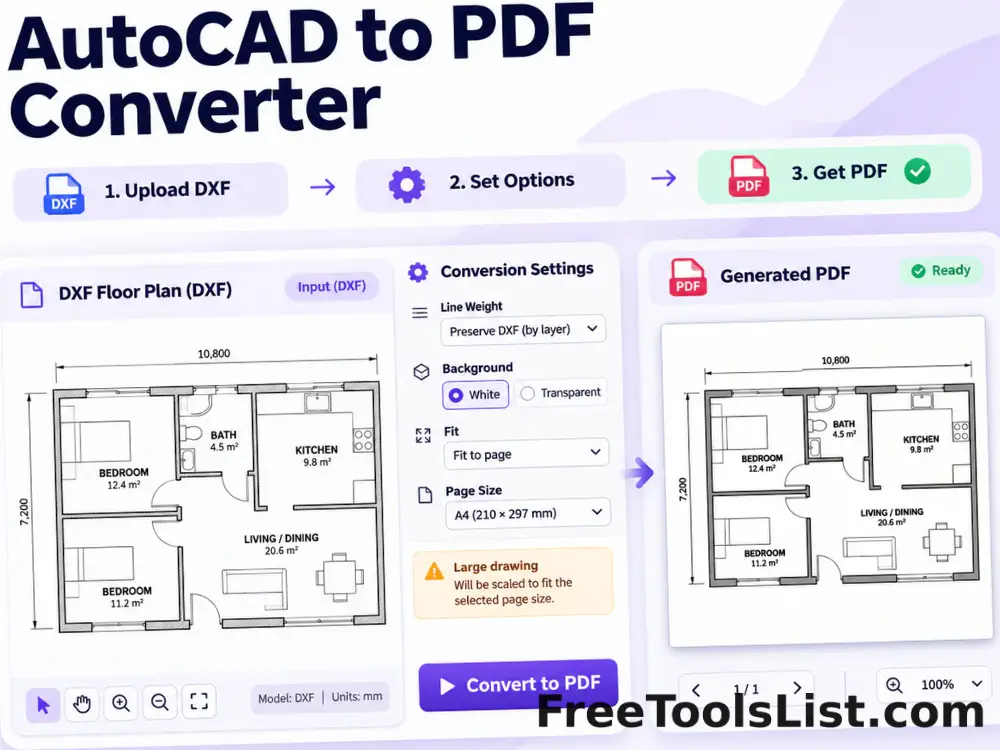
Turn supported ASCII DXF drawings into PDF with fit, line-weight, background and canvas preview controls.

Compare PDF Files tool previewCPPDF

Compare PDF Files

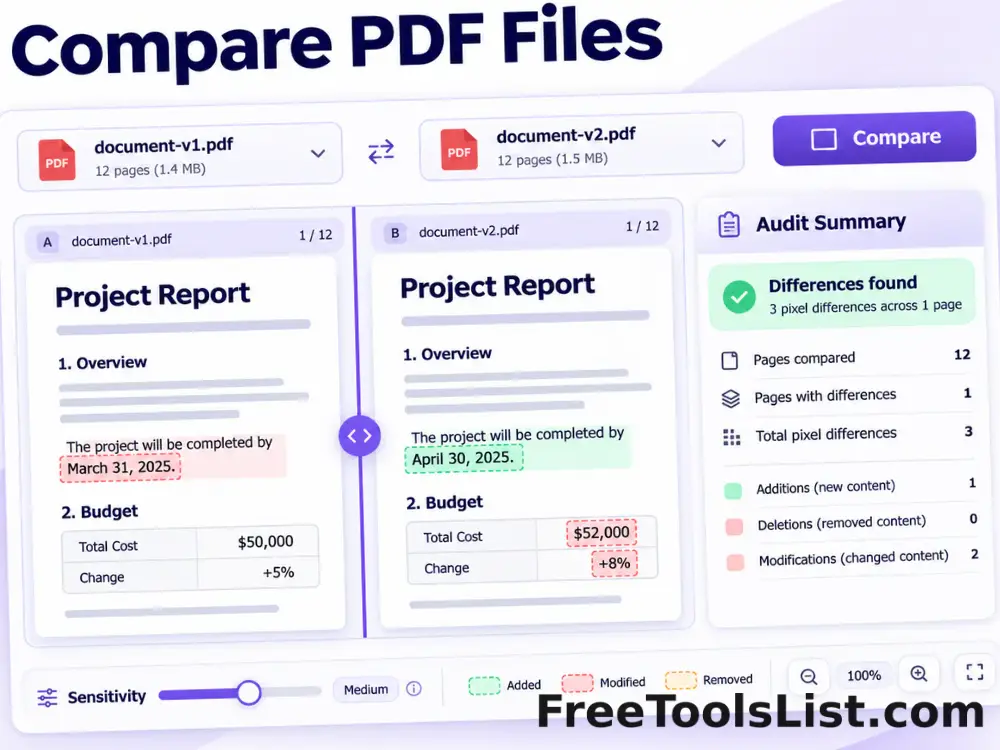
Render matching pages from two PDFs, highlight pixel differences, adjust sensitivity and export a visual difference image plus an audit summary.

Delete PDF Pages tool previewDPPDF

Delete PDF Pages

Select page ranges to remove, review the remaining document on canvas and download a new PDF without those pages.

DICOM to PDF Converter tool previewDTPDF

DICOM to PDF Converter

Convert uncompressed DICOM image frames into PDF pages with windowing, inversion and a live diagnostic canvas preview.

EPS to PDF Converter tool previewETPDF

EPS to PDF Converter

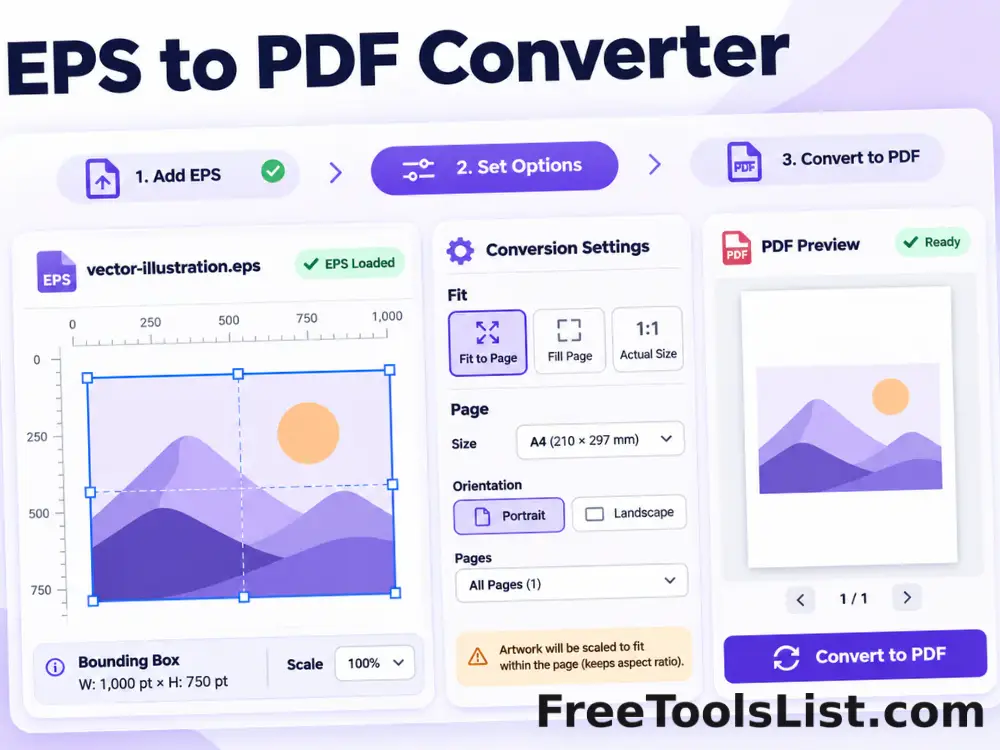
Convert supported text-based EPS artwork into a fitted PDF page with bounding-box, scale and canvas preview controls.

EPUB to PDF Converter tool previewETPDF

EPUB to PDF Converter

Convert EPUB chapters into a readable PDF with page size, typography, margin and live canvas preview settings.

Excel to PDF Converter tool previewETPDF

Excel to PDF Converter

Turn spreadsheet data into a paginated PDF table with orientation, row-limit and scale controls plus a live canvas preview.

Extract Images from PDF tool previewEIPDF

Extract Images from PDF

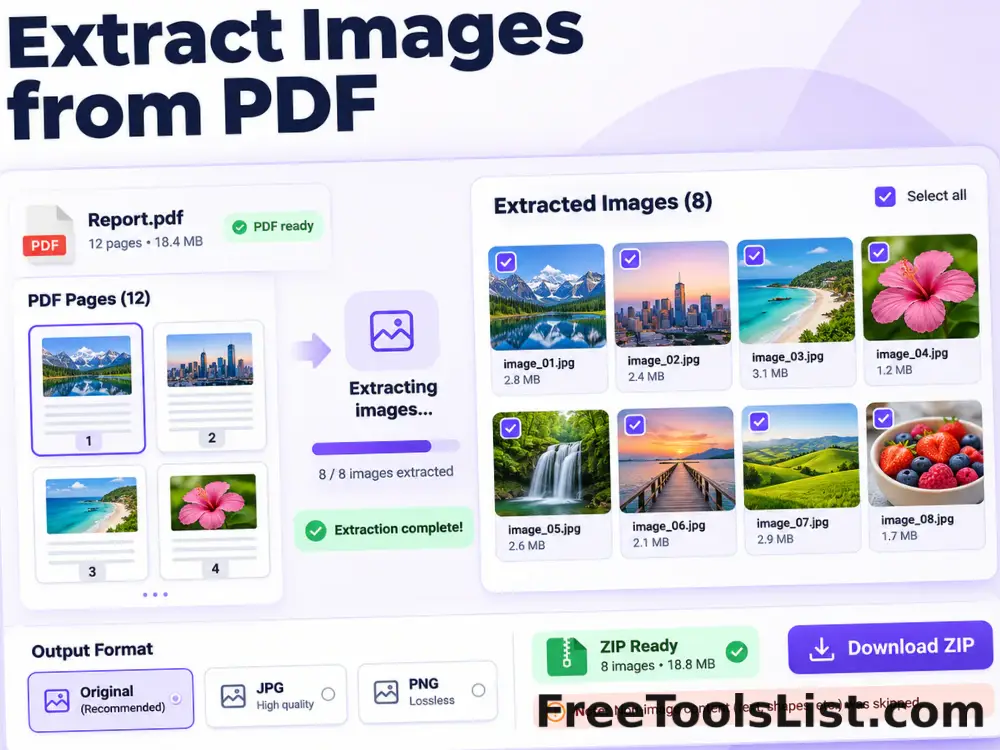
Extract recoverable embedded images and rendered page images from a PDF into a downloadable ZIP with canvas review.

Flatten PDF Forms and Annotations tool previewFPPDF

Flatten PDF Forms and Annotations

Bake supported annotations and form appearances into PDF page content, preview the result and download a non-editable copy.

HEIC to PDF Converter tool previewHTPDF

HEIC to PDF Converter

Convert a HEIC or HEIF image into a fitted PDF page with local decoding, orientation, margin and canvas preview controls.

Image to PDF Converter tool previewITPDF

Image to PDF Converter

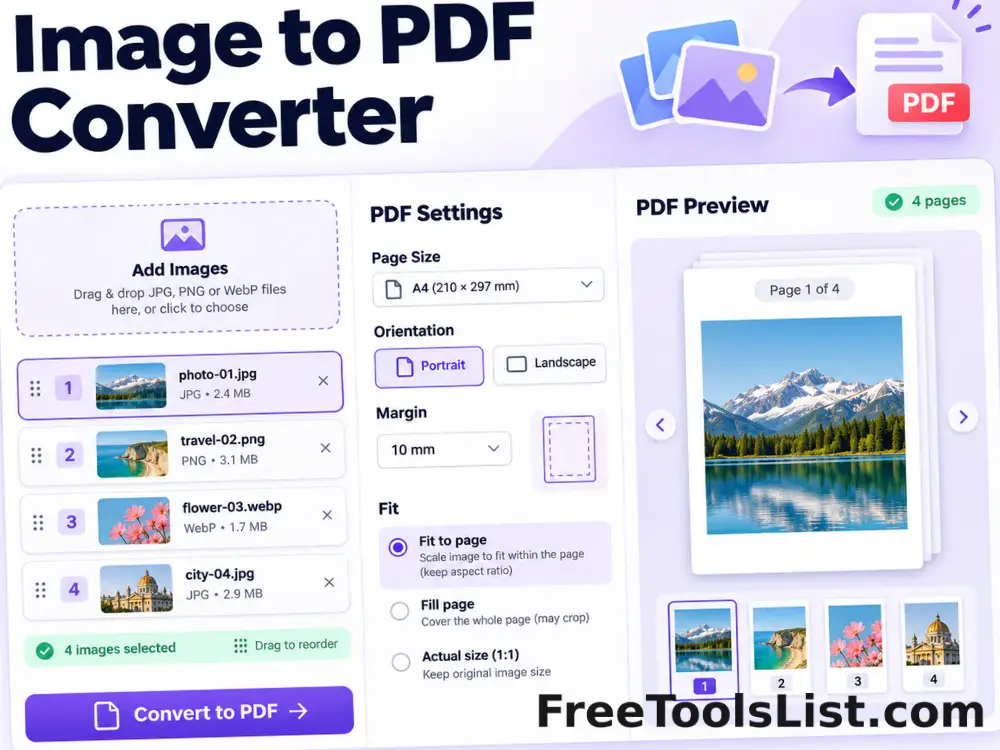
Combine JPG, PNG and WebP images into a polished PDF with drag-and-drop ordering, page-size, orientation, margin and fit controls plus a live page canvas.

Interleave PDF Files tool previewIPPDF

Interleave PDF Files

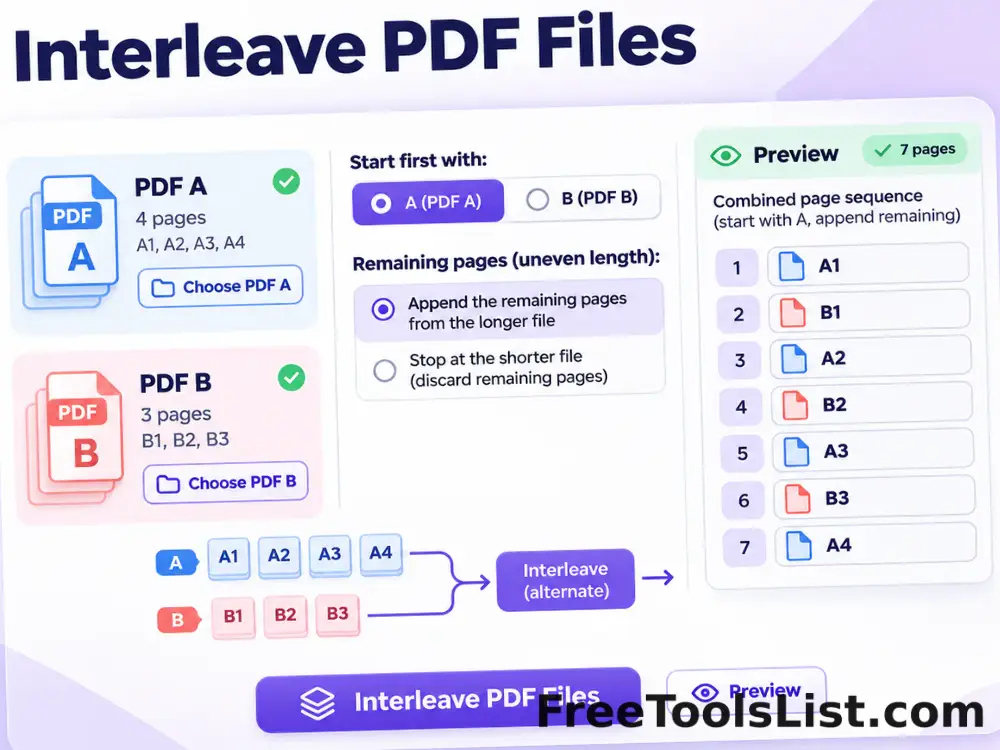
Alternate pages from two PDF files, choose which document starts first and append remaining pages with a combined preview before saving.

Markdown to PDF Converter tool previewMTPDF

Markdown to PDF Converter

Convert Markdown text or .md files into a clean PDF with page-size, orientation, typography, margin and table-of-contents controls plus a live canvas preview.

Merge PDF tool previewMPPDF

Merge PDF

Merge multiple PDF files into one organized document for free. Add, reorder and remove PDFs, then download the combined file. Private browser processing and no sign-up.

ODT to PDF Converter tool previewOTPDF

ODT to PDF Converter

Convert OpenDocument text files into paginated PDFs using locally extracted content and a live page canvas.

PDF Accessibility Checker tool previewPAPDF

PDF Accessibility Checker

Audit a PDF for searchable text, document title, language metadata, consistent page sizes and image-only pages with a downloadable local report.

PDF Color Converter tool previewPCPDF

PDF Color Converter

Preview and convert PDF pages to grayscale, inverted, monochrome or high-contrast color modes entirely in the browser.

PublishedUpdated