Free private PDF organizer

Merge PDF

Add several PDFs, arrange them in the right order, remove anything you do not need, and download one combined file—without uploading your documents.

● Your files stay in this browser

Drop your PDF files here

Add two or more documents, then arrange their order.

PDF only · Up to 50 files · 25 MB per file · 200 MB total

Document order

Arrange files before merging

0 files0 MB total
Preparing documents…0%

Merged document preview

Review the first merged page before saving the new PDF.

Canvas preview
Page 1
Source files remain unchanged.

Quick Tool Overview

Build one organized PDF from separate documents.

FreeToolsList.com Merge PDF combines complete PDF files in the exact order you choose. Add reports, forms, scanned pages, receipts, presentations or chapters, then move each document up or down before creating the finished file.

Every page from the first file is placed before every page from the second file, and so on through the list. The original PDFs are not modified. The tool creates a new combined copy for download.

Merging happens in your current browser tab using a locally bundled PDF engine. Your source documents are not sent to an external conversion API.

50Files maximum
200 MBTotal limit
1 PDFCombined result
LocalBrowser processing
Put documents in order

Create one PDF that is easier to share.

Add your files, arrange the sequence and download the complete document.

Start merging PDFs

About the Tool

What is a PDF merger?

A PDF merger is a document utility that joins two or more PDF files into a single PDF. It keeps each source file’s pages together while placing the documents in the sequence selected by the user.

This is useful when related information has been created or received as separate files. Instead of attaching many documents, you can build one ordered package with a clear beginning and end.

FreeToolsList.com focuses on the essential workflow: add files, inspect their names and page counts, reorder the list, remove mistakes, merge, and save the new PDF. It does not overwrite the original documents.

Key Features

Everything needed for a clean PDF merge.

Combine documents →
+

Multiple file selection

Add several PDF files at once or add more documents later.

↕

Simple reordering

Move each PDF up or down until the sequence is correct.

#

Page count preview

Review the detected page count for each valid PDF.

×

Remove mistakes

Delete an unwanted file without clearing the full list.

PDF

One combined file

Download every selected document as one standard PDF.

⌂

Local processing

Merge source documents inside the current browser session.

✓

File validation

Reject unsupported, oversized, unreadable or encrypted files.

∞

No account required

Use the tool without registration, credits or a subscription.

How to Merge PDF Files

Combine documents in six straightforward steps.

Gather the source PDFs

Locate every document you want to include in the combined file.

Tip: Rename files clearly before adding them if the order is complex.

Add the PDF files

Choose multiple documents or drag them together into the upload area.

Tip: You can select Add more PDFs if a file was missed.

Check each file

Review its name, size and detected page count.

Tip: Password-protected PDFs must be unlocked before merging.

Arrange the order

Use the arrow controls to move documents into the final sequence.

Tip: All pages in a document remain together during this merge.

Create the combined PDF

Select Merge PDFs and keep the tab open while the browser processes the files.

Tip: Large PDFs require more memory and may take longer.

Save and verify

Download the new file, open it and confirm the page sequence.

Tip: The original source files remain unchanged on your device.

Common Uses

When combining PDFs saves time.

Applications and supporting documents: Combine a completed form, cover letter, résumé and certificates into one submission.

Reports and appendices: Join a main report with charts, evidence, references or signed approval pages.

Invoices and receipts: Create an ordered monthly or project record from separate transaction documents.

Scanned paperwork: Bring separately scanned sections together into one document that is easier to archive.

Study and project materials: Combine notes, assignments, reading packets or team contributions into one organized file.

Private by Design

PDF data stays on your device.

The merger loads your selected files into browser memory, creates a new PDF locally and gives your browser the result to download. The files are not sent to a remote document-processing service.

✓ No PDF upload API✓ No account or file history✓ Originals are never overwritten✓ Files leave memory when the tab closes

Ready to create one organized document?

Add your PDFs, confirm their order and download the merged result.

Merge PDF files

Frequently Asked Questions

Popular PDF merging questions.

Add at least two PDFs, move them into the required order, select Merge PDFs, and save the generated file.

No. Your files are read and combined in the browser. They are not uploaded to a remote PDF conversion service.

Yes. Use the up and down controls next to each document. The order shown in the list becomes the order in the final PDF.

Normal page content is copied, but advanced document structures such as outlines, portfolios, attachments, JavaScript, signatures or form behavior may not be preserved exactly. Verify the downloaded document if these features matter.

Encrypted or password-protected PDFs must be unlocked before they can be merged by this tool.

The browser must read every page and build a new file in local memory. Documents with many pages, large images or complex graphics need more processing time and memory.

No. The merger creates a new downloadable document and does not overwrite your original files.

Keep exploring

Similar Tools

Continue with related free tools selected from this category and the wider directory.

20 tools
Apple Pages to PDF Converter tool previewAPPDF

Apple Pages to PDF Converter

Create a PDF from an Apple Pages package by using its embedded Quick Look PDF or readable document text when available.

AutoCAD to PDF Converter tool previewATPDF

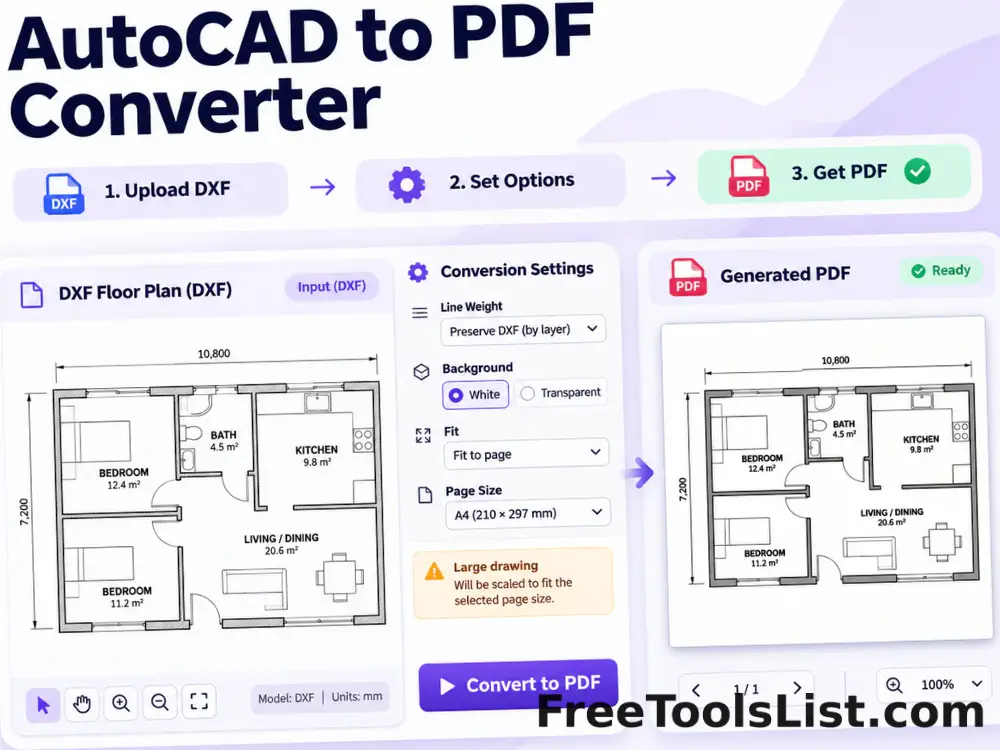
AutoCAD to PDF Converter

Turn supported ASCII DXF drawings into PDF with fit, line-weight, background and canvas preview controls.

Compare PDF Files tool previewCPPDF

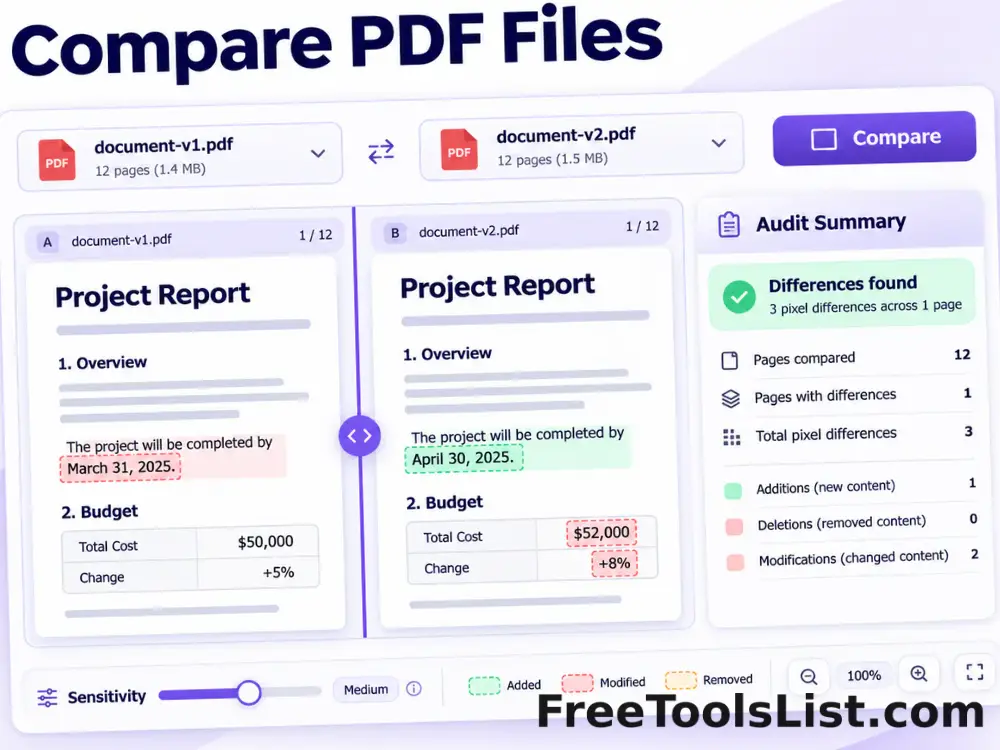
Compare PDF Files

Render matching pages from two PDFs, highlight pixel differences, adjust sensitivity and export a visual difference image plus an audit summary.

Delete PDF Pages tool previewDPPDF

Delete PDF Pages

Select page ranges to remove, review the remaining document on canvas and download a new PDF without those pages.

DICOM to PDF Converter tool previewDTPDF

DICOM to PDF Converter

Convert uncompressed DICOM image frames into PDF pages with windowing, inversion and a live diagnostic canvas preview.

EPS to PDF Converter tool previewETPDF

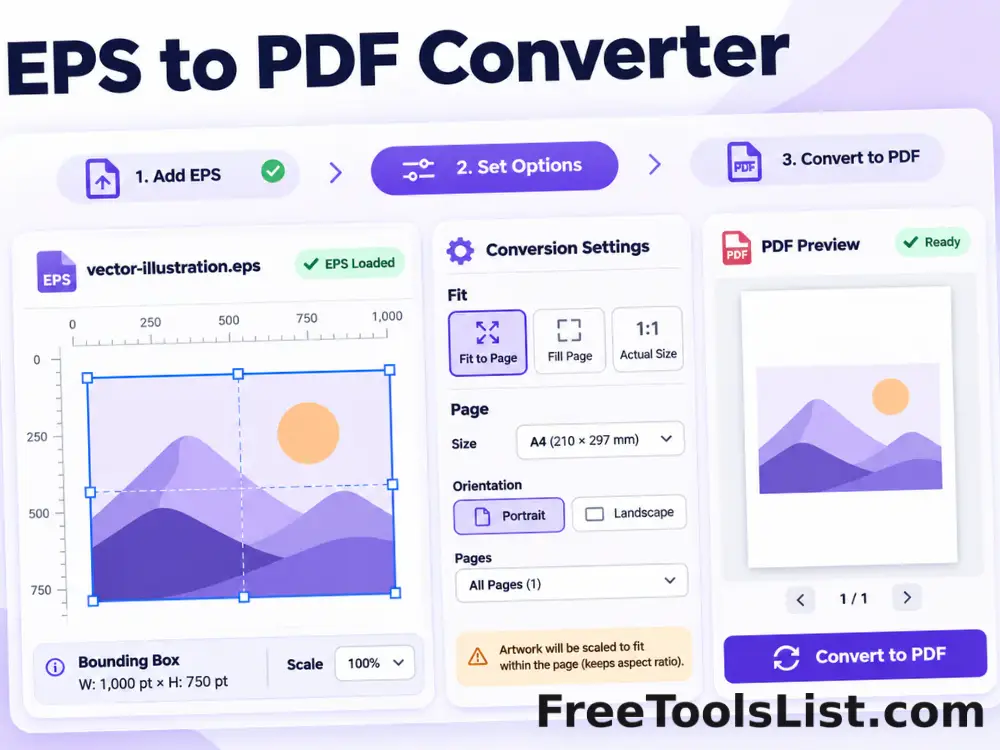
EPS to PDF Converter

Convert supported text-based EPS artwork into a fitted PDF page with bounding-box, scale and canvas preview controls.

EPUB to PDF Converter tool previewETPDF

EPUB to PDF Converter

Convert EPUB chapters into a readable PDF with page size, typography, margin and live canvas preview settings.

Excel to PDF Converter tool previewETPDF

Excel to PDF Converter

Turn spreadsheet data into a paginated PDF table with orientation, row-limit and scale controls plus a live canvas preview.

Extract Images from PDF tool previewEIPDF

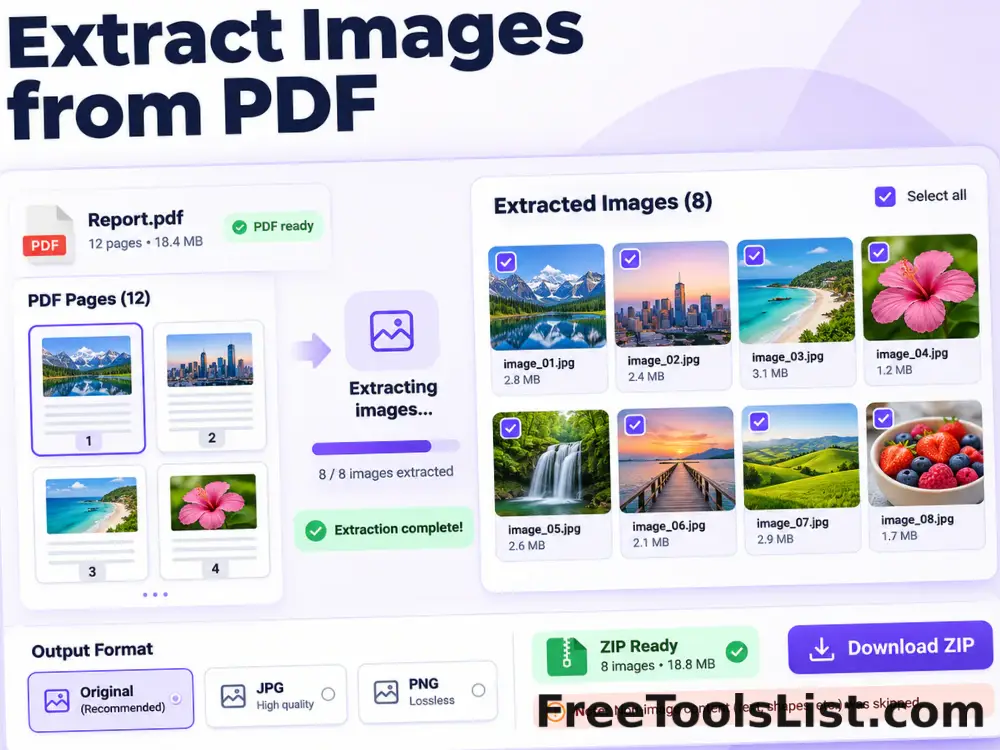
Extract Images from PDF

Extract recoverable embedded images and rendered page images from a PDF into a downloadable ZIP with canvas review.

Flatten PDF Forms and Annotations tool previewFPPDF

Flatten PDF Forms and Annotations

Bake supported annotations and form appearances into PDF page content, preview the result and download a non-editable copy.

HEIC to PDF Converter tool previewHTPDF

HEIC to PDF Converter

Convert a HEIC or HEIF image into a fitted PDF page with local decoding, orientation, margin and canvas preview controls.

Image to PDF Converter tool previewITPDF

Image to PDF Converter

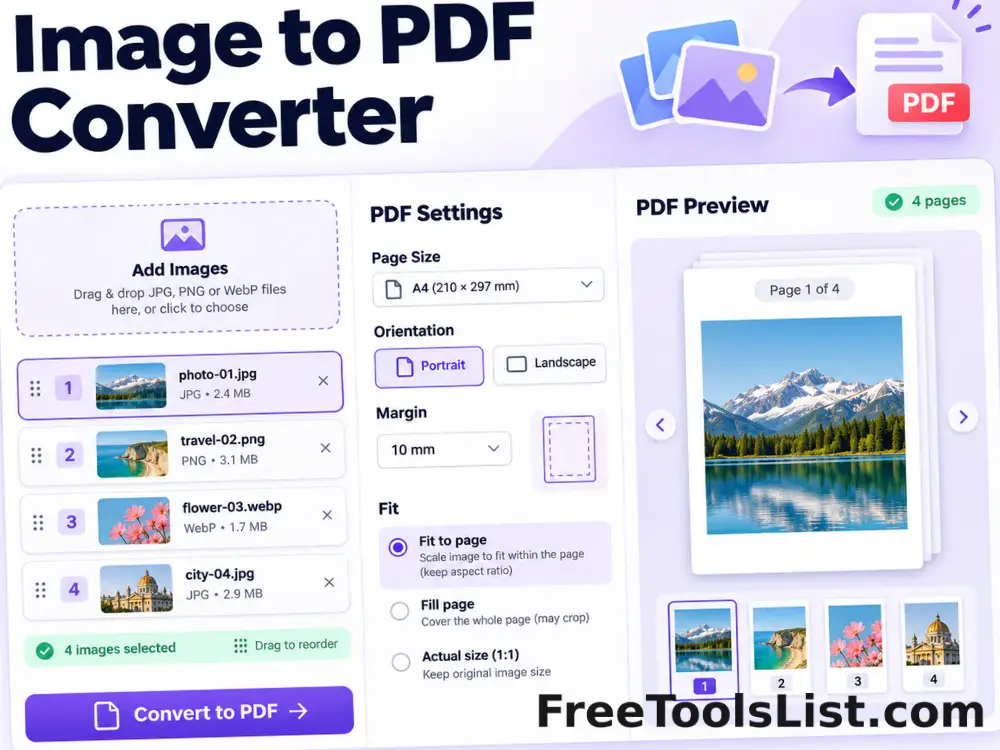
Combine JPG, PNG and WebP images into a polished PDF with drag-and-drop ordering, page-size, orientation, margin and fit controls plus a live page canvas.

Interleave PDF Files tool previewIPPDF

Interleave PDF Files

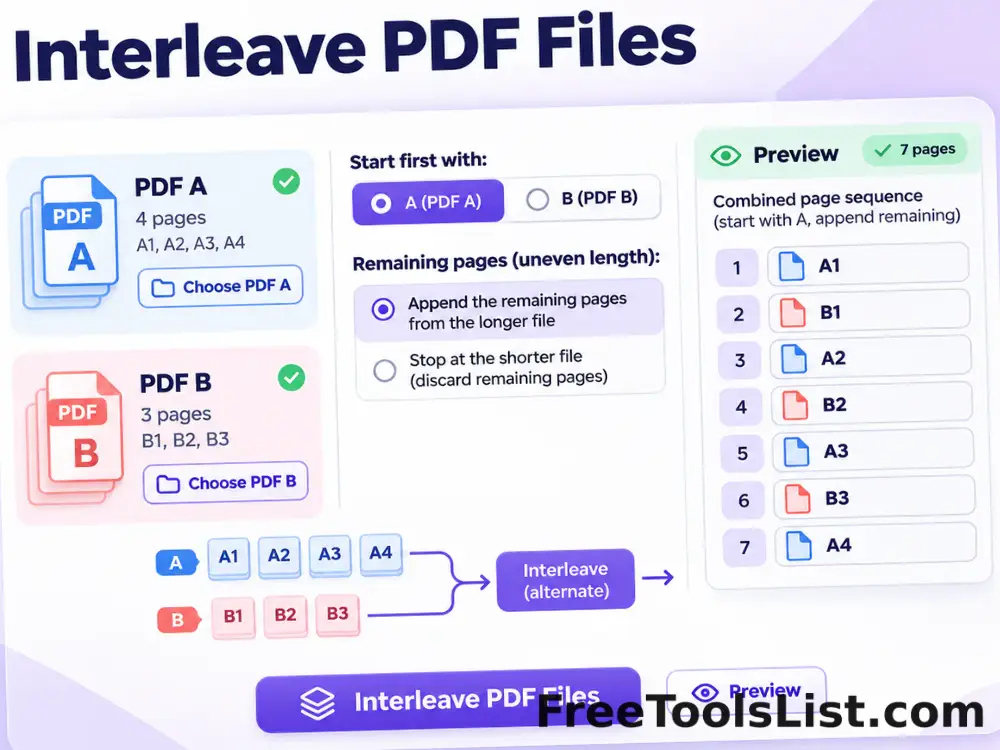
Alternate pages from two PDF files, choose which document starts first and append remaining pages with a combined preview before saving.

Markdown to PDF Converter tool previewMTPDF

Markdown to PDF Converter

Convert Markdown text or .md files into a clean PDF with page-size, orientation, typography, margin and table-of-contents controls plus a live canvas preview.

OCR PDF & Deskew Tool tool previewOPPDF

OCR PDF & Deskew Tool

Render scanned PDF pages, rotate them for deskewing, recognize English text locally and export searchable text with a page-by-page canvas preview.

ODT to PDF Converter tool previewOTPDF

ODT to PDF Converter

Convert OpenDocument text files into paginated PDFs using locally extracted content and a live page canvas.

PDF Accessibility Checker tool previewPAPDF

PDF Accessibility Checker

Audit a PDF for searchable text, document title, language metadata, consistent page sizes and image-only pages with a downloadable local report.

PDF Color Converter tool previewPCPDF

PDF Color Converter

Preview and convert PDF pages to grayscale, inverted, monochrome or high-contrast color modes entirely in the browser.

PDF Color Picker tool previewPCPDF

PDF Color Picker

Render a PDF page, click any pixel to sample HEX and RGB values, build a page palette and export the selected colors as JSON.

PDF Compressor tool previewPCPDF

PDF Compressor

Reduce PDF file size by flattening pages into optimized images with adjustable resolution and quality, before-and-after canvas preview and estimated savings.

PublishedUpdated