Browser-local document studio

Extract Images from PDF

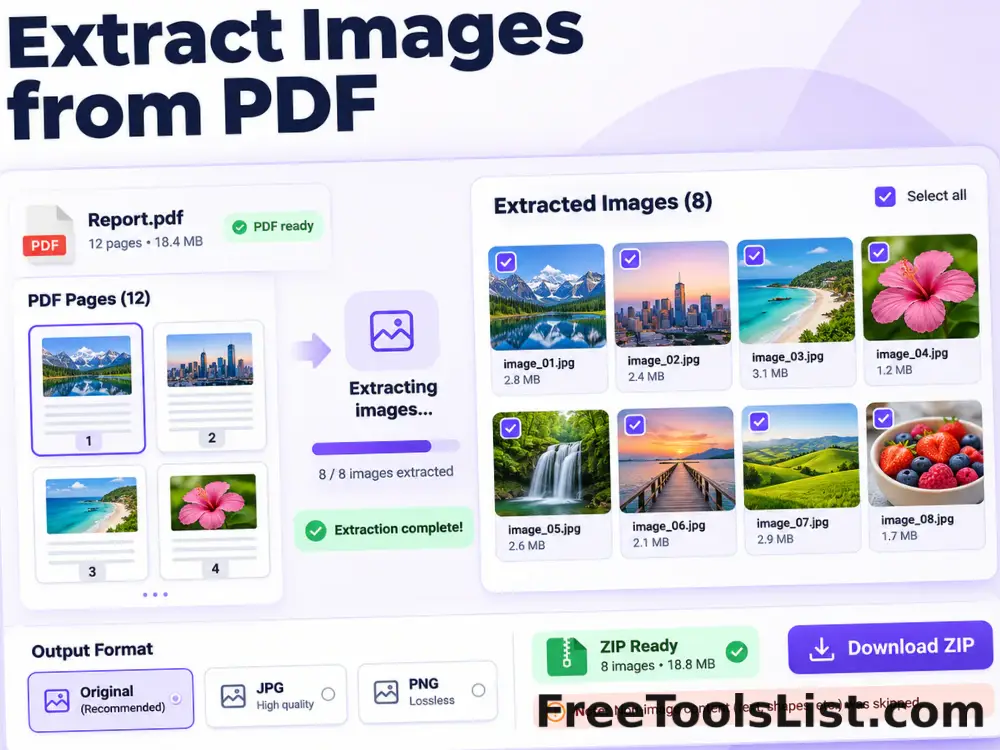
Extract recoverable embedded images and rendered page images from a PDF into a downloadable ZIP with canvas review.

● Local processing · Preview before saving · No account

Interactive workspace

Extract Images from PDF

Add a local file, adjust the focused controls and inspect the canvas before download.

PDF · Original safe
Loading the Extract PDF Images workspace…

Quick Tool Overview

Extract images with a review-first workflow.

Extract recoverable embedded images and rendered page images from a PDF into a downloadable ZIP with canvas review.

Use this tool to turn photographs, scans and artwork from PDF documents. The source remains untouched while a separate output is prepared only after review.

Important: Some PDFs slice or mask images; when an embedded image cannot be reconstructed, a clearly labelled page render is provided instead.

LOCALPrivate processing
CANVASLive preview
PDFFocused input
0Accounts needed
Preview before download

Inspect the canvas before saving.

Page navigation, file facts and operation-specific controls make the result reviewable.

Open Extract PDF Images

About the Tool

What Extract Images from PDF is for.

Extract recoverable embedded images and rendered page images from a PDF into a downloadable ZIP with canvas review.

The workspace reads supported structures locally, shows an active-page canvas and creates a separate output Blob in browser memory. Nothing downloads until you choose the result.

Some PDFs slice or mask images; when an embedded image cannot be reconstructed, a clearly labelled page render is provided instead.

Key Features

A modern, compact extract pdf images workflow.

Open the workspace →
◫

Real canvas preview

Inspect the active source or result page before any file is saved.

✓

Purpose-built controls

Use settings designed specifically for extract pdf images instead of a generic upload form.

⌂

Browser-local work

Source bytes, preview pixels and generated output remain in this tab.

↙

Original-safe export

The source is read only and every result receives a separate download.

PDF

Clear compatibility checks

The workspace validates PDF input and reports unsupported structures before export.

↔

Reviewable result

See page count, dimensions, output type and processing notes before downloading.

How to Use Extract Images from PDF

Complete the task in six reviewable steps.

Choose the source

Select a PDF file you are authorized to process.

Tip: Keep an untouched original for comparison.

Review file details

Confirm the filename, size, page or item count and compatibility message.

Tip: Resolve compatibility warnings before continuing.

Adjust the controls

Choose the page, range, layout or security settings shown for extract pdf images.

Tip: Change one setting at a time.

Inspect the canvas

Review the active page at a useful zoom and check edges, orientation and covered content.

Tip: Check small text and page edges closely.

Generate the result

Extract images locally and keep this tab open while the document is processed.

Tip: Keep the tab open until processing completes.

Download and verify

Open the saved result and verify it before sharing, printing or archiving.

Tip: Verify the saved file in its destination application.

Detailed Guidance

Get a reliable result without guesswork.

Start with a valid source

Open the source normally before using a converter. Damaged bytes, unsupported encryption and proprietary features can prevent reliable processing.

Use the canvas as a preflight

Review orientation, margins, cropping, page range and visible redaction areas. A preview catches common mistakes before a new file is generated.

Match the destination

Choose settings for editing, sharing, printing or archiving. Those destinations have different needs for fidelity, file size, security and conformance.

Preserve the original

The tool creates a new download and never overwrites the source. Keep the known-good original until the output has been opened and verified.

Known limitation

Some PDFs slice or mask images; when an embedded image cannot be reconstructed, a clearly labelled page render is provided instead.

Ready to begin?

Extract images locally.

Focused controls, visible preview and no remote upload queue.

Extract images →

Frequently Asked Questions

Popular extract pdf images questions.

Yes. The tool works locally without an account, subscription or watermark.

No. Files are read from the device and processed in browser memory.

This page accepts PDF. The workspace checks the extension and file structure before processing.

Yes. The canvas shows the active source or result page and updates when relevant settings change.

No. The source remains unchanged and the result downloads as a separate file.

Some PDFs slice or mask images; when an embedded image cannot be reconstructed, a clearly labelled page render is provided instead.

Local processing avoids an upload queue, but you should still follow your organization’s document-handling and retention rules.

Keep exploring

Similar Tools

Continue with related free tools selected from this category and the wider directory.

20 tools
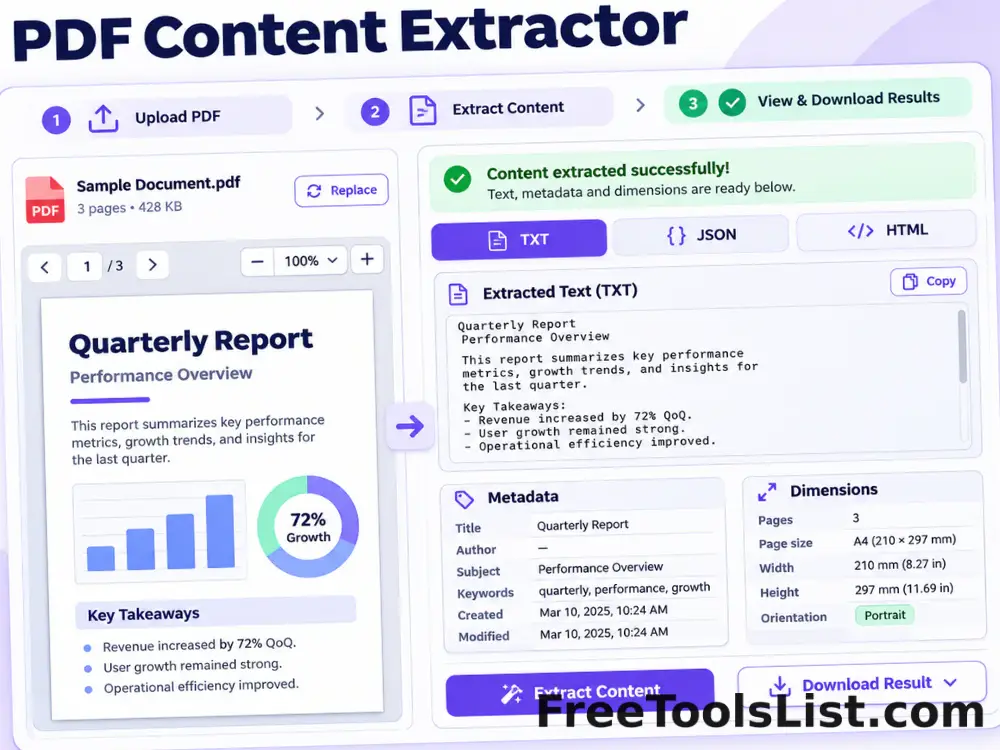
PDF Content Extractor tool previewPCPDF

PDF Content Extractor

Extract page text, metadata and dimensions from PDF files into clean TXT, structured JSON or readable HTML with a live source-page preview.

PDF Flipbook Maker tool previewPFPDF

PDF Flipbook Maker

Preview PDF pages with a page-turn presentation and export a self-contained HTML flipbook made from locally rendered page images.

PDF Rasterizer & Sanitizer tool previewPRPDF

PDF Rasterizer & Sanitizer

Rebuild PDF pages from browser-rendered images, optionally add a subtle scanned-paper effect, remove interactive content and preview every page.

Apple Pages to PDF Converter tool previewAPPDF

Apple Pages to PDF Converter

Create a PDF from an Apple Pages package by using its embedded Quick Look PDF or readable document text when available.

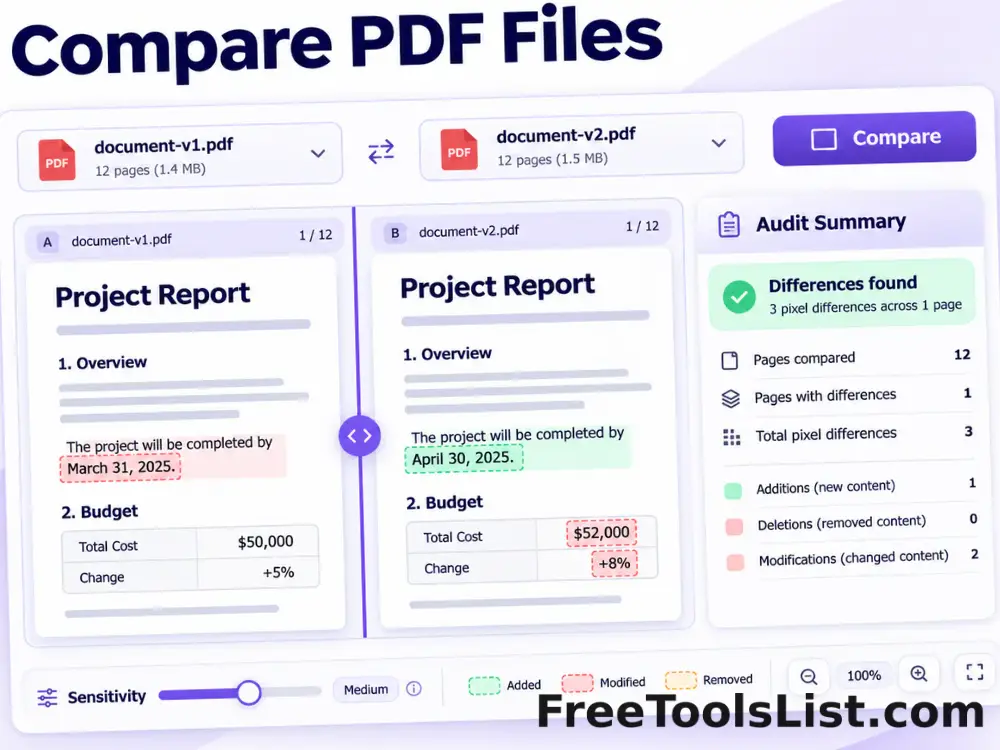
Compare PDF Files tool previewCPPDF

Compare PDF Files

Render matching pages from two PDFs, highlight pixel differences, adjust sensitivity and export a visual difference image plus an audit summary.

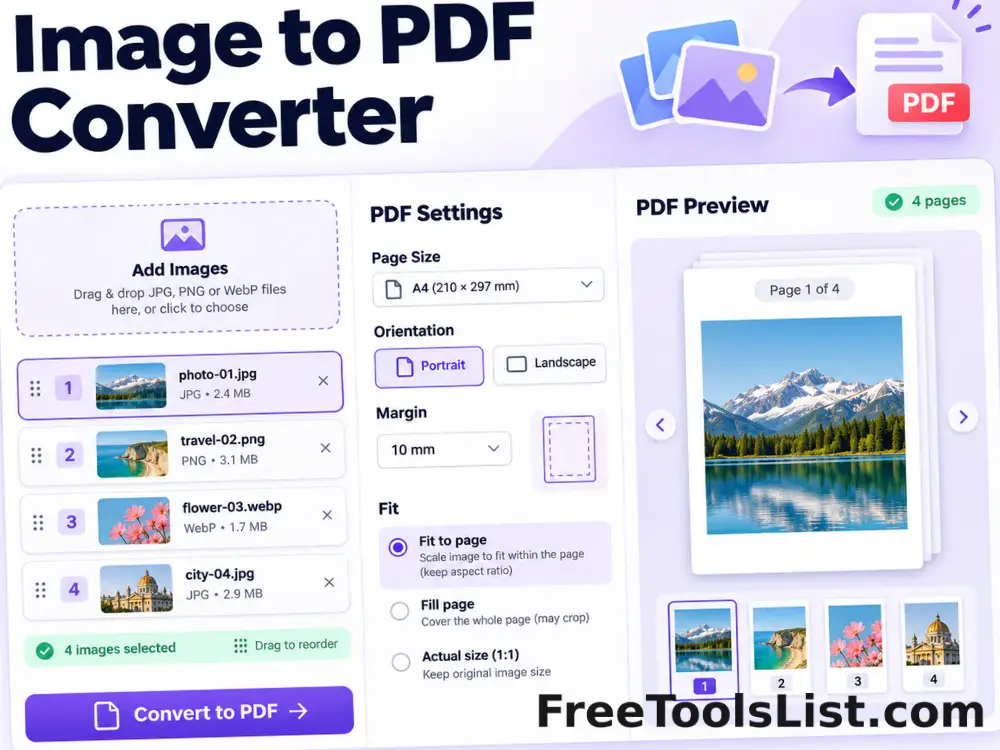
Image to PDF Converter tool previewITPDF

Image to PDF Converter

Combine JPG, PNG and WebP images into a polished PDF with drag-and-drop ordering, page-size, orientation, margin and fit controls plus a live page canvas.

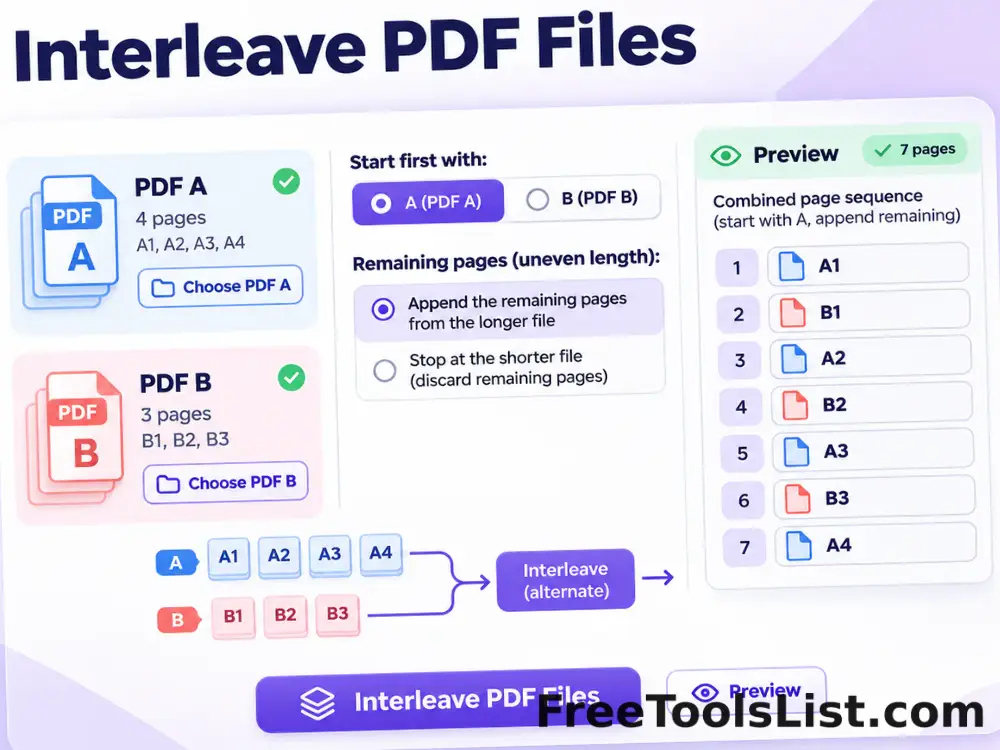
Interleave PDF Files tool previewIPPDF

Interleave PDF Files

Alternate pages from two PDF files, choose which document starts first and append remaining pages with a combined preview before saving.

ODT to PDF Converter tool previewOTPDF

ODT to PDF Converter

Convert OpenDocument text files into paginated PDFs using locally extracted content and a live page canvas.

PDF Compressor tool previewPCPDF

PDF Compressor

Reduce PDF file size by flattening pages into optimized images with adjustable resolution and quality, before-and-after canvas preview and estimated savings.

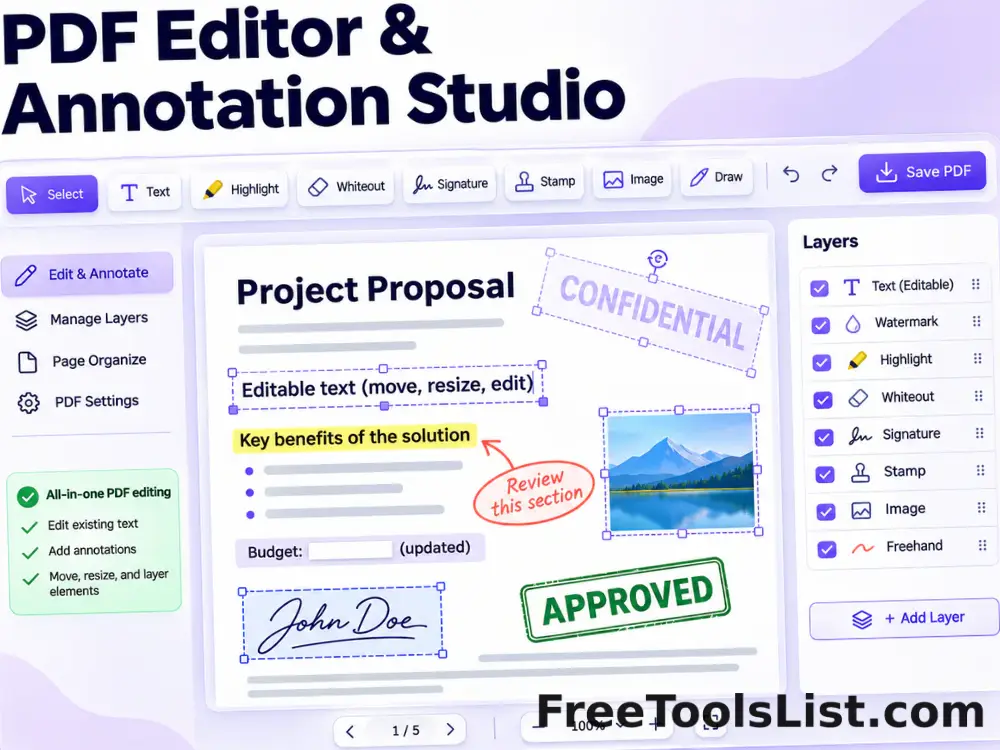
PDF Editor & Annotation Studio tool previewPEPDF

PDF Editor & Annotation Studio

Add text, watermarks, page numbers, highlights, whiteout boxes, signatures, stamps, images and freehand marks to PDF pages on a live canvas.

PDF Overlay Tool tool previewPOPDF

PDF Overlay Tool

Place pages from a second PDF over the first, adjust opacity, alignment and page repetition, then inspect the combined canvas before download.

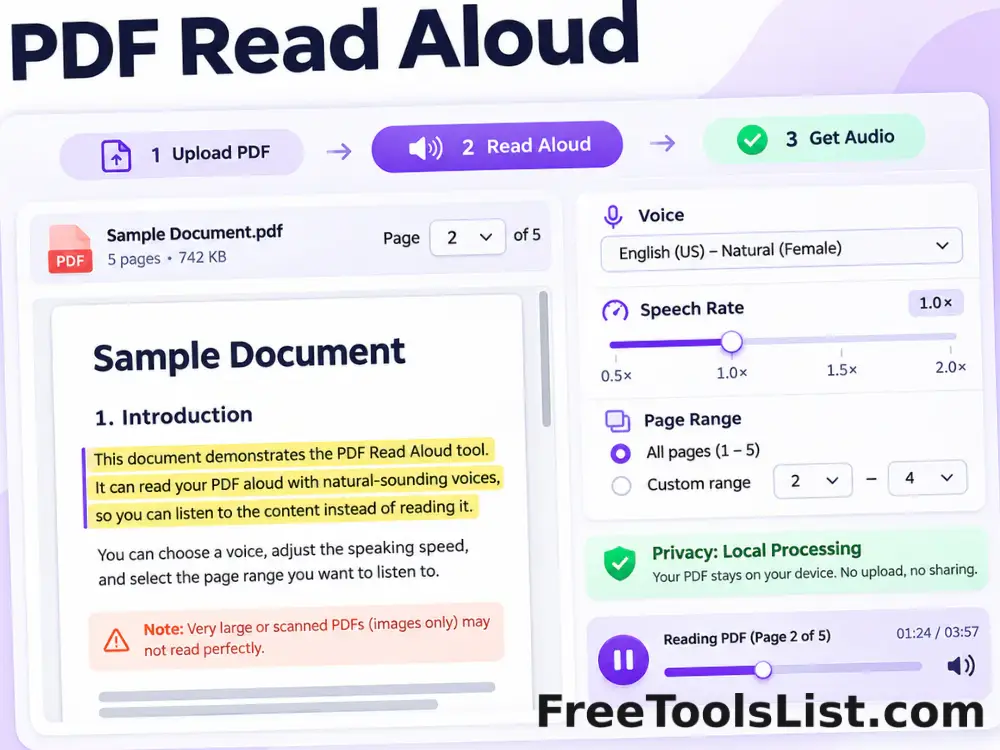
PDF Read Aloud tool previewPRPDF

PDF Read Aloud

Extract searchable PDF text, choose an installed browser voice, adjust speech rate and read selected pages aloud without uploading the document.

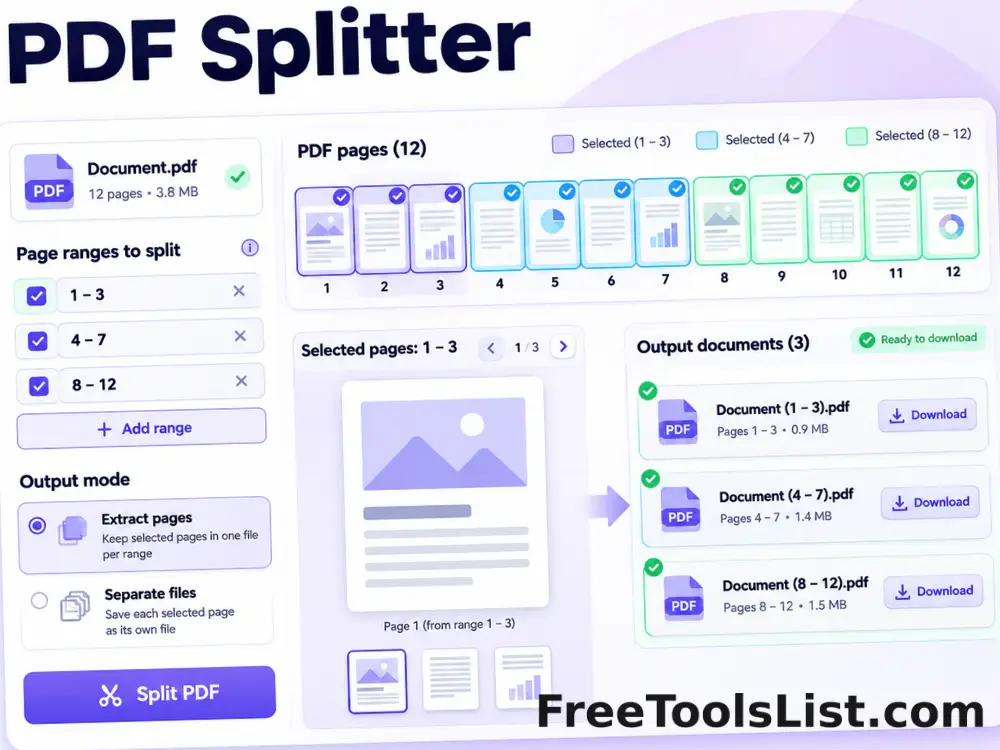
PDF Splitter tool previewPSPDF

PDF Splitter

Split a PDF by page range, extract selected pages into one new document or create separate PDFs, with page thumbnails and a live selected-page canvas.

PDF to Excel Converter tool previewPTPDF

PDF to Excel Converter

Extract PDF text rows into CSV spreadsheet data with delimiter controls and a live source-page preview.

PDF to Image Converter tool previewPTPDF

PDF to Image Converter

Convert PDF pages to high-quality JPG, PNG or WebP images, or join selected pages into one long image. Preview every result and download locally.

PDF to Word Converter tool previewPTPDF

PDF to Word Converter

Extract PDF text into an editable RTF document with page boundaries, paragraph cleanup and a rendered page preview.

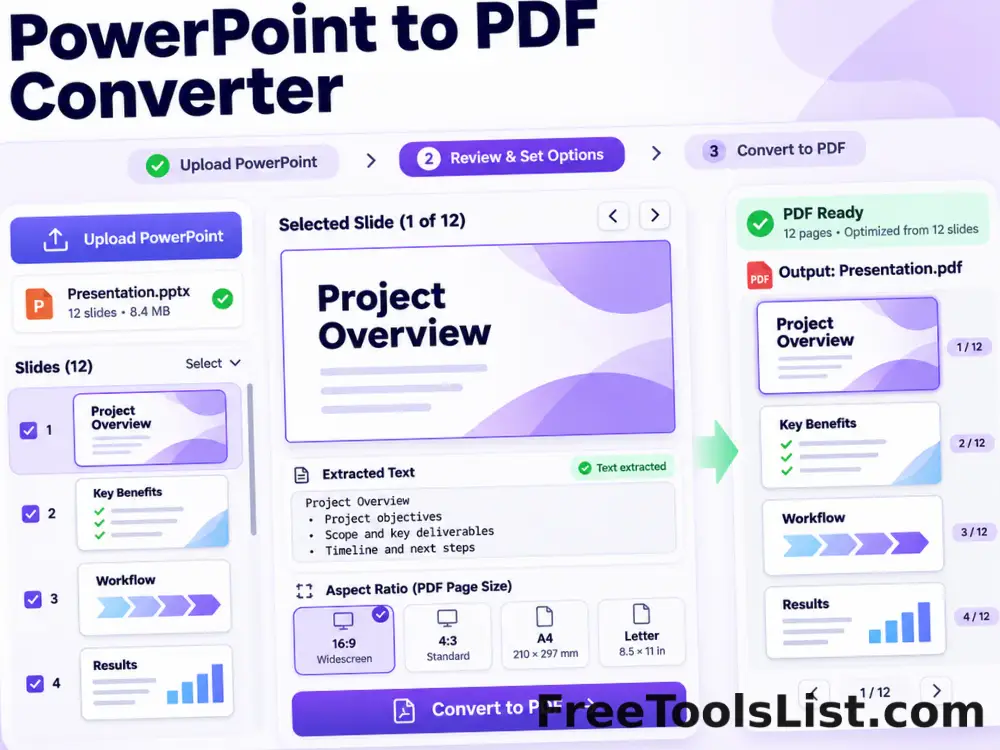
PowerPoint to PDF Converter tool previewPTPDF

PowerPoint to PDF Converter

Convert presentation slides to PDF pages with extracted slide text, aspect-ratio controls and a before-save canvas preview.

Publisher to PDF Converter tool previewPTPDF

Publisher to PDF Converter

Inspect a Microsoft Publisher file locally and create a PDF from recoverable text or an embedded preview when the source exposes one.

Word to PDF Converter tool previewWTPDF

Word to PDF Converter

Convert Word files into a clean PDF using locally extracted document text, page controls and a live canvas preview.

AutoCAD to PDF Converter tool previewATPDF

AutoCAD to PDF Converter

Turn supported ASCII DXF drawings into PDF with fit, line-weight, background and canvas preview controls.

PublishedUpdated