Browser-local document studio

Protect PDF with Password

Add AES-256 password protection and document permissions to a PDF entirely in the browser, with a canvas preview before saving.

● Local processing · Preview before saving · No account

Interactive workspace

Protect PDF with Password

Add a local file, adjust the focused controls and inspect the canvas before download.

PDF · Original safe
Loading the Protect PDF workspace…

Quick Tool Overview

Protect PDF with a review-first workflow.

Add AES-256 password protection and document permissions to a PDF entirely in the browser, with a canvas preview before saving.

Use this tool to turn confidential documents with an open password and controlled permissions. The source remains untouched while a separate output is prepared only after review.

Important: Password recovery is impossible by design; store the password safely and verify the protected file before deleting any unprotected source.

LOCALPrivate processing
CANVASLive preview
PDFFocused input
0Accounts needed
Preview before download

Inspect the canvas before saving.

Page navigation, file facts and operation-specific controls make the result reviewable.

Open Protect PDF

About the Tool

What Protect PDF with Password is for.

Add AES-256 password protection and document permissions to a PDF entirely in the browser, with a canvas preview before saving.

The workspace reads supported structures locally, shows an active-page canvas and creates a separate output Blob in browser memory. Nothing downloads until you choose the result.

Password recovery is impossible by design; store the password safely and verify the protected file before deleting any unprotected source.

Key Features

A modern, compact protect pdf workflow.

Open the workspace →
◫

Real canvas preview

Inspect the active source or result page before any file is saved.

✓

Purpose-built controls

Use settings designed specifically for protect pdf instead of a generic upload form.

⌂

Browser-local work

Source bytes, preview pixels and generated output remain in this tab.

↙

Original-safe export

The source is read only and every result receives a separate download.

PDF

Clear compatibility checks

The workspace validates PDF input and reports unsupported structures before export.

↔

Reviewable result

See page count, dimensions, output type and processing notes before downloading.

How to Use Protect PDF with Password

Complete the task in six reviewable steps.

Choose the source

Select a PDF file you are authorized to process.

Tip: Keep an untouched original for comparison.

Review file details

Confirm the filename, size, page or item count and compatibility message.

Tip: Resolve compatibility warnings before continuing.

Adjust the controls

Choose the page, range, layout or security settings shown for protect pdf.

Tip: Change one setting at a time.

Inspect the canvas

Review the active page at a useful zoom and check edges, orientation and covered content.

Tip: Check small text and page edges closely.

Generate the result

Protect PDF locally and keep this tab open while the document is processed.

Tip: Keep the tab open until processing completes.

Download and verify

Open the saved result and verify it before sharing, printing or archiving.

Tip: Verify the saved file in its destination application.

Detailed Guidance

Get a reliable result without guesswork.

Start with a valid source

Open the source normally before using a converter. Damaged bytes, unsupported encryption and proprietary features can prevent reliable processing.

Use the canvas as a preflight

Review orientation, margins, cropping, page range and visible redaction areas. A preview catches common mistakes before a new file is generated.

Match the destination

Choose settings for editing, sharing, printing or archiving. Those destinations have different needs for fidelity, file size, security and conformance.

Preserve the original

The tool creates a new download and never overwrites the source. Keep the known-good original until the output has been opened and verified.

Known limitation

Password recovery is impossible by design; store the password safely and verify the protected file before deleting any unprotected source.

Ready to begin?

Protect PDF locally.

Focused controls, visible preview and no remote upload queue.

Protect PDF →

Frequently Asked Questions

Popular protect pdf questions.

Yes. The tool works locally without an account, subscription or watermark.

No. Files are read from the device and processed in browser memory.

This page accepts PDF. The workspace checks the extension and file structure before processing.

Yes. The canvas shows the active source or result page and updates when relevant settings change.

No. The source remains unchanged and the result downloads as a separate file.

Password recovery is impossible by design; store the password safely and verify the protected file before deleting any unprotected source.

Local processing avoids an upload queue, but you should still follow your organization’s document-handling and retention rules.

Keep exploring

Similar Tools

Continue with related free tools selected from this category and the wider directory.

20 tools
Unlock PDF tool previewUPPDF

Unlock PDF

Remove authorized PDF password protection locally using the current password, then preview and download an unencrypted copy.

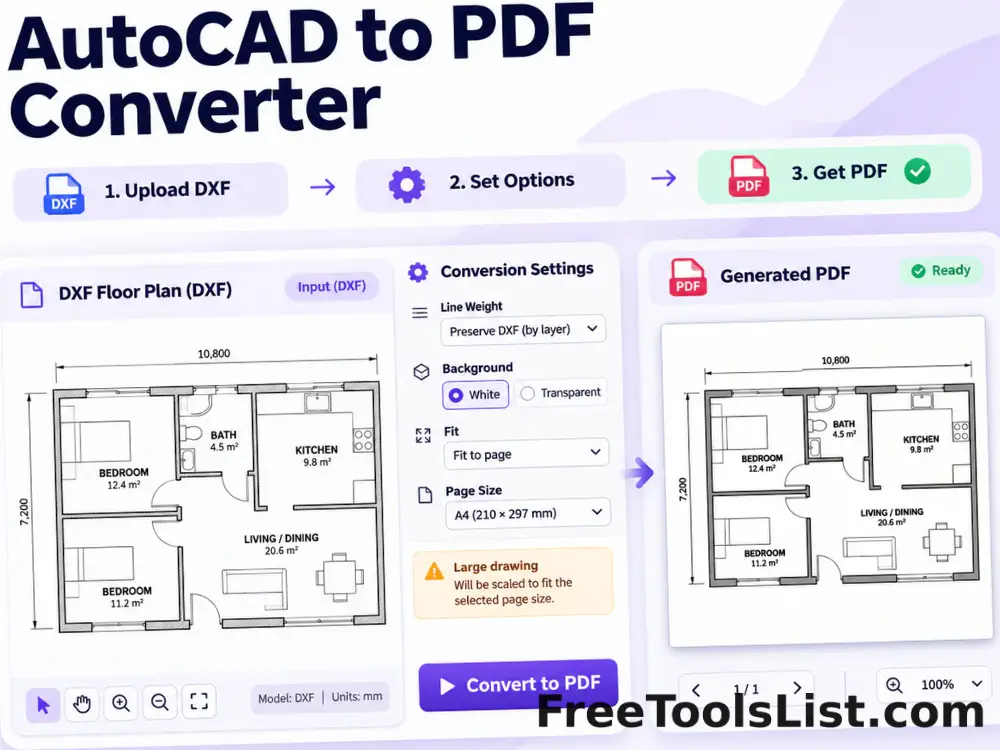
AutoCAD to PDF Converter tool previewATPDF

AutoCAD to PDF Converter

Turn supported ASCII DXF drawings into PDF with fit, line-weight, background and canvas preview controls.

Delete PDF Pages tool previewDPPDF

Delete PDF Pages

Select page ranges to remove, review the remaining document on canvas and download a new PDF without those pages.

DICOM to PDF Converter tool previewDTPDF

DICOM to PDF Converter

Convert uncompressed DICOM image frames into PDF pages with windowing, inversion and a live diagnostic canvas preview.

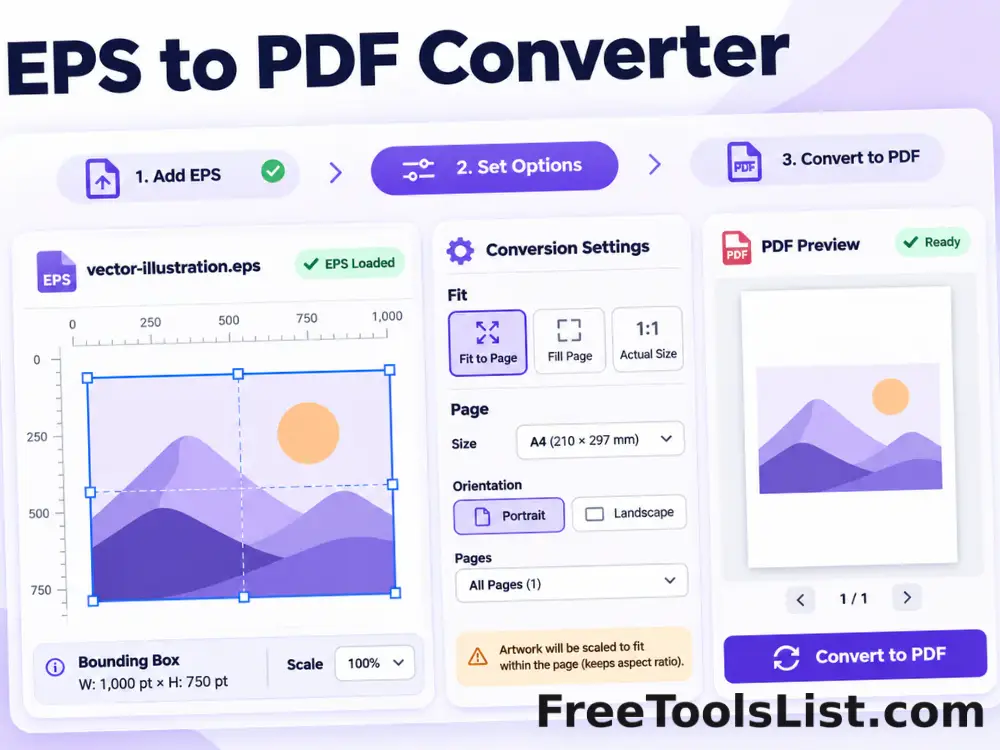
EPS to PDF Converter tool previewETPDF

EPS to PDF Converter

Convert supported text-based EPS artwork into a fitted PDF page with bounding-box, scale and canvas preview controls.

EPUB to PDF Converter tool previewETPDF

EPUB to PDF Converter

Convert EPUB chapters into a readable PDF with page size, typography, margin and live canvas preview settings.

Excel to PDF Converter tool previewETPDF

Excel to PDF Converter

Turn spreadsheet data into a paginated PDF table with orientation, row-limit and scale controls plus a live canvas preview.

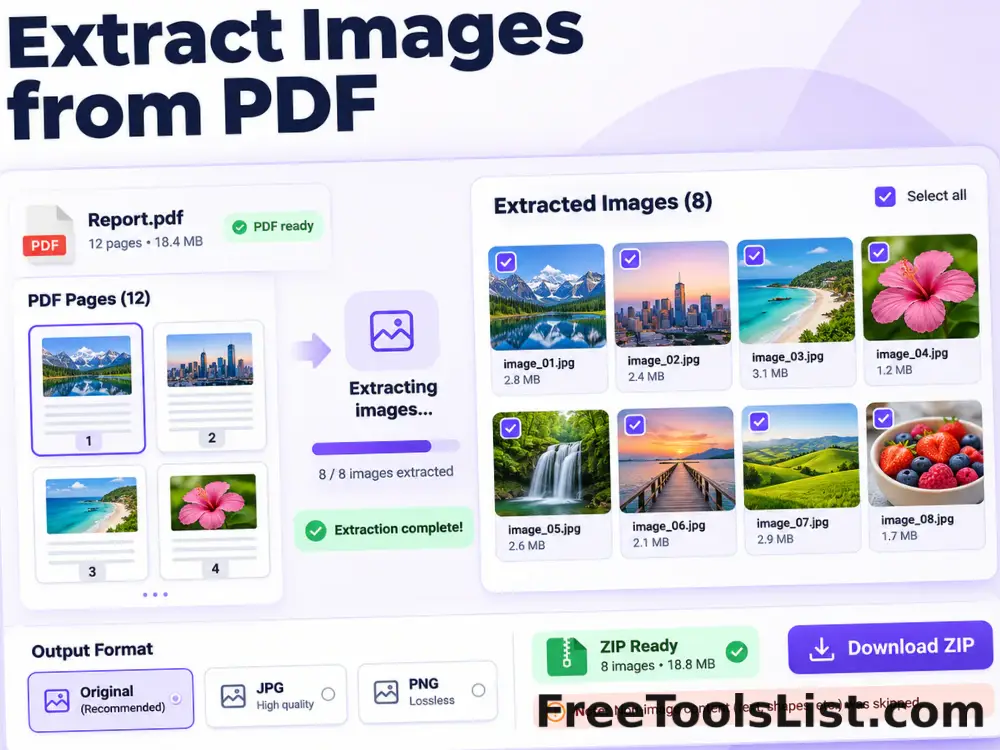
Extract Images from PDF tool previewEIPDF

Extract Images from PDF

Extract recoverable embedded images and rendered page images from a PDF into a downloadable ZIP with canvas review.

HEIC to PDF Converter tool previewHTPDF

HEIC to PDF Converter

Convert a HEIC or HEIF image into a fitted PDF page with local decoding, orientation, margin and canvas preview controls.

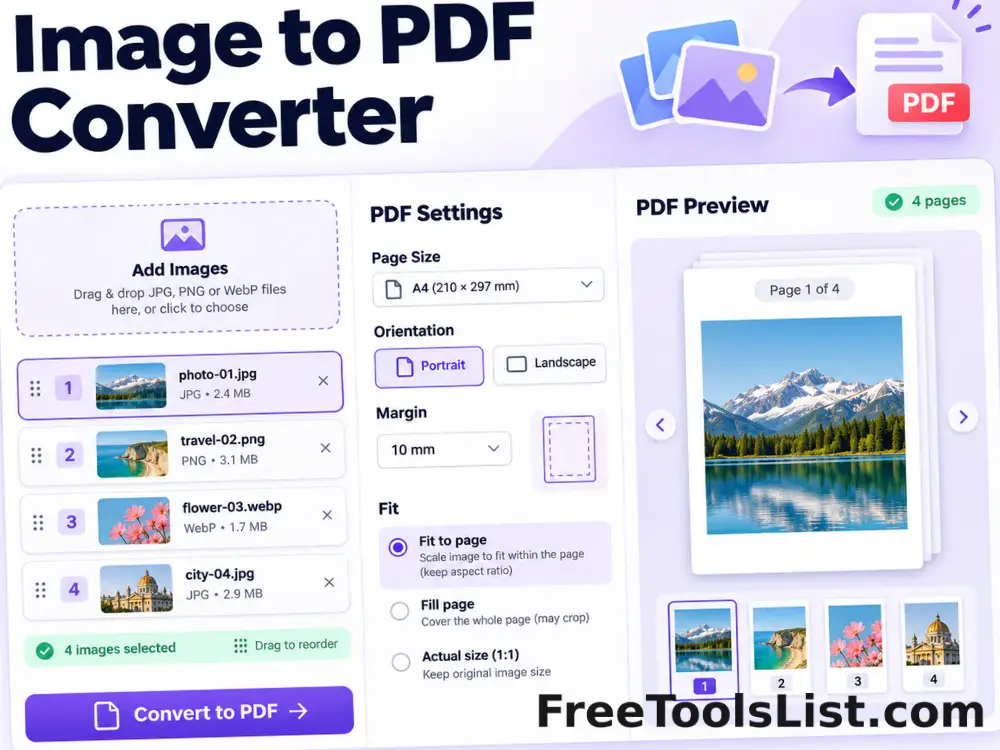
Image to PDF Converter tool previewITPDF

Image to PDF Converter

Combine JPG, PNG and WebP images into a polished PDF with drag-and-drop ordering, page-size, orientation, margin and fit controls plus a live page canvas.

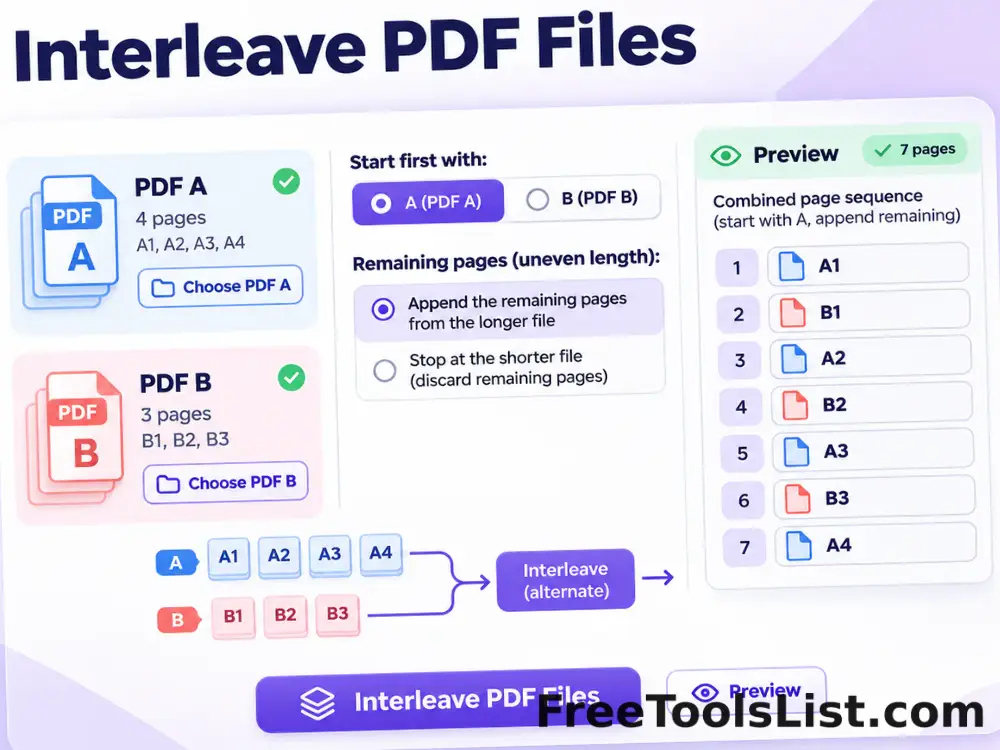
Interleave PDF Files tool previewIPPDF

Interleave PDF Files

Alternate pages from two PDF files, choose which document starts first and append remaining pages with a combined preview before saving.

Markdown to PDF Converter tool previewMTPDF

Markdown to PDF Converter

Convert Markdown text or .md files into a clean PDF with page-size, orientation, typography, margin and table-of-contents controls plus a live canvas preview.

OCR PDF & Deskew Tool tool previewOPPDF

OCR PDF & Deskew Tool

Render scanned PDF pages, rotate them for deskewing, recognize English text locally and export searchable text with a page-by-page canvas preview.

PDF Accessibility Checker tool previewPAPDF

PDF Accessibility Checker

Audit a PDF for searchable text, document title, language metadata, consistent page sizes and image-only pages with a downloadable local report.

PDF Compressor tool previewPCPDF

PDF Compressor

Reduce PDF file size by flattening pages into optimized images with adjustable resolution and quality, before-and-after canvas preview and estimated savings.

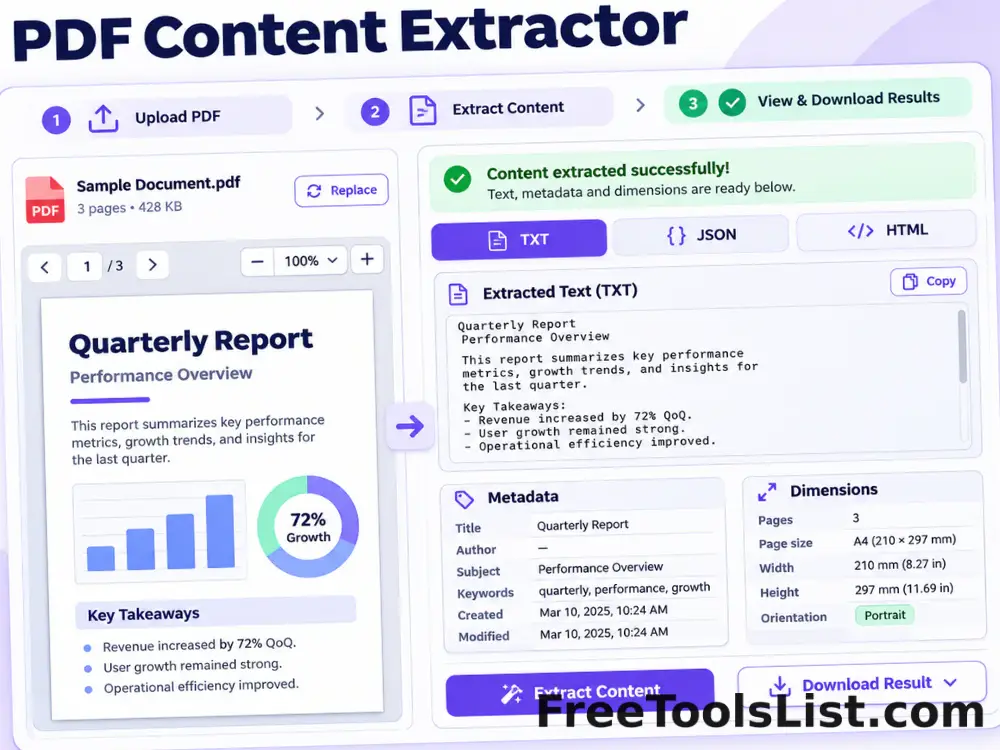
PDF Content Extractor tool previewPCPDF

PDF Content Extractor

Extract page text, metadata and dimensions from PDF files into clean TXT, structured JSON or readable HTML with a live source-page preview.

PDF Flipbook Maker tool previewPFPDF

PDF Flipbook Maker

Preview PDF pages with a page-turn presentation and export a self-contained HTML flipbook made from locally rendered page images.

PDF Imposition Studio tool previewPIPDF

PDF Imposition Studio

Arrange PDF pages as 2-up or 4-up sheets, create booklet order, or tile large pages across printable sheets with a canvas preview.

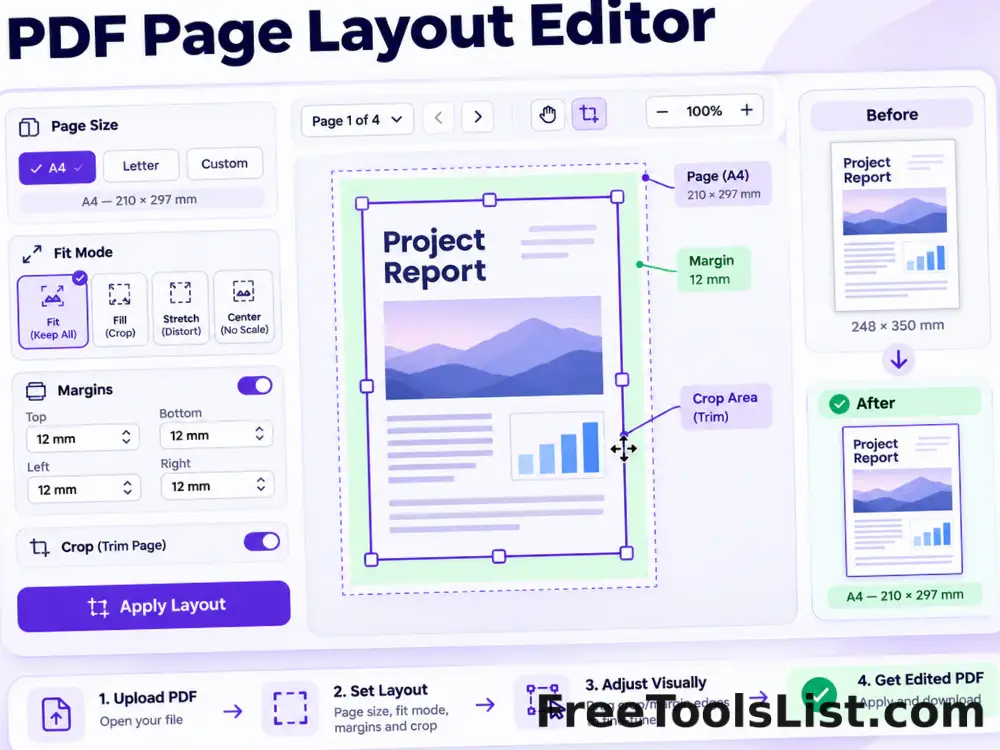
PDF Page Layout Editor tool previewPPPDF

PDF Page Layout Editor

Change PDF page size, crop edges, add margins and fit original content onto A4, Letter or custom pages with a live before-save canvas.

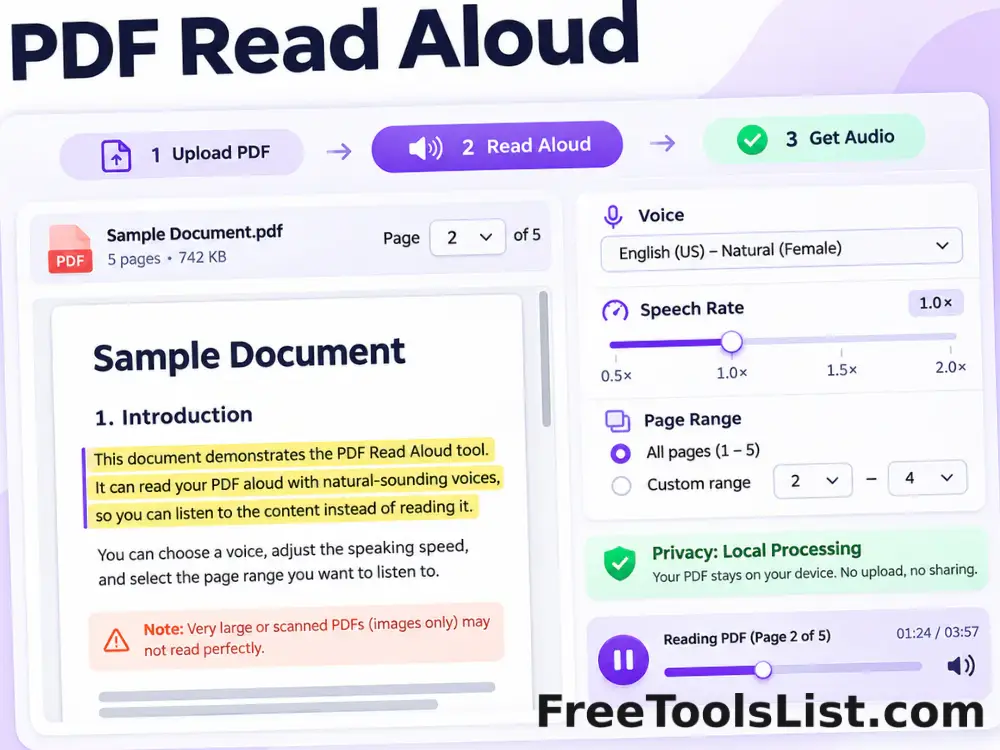
PDF Read Aloud tool previewPRPDF

PDF Read Aloud

Extract searchable PDF text, choose an installed browser voice, adjust speech rate and read selected pages aloud without uploading the document.

PublishedUpdated