Modern local image studio

Seamless Texture Maker

Create a repeatable texture using mirrored or offset blending and inspect a multi-tile proof before saving.

● Preview before saving · Browser-local processing · No account

Seamless Texture Maker workspace

Load images, adjust the visible controls and review the canvas before saving a new file.

Local · original safe

Loading the Seamless Texture canvas…

Quick Tool Overview

Seamless Texture with a preview-first workflow.

The Seamless Texture Maker helps you prepare repeating backgrounds, game textures, material swatches and web patterns.

Mirrored mode reflects scaled quadrants so opposite outer edges match; offset mode wraps the source by half its width and height and cross-blends the center.

CANVASLive preview
LOCALPrivate processing
TILEFocused controls
0Accounts needed
Review before use. Automatic texture synthesis cannot remove every directional object, shadow or lighting gradient.

About the Tool

What the Seamless Texture Maker does.

Primary purpose

Use this page to prepare repeating backgrounds, game textures, material swatches and web patterns.

Transparent method

Mirrored mode reflects scaled quadrants so opposite outer edges match; offset mode wraps the source by half its width and height and cross-blends the center.

Preview-first design

The complete canvas is visible before the Save result button creates a download.

Private images

Selected files stay on this computer and are never sent to an external image service.

Original-safe workflow

The original file is only read. Every export is created as a separate result.

Important limitation

Automatic texture synthesis cannot remove every directional object, shadow or lighting gradient.
Key Features

A complete, modern seamless texture workspace.

▧

Live canvas before saving

The complete seamless texture result remains visible before any download begins.

↔

Focused controls

Use explicit controls for seamless method, blend width, tone averaging and proof-grid size.

✓

Browser-local image work

Pixel analysis and canvas rendering stay in the current browser; the lossless JPEG tool contacts only this local server.

↓

Original-safe export

Source files are read only and every saved result is created as a separate file.

How to Use the Seamless Texture Maker

Complete the task in five detailed steps.

Load source images

Choose the local image required for the task, or use Load demo to explore the controls safely.

Step 1: Keep the original source available for comparison.

Configure the controls

Adjust seamless method, blend width, tone averaging and proof-grid size. The preview updates locally so settings remain visible and reproducible.

Step 2: Keep the original source available for comparison.

Inspect the live canvas

Review the complete canvas before saving. Use the separate tiling proof to look for visible crosses, tonal bands and repeated focal objects.

Step 3: The canvas is the final visual checkpoint before saving.

Check measurements and warnings

Read the displayed dimensions, counts, percentages or format details and account for this limitation: Automatic texture synthesis cannot remove every directional object, shadow or lighting gradient.

Step 4: Keep the original source available for comparison.

Save a new result

Choose PNG or JPEG where available and download only after the preview is correct. The original source file is never overwritten.

Step 5: Keep the original source available for comparison.

Ready to begin?

Build the result locally and inspect it first.

No sign-up, remote image queue or source overwrite.

Open Seamless Texture →

Frequently Asked Questions

Popular seamless texture questions.

Mirrored mode reflects scaled quadrants so opposite outer edges match; offset mode wraps the source by half its width and height and cross-blends the center.

Use the separate tiling proof to look for visible crosses, tonal bands and repeated focal objects.

Automatic texture synthesis cannot remove every directional object, shadow or lighting gradient.
Yes. It works locally without an account, subscription, watermark or usage quota.

No. Image processing stays in this browser. The lossless progressive-JPEG page sends the JPEG only to the FreeToolsList.com server running on this computer so its bundled jpegtran utility can perform the transform.

Keep exploring

Similar Tools

Continue with related free tools selected from this category and the wider directory.

20 tools
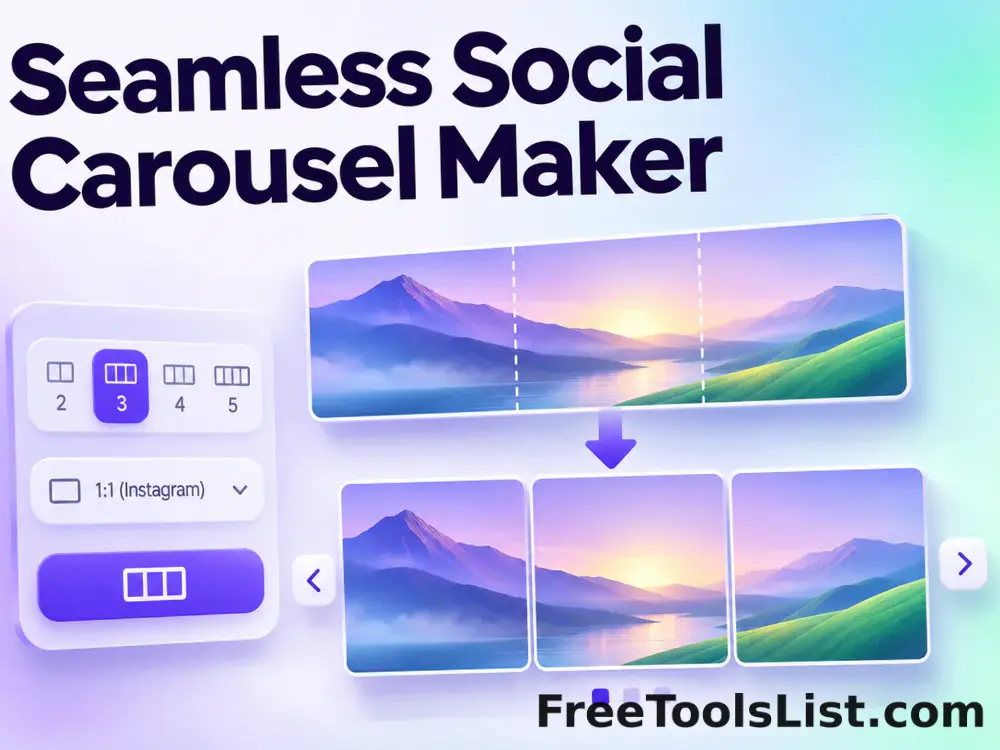
Seamless Social Carousel Maker tool previewSSImages

Seamless Social Carousel Maker

Build one wide Instagram or LinkedIn carousel canvas, position a background image and headline across slide boundaries, preview cut guides, then download every numbered slide in a ZIP.

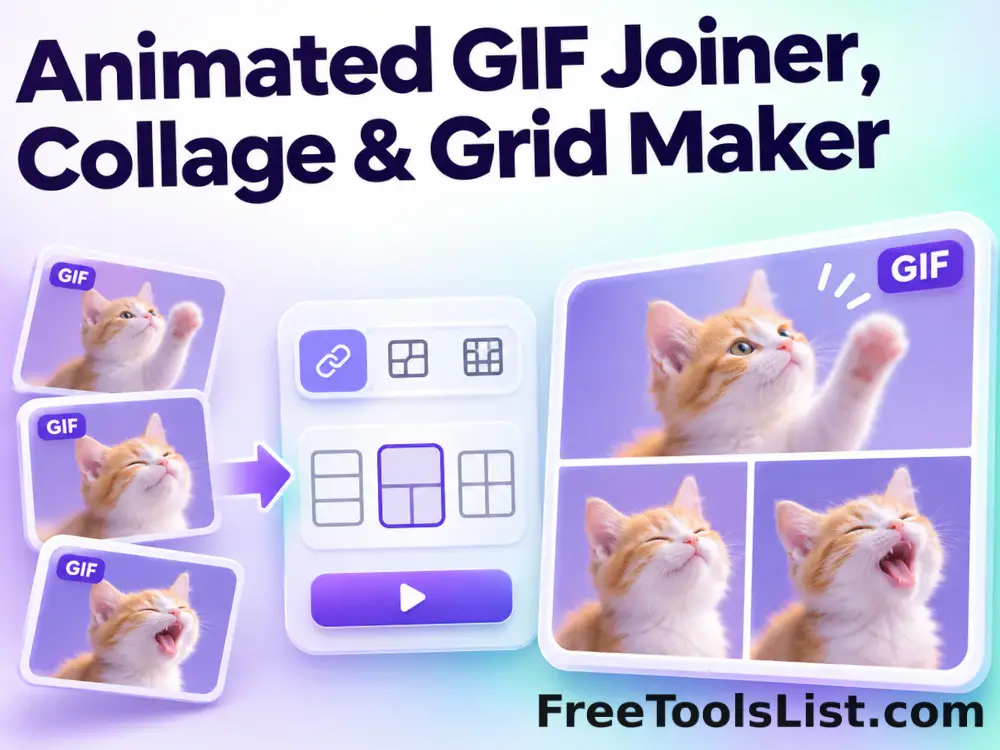
Animated GIF Joiner, Collage & Grid Maker tool previewAGImages

Animated GIF Joiner, Collage & Grid Maker

Join two to four animated GIFs horizontally, vertically or in a 2×2 grid with fit, cell-size, gap, background, duration and frame-rate controls plus a live synchronized canvas.

Animated Text to GIF Maker tool previewATImages

Animated Text to GIF Maker

Create an animated text GIF with typewriter, fade, bounce or neon motion, exact canvas sizing, colors, typography, speed and loop controls, plus a live canvas preview before export.

Automatic Detail Enhancer tool previewADImages

Automatic Detail Enhancer

Enhance local detail, texture and perceived clarity automatically with intensity, radius, contrast and color-protection controls.

Canvas Texture Photo Effect tool previewCTImages

Canvas Texture Photo Effect

Give a photograph a woven artist-canvas texture with fiber intensity, size, density, angle and sharpening controls on a live preview.

GIF Animation Maker tool previewGAImages

GIF Animation Maker

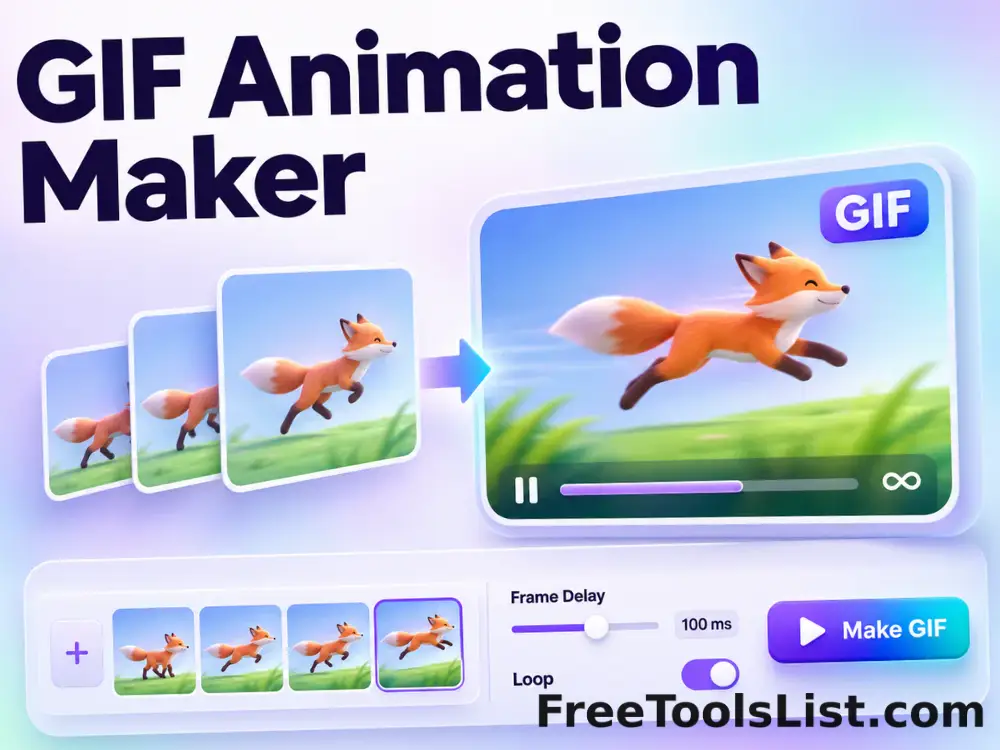
Build and preview an animated GIF from multiple images with frame timing, repeat, reverse and fit controls.

GIF Frame Extractor & Sprite Sheet Maker tool previewGFImages

GIF Frame Extractor & Sprite Sheet Maker

Extract every GIF frame to PNG, inspect a thumbnail filmstrip, download selected frames or a ZIP, and arrange the sequence into a configurable sprite sheet canvas.

Motivational & Demotivational Poster Maker tool previewMDImages

Motivational & Demotivational Poster Maker

Create a modern motivational or demotivational poster with custom title, explanation, colors and typography.

Online Signature Maker tool previewOSImages

Online Signature Maker

Draw a signature with mouse, pen or touch, choose ink color and thickness, preview it on a transparent canvas and download an automatically cropped PNG.

Passport Photo & ID Sheet Maker tool previewPPImages

Passport Photo & ID Sheet Maker

Compose common 2×2 inch and 35×45 mm ID photos, adjust crop, zoom, position and background, then preview a single photo or printable 4×6 sheet before saving.

Photo Collage Maker tool previewPCImages

Photo Collage Maker

Arrange multiple images into a customizable grid with cell size, columns, gaps, padding, fitting, background and shadows.

PNG Outline Maker tool previewPOImages

PNG Outline Maker

Add a clean colored outline around the visible shape of a transparent PNG, control edge width and padding, inspect the full canvas, then download the reviewed PNG.

Profile Picture Maker tool previewPPImages

Profile Picture Maker

Create a polished square or circular profile picture with zoom, rotation, position, background, ring, shadow and filter controls on a live 1080×1080 canvas.

Scanned Image Maker tool previewSIImages

Scanned Image Maker

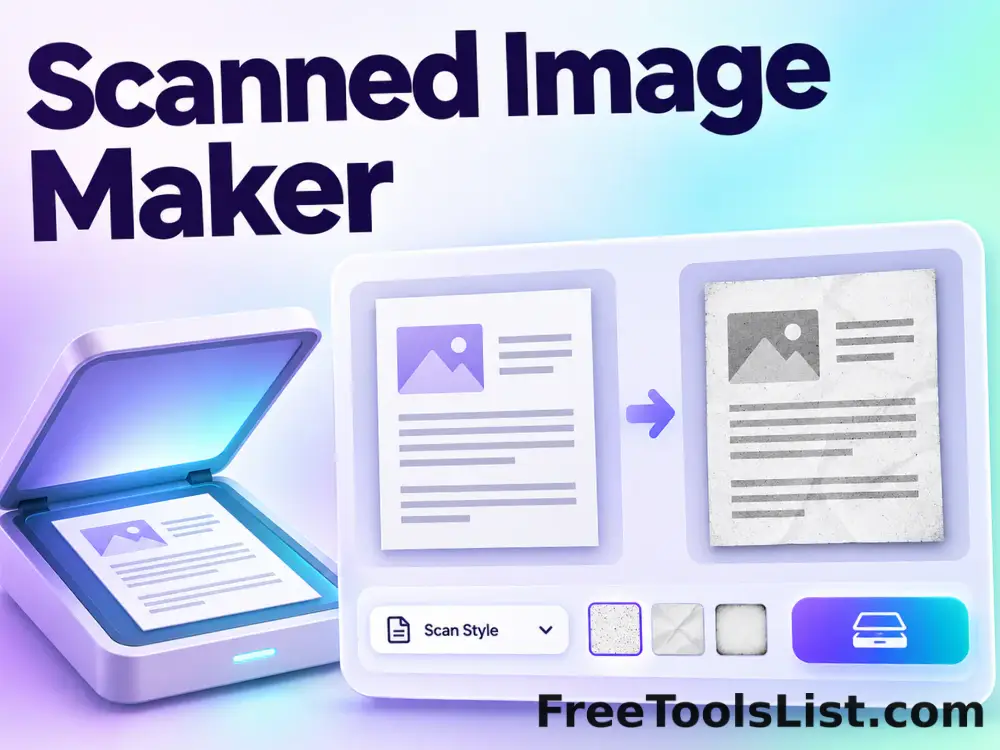
Make photos or document images look scanned with brightness, contrast, grayscale, rotation, paper padding, noise and blur controls, batch preview and local export.

Screen Tutorial Maker tool previewSTImages

Screen Tutorial Maker

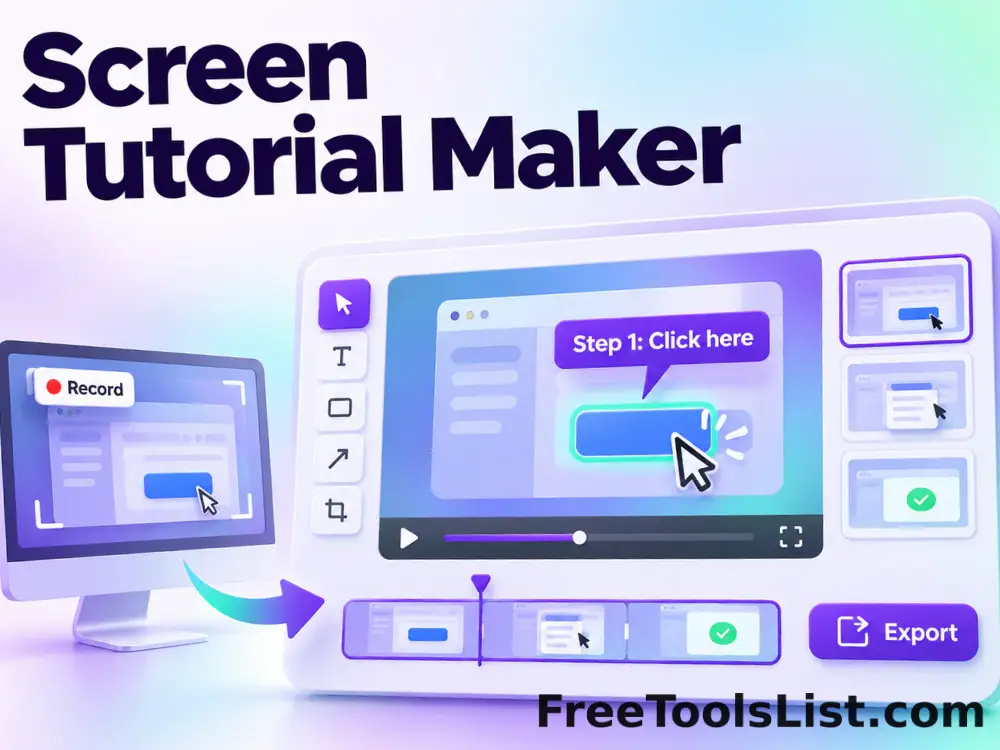
Capture sequential screen frames with browser permission, add step titles and instructions, reorder the timeline, preview each annotated step and export a local ZIP tutorial package.

Social Media Thumbnail & Banner Maker tool previewSMImages

Social Media Thumbnail & Banner Maker

Design YouTube thumbnails, LinkedIn and X headers, social banners and custom graphics with preset sizes, an image layer, gradient backgrounds, outlined text and a live export canvas.

Stereoscopic 3D Maker tool previewS3Images

Stereoscopic 3D Maker

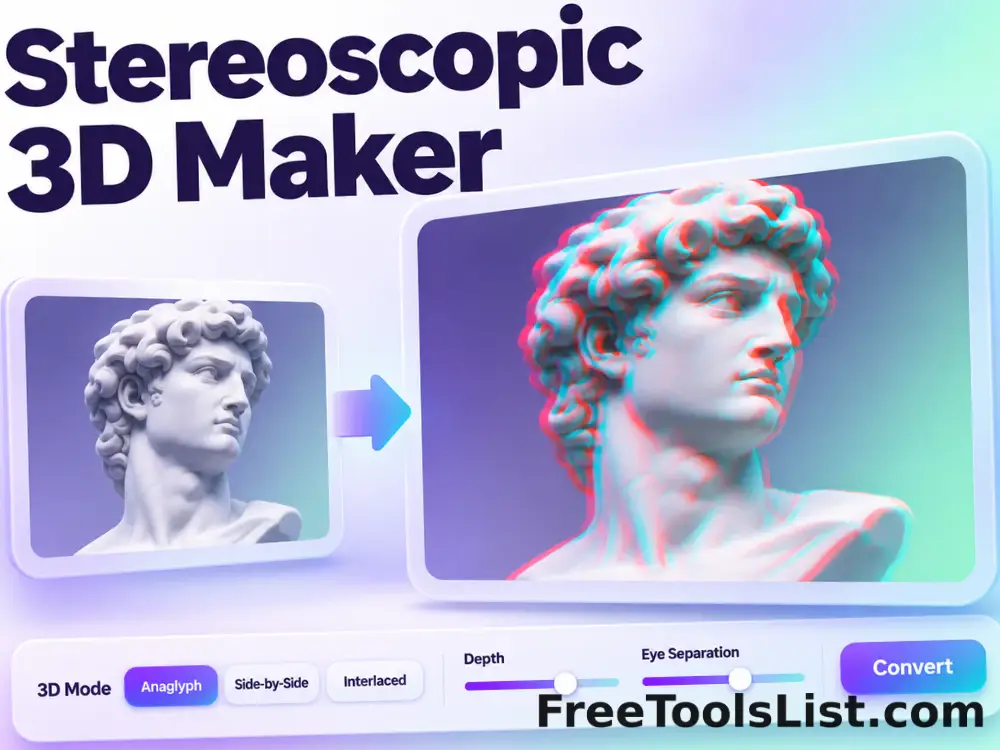
Create red-cyan anaglyph or side-by-side stereoscopic images from one photo with adjustable depth and distance.

Sticker Maker tool previewSMImages

Sticker Maker

Turn a transparent photo or text into a sticker with configurable white or colored outline, padding and caption, then preview and download a transparent WebP or PNG.

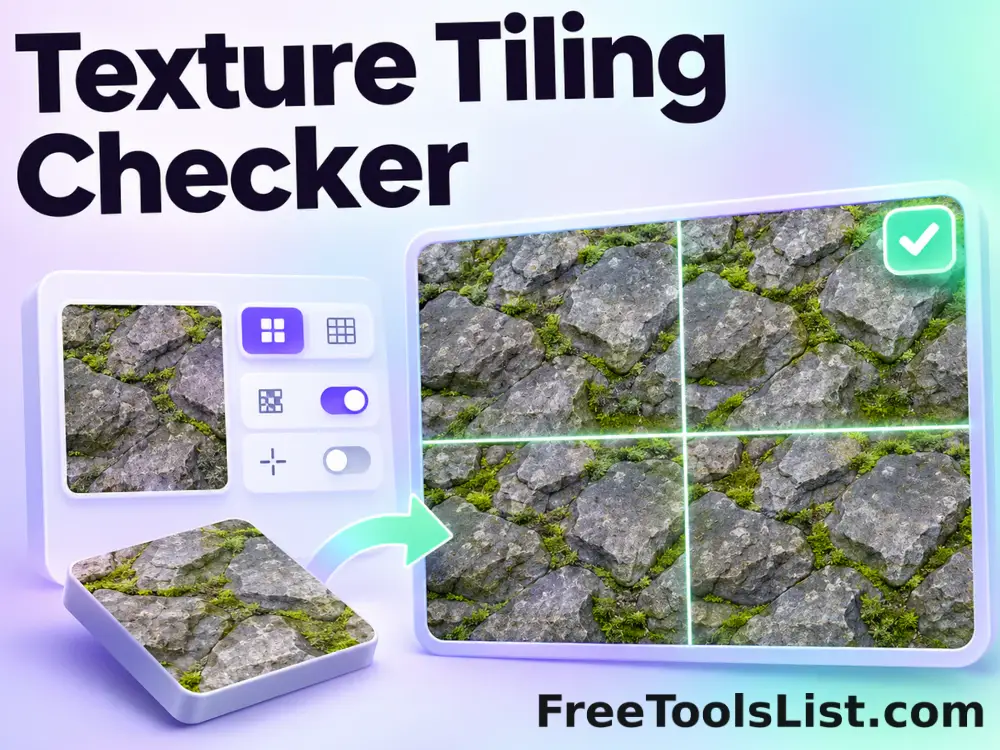
Texture Tiling Checker tool previewTTImages

Texture Tiling Checker

Repeat an image in a configurable grid, shift the pattern and optionally mark every seam for visual inspection.

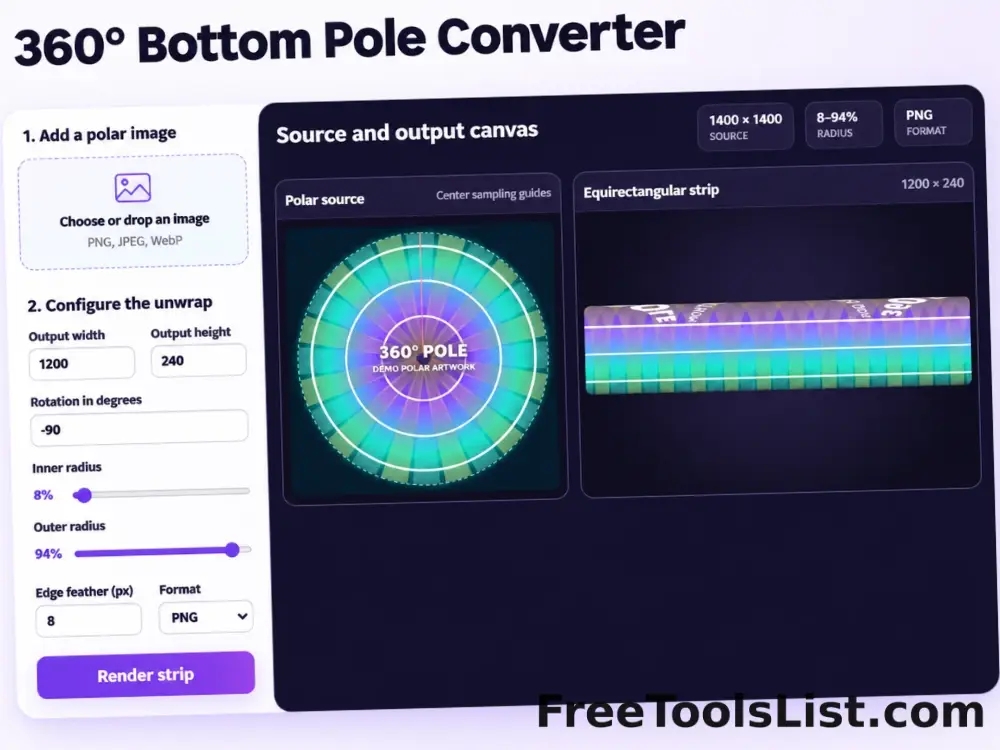
360° Bottom Pole Converter tool preview3BImages

360° Bottom Pole Converter

Free online 360 bottom pole converter. Convert a circular polar image into a wide equirectangular bottom-pole strip for 360° panoramas, with radius, rotation, feathering, flip and export controls. Preview the polar-to-strip result locally before downloading.

PublishedUpdated