Modern local image studio

QR & Barcode Image Scanner

Scan an uploaded image for QR data and supported browser barcode formats with rotation, inversion and annotated preview.

● Preview before saving · Browser-local processing · No account

QR & Barcode Image Scanner workspace

Load images, adjust the visible controls and review the canvas before saving a new file.

Local · original safe

Loading the Code Scanner canvas…

Quick Tool Overview

Code Scanner with a preview-first workflow.

The QR & Barcode Image Scanner helps you decode a code from a local screenshot or photograph while seeing the exact detected boundary.

The tool tries the browser BarcodeDetector when available and falls back to the bundled jsQR decoder for QR codes, then draws the detected corners on canvas.

CANVASLive preview
LOCALPrivate processing
SCANFocused controls
0Accounts needed
Review before use. Fallback decoding supports QR codes only; browser barcode and Data Matrix support varies by device.

About the Tool

What the QR & Barcode Image Scanner does.

Primary purpose

Use this page to decode a code from a local screenshot or photograph while seeing the exact detected boundary.

Transparent method

The tool tries the browser BarcodeDetector when available and falls back to the bundled jsQR decoder for QR codes, then draws the detected corners on canvas.

Preview-first design

The complete canvas is visible before the Save result button creates a download.

Private images

Selected files stay on this computer and are never sent to an external image service.

Original-safe workflow

The original file is only read. Every export is created as a separate result.

Important limitation

Fallback decoding supports QR codes only; browser barcode and Data Matrix support varies by device.
Key Features

A complete, modern code scanner workspace.

▧

Live canvas before saving

The complete code scanner result remains visible before any download begins.

↔

Focused controls

Use explicit controls for code preference, pre-rotation and inverted-color attempts.

✓

Browser-local image work

Pixel analysis and canvas rendering stay in the current browser; the lossless JPEG tool contacts only this local server.

↓

Original-safe export

Source files are read only and every saved result is created as a separate file.

How to Use the QR & Barcode Image Scanner

Complete the task in five detailed steps.

Load source images

Choose the local image required for the task, or use Load demo to explore the controls safely.

Step 1: Keep the original source available for comparison.

Configure the controls

Adjust code preference, pre-rotation and inverted-color attempts. The preview updates locally so settings remain visible and reproducible.

Step 2: Keep the original source available for comparison.

Inspect the live canvas

Review the complete canvas before saving. Confirm the decoded format and text against the visible code before opening or reusing any value.

Step 3: The canvas is the final visual checkpoint before saving.

Check measurements and warnings

Read the displayed dimensions, counts, percentages or format details and account for this limitation: Fallback decoding supports QR codes only; browser barcode and Data Matrix support varies by device.
Step 4: Keep the original source available for comparison.

Save a new result

Choose PNG or JPEG where available and download only after the preview is correct. The original source file is never overwritten.

Step 5: Keep the original source available for comparison.

Ready to begin?

Build the result locally and inspect it first.

No sign-up, remote image queue or source overwrite.

Open Code Scanner →

Frequently Asked Questions

Popular code scanner questions.

The tool tries the browser BarcodeDetector when available and falls back to the bundled jsQR decoder for QR codes, then draws the detected corners on canvas.

Confirm the decoded format and text against the visible code before opening or reusing any value.

Fallback decoding supports QR codes only; browser barcode and Data Matrix support varies by device.
Yes. It works locally without an account, subscription, watermark or usage quota.

No. Image processing stays in this browser. The lossless progressive-JPEG page sends the JPEG only to the FreeToolsList.com server running on this computer so its bundled jpegtran utility can perform the transform.

Keep exploring

Similar Tools

Continue with related free tools selected from this category and the wider directory.

20 tools
360° Bottom Pole Converter tool preview3BImages

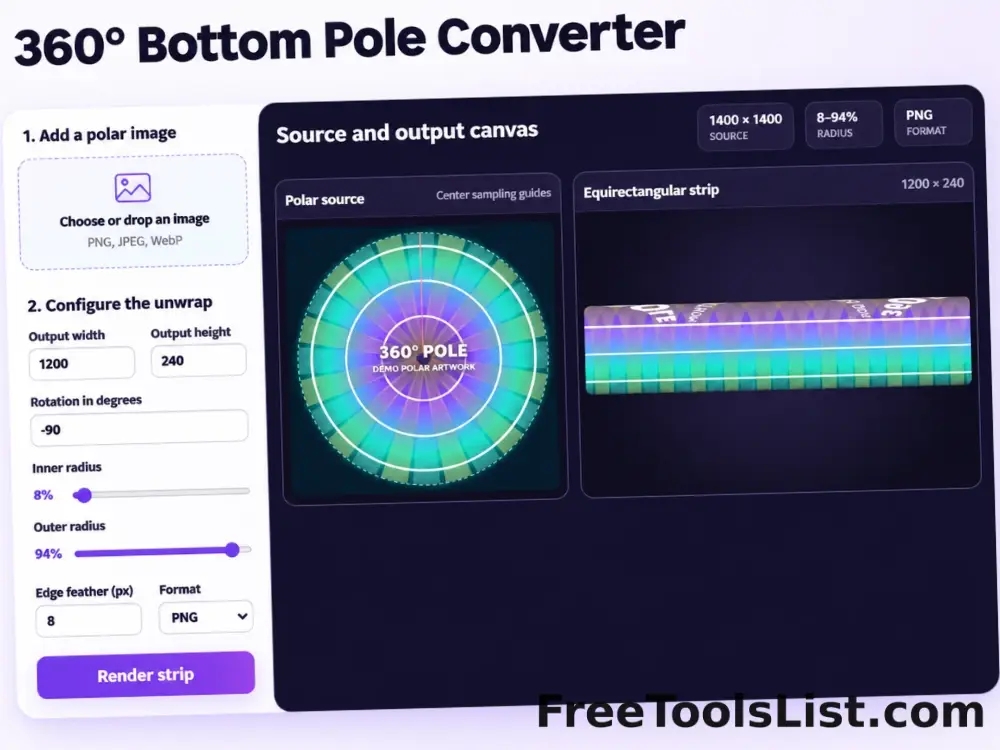
360° Bottom Pole Converter

Free online 360 bottom pole converter. Convert a circular polar image into a wide equirectangular bottom-pole strip for 360° panoramas, with radius, rotation, feathering, flip and export controls. Preview the polar-to-strip result locally before downloading.

Add Noise to Image tool previewANImages

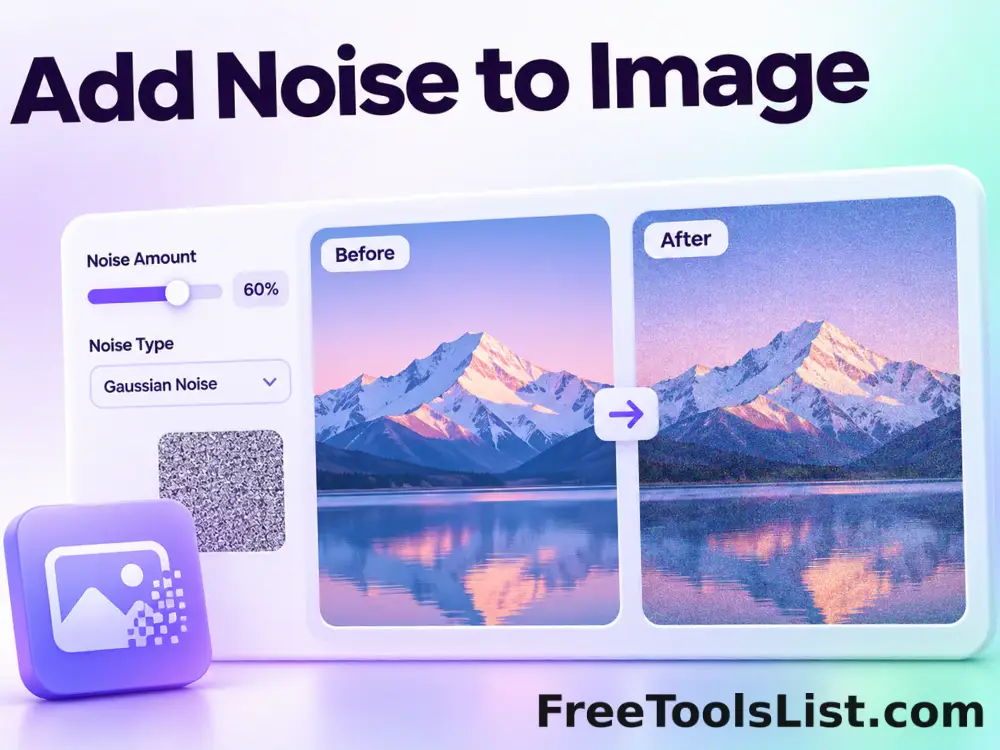
Add Noise to Image

Add Noise to Image lets you add controllable monochrome or color grain locally in your browser, compare the result, and download a ready-to-use file.

Adjust Image Gamma tool previewAIImages

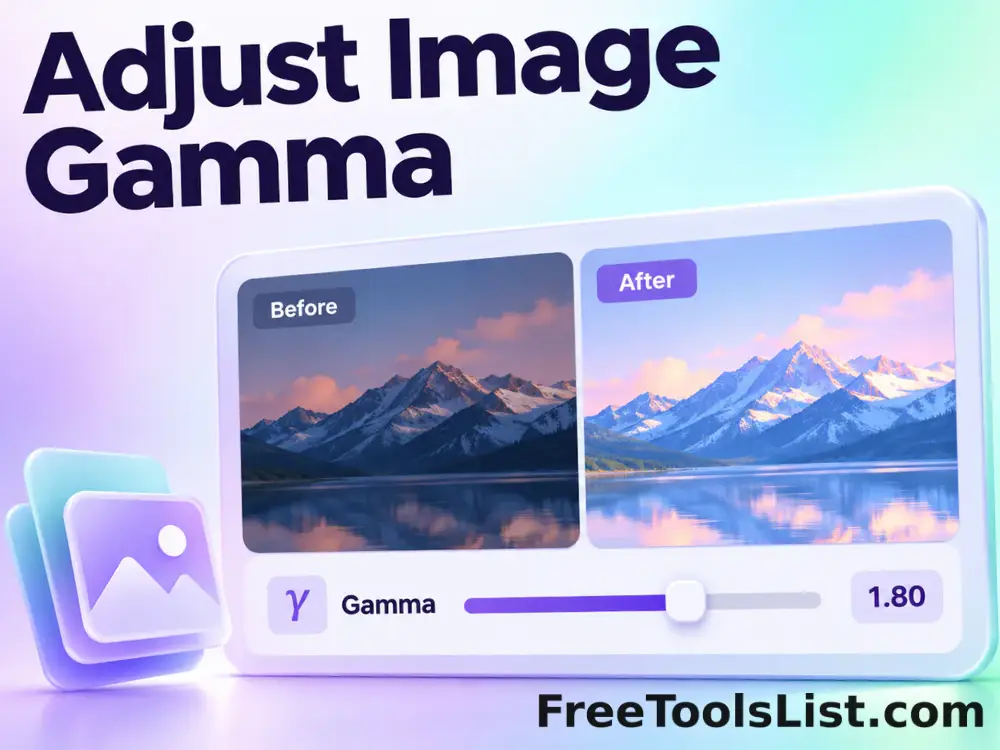
Adjust Image Gamma

Adjust Image Gamma lets you reshape midtone brightness without applying a flat offset locally in your browser, compare the result, and download a ready-to-use file.

Adjust Image HSL tool previewAIImages

Adjust Image HSL

Adjust Image HSL lets you control hue, saturation and lightness in one workspace locally in your browser, compare the result, and download a ready-to-use file.

Auto Contrast Image tool previewACImages

Auto Contrast Image

Automatically detect useful black and white points, expand image contrast and preview the corrected photograph on a live before-and-after canvas.

Auto Levels Image tool previewALImages

Auto Levels Image

Normalize photo brightness and color levels automatically using per-channel RGB or luminance-only correction with clipping and strength controls.

Automatic Gamma Corrector tool previewAGImages

Automatic Gamma Corrector

Measure image midtones and apply an automatic gamma curve with target, strength and fine-tuning controls before saving.

Blur Image tool previewBIImages

Blur Image

Blur Image lets you apply a configurable Gaussian-style browser blur locally in your browser, compare the result, and download a ready-to-use file.

Blurred Frame Image Generator tool previewBFImages

Blurred Frame Image Generator

Fit one image or a complete batch inside square canvases without cropping, using blurred, solid, transparent or gradient backgrounds, alignment controls, live preview and ZIP export.

Bulk Add Noise to Image tool previewBAImages

Bulk Add Noise to Image

Process multiple images locally to add controllable monochrome or color grain, review every result, and download the completed batch as a ZIP.

Bulk Adjust Image Gamma tool previewBAImages

Bulk Adjust Image Gamma

Process multiple images locally to reshape midtone brightness without applying a flat offset, review every result, and download the completed batch as a ZIP.

Bulk Adjust Image HSL tool previewBAImages

Bulk Adjust Image HSL

Process multiple images locally to control hue, saturation and lightness in one workspace, review every result, and download the completed batch as a ZIP.

Bulk Adjust Image Hue tool previewBAImages

Bulk Adjust Image Hue

Process multiple images locally to rotate every color around the HSL hue wheel, review every result, and download the completed batch as a ZIP.

Bulk Adjust RGB Channels tool previewBAImages

Bulk Adjust RGB Channels

Process multiple images locally to scale individual red, green and blue channels, review every result, and download the completed batch as a ZIP.

Bulk Blur Image tool previewBBImages

Bulk Blur Image

Process multiple images locally to apply a configurable Gaussian-style browser blur, review every result, and download the completed batch as a ZIP.

Bulk Blurred Frame Image Generator tool previewBBImages

Bulk Blurred Frame Image Generator

Process multiple images locally to fit an image inside a blurred edge-to-edge frame, review every result, and download the completed batch as a ZIP.

Bulk Change Image Brightness tool previewBCImages

Bulk Change Image Brightness

Process multiple images locally to adjust image brightness from deep shadow to bright highlight, review every result, and download the completed batch as a ZIP.

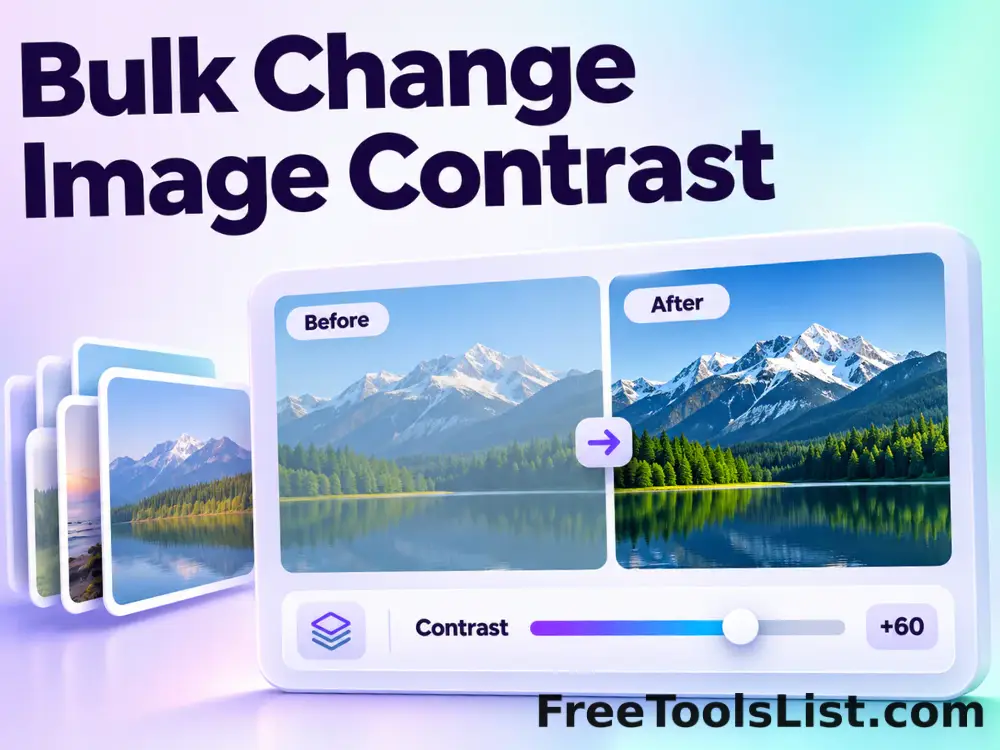
Bulk Change Image Contrast tool previewBCImages

Bulk Change Image Contrast

Process multiple images locally to expand or compress the difference between light and dark pixels, review every result, and download the completed batch as a ZIP.

Bulk Change Image Exposure tool previewBCImages

Bulk Change Image Exposure

Process multiple images locally to simulate exposure changes in photographic stops, review every result, and download the completed batch as a ZIP.

Bulk Change Image Saturation tool previewBCImages

Bulk Change Image Saturation

Process multiple images locally to increase or reduce color intensity while preserving hue, review every result, and download the completed batch as a ZIP.

PublishedUpdated