Private browser Code Lab

Python Syntax Validator

Perform a private lightweight review of Python indentation, delimiters, compound-statement colons and long lines, with clear limitations and a canvas report.

● Browser-local processing · Canvas preview · No sign-up

Python Syntax Validator workspace

Work locally, inspect the exact result and visual canvas, then save only after review.

Canvas preview enabled

Loading Code Lab workspace…

Quick Tool Overview

A clear, private and reviewable python validator workflow.

Use this tool to spot common paste, teaching and editing mistakes before running an authoritative Python compile or test command. Every transformation happens in the current browser tab and produces a separate result instead of overwriting a selected file.

A browser-local lexical pass ignores ordinary quoted strings and comments, tracks brackets, checks indentation multiples and verifies common block-statement colons.

LOCALPrivate processing
LIVEImmediate feedback
PNGCanvas review
0Accounts needed
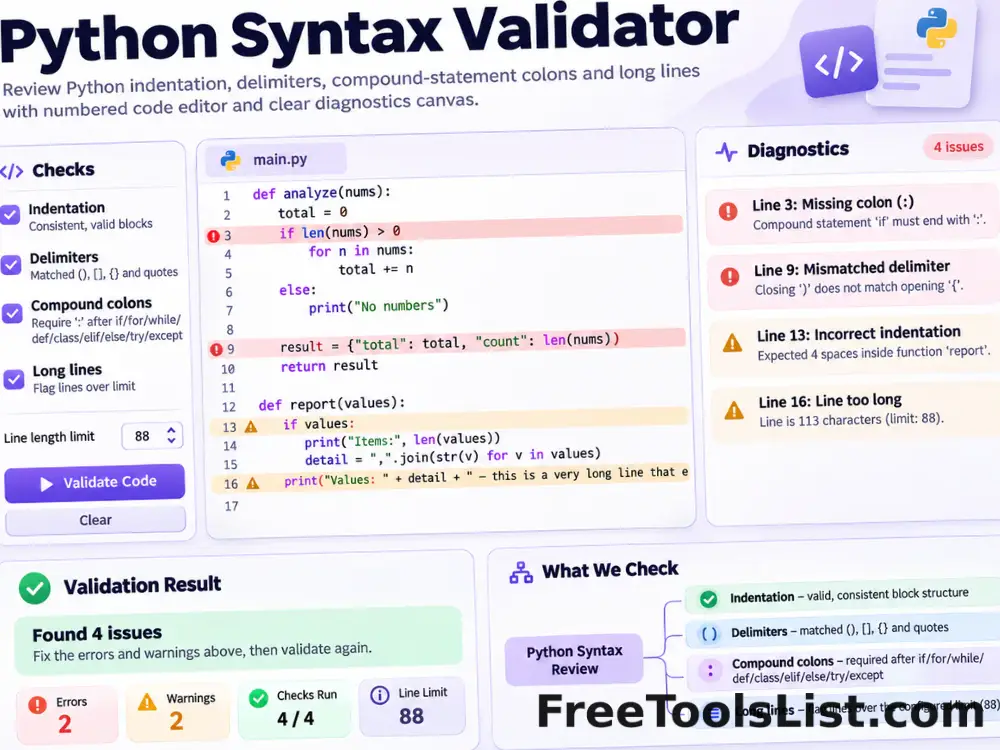
Review first

Inspect the text result and canvas before saving.

This is not the CPython parser and cannot validate every grammar feature, version difference, f-string or semantic rule. Use py_compile and tests for real verification.

Open Python Validator

About the Tool

What Python Syntax Validator is for.

Purpose

spot common paste, teaching and editing mistakes before running an authoritative Python compile or test command.

How it works

A browser-local lexical pass ignores ordinary quoted strings and comments, tracks brackets, checks indentation multiples and verifies common block-statement colons.

Private by design

Source text and local files remain inside the current tab during processing.

Original-safe output

The page creates a new result and never overwrites a source file.

Visual verification

A responsive canvas summarizes the current result before PNG or text export.

Important limitation

This is not the CPython parser and cannot validate every grammar feature, version difference, f-string or semantic rule. Use py_compile and tests for real verification.

Key Features

Focused controls without a crowded editor.

✓

Indentation consistency checks

Use a dedicated control, clear status feedback and reviewable output for this part of the workflow.

⌁

Delimiter and block-colon review

Use a dedicated control, clear status feedback and reviewable output for this part of the workflow.

⌂

Optional readability warnings

Use a dedicated control, clear status feedback and reviewable output for this part of the workflow.

↙

No code execution or upload

Use a dedicated control, clear status feedback and reviewable output for this part of the workflow.

How to Use Python Syntax Validator

Complete the task in six reviewable steps.

1. Paste the Python source

Paste the Python source as plain text.

Tip: Keep the source unchanged until the result is verified.

2. Select the intended indentation

Select the intended indentation width.

Tip: Keep the source unchanged until the result is verified.

3. Choose whether tabs and

Choose whether tabs and style warnings are allowed.

Tip: Keep the source unchanged until the result is verified.

4. Run the lightweight lexical

Run the lightweight lexical review.

Tip: Keep the source unchanged until the result is verified.

5. Resolve reported lines and

Resolve reported lines and inspect the canvas.

Tip: Use the canvas and text together to catch mistakes.

6. Use Python compilation and

Use Python compilation and tests before deployment.

Tip: Keep the source unchanged until the result is verified.

Ready to work locally?

Python Validator keeps the workflow private and inspectable.

Run the tool, review every result and export only the version you intend to use.

Use Python Validator →

Frequently Asked Questions

Popular python validator questions.

No. It treats the source as text and never runs imported modules or statements.

The local checks are intentionally lightweight and do not implement the full version-specific Python grammar.

Yes. It works locally without an account, watermark or usage quota.

No. Pasted text and selected files are processed inside the current browser tab.

Yes. Review and test transformed or generated output in the real destination before production use.

Keep exploring

Similar Tools

Continue with related free tools selected from this category and the wider directory.

20 tools
JSON & YAML Converter, Formatter & Validator tool previewJYDeveloper

JSON & YAML Converter, Formatter & Validator

Convert JSON to YAML or YAML to formatted JSON, validate syntax, choose indentation, sort keys and inspect the preserved structure before downloading.

Barcode Validator tool previewBVDeveloper

Barcode Validator

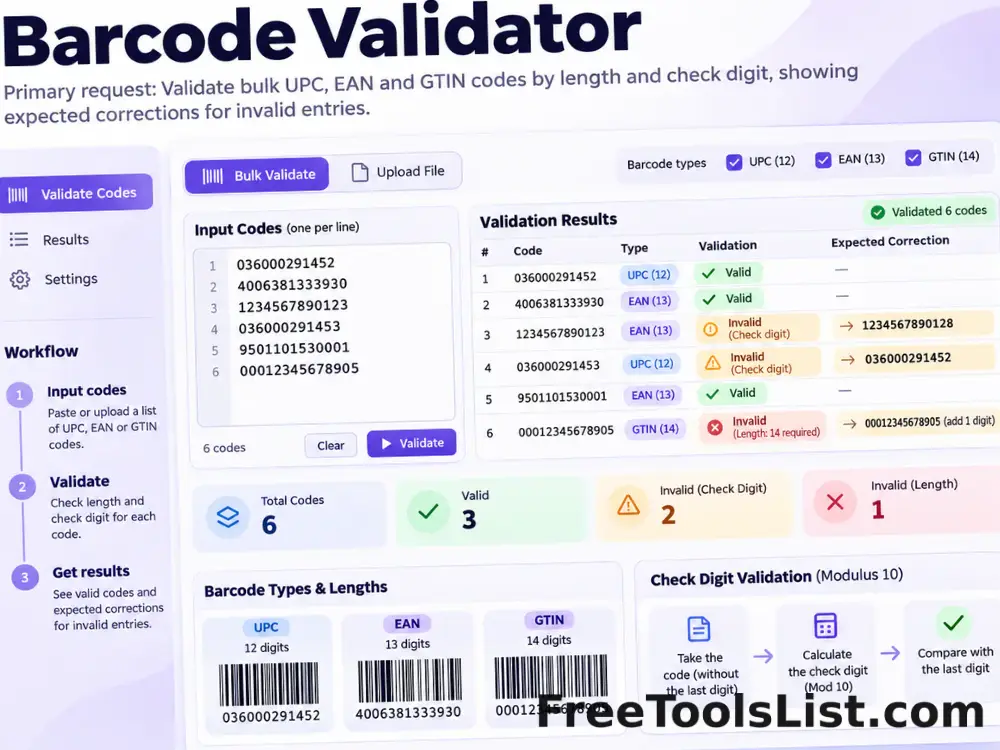
Validate bulk UPC, EAN and GTIN codes by length and check digit, then show the expected correction for invalid entries.

cURL Converter & Code Generator tool previewCCDeveloper

cURL Converter & Code Generator

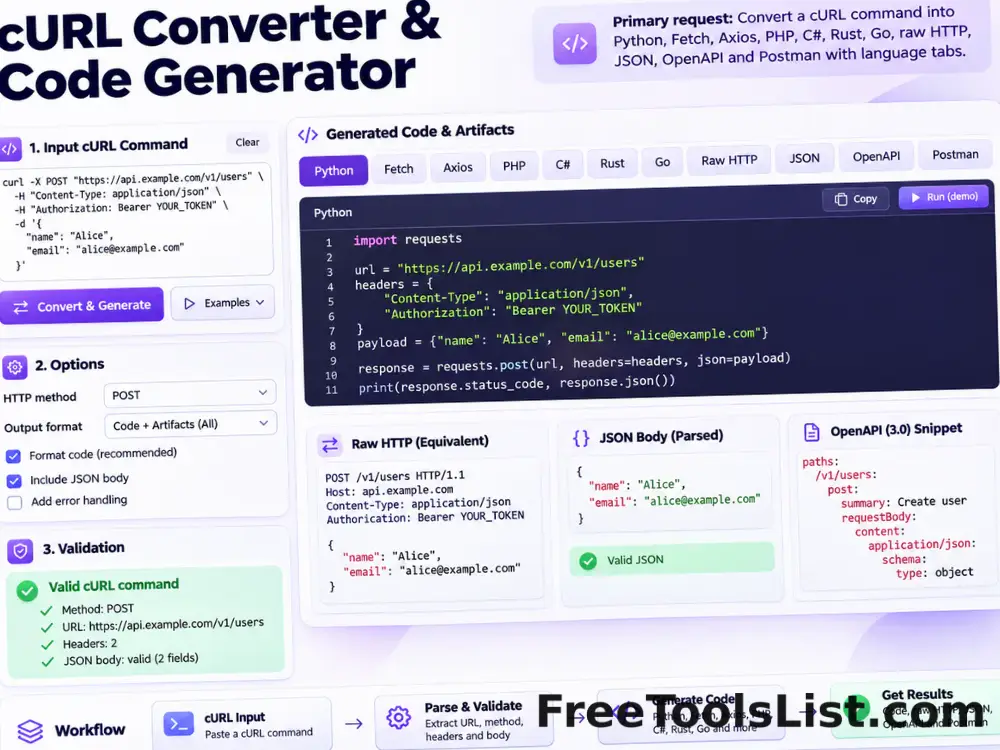
Convert a cURL command into Python requests, Fetch, Node Axios, jQuery AJAX, PHP, C#, Rust, Go, raw HTTP, parsed JSON, OpenAPI or a Postman collection entirely in your browser.

GraphQL Formatter, Validator & Minifier tool previewGFDeveloper

GraphQL Formatter, Validator & Minifier

Format, validate or minify GraphQL queries, mutations, fragments and schema definition language with comment-safe tokenization, file import, visual structure preview and local export.

HTML5 Validator tool previewHVDeveloper

HTML5 Validator

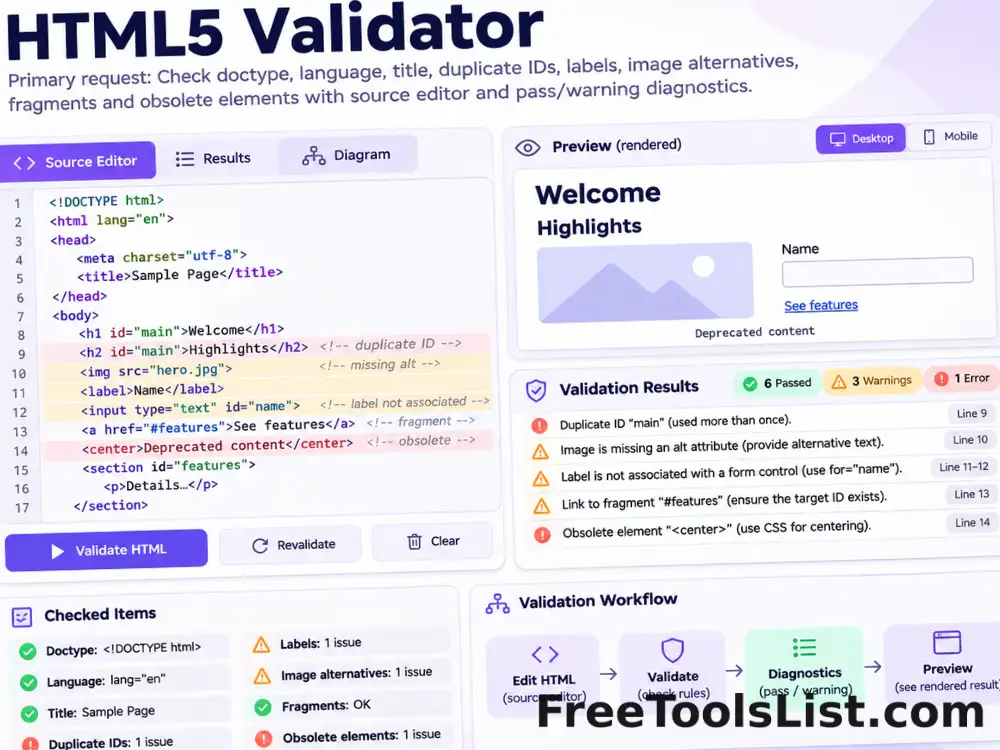
Parse pasted HTML and check the HTML5 doctype, language, title, duplicate IDs, labels, image alternatives, fragments and obsolete elements locally.

JSON to Code Model Generator tool previewJTDeveloper

JSON to Code Model Generator

Convert JSON objects and arrays into C# classes, Java POJOs, Python TypedDicts, Go structs or TypeScript interfaces with recursive nested types and serialization mappings.

Nginx Configuration Validator tool previewNCDeveloper

Nginx Configuration Validator

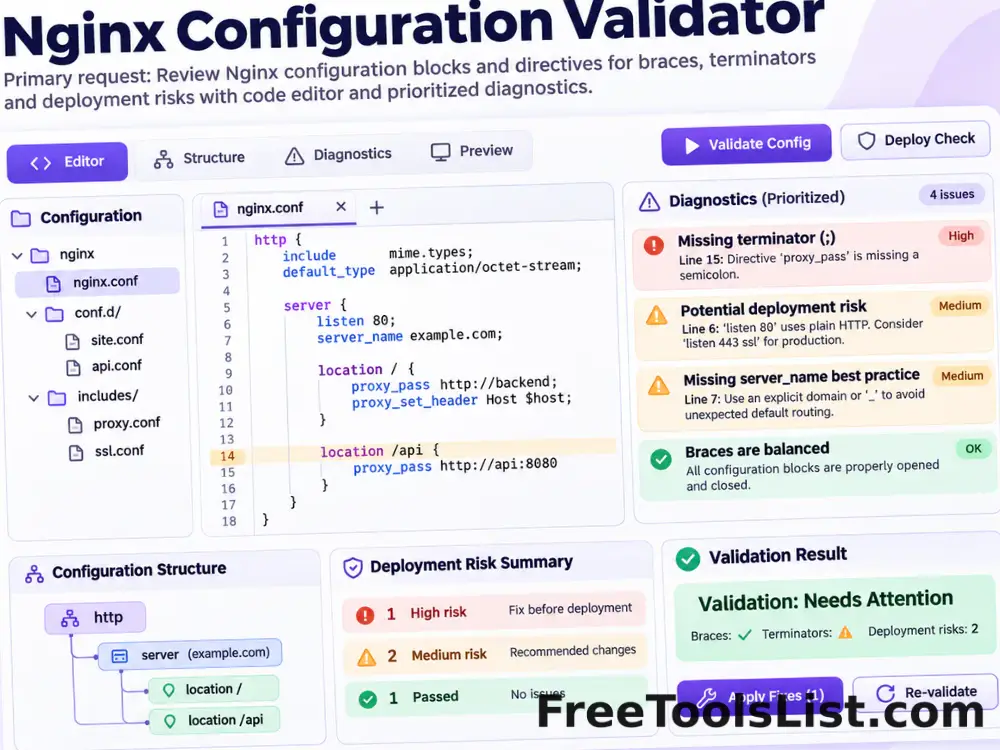
Review an Nginx configuration for unbalanced blocks, missing directive terminators and selected deployment risks before testing it with the real Nginx parser.

Syntax Highlighter tool previewSHDeveloper

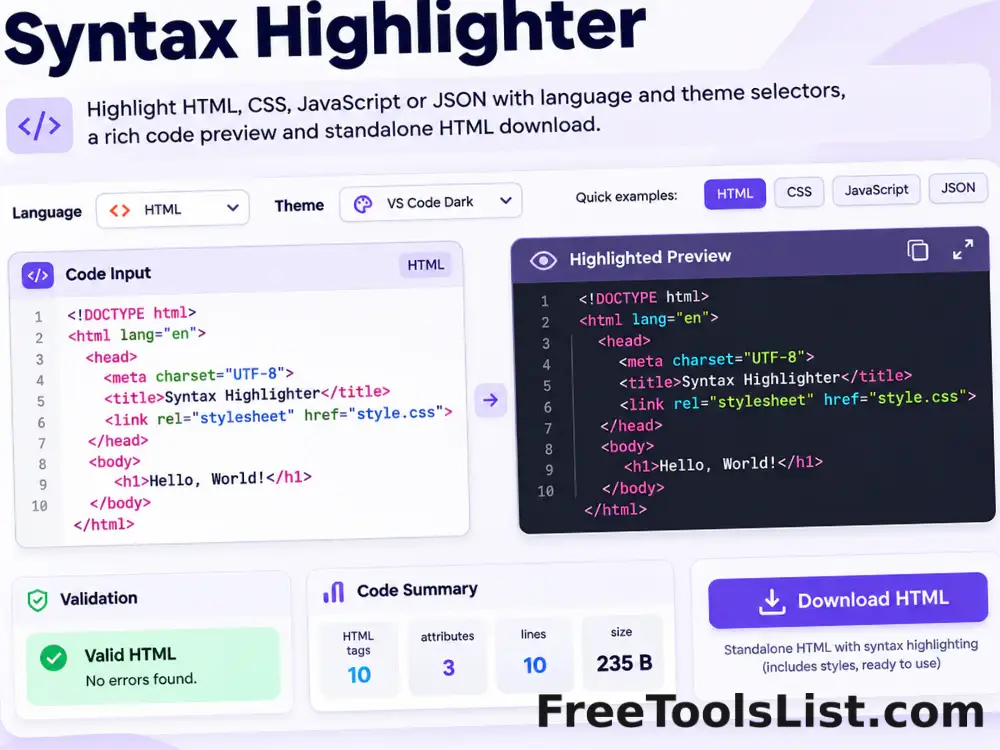
Syntax Highlighter

Highlight HTML, CSS, JavaScript or JSON with selectable themes, a safe preview and downloadable standalone HTML.

XML Formatter, Beautifier & Validator tool previewXFDeveloper

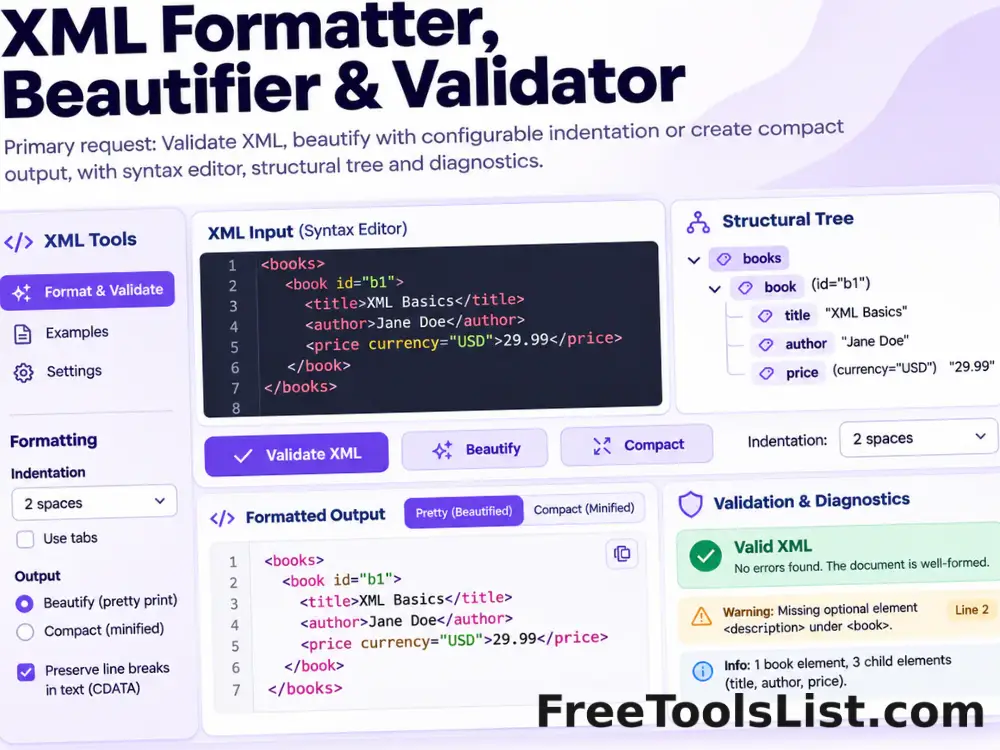
XML Formatter, Beautifier & Validator

Validate XML with the browser parser, beautify it using configurable indentation or create compact output with a structural canvas preview.

XML Minifier & Validator tool previewXMDeveloper

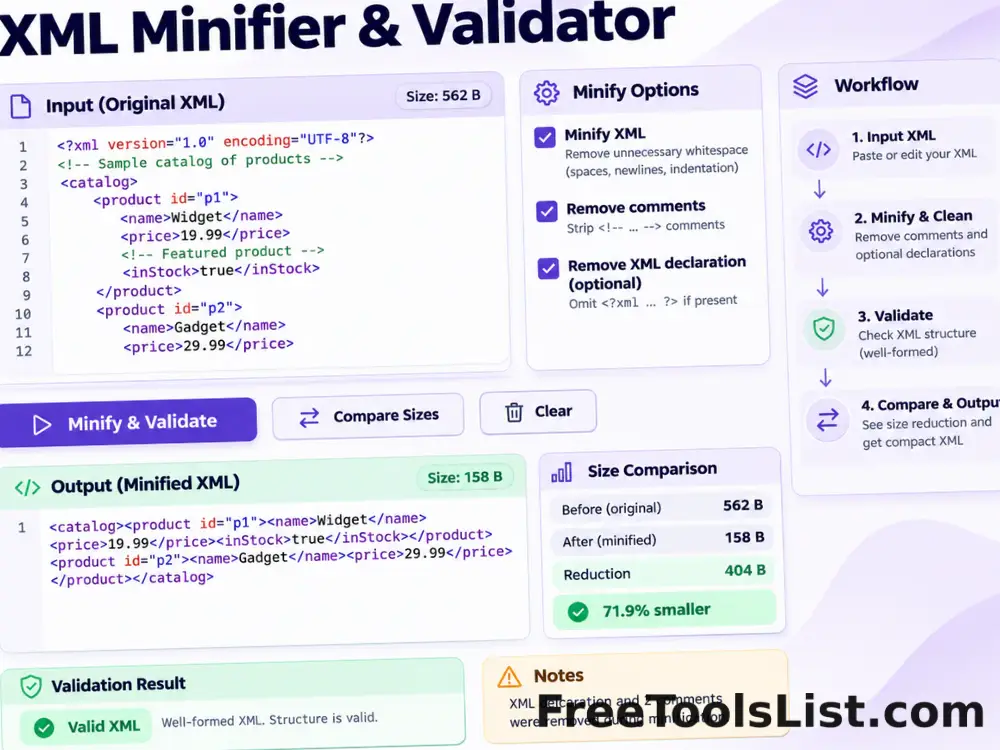
XML Minifier & Validator

Minify XML locally, validate its structure, remove comments and optional declarations, copy or download the result, and compare before-and-after size on canvas.

.htaccess File Generator tool previewHFDeveloper

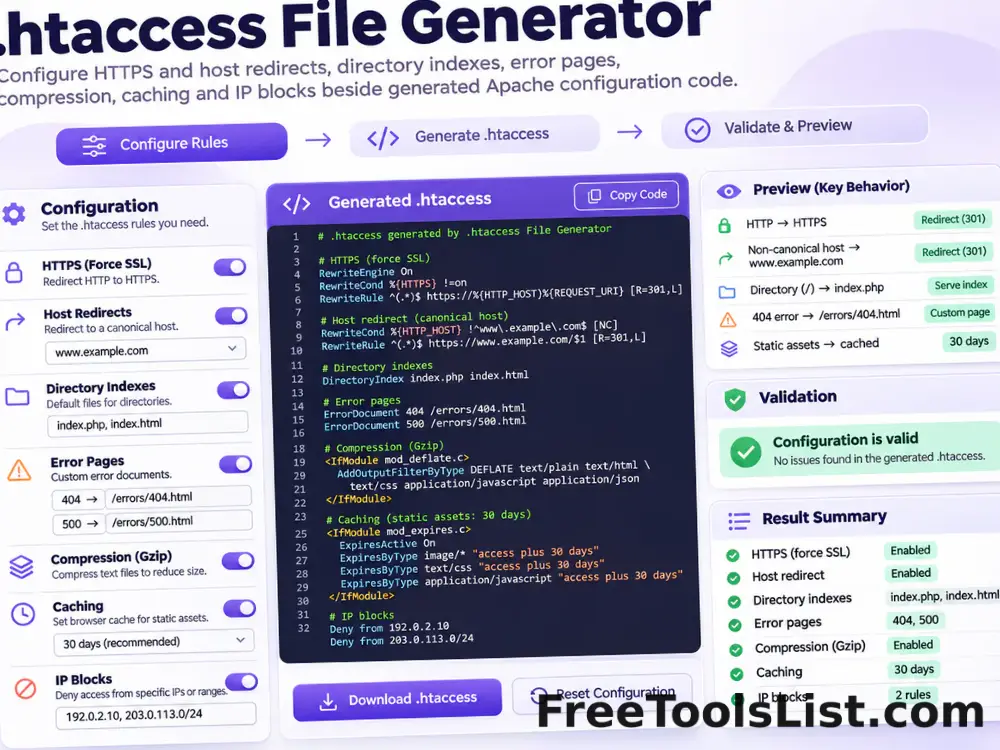
.htaccess File Generator

Generate a modern Apache .htaccess starting point for HTTPS and host redirects, directory indexes, error pages, compression, caching and selected IP blocks.

Adler-32 Checksum Calculator tool previewA3Developer

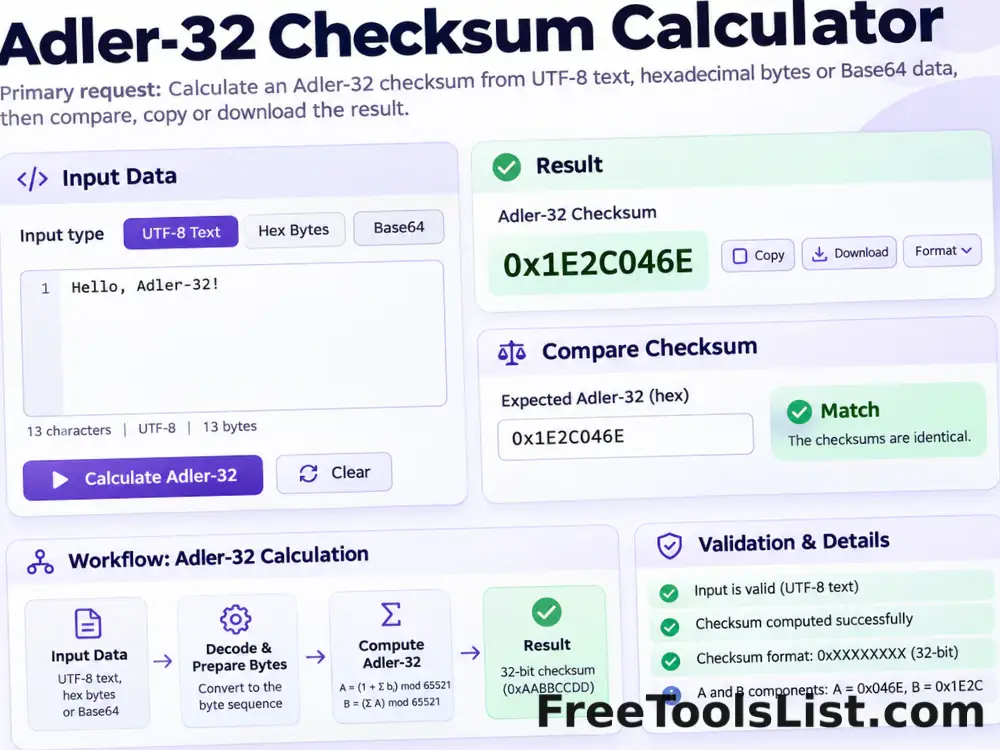
Adler-32 Checksum Calculator

Calculate an Adler-32 checksum from UTF-8 text, hexadecimal bytes or Base64 data locally, then compare, copy or download the result.

API Input Validation Test Data Generator tool previewAIDeveloper

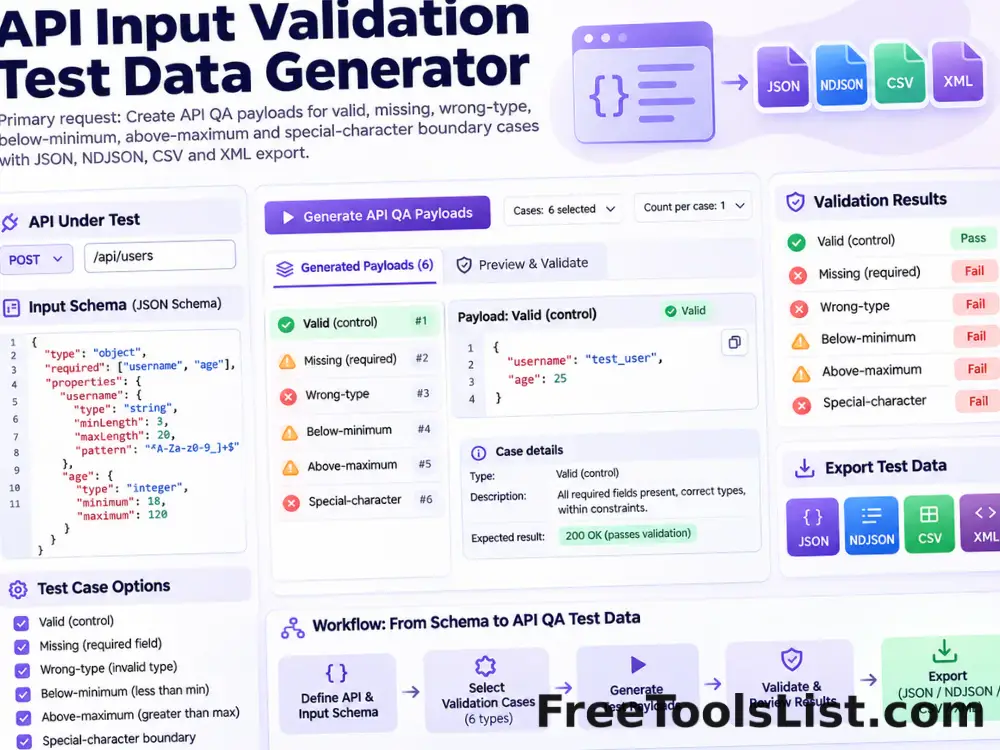
API Input Validation Test Data Generator

Create authorized API QA payloads for valid, missing, wrong-type, below-minimum, above-maximum and special-character boundary cases, then export JSON, NDJSON, CSV or XML.

Barcode Check Digit Calculator tool previewBCDeveloper

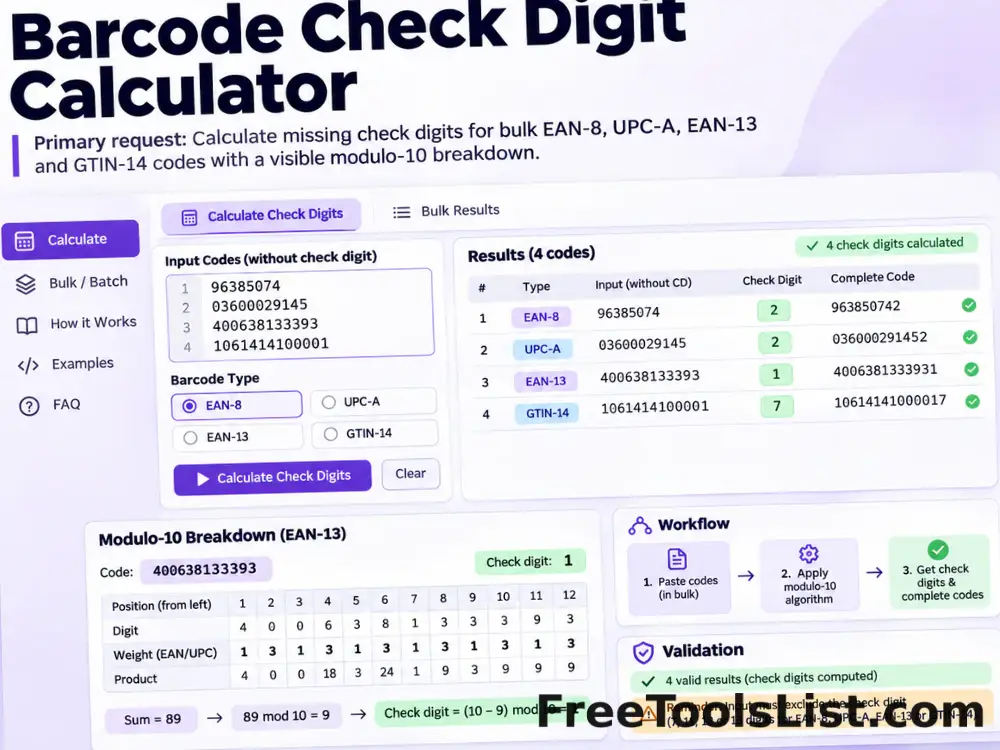
Barcode Check Digit Calculator

Calculate missing check digits for bulk EAN-8, UPC-A, EAN-13 and GTIN-14 product codes with a visible modulo-10 breakdown.

Barcode Generator tool previewBGDeveloper

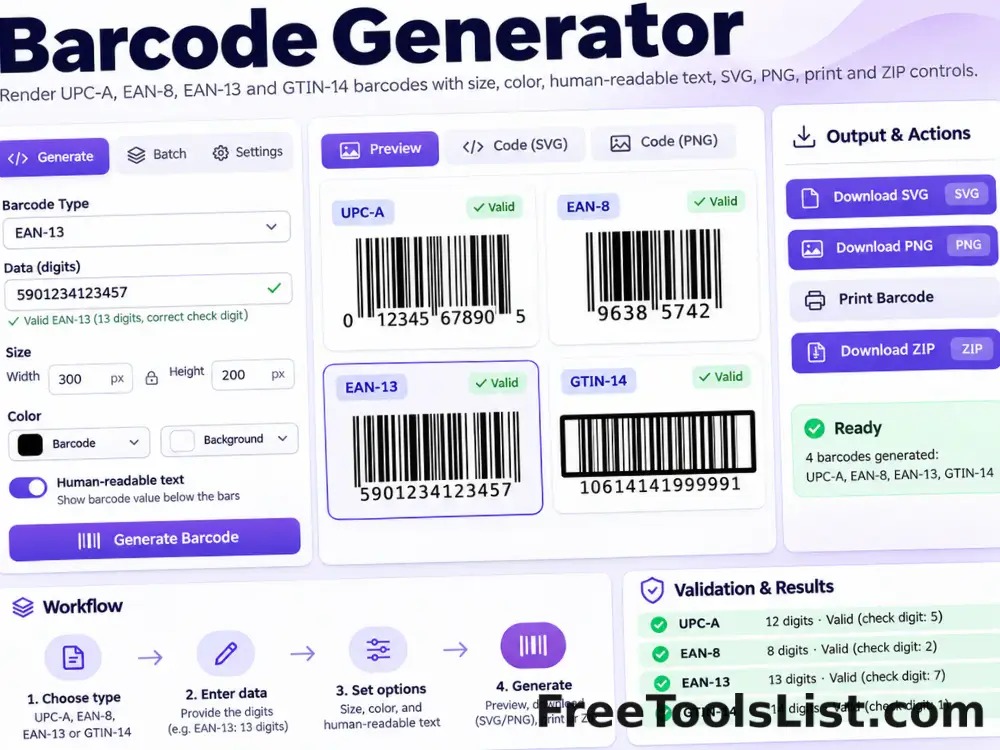
Barcode Generator

Render valid UPC-A, EAN-8, EAN-13 and GTIN-14 barcodes locally with size, color, human-readable text, SVG, PNG, print and ZIP controls.

Base64 and URL Encoder Decoder tool previewBADeveloper

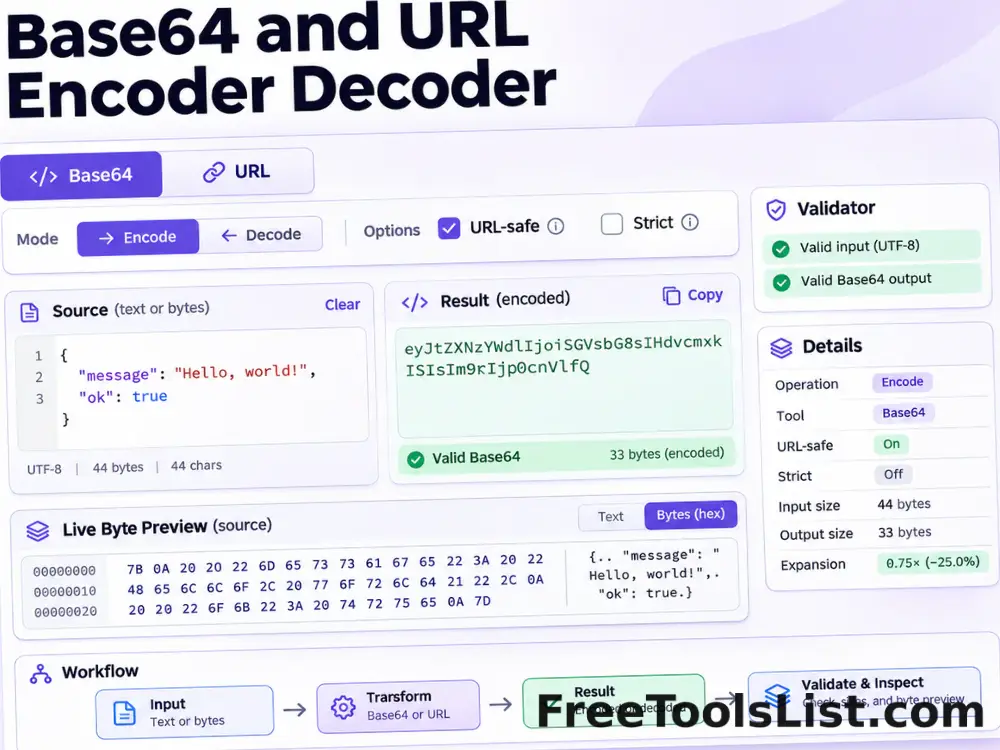
Base64 and URL Encoder Decoder

Encode or decode Base64 text and URL components with URL-safe, strict, padding, character-set, file import, download and live canvas preview options.

Cron Expression Generator & Parser tool previewCEDeveloper

Cron Expression Generator & Parser

Build or paste a standard five-field cron expression, translate common schedules into plain English, validate every field and preview the next five matching local times on canvas.

CSS Beautifier tool previewCBDeveloper

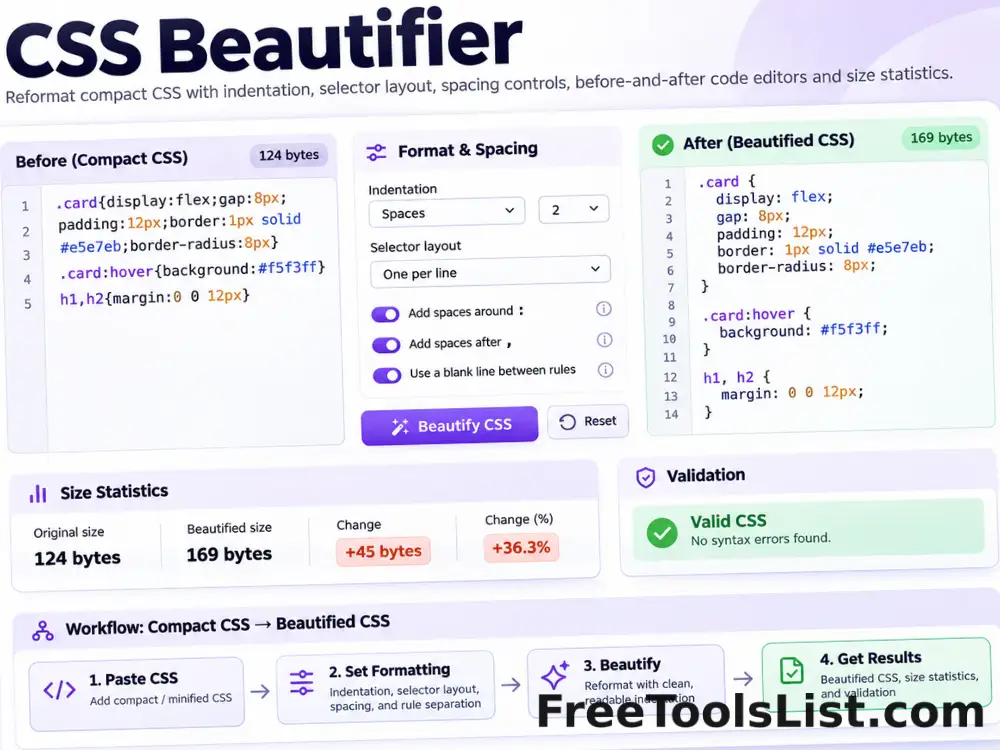
CSS Beautifier

Reformat compact CSS with configurable indentation, selector layout, spacing and an optional final newline.

CSS Inliner tool previewCIDeveloper

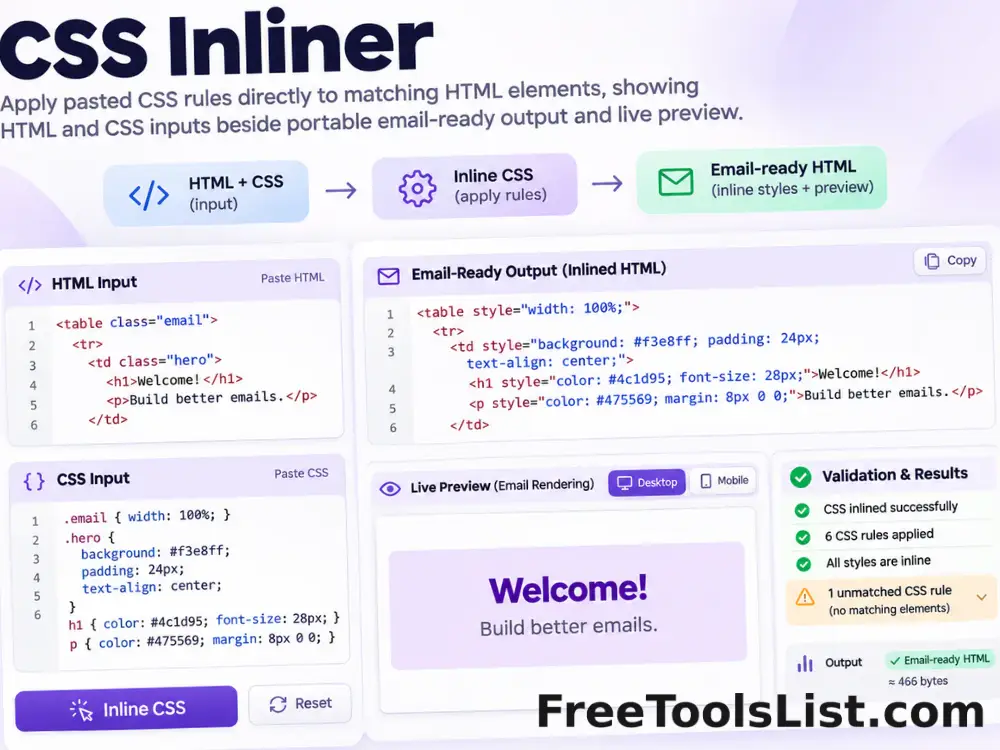
CSS Inliner

Apply pasted CSS rules directly to matching HTML elements for portable email and template markup, entirely in your browser.

CSS Minifier tool previewCMDeveloper

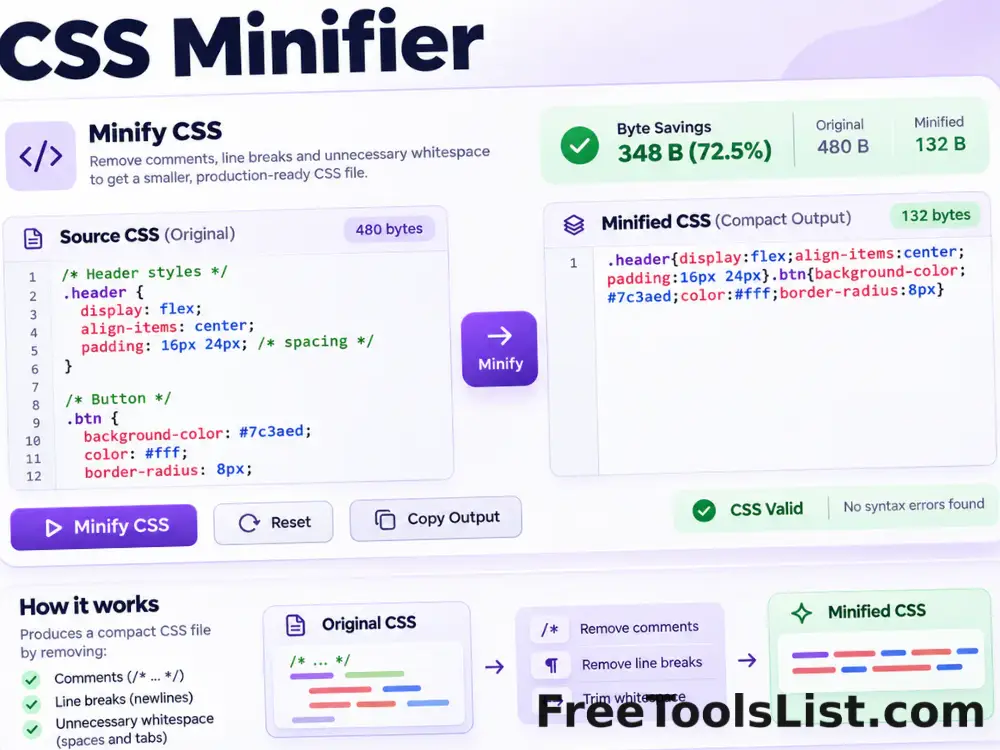
CSS Minifier

Minify CSS locally by removing comments, line breaks and unnecessary whitespace while preserving quoted strings and readable source files.

PublishedUpdated