Modern private developer workspace

XML Formatter, Beautifier & Validator

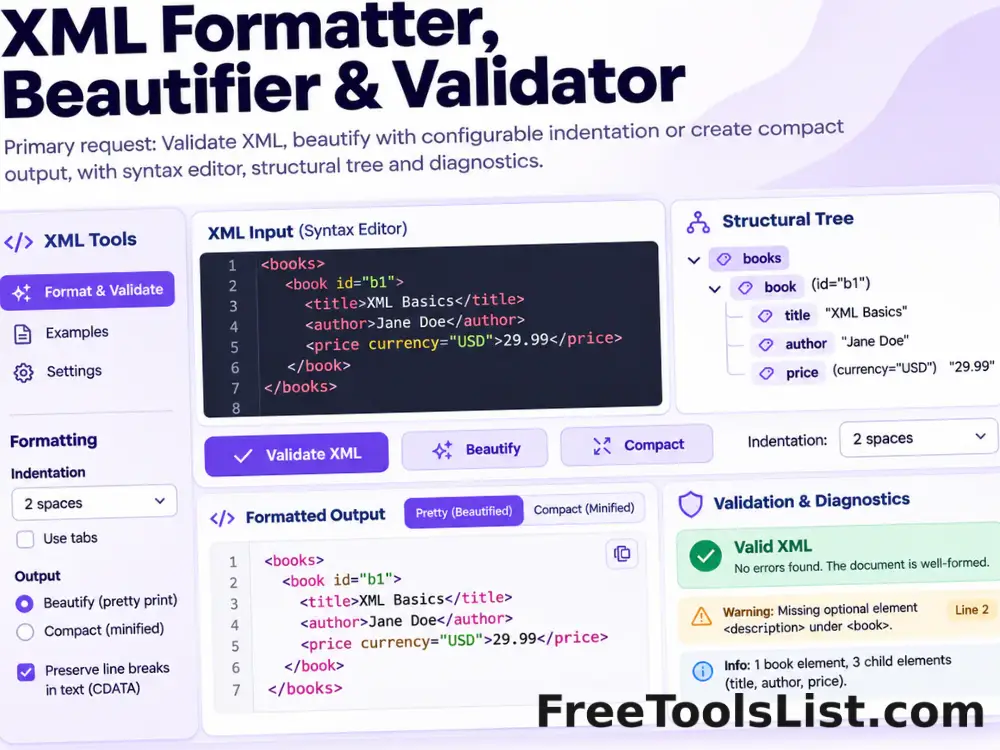
Validate XML with the browser parser, beautify it using configurable indentation or create compact output with a structural canvas preview.

● Browser-local processing · Exact text output · No account

XML Formatter, Beautifier & Validator workspace

Configure, process, inspect the exact result and review the canvas before saving.

Local processing

Loading workspace…

Quick Tool Overview

What XML Formatter, Beautifier & Validator is for.

Validate XML with the browser parser, beautify it using configurable indentation or create compact output with a structural canvas preview.

Use this tool to make compact XML readable, catch malformed markup and create a reviewed derivative without changing the original. Its compact two-column workspace keeps source controls beside exact output and a visual checkpoint.

LIVECanvas preview
XMLFocused workflow
LOCALPrivate processing
0Accounts needed
Review limitation. Formatting can add whitespace between elements. Mixed-content XML and applications with whitespace-sensitive text require careful review.
Review before export

Create a result you can inspect.

Exact text, visual metrics and explicit exports make every change easier to verify.

Open Format XML

About the Tool

A purpose-built format xml workflow.

Primary purpose

Use it to make compact XML readable, catch malformed markup and create a reviewed derivative without changing the original.

How it works

JavaScript parses or transforms the source in browser memory and produces a separate result for review.

Line-numbered editors

Source and output areas include synchronized line numbers so syntax and result rows are easier to locate.

Canvas verification

A responsive canvas summarizes counts and representative output before a download is created.

Private by design

The local static server delivers the application files, but it never receives the content placed in the workspace.

Important limitation

Formatting can add whitespace between elements. Mixed-content XML and applications with whitespace-sensitive text require careful review.

Key Features

Modern, compact and reviewable.

#

Line-numbered editing

Navigate long source and output with a stable visual gutter.

◫

Real canvas preview

Inspect metrics and representative result rows before saving.

⌂

Local processing

Source content stays in this tab with no remote transformation API.

↓

Copy and download

Move reviewed output into the next authorized workflow.

How to Use XML Formatter, Beautifier & Validator

Complete the task in six detailed steps.

Prepare the source

Paste content or load a supported local text file.

Step 1: Keep the original source available until verification is complete.

Choose focused settings

Choose normalization, protocol, indentation, compactness, sorting or deduplication options.

Step 2: Keep the original source available until verification is complete.

Run the local tool

Start the browser-based transformation. Source content is not sent to the static server.

Step 3: Keep the original source available until verification is complete.

Read validation feedback

Fix syntax problems, unsupported constructs or ambiguous source content before relying on the result.

Step 4: Keep the original source available until verification is complete.

Inspect the canvas

Compare result totals, visible sample rows and the exact text output before downloading.

Step 5: Compare both the exact output and the visual preview.

Copy or download

Save a new text, XML, YAML, JSON or CSV result. Keep the original source until the output is verified.

Step 6: Keep the original source available until verification is complete.

Ready to work locally?

Process, inspect and save without an upload queue.

No sign-up, no source overwrite and no hidden server conversion.

Open Format XML →

Frequently Asked Questions

Popular format xml questions.

No. Pasted text and selected files are processed in the current browser tab.

Yes. Every page displays exact output plus a responsive canvas with sample rows and useful counts.

No. Local files are read only, and every download is created as a new file.

Ordinary files work well, but very large inputs can use significant browser memory. Start with a representative sample when possible.

No. Formatting can add whitespace between elements. Mixed-content XML and applications with whitespace-sensitive text require careful review.

No account, watermark or remote conversion queue is used.

Keep exploring

Similar Tools

Continue with related free tools selected from this category and the wider directory.

20 tools
GraphQL Formatter, Validator & Minifier tool previewGFDeveloper

GraphQL Formatter, Validator & Minifier

Format, validate or minify GraphQL queries, mutations, fragments and schema definition language with comment-safe tokenization, file import, visual structure preview and local export.

JSON & YAML Converter, Formatter & Validator tool previewJYDeveloper

JSON & YAML Converter, Formatter & Validator

Convert JSON to YAML or YAML to formatted JSON, validate syntax, choose indentation, sort keys and inspect the preserved structure before downloading.

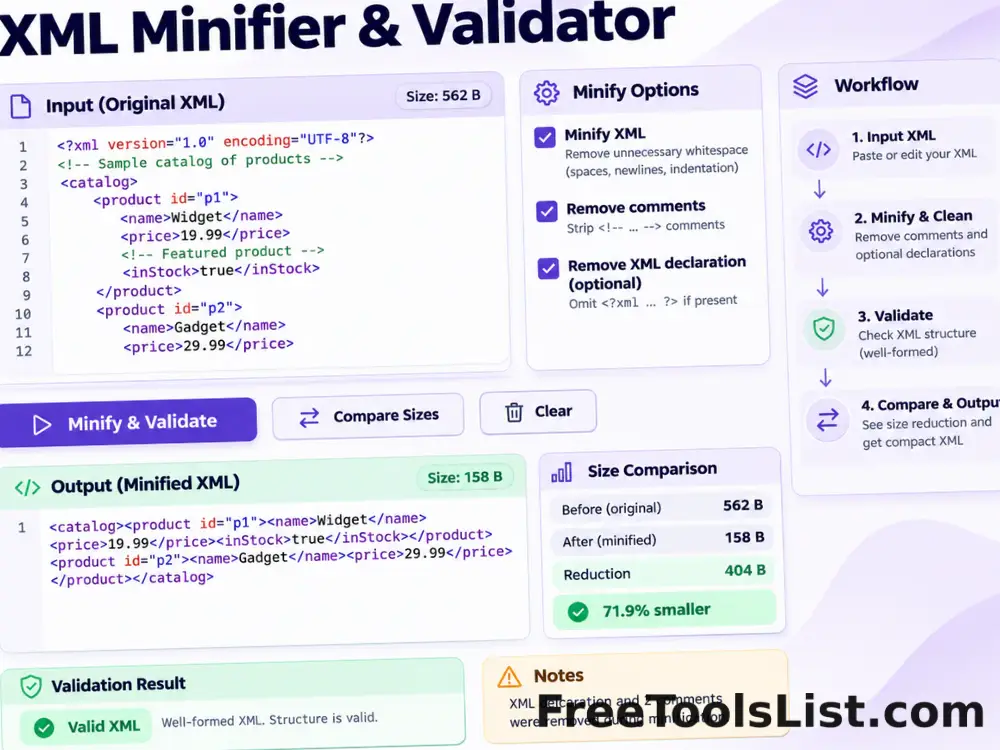
XML Minifier & Validator tool previewXMDeveloper

XML Minifier & Validator

Minify XML locally, validate its structure, remove comments and optional declarations, copy or download the result, and compare before-and-after size on canvas.

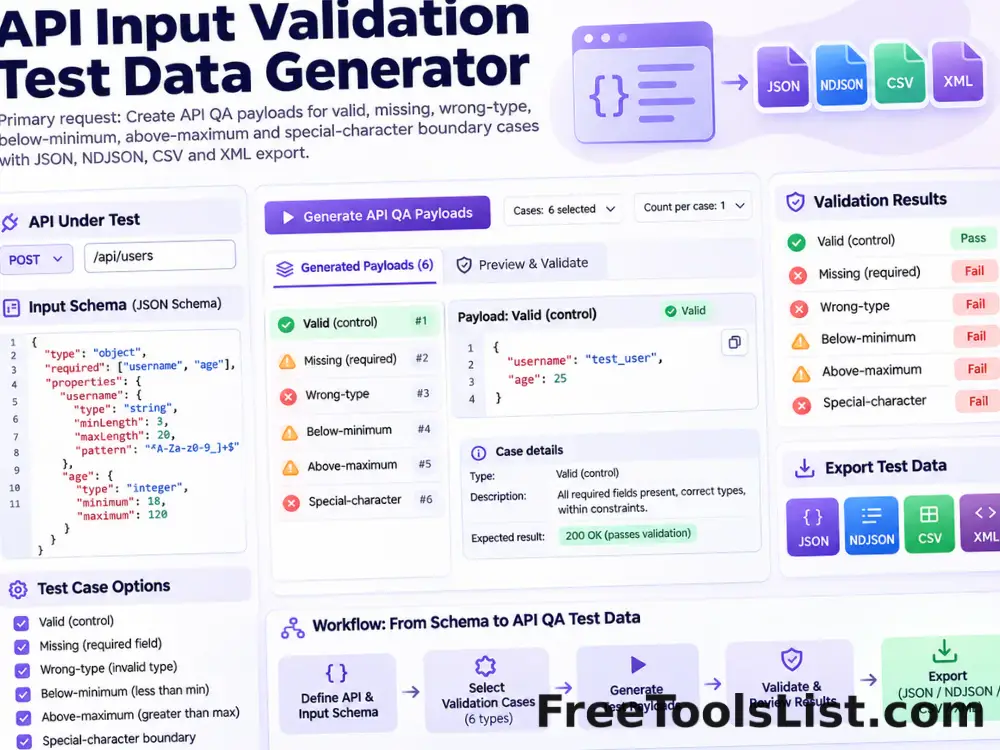
API Input Validation Test Data Generator tool previewAIDeveloper

API Input Validation Test Data Generator

Create authorized API QA payloads for valid, missing, wrong-type, below-minimum, above-maximum and special-character boundary cases, then export JSON, NDJSON, CSV or XML.

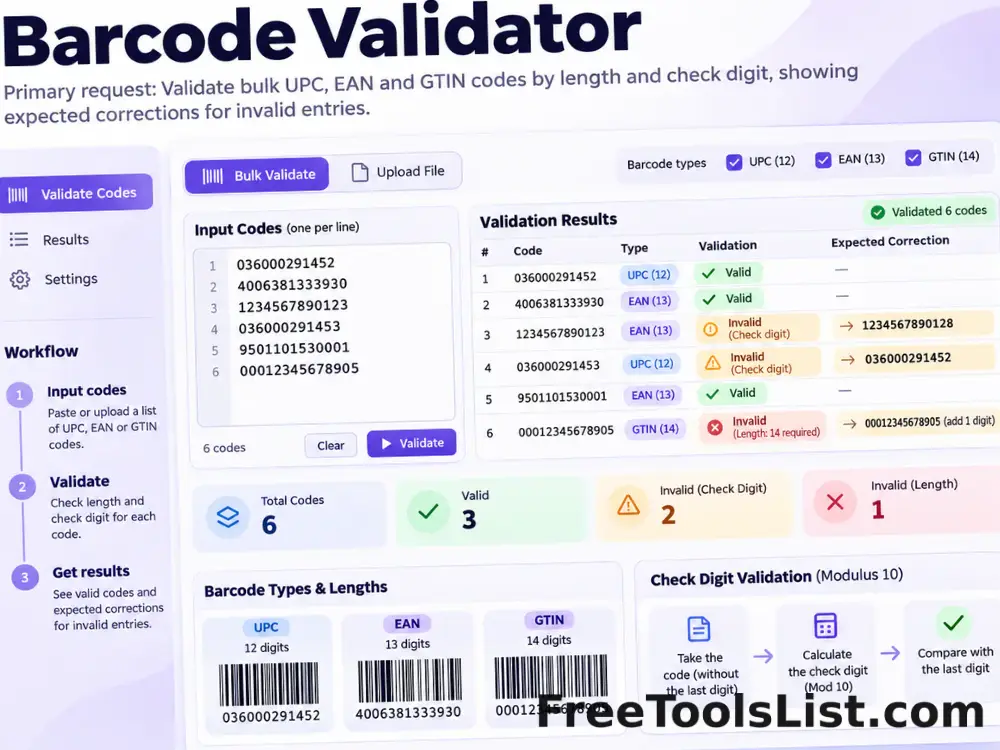
Barcode Validator tool previewBVDeveloper

Barcode Validator

Validate bulk UPC, EAN and GTIN codes by length and check digit, then show the expected correction for invalid entries.

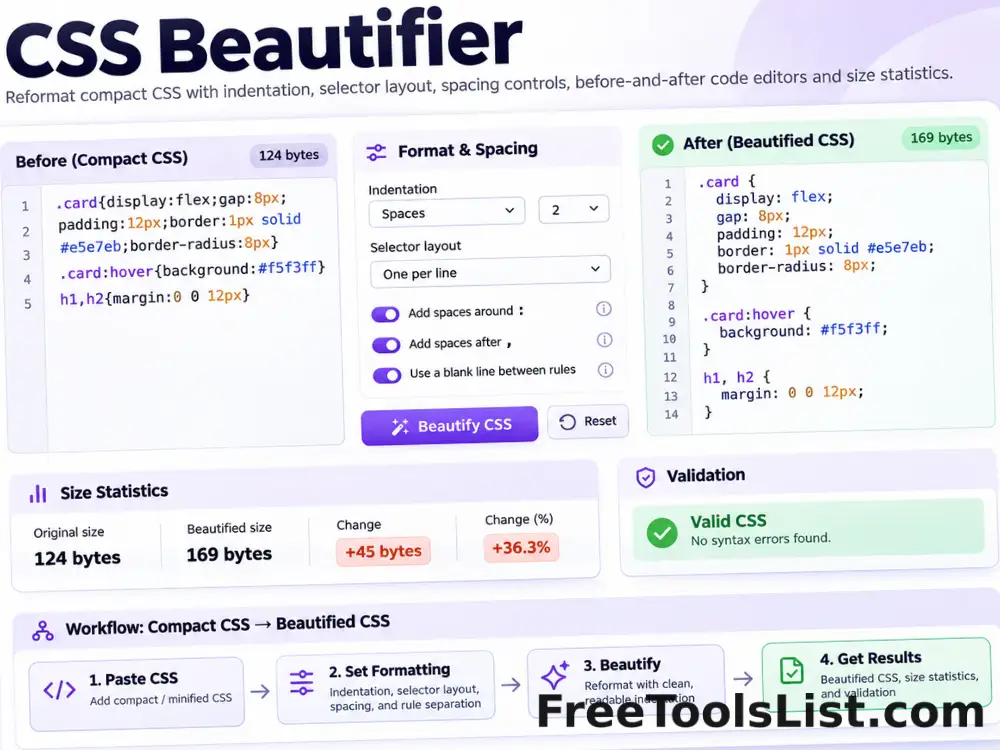
CSS Beautifier tool previewCBDeveloper

CSS Beautifier

Reformat compact CSS with configurable indentation, selector layout, spacing and an optional final newline.

Dummy JSON Data Generator tool previewDJDeveloper

Dummy JSON Data Generator

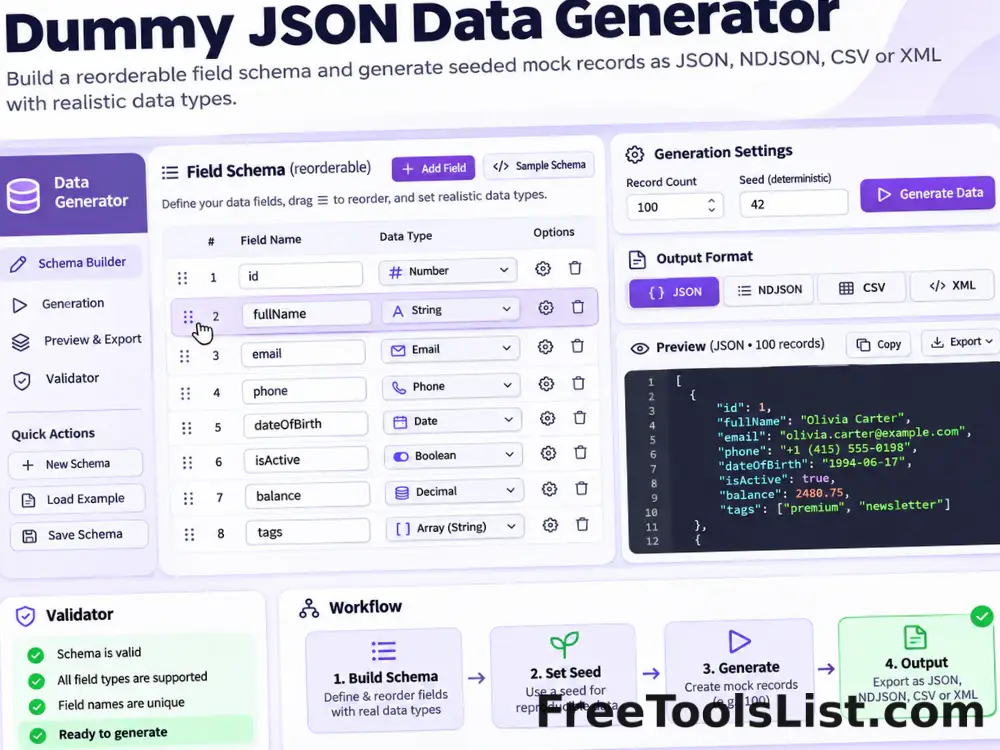
Build a reorderable field schema and generate seeded mock records as JSON, NDJSON, CSV or XML with realistic names, emails, UUIDs, dates, URLs and other data types.

HTML Beautifier tool previewHBDeveloper

HTML Beautifier

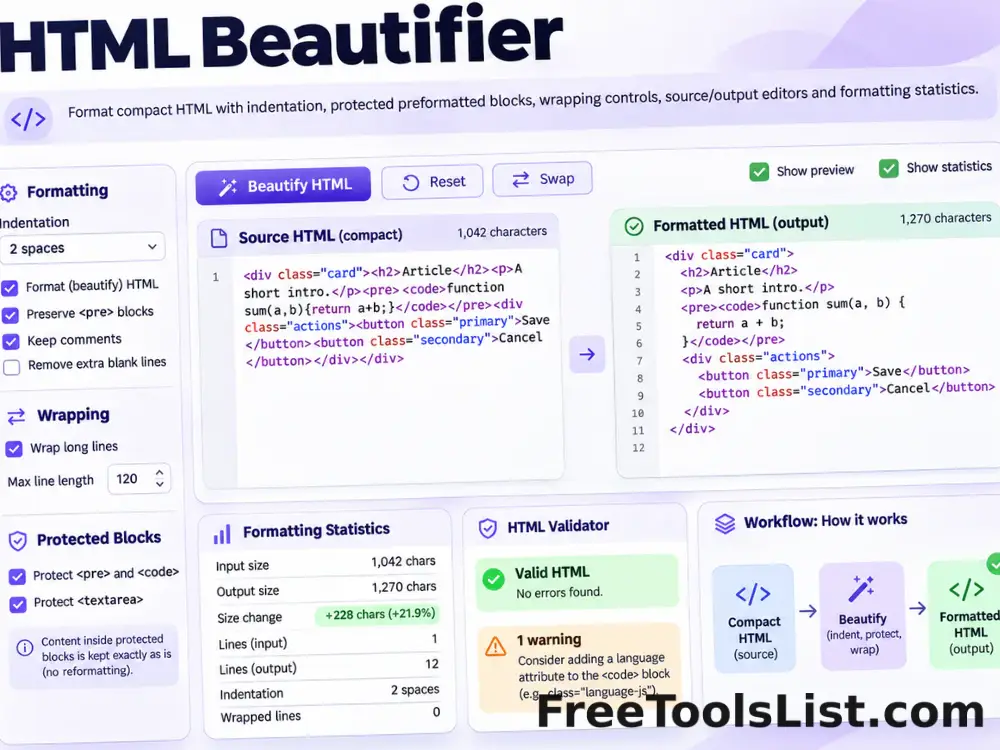
Format HTML with configurable indentation, protected preformatted blocks, optional wrapping and a final newline.

HTML5 Validator tool previewHVDeveloper

HTML5 Validator

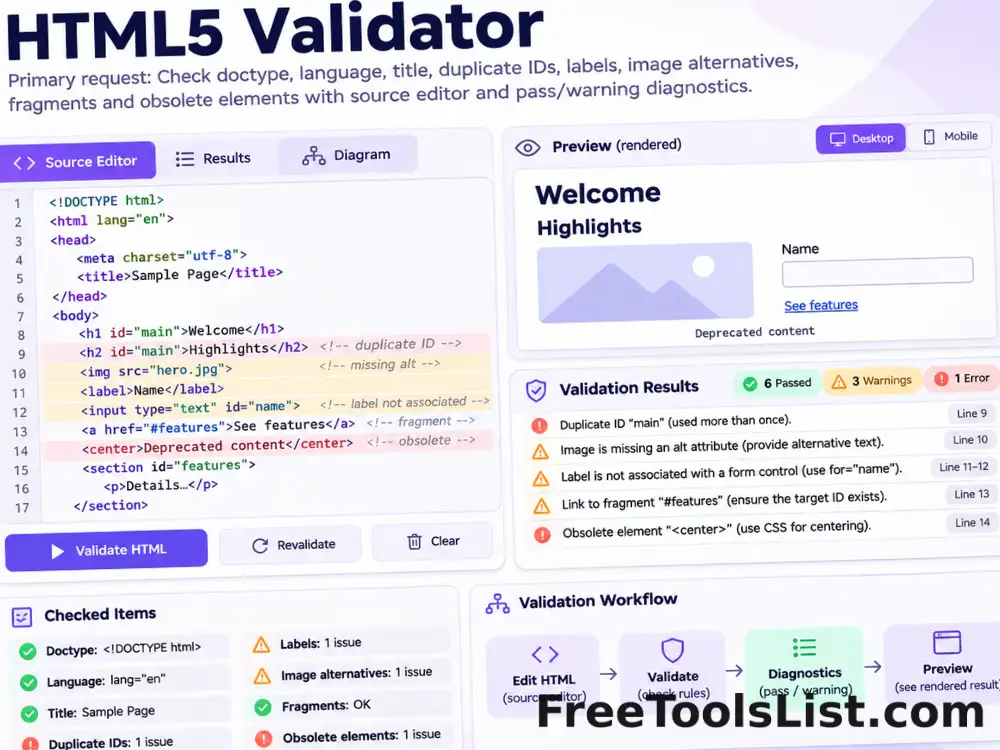
Parse pasted HTML and check the HTML5 doctype, language, title, duplicate IDs, labels, image alternatives, fragments and obsolete elements locally.

JavaScript Beautifier tool previewJBDeveloper

JavaScript Beautifier

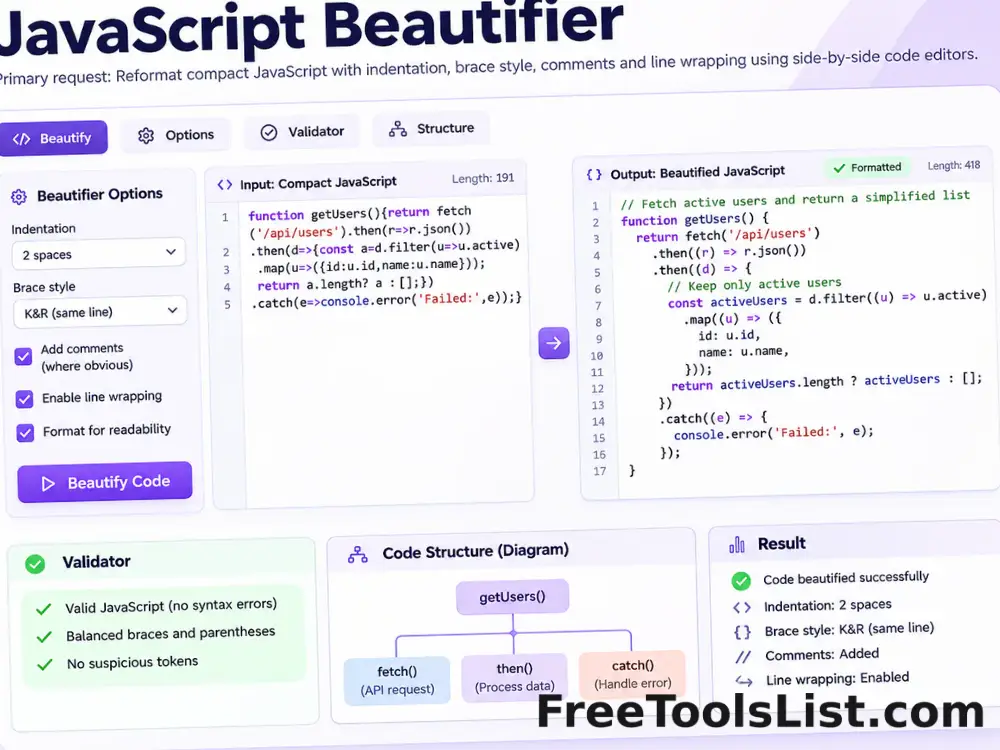
Reformat compact JavaScript with configurable indentation, brace style, preserved comments and optional line wrapping.

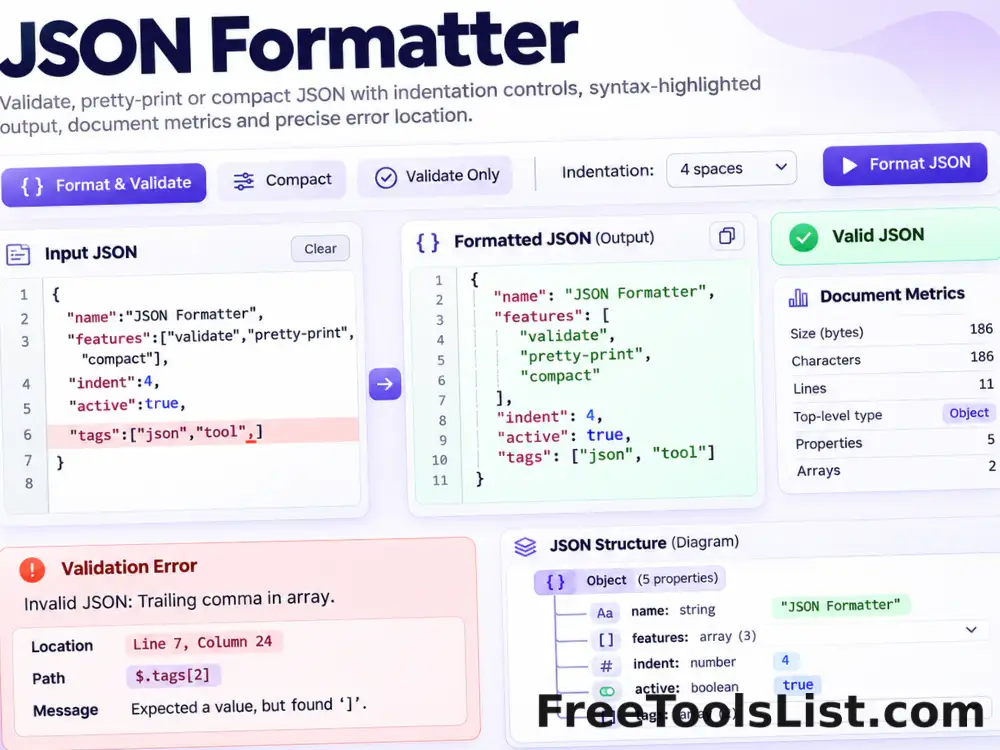
JSON Formatter tool previewJFDeveloper

JSON Formatter

Validate, pretty-print or compact JSON with spaces or tabs, highlighted output, precise errors and local downloads.

JSON to XML Converter tool previewJTDeveloper

JSON to XML Converter

Convert valid JSON objects, arrays and primitive values into readable XML with configurable root and array-item element names, validation, copy and download.

JSON, XML & YAML Key Extractor tool previewJXDeveloper

JSON, XML & YAML Key Extractor

Extract JSON and YAML property names or full paths plus XML element and attribute names with namespace, uniqueness, sorting and export controls.

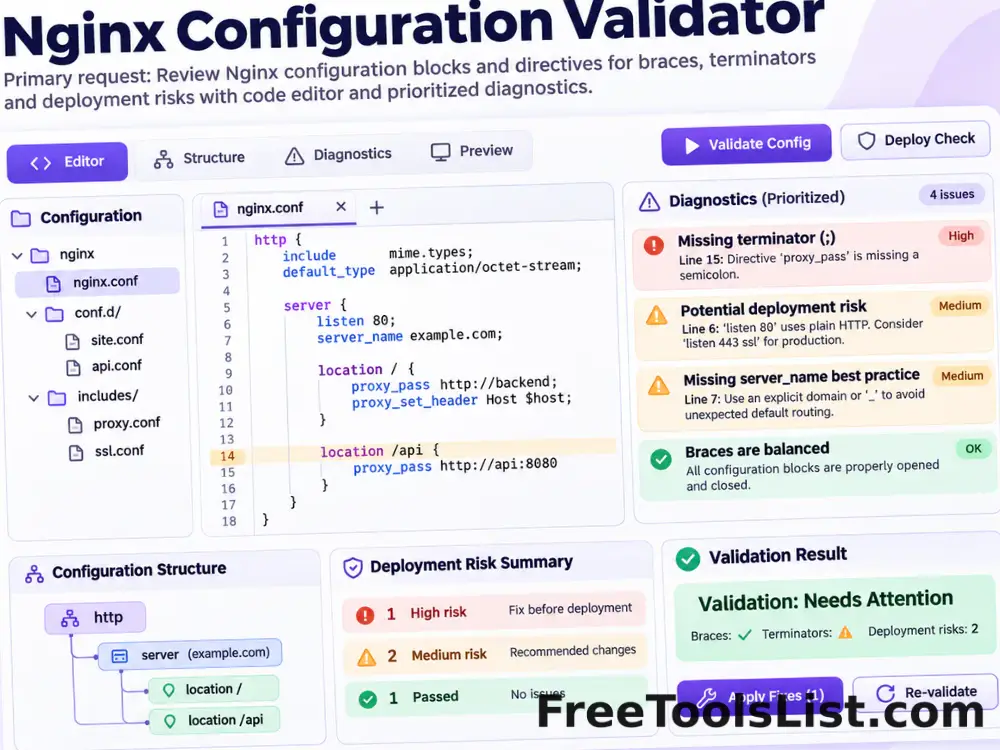
Nginx Configuration Validator tool previewNCDeveloper

Nginx Configuration Validator

Review an Nginx configuration for unbalanced blocks, missing directive terminators and selected deployment risks before testing it with the real Nginx parser.

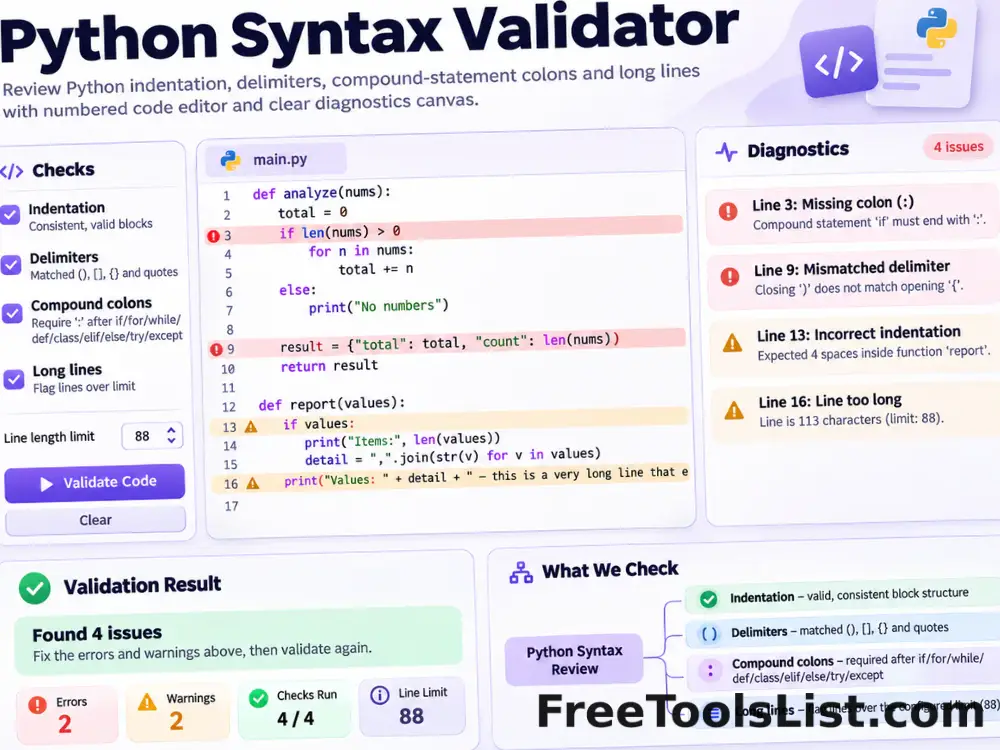
Python Syntax Validator tool previewPSDeveloper

Python Syntax Validator

Perform a private lightweight review of Python indentation, delimiters, compound-statement colons and long lines, with clear limitations and a canvas report.

SQL Formatter tool previewSFDeveloper

SQL Formatter

Reformat SQL with configurable keyword case, indentation and compact output for easier review, documentation and version-control comparison.

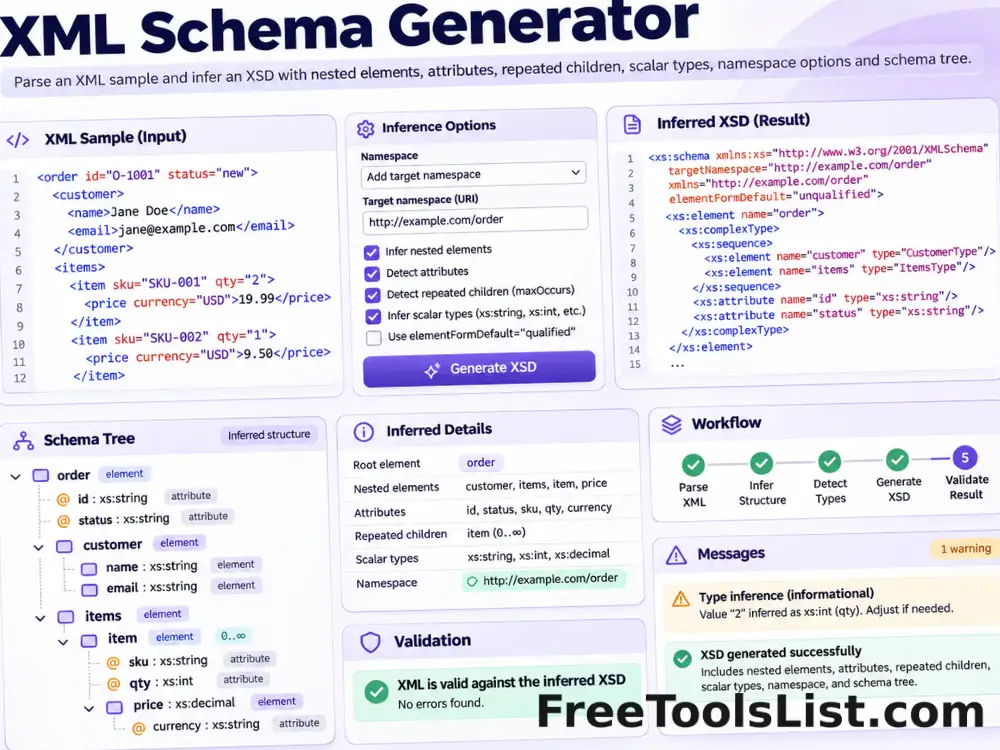
XML Schema Generator tool previewXSDeveloper

XML Schema Generator

Parse a well-formed XML sample and infer an XSD starting point with nested elements, attributes, repeated children, simple scalar types and an optional namespace.

XML to JSON Converter tool previewXTDeveloper

XML to JSON Converter

Parse XML into formatted JSON locally while preserving attributes, repeated sibling elements and meaningful text with optional number, boolean and null inference.

.htaccess File Generator tool previewHFDeveloper

.htaccess File Generator

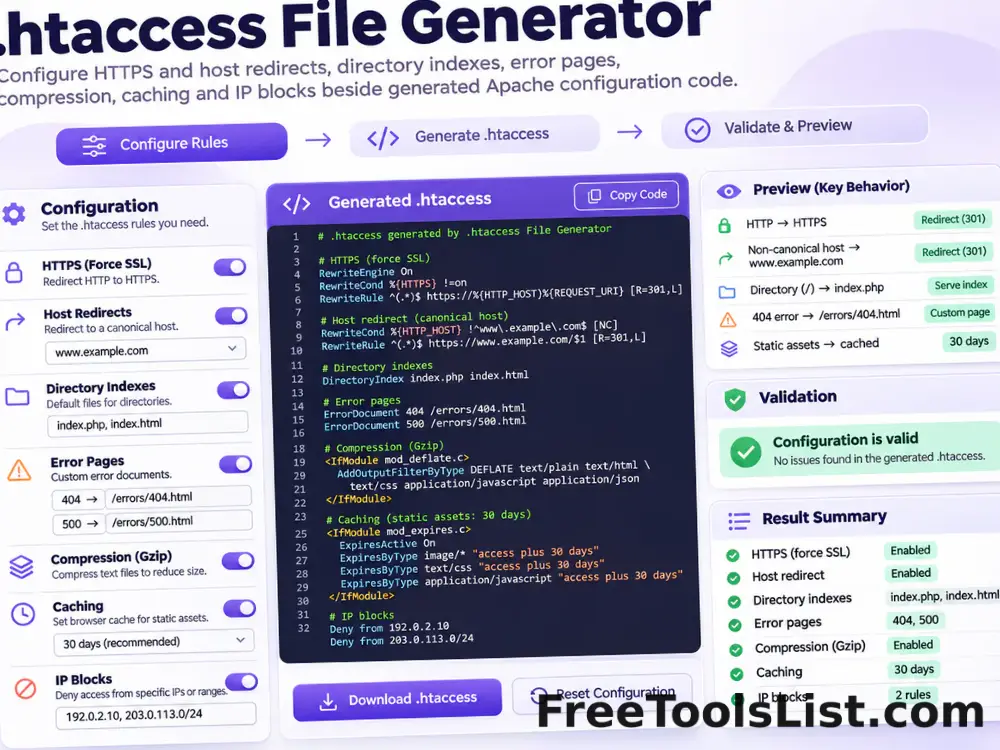
Generate a modern Apache .htaccess starting point for HTTPS and host redirects, directory indexes, error pages, compression, caching and selected IP blocks.

Adler-32 Checksum Calculator tool previewA3Developer

Adler-32 Checksum Calculator

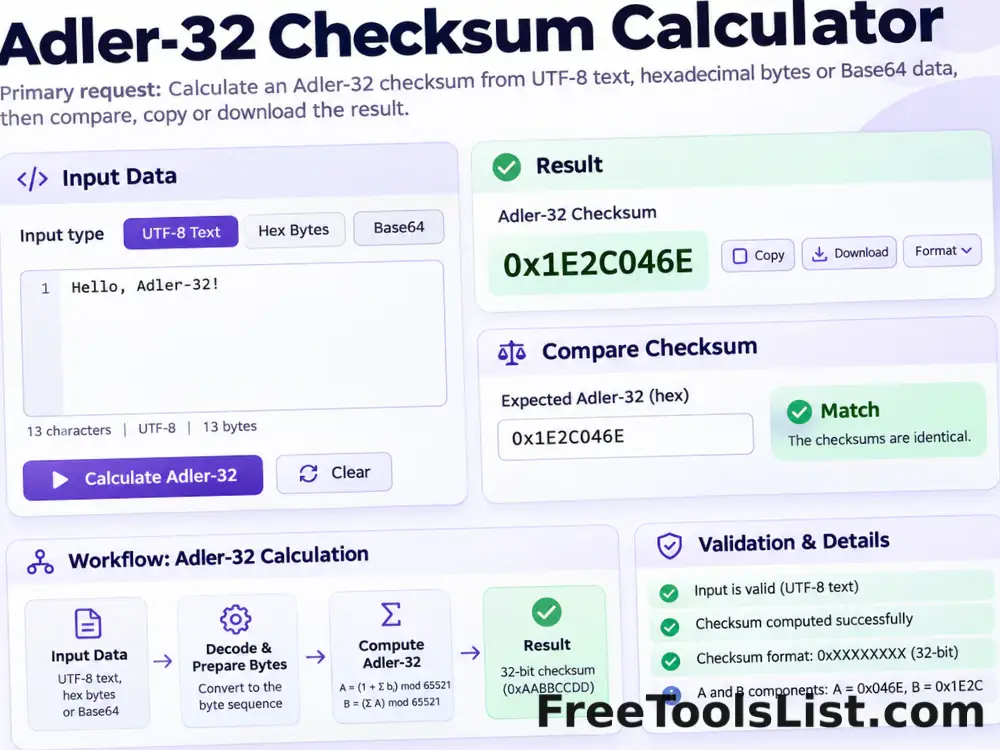
Calculate an Adler-32 checksum from UTF-8 text, hexadecimal bytes or Base64 data locally, then compare, copy or download the result.

PublishedUpdated