Private local image workspace

Screen Capture Tool

Screen Capture Tool lets you capture a user-selected screen, window or browser tab with permission locally in your browser, compare the result, and download a ready-to-use file.

● Local processing · No uploads · No sign-up

Screen Capture Tool workspace

Capture a user-selected screen, window or browser tab with permission with operation-specific controls.

Files stay in this tab
Start a capture and choose the screen, window or tab.

Quick Tool Overview

A focused workflow for screen capture tool.

Screen Capture Tool lets you capture a user-selected screen, window or browser tab with permission locally in your browser, compare the result, and download a ready-to-use file.

The workspace keeps the source, operation settings and results together so you can make deliberate changes, compare output dimensions and export without moving sensitive images through an external service.

LOCALBrowser processing
PNGDownloadable output
LIVEVisible results
0Accounts needed
Ready when you are

Process images without an upload queue.

Choose the source, review every setting and download only the version you want.

Open Screen Capture Tool

About the Tool

What Screen Capture Tool helps you do.

Purpose-built processing

This page is configured to capture a user-selected screen, window or browser tab with permission instead of hiding the task inside a generic editor.

Private by design

Images are decoded into a local canvas. The page does not send image pixels to FreeToolsList.com or a third-party image API.

Controlled output

Choose format and quality where supported, then review the rendered dimensions before downloading.

Visible comparison

The source remains available while the processed result is rendered below for a clear before-and-after check.

Transparent limitations

Very large images use browser memory, animated files become a single frame and lossy formats may introduce compression artifacts.

Practical handoff

Downloads use descriptive filenames so the result can move directly into a design, publishing or documentation workflow.

Key Features

A complete local image workflow.

IMG

Operation-specific controls

Only settings relevant to screen capture tool are shown.

↙

Downloadable output

Export transparent PNG or choose JPEG and WebP quality for compatible results.

⌂

Local processing

Canvas operations run in the current tab without an image upload.

1:1

Result inspection

Review a processed image before saving it.

How to Use Screen Capture Tool

Finish the image task in six clear steps.

Choose a screen to capture

Click capture and approve one source in the browser prompt.

Tip: Keep an untouched original for comparison.

Review the controls

Set the values shown for this operation. Dimensions and percentages are validated before processing.

Tip: Change one control at a time when judging a visual effect.

Capture screen

Run the operation. Processing time depends on pixel dimensions and the number of selected files.

Tip: Large photos can require more browser memory than their file size suggests.

Inspect the result

Check the preview, output dimensions and any operation notes before saving.

Tip: Zoom the downloaded file when edge quality matters.

Choose an output format

Use PNG for transparency, JPEG for photographs or WebP for modern web delivery.

Tip: JPEG cannot preserve transparent pixels.

Download the finished work

Download the result with a descriptive filename.

Tip: Reopen the saved file once to verify the final encoding.

Ready to process?

Screen Capture Tool runs locally.

Keep control of the source file, settings and final download.

Capture screen →

Frequently Asked Questions

Popular screen capture tool questions.

Yes. It works locally without an account, watermark, subscription or usage counter.

No. File decoding and image processing run in this browser tab. Screen capture uses the browser's built-in permission prompt.

PNG, JPEG, WebP and GIF images are supported by modern browsers. SVG tools also accept SVG files or markup. Animated images are processed as a single frame.

Yes. Single results can be exported as PNG, JPEG or WebP. Batch workflows package completed files in a ZIP.

Pixel edits require re-encoding. Use PNG for transparency or repeated editing, and JPEG/WebP when smaller photographic files matter.

Keep exploring

Similar Tools

Continue with related free tools selected from this category and the wider directory.

20 tools
Screen Tutorial Maker tool previewSTImages

Screen Tutorial Maker

Capture sequential screen frames with browser permission, add step titles and instructions, reorder the timeline, preview each annotated step and export a local ZIP tutorial package.

Device Mockup Generator tool previewDMImages

Device Mockup Generator

Place a screenshot into an angled phone, laptop, monitor or custom background using four draggable perspective pins, a real-time canvas and private local image export.

Image to Text OCR tool previewITImages

Image to Text OCR

Extract editable text from screenshots and images with a browser-local OCR engine, progress reporting and TXT export.

Screenshot Beautifier tool previewSBImages

Screenshot Beautifier

Turn one or many screenshots into polished presentation graphics with gradient backgrounds, social ratios, padding, rounded corners, browser chrome, shadows, a live canvas and ZIP export.

360° Bottom Pole Converter tool preview3BImages

360° Bottom Pole Converter

Free online 360 bottom pole converter. Convert a circular polar image into a wide equirectangular bottom-pole strip for 360° panoramas, with radius, rotation, feathering, flip and export controls. Preview the polar-to-strip result locally before downloading.

Abstract Strokes & Dots Effect tool previewASImages

Abstract Strokes & Dots Effect

Rebuild a photo as an abstract composition of sampled color strokes and dots with intensity, density, smoothing, color smoothing and a repeatable seed.

Add Noise to Image tool previewANImages

Add Noise to Image

Add Noise to Image lets you add controllable monochrome or color grain locally in your browser, compare the result, and download a ready-to-use file.

Adjust Image Gamma tool previewAIImages

Adjust Image Gamma

Adjust Image Gamma lets you reshape midtone brightness without applying a flat offset locally in your browser, compare the result, and download a ready-to-use file.

Adjust Image HSL tool previewAIImages

Adjust Image HSL

Adjust Image HSL lets you control hue, saturation and lightness in one workspace locally in your browser, compare the result, and download a ready-to-use file.

Adjust RGB Channels tool previewARImages

Adjust RGB Channels

Adjust RGB Channels lets you scale individual red, green and blue channels locally in your browser, compare the result, and download a ready-to-use file.

Animated GIF Caption & Background Studio tool previewAGImages

Animated GIF Caption & Background Studio

Add outlined captions or meme bars to an animated GIF, fit it into a synchronized blurred square background, preview the motion on canvas and locally re-encode the reviewed GIF.

Animated GIF Effects & Transparency Editor tool previewAGImages

Animated GIF Effects & Transparency Editor

Adjust brightness, contrast, saturation and hue, apply grayscale, sepia, invert or glitch effects, or remove a selected color from every animated GIF frame with live canvas feedback.

Animated GIF Joiner, Collage & Grid Maker tool previewAGImages

Animated GIF Joiner, Collage & Grid Maker

Join two to four animated GIFs horizontally, vertically or in a 2×2 grid with fit, cell-size, gap, background, duration and frame-rate controls plus a live synchronized canvas.

Animated GIF Logo, Sticker, Paint & Censor Editor tool previewAGImages

Animated GIF Logo, Sticker, Paint & Censor Editor

Place a logo or emoji, paint freehand marks, or blur and pixelate a selected region across an animated GIF using movable canvas overlays and local re-encoding.

Animated GIF Timeline, Speed & Boomerang Editor tool previewAGImages

Animated GIF Timeline, Speed & Boomerang Editor

Trim frames, change speed, reverse playback, make a boomerang, reorder individual frames and set the loop count on a visual GIF timeline before re-encoding locally.

Animated GIF Transform Studio tool previewAGImages

Animated GIF Transform Studio

Flip, rotate, resize, crop, circle-crop or round the corners of an animated GIF in one non-duplicated workspace with exact dimensions and a synchronized canvas preview.

Animated Text to GIF Maker tool previewATImages

Animated Text to GIF Maker

Create an animated text GIF with typewriter, fade, bounce or neon motion, exact canvas sizing, colors, typography, speed and loop controls, plus a live canvas preview before export.

Auto Contrast Image tool previewACImages

Auto Contrast Image

Automatically detect useful black and white points, expand image contrast and preview the corrected photograph on a live before-and-after canvas.

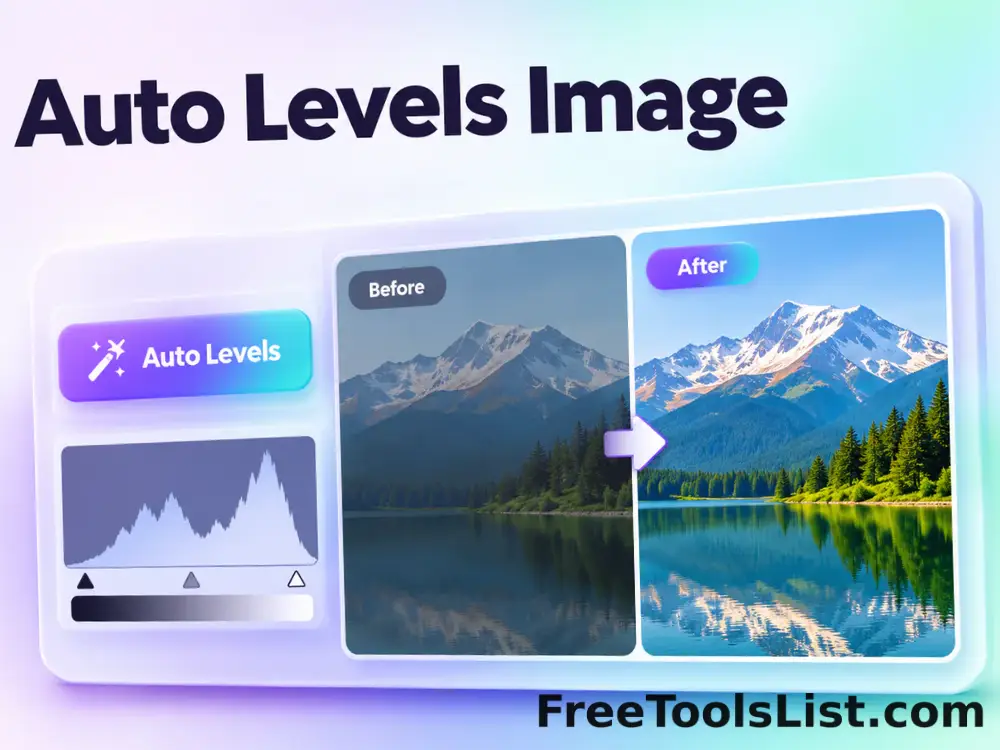
Auto Levels Image tool previewALImages

Auto Levels Image

Normalize photo brightness and color levels automatically using per-channel RGB or luminance-only correction with clipping and strength controls.

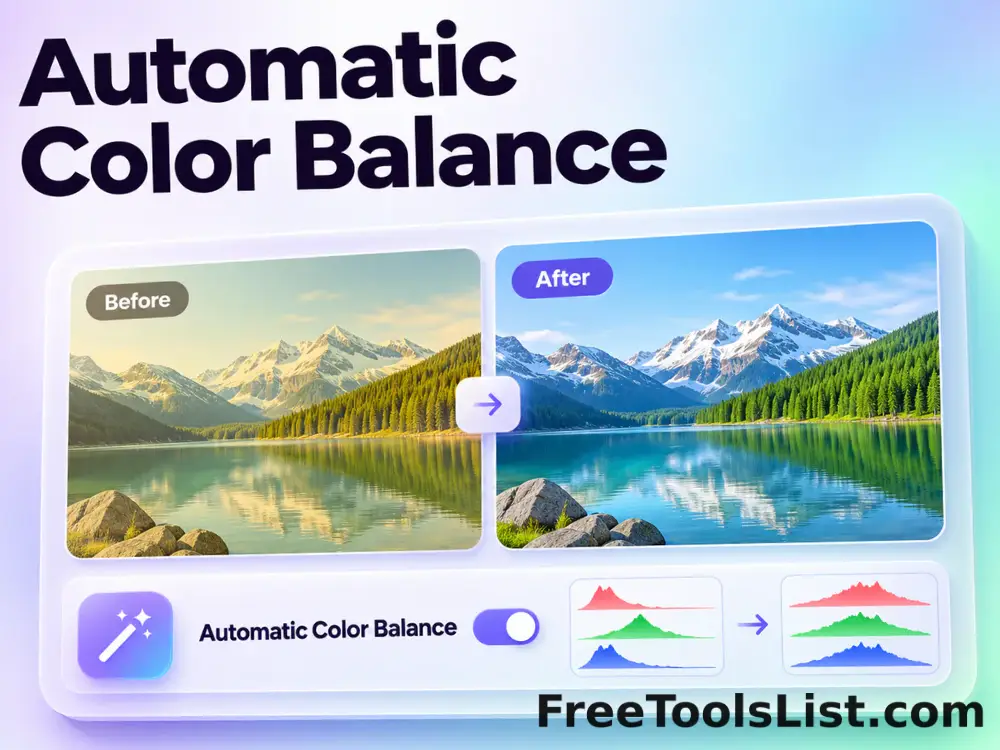
Automatic Color Balance tool previewACImages

Automatic Color Balance

Automatically rebalance red, green and blue channel averages, preserve perceived brightness and preview the white-balance correction locally.

PublishedUpdated