Modern local image effects

Directional Linear Blur

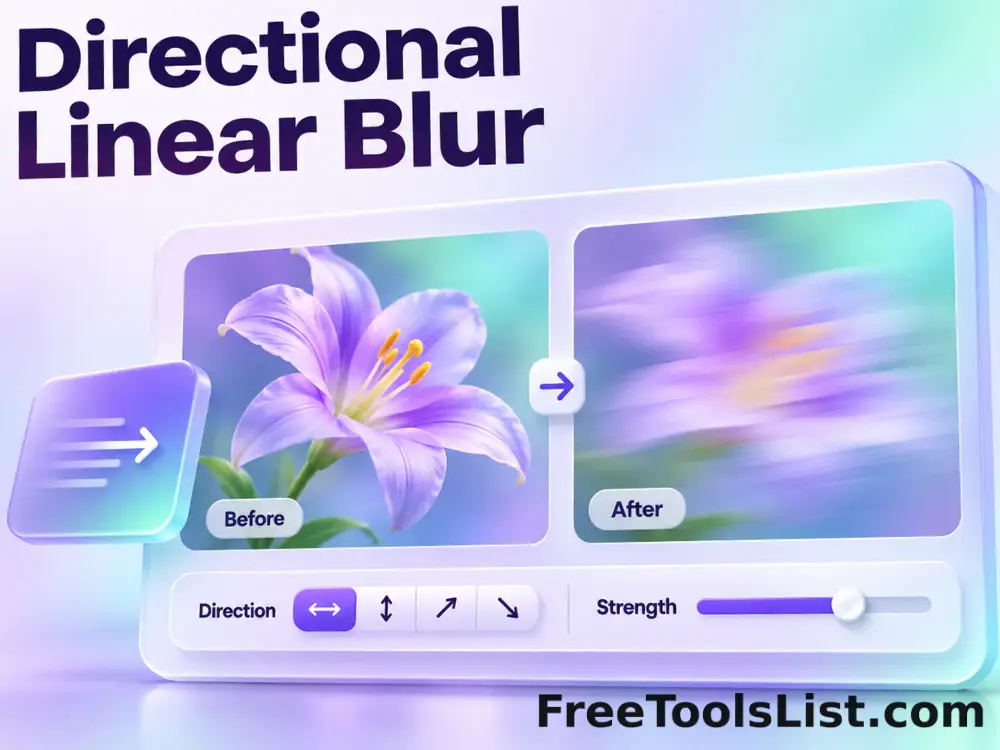
Create horizontal, vertical or combined directional blur with independent radii, source blending, edge retention and a live before-and-after canvas.

● Real canvas · Browser-local · Original safe

Directional Linear Blur workspace

Apply the effect, inspect the actual canvas and save only after the output looks right.

Local · no external uploads

Loading the effect workspace…

Quick Tool Overview

Linear Blur with reviewable output.

Use Directional Linear Blur to simulate controlled camera movement, soften detail along one axis or build a directional motion background.

Efficient horizontal and vertical neighborhood passes average pixels along the selected axes, then the result is blended with the original at the chosen strength.

LIVECanvas preview
LOCALPrivate processing
↔Focused effect
0Accounts needed
Review before saving. Long blur radii can stretch high-contrast objects and dark borders. Inspect the whole frame, especially edges near the canvas boundary.
About the Tool

What Directional Linear Blur does.

Primary purpose

Use this page to simulate controlled camera movement, soften detail along one axis or build a directional motion background.

Transparent method

Efficient horizontal and vertical neighborhood passes average pixels along the selected axes, then the result is blended with the original at the chosen strength.

Actual output preview

The preview is drawn from the processed pixel result and includes an interactive comparison before export.

Private local workflow

Source pixels stay in this browser tab and are not sent to an external effect-processing API.

Original-safe export

The source is only read. Every effect result is encoded as a separate PNG, JPEG or WebP download.

Important limitation

Long blur radii can stretch high-contrast objects and dark borders. Inspect the whole frame, especially edges near the canvas boundary.

Key Features

A modern effect workspace built for inspection.

◫

Real live canvas

Review the processed pixels before the save button becomes available.

↔

Before and after

Drag the comparison slider to inspect details, gradients and edges.

⌂

Local processing

The effect runs in this tab without a remote upload queue.

↓

Flexible export

Save the reviewed result as PNG, JPEG or WebP with quality control.

How to Use Directional Linear Blur

Apply and review the effect in six detailed steps.

Choose or load an image

Select a local browser-readable image or load the demonstration. The source file remains unchanged.

Step 1: Keep the untouched source until the result is verified.

Set the effect controls

Adjust horizontal radius, vertical radius, effect blend, source-edge visibility, output format and quality. Start with moderate settings so the comparison remains easy to judge.

Step 2: Keep the untouched source until the result is verified.

Render the live canvas

Click Apply and wait for the actual processed pixels to appear. The save button stays disabled until encoding succeeds.

Step 3: Keep the untouched source until the result is verified.

Compare before and after

Drag the comparison slider across detailed and flat parts of the image to see exactly where the effect changes pixels.

Step 4: Inspect both fine detail and broad tonal areas.

Review measurements

Check output dimensions, encoded size, format and operation summary. Long blur radii can stretch high-contrast objects and dark borders. Inspect the whole frame, especially edges near the canvas boundary.
Step 5: Keep the untouched source until the result is verified.

Save the reviewed copy

Download the new image only after the canvas matches the intended look. Keep the original available for future edits.

Step 6: Keep the untouched source until the result is verified.

Ready to apply the effect?

Preview the complete result before saving.

No external upload queue, account, watermark or source overwrite.

Open Linear Blur →

Frequently Asked Questions

Popular linear blur questions.

Efficient horizontal and vertical neighborhood passes average pixels along the selected axes, then the result is blended with the original at the chosen strength.

No. Image decoding, effect processing, canvas comparison and encoding happen in the current browser tab on localhost.

Yes. The page shows the actual processed canvas, output dimensions, encoded size and a draggable before-and-after comparison before download.

No. The source is read only and the effect is exported as a separate file with a descriptive filename.

Begin with the defaults, inspect the canvas, and change one major control at a time. Moderate settings usually retain more useful detail.

Image editors may use different kernels, color spaces, edge handling and encoders. This page reports its method and displays the exact local result.

Keep exploring

Similar Tools

Continue with related free tools selected from this category and the wider directory.

20 tools
Animated GIF Caption & Background Studio tool previewAGImages

Animated GIF Caption & Background Studio

Add outlined captions or meme bars to an animated GIF, fit it into a synchronized blurred square background, preview the motion on canvas and locally re-encode the reviewed GIF.

Animated GIF Logo, Sticker, Paint & Censor Editor tool previewAGImages

Animated GIF Logo, Sticker, Paint & Censor Editor

Place a logo or emoji, paint freehand marks, or blur and pixelate a selected region across an animated GIF using movable canvas overlays and local re-encoding.

Background Blur & Color Studio tool previewBBImages

Background Blur & Color Studio

Keep a chosen subject region sharp while blurring or recoloring the surrounding background, with movable focus controls and a live canvas preview.

Black & White Dithering Studio tool previewBWImages

Black & White Dithering Studio

Convert a photo to one-bit black and white with Floyd–Steinberg, ordered or threshold methods plus balance, contrast, brightness and blur controls.

Blur Image tool previewBIImages

Blur Image

Blur Image lets you apply a configurable Gaussian-style browser blur locally in your browser, compare the result, and download a ready-to-use file.

Blurred Frame Image Generator tool previewBFImages

Blurred Frame Image Generator

Fit one image or a complete batch inside square canvases without cropping, using blurred, solid, transparent or gradient backgrounds, alignment controls, live preview and ZIP export.

Bokeh & Blurred Circles Studio tool previewBBImages

Bokeh & Blurred Circles Studio

Overlay luminous circles, rings, hexagons, triangles or stars, or rebuild a photo from blurred color circles with seed, count, size, blur and color controls.

Bulk Blur Image tool previewBBImages

Bulk Blur Image

Process multiple images locally to apply a configurable Gaussian-style browser blur, review every result, and download the completed batch as a ZIP.

Bulk Blurred Frame Image Generator tool previewBBImages

Bulk Blurred Frame Image Generator

Process multiple images locally to fit an image inside a blurred edge-to-edge frame, review every result, and download the completed batch as a ZIP.

Bulk Glow Image Effect tool previewBGImages

Bulk Glow Image Effect

Process multiple images locally to combine a blurred highlight layer with the original image, review every result, and download the completed batch as a ZIP.

Censor Photo: Blur or Pixelate tool previewCPImages

Censor Photo: Blur or Pixelate

Censor Photo: Blur or Pixelate lets you obscure a rectangular region with blur, pixels or a solid fill locally in your browser, compare the result, and download a ready-to-use file.

Dominant Color Frame Studio tool previewDCImages

Dominant Color Frame Studio

Build a striped photo border from colors sampled from the image with independent side widths, palette size, blur, rotation and saturation controls.

Glow Image Effect tool previewGIImages

Glow Image Effect

Glow Image Effect lets you combine a blurred highlight layer with the original image locally in your browser, compare the result, and download a ready-to-use file.

Image Gradient Generator tool previewIGImages

Image Gradient Generator

Image Gradient Generator lets you render a linear two-color gradient at exact dimensions and angle locally in your browser, compare the result, and download a ready-to-use file.

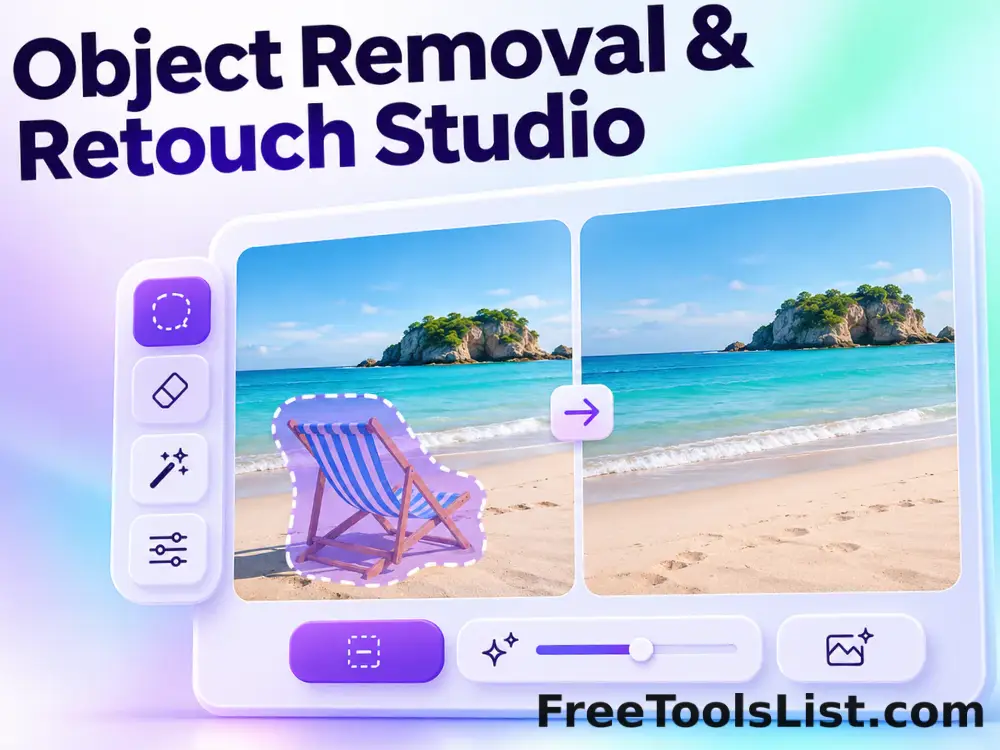
Object Removal & Retouch Studio tool previewORImages

Object Removal & Retouch Studio

Mark unwanted text or objects with a brush, preview a local heal, blur, pixelate or clone-style replacement on the canvas, and undo before saving.

Radial & Circular Blur Studio tool previewRCImages

Radial & Circular Blur Studio

Apply radial zoom blur or circular spin blur around a movable center with strength and sample controls and inspect the actual result before saving.

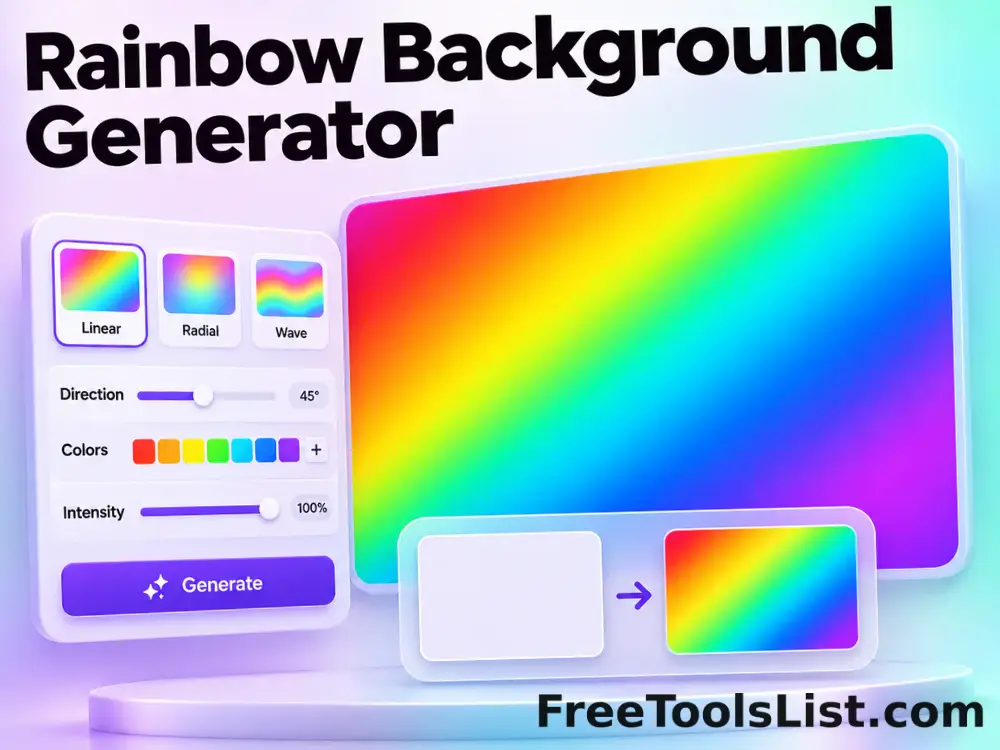
Rainbow Background Generator tool previewRBImages

Rainbow Background Generator

Generate repeatable bright multicolor backgrounds with canvas dimensions, numeric seed, blur, color count, vividness and export controls.

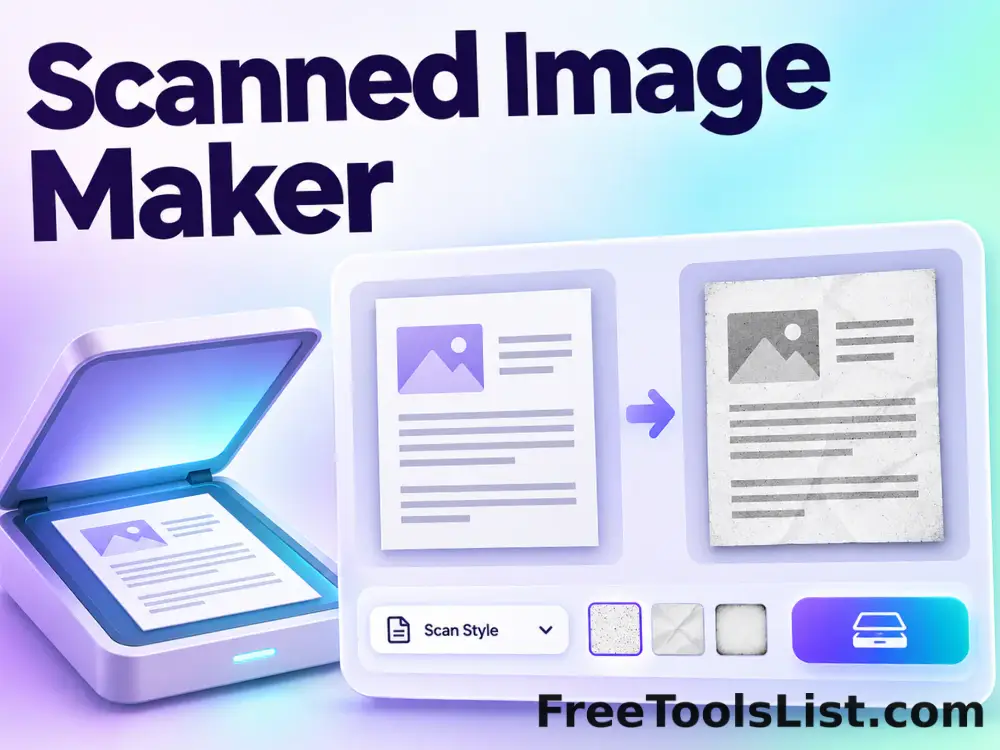
Scanned Image Maker tool previewSIImages

Scanned Image Maker

Make photos or document images look scanned with brightness, contrast, grayscale, rotation, paper padding, noise and blur controls, batch preview and local export.

Two-Tone Blurred Background Generator tool previewTTImages

Two-Tone Blurred Background Generator

Create repeatable abstract backgrounds from two chosen or randomized colors with seed, blur, balance, dimensions and format controls.

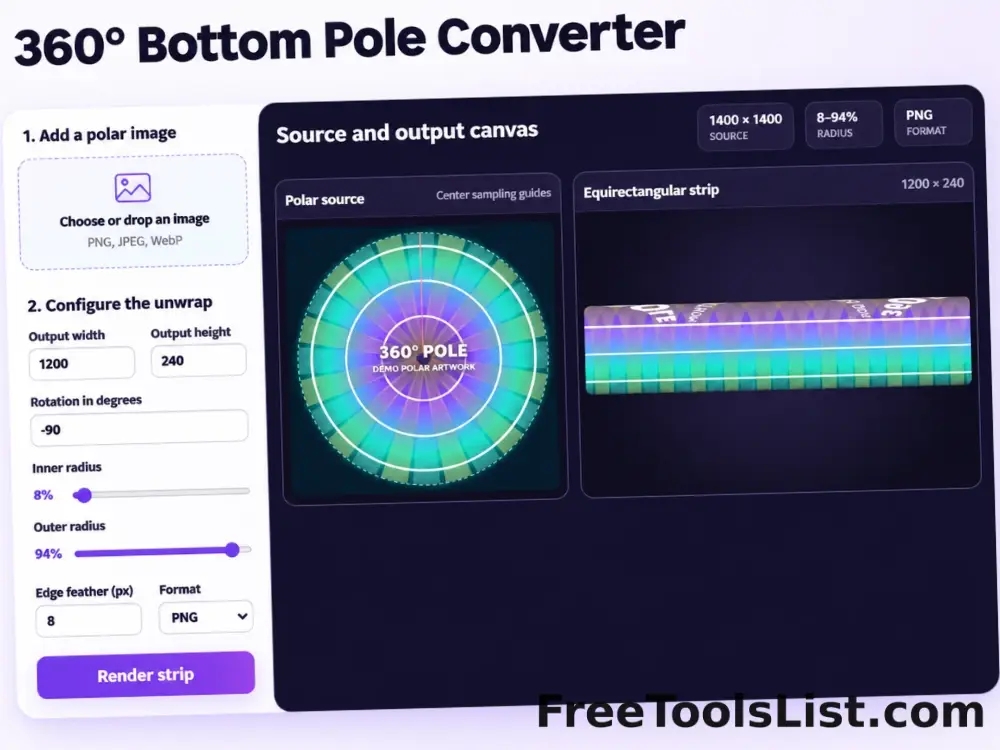
360° Bottom Pole Converter tool preview3BImages

360° Bottom Pole Converter

Free online 360 bottom pole converter. Convert a circular polar image into a wide equirectangular bottom-pole strip for 360° panoramas, with radius, rotation, feathering, flip and export controls. Preview the polar-to-strip result locally before downloading.

PublishedUpdated