Private date & time workspace

Countdown Timer

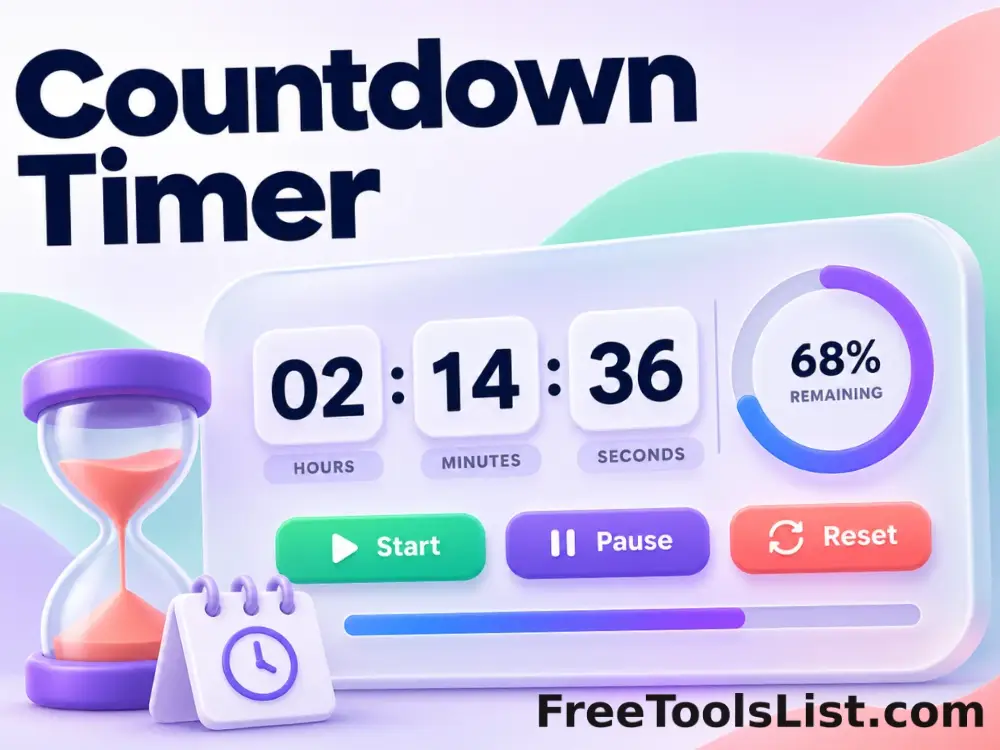
Run a deadline-based countdown for days, hours, minutes and seconds with start, pause, resume and reset controls. Timezone context and exact values remain visible with the result.

● Local browser time processing · No sign-up

Countdown Timer workspace

Pause preserves the remaining duration; reset reloads the configured values.

Private browser time processing
Countdown00:01:00
0Days
00Hours
01Minutes
00Seconds
Set a duration and start the countdown.

Quick Tool Overview

Work with dates and time using explicit context.

The timer tracks a target deadline instead of subtracting one second per interval, reducing drift when the browser is busy. It is designed for focus sessions, cooking, presentations, breaks, workouts and timed exercises.

Pause preserves the remaining duration; reset reloads the configured values. Always review the displayed timezone when moving values between systems.

⏳Focused workflow
UTCTimezone context
⌂Local processing
ISOReusable output
Timezone-aware workflow

Make the clock interpretation visible.

Confirm UTC versus local time and verify daylight-saving transitions when a result crosses timezone-rule changes.

Open Timer

About the Tool

What the Countdown Timer helps you do.

Explicit time context

UTC and browser-local interpretation are labeled wherever the choice changes the result.

Defined calculation

Pause preserves the remaining duration; reset reloads the configured values.

Useful precision

Results expose exact epoch values, elapsed totals or millisecond timing where they add practical context.

Private processing

Dates, timestamps and live-clock state remain in the current browser tab.

Calendar-aware behavior

Whole months and years use valid target-month dates rather than a fixed number of days.

Clear edge cases

Instructions explain daylight-saving differences, fractional calendar values and supported timestamp ranges.

Key Features

A practical date and time workflow.

⏳

Task-specific controls

Inputs match the exact calendar, timer or epoch conversion task.

UTC

Visible timezone

Interpretation is selected or displayed instead of being hidden.

⌂

Browser-local work

Source values and live timing state stay on this device.

✓

Validated values

Incomplete dates and unsupported timestamps produce clear messages.

How to Use the Countdown Timer

Calculate or measure time in six steps.

Choose the source

Enter the date, timestamp, duration or starting moment.

Tip: Include seconds when an exact boundary matters.

Select timezone context

Choose browser-local or UTC interpretation where the page provides it.

Tip: Unix timestamps always identify a UTC-based instant.

Set the operation

Enter adjustments, select units or prepare the timer controls.

Tip: Negative date adjustments reverse the chosen direction.

Calculate or start

Run the calculation or begin the live timer or stopwatch.

Tip: Pause preserves elapsed or remaining time.

Review edge cases

Check end-of-month clamping and daylight-saving changes for local dates.

Tip: Compare exact elapsed totals with calendar components when needed.

Copy the result

Reuse the reviewed date, timestamp or lap list in the next task.

Tip: ISO 8601 output is useful for system-to-system handoff.

Ready to work with time?

Calculate locally with explicit timezone context.

Use focused controls and detailed instructions without creating an account.

Open timer →

Frequently Asked Questions

Popular countdown timer questions.

Yes. The Countdown Timer works without an account, subscription or external timing service.

Date calculators and human-to-Unix conversion provide an explicit browser-local or UTC option. Timestamp-to-date output shows both UTC and browser-local values.

Local calendar arithmetic uses the browser timezone rules. Exact elapsed totals come from timestamp differences, so a local day across a daylight-saving transition may not equal exactly 24 hours.

The countdown uses a target deadline and the stopwatch uses a monotonic elapsed clock. Display refreshes can be delayed in background tabs, but the next update recalculates from the clock instead of relying on interval counts.

No. Dates, timestamps, countdown settings, elapsed time and lap records are processed in the current browser tab.

Keep exploring

Similar Tools

Continue with related free tools selected from this category and the wider directory.

20 tools
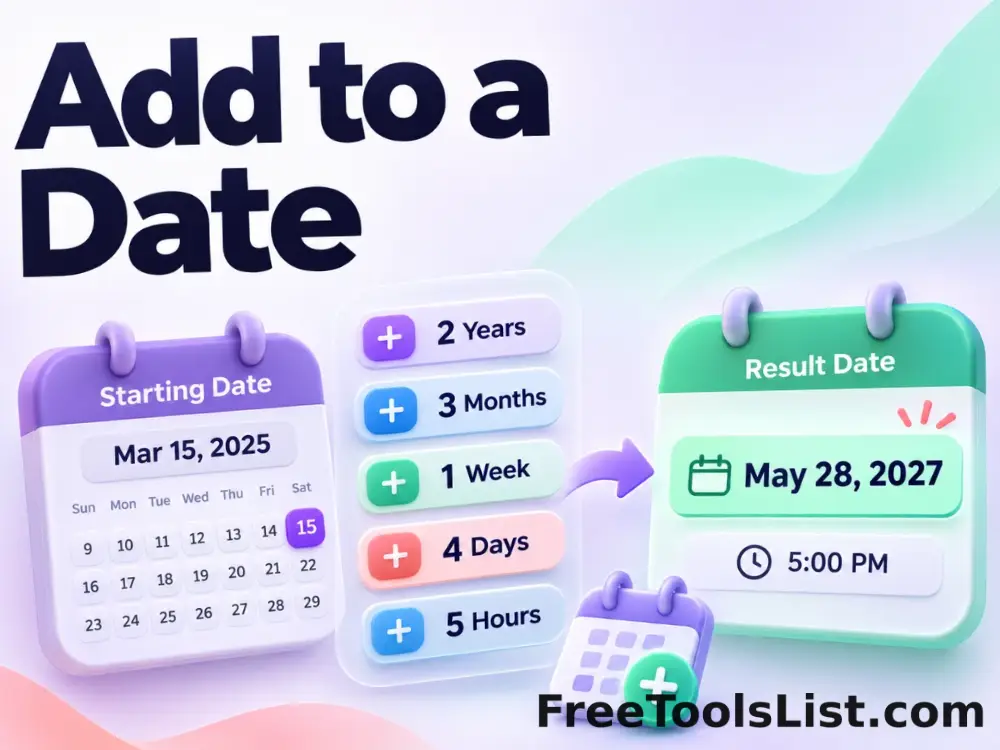
Add to a Date tool previewATDate & Time

Add to a Date

Add years, months, weeks, days, hours, minutes and seconds to a selected local or UTC date and time.

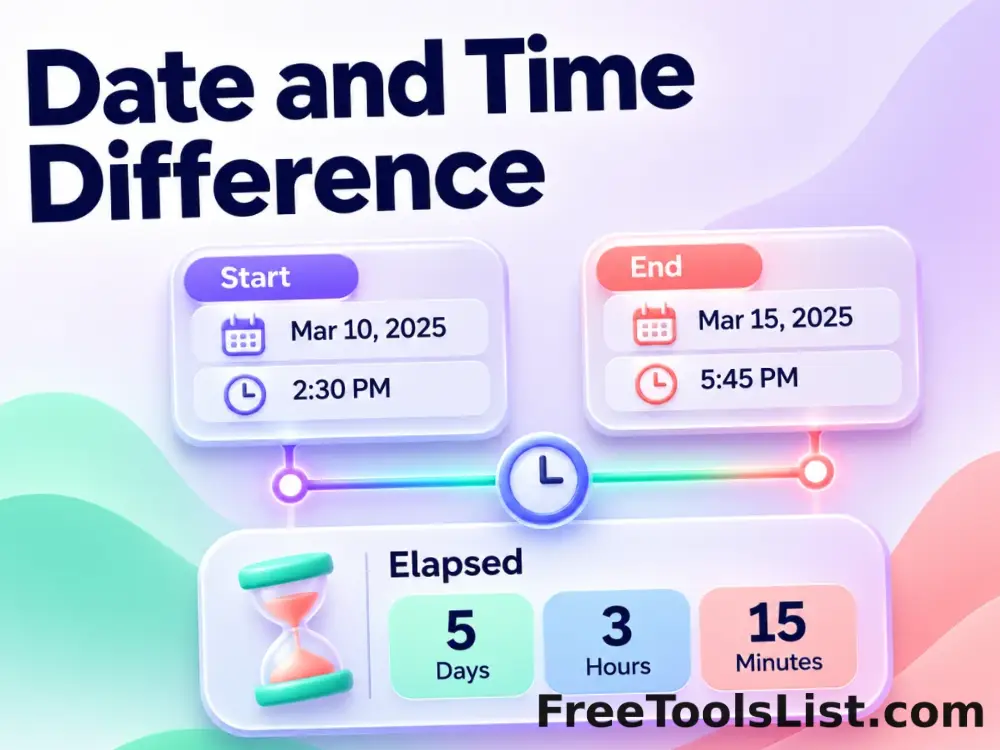
Date and Time Difference tool previewDADate & Time

Date and Time Difference

Compare two dates and times using a calendar breakdown plus exact elapsed days, hours, minutes and seconds.

Date and Time to Unix Timestamp tool previewDADate & Time

Date and Time to Unix Timestamp

Convert a human date and time interpreted as UTC or browser local time into Unix seconds and milliseconds with a canvas review before copying.

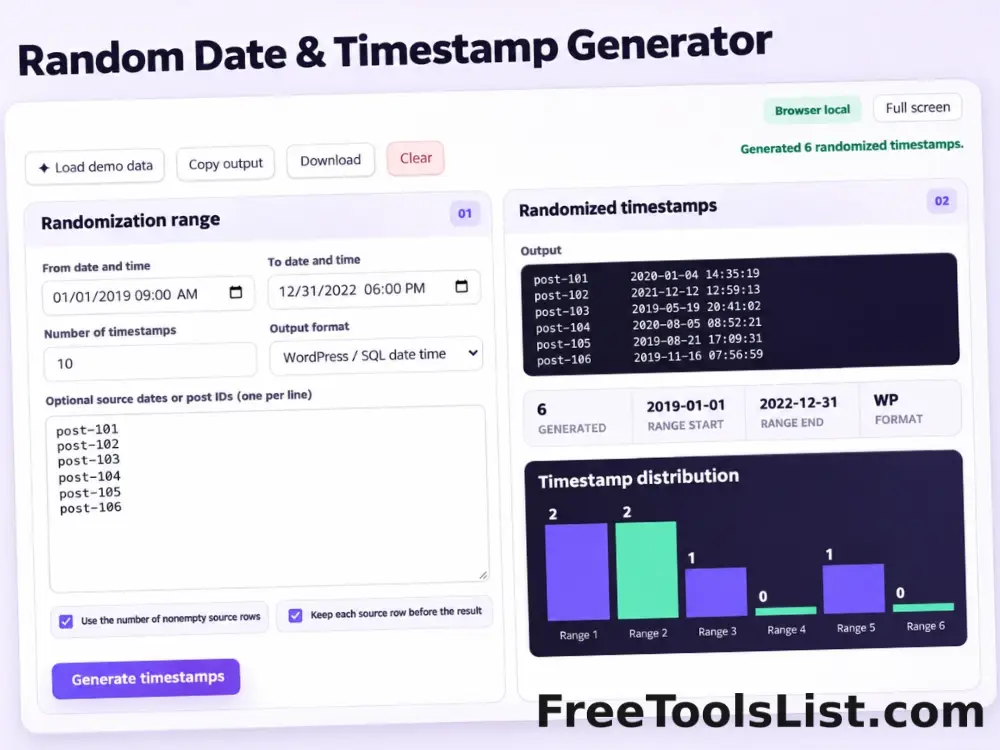
Random Date & Timestamp Generator tool previewRDDate & Time

Random Date & Timestamp Generator

Free online Random Date & Timestamp Generator. Generate random dates and timestamps inside an exact range for WordPress posts, SQL rows, test fixtures and content schedules, with up to 10,000 private browser-generated results.

Stopwatch tool previewSTODate & Time

Stopwatch

Measure elapsed time with millisecond display, pause and resume controls, and recorded lap or split intervals.

Subtract from a Date tool previewSFDate & Time

Subtract from a Date

Subtract years, months, weeks, days, hours, minutes and seconds from a selected local or UTC date and time.

Unix Timestamp to Date and Time tool previewUTDate & Time

Unix Timestamp to Date and Time

Convert Unix seconds or milliseconds into UTC, ISO 8601 and browser-local date and time values, then review the exact conversion on canvas before copying.

GIF Countdown Generator tool previewGCImages

GIF Countdown Generator

Create a branded animated countdown GIF for email and social use with exact duration, dimensions, colors, typography, label and loop controls plus a live first-frame canvas.

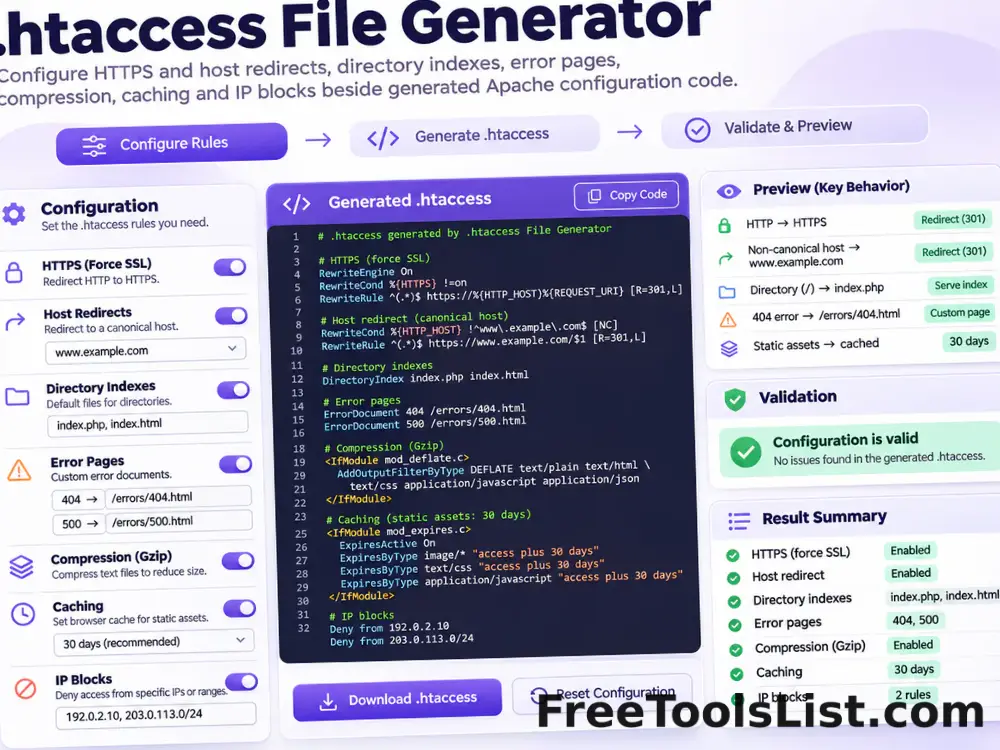
.htaccess File Generator tool previewHFDeveloper

.htaccess File Generator

Generate a modern Apache .htaccess starting point for HTTPS and host redirects, directory indexes, error pages, compression, caching and selected IP blocks.

360° Bottom Pole Converter tool preview3BImages

360° Bottom Pole Converter

Free online 360 bottom pole converter. Convert a circular polar image into a wide equirectangular bottom-pole strip for 360° panoramas, with radius, rotation, feathering, flip and export controls. Preview the polar-to-strip result locally before downloading.

3D Pie Chart Maker tool preview3PData

3D Pie Chart Maker

Create a customizable 3D pie or donut chart with editable slices, CSV import and export, labels, legend, exploded segments, colors, depth and PNG, JPEG or SVG download.

Abstract Strokes & Dots Effect tool previewASImages

Abstract Strokes & Dots Effect

Rebuild a photo as an abstract composition of sampled color strokes and dots with intensity, density, smoothing, color smoothing and a repeatable seed.

Add Fields in Apache Avro tool previewAFData Conversion

Add Fields in Apache Avro

Create one or more new columns without replacing the original values. Use this private browser tool to add calculated or constant fields to Apache Avro, review the changed rows and export the result without uploading the dataset.

Add Fields in Apache ORC tool previewAFData Conversion

Add Fields in Apache ORC

Create one or more new columns without replacing the original values. Use this private browser tool to add calculated or constant fields to Apache ORC, review the changed rows and export the result without uploading the dataset.

Add Fields in Apache Parquet tool previewAFData Conversion

Add Fields in Apache Parquet

Create one or more new columns without replacing the original values. Use this private browser tool to add calculated or constant fields to Apache Parquet, review the changed rows and export the result without uploading the dataset.

Add Fields in CSV tool previewAFData Conversion

Add Fields in CSV

Create one or more new columns without replacing the original values. Use this private browser tool to add calculated or constant fields to CSV, review the changed rows and export the result without uploading the dataset.

Add Fields in Excel 2007+ Workbook tool previewAFData Conversion

Add Fields in Excel 2007+ Workbook

Create one or more new columns without replacing the original values. Use this private browser tool to add calculated or constant fields to Excel 2007+ Workbook, review the changed rows and export the result without uploading the dataset.

Add Fields in Excel 97–2003 Workbook tool previewAFData Conversion

Add Fields in Excel 97–2003 Workbook

Create one or more new columns without replacing the original values. Use this private browser tool to add calculated or constant fields to Excel 97–2003 Workbook, review the changed rows and export the result without uploading the dataset.

Add Fields in Excel Binary Workbook tool previewAFData Conversion

Add Fields in Excel Binary Workbook

Create one or more new columns without replacing the original values. Use this private browser tool to add calculated or constant fields to Excel Binary Workbook, review the changed rows and export the result without uploading the dataset.

Add Fields in JPEG Image tool previewAFData Conversion

Add Fields in JPEG Image

Create one or more new columns without replacing the original values. Use this private browser tool to add calculated or constant fields to JPEG Image, review the changed rows and export the result without uploading the dataset.

PublishedUpdated