Modern private canvas workspace

3D Pie Chart Maker

Create a customizable 3D pie or donut chart with editable slices, CSV import and export, labels, legend, exploded segments, colors, depth and PNG, JPEG or SVG download.

● Local processing · Real canvas · Original safe

3D Pie Chart Maker workspace

Adjust focused controls, inspect the complete canvas and save only after review.

Browser local

Loading the canvas workspace…

Quick Tool Overview

3D Pie Chart with complete visual review.

Create a customizable 3D pie or donut chart with editable slices, CSV import and export, labels, legend, exploded segments, colors, depth and PNG, JPEG or SVG download.

The browser totals the entered values, converts each value into an angular share and draws layered elliptical slice paths to simulate depth before adding labels, legend and optional donut space.

LIVECanvas preview
PIEFocused controls
LOCALPrivate process
0Accounts needed
Review before saving. Mathematical warping and chart drawing may reveal alignment or readability issues only at the intended display size.
Ready to create?

Adjust every important detail on the live canvas.

Local browser processing with no account, watermark or source overwrite.

Open 3D Pie Chart

About the Tool

What 3D Pie Chart Maker helps you do.

Primary purpose

Use it to turn a small category dataset into a polished presentation chart with clear proportions and reviewable labels.

How it works

The browser totals the entered values, converts each value into an angular share and draws layered elliptical slice paths to simulate depth before adding labels, legend and optional donut space.

Real canvas preview

The visible output is generated from the active settings rather than represented by a decorative placeholder.

Private workflow

Source images and chart values remain in browser memory during processing.

Original-safe result

The source stays unchanged and the approved result downloads as a new file.

Important limitation

3D depth can make exact visual comparison harder, so labels and values should remain available.

Key Features

A modern compact workflow built for inspection.

▣

Real-time canvas

See the actual transformed or charted pixels before download.

4PT

Precise controls

Use movable geometry or explicit data, color and layout settings.

⌂

Local processing

Complete the task in browser memory without a remote queue.

↓

Reviewed export

Save PNG, JPEG, WebP, SVG or CSV only after inspection.

How to Use 3D Pie Chart Maker

Complete the task in six detailed steps.

Enter chart slices

Edit each label, numeric value and color or import a label,value,color CSV file.

Step 1: Keep the untouched source or data available until export is verified.

Set chart dimensions

Choose the canvas width, height, title and readable font sizes.

Step 2: Keep the untouched source or data available until export is verified.

Choose presentation options

Set labels, legend, 3D depth, donut hole, exploded slice, border and background.

Step 3: Keep the untouched source or data available until export is verified.

Inspect proportions

Confirm that every visible percentage matches the entered values and intended story.

Step 4: Judge the canvas at the intended final size.

Choose an export

Select PNG, JPEG or editable SVG and optionally export the source CSV.

Step 5: Keep the untouched source or data available until export is verified.

Download after review

Save the chart and test readability in the slide, report or page where it will appear.

Step 6: Keep the untouched source or data available until export is verified.

Ready to render?

Preview the complete result before saving.

Focused local processing with clear controls and no sign-up.

Open 3D Pie Chart →

Frequently Asked Questions

Popular 3d pie chart questions.

It helps you turn a small category dataset into a polished presentation chart with clear proportions and reviewable labels.

No. Images, slice values and generated output remain in the current browser tab.

Yes. The tool draws the actual output canvas and enables download only after a result is rendered.

No. Sources are read only and every download is a separate file.

Yes. Import label,value,color rows and export the current chart data as CSV.

Check totals, percentages, labels, contrast, legend position and readability at the final display size.

Keep exploring

Similar Tools

Continue with related free tools selected from this category and the wider directory.

20 tools
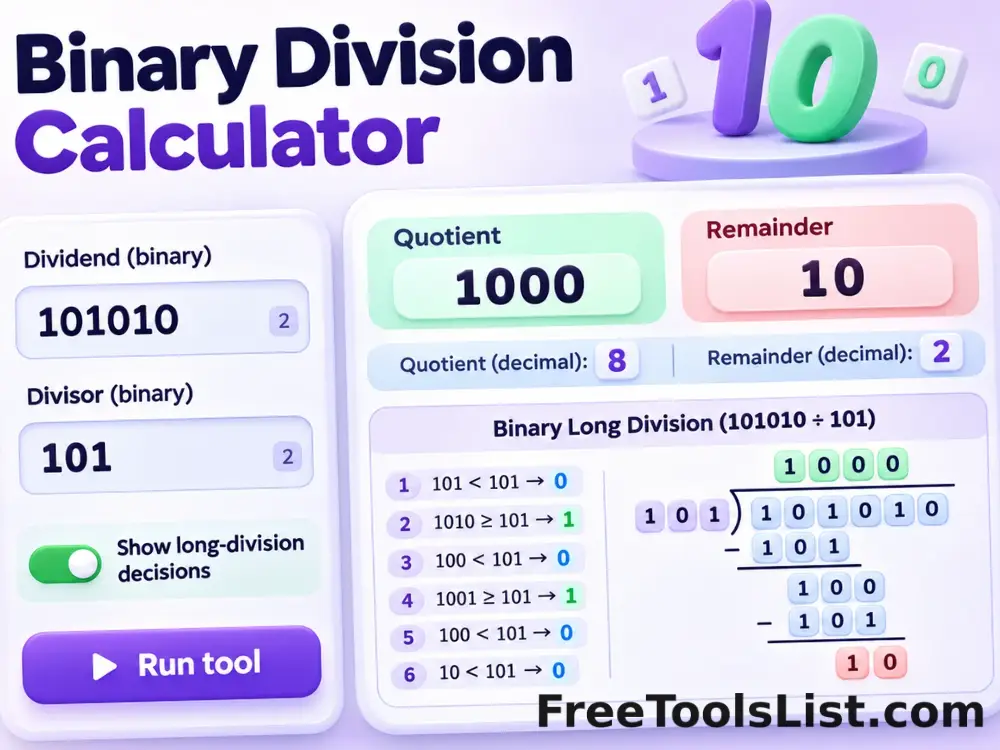
Binary Division Calculator tool previewBDData

Binary Division Calculator

Divide exact binary integers, show quotient and remainder in binary and decimal, and inspect optional long-division steps on a downloadable canvas.

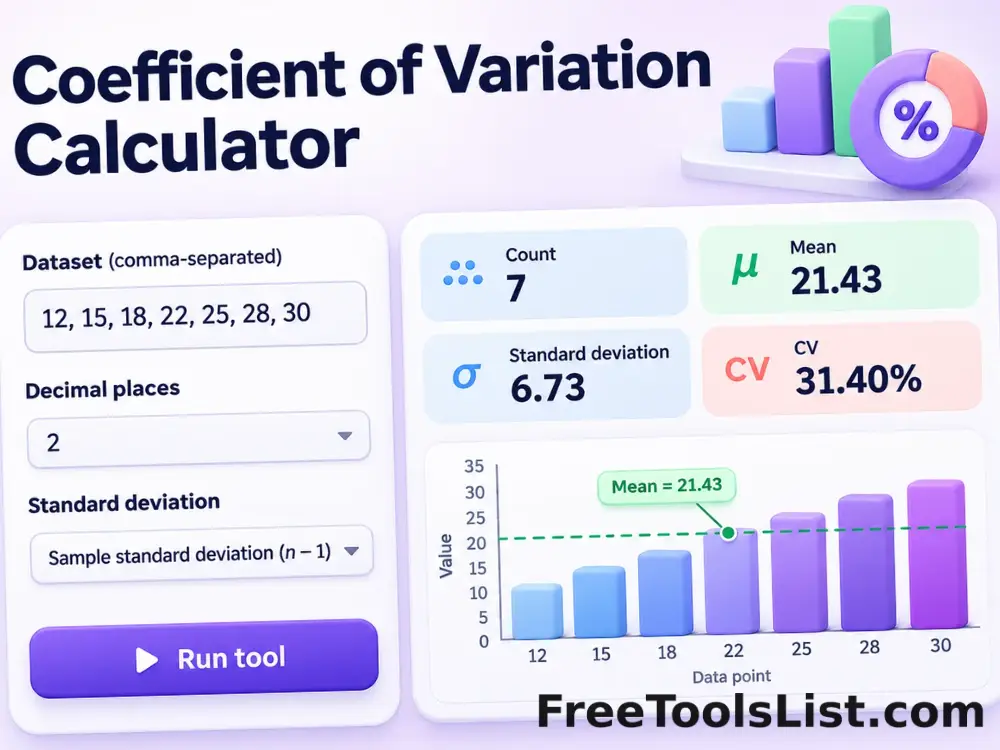
Coefficient of Variation Calculator tool previewCOData

Coefficient of Variation Calculator

Calculate mean, population or sample standard deviation and coefficient of variation from a numeric dataset, with file import and a visual variability canvas.

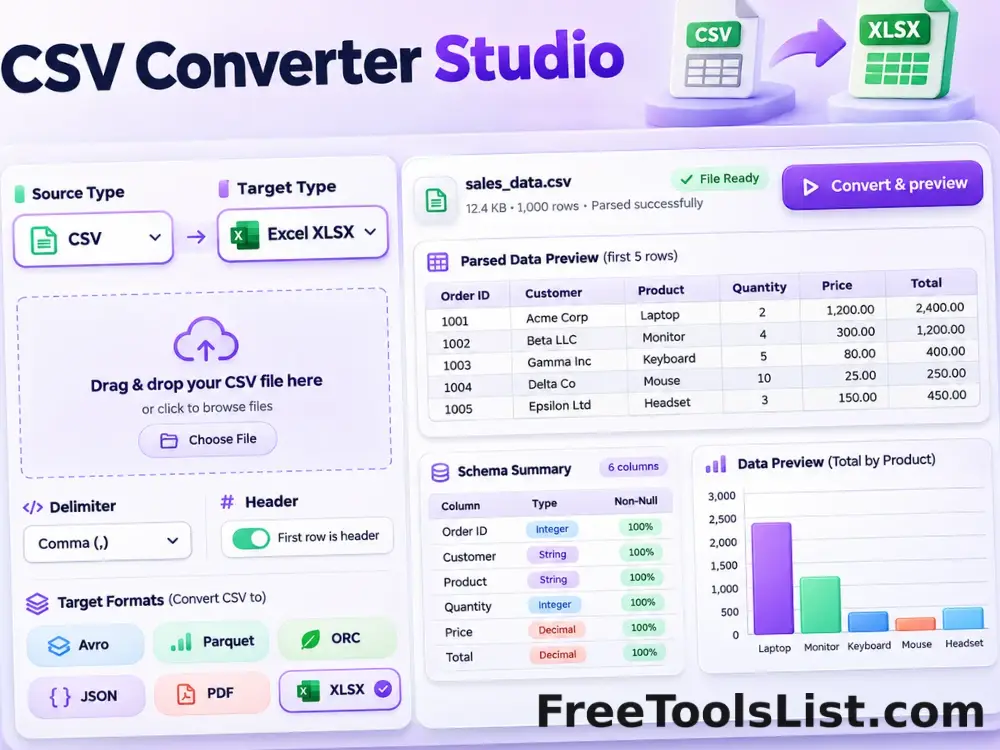
CSV Converter Studio — Avro, Parquet, ORC, Excel, DOCX, PDF & More tool previewCCData

CSV Converter Studio — Avro, Parquet, ORC, Excel, DOCX, PDF & More

Convert CSV and delimited data locally into real Avro, Parquet, ORC, XLSX, DOCX, PDF, HTML, XML, TSV, fixed-width and LaTeX files with schema inspection and a canvas preview before saving.

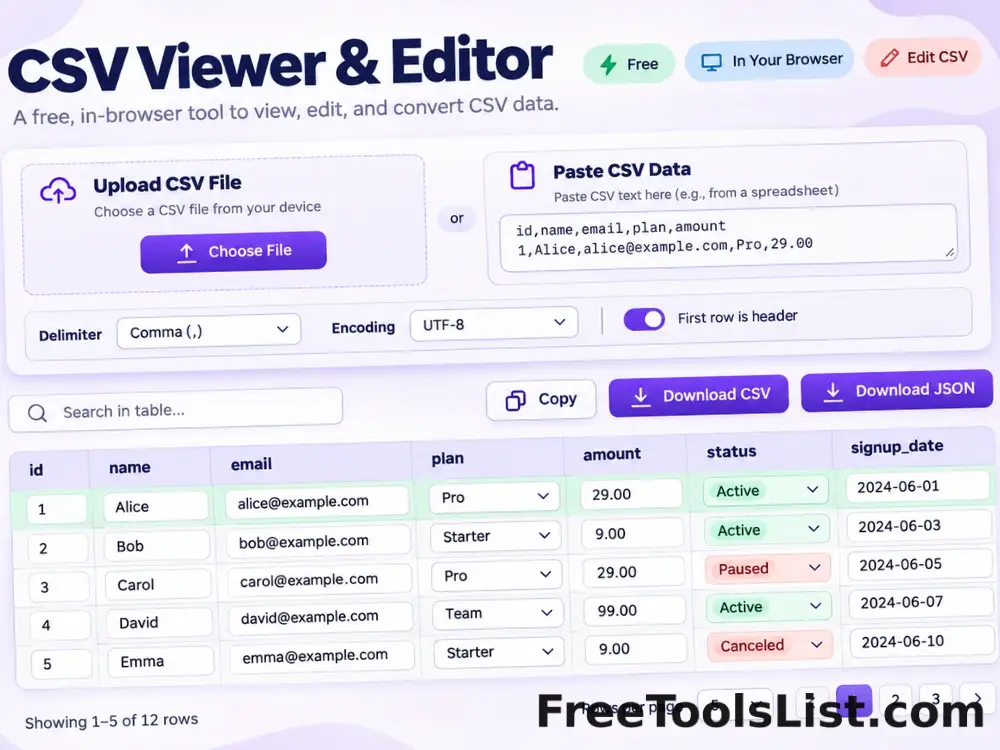
CSV Viewer & Editor Online tool previewCVData

CSV Viewer & Editor Online

Open, view, search, sort and edit CSV, TSV and delimited text files locally. Preview large tables, then export visible rows as CSV or JSON for free.

Date & Timestamp Extractor tool previewDTData

Date & Timestamp Extractor

Extract ISO 8601 timestamps, common numeric dates, written English dates and Unix timestamps from documents or logs, then validate, deduplicate, sort and preview them.

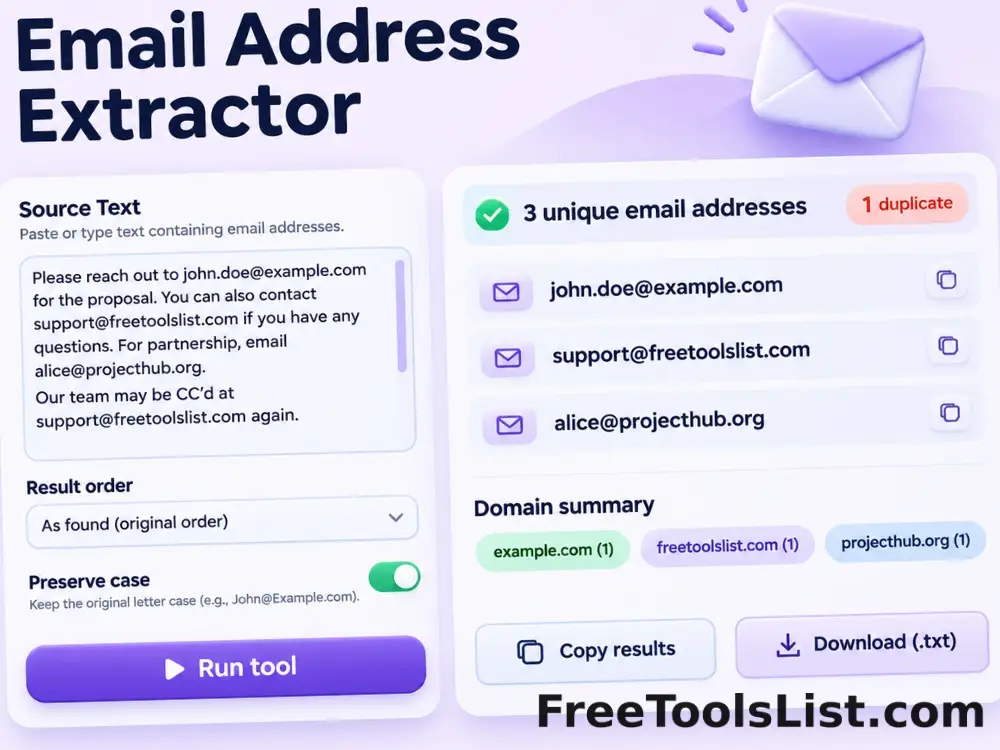
Email Address Extractor tool previewEAData

Email Address Extractor

Extract unique email addresses from pasted text or a local text file, normalize and sort results, summarize domains, and review findings on a private canvas.

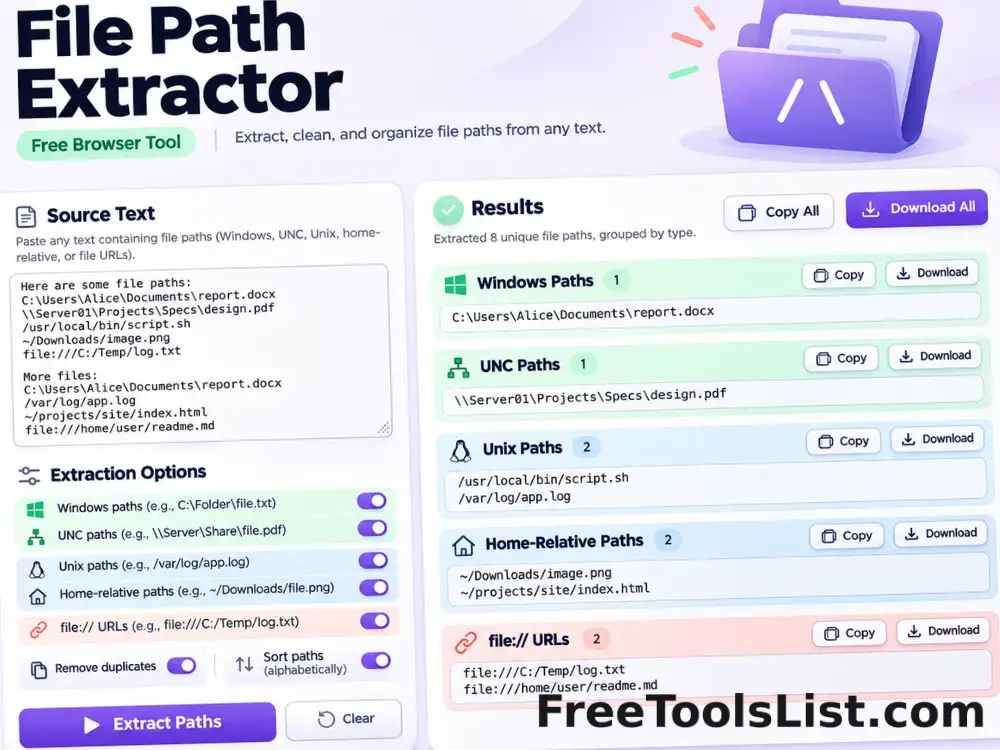
File Path & Directory Extractor tool previewFPData

File Path & Directory Extractor

Extract Windows drive paths, UNC shares, Unix paths and file URLs from logs, stack traces and code with type filters, deduplication and a visual review canvas.

Hash, UUID & JWT Extractor tool previewHUData

Hash, UUID & JWT Extractor

Extract MD5, SHA-1, SHA-256, SHA-512, UUID/GUID and JWT-shaped tokens from logs or mixed text, then filter, deduplicate, sort and preview results locally.

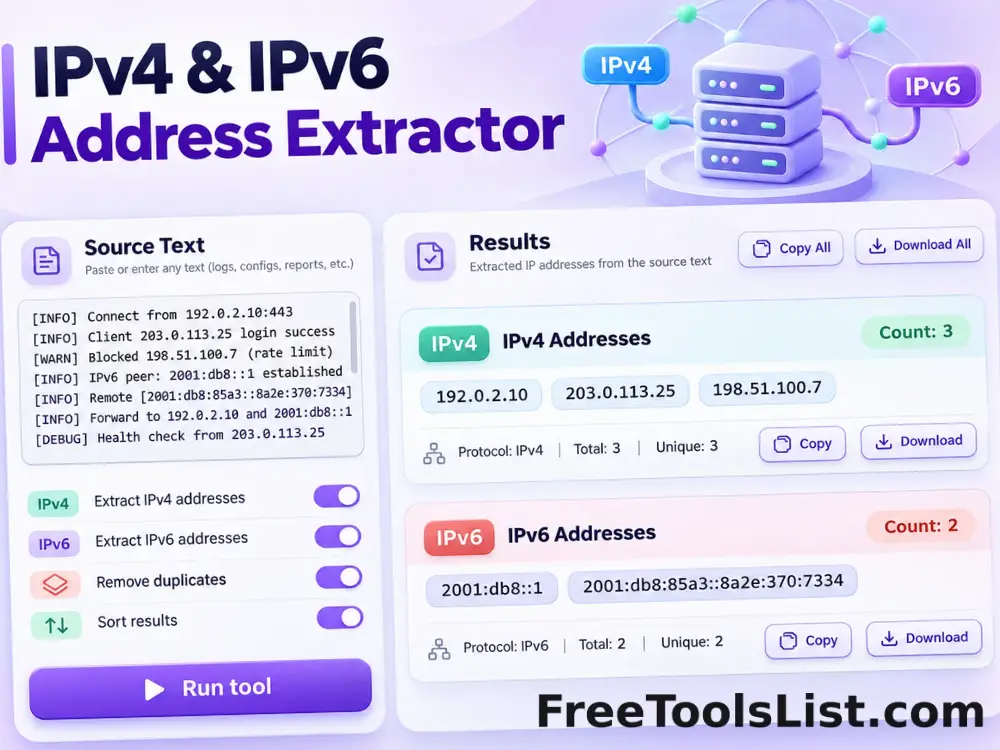
IPv4 & IPv6 Address Extractor tool previewIIData

IPv4 & IPv6 Address Extractor

Find valid IPv4 and IPv6 addresses in server logs, firewall exports and diagnostic text with protocol filters, deduplication and sorting.

MAC Address Extractor tool previewMAData

MAC Address Extractor

Extract colon, hyphen, Cisco-dot and plain 48-bit MAC address candidates from network text, normalize their format, deduplicate and preview the reviewed list.

Phone Number Extractor tool previewPNData

Phone Number Extractor

Extract plausible international and local phone numbers from text, CSV exports and logs, then normalize, deduplicate, sort and preview the result locally.

Random Country Name Generator tool previewRCData

Random Country Name Generator

Generate random country names with emoji flags, ISO codes, capitals and world regions, then review the selection on a downloadable canvas.

Survey Sample Size Calculator tool previewSSData

Survey Sample Size Calculator

Estimate a survey sample size from population, confidence level, margin of error and response proportion, with finite-population correction and a review canvas.

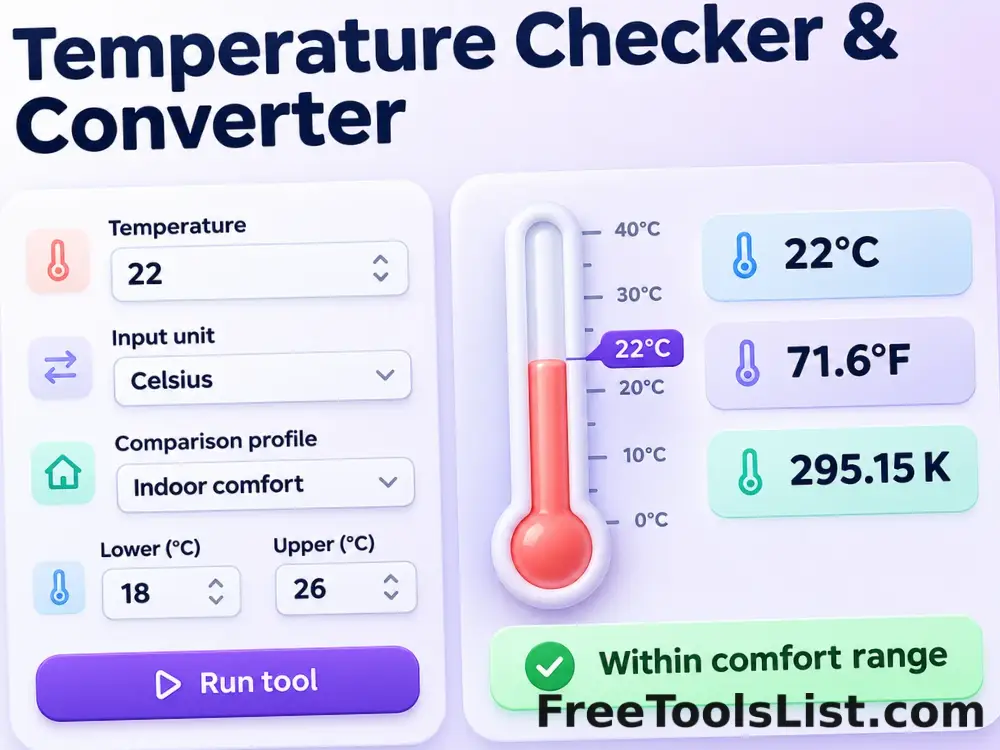
Temperature Checker & Converter tool previewTCData

Temperature Checker & Converter

Convert Celsius, Fahrenheit and Kelvin, compare a reading with practical reference ranges, and preview the result on a visual temperature gauge.

URL & Link Extractor tool previewULData

URL & Link Extractor

Free online URL & Link Extractor. Extract URLs and HTML anchor links from text, source code or logs, filter by protocol and keywords, remove duplicates, and export plain, Markdown, HTML or CSV output.

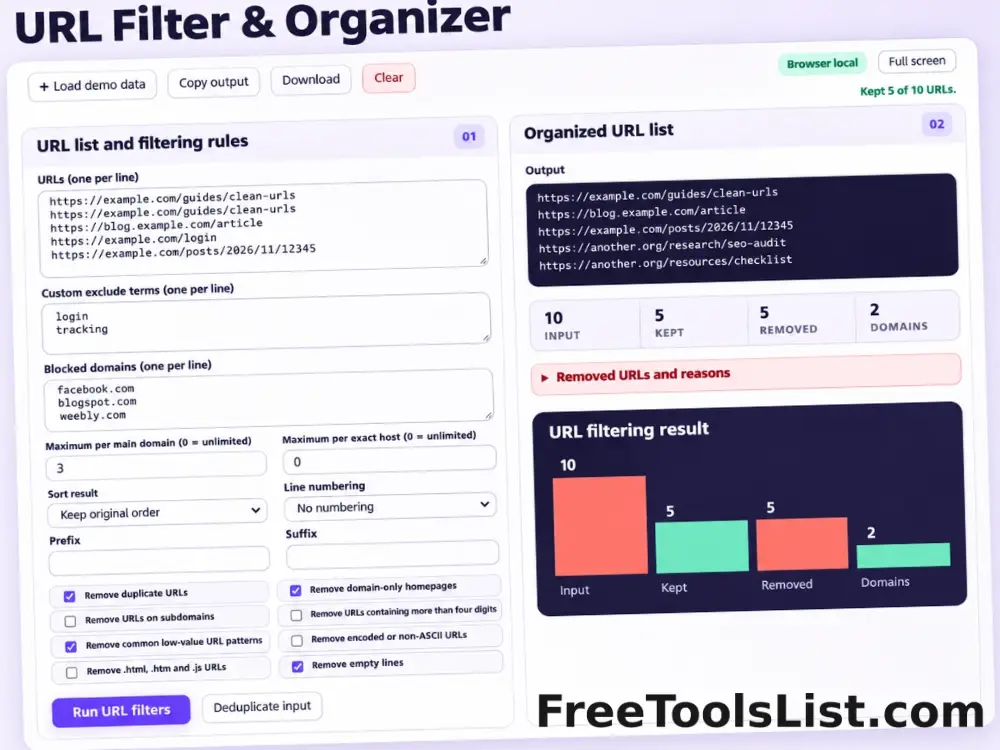
URL Filter & Organizer tool previewUFData

URL Filter & Organizer

Free online URL Filter & Organizer. Filter and organize URL lists by domain, subdomain, path patterns, digit counts, encoding and file extensions, then deduplicate, limit, sort, number and export the result.

Animated GIF Joiner, Collage & Grid Maker tool previewAGImages

Animated GIF Joiner, Collage & Grid Maker

Join two to four animated GIFs horizontally, vertically or in a 2×2 grid with fit, cell-size, gap, background, duration and frame-rate controls plus a live synchronized canvas.

Animated Text to GIF Maker tool previewATImages

Animated Text to GIF Maker

Create an animated text GIF with typewriter, fade, bounce or neon motion, exact canvas sizing, colors, typography, speed and loop controls, plus a live canvas preview before export.

Audio Trimmer & Ringtone Maker tool previewATAudio & Video

Audio Trimmer & Ringtone Maker

Cut an exact audio range, fade the edges, preview the selected section and export an MP3, WAV, M4A or OGG ringtone locally.

GIF Animation Maker tool previewGAImages

GIF Animation Maker

Build and preview an animated GIF from multiple images with frame timing, repeat, reverse and fit controls.

PublishedUpdated