Modern private data workspace

Survey Sample Size Calculator

Estimate a survey sample size from population, confidence level, margin of error and response proportion, with finite-population correction and a review canvas.

● Browser-first processing · Canvas preview · No sign-up

Survey Sample Size Calculator workspace

Set the inputs, calculate locally, inspect the result and save only after review.

Canvas preview enabled

Loading the data workspace…

Quick Tool Overview

Sample Size with transparent inputs and reviewable output.

Estimate a survey sample size from population, confidence level, margin of error and response proportion, with finite-population correction and a review canvas.

The calculation starts with Cochran’s proportion formula and applies finite-population correction when a population size is supplied.

nFocused workflow
CANVASVisual review
LOCALBrowser processing
0Accounts needed
Important limitation. This is an educational planning estimate. Complex designs, nonresponse, weighting, clustering and subgroup analysis can require a larger sample and professional statistical review.

About the Tool

What Survey Sample Size Calculator helps you do.

Primary purpose

Use this page to estimate a practical sample size for simple random surveys and proportion studies.

Transparent method

The calculation starts with Cochran’s proportion formula and applies finite-population correction when a population size is supplied.

Canvas-first review

A real canvas visualizes the important result, distribution, gauge or summary before anything is downloaded.

Helpful validation

Malformed values, impossible ranges and missing prerequisites produce clear messages instead of guessed output.

Explicit exports

Nothing is saved automatically. Text, CSV and PNG exports require a deliberate download action.

Known limitation

This is an educational planning estimate. Complex designs, nonresponse, weighting, clustering and subgroup analysis can require a larger sample and professional statistical review.
Key Features

A modern data workflow from input to verified export.

▦

Real canvas preview

Inspect the result visually before downloading or moving it into another system.

✓

Clear validation

Input requirements and calculation limits remain visible.

⌂

Browser-local work

Source data stays in this tab for local calculations and file reading.

↓

Practical exports

Copy output, download structured text and save the review canvas as PNG.

How to Use Survey Sample Size Calculator

Complete the task in six detailed steps.

Prepare the source

Enter the population size or select an effectively unlimited population.

Step 1: Keep units, formats and downstream requirements explicit.

Choose the settings

Choose the desired confidence level and its corresponding z-score.

Step 2: Keep units, formats and downstream requirements explicit.

Validate the assumptions

Enter the tolerated margin of error as a percentage.

Step 3: Keep units, formats and downstream requirements explicit.

Run the tool

Set the expected response proportion; 50% is the conservative default.

Step 4: Keep units, formats and downstream requirements explicit.

Inspect the canvas

Calculate and review the uncorrected and finite-population estimates.

Step 5: Use the visible result and canvas together to catch mistakes.

Save the reviewed result

Inspect the canvas, document assumptions and round up before planning recruitment.

Step 6: Keep units, formats and downstream requirements explicit.

Ready to calculate?

Review the canvas before downloading.

Use focused controls, transparent details and explicit exports without an account.

Open Sample Size →

Frequently Asked Questions

Popular sample size questions.

It produces the largest variance and therefore the most conservative sample size when the true proportion is unknown.

A partial respondent cannot be sampled, and rounding down would undershoot the calculated requirement.

It reduces the required sample when sampling without replacement from a known, relatively small population.

No. Increase the recruitment target separately based on the expected response rate.

Yes. Greater confidence generally requires a larger sample for the same margin of error.

Keep exploring

Similar Tools

Continue with related free tools selected from this category and the wider directory.

20 tools
Coefficient of Variation Calculator tool previewCOData

Coefficient of Variation Calculator

Calculate mean, population or sample standard deviation and coefficient of variation from a numeric dataset, with file import and a visual variability canvas.

Binary Division Calculator tool previewBDData

Binary Division Calculator

Divide exact binary integers, show quotient and remainder in binary and decimal, and inspect optional long-division steps on a downloadable canvas.

3D Pie Chart Maker tool preview3PData

3D Pie Chart Maker

Create a customizable 3D pie or donut chart with editable slices, CSV import and export, labels, legend, exploded segments, colors, depth and PNG, JPEG or SVG download.

CSV Converter Studio — Avro, Parquet, ORC, Excel, DOCX, PDF & More tool previewCCData

CSV Converter Studio — Avro, Parquet, ORC, Excel, DOCX, PDF & More

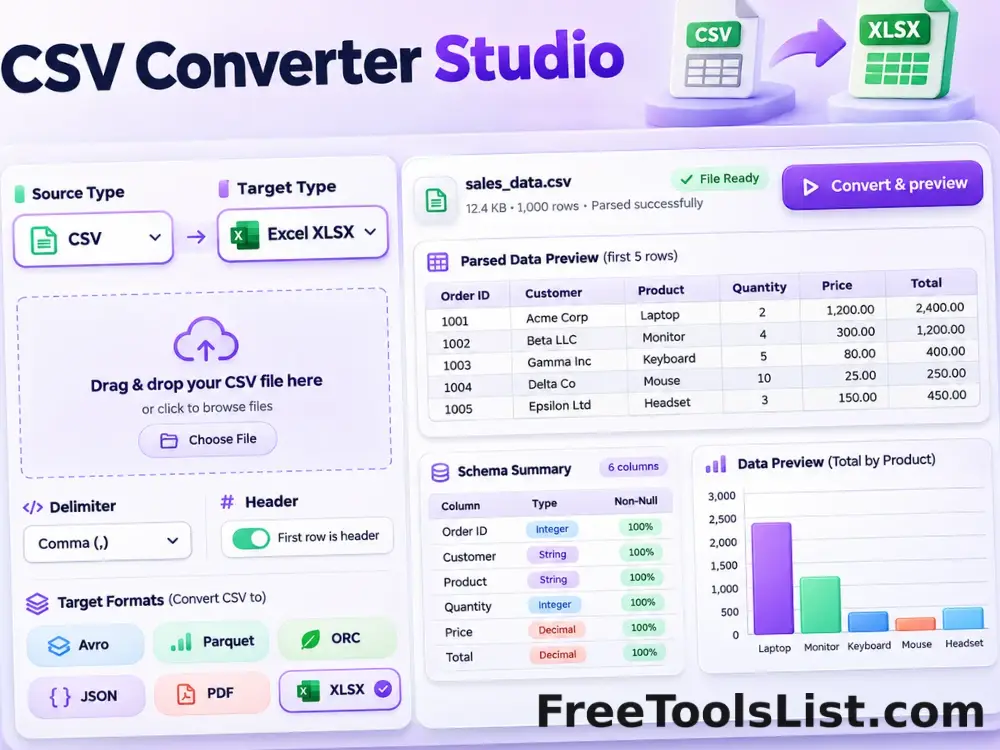
Convert CSV and delimited data locally into real Avro, Parquet, ORC, XLSX, DOCX, PDF, HTML, XML, TSV, fixed-width and LaTeX files with schema inspection and a canvas preview before saving.

CSV Viewer & Editor Online tool previewCVData

CSV Viewer & Editor Online

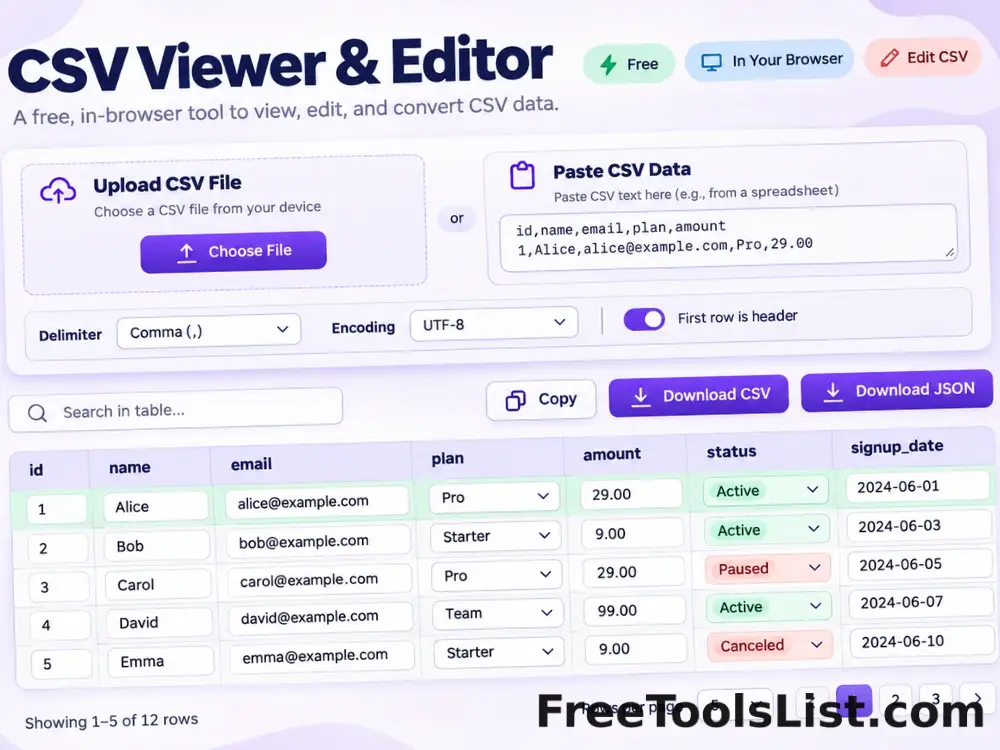
Open, view, search, sort and edit CSV, TSV and delimited text files locally. Preview large tables, then export visible rows as CSV or JSON for free.

Date & Timestamp Extractor tool previewDTData

Date & Timestamp Extractor

Extract ISO 8601 timestamps, common numeric dates, written English dates and Unix timestamps from documents or logs, then validate, deduplicate, sort and preview them.

Email Address Extractor tool previewEAData

Email Address Extractor

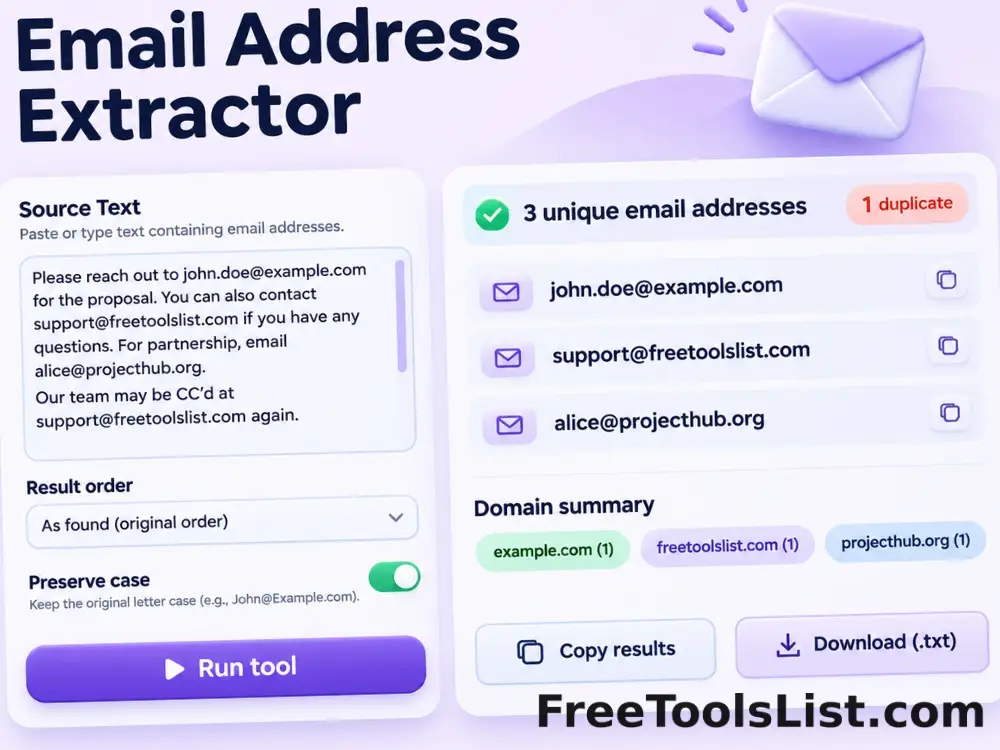
Extract unique email addresses from pasted text or a local text file, normalize and sort results, summarize domains, and review findings on a private canvas.

File Path & Directory Extractor tool previewFPData

File Path & Directory Extractor

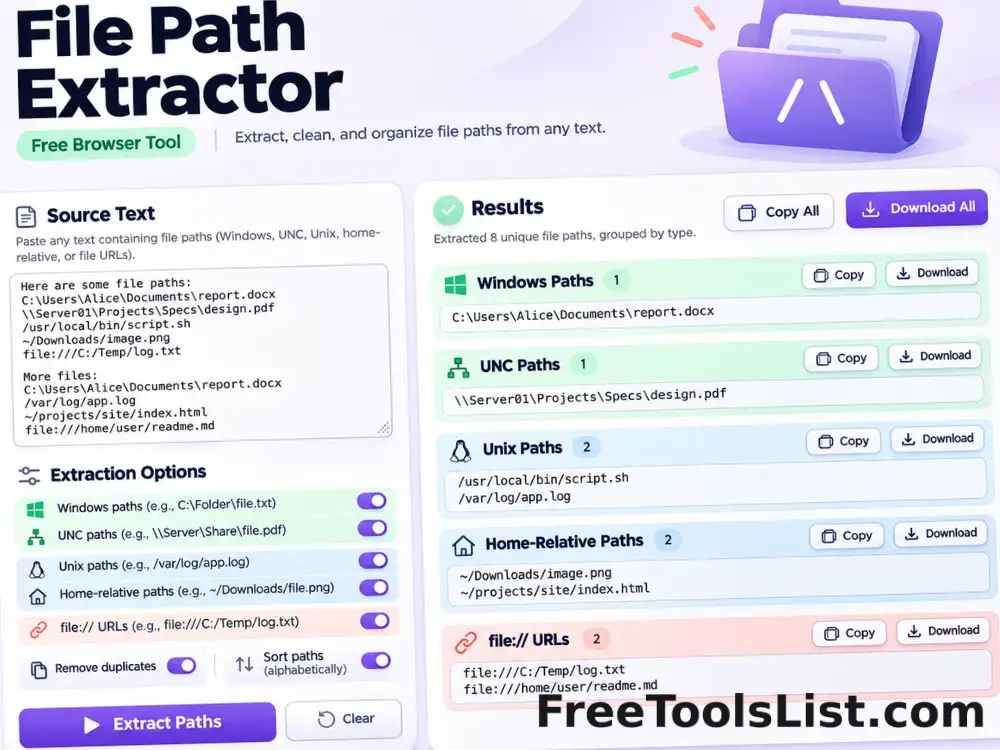
Extract Windows drive paths, UNC shares, Unix paths and file URLs from logs, stack traces and code with type filters, deduplication and a visual review canvas.

Hash, UUID & JWT Extractor tool previewHUData

Hash, UUID & JWT Extractor

Extract MD5, SHA-1, SHA-256, SHA-512, UUID/GUID and JWT-shaped tokens from logs or mixed text, then filter, deduplicate, sort and preview results locally.

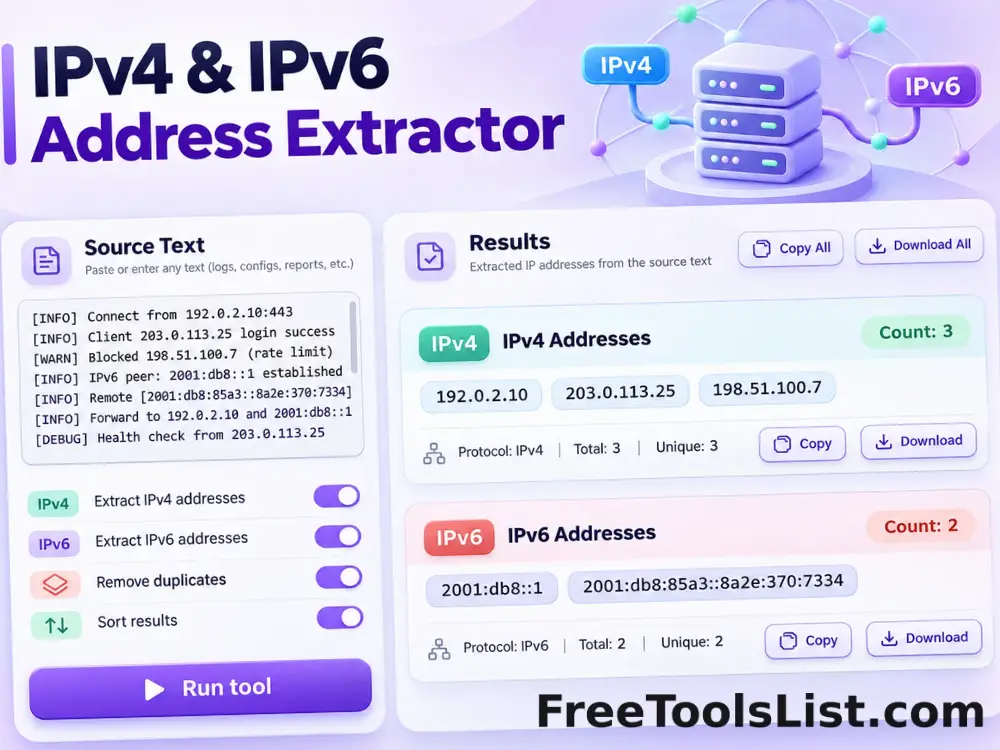
IPv4 & IPv6 Address Extractor tool previewIIData

IPv4 & IPv6 Address Extractor

Find valid IPv4 and IPv6 addresses in server logs, firewall exports and diagnostic text with protocol filters, deduplication and sorting.

MAC Address Extractor tool previewMAData

MAC Address Extractor

Extract colon, hyphen, Cisco-dot and plain 48-bit MAC address candidates from network text, normalize their format, deduplicate and preview the reviewed list.

Phone Number Extractor tool previewPNData

Phone Number Extractor

Extract plausible international and local phone numbers from text, CSV exports and logs, then normalize, deduplicate, sort and preview the result locally.

Random Country Name Generator tool previewRCData

Random Country Name Generator

Generate random country names with emoji flags, ISO codes, capitals and world regions, then review the selection on a downloadable canvas.

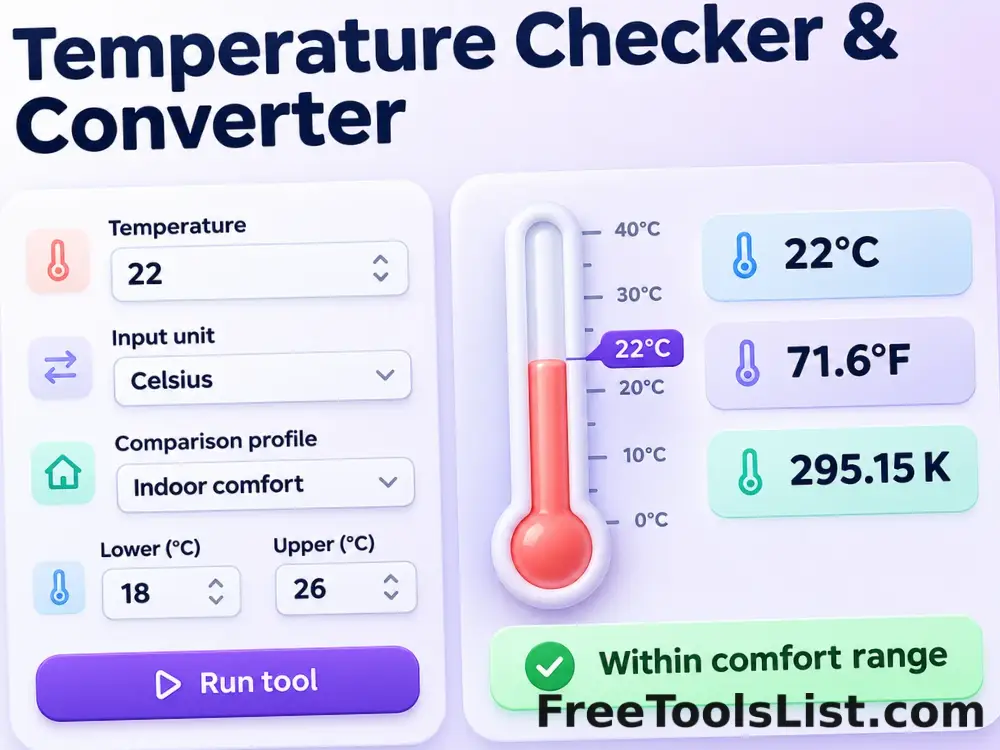
Temperature Checker & Converter tool previewTCData

Temperature Checker & Converter

Convert Celsius, Fahrenheit and Kelvin, compare a reading with practical reference ranges, and preview the result on a visual temperature gauge.

URL & Link Extractor tool previewULData

URL & Link Extractor

Free online URL & Link Extractor. Extract URLs and HTML anchor links from text, source code or logs, filter by protocol and keywords, remove duplicates, and export plain, Markdown, HTML or CSV output.

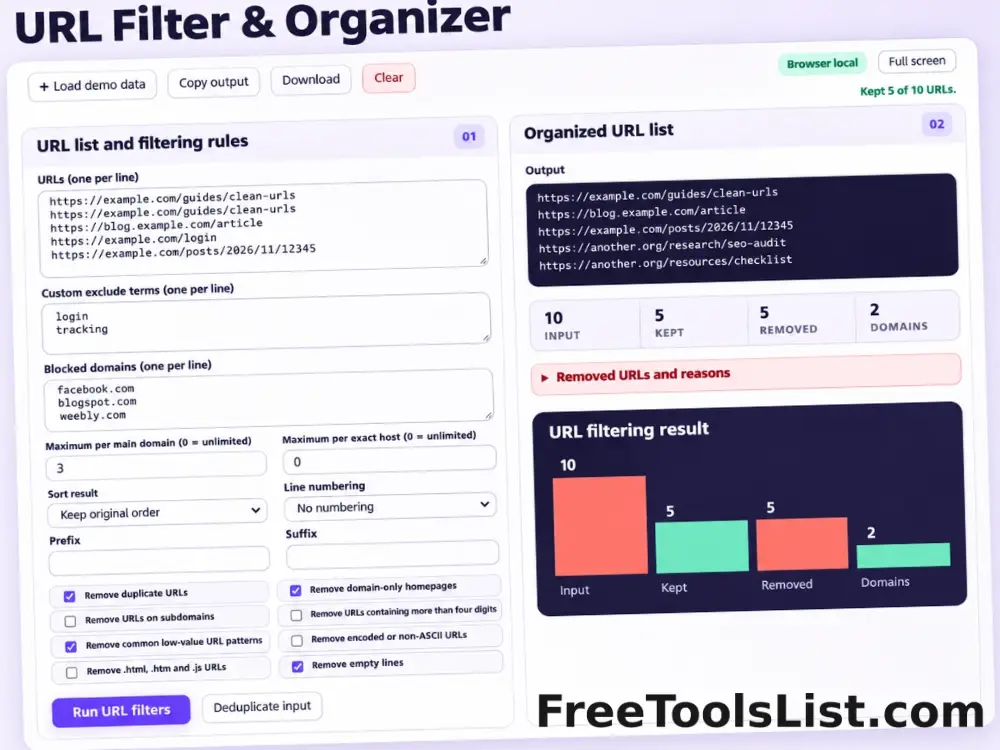
URL Filter & Organizer tool previewUFData

URL Filter & Organizer

Free online URL Filter & Organizer. Filter and organize URL lists by domain, subdomain, path patterns, digit counts, encoding and file extensions, then deduplicate, limit, sort, number and export the result.

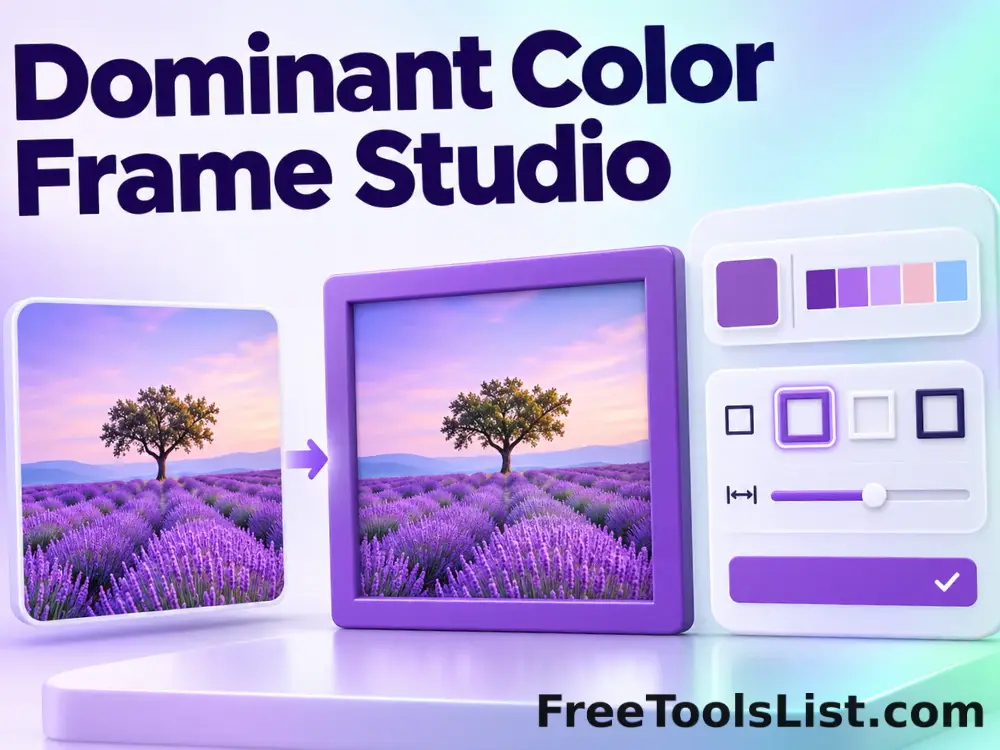
Dominant Color Frame Studio tool previewDCImages

Dominant Color Frame Studio

Build a striped photo border from colors sampled from the image with independent side widths, palette size, blur, rotation and saturation controls.

Image Megapixel Calculator tool previewIMImages

Image Megapixel Calculator

Measure image dimensions, megapixels, aspect ratio and estimated print size at common DPI values.

Matrix Subtraction Calculator tool previewMSMathematics

Matrix Subtraction Calculator

Subtract two same-sized matrices element by element, review dimensions, statistics and determinant when square, and inspect the result as a heatmap.

Abstract Strokes & Dots Effect tool previewASImages

Abstract Strokes & Dots Effect

Rebuild a photo as an abstract composition of sampled color strokes and dots with intensity, density, smoothing, color smoothing and a repeatable seed.

PublishedUpdated