Private cryptographic randomness

Coin Flipper

Flip a virtual coin once or many times with custom side names, list, table and ratio output.

● Local generation · No sign-up · Copy or download

Coin Flipper workspace

Set the generation and output options, then create a fresh result locally.

Cryptographic browser source
Choose options, then generate.

Generated results

Your output will appear here.

Quick Tool Overview

Random output with explicit, repeatable controls.

The Coin Flipper produces independent two-outcome trials and summarizes the observed totals. Rename heads and tails, choose the result format and export the complete sequence.

It is useful for tie-breakers, classroom probability, games, demonstrations and quick binary choices. Every run is independent, so generating again intentionally produces a new result.

CSPRNGBrowser source
LOCALPrivate generation
TXTDownloadable output
0Accounts needed
Fresh result every run

Generate locally, then copy only what you need.

Values stay in the current browser tab until you copy or download them.

Open Coin Flipper

About the Tool

What the Coin Flipper helps you do.

Focused controls

The workspace exposes the range, quantity, character groups, distribution or output choices relevant to this generator.

Cryptographic source

Primary draws use crypto.getRandomValues, which provides stronger browser randomness than ordinary pseudo-random page scripts.

Private generation

Options and generated results stay in the current tab and are not submitted to an external generator service.

Clear formatting

Choose separate lines or inline output with a custom separator that fits the next workflow.

Visible summary

Counts, ratios, totals or distribution metrics make it easier to review a generated sample before export.

Practical export

Copy everything in one click or download a UTF-8 text file with a descriptive filename.

Key Features

More than a single random value.

✦

Fresh secure draws

Every generation uses new values from the browser cryptographic interface.

⚙

Detailed options

Control quantity, formatting and the parameters specific to this random process.

⌂

Local workflow

No generated value is uploaded or retained by an external service.

↙

Copy and download

Move reviewed results directly into the next task.

How to Use the Coin Flipper

Generate and verify results in six steps.

Choose the core parameters

Set the range, quantity, distribution, length or character groups required by the task.

Tip: Keep quantities reasonable when you plan to inspect the results manually.

Set precision

Choose decimal places where numeric rounding or ratios are available.

Tip: Rounding changes displayed precision, not the underlying randomness source.

Choose output formatting

Select separate lines or one line, then provide the separator used between items.

Tip: A line-separated list is usually easiest to paste into spreadsheets.

Generate the result

Click Generate and wait for the local result and summary to appear.

Tip: Run again whenever you need an independent sample.

Review the summary

Check counts, ratios, totals or sample metrics before using the output.

Tip: A small random sample is not expected to look perfectly balanced.

Copy or download

Copy the complete output or download a UTF-8 text file.

Tip: Store passwords directly in a trusted password manager.

Ready for a fresh result?

Coin Flipper works locally.

Choose precise options and generate without an external request.

Generate now →

Frequently Asked Questions

Popular coin flipper questions.

Yes. It works without an account, subscription or usage limit.

Generation runs locally in the current browser tab. The generated values are not sent to FreeToolsList.com.

The tool uses the browser cryptographic random-number interface instead of Math.random for its primary draws.

Yes. Copy the complete output to the clipboard or download it as a UTF-8 text file.

No. Independent random draws can repeat naturally unless a specific tool option prevents repetition.

Keep exploring

Similar Tools

Continue with related free tools selected from this category and the wider directory.

20 tools
Dice Roller tool previewDRRandomness

Dice Roller

Roll multiple virtual dice with configurable sides, number or visual output and a clear frequency summary.

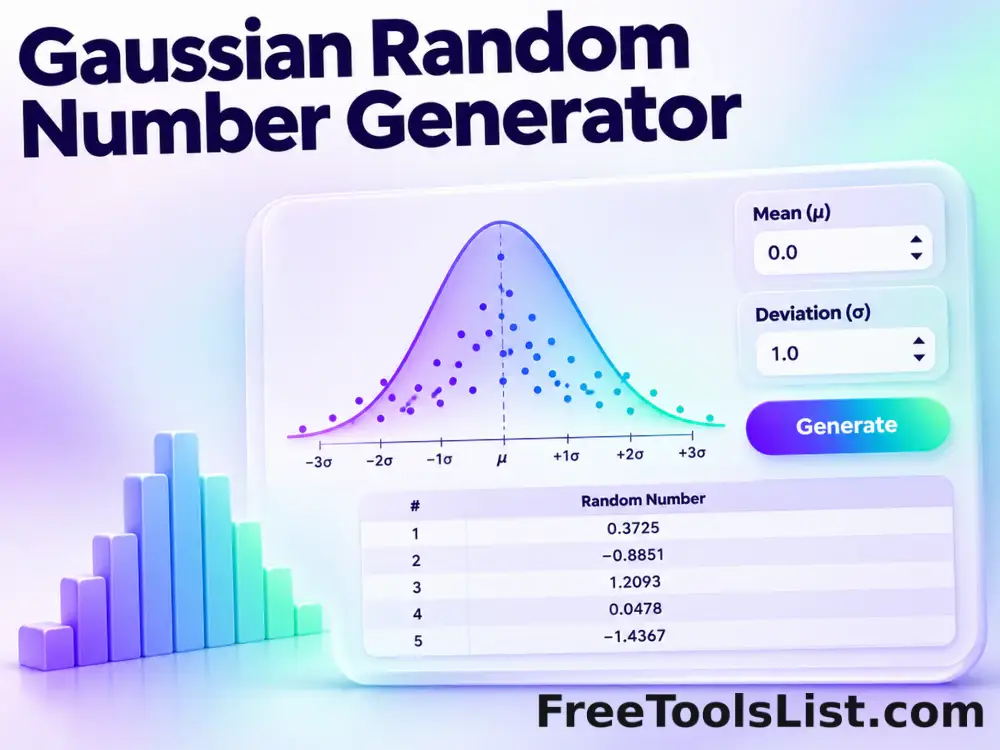
Gaussian Random Number Generator tool previewGRRandomness

Gaussian Random Number Generator

Generate normally distributed random values using a chosen mean, standard deviation, precision and output format.

Random Number Generator tool previewRNRandomness

Random Number Generator

Generate uniformly distributed integers or decimal numbers with range, uniqueness, sorting and formatting controls.

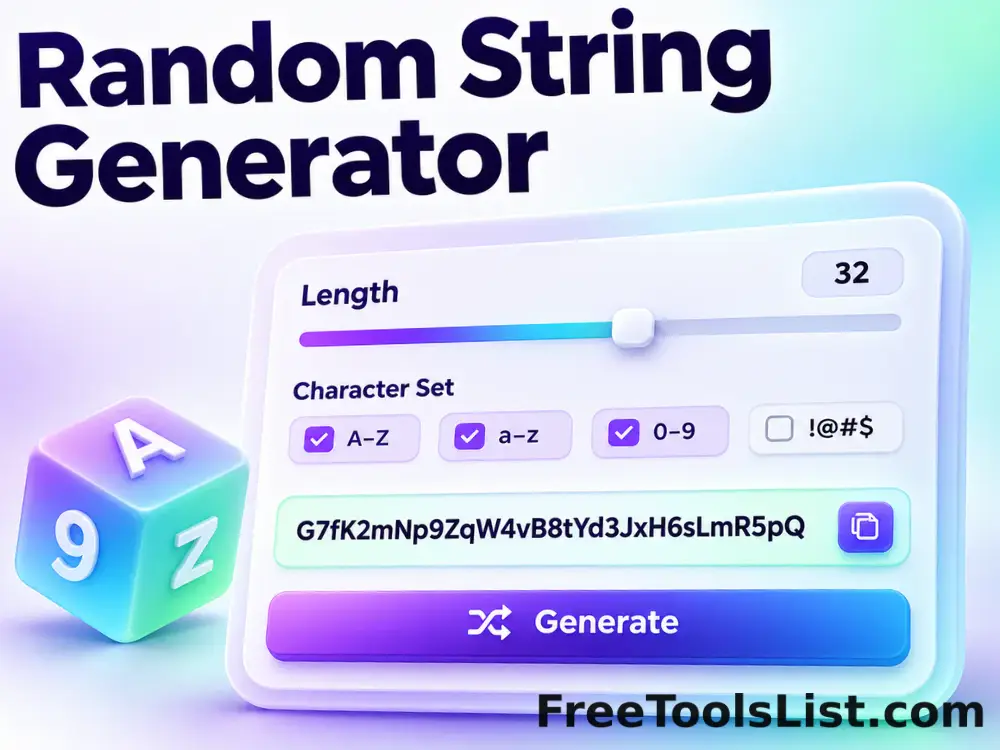
Random String Generator tool previewRSRandomness

Random String Generator

Generate random strings from lowercase, uppercase, digits, symbols or an exact custom character set.

Random Team Generator tool previewRTRandomness

Random Team Generator

Shuffle names into two to twenty teams with cryptographic randomness, optional role-aware distribution, custom team labels and a reviewable export.

Secure Password Generator tool previewSPRandomness

Secure Password Generator

Generate strong fully random or keyword-assisted passwords locally with configurable length, character rules, exclusions, strength details and a visual composition canvas.

Weighted Random Picker tool previewWRRandomness

Weighted Random Picker

Pick one or more items with cryptographic randomness, optional positive weights, categories and no-duplicate selection, then review the result before export.

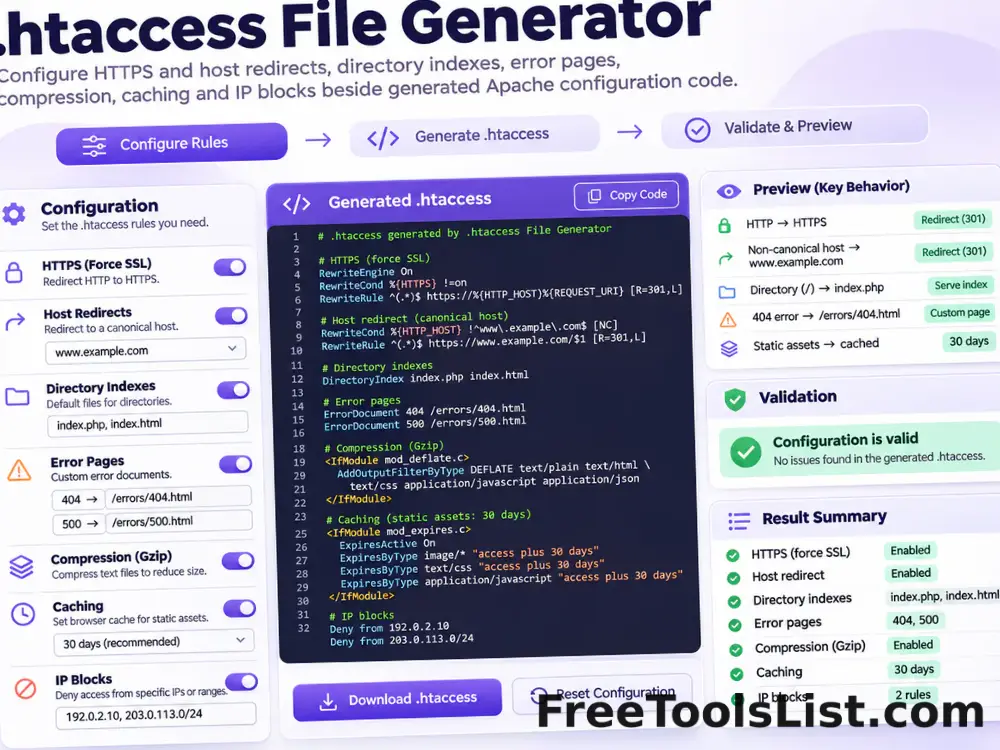
.htaccess File Generator tool previewHFDeveloper

.htaccess File Generator

Generate a modern Apache .htaccess starting point for HTTPS and host redirects, directory indexes, error pages, compression, caching and selected IP blocks.

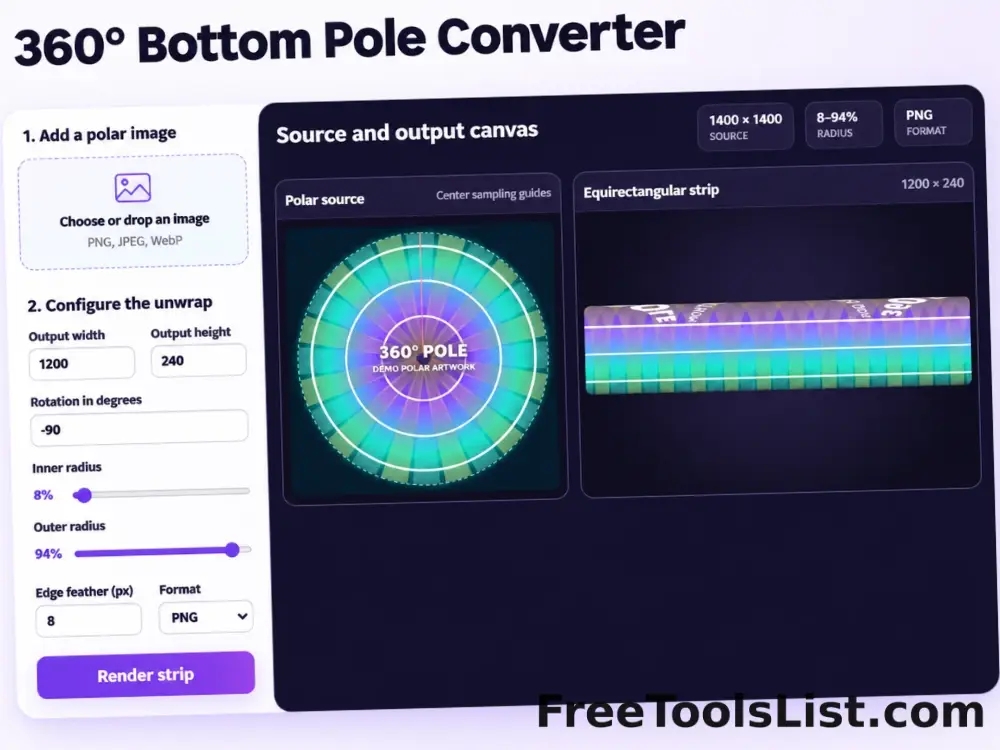
360° Bottom Pole Converter tool preview3BImages

360° Bottom Pole Converter

Free online 360 bottom pole converter. Convert a circular polar image into a wide equirectangular bottom-pole strip for 360° panoramas, with radius, rotation, feathering, flip and export controls. Preview the polar-to-strip result locally before downloading.

3D Pie Chart Maker tool preview3PData

3D Pie Chart Maker

Create a customizable 3D pie or donut chart with editable slices, CSV import and export, labels, legend, exploded segments, colors, depth and PNG, JPEG or SVG download.

Abstract Strokes & Dots Effect tool previewASImages

Abstract Strokes & Dots Effect

Rebuild a photo as an abstract composition of sampled color strokes and dots with intensity, density, smoothing, color smoothing and a repeatable seed.

Add Fields in Apache Avro tool previewAFData Conversion

Add Fields in Apache Avro

Create one or more new columns without replacing the original values. Use this private browser tool to add calculated or constant fields to Apache Avro, review the changed rows and export the result without uploading the dataset.

Add Fields in Apache ORC tool previewAFData Conversion

Add Fields in Apache ORC

Create one or more new columns without replacing the original values. Use this private browser tool to add calculated or constant fields to Apache ORC, review the changed rows and export the result without uploading the dataset.

Add Fields in Apache Parquet tool previewAFData Conversion

Add Fields in Apache Parquet

Create one or more new columns without replacing the original values. Use this private browser tool to add calculated or constant fields to Apache Parquet, review the changed rows and export the result without uploading the dataset.

Add Fields in CSV tool previewAFData Conversion

Add Fields in CSV

Create one or more new columns without replacing the original values. Use this private browser tool to add calculated or constant fields to CSV, review the changed rows and export the result without uploading the dataset.

Add Fields in Excel 2007+ Workbook tool previewAFData Conversion

Add Fields in Excel 2007+ Workbook

Create one or more new columns without replacing the original values. Use this private browser tool to add calculated or constant fields to Excel 2007+ Workbook, review the changed rows and export the result without uploading the dataset.

Add Fields in Excel 97–2003 Workbook tool previewAFData Conversion

Add Fields in Excel 97–2003 Workbook

Create one or more new columns without replacing the original values. Use this private browser tool to add calculated or constant fields to Excel 97–2003 Workbook, review the changed rows and export the result without uploading the dataset.

Add Fields in Excel Binary Workbook tool previewAFData Conversion

Add Fields in Excel Binary Workbook

Create one or more new columns without replacing the original values. Use this private browser tool to add calculated or constant fields to Excel Binary Workbook, review the changed rows and export the result without uploading the dataset.

Add Fields in JPEG Image tool previewAFData Conversion

Add Fields in JPEG Image

Create one or more new columns without replacing the original values. Use this private browser tool to add calculated or constant fields to JPEG Image, review the changed rows and export the result without uploading the dataset.

Add Fields in JSON tool previewAFData Conversion

Add Fields in JSON

Create one or more new columns without replacing the original values. Use this private browser tool to add calculated or constant fields to JSON, review the changed rows and export the result without uploading the dataset.

PublishedUpdated