Modern browser image workspace

Website Color Picker & Swatch Canvas

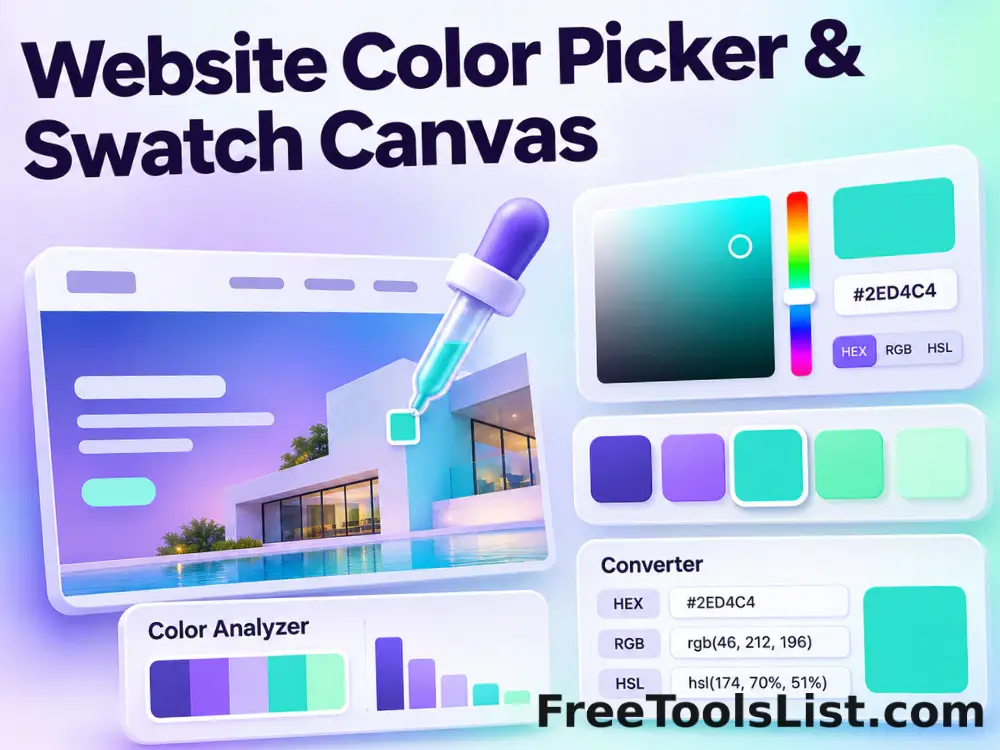
Pick a color with the browser eyedropper when supported, enter exact HEX values, build a recent-color history and export a clean labeled swatch canvas for design work.

● Local processing · Preview before saving · No account

Website Color Picker & Swatch Canvas workspace

Adjust the focused controls, inspect the real canvas and save only the result you approve.

Canvas preview

Loading the image workspace…

Quick Tool Overview

Website Color Picker with reviewable output.

Pick a color with the browser eyedropper when supported, enter exact HEX values, build a recent-color history and export a clean labeled swatch canvas for design work.

A user-triggered browser eyedropper returns one screen pixel when supported; manual color inputs and recent history are rendered into a downloadable swatch board.

LIVECanvas preview
PICKFocused controls
LOCALBrowser processing
0Accounts needed
Important. Cross-window eyedropper access depends on browser support and always requires a direct user gesture. Manual HEX and visual color inputs remain available everywhere.
About the Tool

What Website Color Picker & Swatch Canvas does.

Primary purpose

Use this workspace to capture, compare and document website or screen colors as reusable HEX, RGB and HSL values.

How it works

A user-triggered browser eyedropper returns one screen pixel when supported; manual color inputs and recent history are rendered into a downloadable swatch board.

Canvas-first review

The proposed result stays visible while controls change, so cropping, edges, text and colors can be checked before export.

Private workflow

Local files are decoded and processed in browser memory rather than uploaded to a remote image-processing queue.

Explicit saving

The tool does not save automatically. A file is created only after the Download or Export button is pressed.

Known limitation

Cross-window eyedropper access depends on browser support and always requires a direct user gesture. Manual HEX and visual color inputs remain available everywhere.
Key Features

A modern, compact workflow built for inspection.

▣

Real canvas preview

See the actual generated pixels rather than an approximate mockup.

✓

Focused controls

Only settings relevant to this task are shown in a compact sidebar.

⌂

Local processing

Image transformations run in the current browser tab whenever the browser supports them.

↓

Reviewed exports

Save PNG, JPEG, WebP, text, encrypted files or ZIP output only after review.

How to Use Website Color Picker & Swatch Canvas

Complete the task in six detailed steps.

Prepare the source

Use the screen eyedropper in a supported browser or enter a known HEX color manually.

Step 1: Keep the intended final use in mind during this step.

Set the main controls

Choose the active color, add it to history, reorder by adding new samples and select a canvas layout.

Step 2: Keep the intended final use in mind during this step.

Inspect the live canvas

Review the complete visible result, including edges, crop, text, colors, grid lines or marked areas before creating a file.

Step 3: Use the visible canvas to verify the result before continuing.

Refine the output

Make small adjustments and compare the preview again. Use Undo, Reset or Clear when the workspace offers those controls.

Step 4: Keep the intended final use in mind during this step.

Choose the export

Select the available PNG, JPEG, WebP, text, encrypted file or ZIP output that fits the intended workflow.

Step 5: Keep the intended final use in mind during this step.

Save only after review

Download the result only after confirming its dimensions, transparency, content and any privacy-sensitive details.

Step 6: Keep the intended final use in mind during this step.

Ready to create?

Preview the result before saving.

Use focused controls and explicit downloads without creating an account.

Open Website Color Picker →

Frequently Asked Questions

Popular website color picker questions.

No. Files are decoded, processed, previewed and exported in the current browser tab.

Yes. The main workspace uses a real canvas and updates it as the settings change.

A current desktop version of Chrome, Edge, Firefox or Safari is recommended. Some file formats and screen-capture features depend on browser support.

No. The tool works locally without registration, a subscription or a server-side processing queue.

No. Browser security requires you to trigger the eyedropper and click the visible screen pixel yourself. The page does not crawl or bypass another website.

Yes. Use Reset or choose another source file; nothing is saved automatically.

Keep exploring

Similar Tools

Continue with related free tools selected from this category and the wider directory.

20 tools
Named Color Palette tool previewNCImages

Named Color Palette

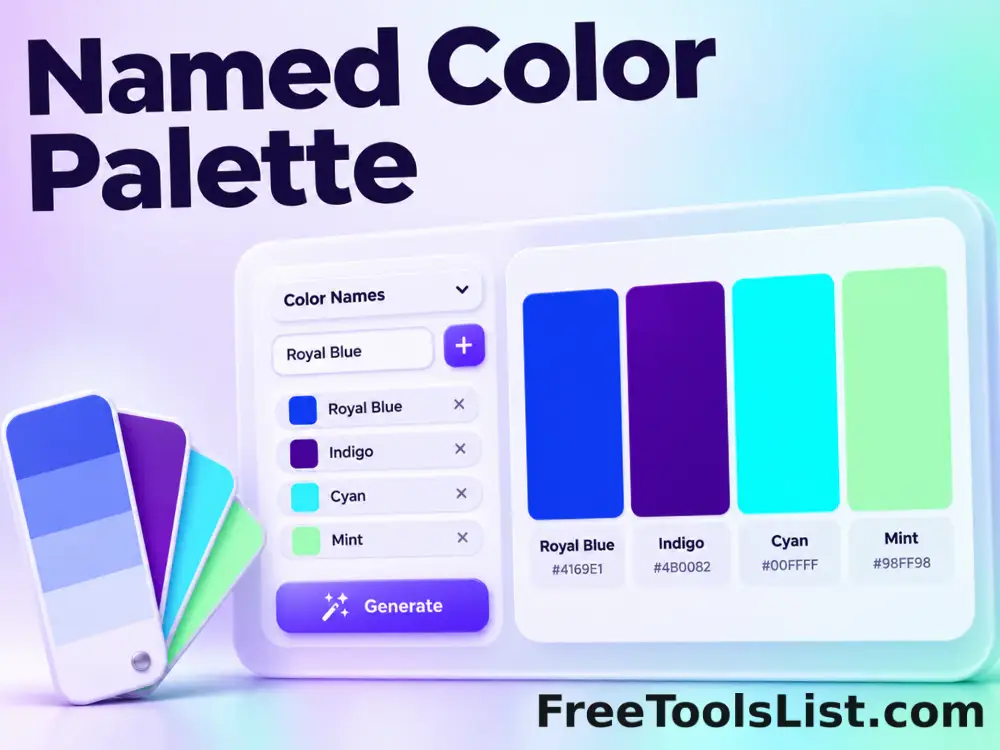
Search standard CSS named colors, preview each color and export a visual swatch canvas in PNG or JPEG.

Animated GIF Effects & Transparency Editor tool previewAGImages

Animated GIF Effects & Transparency Editor

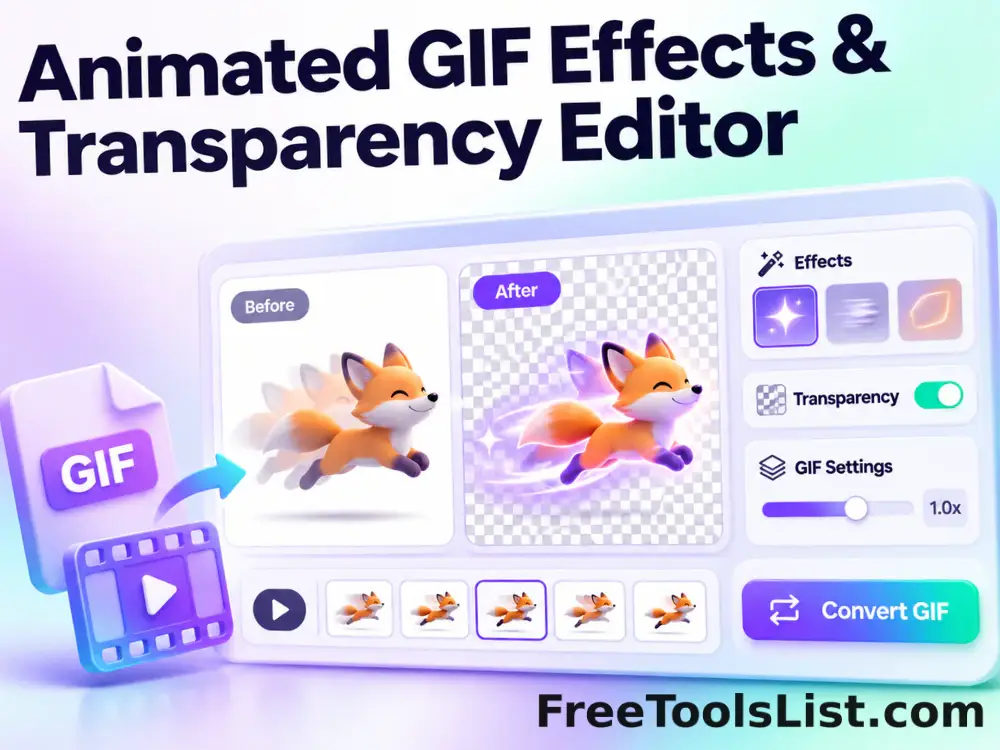
Adjust brightness, contrast, saturation and hue, apply grayscale, sepia, invert or glitch effects, or remove a selected color from every animated GIF frame with live canvas feedback.

Animated Text to GIF Maker tool previewATImages

Animated Text to GIF Maker

Create an animated text GIF with typewriter, fade, bounce or neon motion, exact canvas sizing, colors, typography, speed and loop controls, plus a live canvas preview before export.

Background Blur & Color Studio tool previewBBImages

Background Blur & Color Studio

Keep a chosen subject region sharp while blurring or recoloring the surrounding background, with movable focus controls and a live canvas preview.

Bayer Color Filter Effect tool previewBCImages

Bayer Color Filter Effect

Apply RGGB, BGGR, GRBG or GBRG Bayer mosaic patterns with intensity, monochrome and sensor-grid options on a live local canvas.

GIF Countdown Generator tool previewGCImages

GIF Countdown Generator

Create a branded animated countdown GIF for email and social use with exact duration, dimensions, colors, typography, label and loop controls plus a live first-frame canvas.

Hue Shift Image Generator tool previewHSImages

Hue Shift Image Generator

Rotate every image color around the HSL hue wheel from −180° to +180°, inspect the live full-resolution canvas, compare the original and export PNG, JPEG or WebP.

Image Annotation & Signature Studio tool previewIAImages

Image Annotation & Signature Studio

Draw, write or sign directly on an image with adjustable brush color, thickness, undo and clear controls, while reviewing every stroke on the canvas before saving.

Image ASCII Art Generator tool previewIAImages

Image ASCII Art Generator

Convert an image into monochrome or colored character art, control columns, character set, contrast and font size, and preview both text and canvas output.

Image Color Picker tool previewICImages

Image Color Picker

Upload an image or load a public image URL, click any displayed pixel, inspect exact HEX, RGB, HSL, alpha and coordinates, then copy or export a reviewed color history.

Online Signature Maker tool previewOSImages

Online Signature Maker

Draw a signature with mouse, pen or touch, choose ink color and thickness, preview it on a transparent canvas and download an automatically cropped PNG.

Placeholder Image Generator tool previewPIImages

Placeholder Image Generator

Generate responsive dummy images with exact dimensions, custom colors, labels and an optional wireframe cross, with instant canvas preview and local download.

PNG Outline Maker tool previewPOImages

PNG Outline Maker

Add a clean colored outline around the visible shape of a transparent PNG, control edge width and padding, inspect the full canvas, then download the reviewed PNG.

Rainbow Background Generator tool previewRBImages

Rainbow Background Generator

Generate repeatable bright multicolor backgrounds with canvas dimensions, numeric seed, blur, color count, vividness and export controls.

Text Favicon Generator tool previewTFImages

Text Favicon Generator

Create a favicon from letters, initials or a Unicode symbol with font, weight, color, shape, scale and position controls, plus real-size canvas previews and a complete ZIP package.

Text to Image Generator tool previewTTImages

Text to Image Generator

Create quote cards, banners and social graphics from text with custom dimensions, colors, fonts, alignment and a live canvas preview before PNG, JPEG or WebP export.

Universal Batch Image Format Converter tool previewUBImages

Universal Batch Image Format Converter

Batch convert browser-decodable images and baseline TIFF files to AVIF, WebP, PNG or JPEG with quality, resizing, transparency, background color, AVIF effort, ZIP export and a live result canvas before saving.

Abstract Strokes & Dots Effect tool previewASImages

Abstract Strokes & Dots Effect

Rebuild a photo as an abstract composition of sampled color strokes and dots with intensity, density, smoothing, color smoothing and a repeatable seed.

Add Noise to Image tool previewANImages

Add Noise to Image

Add Noise to Image lets you add controllable monochrome or color grain locally in your browser, compare the result, and download a ready-to-use file.

Animated GIF Caption & Background Studio tool previewAGImages

Animated GIF Caption & Background Studio

Add outlined captions or meme bars to an animated GIF, fit it into a synchronized blurred square background, preview the motion on canvas and locally re-encode the reviewed GIF.

PublishedUpdated