Modern browser-local video workspace

Video Loop Maker

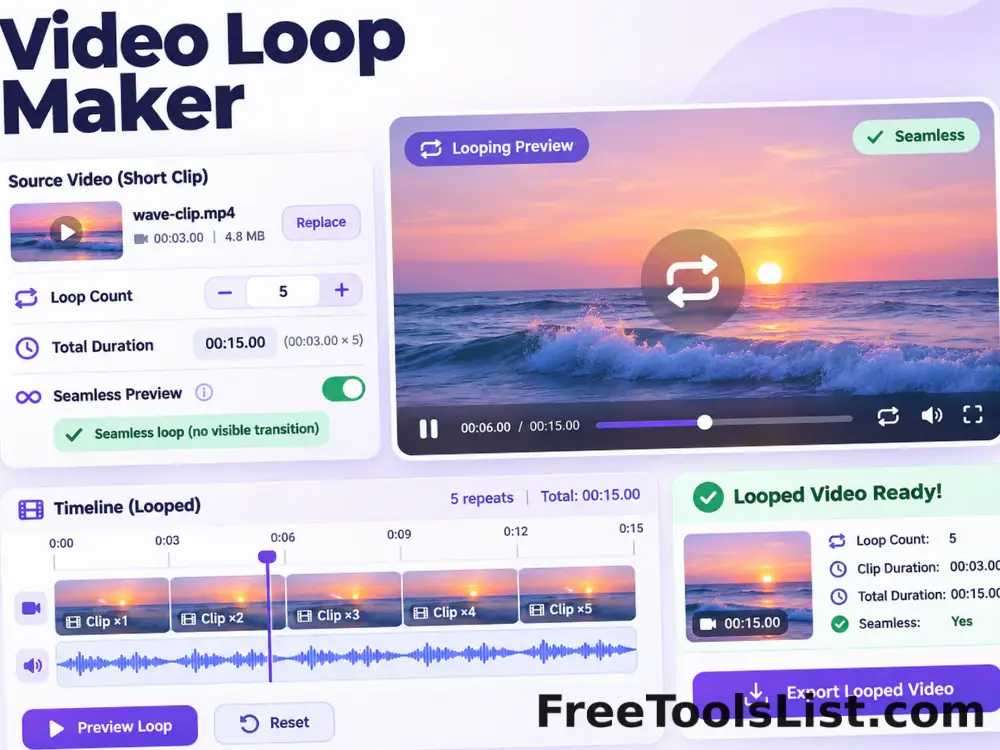
Repeat a local video two to ten times, preview the source canvas, calculate the final duration and render a seamless browser-compatible loop.

● Local files · Live preview · Original safe

Video Loop Maker workspace

Compact controls, a real canvas and an explicit local export.

Browser-local

Loading the video workspace…

Quick Tool Overview

Loop Video with reviewable output.

Repeat a local video two to ten times, preview the source canvas, calculate the final duration and render a seamless browser-compatible loop.

A local media element supplies frames to the visible canvas while MediaRecorder and Web Audio create the supported result in real time.

LIVECanvas preview
VID∞Focused workflow
LOCALPrivate process
0Accounts needed
Compatibility. Browsers expose different decoders and recorders. The workspace reports the actual supported output format and never changes a file extension to pretend a codec exists.
About the Tool

What Video Loop Maker does.

Primary purpose

Use it to repeat the same clip a chosen number of times.

How it works

A local media element supplies frames to the visible canvas while MediaRecorder and Web Audio create the supported result in real time.

Canvas-first review

The real source frame or waveform remains visible while settings change.

Private workflow

Files are processed in browser memory rather than sent to a remote queue.

Original-safe output

The original remains read only and downloads are created separately.

Browser compatibility

Unsupported source codecs are reported clearly instead of generating a mislabeled file.

Key Features

A modern compact workflow built for inspection.

▣

Real canvas preview

See the decoded picture or waveform before creating the output.

⌁

Focused controls

Only relevant timing, geometry, audio and format settings are shown.

⌂

Local processing

Browser media, canvas and audio APIs perform the supported work.

↓

Reviewed download

Save only after checking type, size, duration and visual output.

How to Use Video Loop Maker

Complete the workflow in six clear steps.

Load the source

Choose one local video and wait for its dimensions and duration to appear.

Step 1: Keep the destination format and duration in mind.

Set the operation

Use the focused timing, format, geometry, audio or loop settings shown in the workspace.

Step 2: Keep the destination format and duration in mind.

Inspect the canvas

Play or scrub the visible canvas and confirm the frame, crop, orientation, timing or waveform.

Step 3: Treat the canvas as the final visual checkpoint.

Render locally

Keep the tab open while the selected duration is recorded into a new local file.

Step 4: Keep the destination format and duration in mind.

Review measurements

Check the output type, duration, dimensions and file size before saving.

Step 5: Keep the destination format and duration in mind.

Download and verify

Save the new file and open it in the destination application to confirm compatibility.

Step 6: Keep the destination format and duration in mind.

Ready to process?

Review the complete result before saving.

Private local processing with no account or watermark.

Open Loop Video →

Frequently Asked Questions

Popular loop video questions.

No. Source media and generated results stay in this browser tab.

Yes. Each workspace uses a real canvas preview or waveform and enables download only after processing.

Any format the current browser can decode. MP4, WebM and common MOV/M4V files usually have the broadest support.

The tool checks MediaRecorder and uses supported MP4, M4A, WebM or Opus output rather than mislabeling an incompatible file.

No. The selected source remains read only and every result is a new download.

Browser MediaRecorder receives the same timed frames and audio that the canvas preview plays, so a ten-second segment normally takes about ten seconds to render.

Keep exploring

Similar Tools

Continue with related free tools selected from this category and the wider directory.

20 tools
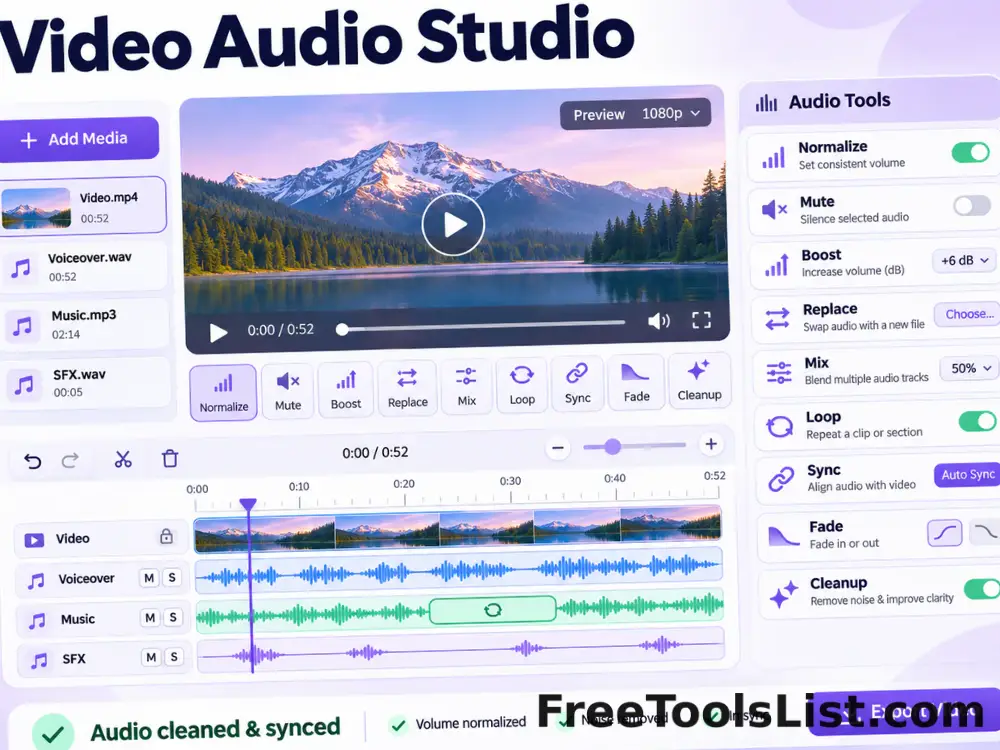
Video Audio Studio tool previewVAVideos

Video Audio Studio

Normalize, mute, boost, replace, mix, loop, synchronize, fade and clean video audio in one local workspace with canvas playback, audio controls and reviewed export.

Audio Loop & Repeater tool previewALAudio & Video

Audio Loop & Repeater

Repeat an audio clip by count or target duration, preview the loop and export one continuous audio file without uploading the source.

Audio Trimmer & Ringtone Maker tool previewATAudio & Video

Audio Trimmer & Ringtone Maker

Cut an exact audio range, fade the edges, preview the selected section and export an MP3, WAV, M4A or OGG ringtone locally.

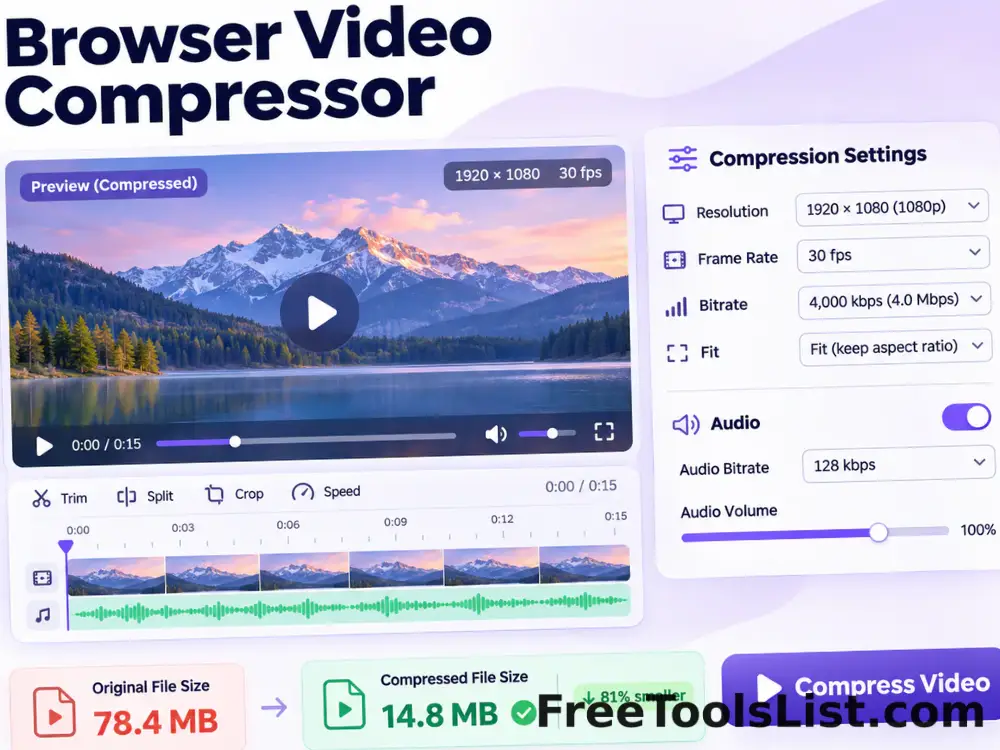
Browser Video Compressor tool previewBVVideos

Browser Video Compressor

Compress MP4, WebM, MKV and browser-supported video locally with resolution, frame-rate, bitrate, fit and audio controls and a live canvas before export.

Browser Video Format Converter tool previewBVVideos

Browser Video Format Converter

Convert browser-decodable MP4, MOV, M4V, WebM and other supported videos to locally recordable MP4 or WebM with resolution, frame-rate and bitrate controls.

Browser Video Meme & Social Editor tool previewBVVideos

Browser Video Meme & Social Editor

Edit a local video with canvas sizing, filters, caption bars, emoji, PNG, logo or watermark overlays, replacement audio and private browser video export.

GIF to Video Converter tool previewGTVideos

GIF to Video Converter

Convert an animated GIF into a browser-rendered video with duration, frame-rate, background and fit controls, a live canvas preview and MP4 export when supported or WebM fallback.

Image to Video Converter tool previewITVideos

Image to Video Converter

Create a WebM video from uploaded images with popular and custom canvas sizes, a draggable multitrack timeline, full-length audio trimming, movable text layers, five text transitions, three slide transitions and three frame rates—all rendered privately in your browser.

Screen Recorder tool previewSRVideos

Screen Recorder

Record an entire screen, application window or browser tab with optional shared audio and microphone, then preview and download a private WebM video.

Video Audio Extractor tool previewVAVideos

Video Audio Extractor

Extract audio from MP4, MOV, MKV, AVI, WebM, WMV, FLV and 3GP video into MP3, WAV, M4A or OGG locally with a waveform preview.

Video Cutter & Trimmer tool previewVCVideos

Video Cutter & Trimmer

Choose precise start and end times, scrub the canvas preview, preserve supported audio, and render only the selected video segment locally.

Video File Size Booster tool previewVFVideos

Video File Size Booster

Increase a video file to a chosen minimum MB size without re-encoding its picture, preview the source on canvas, and download a padded compatibility copy.

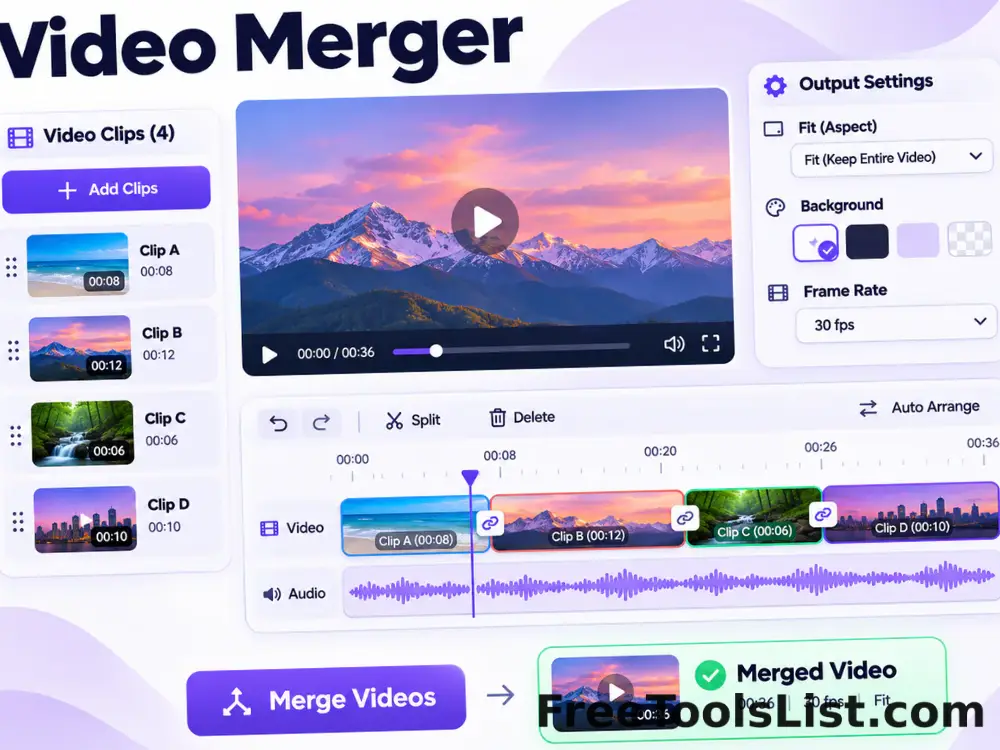
Video Merger tool previewVMVideos

Video Merger

Add, reorder and join multiple browser-supported videos into one canvas-normalized sequence with fit, background, frame-rate and local export controls.

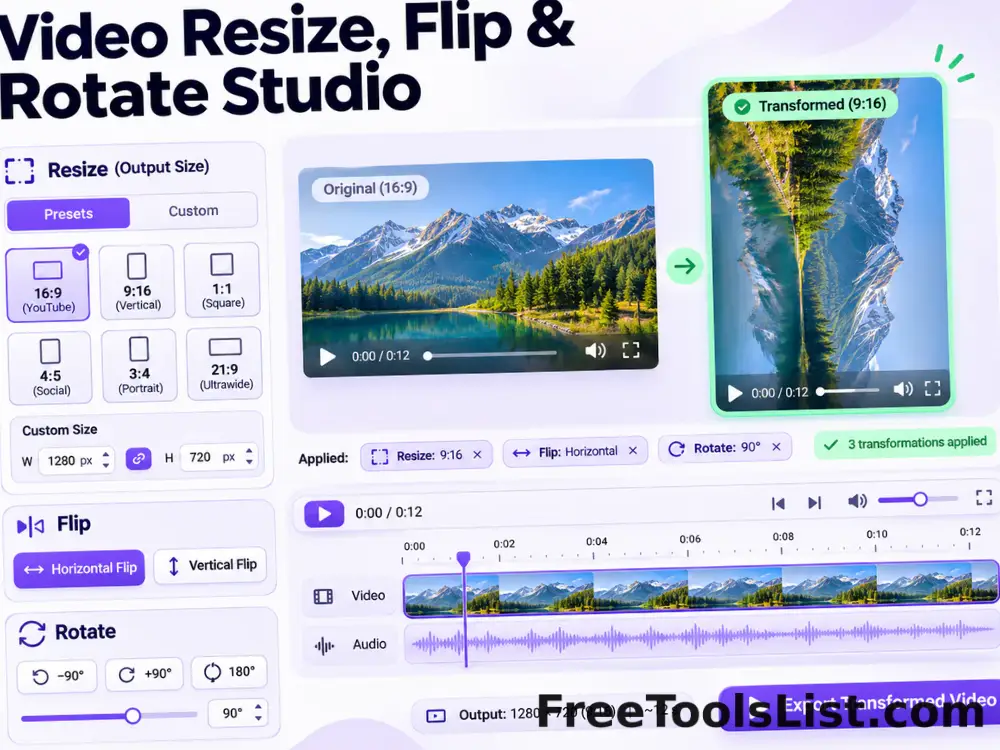
Video Resize, Flip & Rotate Studio tool previewVRVideos

Video Resize, Flip & Rotate Studio

Resize, downscale, change resolution, flip and rotate a video in one non-duplicated canvas workspace with presets, custom dimensions and local export.

Video Speed Changer tool previewVSVideos

Video Speed Changer

Slow down or speed up a local video from 0.25× to 3×, preview timing on canvas, keep supported audio, and render a new browser-compatible video.

Video to Animated GIF Converter tool previewVTVideos

Video to Animated GIF Converter

Convert an MP4, WebM or browser-supported video segment to an animated GIF with trim, width, frame rate, fit and background controls and a real canvas preview before saving.

Video to JPG Frame Extractor tool previewVTVideos

Video to JPG Frame Extractor

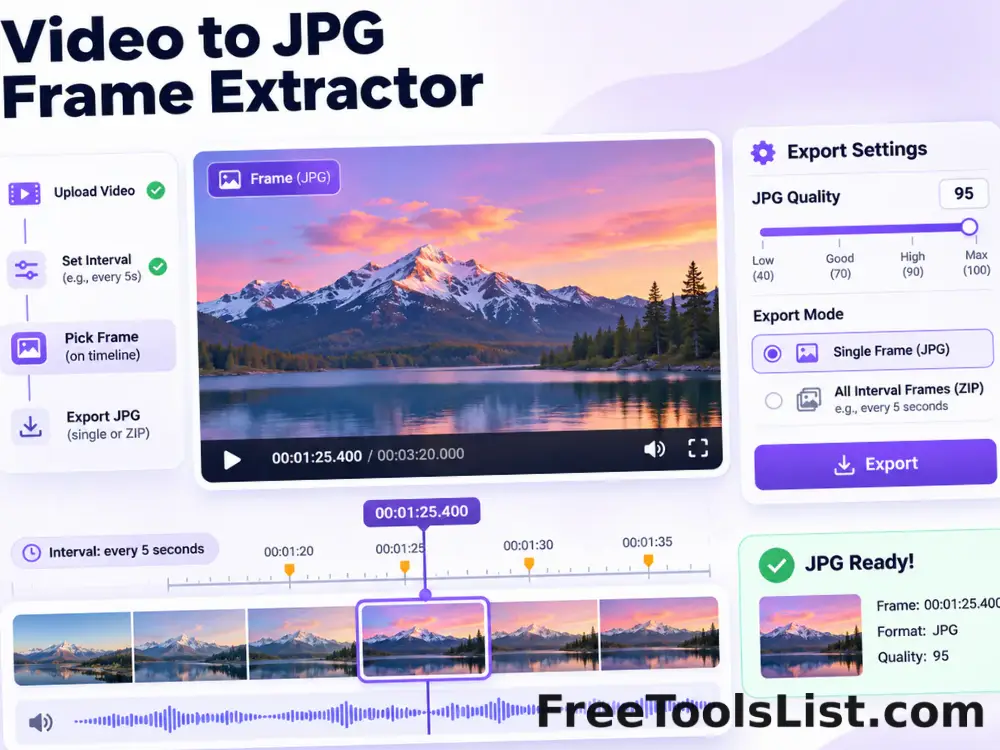
Scrub through a local video, preview the exact frame on canvas, export one quality-controlled JPG, or create a ZIP of interval-based JPG frames.

Audio Effects & Frequency Retuning Studio tool previewAEAudio & Video

Audio Effects & Frequency Retuning Studio

Retune music to 432 Hz or nine Solfeggio reference frequencies, preserve tempo when requested, or apply bass, pitch, 8D, stereo, loudness and reverb effects with waveform review.

Audio Format Converter tool previewAFAudio & Video

Audio Format Converter

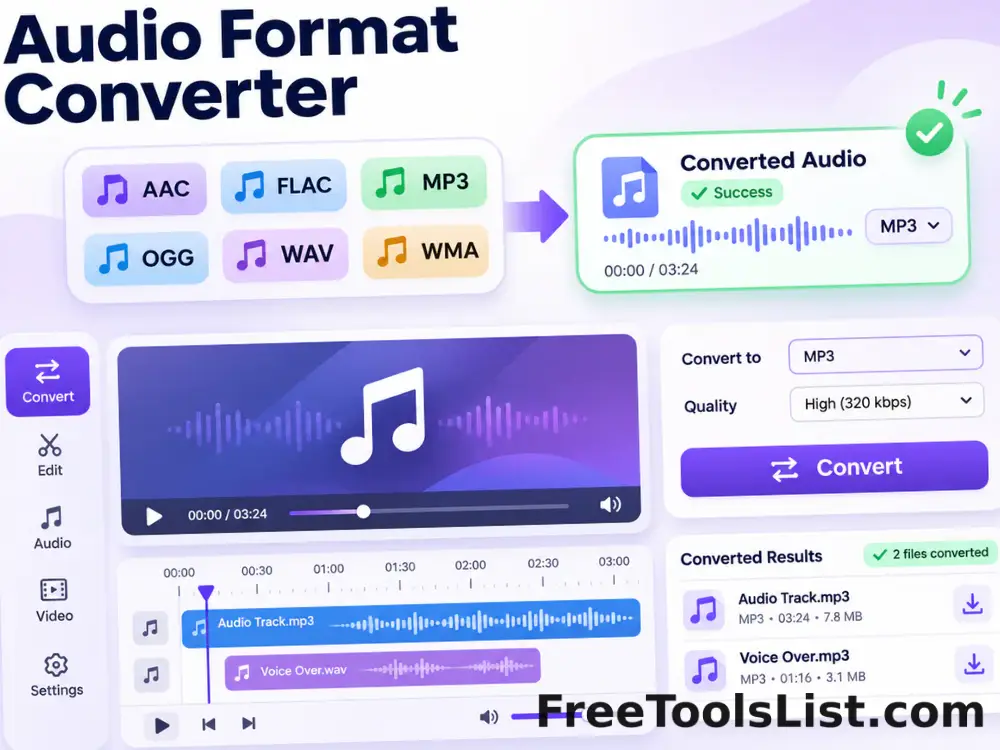
Convert AAC, AIFF, FLAC, M4A, MP3, OGG, Opus, WAV and WMA locally, with bitrate, sample-rate, channel and WhatsApp-ready presets.

Audio Joiner tool previewAJAudio & Video

Audio Joiner

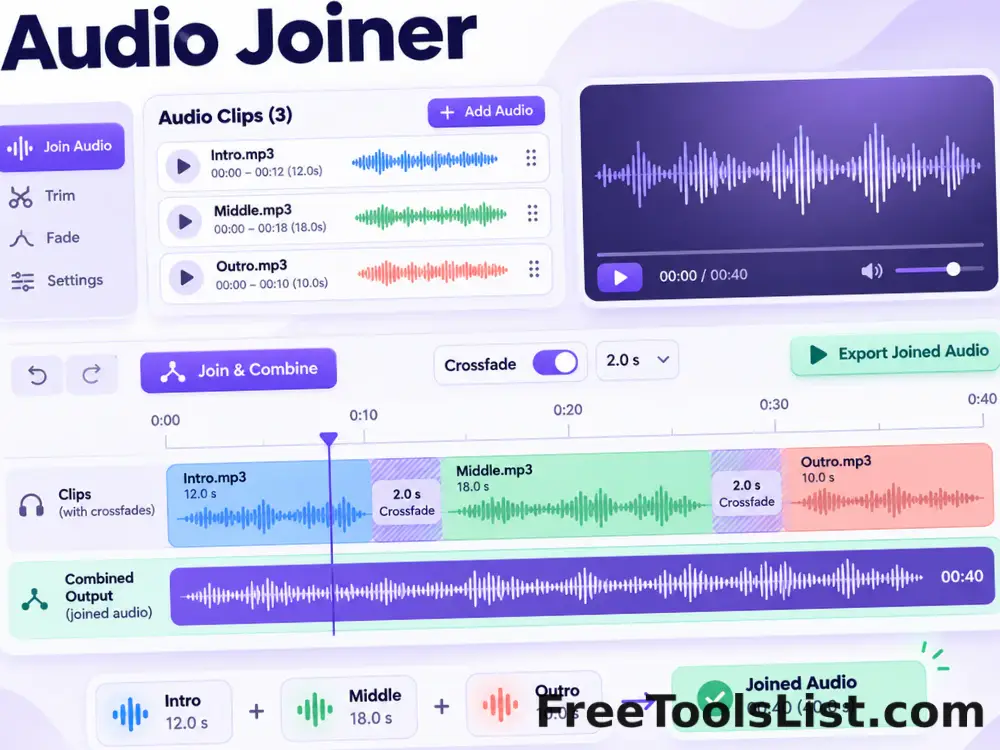
Arrange and combine multiple audio files into one continuous track, with optional crossfade and a visual duration timeline.

PublishedUpdated