Websitefreetoolslist.com/example-page
Your page title will appear here
Write a useful meta description to preview how your page summary may appear in a search result.
Test a title, URL, favicon and meta description in desktop and mobile layouts before publishing. Review approximate width, description length and focus-keyword alignment as you type.
● Live browser preview · No page uploadEnter the metadata you plan to publish. The visual preview updates instantly.
Write a useful meta description to preview how your page summary may appear in a search result.
Quick Tool Overview
The SERP Preview Tool creates a search-result-style mockup from your proposed SEO title, page URL and meta description. Use it while editing a landing page, article, product page or service page to spot vague wording, excess length or an awkward URL.
Title width is estimated in pixels because different letters occupy different amounts of space. The mobile toggle uses a narrower guideline, while the focus-keyword note checks basic title alignment.
The finished appearance is never guaranteed: search engines can rewrite metadata, select page text and test different layouts.
About the Tool
A SERP preview is a visual draft of a webpage’s possible appearance in a search results page. It brings the title, displayed URL, site identity and description together so the full message can be reviewed as one snippet.
Previewing metadata helps writers focus on clarity and relevance instead of treating title and description fields as isolated character counts. It is especially useful when comparing several versions before publication.
Key Features
Review approximate pixel width and visible title presentation.
Write and review a summary with a 160-character signal.
Compare a full-width result with a narrower mobile layout.
Check whether the chosen phrase appears naturally in the title.
How to Use the SERP Preview Tool
Write a specific title that reflects the page’s real purpose.
Tip: Put the main topic early when it reads naturally.Use the final or planned canonical address.
Tip: Short descriptive paths are easier to scan.Summarize the benefit and set an accurate expectation.
Tip: Do not simply repeat the title.Toggle desktop and mobile preview widths.
Tip: Check that the important message appears early.Remove filler, repetition and unsupported claims.
Tip: Accuracy matters more than using every character.Copy the title and meta description markup for implementation.
Tip: Verify the live page after publishing.
Frequently Asked Questions
No. Search engines may rewrite metadata, choose page content or use different layouts. Treat the preview as a writing and review aid.
Characters have different widths. A title containing many wide letters can occupy more visual space than another title with the same character count.
No. The preview is built locally from the text entered in this browser tab.
Keep exploring
Continue with related free tools selected from this category and the wider directory.
 Web & SEO
Paste JSON-LD to check a local eligibility profile and preview Article, Product, Recipe, Event, Job, Video, FAQ, LocalBusiness and Software structured data in a search-style canvas.
 Web & SEO
Generate duplicate-free informational, commercial, transactional and question keyword ideas from one seed topic. Copy ideas or download a categorized CSV.
 Web & SEO
Generate Open Graph meta tags with a live social preview, image alternative text, ready-to-copy HTML and download.
 Web & SEO
Generate Twitter Card meta tags with a live social preview, image alternative text, ready-to-copy HTML and download.
 Web & SEO
Inspect a public page for missing, duplicate, invalid, cross-domain and non-self-referencing canonical links with resolved URLs and focused recommendations.
 Web & SEO
Normalize a preferred page URL and generate an HTML canonical link tag plus HTTP Link header example. Review alternate duplicate URLs.
 Web & SEO
Evaluate measured LCP, INP and CLS values against clear good, needs-improvement and poor thresholds, with optional TTFB guidance.
 Web & SEO
Check a domain registration date, calculated age, expiration, registrar, statuses and name servers using available public RDAP data.
 Web & SEO
Discover declared favicon link elements, resolve the primary icon URL, check its HTTP response and content type, and review sizes and fallback behavior.
 Web & SEO
Create multiple Google Ads description ideas from a business summary, target keywords, tone and call to action, with exact character counts and a canvas review.
 Web & SEO
Generate concise Google Ads headline ideas with target keywords, selectable tone and call to action, while validating every suggestion against a 30-character limit.
 Web & SEO
Analyze live H1 headings, optional keyword alignment, heading counts, text length and skipped hierarchy levels with a visual review canvas.
 Web & SEO
Generate reciprocal hreflang link tags for localized pages with language, optional region and x-default URLs. Copy HTML or XML annotations.
 Web & SEO
Analyze image URLs found in a public webpage. Review reported file sizes, formats, alt text, dimensions and lazy-loading signals.
 Web & SEO
Repair common JSON-LD problems including smart quotes, trailing commas, single-quoted values, unquoted keys, missing contexts, type casing, HTML in text and delimited arrays.
 Web & SEO
Validate JSON-LD syntax, Schema.org context, required type properties, @graph references, date formats and unsafe URL protocols with a clear local diagnostic report.
 Web & SEO
Estimate keyword competition from search demand, indexed results, average authority, referring domains, advertiser density and content quality. Review a 0–100 difficulty score and breakdown.
 Web & SEO
Estimate keyword advertising spend from CPC and clicks, or forecast clicks and cost from monthly search volume and expected CTR. Includes daily, weekly, monthly and annual totals.
 Web & SEO
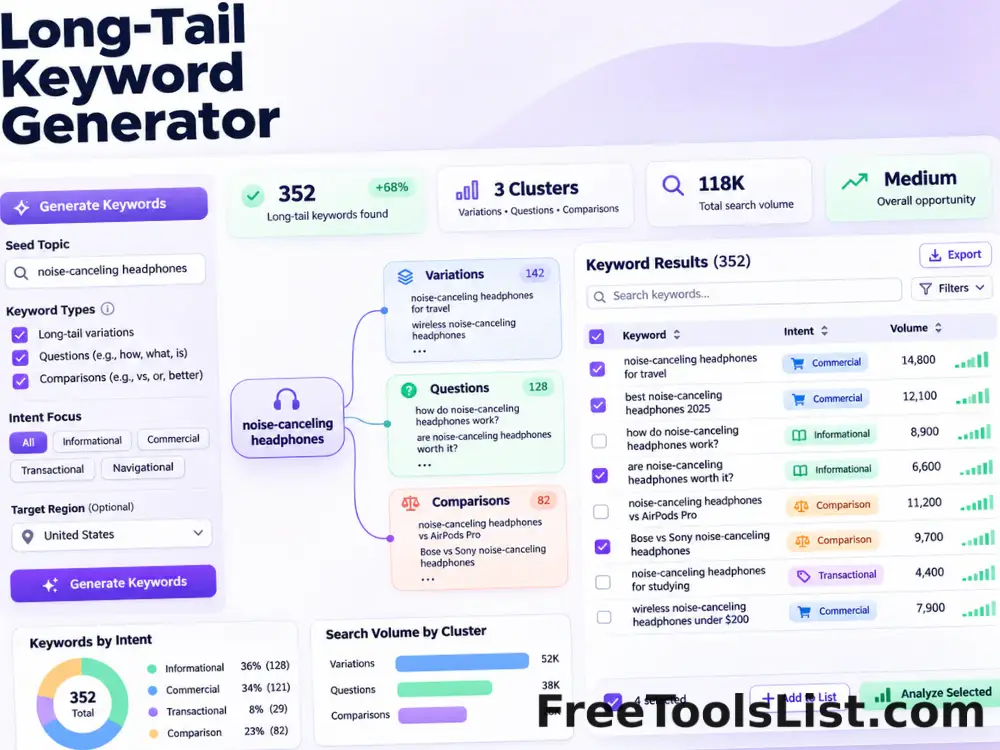
Generate specific long-tail keyword ideas from a seed topic, audience, location and search intent. Copy the list or download it as a text file.
 Web & SEO
Generate title, description, robots, canonical, Open Graph and Twitter meta tags. Copy or download ready-to-review HTML metadata.