Private number workspace

Filter Numbers

Preserve or remove list values using greater-than, less-than, even, odd, multiple and divisor conditions with OR or AND logic. Inputs and results stay in the current browser tab.

● Local browser calculation · No sign-up

Filter Numbers workspace

OR accepts a match to any enabled condition; AND requires every enabled condition.

Private browser number processing

Filter rules

Enter values separated by spaces, commas, semicolons or line breaks.

Input values0
Output values0
Removed / step0
Unique / range0
Ready to calculate locally.

Quick Tool Overview

Work with numbers using explicit rules and visible results.

Combine numeric conditions and decide whether matching values should be preserved or removed. It is designed for dataset cleanup, threshold review, divisibility exercises, QA samples and numeric segmentation.

OR accepts a match to any enabled condition; AND requires every enabled condition. The workspace validates inputs before producing a result so formatting mistakes are easier to identify.

⎇Focused workflow
✓Validated input
⌂Local processing
TXTReusable output
Clear inputs, dependable output

Set the numeric rules before calculating.

Review separators, bases, bounds and filter conditions so the result matches the intended dataset.

Open Number Filter

About the Tool

What the Filter Numbers helps you do.

Purpose-built inputs

The workspace exposes only the values and controls required for this numeric task.

Defined calculation

OR accepts a match to any enabled condition; AND requires every enabled condition.

Helpful validation

Invalid digits, contradictory range steps, separator conflicts and empty conditions produce a clear message.

Private processing

Calculations run in the browser without sending source lists to an external service.

Large integer accuracy

Base, binary and hexadecimal conversions use BigInt to avoid ordinary floating-point integer limits.

Reusable results

Copy a single answer or download generated and transformed lists as plain text.

Key Features

A complete numeric workflow with practical controls.

⎇

Task-specific options

Controls map directly to the sequence, filter, statistic or conversion being calculated.

✓

Strict validation

Unsupported digits and malformed values are reported instead of guessed.

⌂

Browser-local math

Lists and conversion values stay on this device.

↗

Easy handoff

Copy answers or download list output for use in another application.

How to Use the Filter Numbers

Calculate and verify the result in six steps.

Prepare the source

Enter the number list, range settings or numeral to convert.

Tip: Keep one consistent decimal format within a list.

Choose parsing options

Select separators, bases or conversion direction before calculation.

Tip: A thousands separator must differ from the decimal separator.

Set the rules

Choose range steps, filter conditions, sort order or rounding as applicable.

Tip: OR matches any condition; AND requires every enabled filter.

Run the tool

Calculate and review the result, status message and displayed context.

Tip: Resolve any validation message instead of removing data blindly.

Verify an example

Check one or two values manually, especially when converting bases or locale-formatted numbers.

Tip: Confirm that the selected base accepts every source digit.

Copy or download

Move the reviewed result into the next worksheet, document or code task.

Tip: Plain-text downloads preserve one generated value per line.

Ready to calculate?

Process the numbers locally with visible rules.

Use validated controls and copyable results without creating an account.

Filter numbers →

Frequently Asked Questions

Popular filter numbers questions.

Yes. The Filter Numbers works without an account, subscription or external calculation service.

No. Lists, conversion inputs and results are processed in the current browser tab.

The tool stops and explains the invalid input instead of silently ignoring it. Review separators, digits and enabled conditions before running again.

Yes for list tools and positional base conversions. Roman numerals use the conventional supported range of 1 through 3999.

Yes. List tools include copy and text download controls, while single-value tools provide a copy button.

Keep exploring

Similar Tools

Continue with related free tools selected from this category and the wider directory.

20 tools
Generate List of Numbers tool previewGLNumbers

Generate List of Numbers

Generate an ascending or descending number sequence with a custom first value, last value, step, padding, prefix, suffix and output layout.

Roman Numerals Converter tool previewRNNumbers

Roman Numerals Converter

Convert canonical Roman numerals to decimal integers or numbers from 1 to 3999 into standard Roman notation.

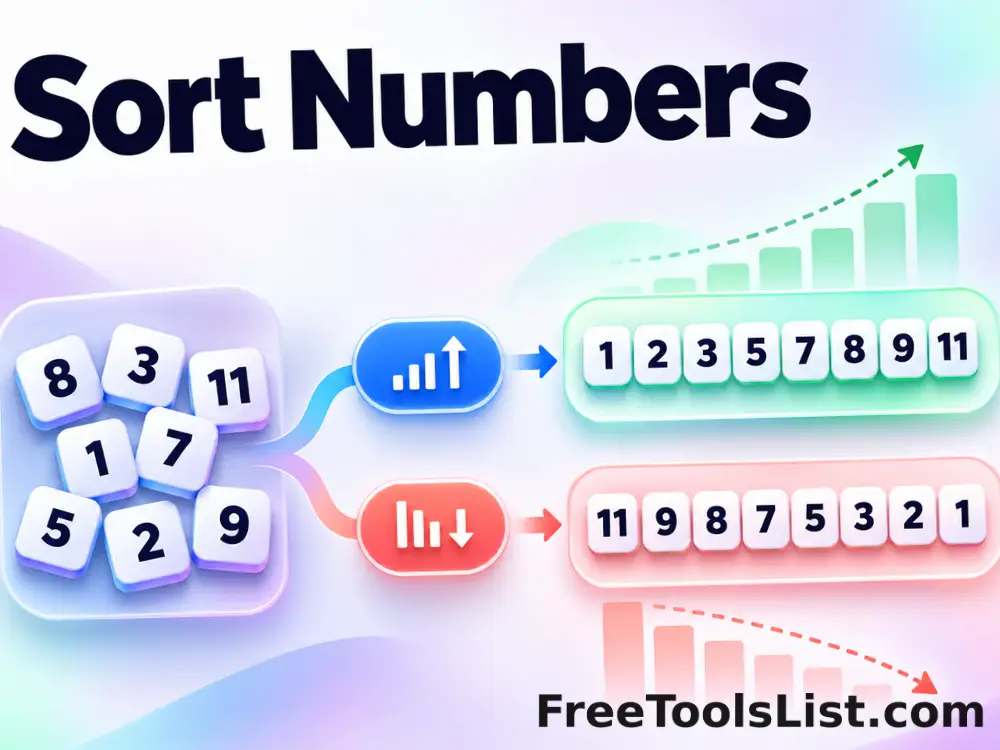
Sort Numbers tool previewSNNumbers

Sort Numbers

Arrange a list of integers or decimals in ascending, descending or cryptographically randomized order.

Average of a List tool previewAONumbers

Average of a List

Calculate the arithmetic mean and sum of a number list with locale-aware separators and controlled rounding.

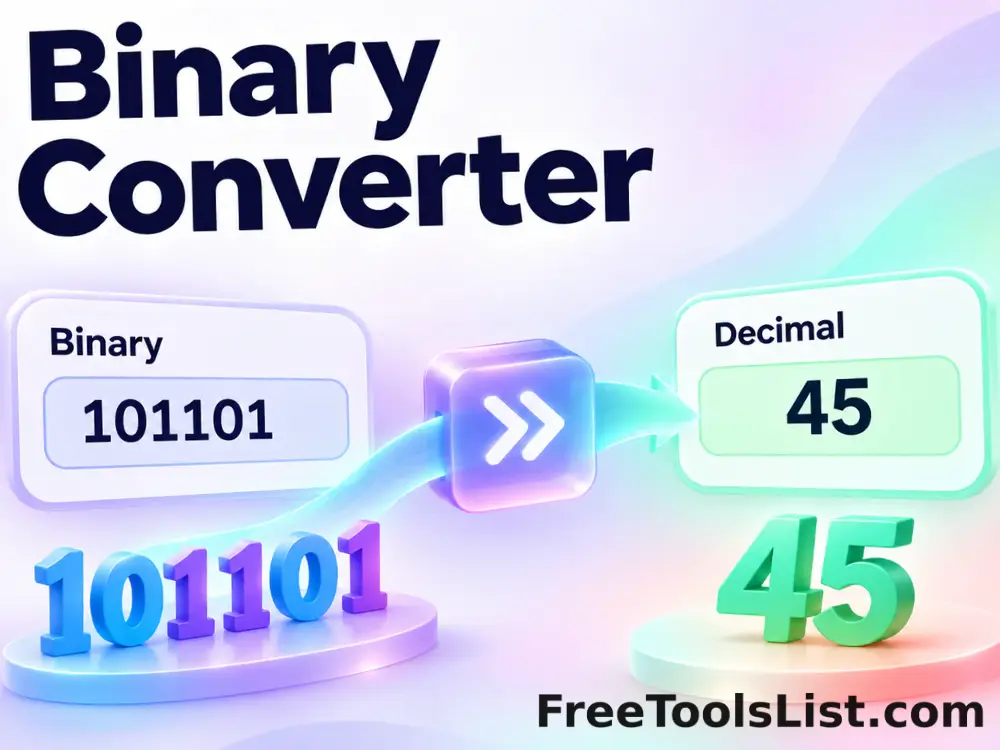
Binary Converter tool previewBCNumbers

Binary Converter

Convert exact signed integers from binary to decimal or decimal to binary with strict digit validation.

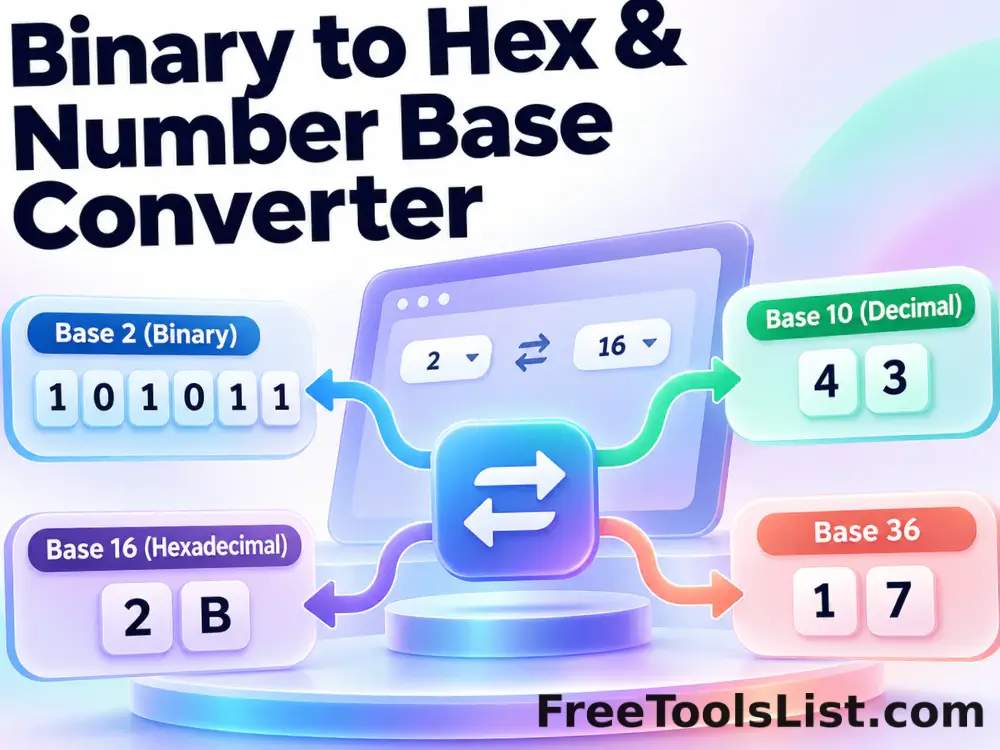
Binary to Hex & Number Base Converter tool previewBTNumbers

Binary to Hex & Number Base Converter

Convert binary to hexadecimal, hexadecimal to binary, or signed integers between any bases from 2 through 36 with exact browser BigInt arithmetic.

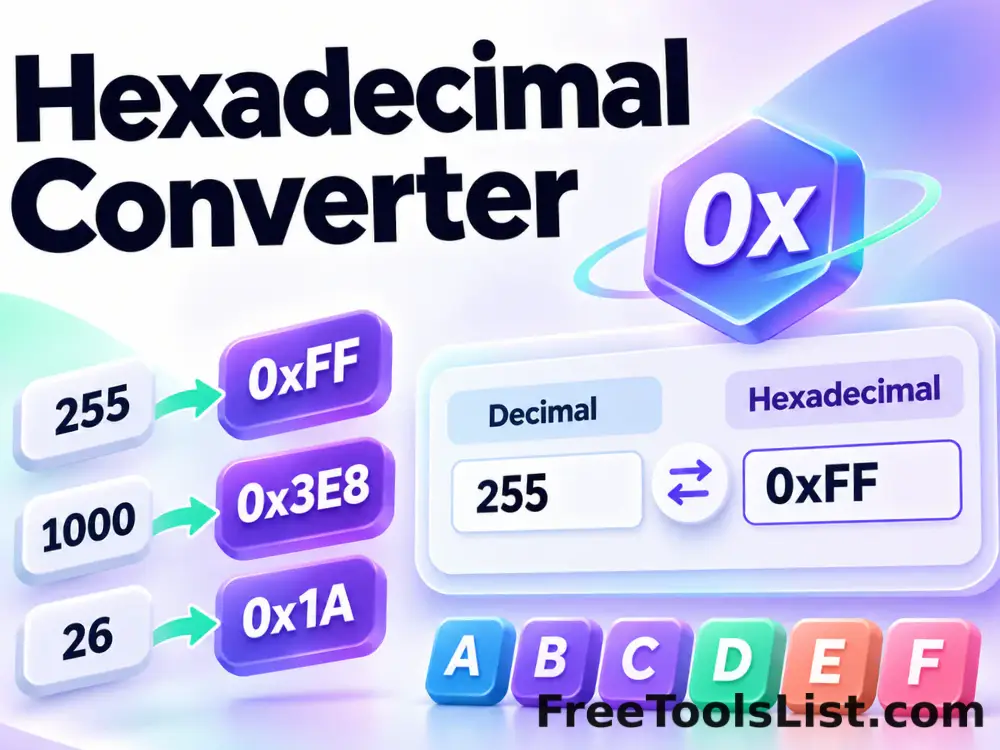
Hexadecimal Converter tool previewHCNumbers

Hexadecimal Converter

Convert exact signed integers from hexadecimal to decimal or decimal to uppercase hexadecimal.

Length Unit Converter tool previewLUNumbers

Length Unit Converter

Convert meters, kilometers, centimeters, millimeters, inches, feet, yards, miles and nautical miles with precision, swap, copy, history and reference controls.

Minimum and Maximum of a List tool previewMANumbers

Minimum and Maximum of a List

Find the smallest value, largest value and range in a number list with configurable decimal and thousands separators.

Avro to XLSX Converter tool previewATData Conversion

Avro to XLSX Converter

Convert Apache Avro to Excel 2007+ Workbook locally in your browser. Read schema-aware Avro object-container records, build a native XLSX workbook with typed cells and a filterable sheet, and inspect parsed rows, schema details and the exact result before saving.

Bayer Color Filter Effect tool previewBCImages

Bayer Color Filter Effect

Apply RGGB, BGGR, GRBG or GBRG Bayer mosaic patterns with intensity, monochrome and sensor-grid options on a live local canvas.

Browser Video Meme & Social Editor tool previewBVVideos

Browser Video Meme & Social Editor

Edit a local video with canvas sizing, filters, caption bars, emoji, PNG, logo or watermark overlays, replacement audio and private browser video export.

Bulk Image Filter Studio tool previewBIImages

Bulk Image Filter Studio

Process multiple images locally to apply a curated visual filter preset, review every result, and download the completed batch as a ZIP.

Bulk Remove Image Noise tool previewBRImages

Bulk Remove Image Noise

Process multiple images locally to smooth isolated pixel variation with a neighborhood filter, review every result, and download the completed batch as a ZIP.

Bulk Sharpen Image tool previewBSImages

Bulk Sharpen Image

Process multiple images locally to increase local edge contrast with a convolution filter, review every result, and download the completed batch as a ZIP.

Color Tone Filter Studio tool previewCTImages

Color Tone Filter Studio

Apply a single-color filter, matte shade or luminance-based monotone treatment with color, intensity, saturation and brightness controls.

CSV to XLSX Converter tool previewCTData Conversion

CSV to XLSX Converter

Convert CSV into a native XLSX workbook with a styled frozen header, automatic filter range, typed numeric cells and a canvas table preview before saving.

Dummy vCard Generator tool previewDVDeveloper

Dummy vCard Generator

Generate repeatable synthetic vCard contacts with names, test emails, phone numbers, companies and optional addresses for safe import and interface testing.

File Path & Directory Extractor tool previewFPData

File Path & Directory Extractor

Extract Windows drive paths, UNC shares, Unix paths and file URLs from logs, stack traces and code with type filters, deduplication and a visual review canvas.

Filter Lines tool previewFLText

Filter Lines

Keep or remove lines that contain, start with, end with or exactly match text, with case and RegEx options.

PublishedUpdated